SpitePDF: PDF Editor & Markup
Redact, OCR, Sign & Measure
Designed for iPhone, iPad, Mac
Free · In-app purchases
- Age rating4+
- CategoryProductivity
- DeveloperJASON RANDALL DORFMAN
- LanguagesEnglish+ 10 more
- Size165.8 MB
Links to the official App Store page
Download.org hosts no file of SpitePDF: PDF Editor & Markup. The button opens its official App Store page, published by JASON RANDALL DORFMAN. Listing last checked on Nov 20, 2026.
Screenshots

About
Every PDF tool you need. Paid for once.
A black box isn’t a redaction, and a PDF editor shouldn’t be a monthly utility bill. SpitePDF is a complete, local-first PDF workstation for Mac, iPhone and iPad, with a familiar ribbon of tools that stays out of your way and no cloud bloat.
One free 14-day trial opens every feature, Core and Pro, with no watermarks. SpitePDF Core is the complete everyday app across Mac, iPhone and iPad, a one-time purchase with no subscription. SpitePDF Pro includes Core and adds five specialist workbenches. If you don’t buy on Day 15, SpitePDF stays a fast, free PDF reader forever.
REAL REDACTION & PRIVACY
• Removes the underlying text, vector paths and image pixels from the file itself, not just out of sight.
• Finds SSNs, EINs, card numbers, phone numbers and emails in one pass.
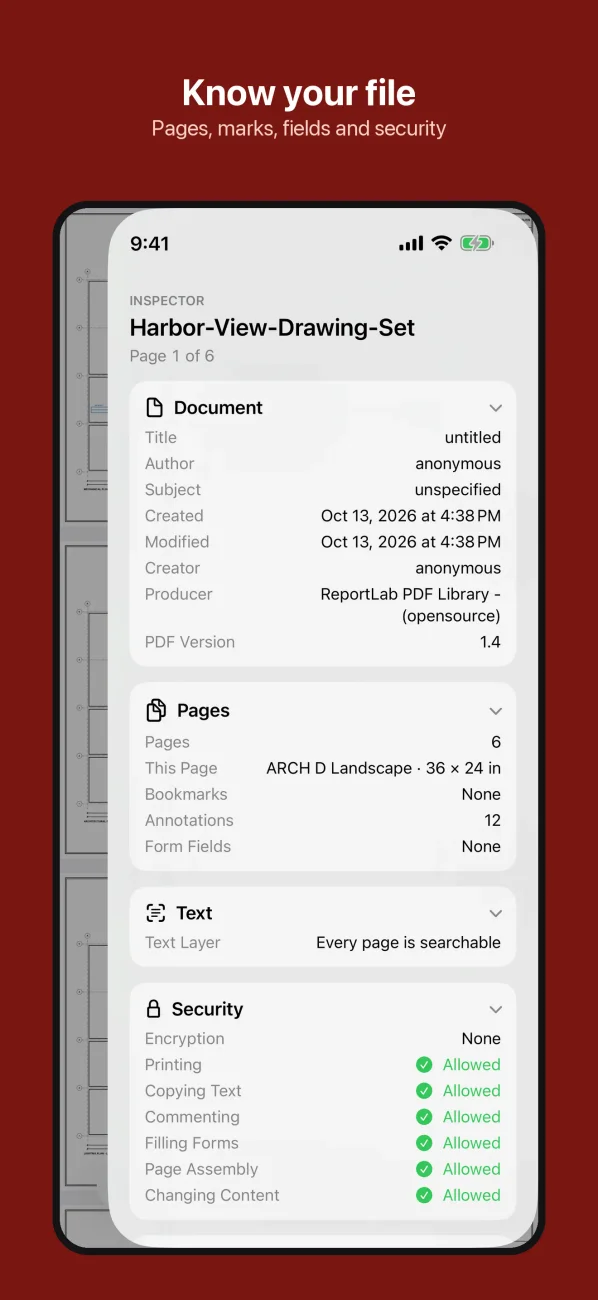
• Sanitize clears metadata and attachments.
• Check it yourself: redact a word, save, and search for it.
• Everything runs on your device: no accounts, no analytics, no trackers. The network is used only when you ask: to submit a form, add a signature timestamp, check a certificate or turn a web page into a PDF.
MARK UP, MEASURE & COMPARE
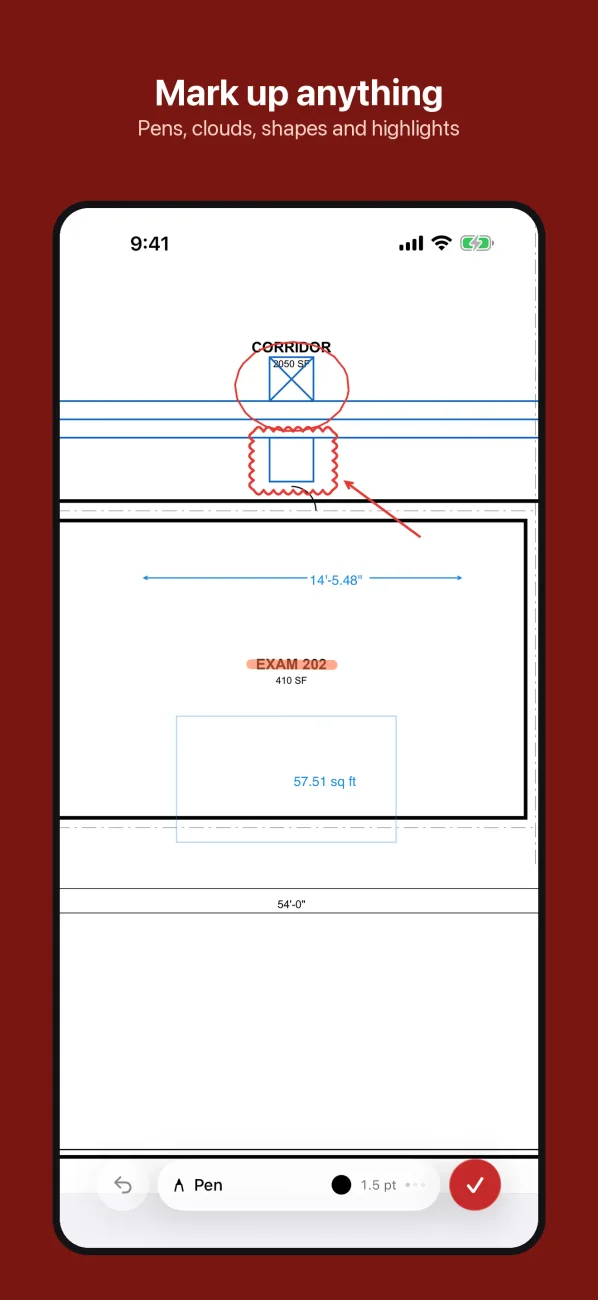
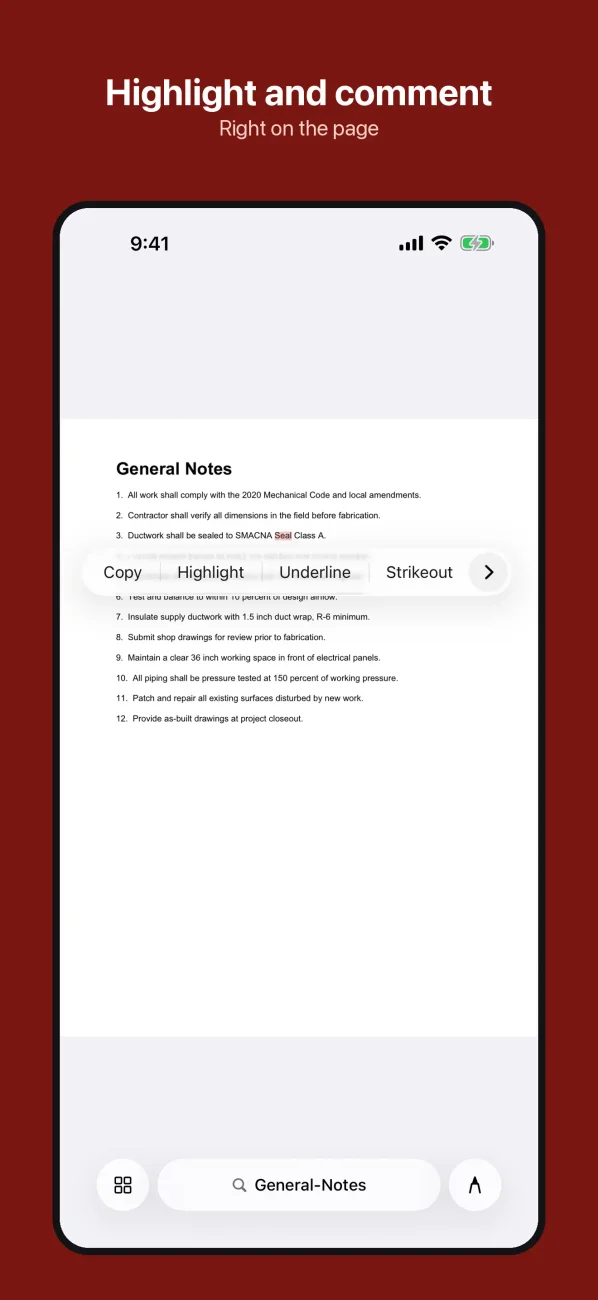
• Highlight, underline, strikethrough, sticky notes, callouts, revision clouds and pressure-sensitive Apple Pencil ink.
• Stamps, including your own custom stamps. On the Mac: voice notes and multi-leader callouts.
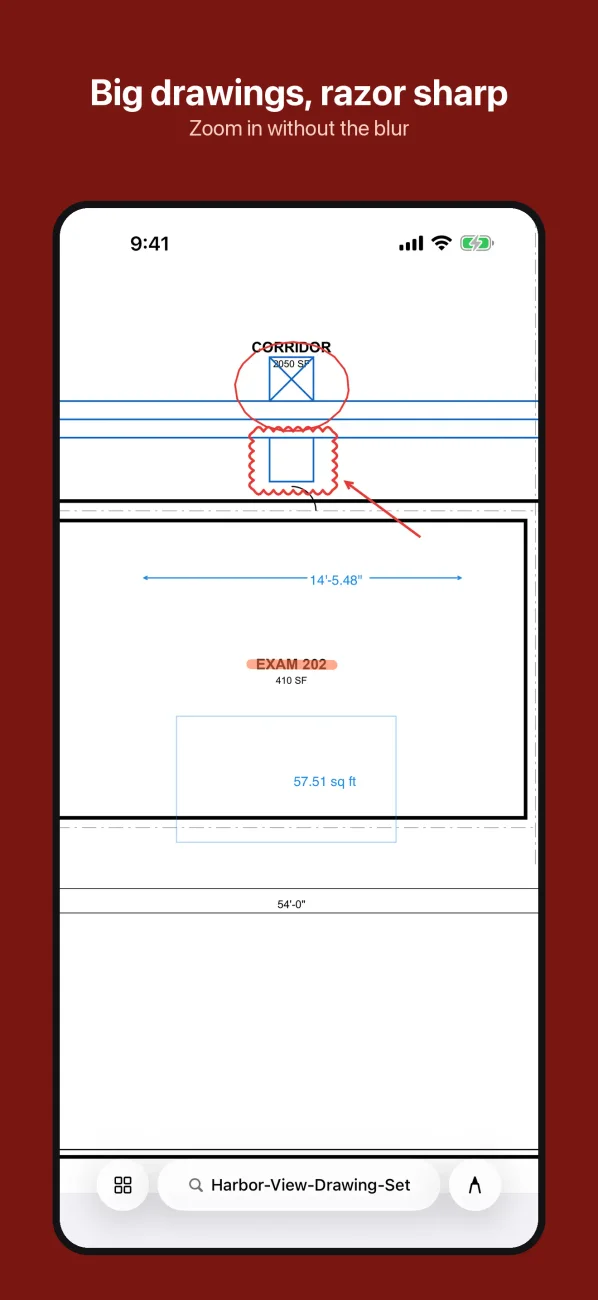
• Calibrate a drawing scale (architectural, engineering, metric or custom, like 1/4″ = 1′-0″), then measure lengths, perimeters and areas to scale. On the Mac, export totals to CSV.
• Comment list with filters and replies, and XFDF markup exchange.
EDIT, ORGANIZE & CONVERT
• Edit text in place, and move, resize, crop or replace pictures right on the page.
• On-device OCR turns scanned pages into searchable text.
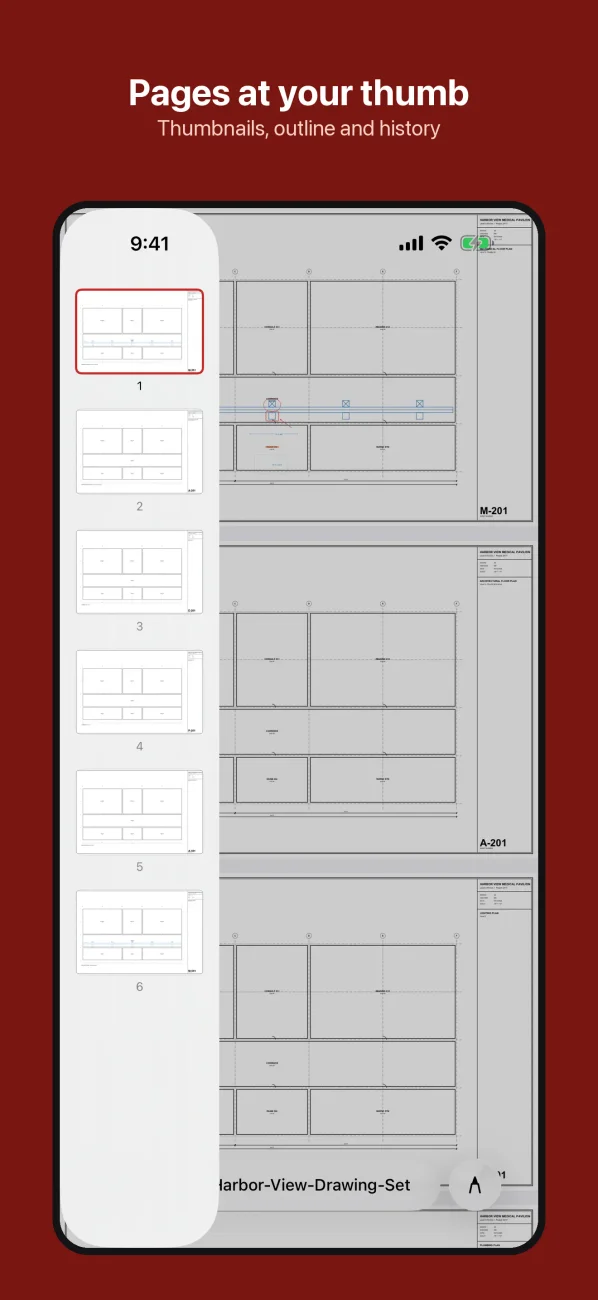
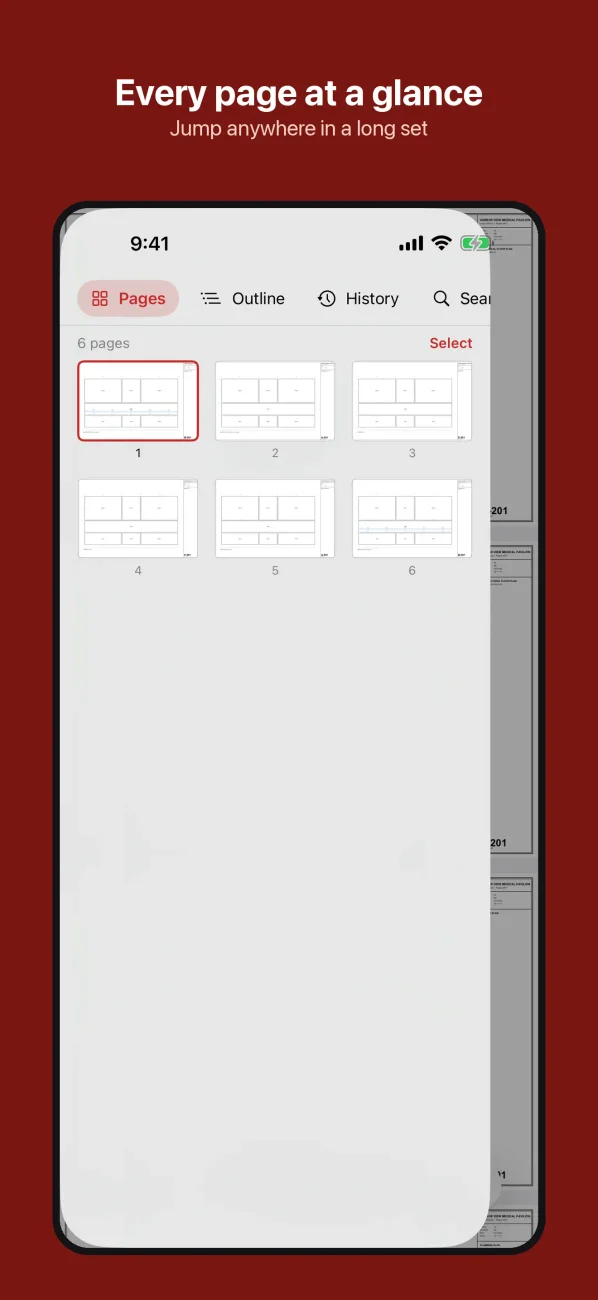
• Reorder, rotate, duplicate, delete, split and merge pages, crop, clear margins, and add headers, footers, watermarks or Bates numbering.
• Reduce File Size to High, Medium or Low, or to a target size, on your device.
• On the Mac: export to Word, Excel, PowerPoint, HTML, text or images.
FORMS & SIGNING
• Fill interactive or flat forms and run calculated fields.
• Sign with drawn ink, or with certificate signatures (PAdES) and timestamps.
• Lock documents with AES-256 password protection.
WHY YOU SEE PRO AND PRO UPGRADE IN IN-APP PURCHASES
SpitePDF Core is the complete everyday app. If your work needs specialist tools, SpitePDF Pro includes everything in Core and adds Takeoff, Review, Counsel, Access and Press. Already own Core? SpitePDF Pro Upgrade adds the five workbenches to it. Both are one-time purchases, never subscriptions. Access and Press run mainly on the Mac (the accessibility checker and Convert to PDF/X also run on iPhone and iPad); Takeoff, Review and Counsel are partly Mac-only. Don’t need them? Hide the Pro tools you don’t own with one switch in Settings.
Built out of spite for $240-a-year PDF subscriptions: pay once, nothing leaves your device.
What’s new
Version 1.6.1 · Nov 15, 2026
• A fresh look: the app icon and the five alternate icons are now a page and pencil.
• Split pages and Delete by Range from the Pages view. Export Takeoff XML. Flat stamps in stamp libraries.
• New Shortcuts actions: PDF/A, Split by Rule, Extract Pictures and Compare. Scan from Control Center. Recent Files on the Lock Screen.
• Smoother scrolling and zooming on large documents, with less memory use when you view, mark up, draw, search and save.
• Opening a document that is still downloading from iCloud no longer stalls the app and shows a Downloading banner. Share and Print prepare large files faster.
• Signature status is now carried through Bates numbering, exhibit stickers and export.
• Problems that were silently ignored are now reported.
• Many more fixes and improvements.
App privacy
What JASON RANDALL DORFMAN declares on the App Store about how this app handles data.
-
Data not collected
The developer does not collect any data from this app.
Privacy practices may vary, for example with the features you use or your age.
Information
- Seller
- JASON RANDALL DORFMAN
- Category
- Productivity
- Version
- 1.6.1
- Updated
- Nov 15, 2026
- Released
- Oct 14, 2026
- Size
- 165.8 MB
- Requires
- iOS 18.0 or later
- Age rating
- 4+
- Price
- Free
- In-app purchases
- Yes
- Languages
- English, Dutch, French, German, Italian, Japanese, Korean, Portuguese, Simplified Chinese, Spanish, Traditional Chinese
- Copyright
- © 2026 SpitePDF
You might also like
-
 OneToolKit85+ offline tools, private
-
 SumSheet XLSX EditorOpen and edit Excel workbooks
-
 PDF Editor : EditorPDF Editor Scan, Merge PDFs
-
 HonestPDF: Private PDF ToolsCompress, Redact, Sign Offline
-
 Merge PDF Files & Lock PDFMerge PDF & Lock PDF Files
-
 PDF Editor and Scanner ProDoc Scanner PDF Converter
-
 PlanShot: LiDAR Floor PlansScan rooms, measure & export
-
 FolikPDFPrivate PDF Reader & Editor
-
 PDF Editor: Scanner & SignMerge, Split, Compress, OCR
-
 iPDF local: PDF EditorEdit, Scan, Sign & Organize