- Age rating4+
- CategoryProductivity
- DeveloperJOSEPH AARON SPEARS
- LanguagesEnglish
- Size9.4 MB
Links to the official App Store page
Download.org hosts no file of FolikPDF. The button opens its official App Store page, published by JOSEPH AARON SPEARS. Listing last checked on Nov 16, 2026.
Screenshots






About
Folik is a private, capable PDF workspace for iPhone and iPad. It is completely free: no ads, no subscription, no account, and no in-app purchases.
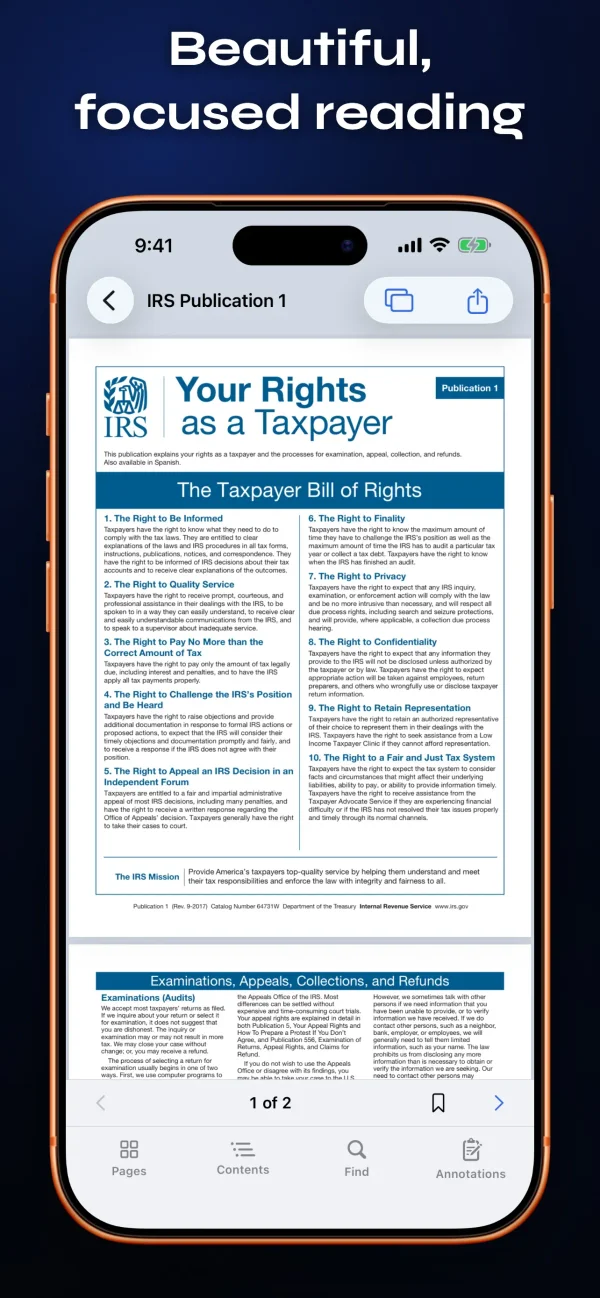
READ AND FIND
• Open PDFs from Files or other apps
• Search with contextual results and next/previous navigation
• Use continuous, single-page, or two-page layouts
• Browse thumbnails, outlines, and bookmarks
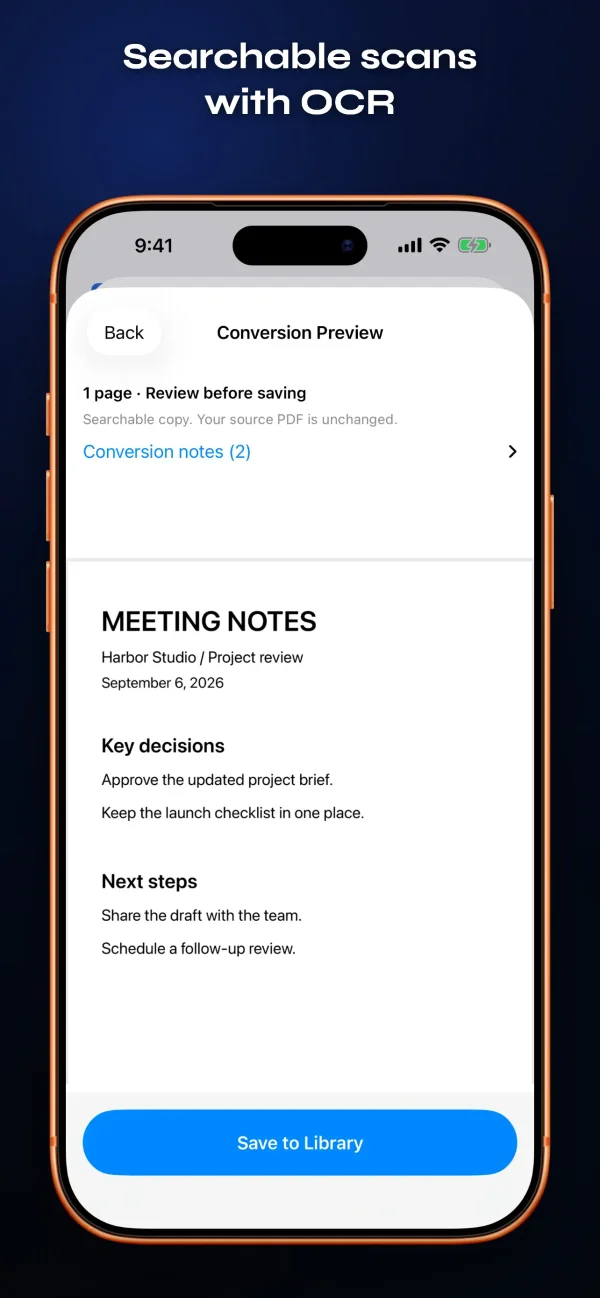
SCAN ON DEVICE
• Capture multi-page documents with automatic edge detection
• Recognize text locally so new scans are searchable
• Keep scans inside Folik unless you choose to share them
FILL AND SIGN
• Complete standard PDF text, checkbox, radio, and choice fields
• Track required fields and jump to the next unfinished field
• Create handwritten or typed signatures and initials
ANNOTATE AND ORGANIZE
• Highlight, underline, strike through, draw, add notes, shapes, text, and stamps
• Move, resize, recolor, undo, and redo annotations
• Reorder, rotate, duplicate, delete, extract, or combine pages in a new copy
EXPORT YOUR WAY
• Share the original
• Create an editable copy
• Export a flattened copy for consistent appearance
PRIVATE BY DESIGN
Folik processes documents, scans, text recognition, and edits on your device. It has no backend, analytics SDK, or advertising SDK.
Compatibility note: Folik supports standard AcroForm fields exposed by iOS. XFA-only forms, certificate-backed digital signatures, JavaScript calculations, and vendor-specific PDF behavior may not be supported.
EULA: https://www.apple.com/legal/internet-services/itunes/dev/stdeula/
Folik is open source under the MIT License. https://github.com/x3n-network/FolikPDF
What’s new
Version 1.0.6 · Nov 10, 2026
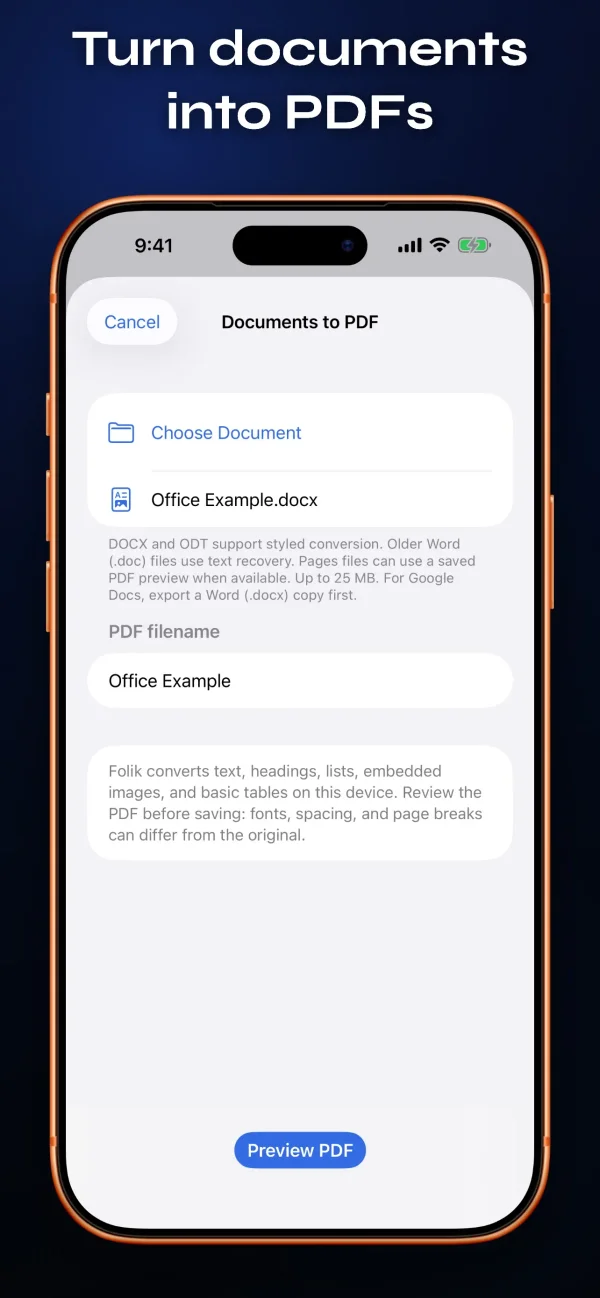
Export PDFs to Word: Create editable DOCX documents entirely on your device; no uploads required.
Preserve more of your layout: Recover text positioning, supported fonts, colors, images, and page sizes.
Convert scanned text: Built-in, on-device OCR turns scanned wording into editable text.
Choose your export style: Use Editable Layout for a closer visual match or Plain Text for simpler editing.
Your original PDF stays unchanged. Complex layouts and some formatting may differ after conversion.
App privacy
What JOSEPH AARON SPEARS declares on the App Store about how this app handles data.
-
Data not collected
The developer does not collect any data from this app.
Privacy practices may vary, for example with the features you use or your age.
Information
- Seller
- X3N LLC
- Category
- Productivity
- Version
- 1.0.6
- Updated
- Nov 10, 2026
- Released
- Sep 5, 2026
- Size
- 9.4 MB
- Requires
- iOS 18.6 or later
- Age rating
- 4+
- Price
- Free
- Languages
- English
- Copyright
- © 2026 X3N LLC
You might also like
-
 Resecta: Redact PDFsRemove text, not just cover it
-
 HikkiNotes that stay yours
-
 Sift — Notes You Can FindMarkdown notes, found fast
-
 smalltype – Markdown NotesPlain .md files, real folders
-
 AuraUINative client for Open WebUI
-
 HonestPDF: Private PDF ToolsCompress, Redact, Sign Offline
-
 Dienstmappe: Site Photo LogPhoto reports & sign-off
-
 Stilo - Typewriter NotesOffline Journal & Writing
-
 Revision ScreenwriterBecause Writing Is Revision
-
 Dazzy: Day Planner & To-DoTasks, timeline and habits