Splashtop Remote Desktop
Access & Control Mac or PC
Designed for iPhone
Free · In-app purchases
- Age rating4+
- CategoryBusiness
- DeveloperSplashtop Inc.
- LanguagesEnglish+ 11 more
- Size19.8 MB
Links to the official App Store page
Download.org hosts no file of Splashtop Remote Desktop. The button opens its official App Store page, published by Splashtop Inc. Listing last checked on Nov 25, 2026.
Screenshots
About
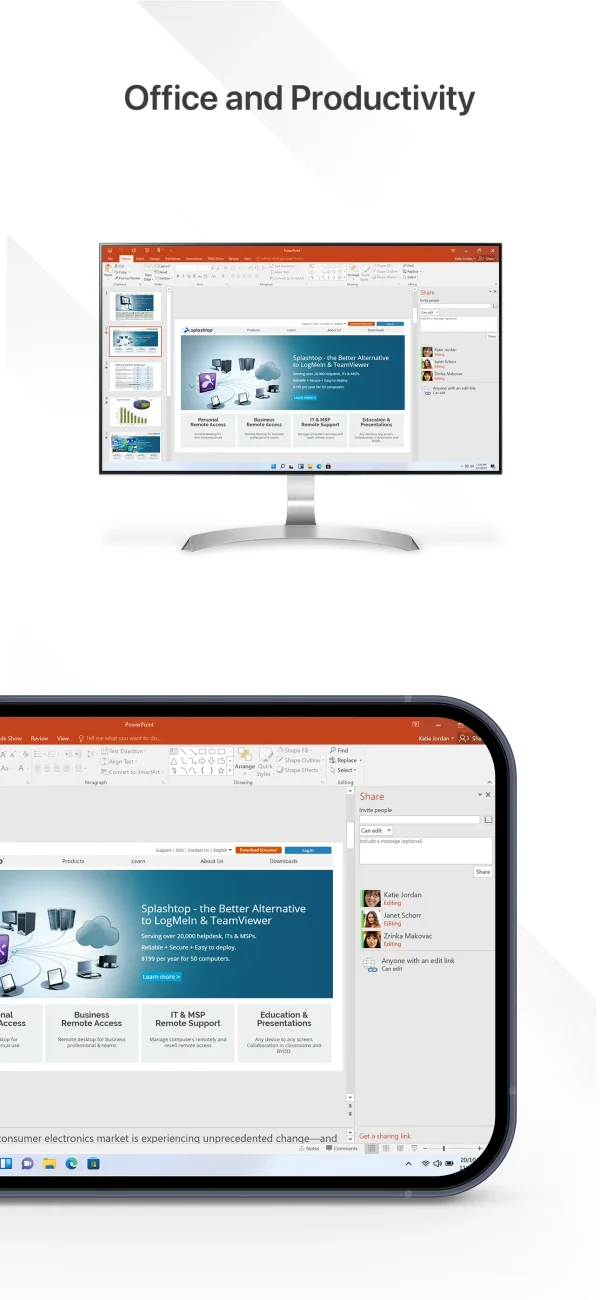
NEED ACCESS RIGHT NOW?
FORGOT SOMETHING ON YOUR COMPUTER?
Your computer, anywhere you are.
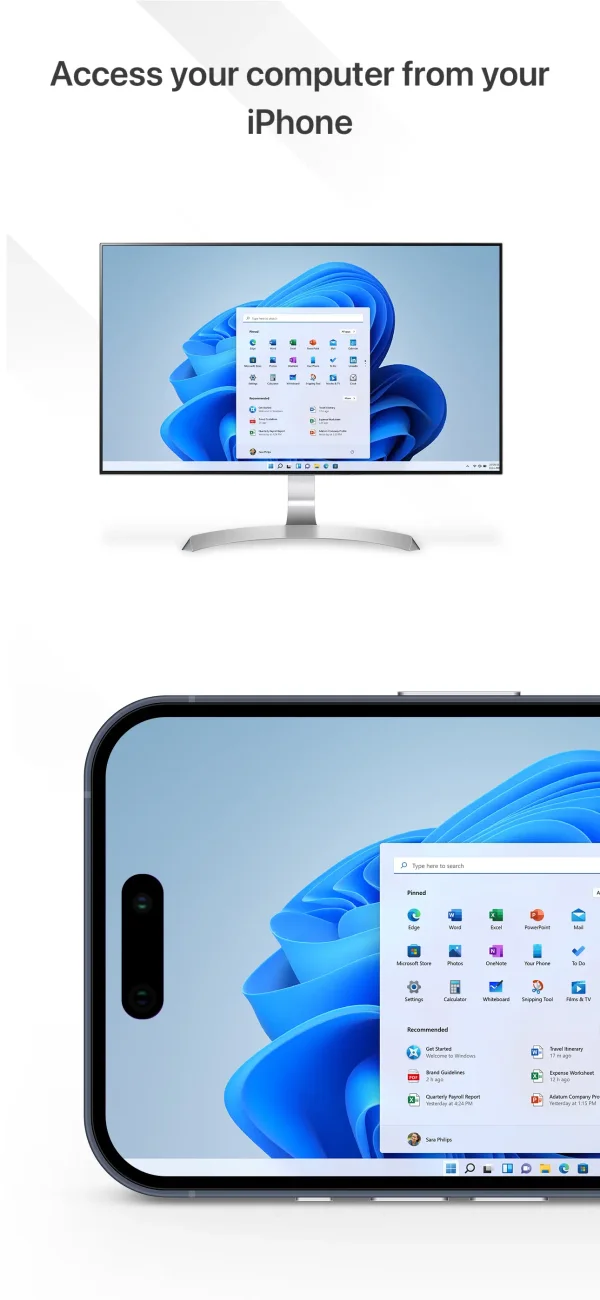
Access your Mac or PC securely from your phone or tablet – anytime, anywhere.
Whether you’re traveling, helping family, or need something urgently from your Mac or PC, Splashtop gives you fast, reliable remote access in seconds.
No complicated setup.
No lag.
Just control.
GET STARTED IN 3 STEPS
1. Install Splashtop on your phone or tablet
2. Install the free Splashtop Streamer on your computer
3. Log in and connect instantly. That’s it.
WHAT PEOPLE USE SPLASHTOP FOR
• Accessing full apps, files, and tools they left at home
• Working remotely when plans change
• Helping parents or friends fix computer issues
• Staying productive while traveling
• Getting peace of mind knowing their computer is always reachable
WHY SPLASHTOP
Splashtop is trusted by millions of users and IT teams worldwide for one reason:
it works when it matters.
• ULTRA-FAST
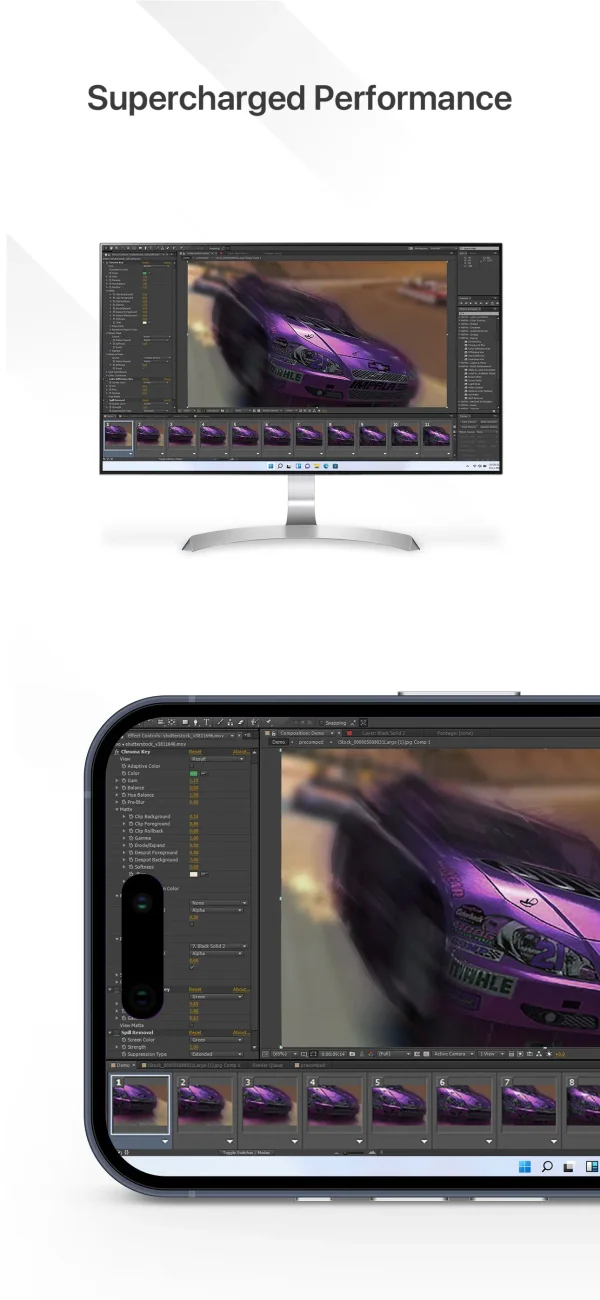
Smooth, high-resolution streaming with low latency.
• SIMPLE SETUP
Install, log in, and connect. No IT degree required.
• SECURE
Bank-grade encryption keeps your data and your screen private.
• RELIABLE
Works even on limited bandwidth or mobile data.
This is the same remote access technology used by professionals – made simple for personal use.
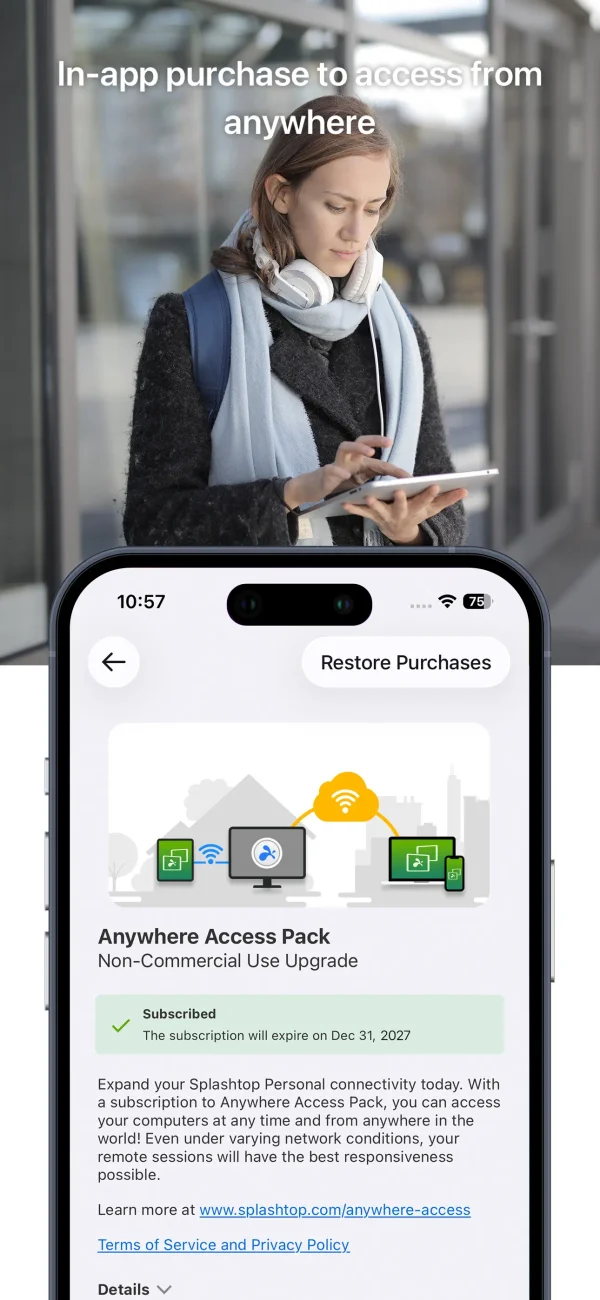
FREE VS ANYWHERE ACCESS
• FREE
Access your computer on the same local network
• ANYWHERE ACCESS (UPGRADE)
Securely connect from anywhere, on any network
When remote access becomes important – not just occasional – upgrading unlocks full freedom without changing tools.
KEY FEATURES
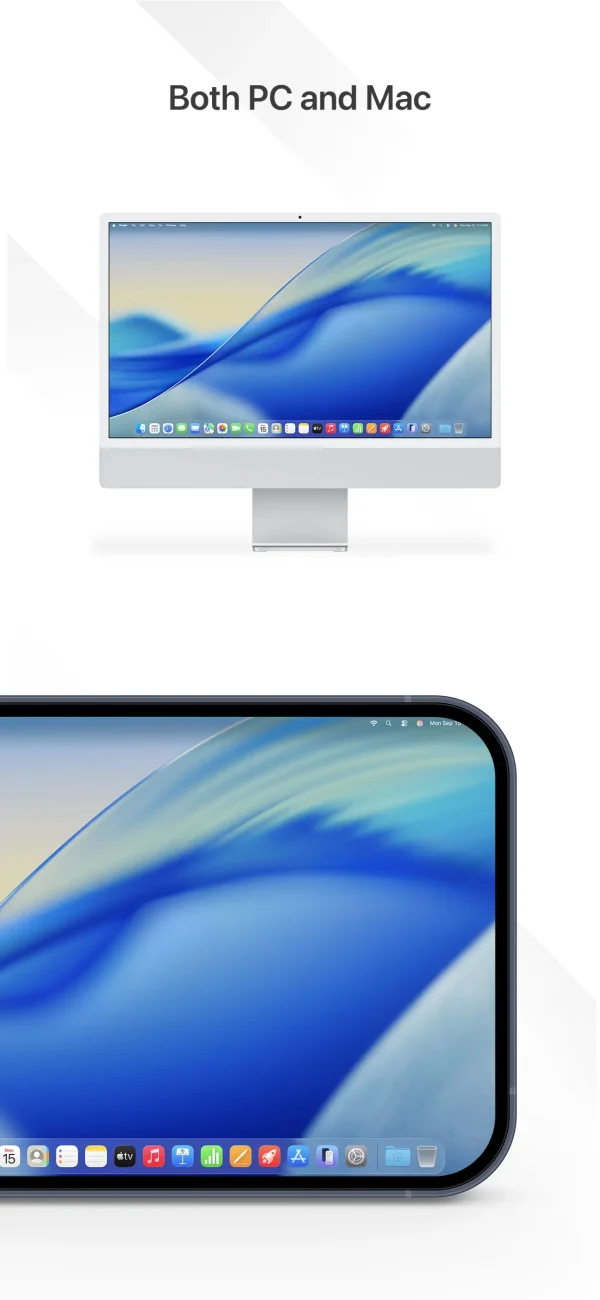
• Access your Mac or Windows computer anytime
• High-quality audio & video streaming
• Low-latency remote control
• Blank screen mode for privacy
• Remote webcam access
• Cross-platform support (Windows, Mac, iOS)
PERSONAL VS BUSINESS
Splashtop Personal is designed for non-commercial use.
For work or teams, try Splashtop Business for advanced features and management.
A REMOTE ACCESS TOOL YOU CAN TRUST
When your computer matters, access shouldn’t be complicated.
Splashtop gives you control, clarity, and confidence – wherever you are.
What’s new
Version 3.8.6.6 · Nov 5, 2026
- Security improvements.
- Various bug fixes.
Note: For the best performance and experience, please update Splashtop Streamer to version 3.8.6.3 or later.
App privacy
What Splashtop Inc. declares on the App Store about how this app handles data.
-
Data not collected
The developer does not collect any data from this app.
Privacy practices may vary, for example with the features you use or your age.
Information
- Seller
- Splashtop Inc.
- Category
- Business
- Version
- 3.8.6.6
- Updated
- Nov 5, 2026
- Released
- Oct 16, 2012
- Size
- 19.8 MB
- Requires
- iOS 17.0 or later
- Age rating
- 4+
- Price
- Free
- In-app purchases
- Yes
- Languages
- English, Dutch, French, German, Italian, Japanese, Korean, Portuguese, Russian, Simplified Chinese, Spanish, Traditional Chinese
- Copyright
- © 2011-2026 Splashtop Inc.
You might also like
-
 Remote Desktop - RDP LiteAccess any app on your PC
-
 iRemoteDesktop LiteConnect to your PC
-
 UTM Remote Virtual MachinesRemote desktop for VMs
-
 Shadow PCShadow PC mobile access
-
 RealVNC Viewer: Remote DesktopProductivity
-
 spacedesk - USB Display for PCPortable Multi Monitor Display
-
 RemotePC Remote DesktopRemote Desktop Access
-
 Connect My ComputerDesigned for Mac computers
-
 Windows App MobilePreviously Remote Desktop
-
 Duet DisplayBe Twice As Productive