Split Flap: Flip Clock Board
Retro widget & ambient display
Designed for iPhone, iPad, Mac
Free · In-app purchases
- Age rating4+
- CategoryUtilities
- DeveloperHello Good Day LLC
- LanguagesEnglish+ 13 more
- Size3.5 MB
Links to the official App Store page
Download.org hosts no file of Split Flap: Flip Clock Board. The button opens its official App Store page, published by Hello Good Day LLC. Listing last checked on Nov 24, 2026.
Screenshots
About
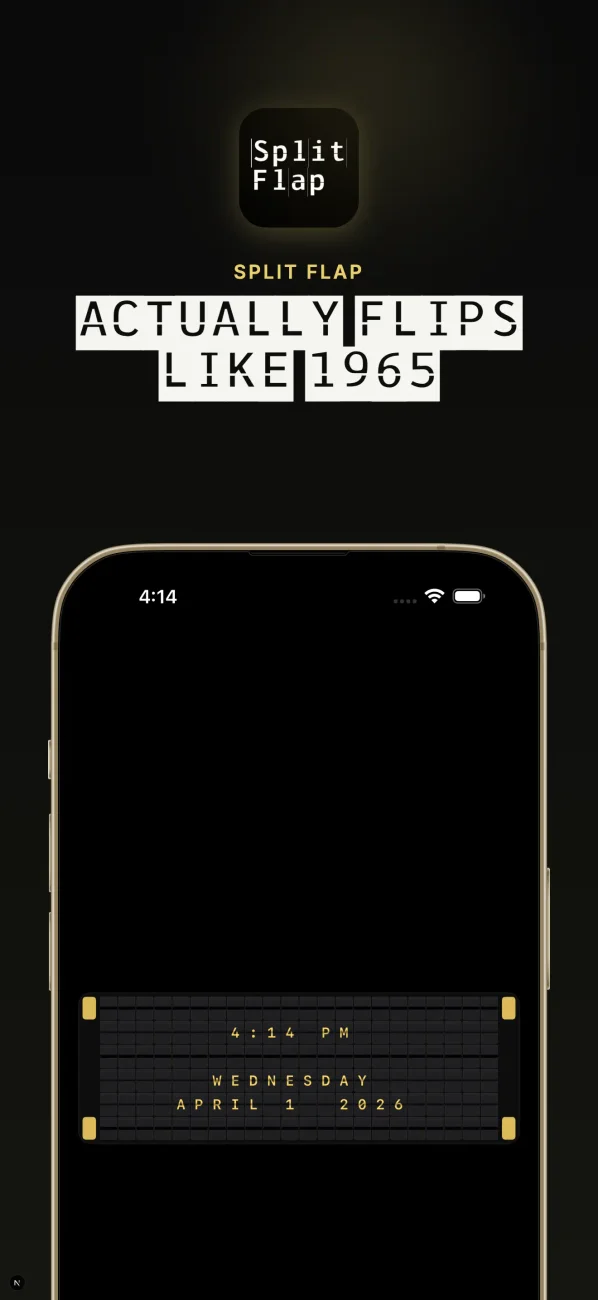
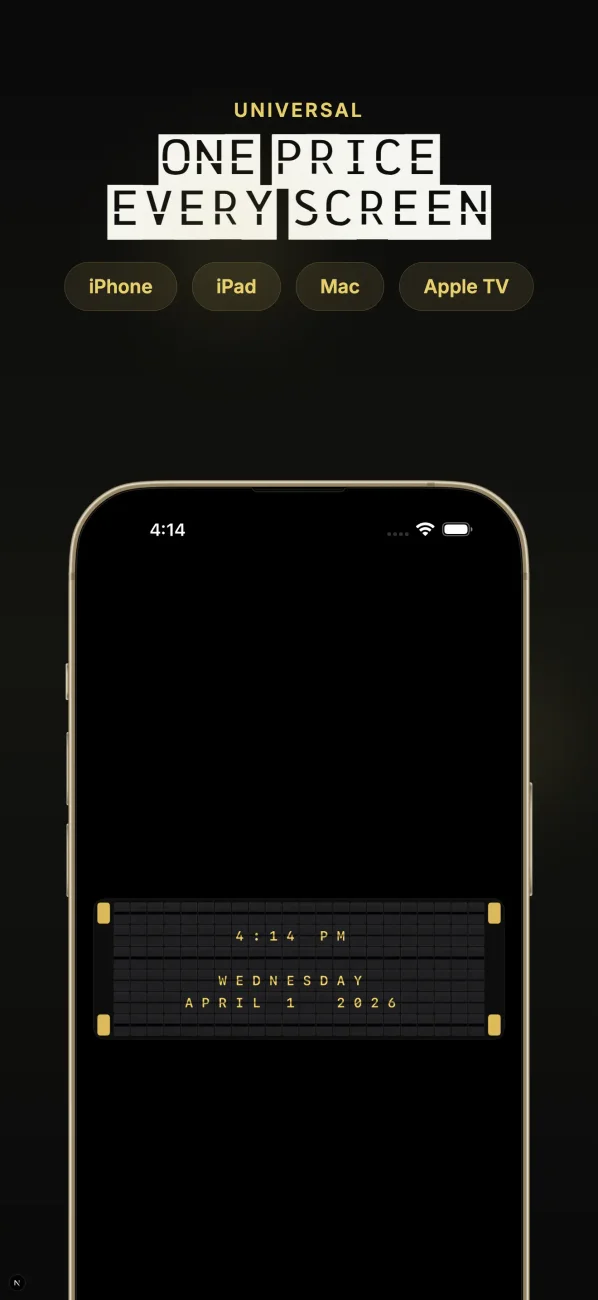
Turn any screen into a split-flap departure board. Split Flap brings the look and sound of a mechanical airport board to your iPhone, iPad, Mac and Apple TV — with one purchase and no subscription.
MODES FOR EVERY MOMENT
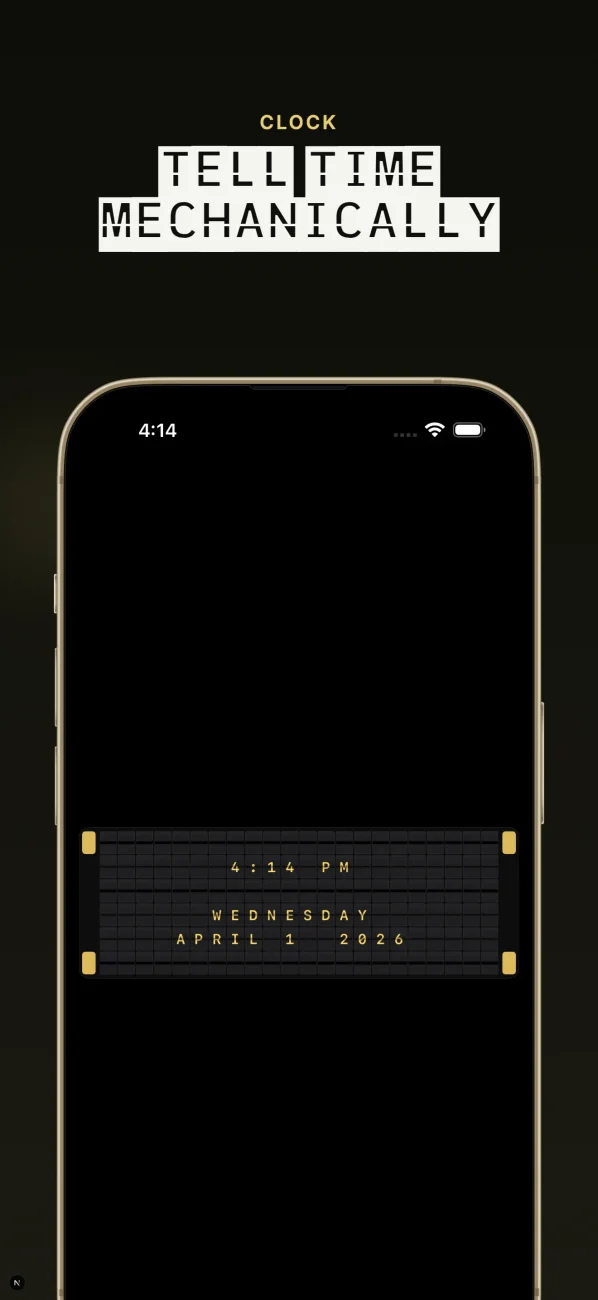
Clock — A flip clock with custom time zones, 12 or 24 hours and optional seconds.
Focus Clock — A big, calm clock made for your desk or nightstand.
World Clock — Up to eight cities at once, like a real departures board: LON, NYC, TYO and more.
Weather — Today's conditions, high, low and chance of rain for any city, flipping onto the board.
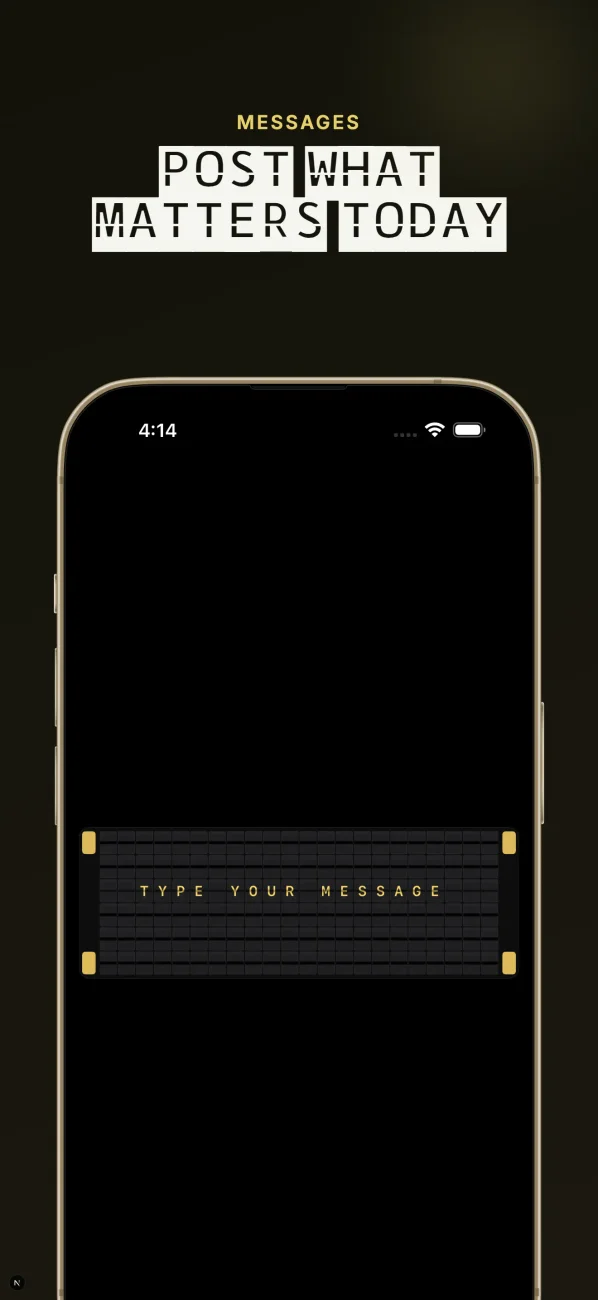
Message — Type anything and watch it flip into place letter by letter. Start from ready-made templates, add emoji, and share your board as an image.
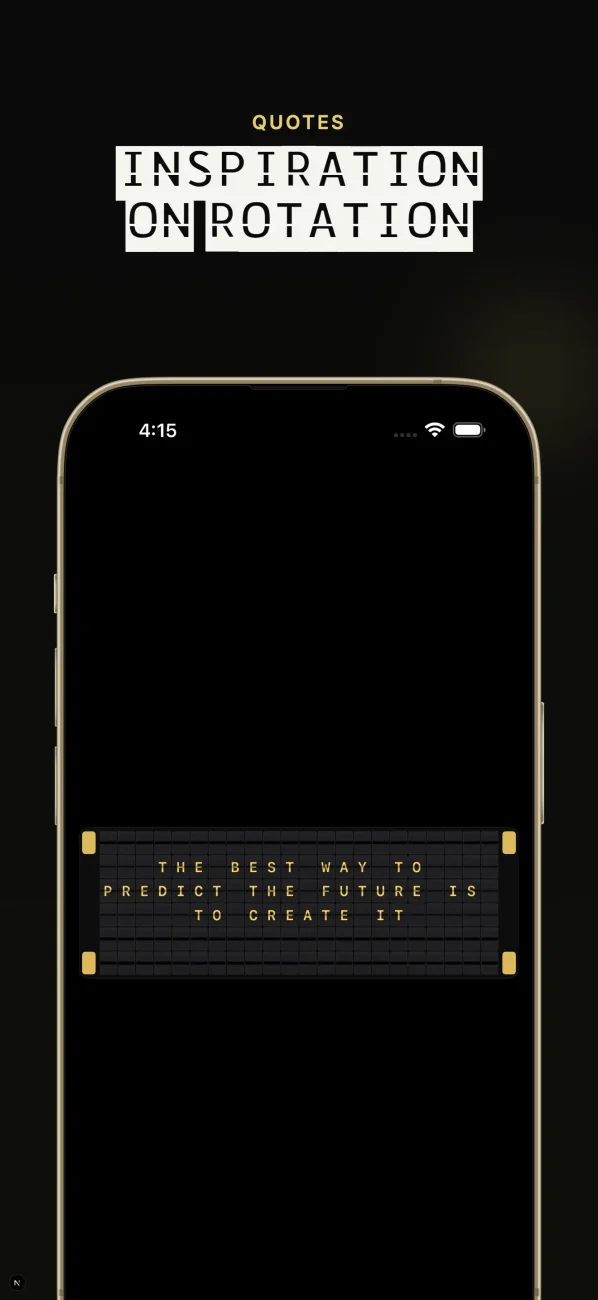
Quotes — Your favourite quotes, rotating automatically. Hide a quote or schedule it for certain hours and days. Syncs with iCloud.
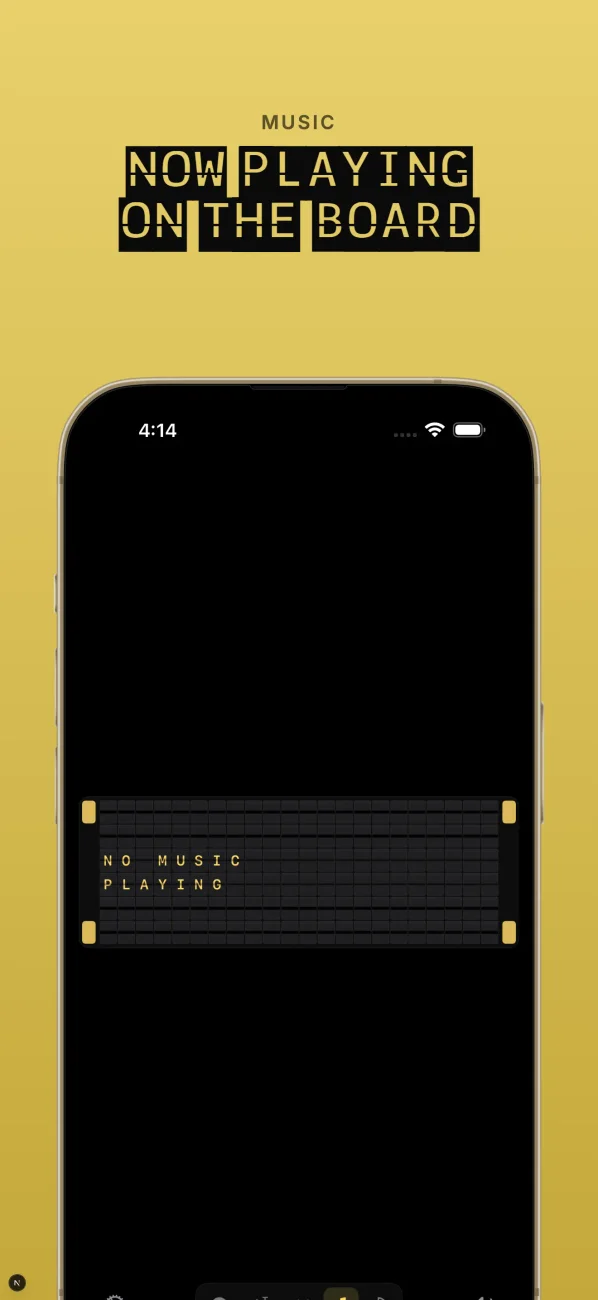
Music — The song and artist that's playing flips into view as your music changes. (iPhone, iPad and Mac)
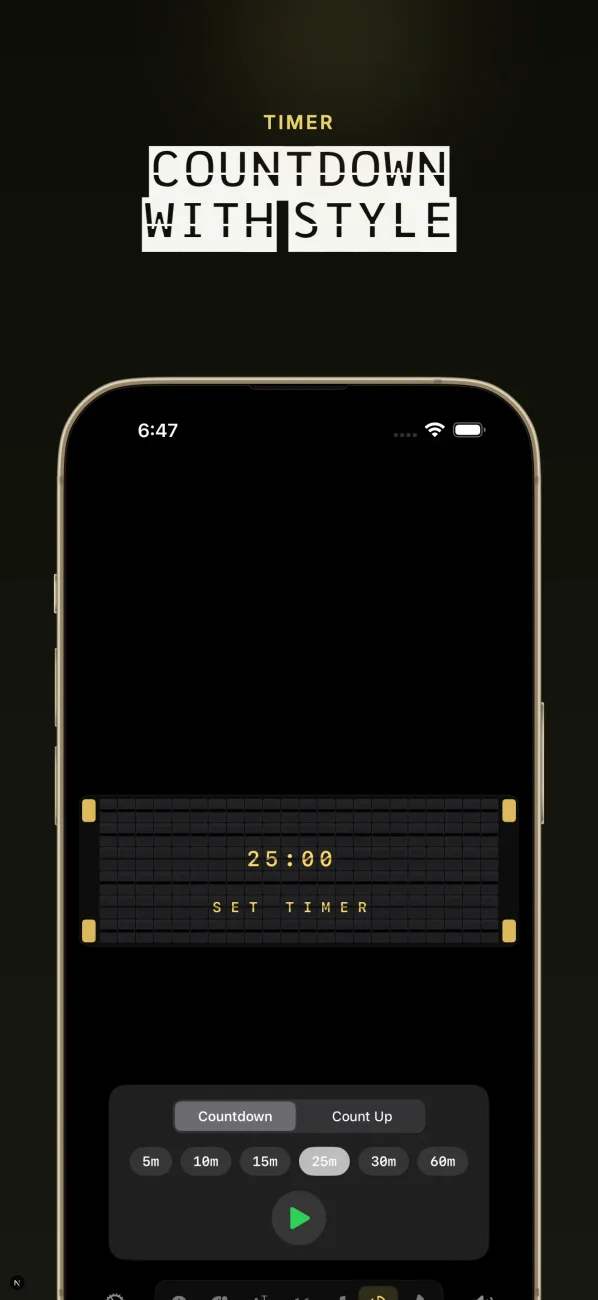
Timer — Countdown presets from 5 to 90 minutes, or a stopwatch. Big digits you can read across the room.
Paint — 43 colour patterns, from flags to gradients, plus a pixel editor to paint your own. Put text over a pattern for a colourful sign.
ON YOUR LOCK SCREEN AND HOME SCREEN
A Lock Screen flip clock with seconds that keep ticking, a sweeping minute ring and quotes on real flap tiles. Home Screen widgets for the clock, quotes, messages, timer and colour patterns, and StandBy when your phone charges on its side. A running timer counts down live in the Dynamic Island and on the Lock Screen.
EVERY SCREEN YOU OWN
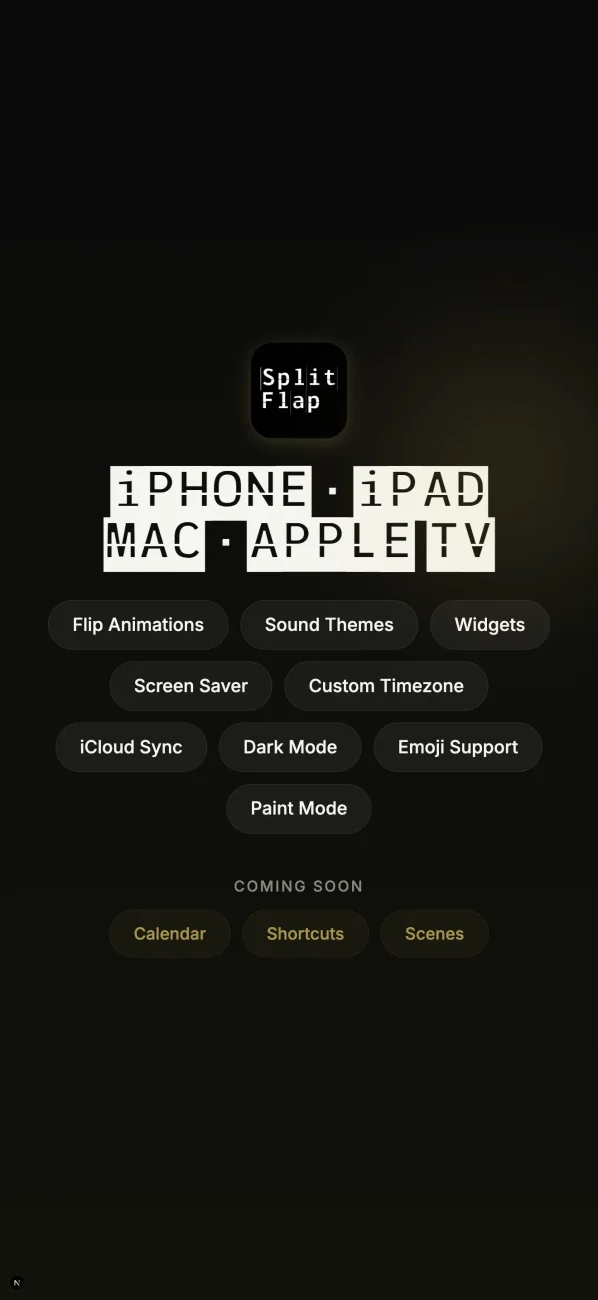
iPhone, iPad, Mac and Apple TV, each built for the device. Apple TV has a Top Shelf that plays the board right on your Home Screen. Mac has desktop widgets, a menu bar clock and a screen saver. iPhone Duo gets a Nightstand clock when half folded.
LOOK AND FEEL
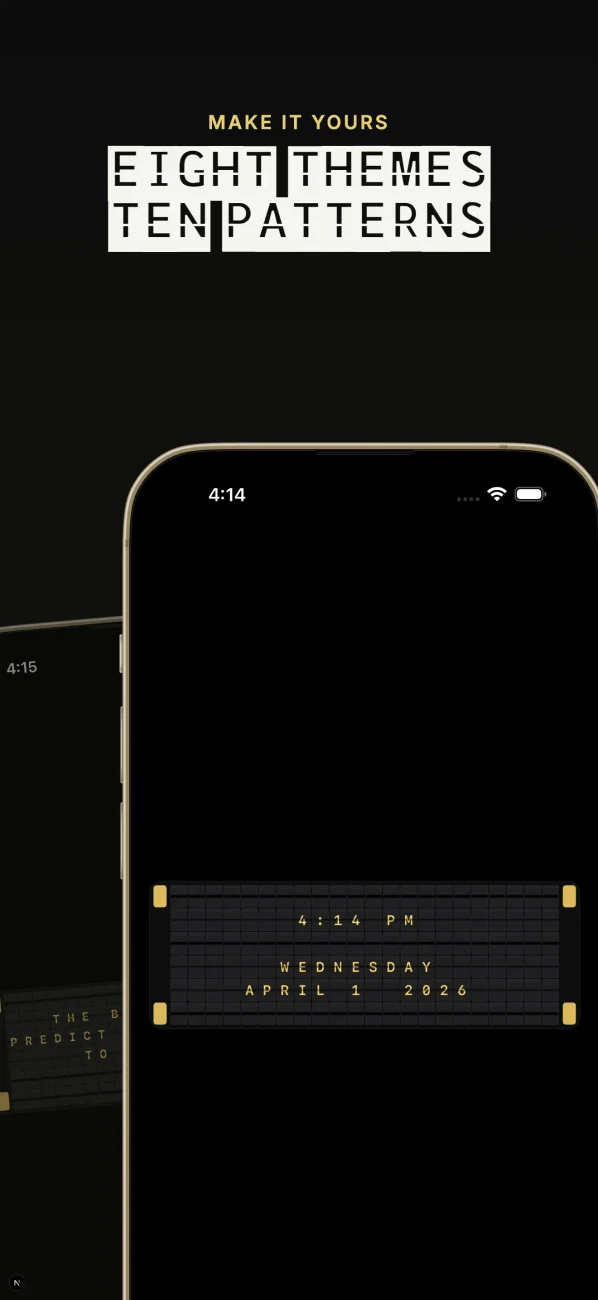
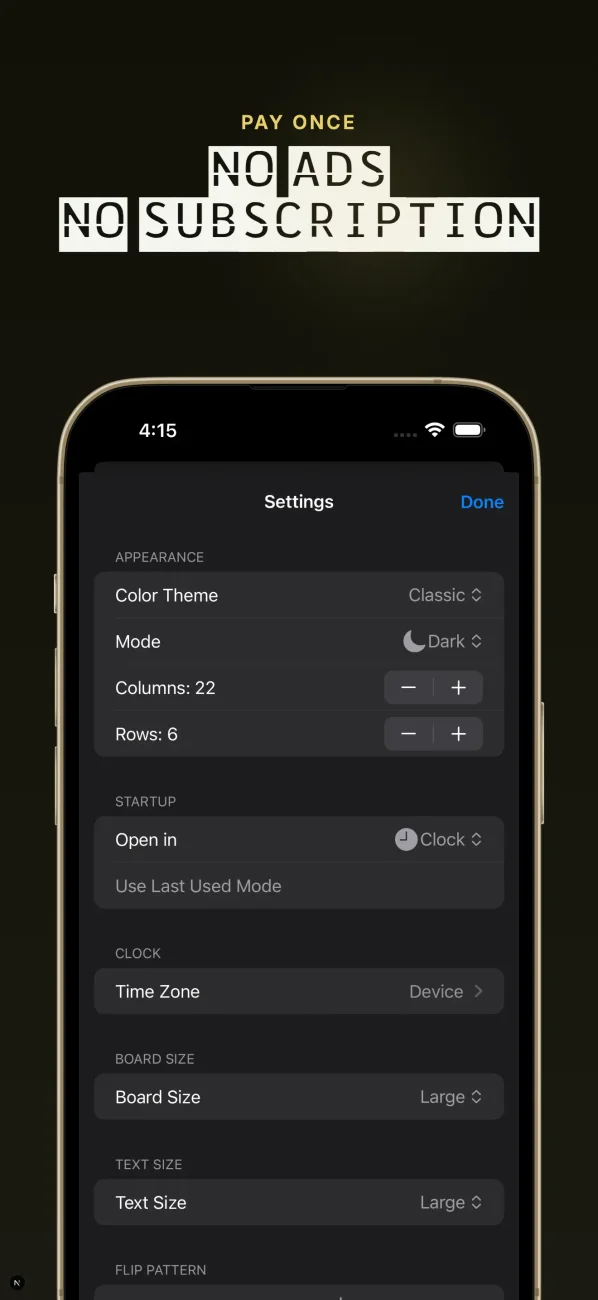
9 colour themes including Neon and Confetti, light and dark boards, and 10+ flip patterns — spiral, matrix, snake and more — that control how the board reveals new content. Bedtime auto-dim keeps it gentle at night.
SOUNDS THAT SATISFY
Three sound themes — Mechanical, Typewriter and Soft — synthesised to match the animation. Every clack lands at the moment each flap snaps into place.
HANDS-FREE
Siri and Shortcuts can show the clock, post a message, start a timer or switch modes. Send to Apple TV posts a message from your iPhone straight to the board on your TV.
ONE PURCHASE. EVERY PLATFORM.
One purchase unlocks premium on iPhone, iPad, Mac and Apple TV. No subscription. No ads.
What’s new
Version 4.0.4 · Oct 28, 2026
• Weather: a new board with today's conditions, high, low and chance of rain for any city
• World Clock: up to eight cities at once, like a real departures board
• Lock Screen: a flip clock with seconds that keep ticking, a sweeping minute ring, and quotes on real flap tiles
• A running timer counts down live in the Dynamic Island and on the Lock Screen
• Send to Apple TV: post a message from your iPhone to the board on your TV
• Message templates, emoji that fit their tiles, and share your board as an image
• Quotes: hide a quote or schedule it for certain hours and days — widgets follow along and can change every 1, 5, 15 or 60 minutes
• Neon theme, text over colour patterns, red night tint and burn-in protection
• Siri and Shortcuts can start a timer or switch to any mode
• iPhone Duo: a Nightstand clock when half folded
• Fixes for narrow screens, landscape and widgets
App privacy
What Hello Good Day LLC declares on the App Store about how this app handles data.
-
Data not linked to you
May be collected but is not linked to your identity.
- Identifiers
- Usage data
Privacy practices may vary, for example with the features you use or your age.
Information
- Seller
- Hello Good Day LLC
- Category
- Utilities
- Version
- 4.0.4
- Updated
- Oct 28, 2026
- Released
- Jun 11, 2026
- Size
- 3.5 MB
- Requires
- iOS 17.0 or later
- Age rating
- 4+
- Price
- Free
- In-app purchases
- Yes
- Languages
- English, Arabic, Dutch, French, German, Italian, Japanese, Korean, Polish, Portuguese, Russian, Spanish + 2 more
- Copyright
- © 2026 Hello Good Day LLC
You might also like
-
 Flappy Board: Split Flap BoardAnimated Split-Flap Display
-
 Flappy Board ControllerControl Your Split-Flap Board
-
 Split Flap: Display BoardAirport-style signage displays
-
 Needless ClockLiving clocks for desk & night
-
 SplitFlap DisplaySplit-flap everywhere
-
 Flip Clock PureClock Studio
-
 Punctum – Dot-Matrix ClockA dot-matrix clock
-
 Haokan: Desk ClockFull-Screen Clock Themes
-
 BRC ClassicTime Simplified for Humans
-
 Binary O'ClockTell time like a computer