Split Flap: Display Board
Airport-style signage displays
Designed for iPhone, iPad, Mac
Free · In-app purchases
- Age rating4+
- CategoryUtilities
- DeveloperGregory Dolder
- LanguagesEnglish+ 7 more
- Size17.2 MB
Links to the official App Store page
Download.org hosts no file of Split Flap: Display Board. The button opens its official App Store page, published by Gregory Dolder. Listing last checked on Nov 15, 2026.
Screenshots
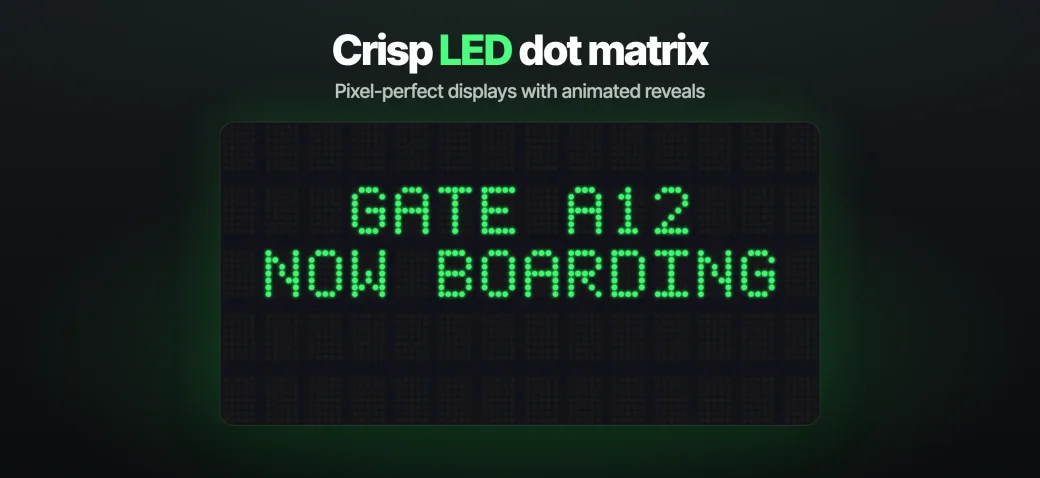
About
Turn any screen into a beautiful signage display.
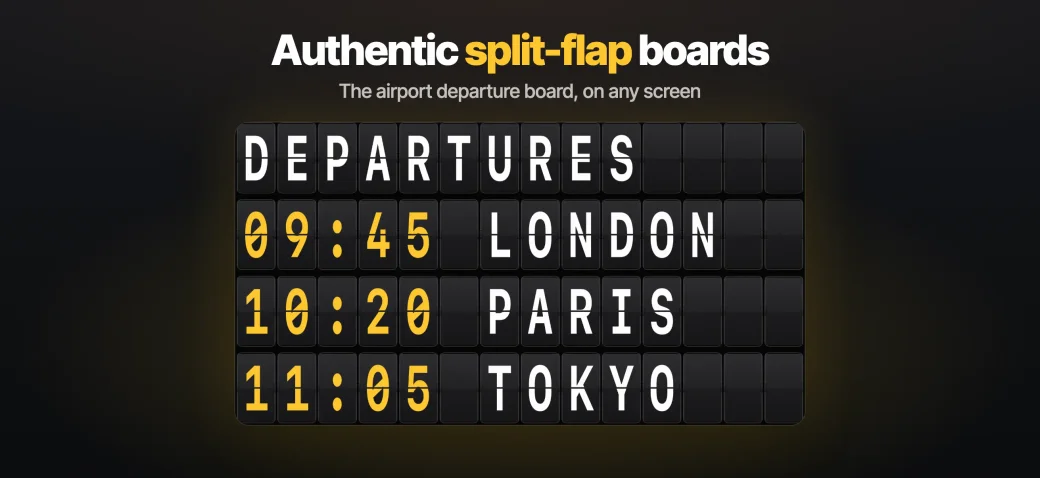
Split-Flap Board recreates the mechanical charm of airport departure boards — then goes further with LED matrices, retro marquees, glowing neon, and cinematic text crawls. Write a message, pick a style, and watch it come to life.
WHAT YOU CAN DO
• Type any message and watch it flip, glow, scroll, or reveal itself character by character
• Build playlists that rotate through your messages automatically
• Schedule messages to appear at the right time of day
• Add live feeds — time, weather, news, and stock prices update themselves
• Use it on iPhone, iPad, Mac, and Apple TV
DISPLAY STYLES
• Split-Flap — the classic Solari board, in basic and sepia variants (free)
• LED Dot Matrix — crisp pixel displays with animated reveals (free)
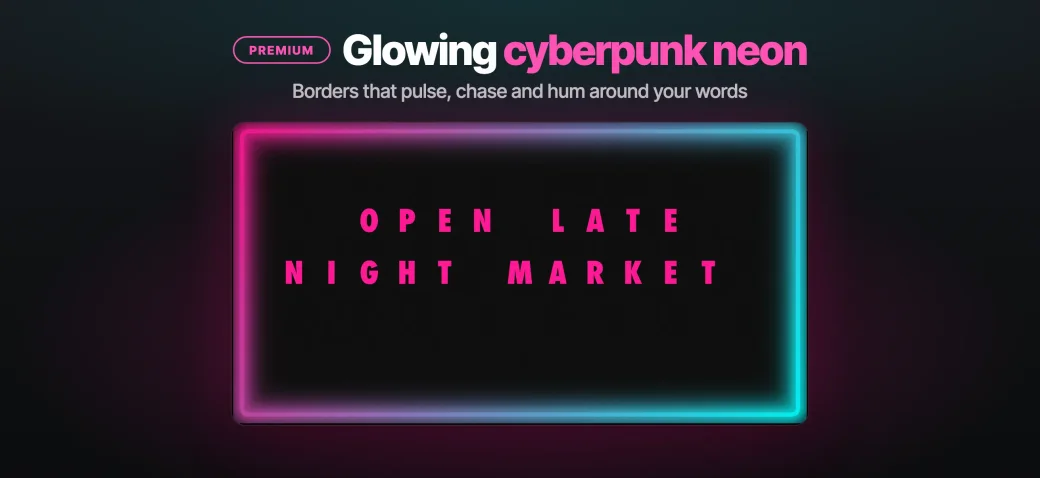
• Cyberpunk Neon — glowing borders that pulse, chase, blink, and hum
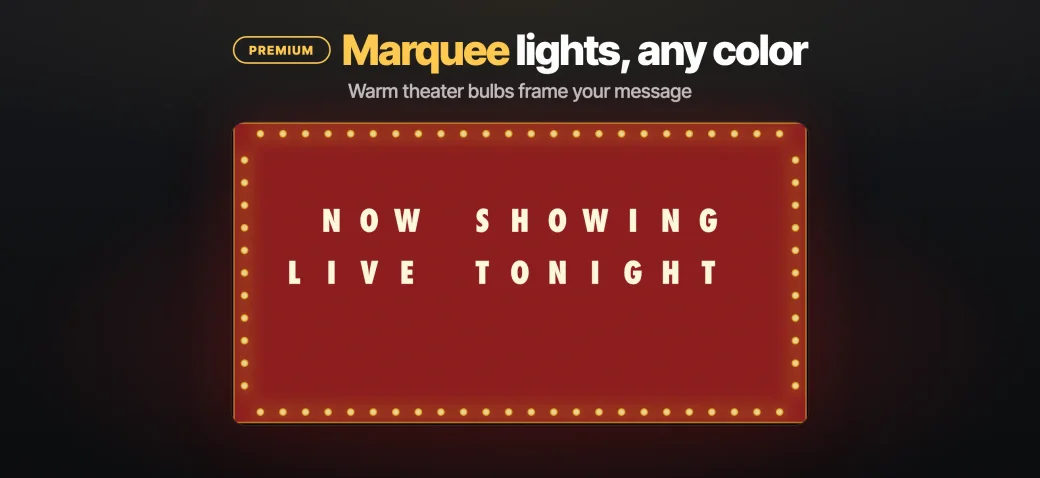
• Retro Marquee — warm theater bulbs in any color you like
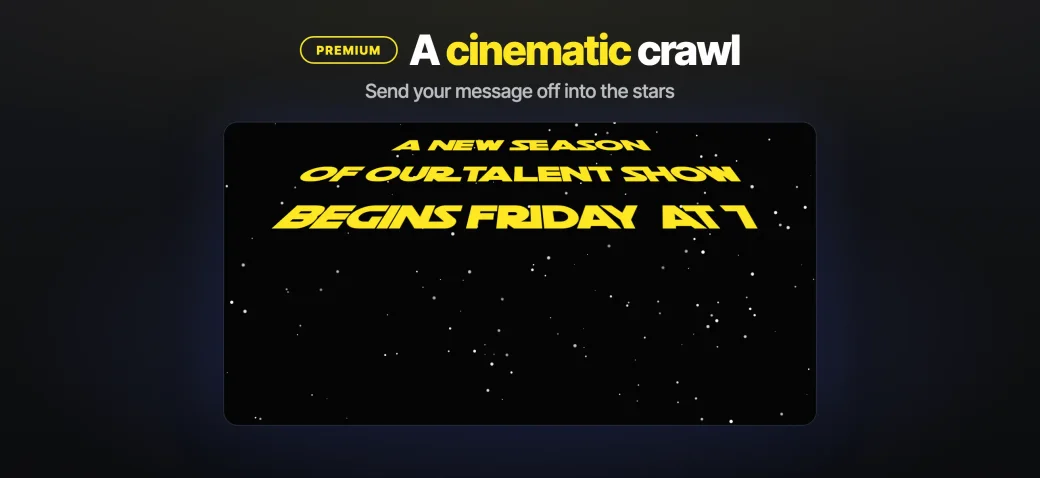
• Galaxy Crawl — cinematic perspective scrolling
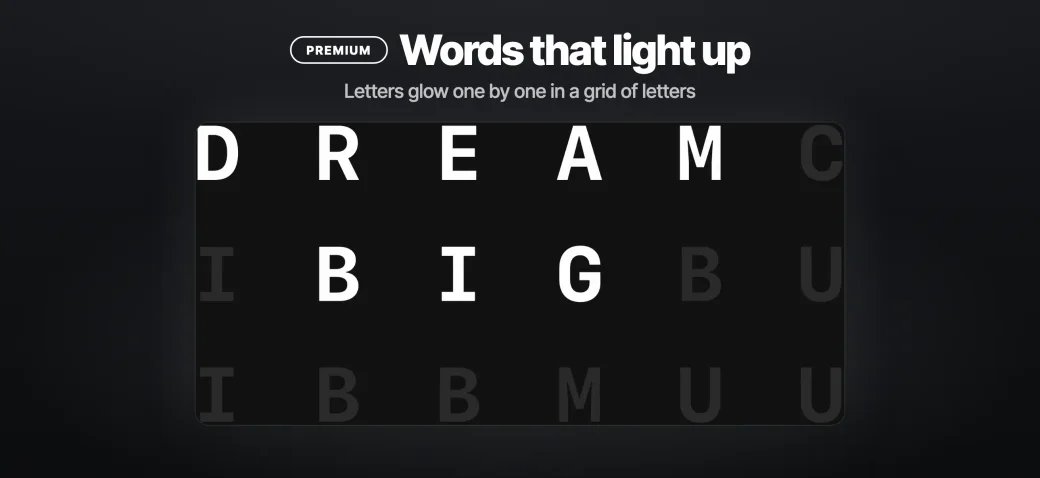
• Word Matrix — dramatic letter-by-letter reveals, in light or dark
• Background Image — your own photos behind animated text
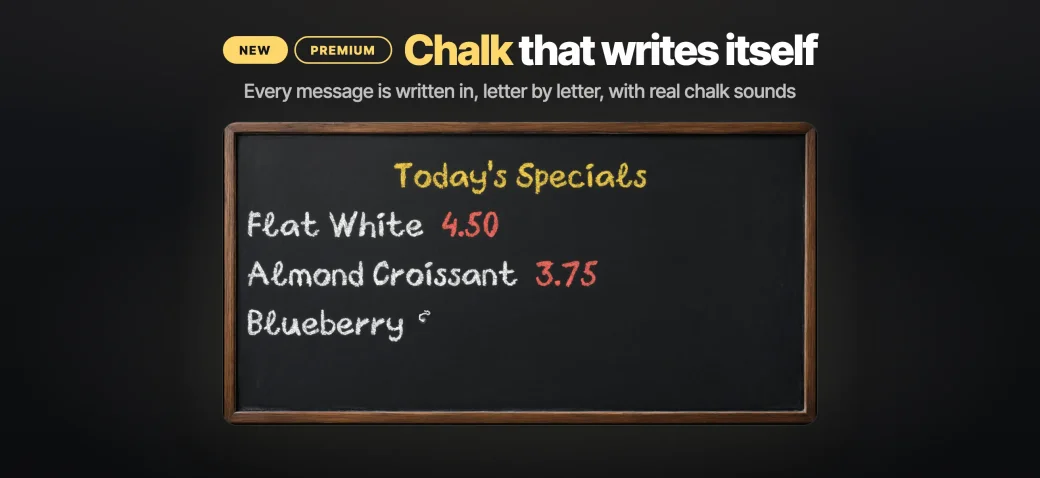
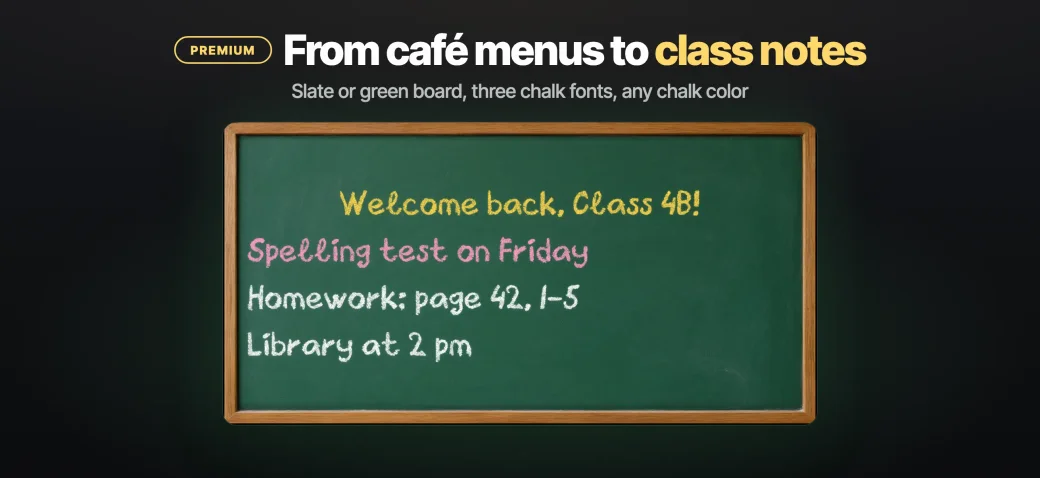
• Chalkboard (NEW) — hand-lettered chalk on a slate or classroom-green board that writes itself in, with the sound of chalk
MADE FOR REAL PLACES
Shop hours and daily specials. The Wi-Fi password for guests. A welcome message by the door. A birthday surprise on the TV. A countdown to your next trip. A dashboard on a spare iPad. However you use it, it looks the part.
WORKS OFFLINE, STAYS PRIVATE
No account. No sign-in. No ads, no tracking, no analytics. Your messages stay on your device. Live feeds only reach the internet when you switch them on.
FOR POWER USERS
Turn on the built-in local REST API and drive the board from another device on your Wi-Fi — a home server, a shortcut, a script.
PREMIUM — ONE PURCHASE, YOURS FOREVER
The Split-Flap and LED themes — and all core editing — are free. A single one-time purchase, never a subscription, unlocks every premium theme, unlimited playlists, Fullscreen mode, and the REST API. Buy once, use it on all your devices.
What’s new
Version 2.1 · Nov 6, 2026
What's New in 2.1
• NEW Chalkboard theme (Premium): hand-lettered chalk on a slate or classroom-green board. Each new message writes itself in letter by letter, with the sound of chalk, after a soft wipe clears the last one.
• Three chalk fonts, any chalk color, and adjustable writing speed.
• Made for café menus, daily specials, and classroom notes.
• Bug fixes and polish.
App privacy
What Gregory Dolder declares on the App Store about how this app handles data.
-
Data not collected
The developer does not collect any data from this app.
Privacy practices may vary, for example with the features you use or your age.
Information
- Seller
- Gregory Dolder
- Category
- Utilities
- Version
- 2.1
- Updated
- Nov 6, 2026
- Released
- Jul 15, 2025
- Size
- 17.2 MB
- Requires
- iOS 17.0 or later
- Age rating
- 4+
- Price
- Free
- In-app purchases
- Yes
- Languages
- English, French, German, Italian, Japanese, Korean, Portuguese, Spanish
- Copyright
- © Greg Dolder 2026.
You might also like
-
 Brutal Time: Typographic ClockDesk clock & StandBy widgets
-
 Split Flap: Flip Clock BoardRetro widget & ambient display
-
 Flappy Board: Split Flap BoardAnimated Split-Flap Display
-
 Hourline: Widgets & WallpapersWorld Clock, Weather & Focus
-
 Flappy Board ControllerControl Your Split-Flap Board
-
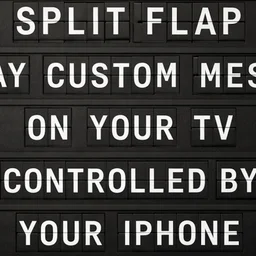 SplitFlap DisplaySplit-flap everywhere
-
 WidenFull-width outer-display pages
-
 DuoCorder+Live sensor scanner
-
 Hingeworthy : Fold CounterCount every open and close
-
 FoldCounter: Fold StatsTrack your fold