Spreadsheet: XLSX & CSV Editor
Tables, Formulas & Budgets
Designed for iPhone, iPad
Free · In-app purchases
- Age rating4+
- CategoryProductivity
- DeveloperYOU SEUNGMIN
- LanguagesEnglish+ 43 more
- Size85.3 MB
Links to the official App Store page
Download.org hosts no file of Spreadsheet: XLSX & CSV Editor. The button opens its official App Store page, published by YOU SEUNGMIN. Listing last checked on Nov 24, 2026.
Screenshots
About
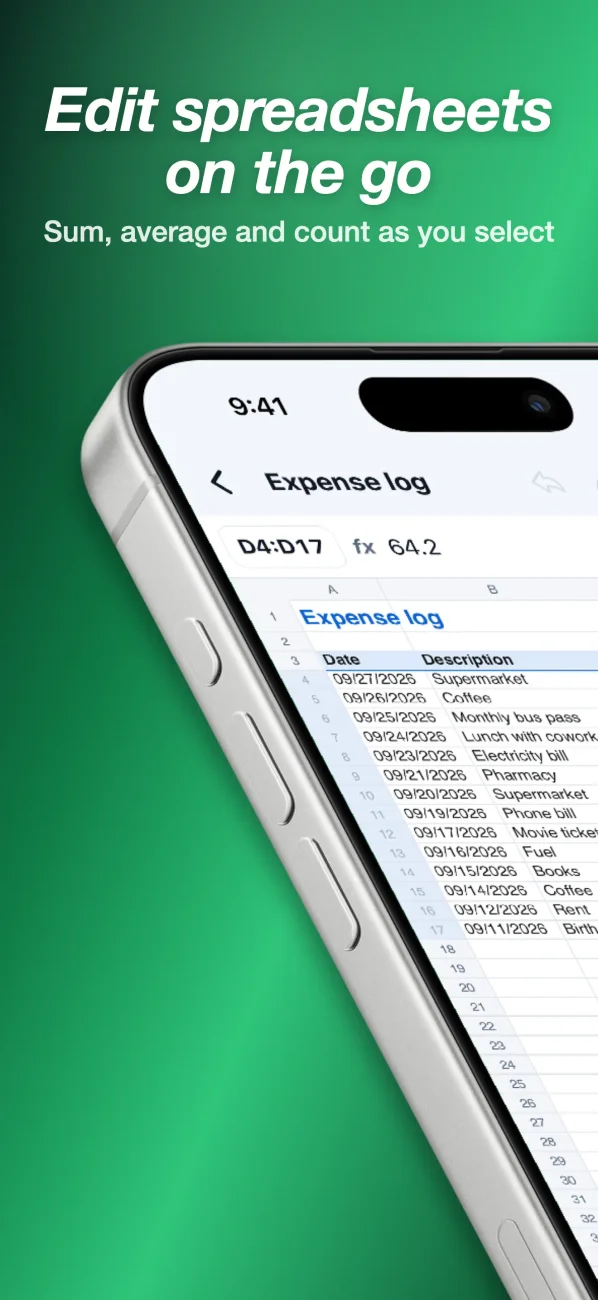
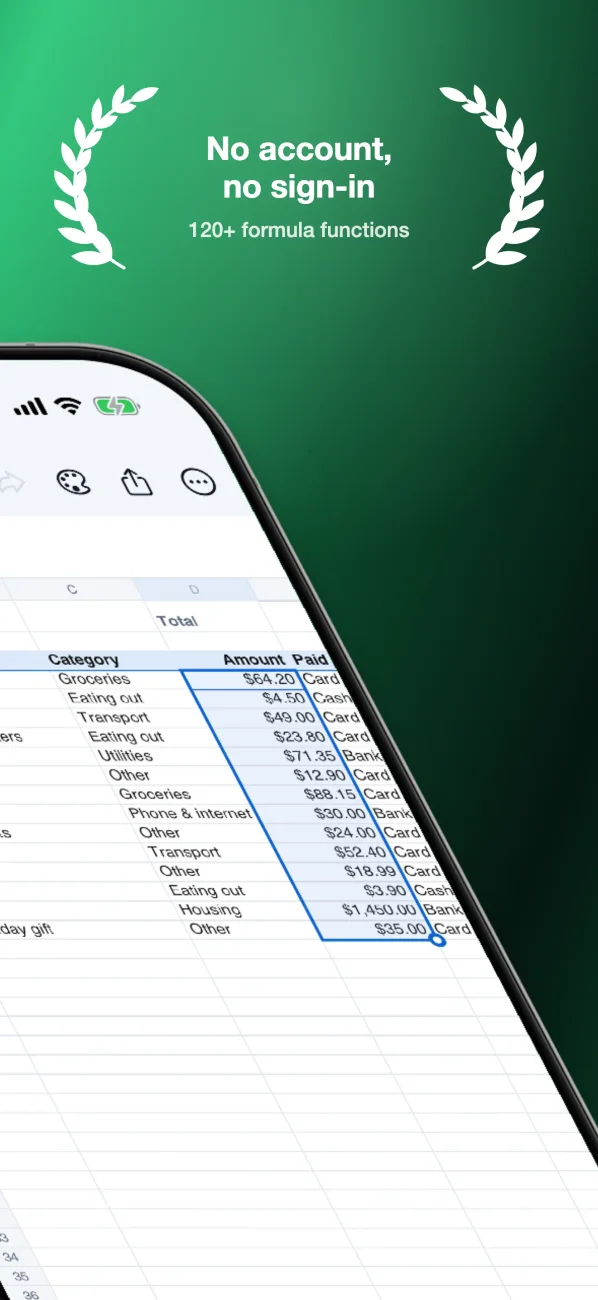
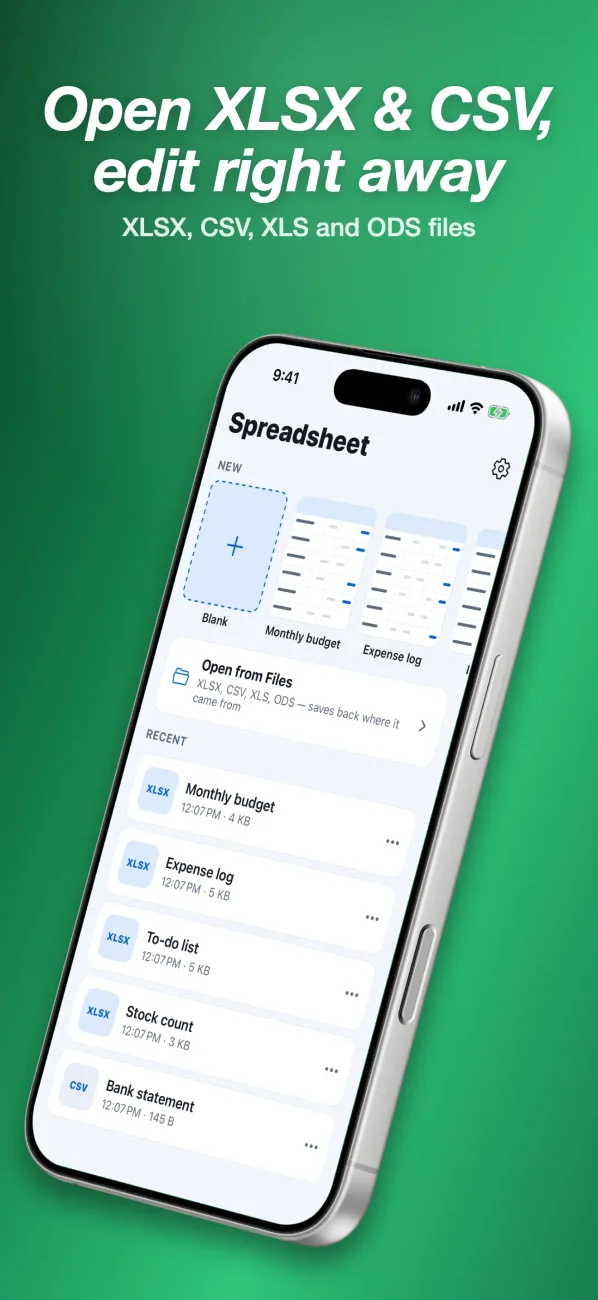
Spreadsheet lets you open, edit and save spreadsheets on your phone. Open XLSX and CSV files from the Files app or another app, change a cell and the change is saved right away. No account, no sign-in.
OPEN AND SAVE YOUR FILES
• Open XLSX, XLSM, XLS, ODS, CSV and TSV files.
• XLSX, XLSM and CSV files opened from the Files app are saved back to the same file when you leave. XLS and ODS files are saved as XLSX.
• Parts this app does not show yet, such as charts, pictures, pivot tables, macros and comments, stay in the file when you save.
• If saving would change something in the original, the app keeps your edits here and tells you what would change, instead of overwriting.
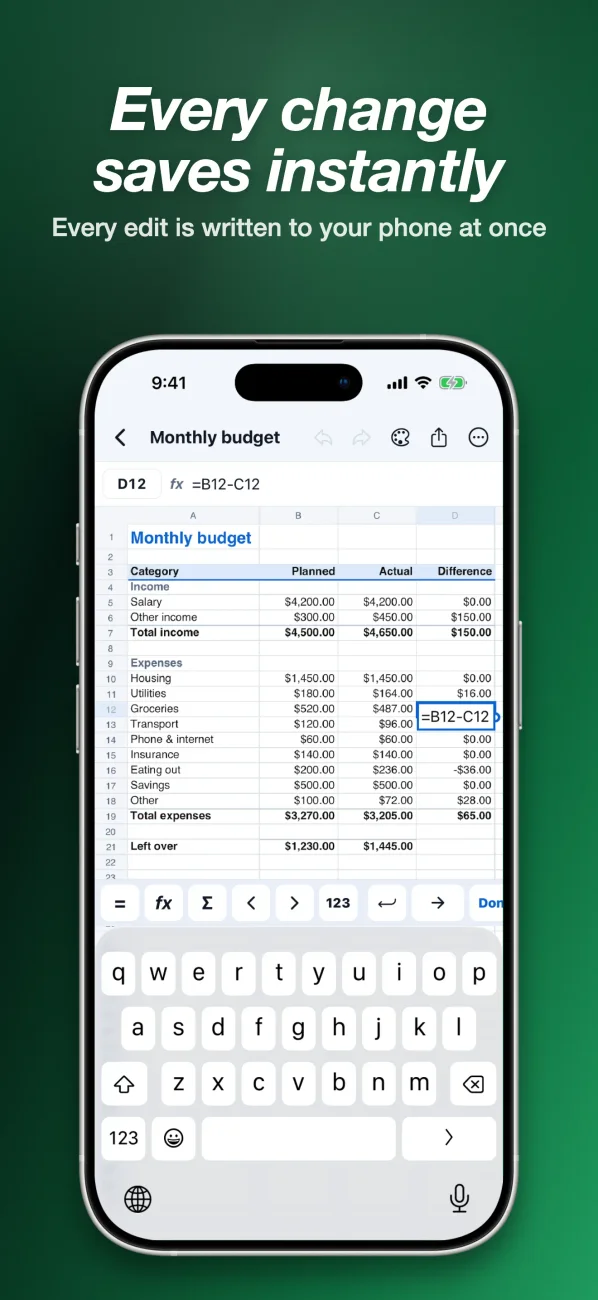
• Every edit is written to your phone as you make it. Revert to the original file at any time.
FORMULAS
• More than 120 functions: SUM, AVERAGE, IF, IFERROR, SUMIFS, COUNTIFS, VLOOKUP, XLOOKUP, INDEX, MATCH, dates, text and loan payments.
• A key bar above the keyboard with =, functions, AutoSum and a Next cell key.
• Function names are suggested as you type.
SORT, FILTER AND FIND
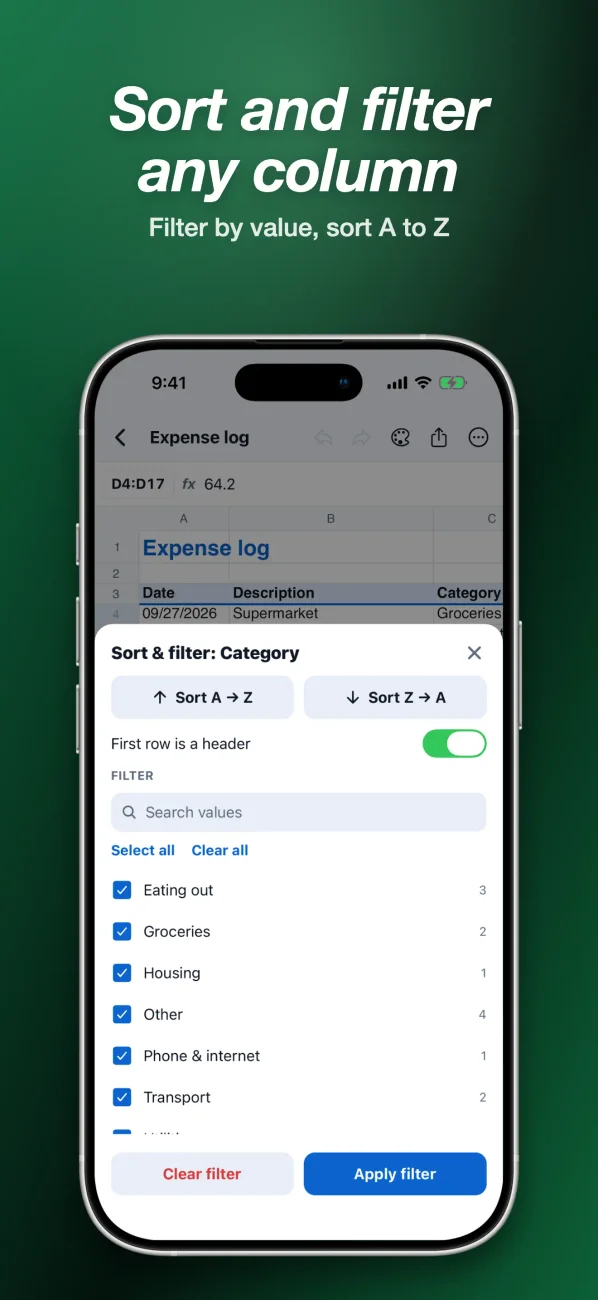
• Sort A to Z or Z to A, and filter any column by its values.
• Find and replace across one sheet or all sheets.
• Freeze panes, merge cells, hide rows and columns, change widths and heights.
• Add, rename, move and hide sheets.
MADE FOR A PHONE SCREEN
• Card view: edit one row as a simple form, with the header row as labels.
• Select cells to see their sum, average, count, minimum and maximum. Tap a value to copy it.
• Pinch to zoom and scroll smoothly through large sheets.
FORMAT
• Bold, italic, underline, text and fill colors, alignment, wrap text and borders.
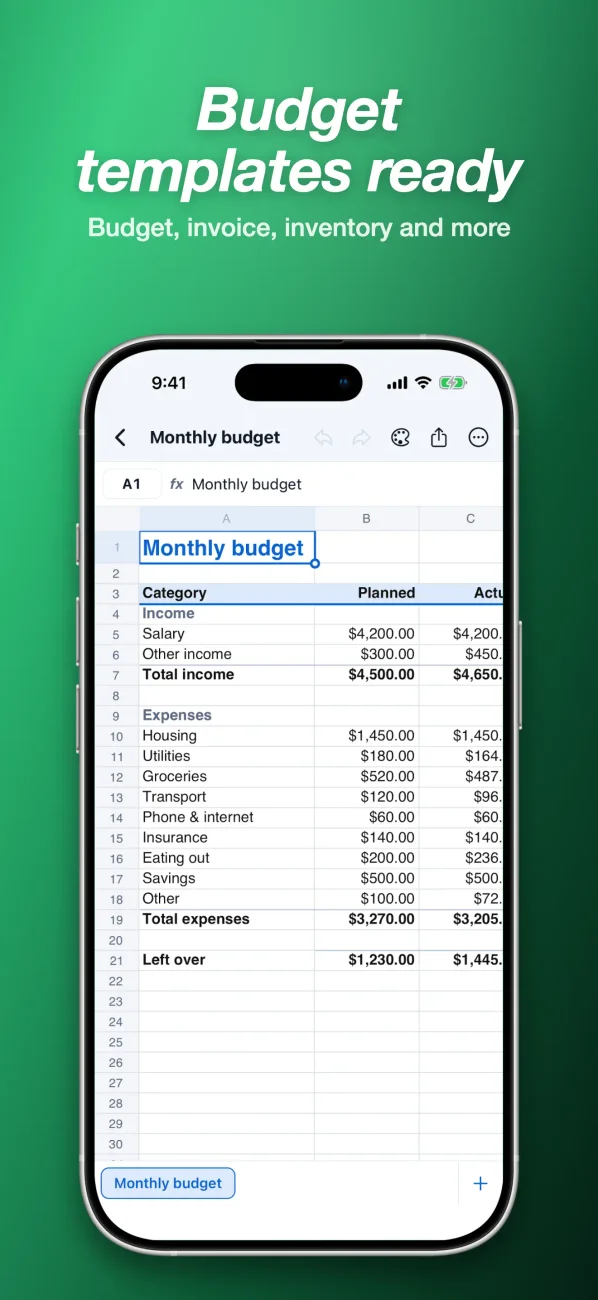
• Number formats: currency, percent, date, time and more.
TEMPLATES
Start from a budget, expense tracker, invoice, inventory, to-do list or attendance sheet.
SHARE AND PRINT
• Export as XLSX, CSV (choose the delimiter and encoding) or PDF.
• Print from your phone.
FREE WITH ADS, OR PREMIUM
Spreadsheet is free with ads, and there are no ads while you edit. Spreadsheet Premium removes all ads. Choose a monthly subscription or a one-time lifetime purchase.
Privacy Policy: https://dsm0829.github.io/spreadsheet-privacy/
Terms of Use: https://www.apple.com/legal/internet-services/itunes/dev/stdeula/
What’s new
Version 1.0.7 · Nov 23, 2026
Text you're typing in a cell is no longer lost when you switch apps. Double-tapping another cell, adding a sheet, sorting, finding, or opening card view now saves what you typed first, and Undo while typing just clears your typing.
Opening the same file again from Files no longer adds duplicate rows to Recent. Fixed rename and password boxes hidden by the keyboard in landscape, sharing getting stuck after leaving during PDF export, and a crash when opening a file from another app.
App privacy
What YOU SEUNGMIN declares on the App Store about how this app handles data.
-
Data used to track you
May be used to track you across apps and websites owned by other companies.
- Location
- Identifiers
- Usage data
-
Data linked to you
May be collected and linked to your identity.
- Location
- Identifiers
- Usage data
-
Data not linked to you
May be collected but is not linked to your identity.
- Diagnostics
Privacy practices may vary, for example with the features you use or your age.
Information
- Seller
- YOU SEUNGMIN
- Category
- Productivity
- Version
- 1.0.7
- Updated
- Nov 23, 2026
- Released
- Oct 2, 2026
- Size
- 85.3 MB
- Requires
- iOS 16.4 or later
- Age rating
- 4+
- Price
- Free
- In-app purchases
- Yes
- Languages
- English, Arabic, Bengali, Catalan, Croatian, Czech, Danish, Dutch, Finnish, French, German, Greek + 32 more
- Copyright
- © 2026 YOU SEUNGMIN
You might also like
-
 Spreadsheet: Edit XLSX SheetsCSV & XLS Viewer, Open Offline
-
 Image to excel sheet - xlsxConvert picture to excel
-
 Docunivo - Document EditorDocs, Sheets, Slides & PDF
-
 SumSheet XLSX EditorOpen and edit Excel workbooks
-
 CSV Editor for Files & iCloudReader for Large Spreadsheets
-
 DayJournal: Planner & NotesDigital Calendar & Handwriting
-
 CSV Viewer and EditorOpen, Edit & Compare CSV Files
-
 Make Spreadsheet: Excel ReaderCreate & Read Excel files
-
 One LogTrack mileage, notes & records
-
 Prompt Architects: AI PromptsBetter Results from Every Idea