
Springs3D Studio
3D spring design & simulation
Designed for iPhone, iPad, Mac, iPod touch
Free
- Age rating4+
- CategoryGraphics & Design
- DeveloperMaestri LLC
- LanguagesEnglish
- Size7.8 MB
Links to the official App Store page
Download.org hosts no file of Springs3D Studio. The button opens its official App Store page, published by Maestri LLC. Listing last checked on Nov 14, 2026.
Screenshots


About
The world's #1 spring design software.
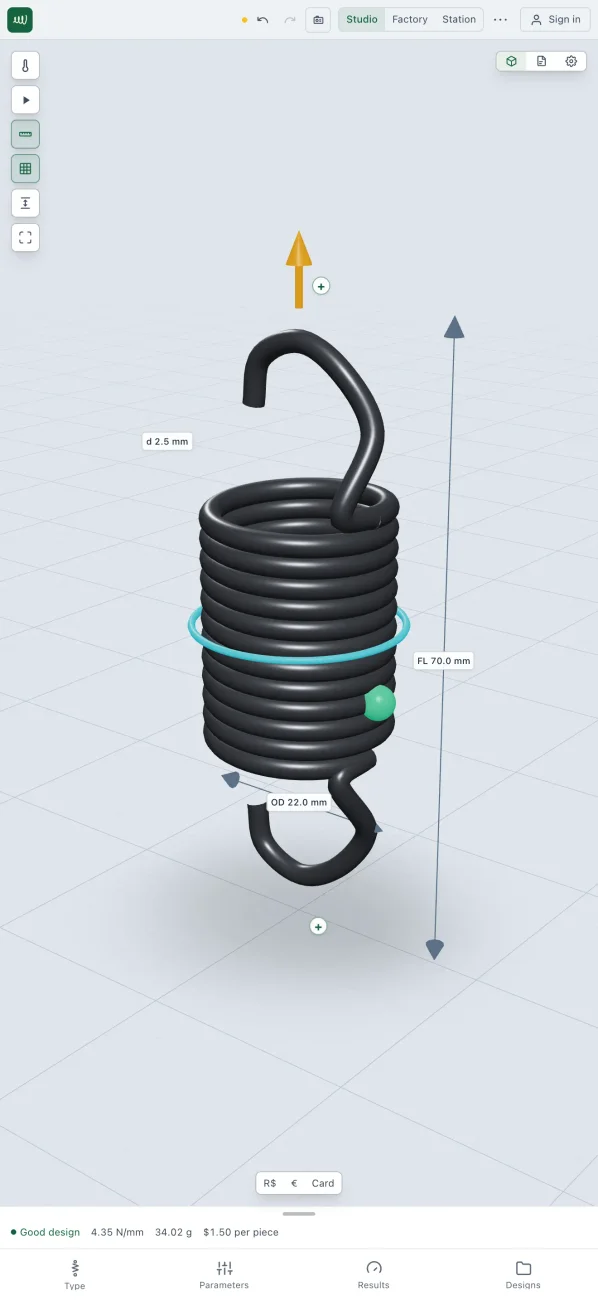
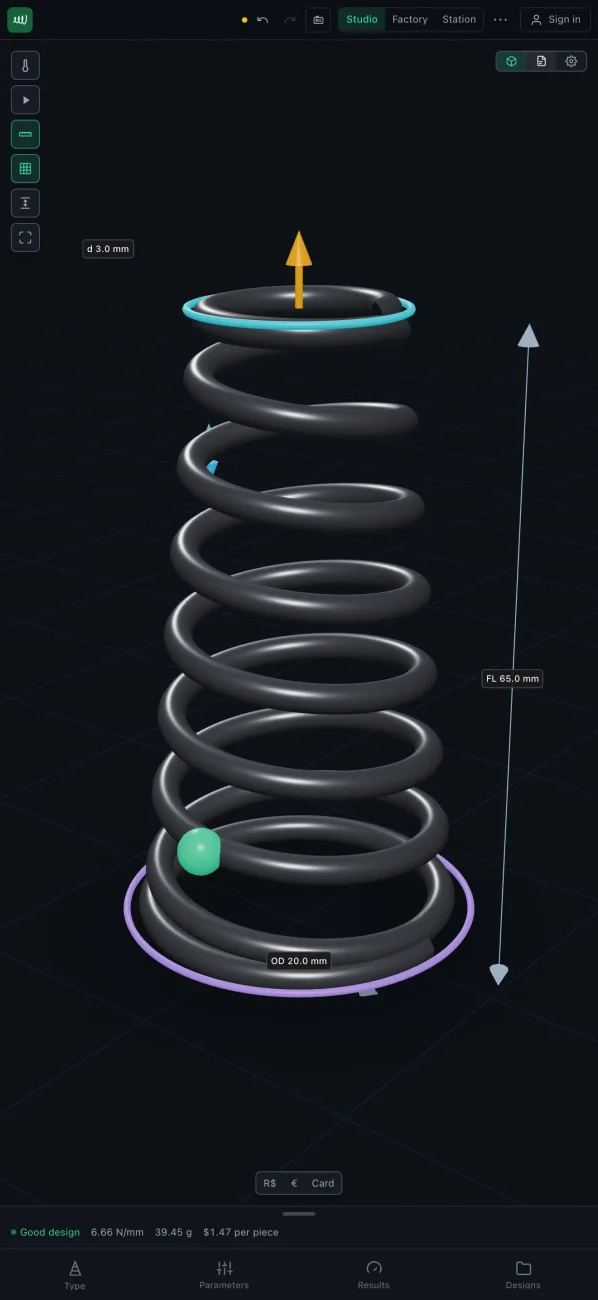
Springs3D Studio is a parametric 3D editor for designing custom springs — compression, extension, torsion, double torsion, and conical — with live engineering feedback at every step.
DESIGN IN 3D
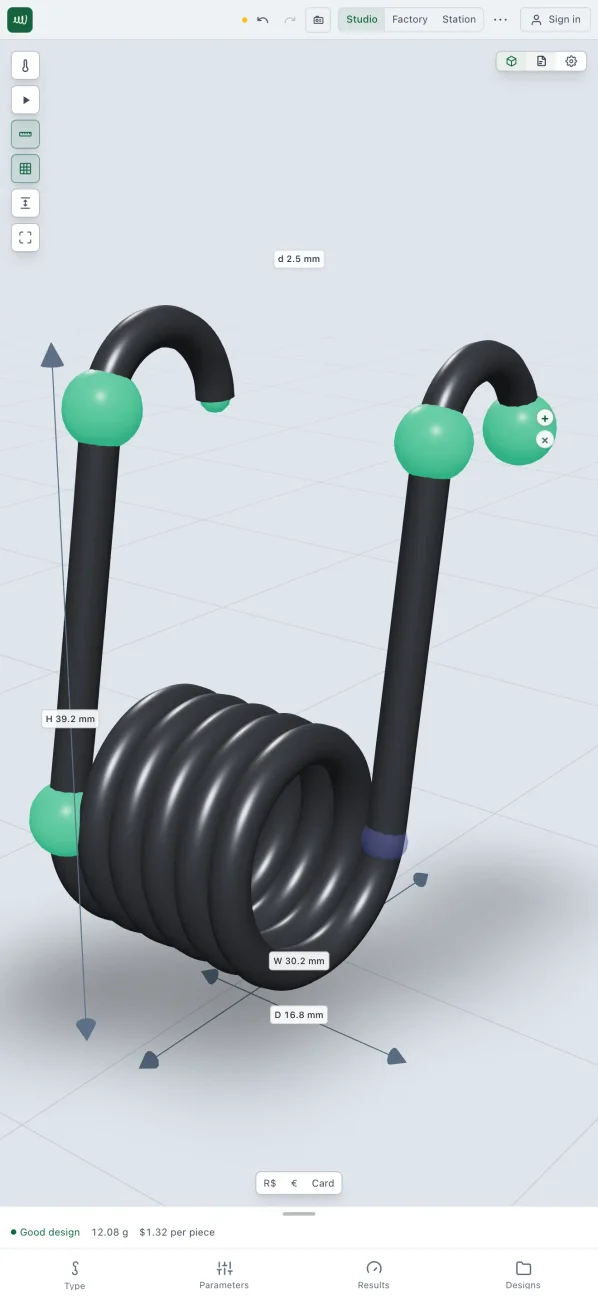
Every parameter of the spring is live in an interactive 3D model. Change the wire diameter and the coils update instantly; drag the handles to adjust length, diameter, and pitch directly in the viewport. Shape extension hooks and end features with a dedicated end editor.
ENGINEERING, NOT GUESSWORK
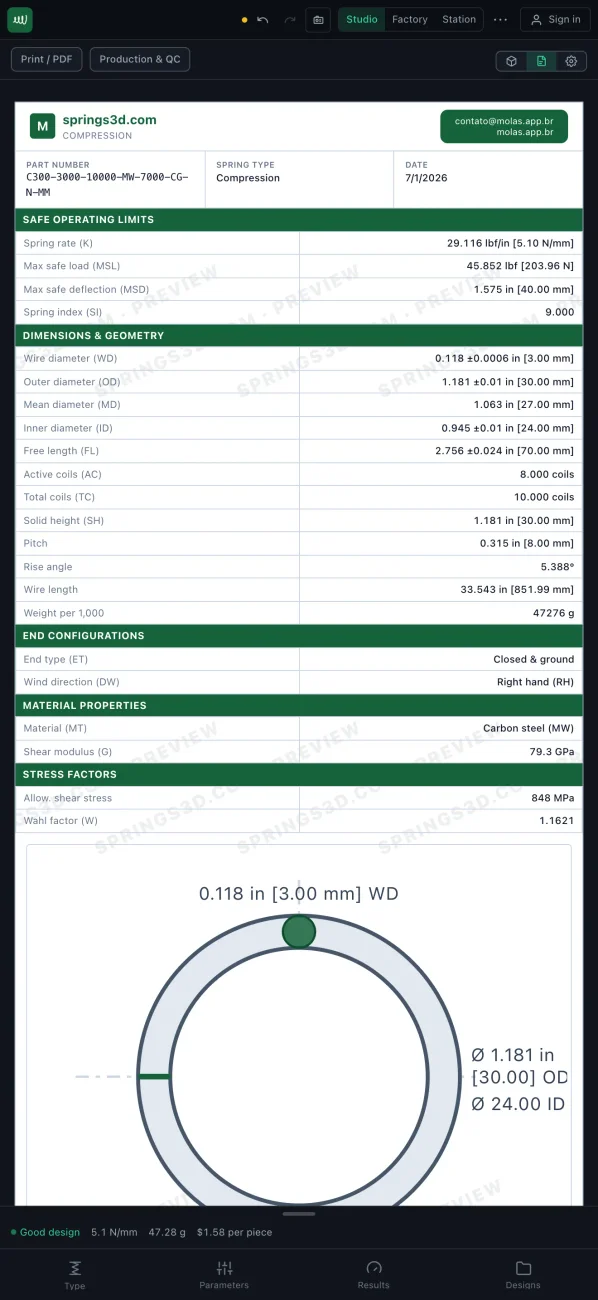
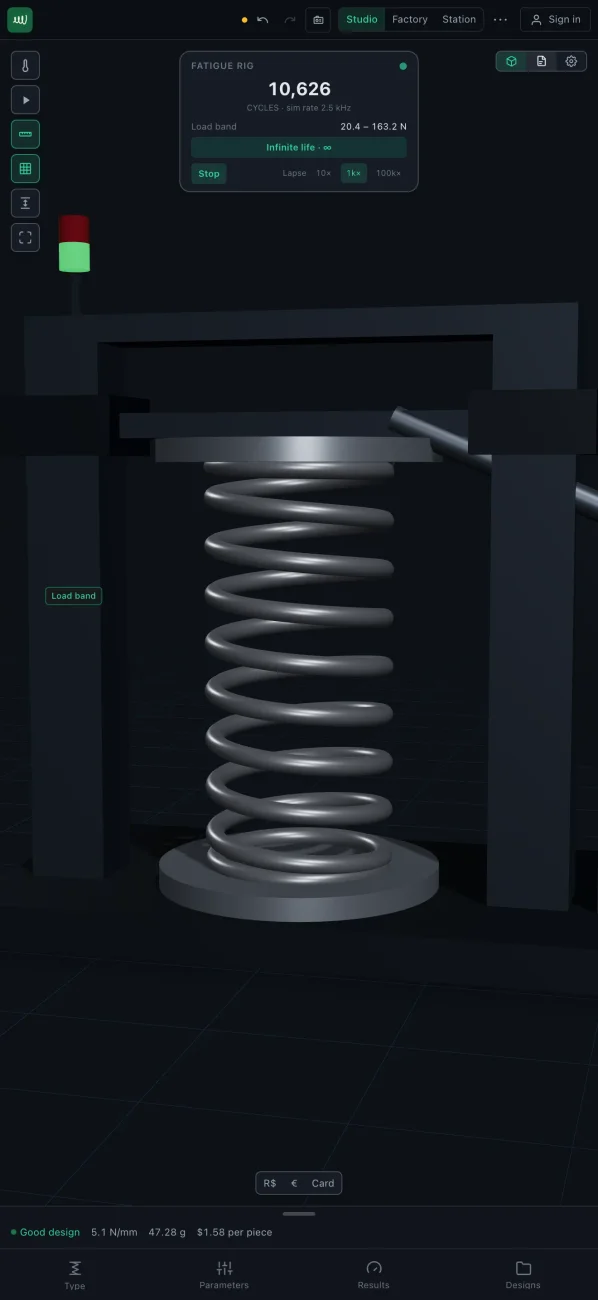
Spring rate, stresses, solid height, buckling, and fatigue indicators are computed continuously as you edit. Problems surface while you design — not after the part has been quoted or wound.
START FROM THE APPLICATION
Describe what the spring must do — loads, travel, available space — and the AI engineer proposes a complete, standards-based starting design: geometry, material, and end types, ready to refine.
MEASURE A REAL SPRING
Point the camera at a physical spring to capture its dimensions and load them straight into the editor — ideal for reverse-engineering a sample or replacing a worn part.
FROM MODEL TO MANUFACTURING
Check manufacturability as you go, save and revisit designs, and export production-ready geometry — including STL and STEP — for CAD, simulation, or quoting.
HIGHLIGHTS
• Compression, extension, torsion, double torsion, and conical springs
• Live parametric 3D model with direct-manipulation handles
• Continuous spring rate, stress, buckling, and fatigue feedback
• AI inverse design from plain-language requirements
• Camera measurement of physical springs
• STL and STEP export
• Available in English, Portuguese, and Italian
Whether you are an engineer specifying a custom part, a buyer replacing a legacy spring, or a manufacturer preparing a quote, Springs3D Studio turns spring design from spreadsheets and catalog lookups into a single, visual workflow.
What’s new
Version 1.1 · Jul 13, 2026
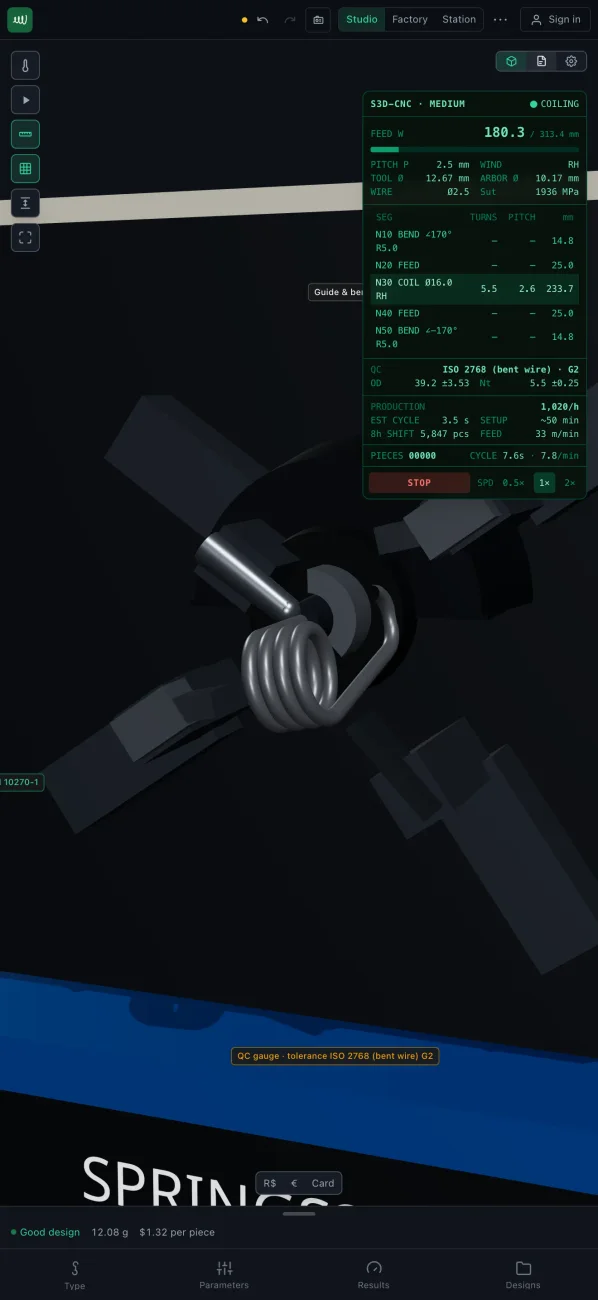
• New wireform part type: design bent-wire parts from standard presets, with pricing and CAD export
• Print blueprints, production sheets, coiler setup sheets, and test certificates directly with AirPrint
• Exports are saved to the Files app, and STEP/IGES files open straight into your CAD apps
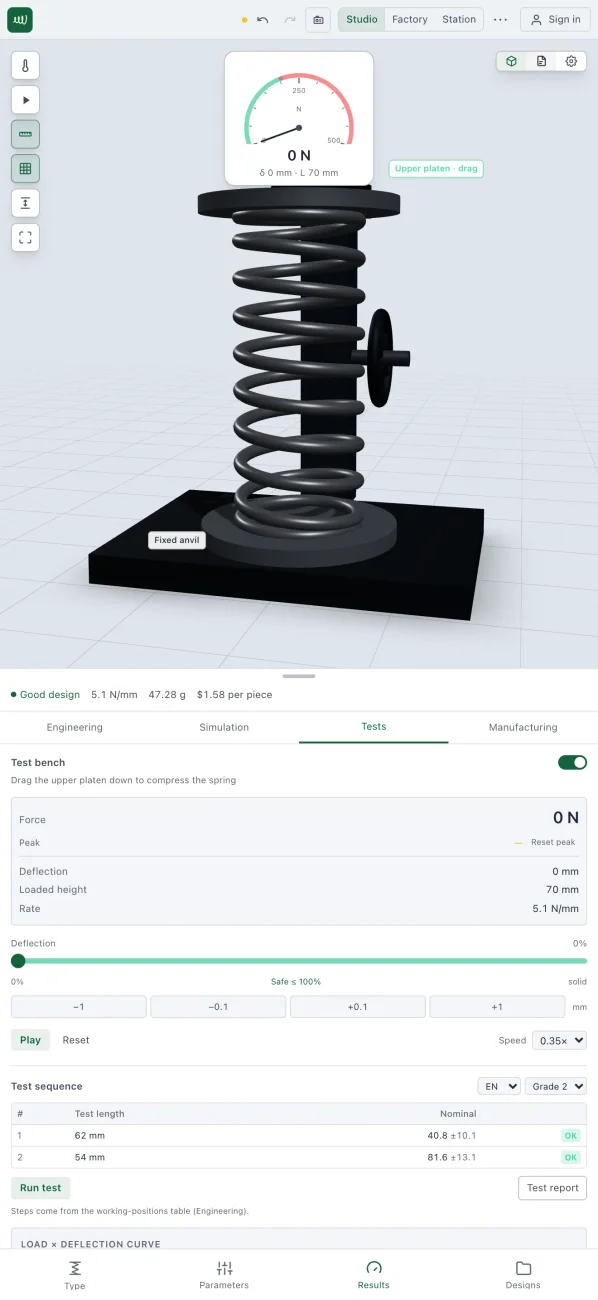
• Virtual test bench with tolerance pass/fail checks and printable test certificates
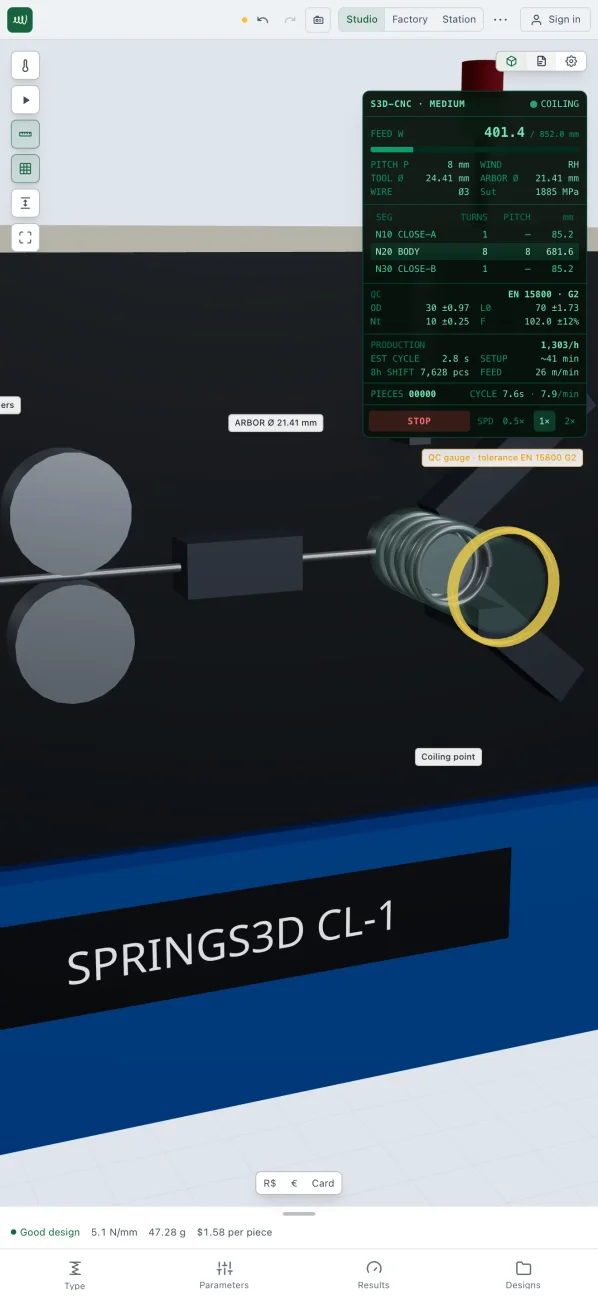
• CNC coiling machine digital twin, machine library, and factory/station modes
• Deeper engineering analysis: working positions, buckling, relaxation, and EN/DIN/JIS tolerance grades
• Improved CAD export with true hook geometry (STEP) and DXF drawings
• Interface optimized for iPad, faster startup, and stability fixes
App privacy
What Maestri LLC declares on the App Store about how this app handles data.
-
Data not collected
The developer does not collect any data from this app.
Privacy practices may vary, for example with the features you use or your age.
Information
- Seller
- Maestri LLC
- Category
- Graphics & Design
- Version
- 1.1
- Updated
- Jul 13, 2026
- Released
- Jul 10, 2026
- Size
- 7.8 MB
- Requires
- iOS 14.0 or later
- Age rating
- 4+
- Price
- Free
- Languages
- English
- Copyright
- © 2026 Maestri LLC
You might also like
-
 PixColor:Color WalkTurn photos into color stories
-
 Vexio3DMobile parametric CAD
-
 MeshForge: AI 3D Model & PrintText & Photo to STL Miniature
-
 Dwellora: AI Home DesignRedesign Room Garden Exterior
-
 FamilytoonCreate, Print & Share Cartoons
-
 Color Picker AppCapture, create, export colors
-
 Zhuxian CAD: Floor PlansPhoto to DXF, review and edit
-
 Color Picker & Palette: LucaPhoto Extractor & HEX Codes
-
 Digit 3D CADCAD & 3D Modeling Anywhere
-
 Color Pro X Accurate PickerProfessional Color Tools