
SQLite-Pro
SQLite Database Manager
Designed for iPhone, iPad
Free · In-app purchases
- Age rating12+
- CategoryProductivity
- DeveloperImpact Financials, Inc.
- LanguagesEnglish
- Size2.3 MB
Links to the official App Store page
Download.org hosts no file of SQLite-Pro. The button opens its official App Store page, published by Impact Financials, Inc. Listing last checked on Nov 21, 2026.
Screenshots
About
SQLite-Pro is a professional SQLite database manager which allows you to graphically open and manage SQLite database files on the iPhone, iPad, and MacBook.
The app combines the power and flexibility of SQLite with an intuitive graphical interface for tapping to view all tables and rows. You can also tap on the search icon to enter advanced SQL queries and get results immediately.
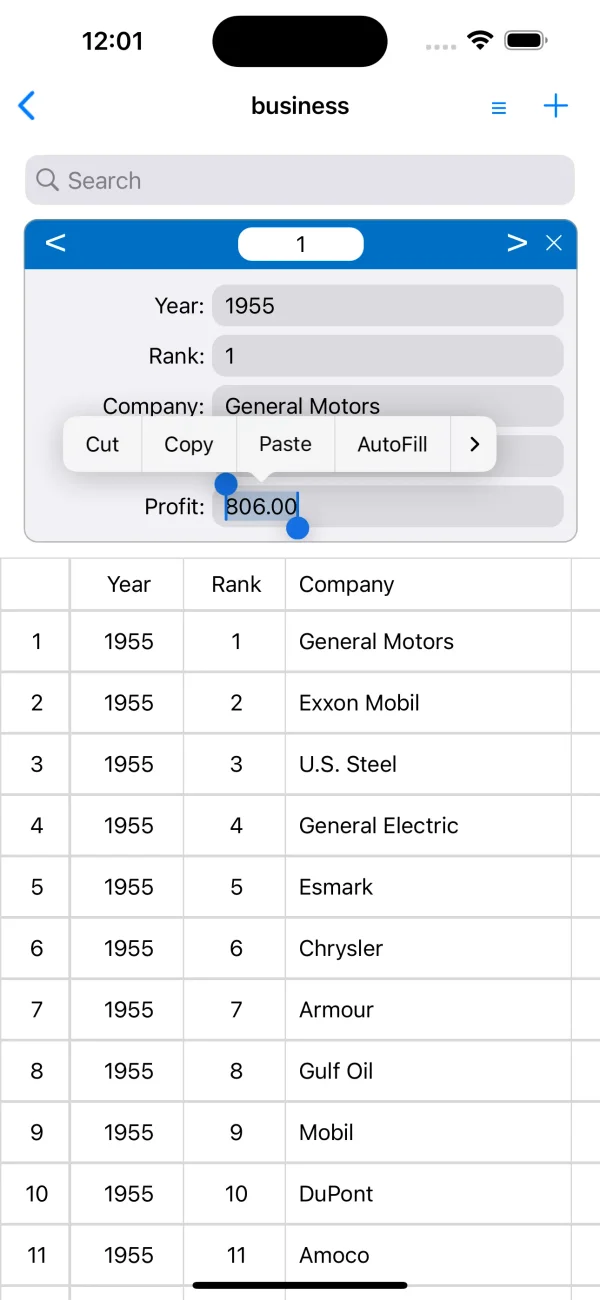
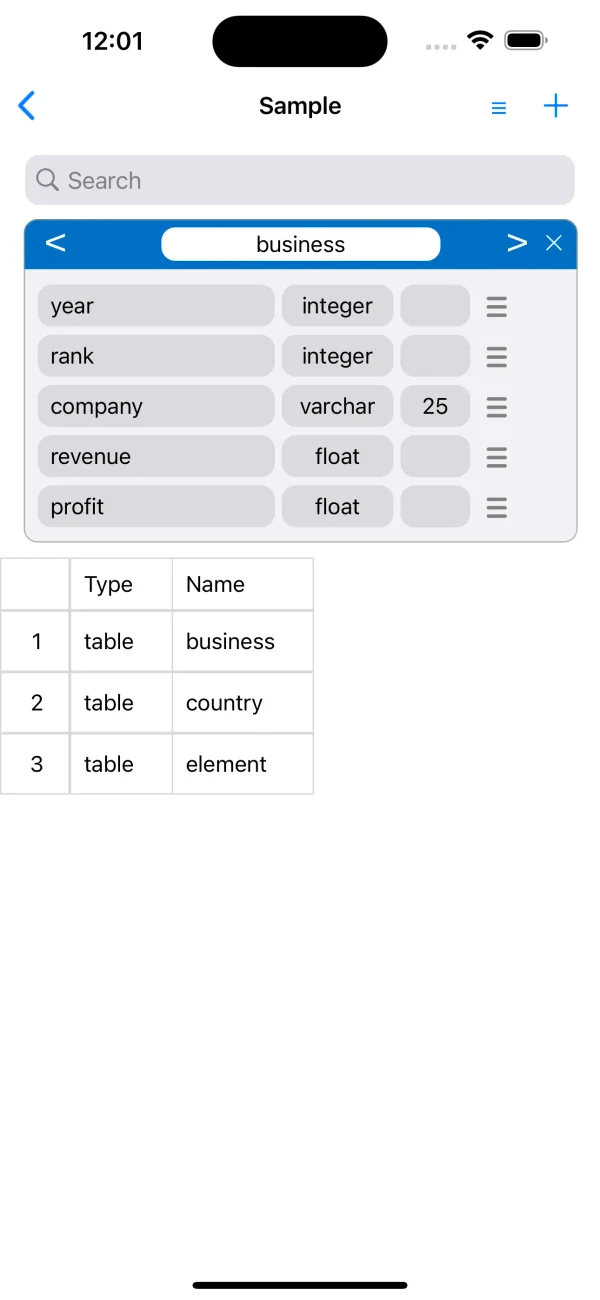
You can create a new table easily with the Create Table panel, and add new rows with the Add Row panel.
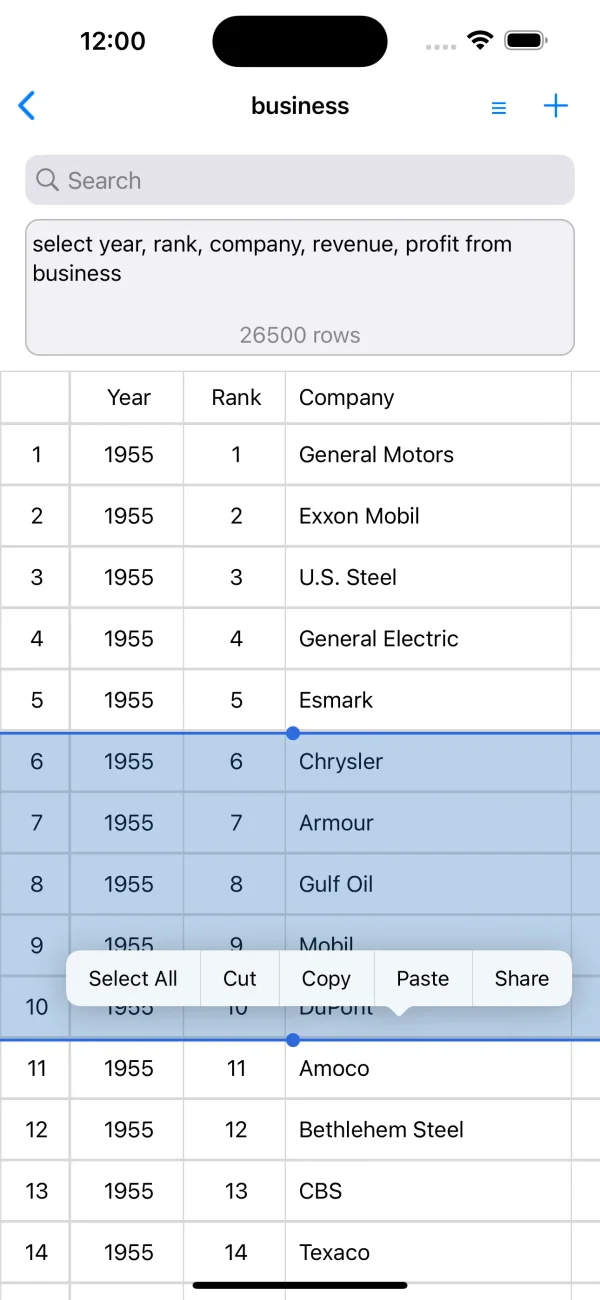
You can also tap and drag to highlight any table or rows for copy, paste, and share. The app also automatically formats SQLite query results to fit each column perfectly for thousands of rows in a few seconds.
An innovative, powerful, and easy-to-use SQLite database app. This is the solution that SQLite-Pro delivers for you today.
Features:
- Opens all SQLite database files
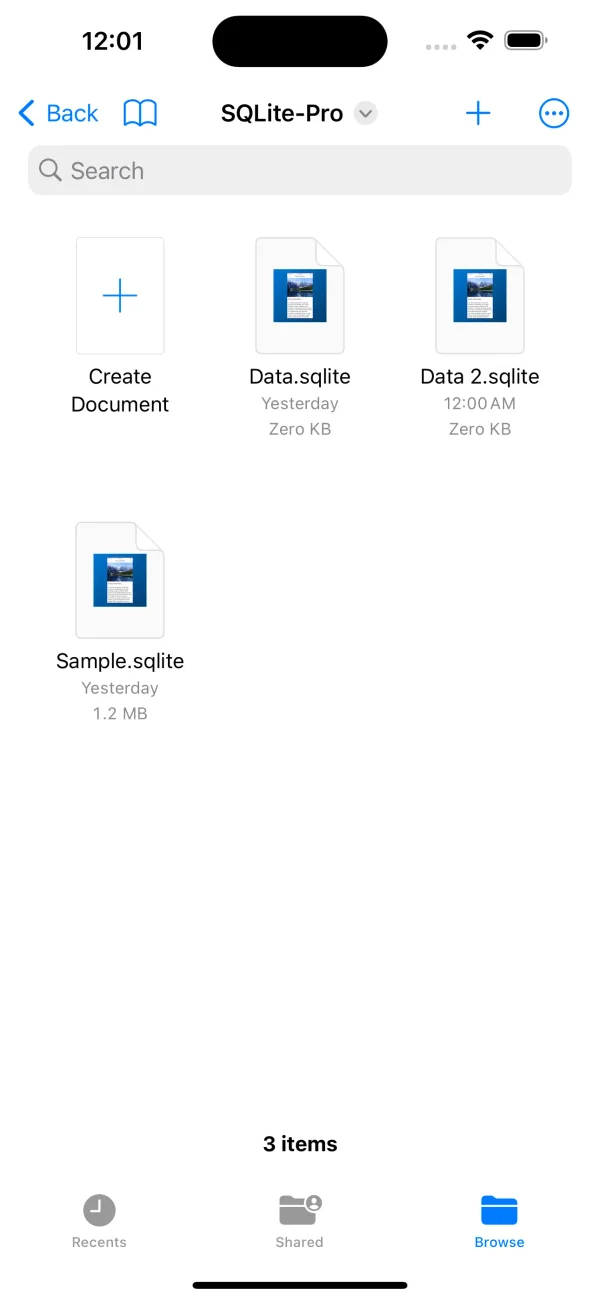
- View and manage multiple SQLite database files from the iCloud drive
- Tap on a table name to view the table
- Tap on a column title to sort by the column
- Tap on the search icon to enter advanced SQL queries and get results immediately
- Create a new table with the Create Table panel or create SQL command
- Add a new row with the Add Row panel or insert SQL command
- Tap and drag to highlight any table or rows for copy, paste, and share
- Built-in iCloud integration for automatically synchronizing SQLite database files
- Automatically formats SQL query results to fit each column perfectly
- E-mail any SQLite database file instantly
- Works anywhere online or offline
- Works with all international text
SQLite-Pro runs on the iPhone, iPad, and MacBook.
Subscription is auto-renewable which means that once purchased it will be auto-renewed. Payment will be charged to iTunes Account at confirmation of purchase. Subscription automatically renews unless auto-renew is turned off at least 24-hours before the end of the current period. Manage your Subscription and Auto-Renewal by going to your Account Settings.
Terms of Service:
http://impactfinancials.com/terms_of_service
Privacy Policy:
http://impactfinancials.com/privacy_policy
What’s new
Version 126.35 · Nov 18, 2026
- General performance improvements and fixes
App privacy
What Impact Financials, Inc. declares on the App Store about how this app handles data.
-
Data not collected
The developer does not collect any data from this app.
Privacy practices may vary, for example with the features you use or your age.
Information
- Seller
- Mark Lee
- Category
- Productivity
- Version
- 126.35
- Updated
- Nov 18, 2026
- Released
- May 8, 2019
- Size
- 2.3 MB
- Requires
- iOS 17.1 or later
- Age rating
- 12+
- Price
- Free
- In-app purchases
- Yes
- Languages
- English
- Copyright
- © 2011-2026 Impact Financials, Inc.
You might also like
-
 Iodine MySQL LiteMySQL iOS client
-
 Database Pro.View&Edit Access and SQLite DB
-
 Logmedo Database, Form BuilderProductivity
-
 MobiDB DatabaseDatabase app with cloud sync
-
 easyAsPieDB Database AppCustom Trackers & Inventories
-
 iDatabaseEasily create databases
-
 CSV File Viewer - Smart CSVReader, Editor & PDF Export
-
 Collections DatabaseEasy to use database
-
 myTextViewer: Code & Log FileOpen Any Text, JSON, YAML, CSV
-
 Extended File InfoSee more about your file