
- Age rating4+
- CategoryPhoto & Video
- DeveloperJaime Chapinal
- LanguagesEnglish
- Size19.4 MB
Links to the official App Store page
Download.org hosts no file of StickToGif. The button opens its official App Store page, published by Jaime Chapinal. Listing last checked on Nov 12, 2026.
Screenshots



About
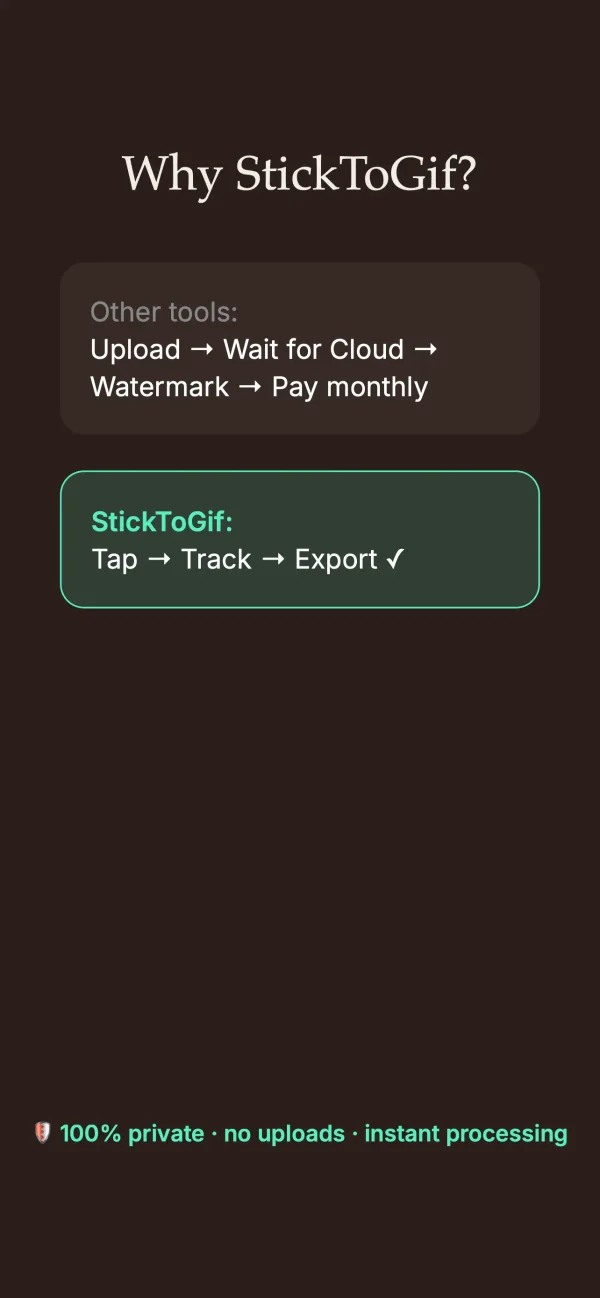
No uploads. No account. No watermarks.
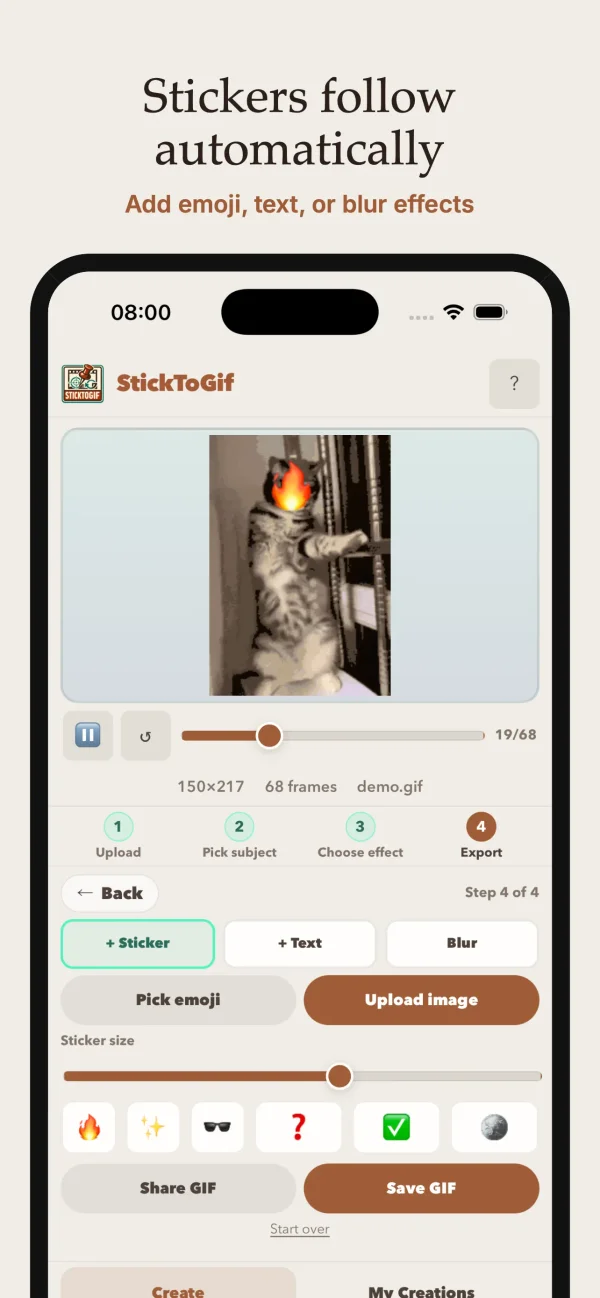
StickToGif pins tracked stickers, text, and blur effects onto moving subjects in animated GIFs, MP4s, and iPhone videos — everything runs directly on your device.
Your videos are never uploaded anywhere.
WHAT IT DOES
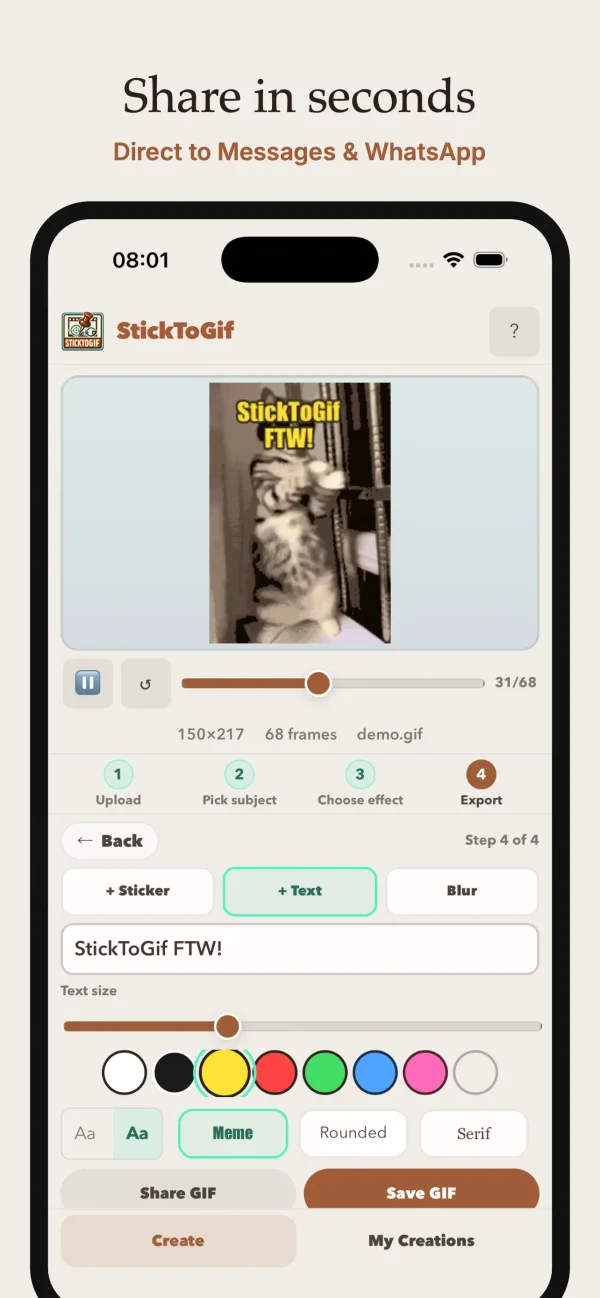
Tap the thing you want to track. StickToGif follows it across every frame using optical flow tracking, then attaches a sticker, text caption, or mosaic blur that moves with it automatically. Export as an animated GIF, save it to My Creations, and share to Messages, WhatsApp, or any app.
FEATURES
- Motion-tracked sticker overlays
- Text that follows a moving subject
- Blur or mosaic effect for faces, screens, or plates
- Upload your own images as stickers
- Built-in emoji preset stickers
- GIF, MP4, and MOV input
- Animated GIF export
- My Creations: save exports to an on-device library
- Share directly from saved creations anytime
- No account, no subscription, no watermarks
COMPLETELY PRIVATE
The tracking engine runs on-device using WebAssembly. Your files are processed locally, saved locally, and shared only when you choose. No frame of your video is ever transmitted to a server — this is a technical fact about how the app is built, not a policy promise.
PERFECT FOR
Reaction GIFs with tracked stickers for Discord or iMessage. Blurring a face before sharing a clip from your camera roll. Adding a caption that follows someone through a meme. Censoring a license plate or screen before posting.
SUPPORTED FORMATS
Input: GIF, MP4, MOV (iPhone video), up to 15 seconds
Output: Animated GIF
Free. No in-app purchases. No subscription.
What’s new
Version 1.1 · Apr 3, 2026
My Creations!
App privacy
What Jaime Chapinal declares on the App Store about how this app handles data.
-
Data not collected
The developer does not collect any data from this app.
Privacy practices may vary, for example with the features you use or your age.
Information
- Seller
- Jaime Chapinal
- Category
- Photo & Video
- Version
- 1.1
- Updated
- Apr 3, 2026
- Released
- Apr 2, 2026
- Size
- 19.4 MB
- Requires
- iOS 15.0 or later
- Age rating
- 4+
- Price
- Free
- Languages
- English
- Copyright
- © 2026 Chapiware
You might also like
-
 Emoji Face CameraEmoji Magic on Face!
-
 Whoo: Fun Face Swap & StickersPhoto,Video,Reface,Emoji Mask
-
 FaceRedact VideoBlur Faces in Videos
-
 Blur Video: Face Art & MosaicAuto Face Tracking & Stickers
-
 MoviNotaBlur, Stickers & Auto Tracking
-
 BlurOne: Blur Video, Face BlurCensor, Pixelate & Hide Faces
-
 Face Guard VideoMask faces in your videos
-
 PrivateFace - Hide FacesCover Faces with Fun Emojis
-
 Blur Faces - HiddenFaceHide & Pixelate Photos & Video
-
 Bystander Video BlurAuto AI Small Face Blur