MultiTimer: Multiple timers
Visual countdown seconds timer
Designed for iPhone, iPad, Mac
In-app purchases
- Age rating4+
- CategoryUtilities
- DeveloperSergey Astakhov
- LanguagesGerman+ 15 more
- Size84.0 MB
Links to the official App Store page
Download.org hosts no file of MultiTimer: Multiple timers. The button opens its official App Store page, published by Sergey Astakhov. Listing last checked on Nov 23, 2026.
Screenshots



About
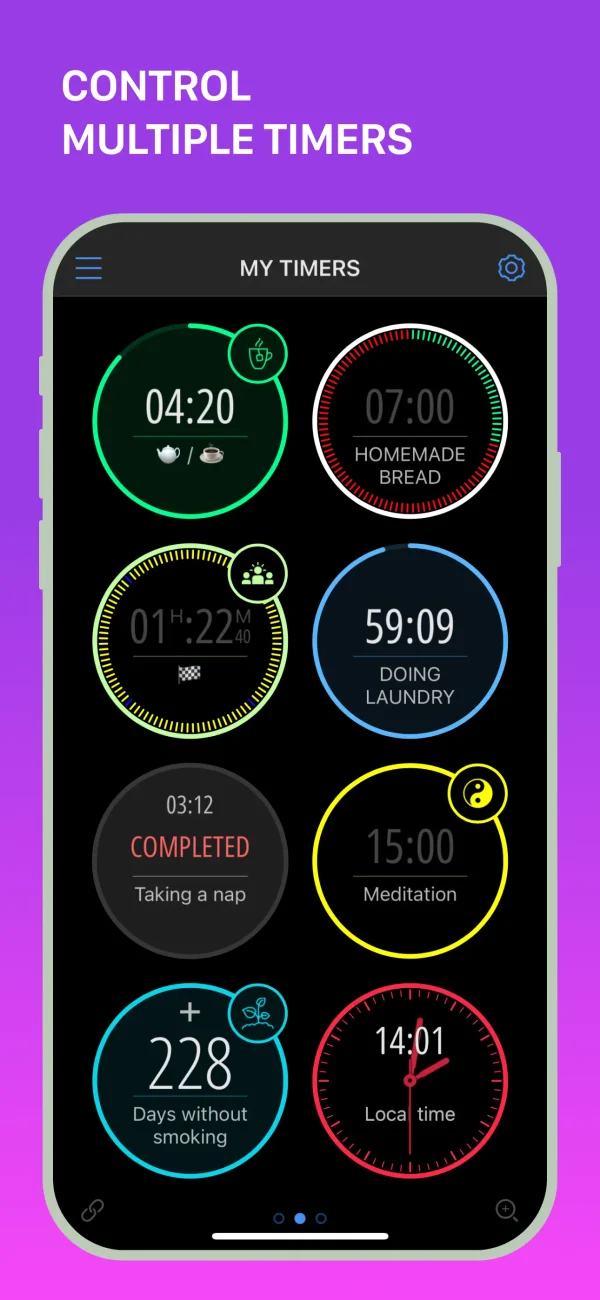
Keep all your timers in view. MultiTimer brings countdowns, interval timers, stopwatches and counters together on one visual board. Cook several dishes, alternate work with breaks or follow a workout routine — and see how each task is progressing.
TIMERS FOR EVERY TASK
• Countdown: for cooking, breaks and everyday tasks. Turn on Auto-repeat for recurring routines.
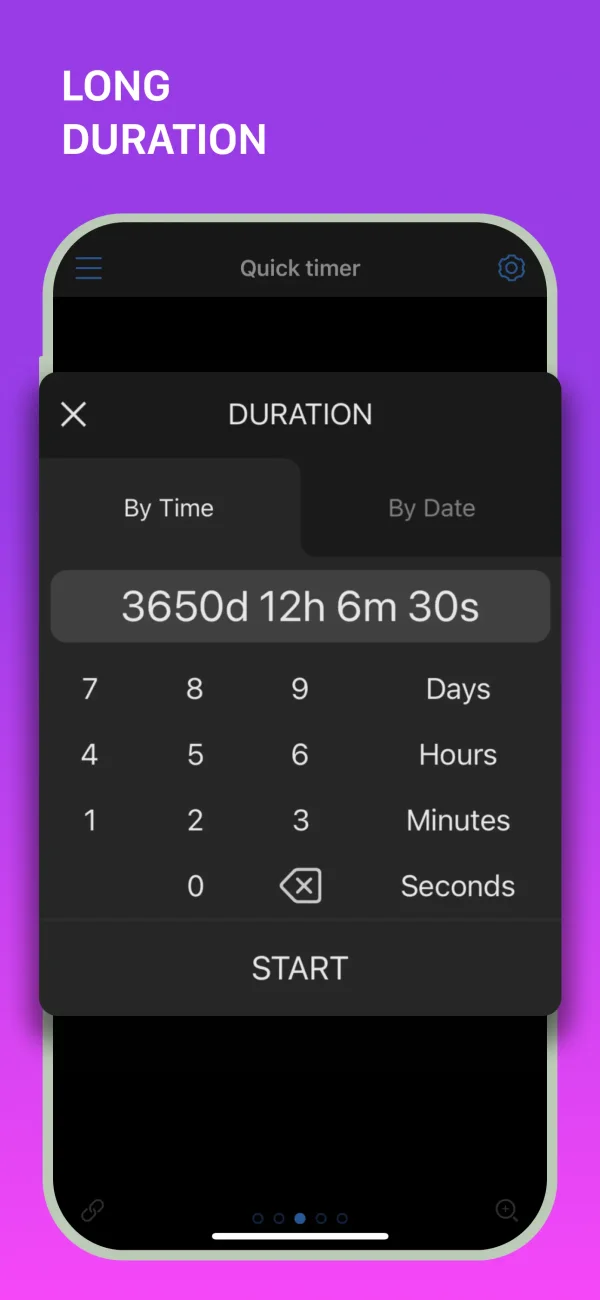
• Quick timer: set the duration each time you start.
• Count-up timer: track elapsed time and set alerts at chosen milestones.
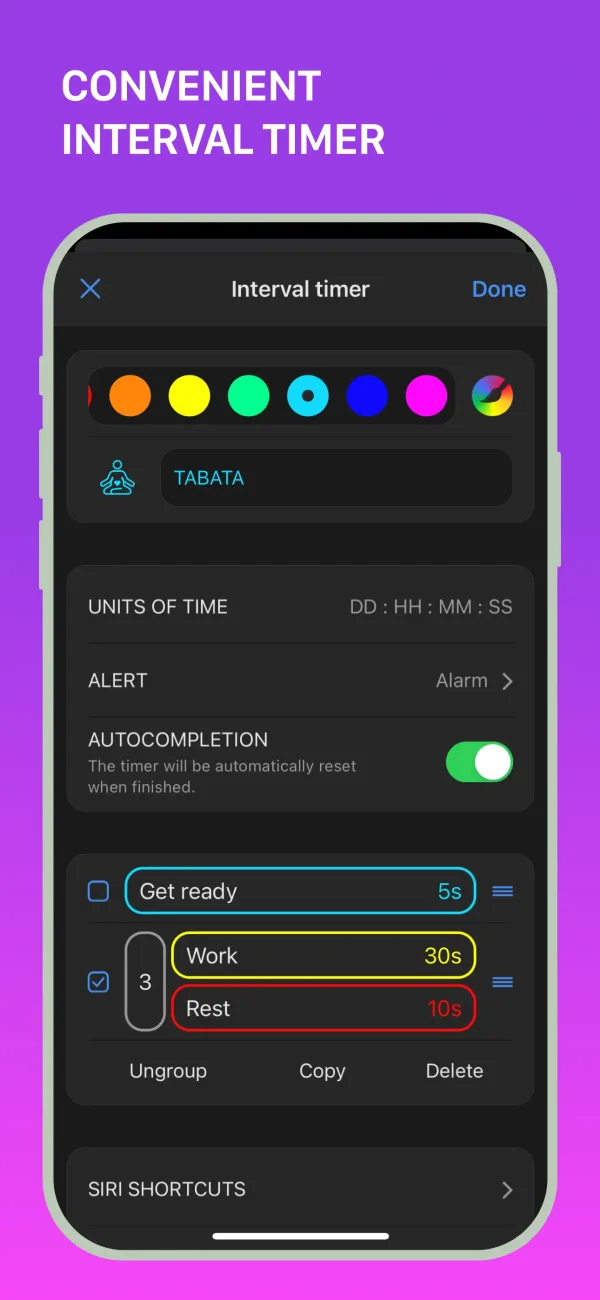
• Interval timer: build programs with warm-ups, work periods, rests and repeating groups of intervals.
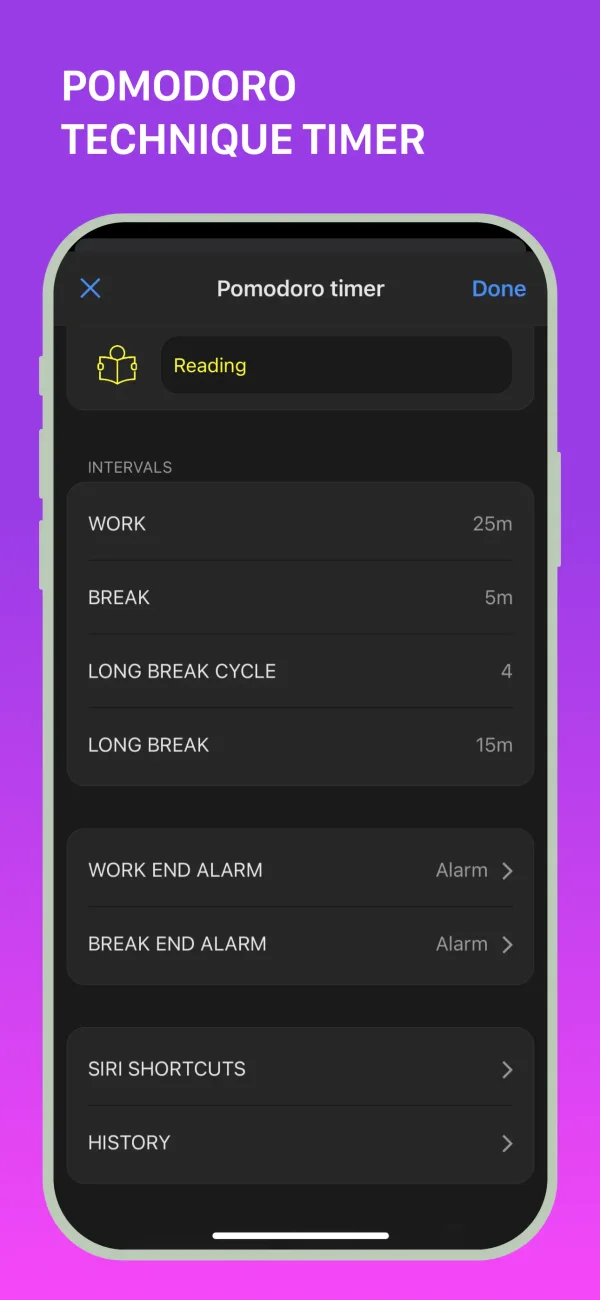
• Pomodoro: alternate focused work with short and long breaks.
• Add a stopwatch with laps, a counter with a step and goal, or a clock with your choice of time zone alongside your timers.
ARRANGE YOUR VIEW
Give timers clear names, colors and icons so you can find the right one at a glance. The adaptive layout fits your board to the available space. Open an individual tool in a dedicated view when you want to focus on a single task.
ADJUST AS YOU GO
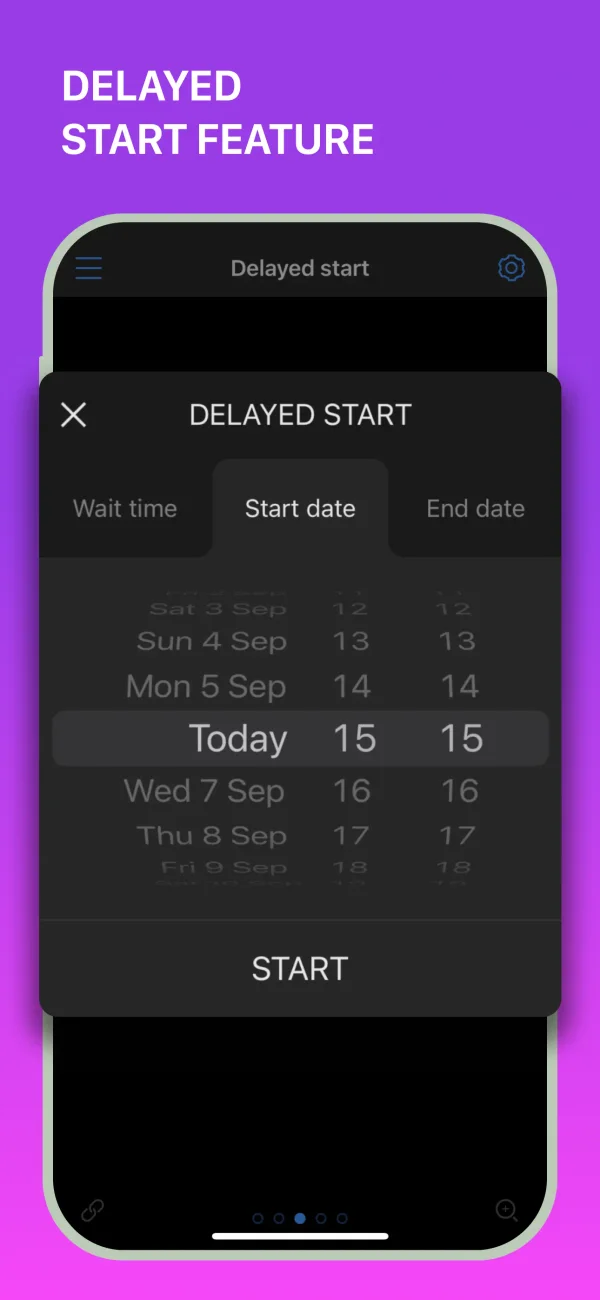
Start, pause and reset timers individually. Add or subtract time without creating a new timer. Schedule a delayed start for a countdown or interval program, or choose when it should finish. Customize alert sounds and vibration to suit your tasks.
KEEP TIMERS WITHIN REACH
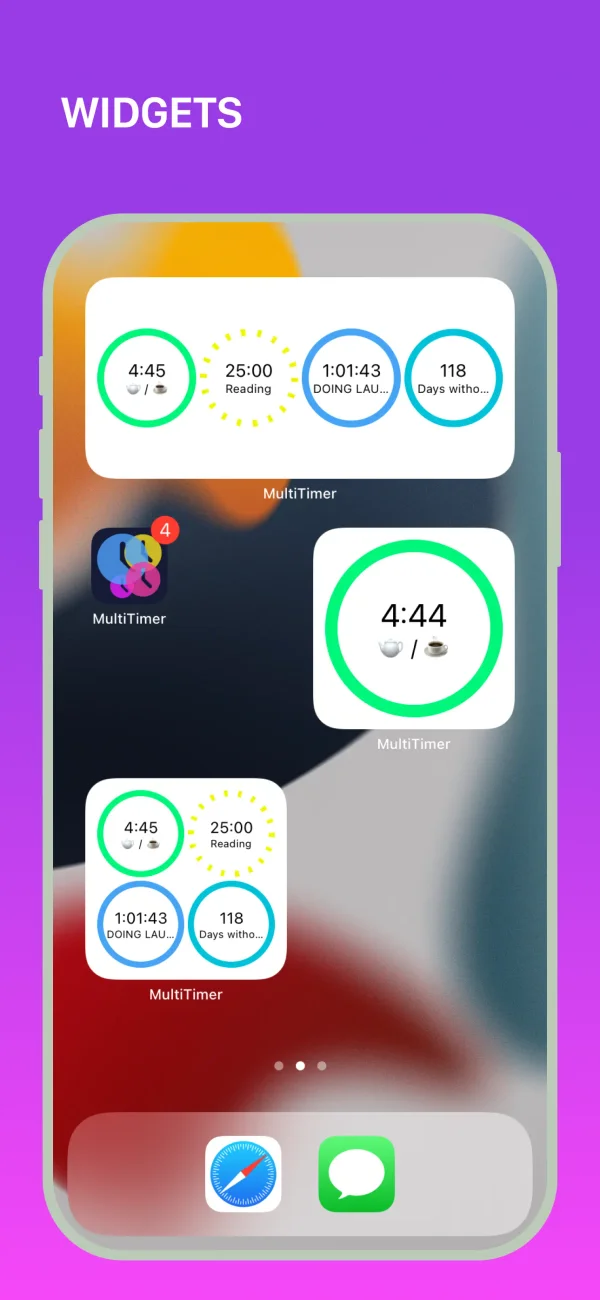
Follow timers through widgets, Live Activities on the Lock Screen and Dynamic Island. Use Siri and Shortcuts for supported actions, or view and control timers from the Apple Watch companion app. System features depend on your OS version, device, timer type and permissions.
SHARE A VIEW OF YOUR BOARD
With Web Share, others can view your board in a browser using a shared link. Handy when people in a class or workout need to follow the same timers.
SAVE YOUR TIMER SETUPS
Export your boards as MTB files to keep or transfer them. Import saved boards to use ready-made timer setups. The boards and tools you can import depend on the limits of your app edition.
GO FURTHER WITH MULTITIMER PRO
Start free with one board and up to 12 tools. PRO gives you more ways to organize your time:
• Create separate boards for work, cooking, workouts and other routines, and add more timers.
• Move and resize tools manually: make the important ones larger and keep the rest alongside.
• Set up buttons to control several timers with one tap.
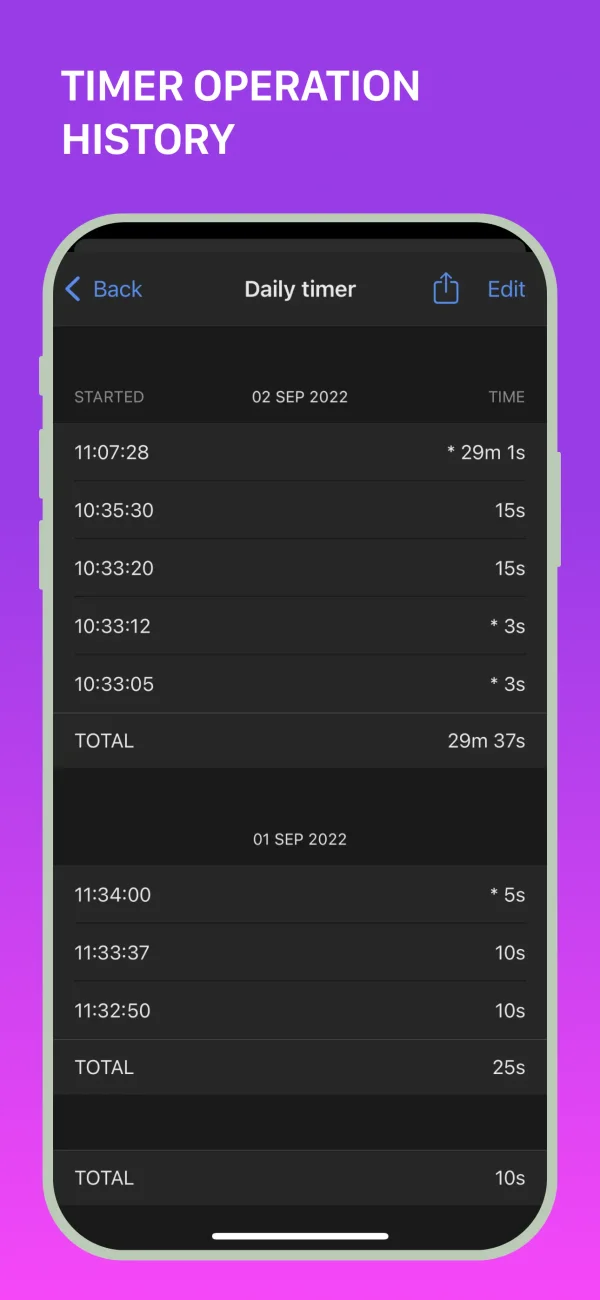
• Review session history and daily totals, add comments and export records to CSV.
• Sync boards and history through iCloud on supported Apple devices.
• Add custom alerts: import audio, record your voice or use text to speech.
Build your first board and keep the time for every task in view.
Questions or ideas? Contact support@persapps.com or use Feedback in the app.
Terms of Use: http://persapps.com/terms/
Apple Standard EULA: https://www.apple.com/legal/internet-services/itunes/dev/stdeula/
Icons by Icons8: https://icons8.com/
What’s new
Version 7.10.1 · Nov 20, 2026
Fixed an issue where notifications for the Pomodoro timer would stop.
App privacy
What Sergey Astakhov declares on the App Store about how this app handles data.
-
Data not linked to you
May be collected but is not linked to your identity.
- User content
- Search history
- Identifiers
- Usage data
- Diagnostics
Privacy practices may vary, for example with the features you use or your age.
Information
- Seller
- PERSAPPS (PERSEPS), TOO
- Category
- Utilities
- Version
- 7.10.1
- Updated
- Nov 20, 2026
- Released
- May 30, 2015
- Size
- 84.0 MB
- Requires
- iOS 18.0 or later
- Age rating
- 4+
- In-app purchases
- Yes
- Languages
- German, Arabic, Danish, English, French, Italian, Japanese, Catalan, Dutch, Polish, Portuguese, Russian + 4 more
- Copyright
- © Persapps
You might also like
-
 Timer+ Countdown & StopwatchInterval, Workouts, Pomodoro
-
 Multi-StopwatchMultiple lap timer & stopwatch
-
 Repeat Timer: Interval RemindMultitimer Alarm Clock
-
 Multi Timer StopwatchInterval Countdown & Lap Clock
-
 MultiTimer: Stopwatch + TimerMultiple timers & countdown
-
 Stopwatch & Countdown TimerStudy, cooking, HIIT & fitness
-
 Multi Timer: CountdownFocus, kitchen, workouts
-
 Repeat TimerMultitimer, Interval, Pomodoro
-
 timer. - Multi Countdown TimerLive Activities / Widget Timer
-
 Stopwatch for Sport & WorkMeasure, Track, Analysis Time