
Subscription Tracker for Bills
Budget, Expense & AI Planner
Designed for iPhone
In-app purchases
- Age rating4+
- CategoryFinance
- DeveloperMustafa Kenan Atmaca
- LanguagesGerman+ 9 more
- Size12.3 MB
Links to the official App Store page
Download.org hosts no file of Subscription Tracker for Bills. The button opens its official App Store page, published by Mustafa Kenan Atmaca. Listing last checked on Nov 20, 2026.
Screenshots
About
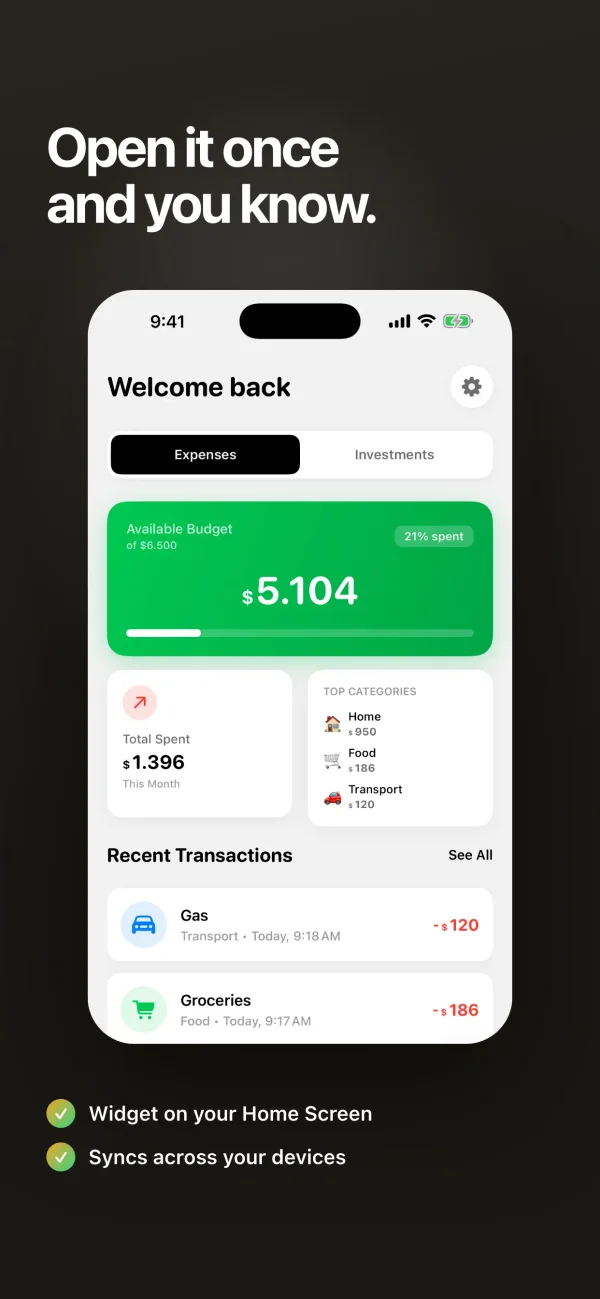
Take control of your finances with a clean and powerful app for tracking expenses, managing subscriptions, monitoring investments, and staying organized. The app makes budgeting simple, visual, and stress-free.
Expenses, Income, and Investments
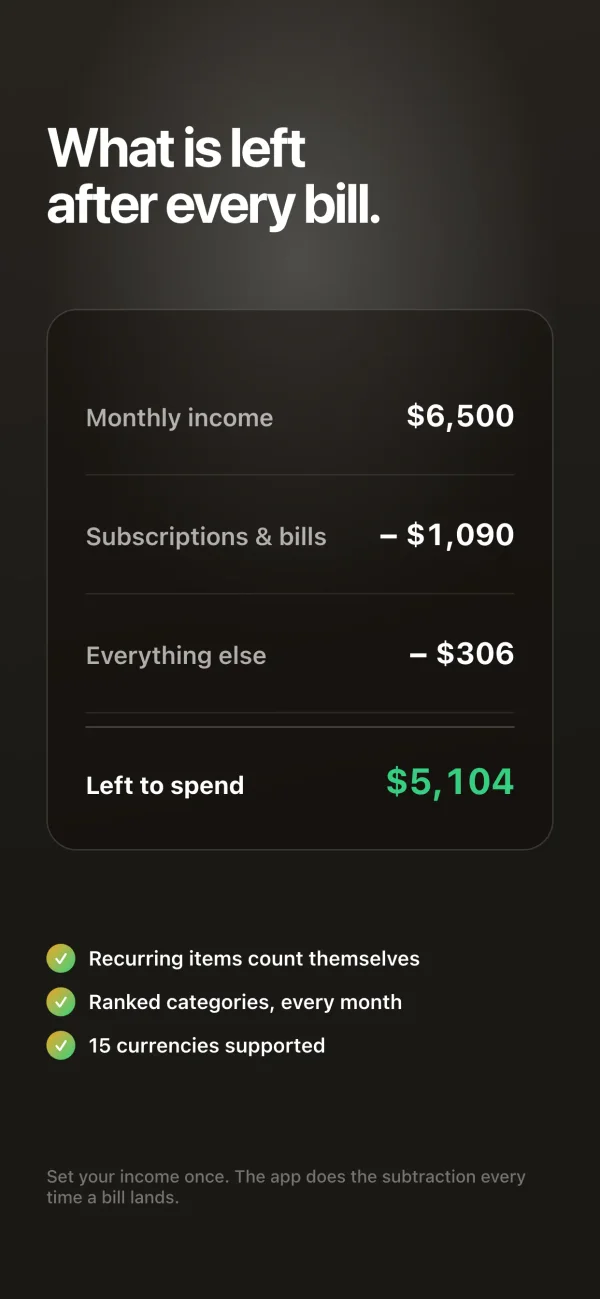
Add transactions and investments quickly. Categorize, add notes, and mark recurring items with one tap. The app groups everything by category and month so you can see spending patterns and investment performance at a glance.
Bills and Subscriptions
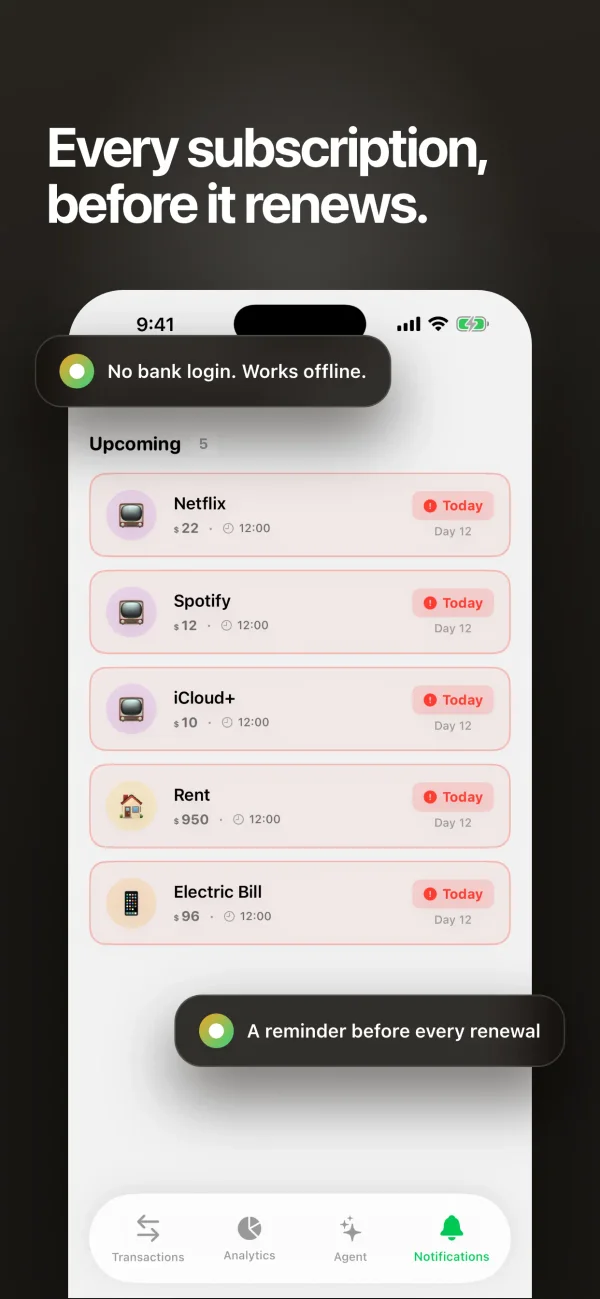
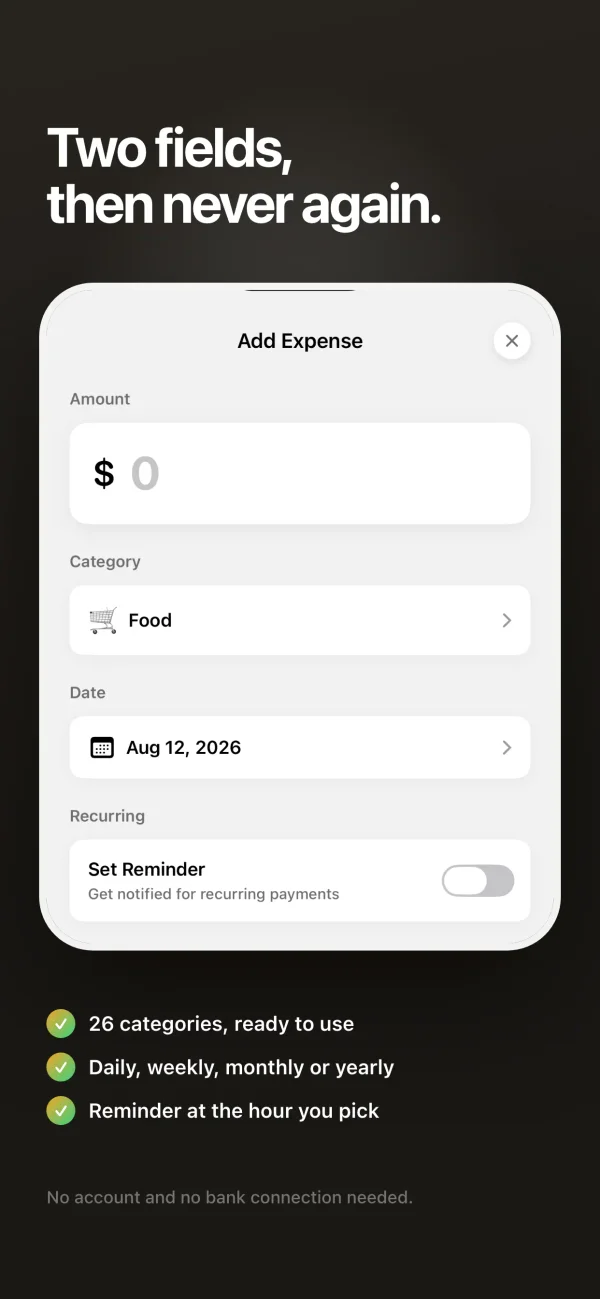
Set reminders for recurring bills and renewals. Choose custom notification times and sounds. When a related transaction is deleted, reminders update automatically.
AI Assistant
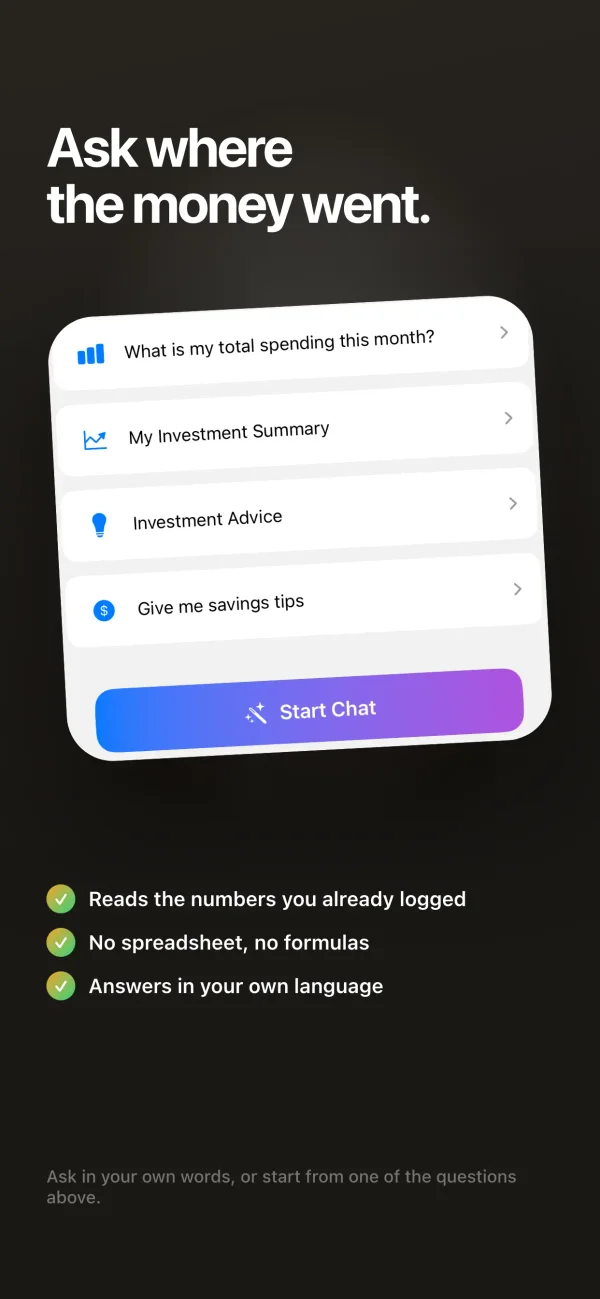
Ask questions and receive insights about your spending, budget, or investments. The AI highlights trends, summarizes your month, and helps you make smarter financial decisions.
Analytics and Reports
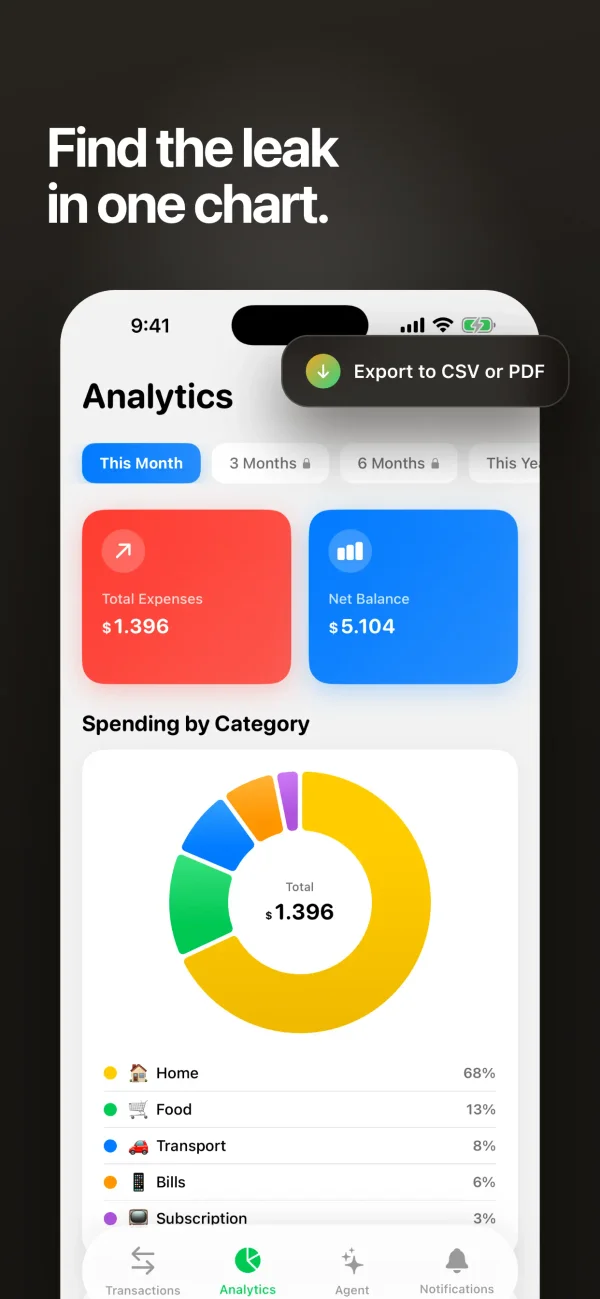
View clear charts for category distribution, monthly trends, comparisons, and investment summaries. Identify top expenses, recurring costs, and performance changes over time.
CSV and PDF Export
Export all transactions (including investments and subscriptions) as CSV or PDF for backup, accounting, or sharing.
Clean Interface and Customization
Automatic Light/Dark Mode, adaptable colors, customizable categories, currencies, and notification settings.
Private by Design
There is no account to create: the app uses your own iCloud, so your data syncs privately between your devices. The AI assistant is the one exception: the question you ask, and the figures needed to answer it, are sent to the AI service.
Key Features:
• Fast tracking for expenses, income, and investments
• Smart bill and subscription reminders
• AI-powered insights
• Clear analytics and visual reports
• CSV/PDF export
• Multi-currency support
• Full Dark Mode
• Local-only data storage
Subscription Terms:
Your iTunes account is charged 24 hours before renewal unless auto-renew is disabled. Manage your subscription in account settings. Unused trial portions are forfeited upon purchase.
Cancel subscription: support.apple.com/en-us/HT202039
Terms of Use: click2.app/flowup-terms-of-use
Privacy Policy: click2.app/flowup-privacy-policy
Apple EULA: apple.com/legal/internet-services/itunes/dev/stdeula
What’s new
Version 1.3.5 · Nov 15, 2026
The app opens faster: it no longer waits for a network check before your data appears. On smaller iPhones the Pro screen now fits, so plans, prices and terms are visible without scrolling. The trial reminder now arrives once, a day before the trial ends, instead of repeating.
App privacy
What Mustafa Kenan Atmaca declares on the App Store about how this app handles data.
-
Data not collected
The developer does not collect any data from this app.
Privacy practices may vary, for example with the features you use or your age.
Information
- Seller
- Mustafa Kenan Atmaca
- Category
- Finance
- Version
- 1.3.5
- Updated
- Nov 15, 2026
- Released
- Oct 27, 2025
- Size
- 12.3 MB
- Requires
- iOS 18 or later
- Age rating
- 4+
- In-app purchases
- Yes
- Languages
- German, English, French, Italian, Japanese, Korean, Dutch, Portuguese, Spanish, Turkish
- Copyright
- © Budget
You might also like
-
 Fokus: Expense & BudgetMoney manager, expense tracker
-
 Monfy: Budget Expense TrackerScan receipts or add by voice
-
 Smart Expense Tracker: BudgetBudget & Spending Tracker
-
 PayStreak: Bill TrackerOrganize BNPL, Dues, Payments
-
 Paypath: Bill Tracker & BudgetExpense & Subscription Manager
-
 Subscription Manager - SubiBill & subscription tracker
-
 Turtlance: Budget & ExpensesTrack expenses. Build habits.
-
 Budget Tracker - ExpenseReceipt Scan & Money Manager
-
 xpenses: Expense TrackerBudget & Money in Any Currency
-
 8udget: Budget Finance TrackerAI powered money management