
SUFLER.PRO
Professional Teleprompter.
Designed for iPhone, iPad, iPod touch
Free · In-app purchases
- Age rating4+
- CategoryPhoto & Video
- DeveloperAndrey Potapov
- LanguagesEnglish
- Size64.8 MB
Links to the official App Store page
Download.org hosts no file of SUFLER.PRO. The button opens its official App Store page, published by Andrey Potapov. Listing last checked on Nov 24, 2026.
Screenshots


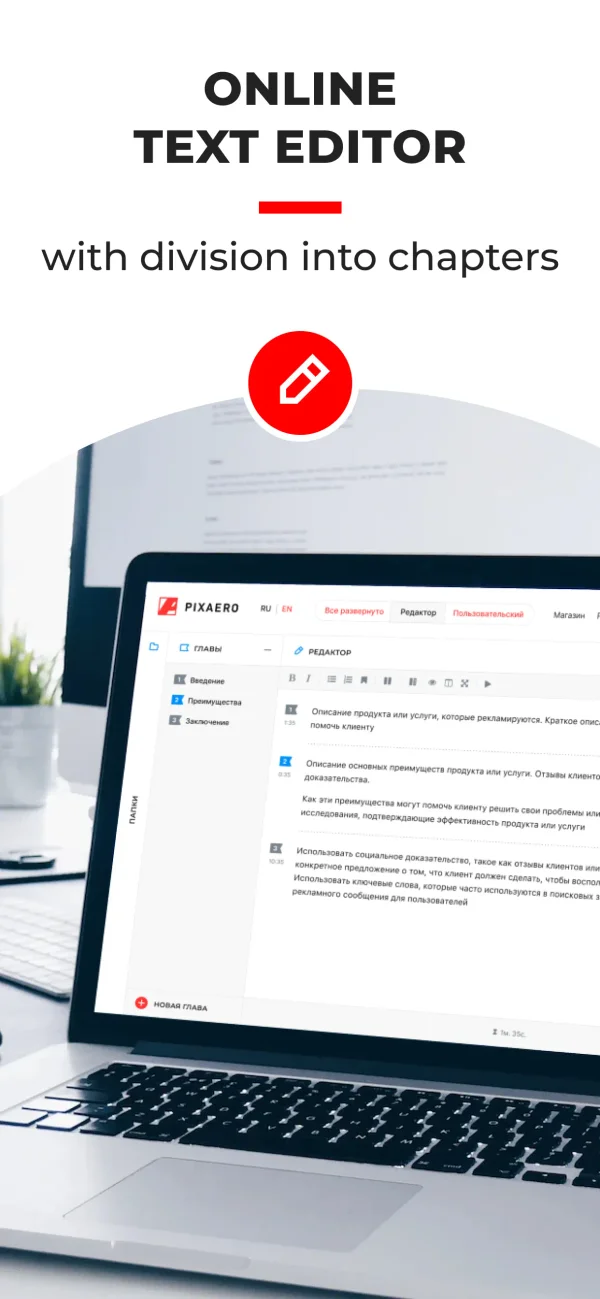
About
We've tried to make the process of working with the prompter as convenient as possible.
App Features:
* Read text and record videos from your phone in the video prompter mode.
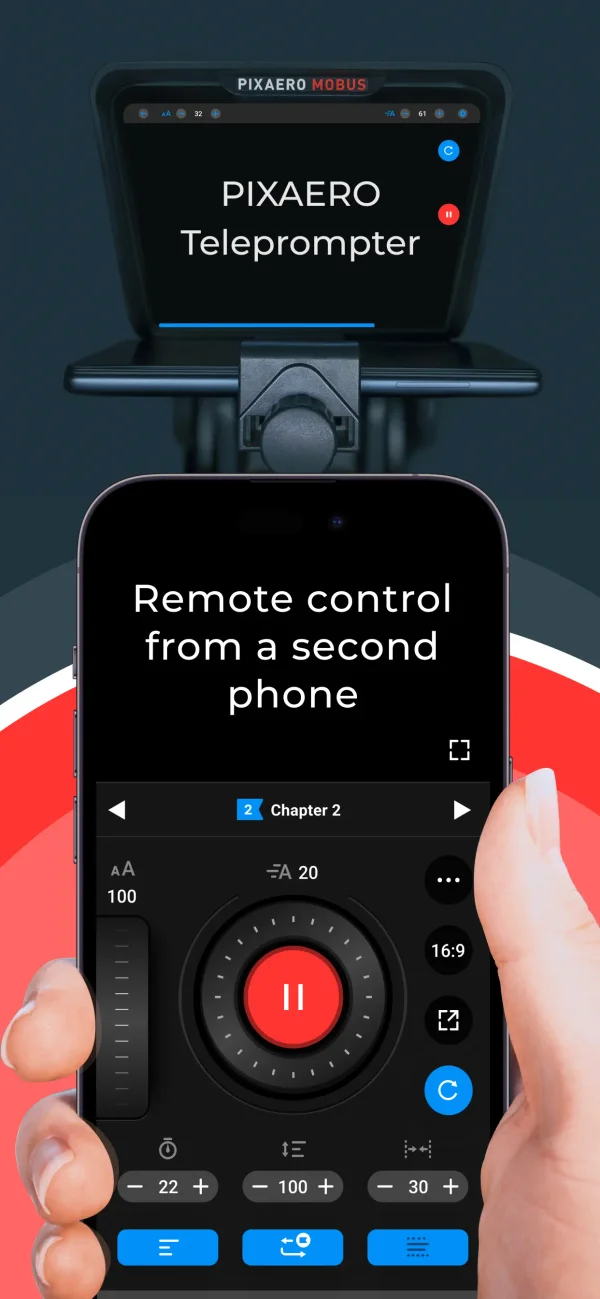
* Read text and record videos in the mirror prompter mode using a separate camera and a prompter, such as PIXAERO MOBUS.
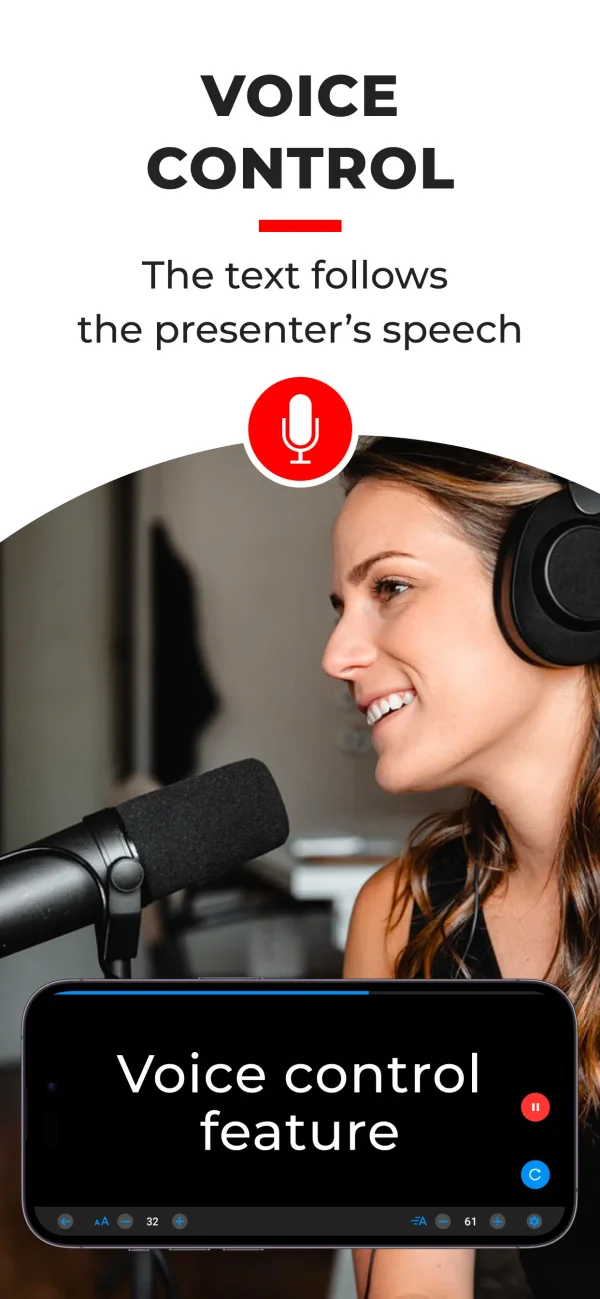
* Use voice recognition for the mirror prompter mode (requires subscription).
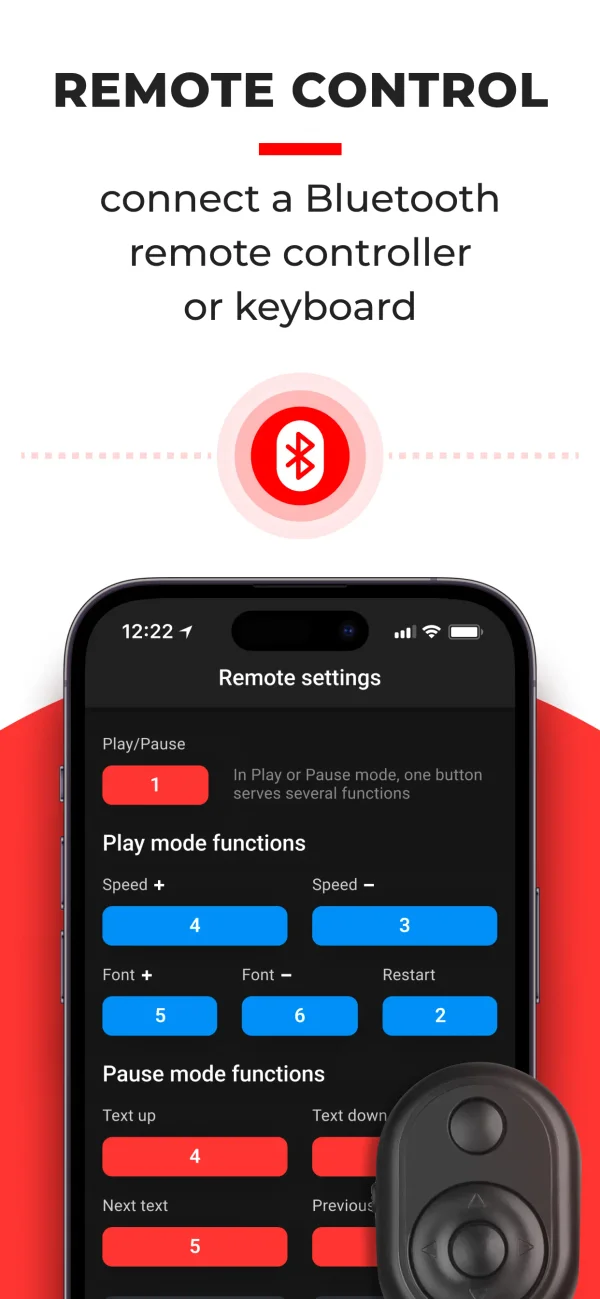
* Connect a remote control or a keyboard using Bluetooth (requires subscription).
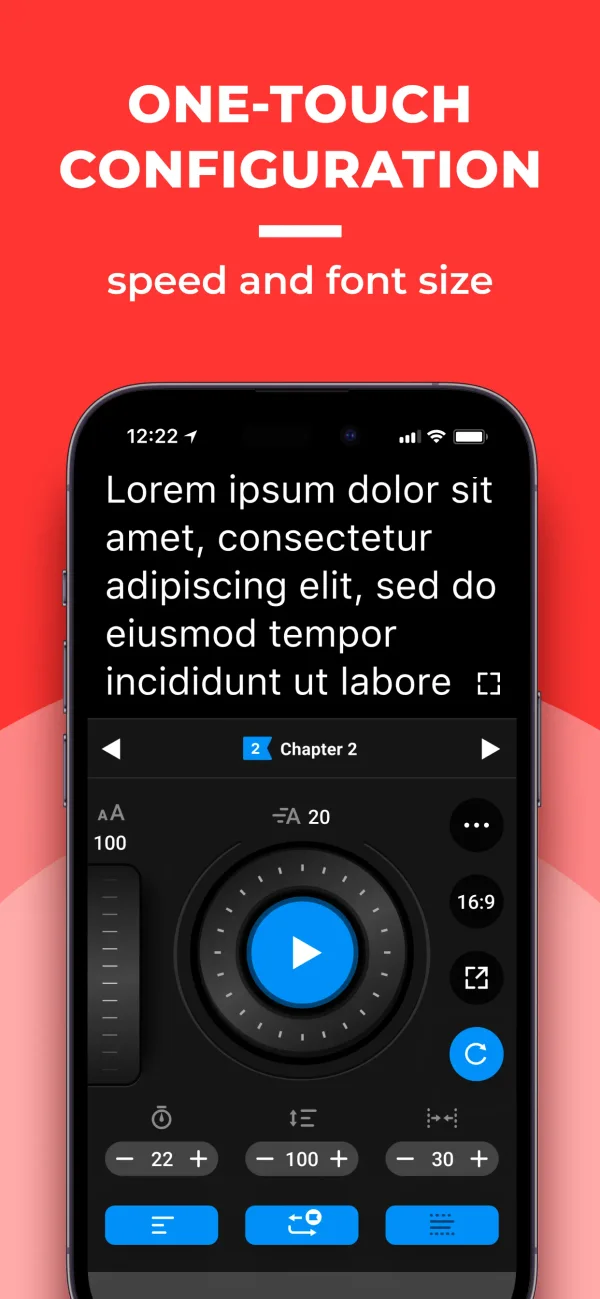
* Control text speed and font size settings on the player screen.
* Make the most of cloud synchronization. Register on SUFLER.PRO website, write and edit your texts on a computer, and all the changes will be automatically synced into the app.
* Customize settings to your liking: scroll speed and font size, start delay, text padding, font height, text alignment. Turn on or off center-focused line, text mirroring or playback loop.
* Tap the screen to pause or resume the text playback.
* Choose between vertical and horizontal screen orientation.
If you have ideas on how to make the application more convenient, write to us: https://pixaero.pro/contacts/
Learn more about the convenience and compactness of PIXAERO MOBUS mobile teleprompter: https://en.pixaero.pro/catalog/teleprompters/teleprompter_pixaero_mobus
Terms of use: https://sufler.pro/terms_of_use_en.pdf
Privacy policy: https://sufler.pro/privacy_policy_en.pdf
What’s new
Version 5.0 · Oct 14, 2026
• The text now moves together with the centring line.
• Network error messages now tell you what is wrong: no internet or the server is not responding.
• In remote control, the text on the second device now fills the whole screen width, just like on the first one.
• Fixed a bug: after the “Mirror” command the text or slide disappeared on the second device.
• Fixed a bug: slide numbers in the editor could shift relative to the text.
• Fixed a bug: with chapter repeat on, the text started from the first chapter.
• Fixed a bug: the “invalid QR code” message kept appearing again and again.
App privacy
What Andrey Potapov declares on the App Store about how this app handles data.
-
Data not linked to you
May be collected but is not linked to your identity.
- Contact info
- User content
- Identifiers
Privacy practices may vary, for example with the features you use or your age.
Information
- Seller
- Andrey Potapov
- Category
- Photo & Video
- Version
- 5.0
- Updated
- Oct 14, 2026
- Released
- Sep 24, 2019
- Size
- 64.8 MB
- Requires
- iOS 15.5 or later
- Age rating
- 4+
- Price
- Free
- In-app purchases
- Yes
- Languages
- English
- Copyright
- © 2019 ИП Потапов А. Д.
You might also like
-
 Teleprompter TeletotoPrompter for video camera
-
 Draft AI: Carousel Post MakerContent Hooks & Ideas Creator
-
 Teleprompter AutomaticSmooth Speech with Auto Scroll
-
 Teleprompter for Video & VlogScript, Subtitle, Autocue app
-
 NootroCinematic AI filters, one tap
-
 Voice Teleprompter for VideoSpeak and your script scrolls
-
 Суфлёр — строка у камерыPhoto & Video
-
 AI Captions for Video: GARMASHSubtitles Generator App
-
 Teleprompter & Editor – SufleAI Captions & Voice Scroll
-
 Teleprompter: Floating NotesAI Prompter, Script & Autocue