SuperPDF - Scan, Edit & Fill
Scan,edit, sign & fill offline
Designed for iPhone, iPad
Free · In-app purchases
- Age rating4+
- CategoryProductivity
- DeveloperYugansh Jain
- LanguagesEnglish
- Size5.9 MB
Links to the official App Store page
Download.org hosts no file of SuperPDF - Scan, Edit & Fill. The button opens its official App Store page, published by Yugansh Jain. Listing last checked on Nov 10, 2026.
Screenshots


About
SuperPDF
Source of truth for the App Store Connect "Description" field. Hard limit is 4,000 characters; the body below is well under it. Update here, then paste into App Store Connect (English — Primary, en-US).
Every PDF tool on your phone — never the cloud.
SuperPDF turns your iPhone into a complete PDF studio. Scan paper, edit text inside any PDF, fill and sign forms, run OCR, compress, merge, split, secure, and convert — all on device. No accounts. No tracking. No uploads.
== HERO FEATURES ==
Scan to PDF — Camera-based document scanner with auto edge detection, perspective correction, and color or black-and-white modes. Multi-page scans in seconds.
Edit PDF Text — Tap any line of text in any PDF and edit it in place. Fix typos, change names, update dates. A full 3-mode editor with Edit, Annotate, and Read modes — comparable to PDF Expert, on your phone.
Fill & Sign — Real form filling. Save multiple signatures and initials, type-to-sign with cursive fonts, draw signatures with your finger or Apple Pencil, autofill name and email and phone, and tap any AcroForm field to fill it. Place dates, checkmarks, and crosses with a tap.
OCR — Make scans searchable and selectable. Recognises text on every page of a PDF using Apple's on-device Vision framework. No image leaves your phone.
Compress PDF — Slim large PDFs for email, upload, or storage. Choose your quality level.
== EVERY TOOL ==
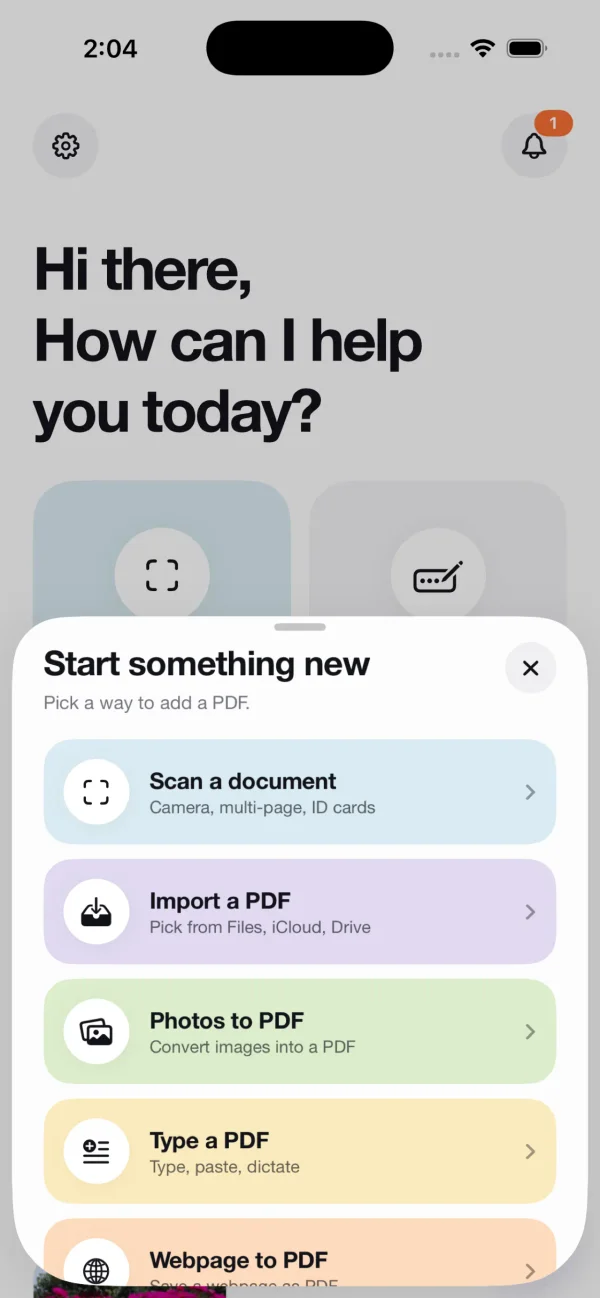
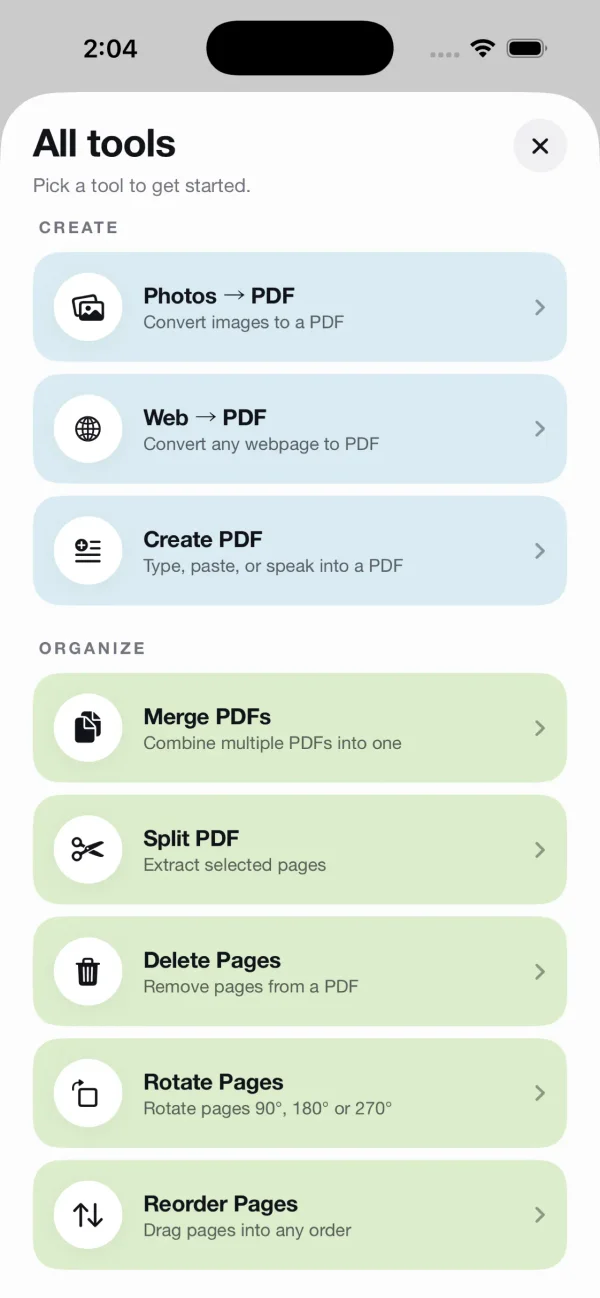
• Photos to PDF
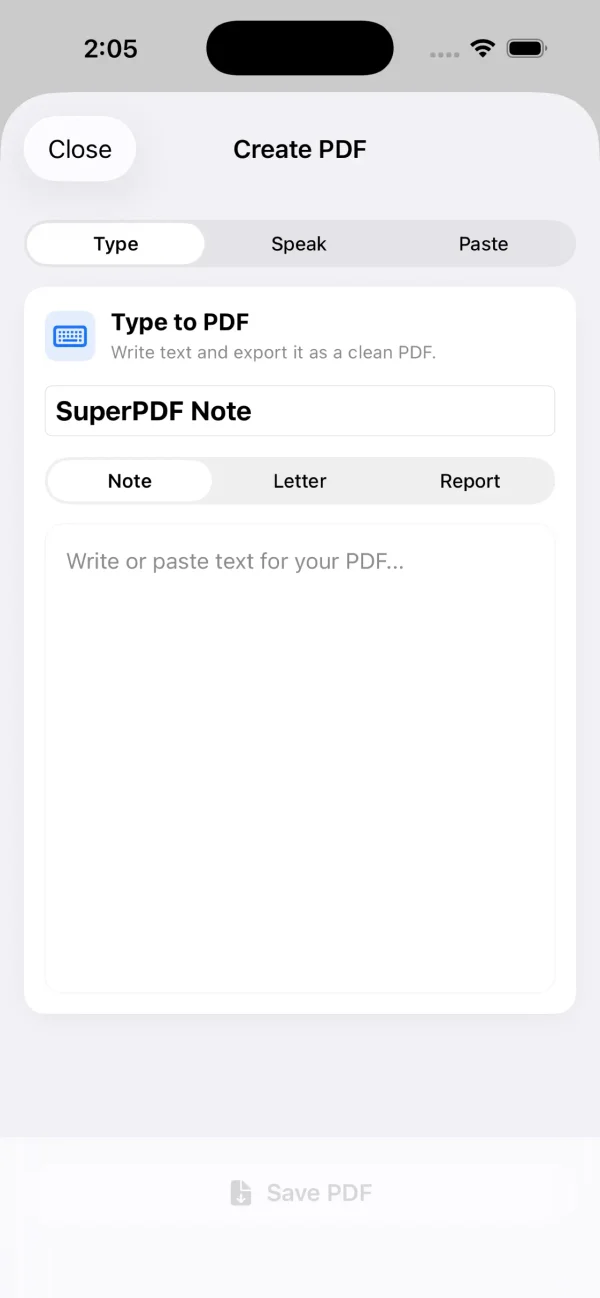
• Notes, Speech, and Paste to PDF
• Web Page to PDF (capture any URL as a PDF)
• Merge PDFs
• Split PDF
• Delete Pages
• Reorder Pages
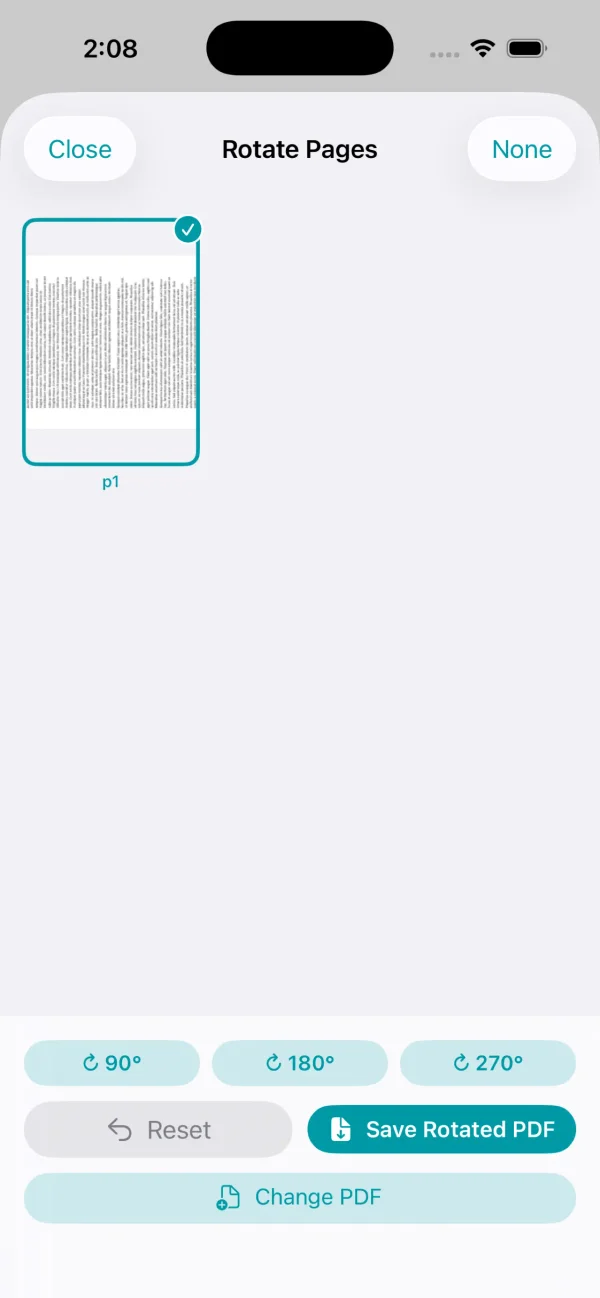
• Rotate Pages
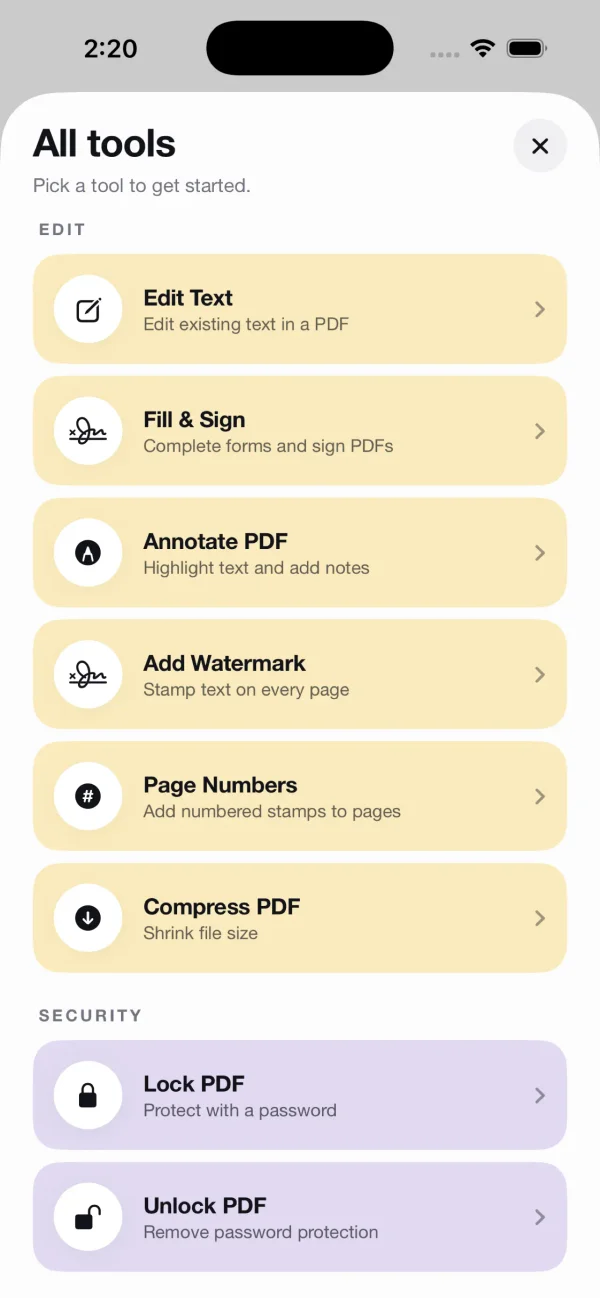
• Edit PDF Text
• Annotate (Highlight, Underline, Strikethrough, Pen, Text, Sign)
• Fill & Sign
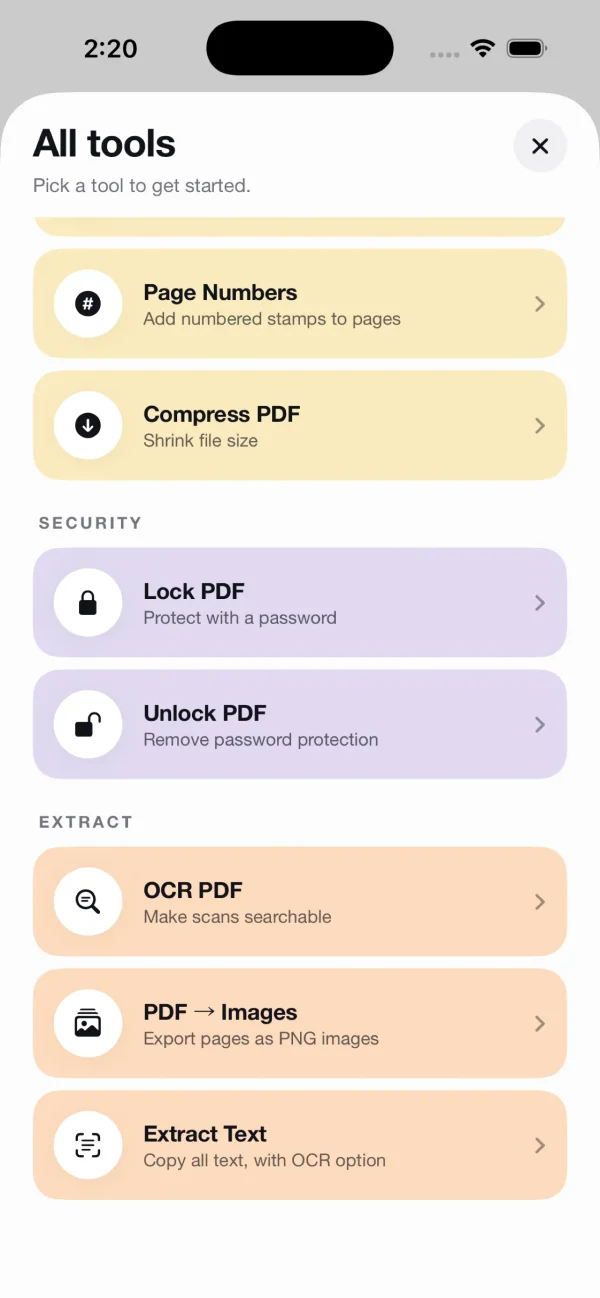
• OCR / Make Searchable
• Extract Text
• Compress PDF
• Add Watermark
• Page Numbers
• PDF to Images
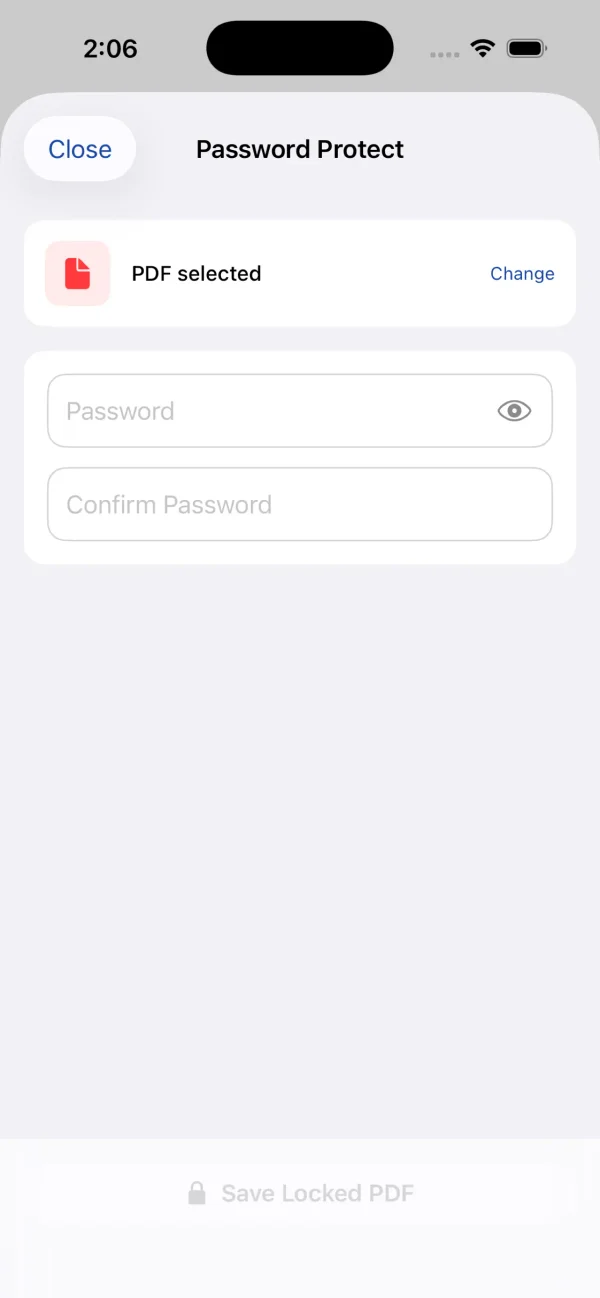
• Password Protect PDF
• Unlock PDF (with the password)
== UPGRADE TO SUPERPDF PRO ==
One-time purchase. Lifetime access. $4.99.
Pro unlocks every premium tool — OCR, Compress, Edit Text, Fill & Sign, Watermark, Password Protect — and removes all interstitial ads forever. Family Sharing is supported, so the whole household gets Pro from a single purchase. No subscriptions, no recurring charges, ever.
Free users get one daily use of each premium tool to try before they buy.
== PRIVACY FIRST ==
SuperPDF processes documents entirely on your device. We do not upload your PDFs to any server. We do not have user accounts. We do not run third-party analytics, attribution, or telemetry SDKs. The camera, microphone, photo library, and speech recogniser are only accessed when you actively pick a tool that needs them, and the permission strings tell you exactly what each one is for.
The only network traffic in this app is Apple StoreKit (for the optional Pro purchase) and Google AdMob (for the occasional full-screen ad shown to free users). Declining App Tracking Transparency still serves ads, but only non-personalised ones.
Read the full privacy policy at https://iamirulofficial.github.io/superpdf/#privacy and email questions to yuganshjain11@gmail.com.
== REQUIREMENTS ==
iPhone or iPad running iOS 17 or later. No internet connection is required for any PDF operation. Camera, photo library, microphone, and speech recognition are used only when you actively choose tools that need them.
== SUPPORT ==
Help and contact: https://iamirulofficial.github.io/superpdf/#support
What’s new
Version 1.0.2 · Jun 21, 2026
Improved PDF import and compression reliability.
PDFs now open correctly after selecting them from Files, iCloud, or Drive, and compression is more dependable for scanned/image-heavy documents.
App privacy
What Yugansh Jain declares on the App Store about how this app handles data.
-
Data used to track you
May be used to track you across apps and websites owned by other companies.
- Identifiers
- Usage data
-
Data linked to you
May be collected and linked to your identity.
- Purchases
- Identifiers
- Usage data
Privacy practices may vary, for example with the features you use or your age.
Information
- Seller
- Yugansh Jain
- Category
- Productivity
- Version
- 1.0.2
- Updated
- Jun 21, 2026
- Released
- May 12, 2026
- Size
- 5.9 MB
- Requires
- iOS 17.0 or later
- Age rating
- 4+
- Price
- Free
- In-app purchases
- Yes
- Languages
- English
- Copyright
- © 2026 Yugansh Jain
You might also like
-
 Sadhna TrackerProductivity
-
 Super PDF AI: Scan, Chat, SignDocument Scanner & PDF Editor
-
 MBME AppProductivity
-
 Document Scan, Edit & MergeSign, OCR & Merge Documents
-
 Bake WellBake Well
-
 DartPDF: Edit PDF DocumentsSign, Annotate, Fill & Redact
-
 E-TIMOLOGIO myDATA platformE-TIMOLOGIO myDATA platform
-
 DictaWiz: AI Keyboard & NotesPrivate Voice to Text Recorder
-
 Docusy: PDF Editor & ScannerScan documents & sign PDFs
-
 ADDA Community ManagerProductivity