Supremo Remote Desktop
Easy remote desktop control
Designed for iPhone, iPad, iPod touch
Free · In-app purchases
- Age rating4+
- CategoryProductivity
- DeveloperNanosystems S.r.l.
- LanguagesEnglish
- Size82.0 MB
Links to the official App Store page
Download.org hosts no file of Supremo Remote Desktop. The button opens its official App Store page, published by Nanosystems S.r.l. Listing last checked on Nov 14, 2026.
Screenshots
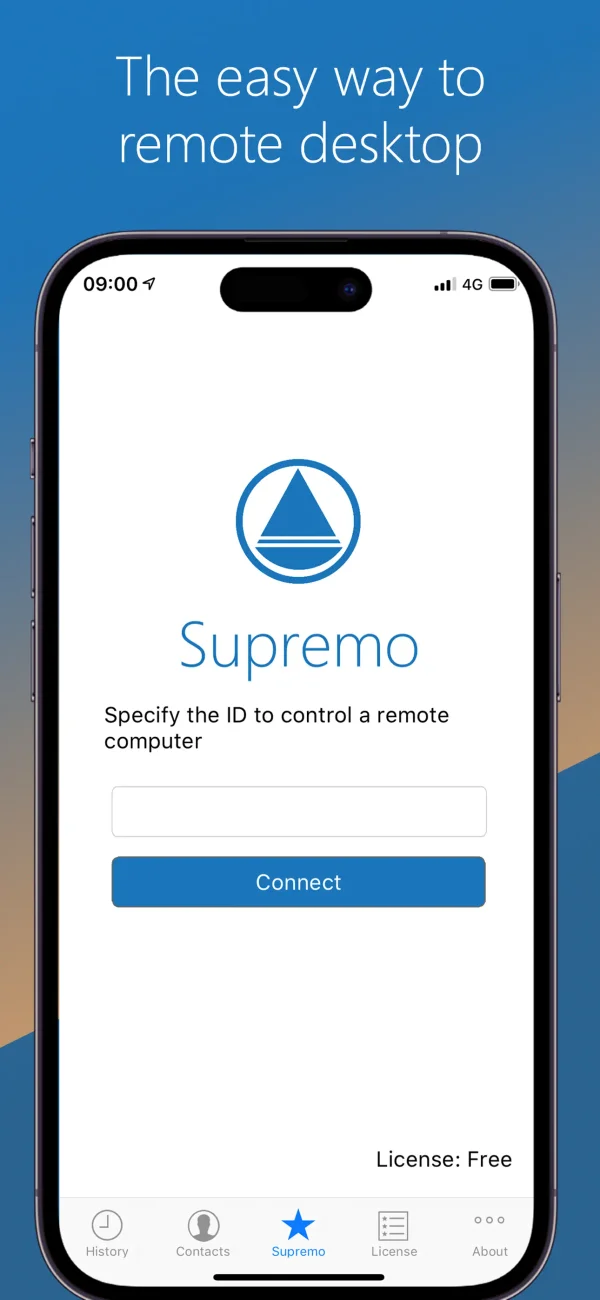
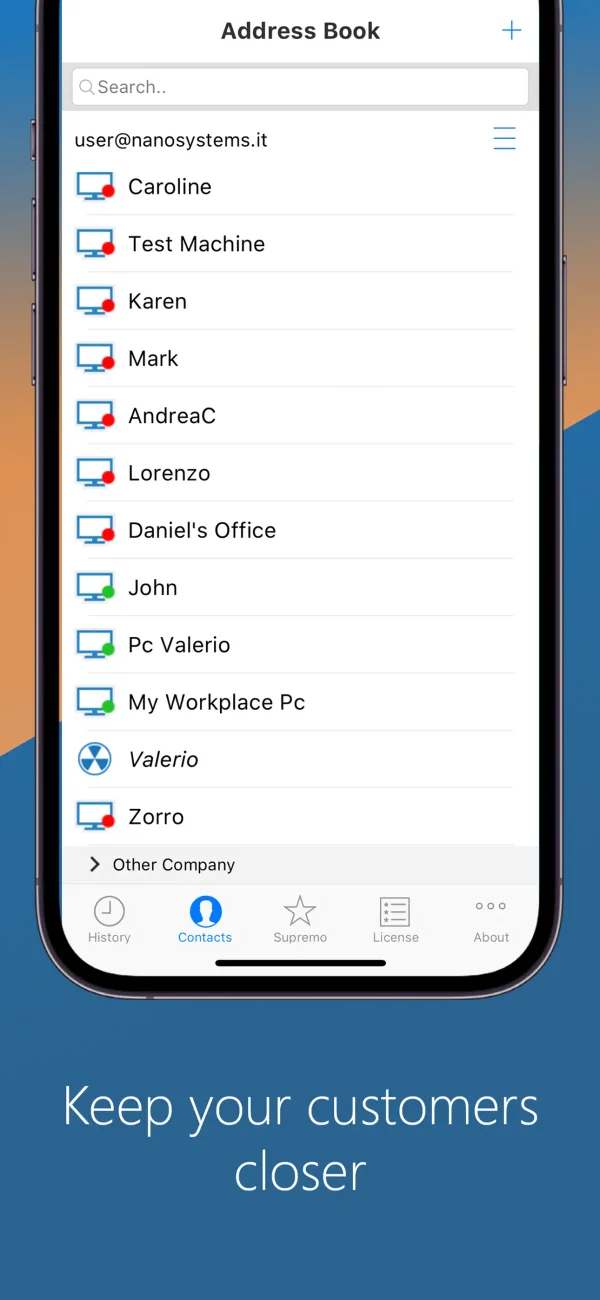
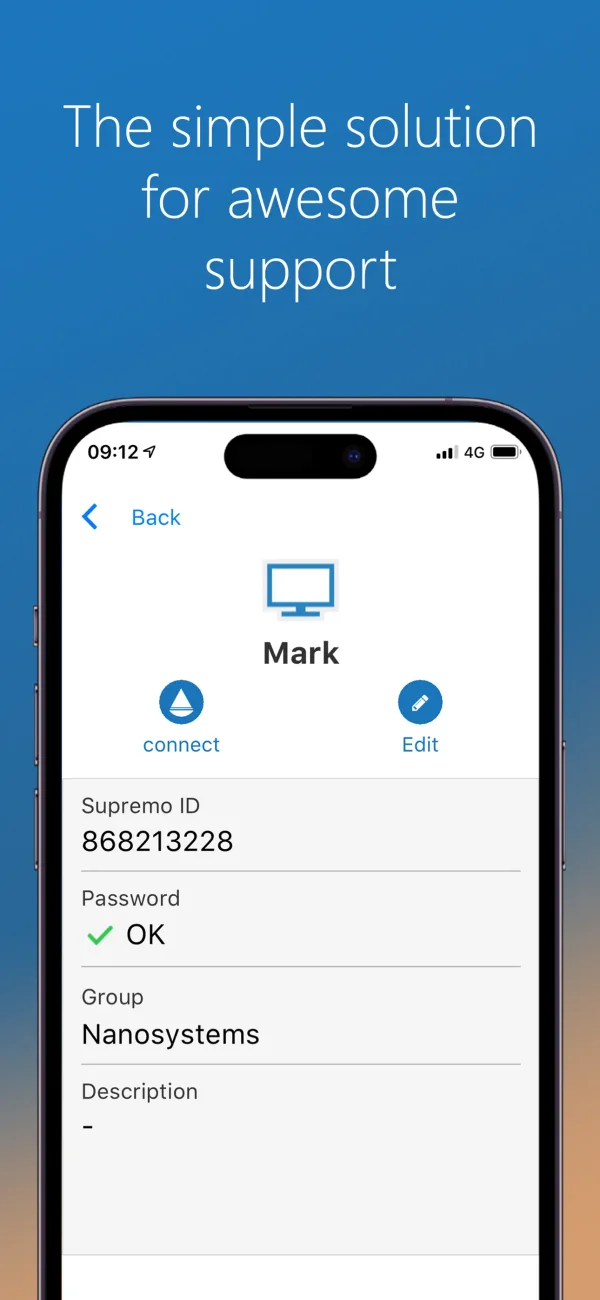


About
Supremo Remote Desktop is a powerful, easy and complete solution for remote desktop control and support. It allows to access a remote PC in just a few seconds. Supremo is also compatible with Supremo Console, the IT Management Console.
Download, access, control.
With Supremo Remote Desktop you can:
• Remote control PCs and servers, from your personal devices
• Chat with the remote user
Features:
• Secure remote control, protected by AES 256-bit encryption
• Full mouse and keyboard support, including special keys
• Zooming and screen scrolling
• Integrated chat
• Multi-display support
• UAC-compliant
• Cloud-synced address book powered by Supremo Console
Get started:
1. Install Supremo Remote Desktop
2. Download and launch Supremo for Windows from the PC/server you need to remote control, take note of ID and password
3. Launch Supremo Remote Desktop and specify ID and password
4. Remote control the machine!
What’s new
Version 5.0.3 · Sep 16, 2026
New Features
- The user interface has been completely redesigned for a cleaner, more intuitive experience
- Incoming connections can now also be allowed
- Introduced a new, faster, and more lightweight communication protocol with gateways
- Introduced end-to-end connection encryption based on the TLS 1.3 standard
- OpenSSL libraries updated to version 3.5.7
- New EULA (End User License Agreement) and integrated alerts in case of use of weak passwords
App privacy
What Nanosystems S.r.l. declares on the App Store about how this app handles data.
-
Data linked to you
May be collected and linked to your identity.
- Contact info
- Usage data
Privacy practices may vary, for example with the features you use or your age.
Information
- Seller
- Nanosystems S.r.l.
- Category
- Productivity
- Version
- 5.0.3
- Updated
- Sep 16, 2026
- Released
- May 30, 2017
- Size
- 82.0 MB
- Requires
- iOS 15.0 or later
- Age rating
- 4+
- Price
- Free
- In-app purchases
- Yes
- Languages
- English
- Copyright
- © Nanosystems S.r.l.
You might also like
-
 Avica Remote DesktopRemote access from anywhere
-
 Iperius Remote DesktopRemote desktop software
-
 RemotePC Remote DesktopRemote Desktop Access
-
 Duet Air - Remote DesktopThe fastest Remote Desktop
-
 NoMachineRemote desktop for everybody
-
 Duplica - iOs Share Screen#1 Remote Screen Mirroring
-
 TeamViewer Assist AR (Pilot)Remote assistance using AR
-
 TeamViewer QuickSupportScreen sharing
-
 DeskIn Remote DesktopAccess any device from mobile
-
 TeamViewer Remote ControlProductivity