
- Age rating4+
- CategoryProductivity
- DeveloperTeamViewer Germany GmbH
- LanguagesEnglish+ 27 more
- Size66.6 MB
Links to the official App Store page
Download.org hosts no file of TeamViewer QuickSupport. The button opens its official App Store page, published by TeamViewer Germany GmbH. Listing last checked on Nov 22, 2026.
Screenshots
About
WHAT’S NEW:
• Full control over sessions
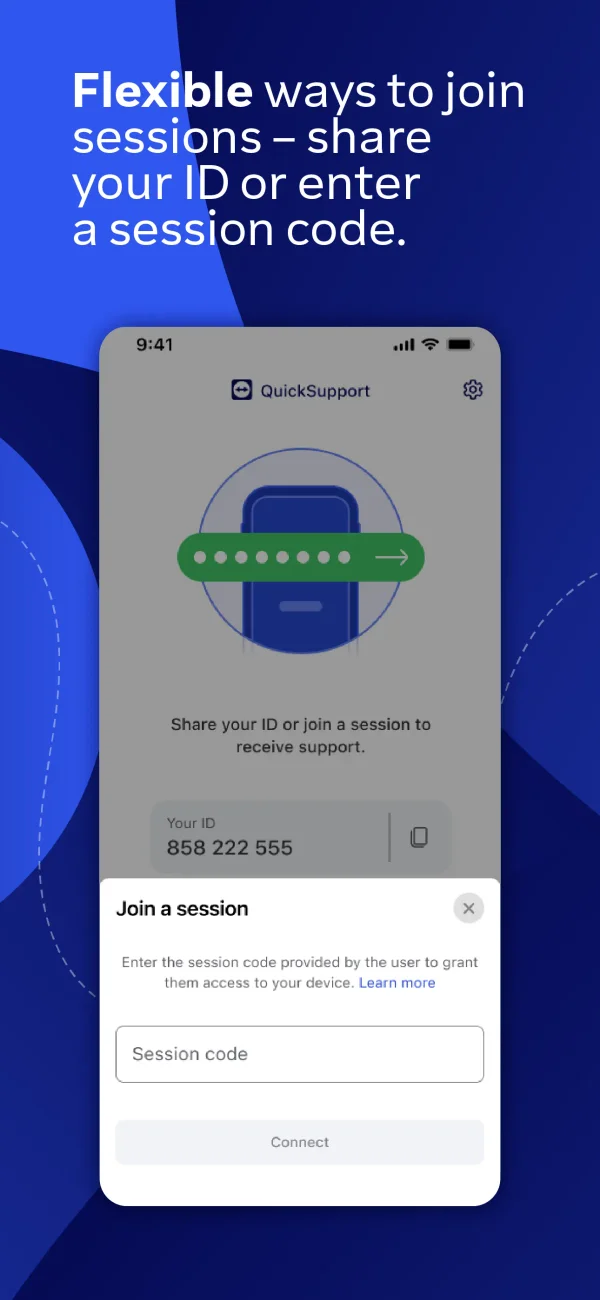
To allow your partner to connect to your device, simply enter the code they provided into the ‘Join Session’ box. You control access to your device and end the session whenever you choose.
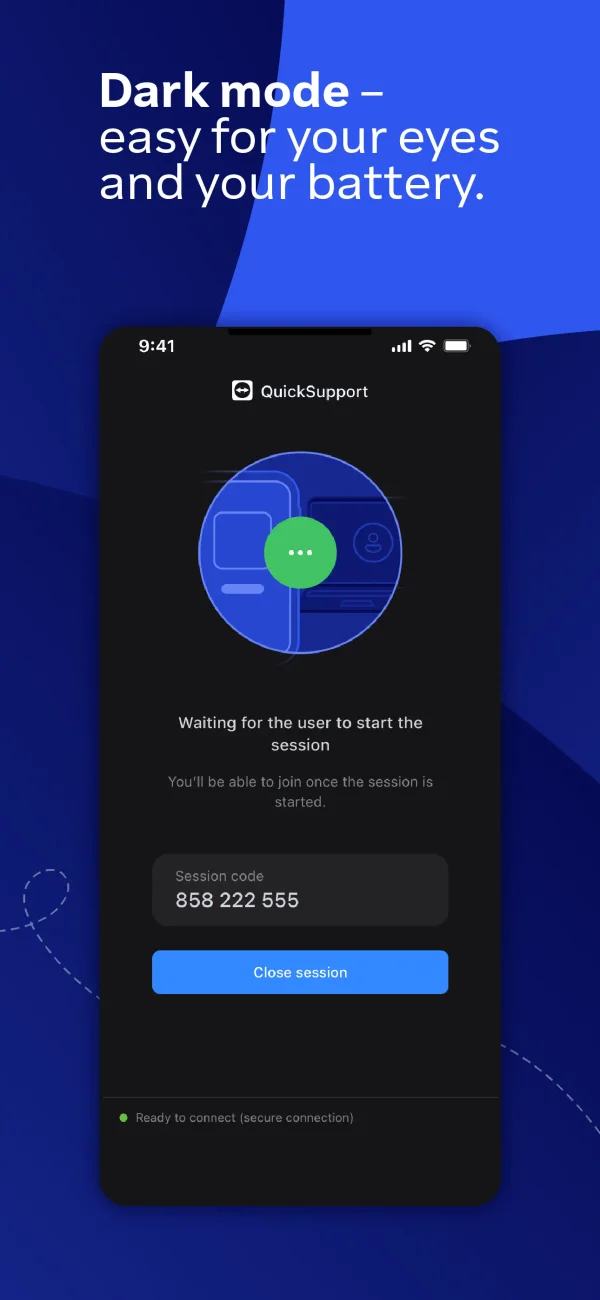
• Easy for your eyes and your battery
You asked, we listened. QuickSupport now features dark mode for a more comfortable experience and better battery life.
• Rotate your screen with ease
Vertical or horizontal — the app adapts seamlessly to your preferred orientation.
• Get onboard quickly
Discover all the new UI features with our guided tour, making it easy to get started.
• Improved transparency
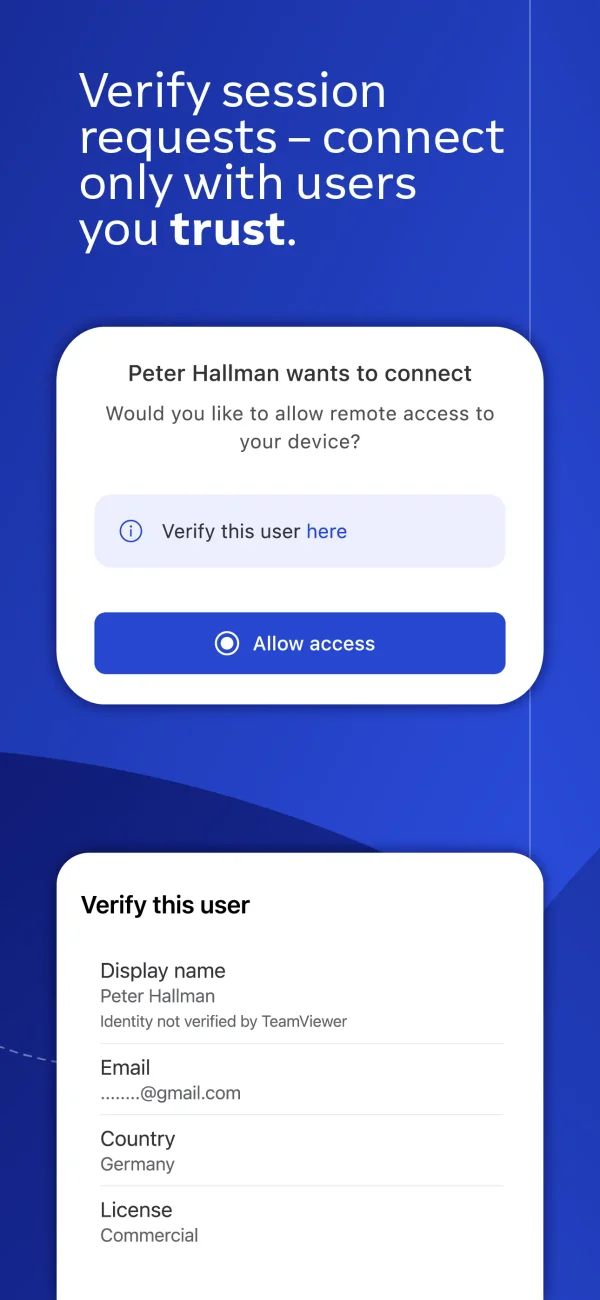
Connect only with users you trust. The app will provide you with user details, such as name, email, country, and license type, so you can verify the identity before granting access to your device.
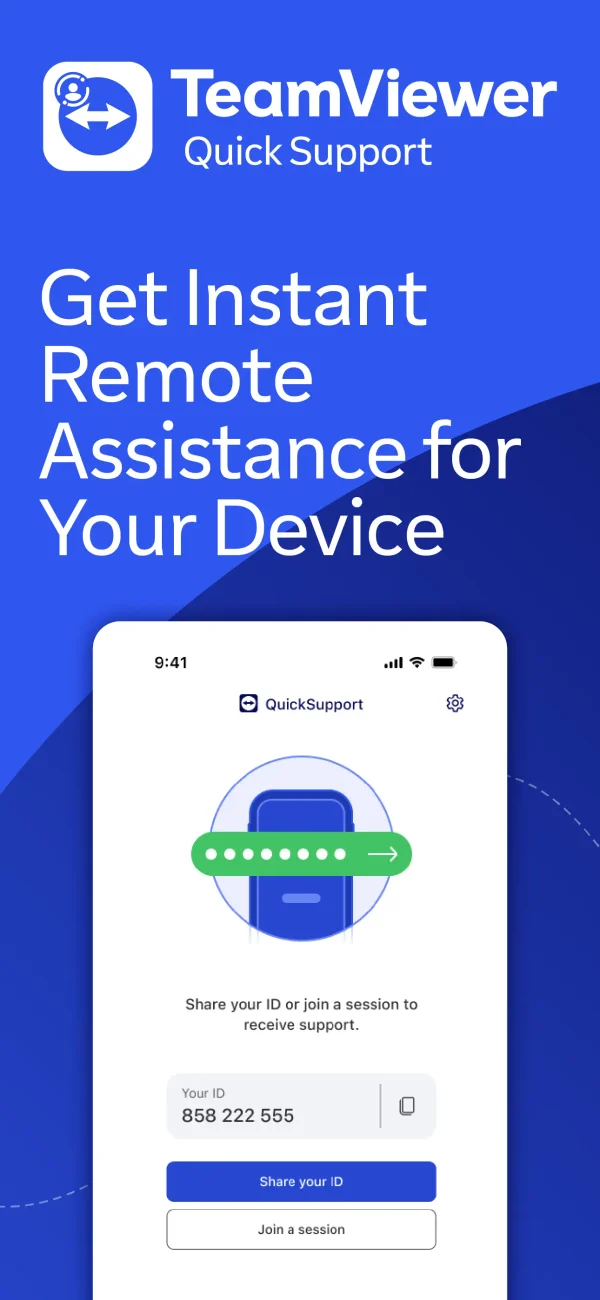
The QuickSupport app by TeamViewer allows you to get instant IT support for your iPhone or iPad.
In just a few easy steps, QuickSupport enables your trusted remote partner to connect to your device to:
• provide IT support
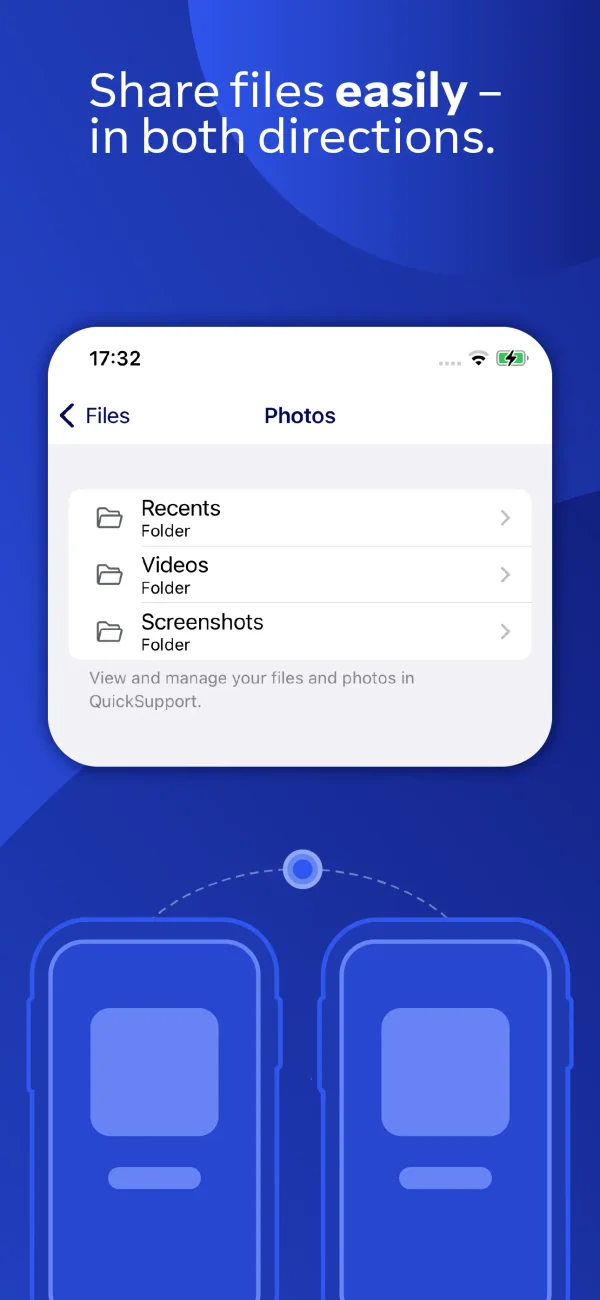
• transfer files back and forth
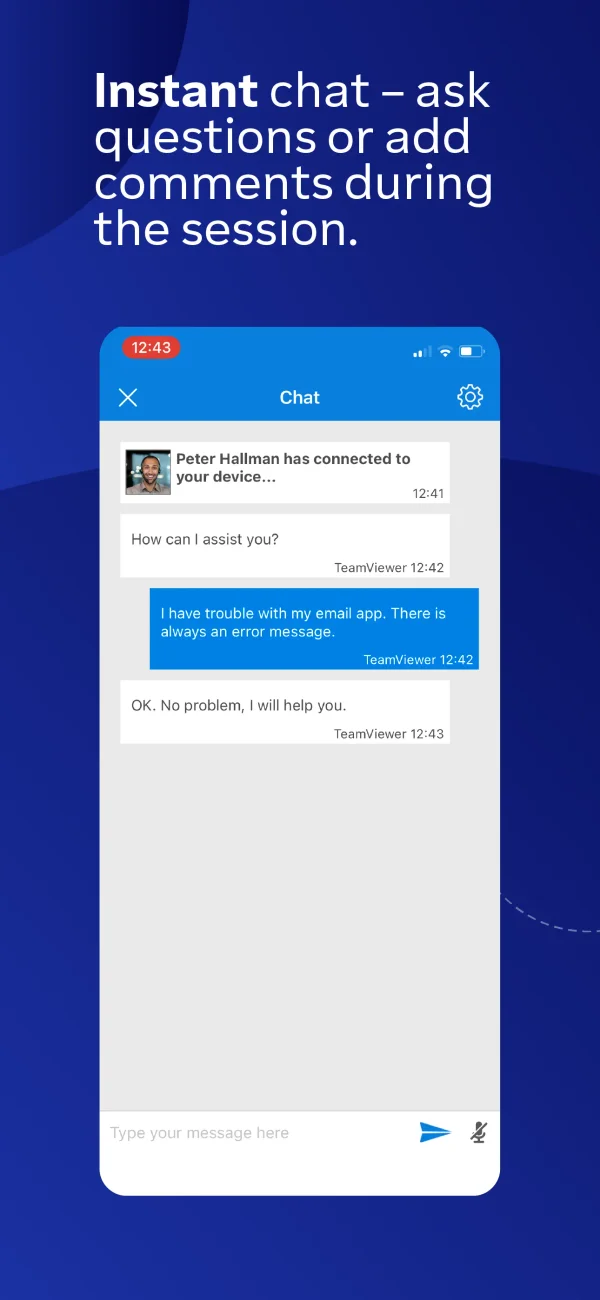
• communicate with you via chat
• view device information
• adjust WIFI settings, and much more.
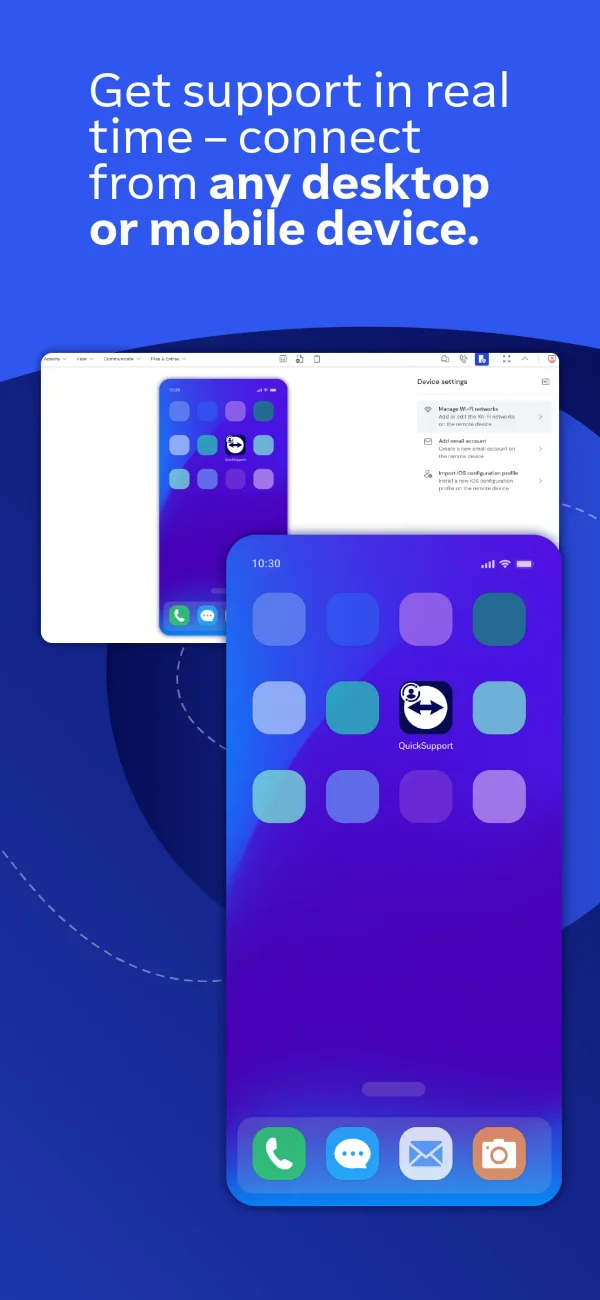
It can receive connection requests from any device (desktop, web browser or mobile).
TeamViewer applies the highest security standards to your connections, ensuring you are always in control of granting access to your device and establishing or ending sessions.
To establish a connection to your device, you need to do the following:
1. Open the app on your screen. Connections can't be established if the app is running in the background.
2. Share your ID with your partner or enter a code into the ‘Join Session’ box.
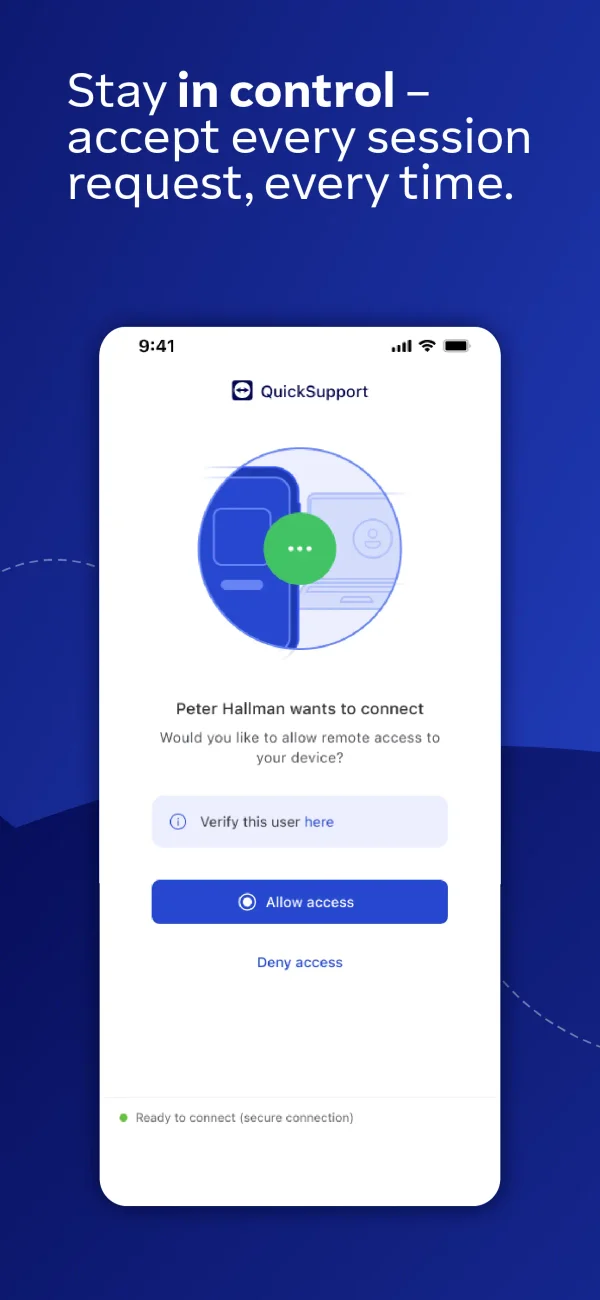
3. Accept the connection request every time. Without your explicit permission, the connection can’t be established.
QuickSupport is available to install on any device and model, including Samsung, Nokia, Sony, Huawei, Lenovo, Honeywell, Zebra, Elo, MobileBase, Fujitsu, Philips, Hisense, Doro, TCL and many more.
Key features include:
• Trusted connections (user account verification)
• Session codes for fast connections
• Dark mode
• Screen rotation
• Remote control
• Chat
• View device information
• File transfer
• App list (Start/Uninstall apps)
• Push and pull Wi-Fi settings
• View system diagnostic information
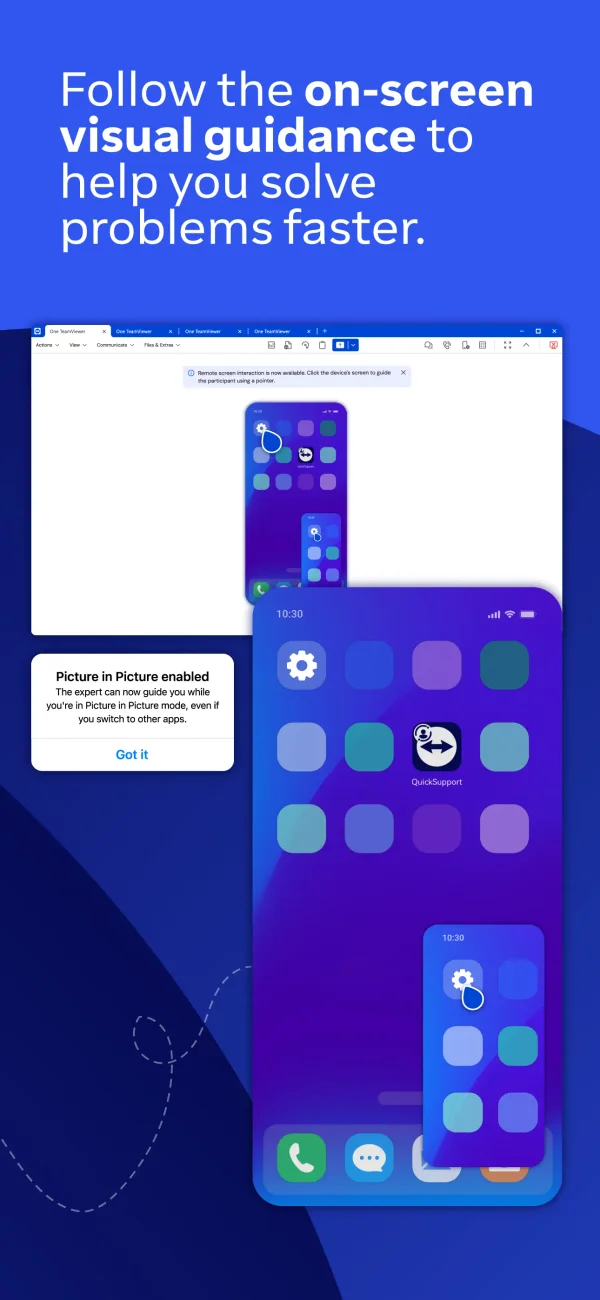
• Real-time screenshot of the device
• Store confidential information into the device clipboard
• Secured connection with 256 Bit AES Session Encoding.
Quick startup guide:
1. Your session partner will send you a personal link to the QuickSupport application. Clicking the link will start the app download.
2. Open the QuickSupport app on your device.
3. You will see a prompt to join a session created by your remote partner.
4. When you accept the connection, the remote session will begin.
"Information on Optional Access*
● Microphone: Fill the video feed with audio, or used to record message or session
*You can use the app even if you do not allow the optional permissions. Please use in-app settings to disable the access."
What’s new
Version 15.83.1 · Oct 27, 2026
- Minor fixes and Improvements.
App privacy
What TeamViewer Germany GmbH declares on the App Store about how this app handles data.
-
Data linked to you
May be collected and linked to your identity.
- Contact info
-
Data not linked to you
May be collected but is not linked to your identity.
- Identifiers
- Usage data
Privacy practices may vary, for example with the features you use or your age.
Information
- Seller
- TeamViewer Germany GmbH
- Category
- Productivity
- Version
- 15.83.1
- Updated
- Oct 27, 2026
- Released
- Jul 9, 2013
- Size
- 66.6 MB
- Requires
- iOS 17.7 or later
- Age rating
- 4+
- Price
- Free
- Languages
- English, Croatian, Czech, Danish, Dutch, Finnish, French, German, Greek, Hungarian, Indonesian, Italian + 16 more
- Copyright
- © TeamViewer Germany GmbH
You might also like
-
 RealVNC Viewer: Remote DesktopProductivity
-
 AirDroid - File Transfer&ShareYour cross - OS file transfer
-
 DeskIn Remote DesktopAccess any device from mobile
-
 Iperius Remote DesktopRemote desktop software
-
 Microsoft 365 AdminProductivity
-
 spacedesk - USB Display for PCPortable Multi Monitor Display
-
 RemotePC Remote DesktopRemote Desktop Access
-
 UniFiEnterprise Network Management
-
 Duet DisplayBe Twice As Productive
-
 Microsoft PlannerProductivity