- Age rating4+
- CategoryProductivity
- DeveloperYoungjun Park
- LanguagesEnglish
- Size31.5 MB
Links to the official App Store page
Download.org hosts no file of SwiftBeam. The button opens its official App Store page, published by Youngjun Park. Listing last checked on Nov 15, 2026.
Screenshots

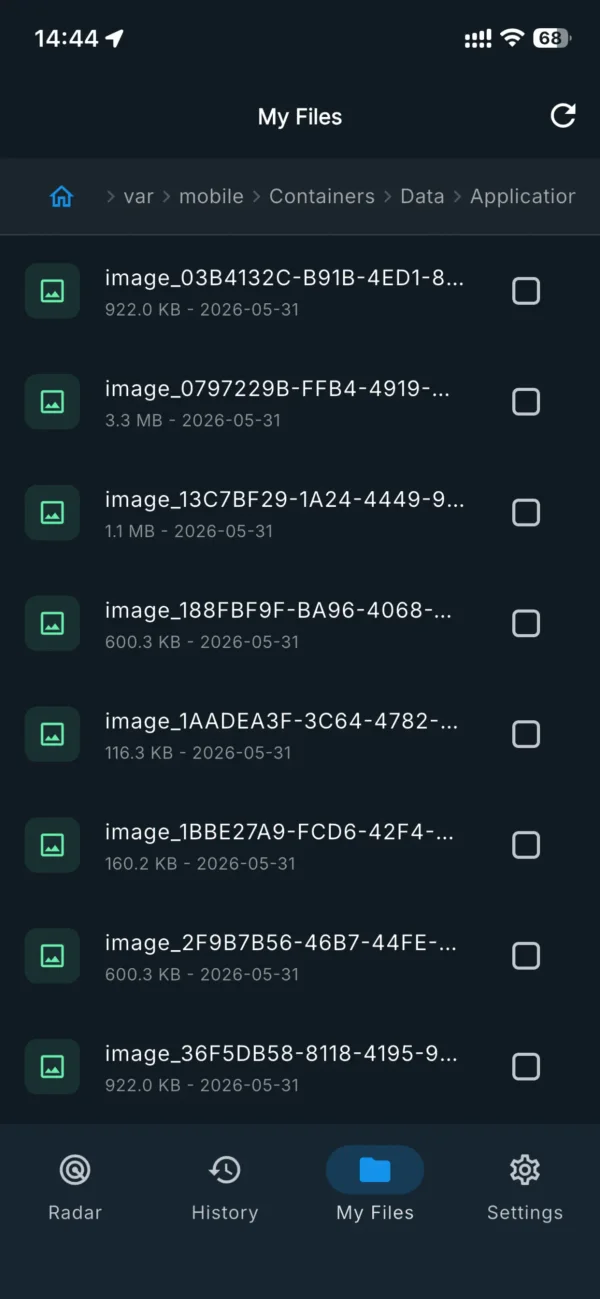

About
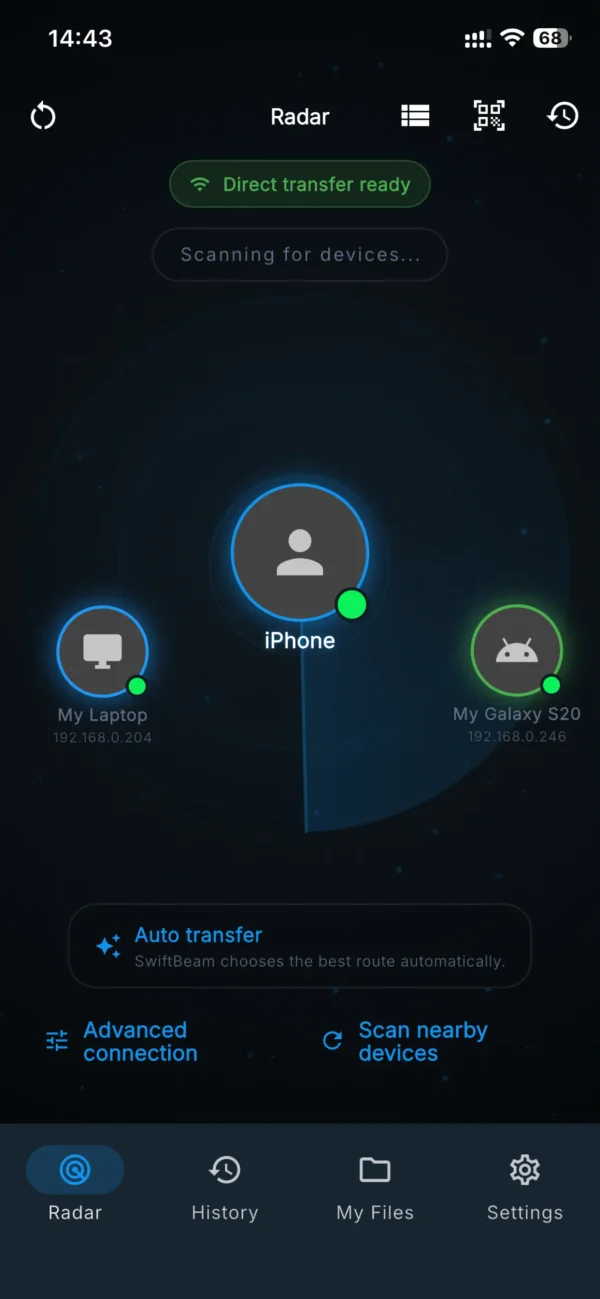
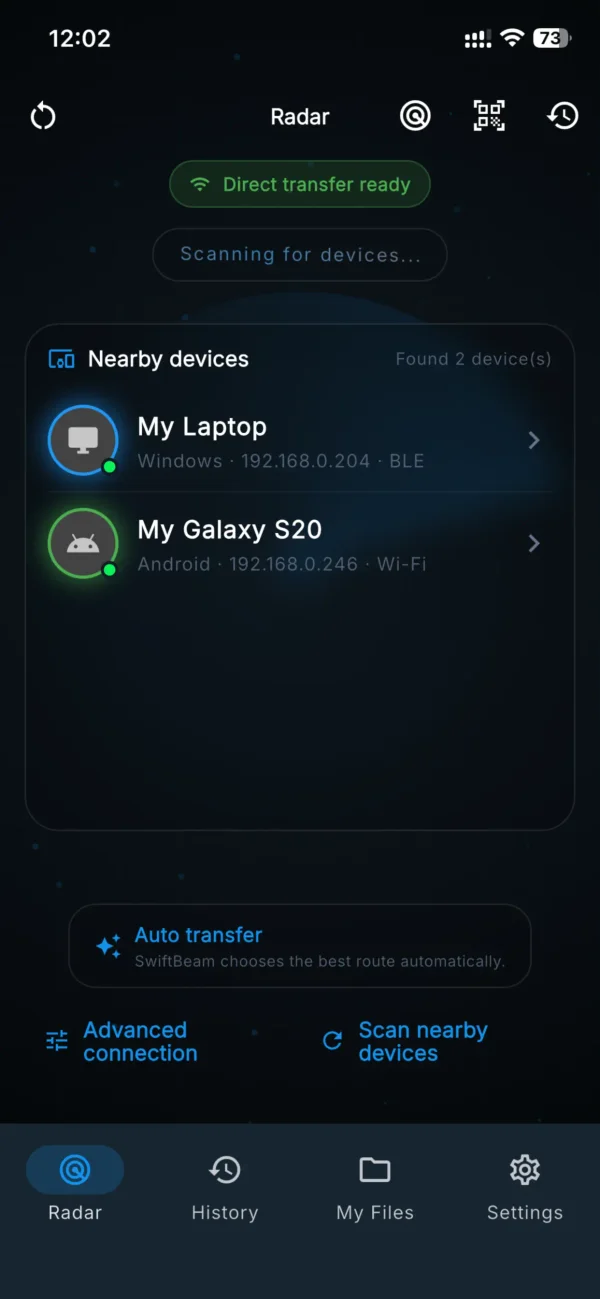
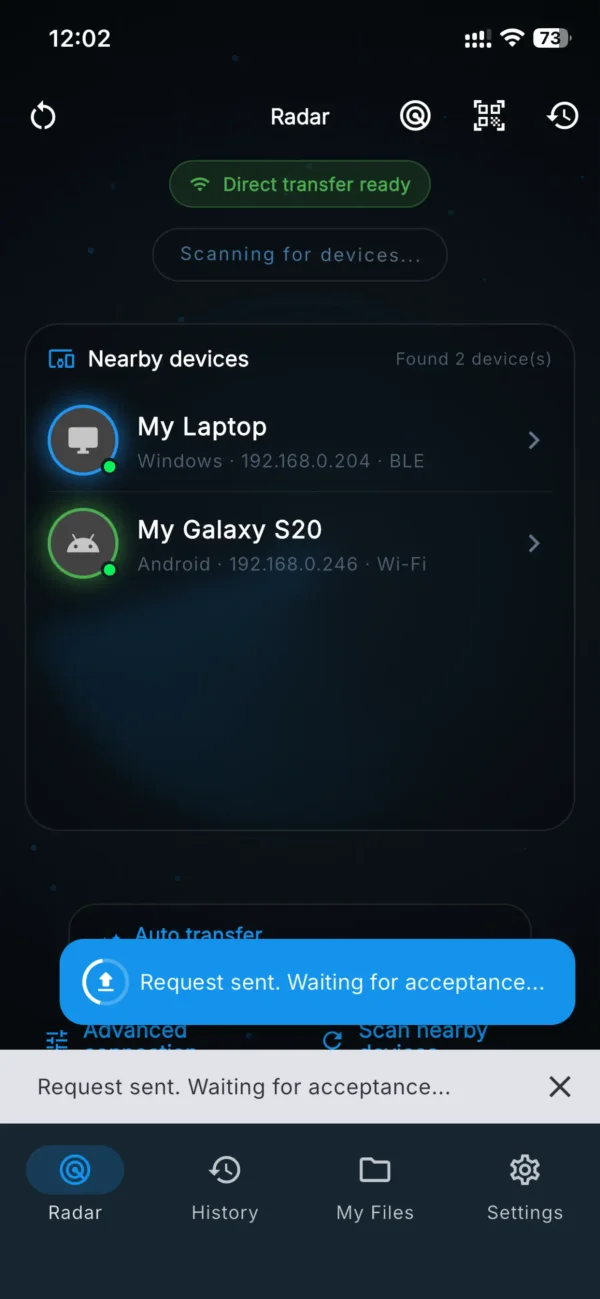
SwiftBeam is a fast and secure file-sharing app that lets you transfer files seamlessly between different devices.
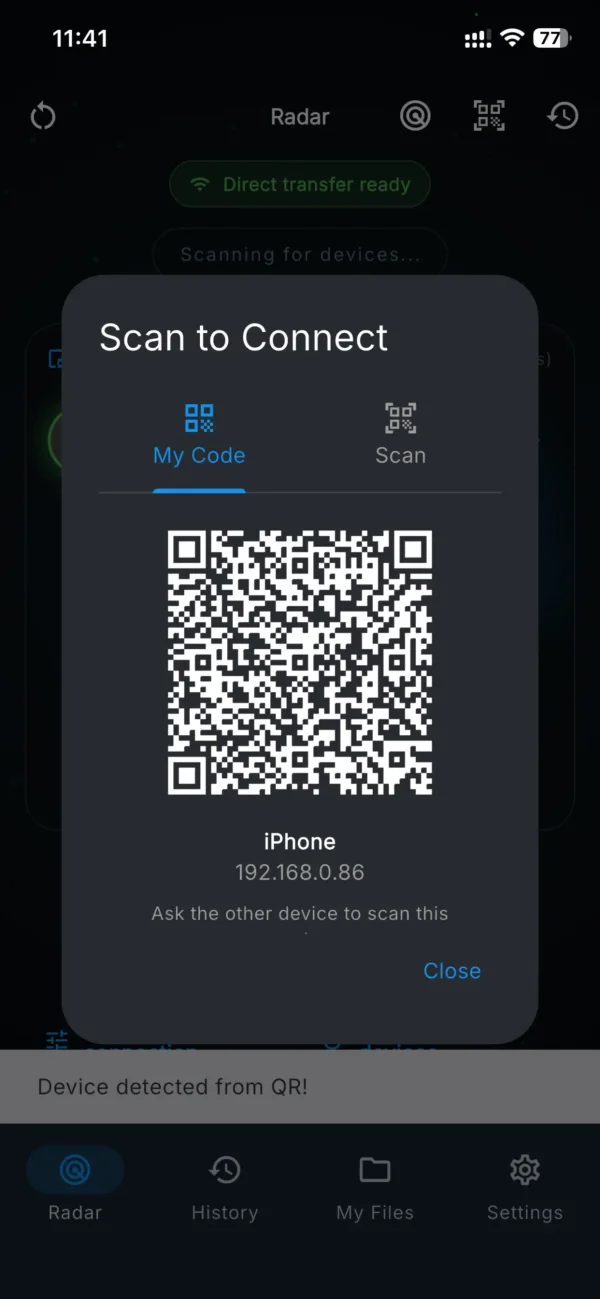
No complicated sign-up process or cloud upload is required. Simply scan a QR code to connect instantly and easily transfer photos, videos, documents, ZIP files, and more.
### Key Features
* Easy QR code-based connection
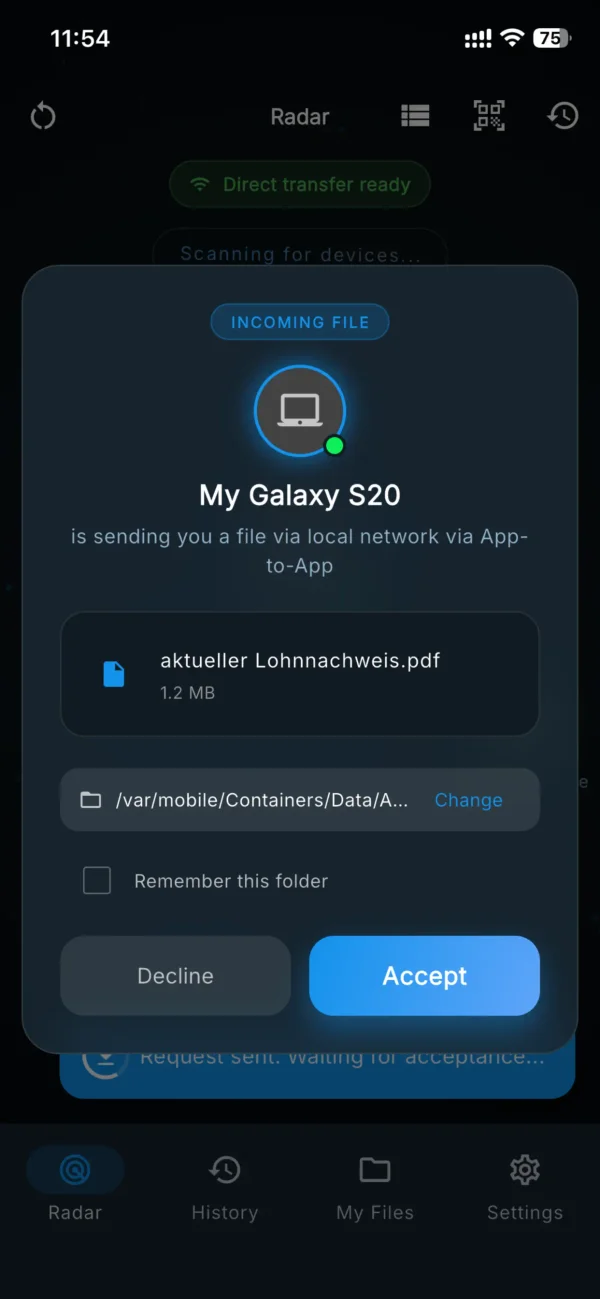
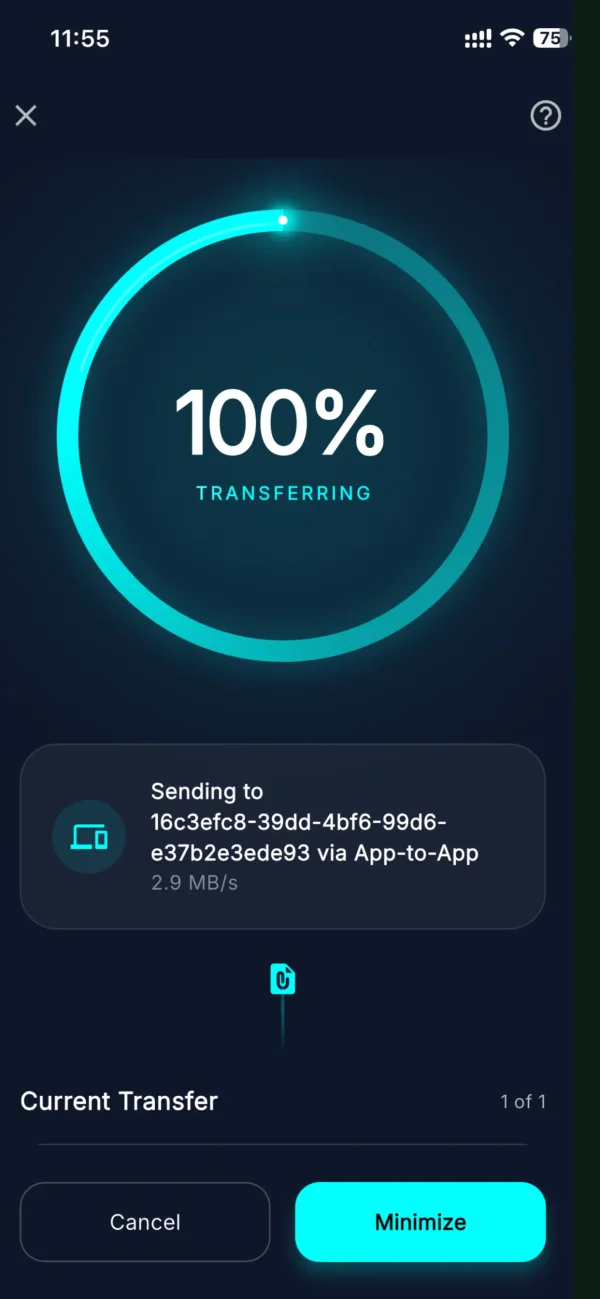
* High-speed file transfer over a local network
* Works without an internet connection
* Supports large file transfers
* File management with an FTP explorer
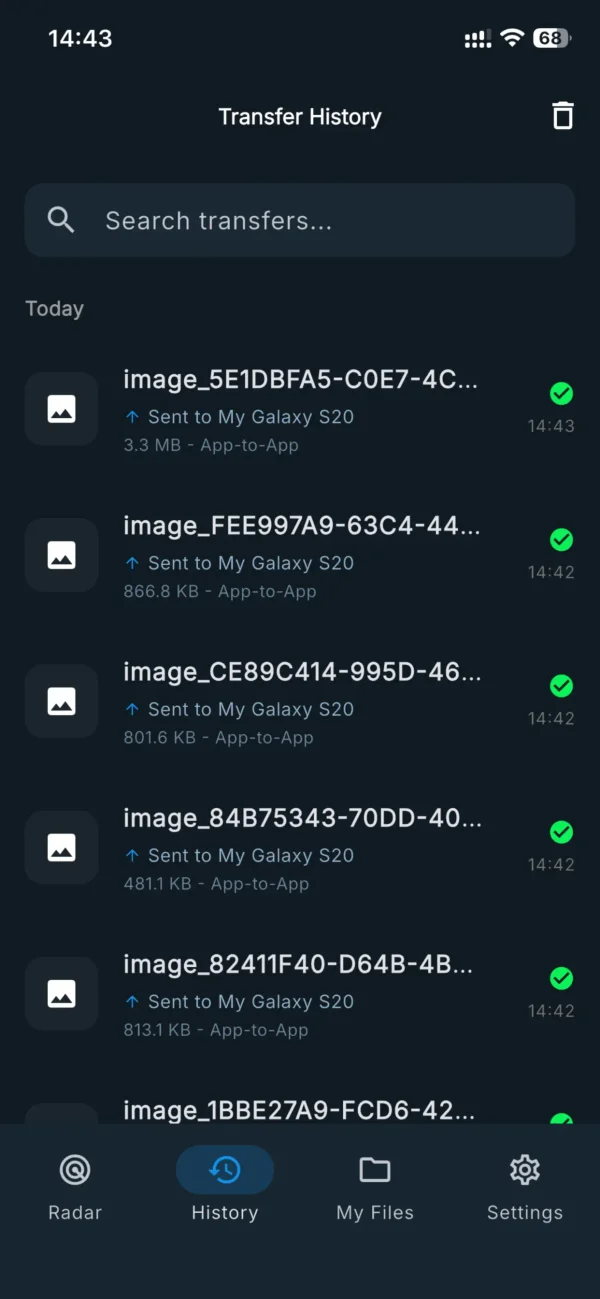
* Transfer history management
* Trusted device management
* Secure peer-to-peer (P2P) data transfer
### Why SwiftBeam?
**No Server Uploads Required**
Files are transferred directly between devices, helping keep your personal data more private and secure.
**Fast and Simple Connection**
Connect instantly with just one QR code scan.
**Works Across Multiple Devices**
Transfer files freely between smartphones, tablets, laptops, desktops, and other supported devices.
**Built for Large Files**
Quickly share hundreds of photos, high-resolution videos, work documents, and other large files.
### Use Cases
* Back up photos and videos
* Share work documents
* Exchange files with family and friends
* Move files between tablets and computers
* Transfer development and design resources
With SwiftBeam, you can share files freely without complicated cables or slow cloud uploads.
What’s new
Version 1.20.34+35 · Oct 15, 2026
bud fix, added PC version URL
App privacy
What Youngjun Park declares on the App Store about how this app handles data.
-
Data not linked to you
May be collected but is not linked to your identity.
- Identifiers
- Usage data
Privacy practices may vary, for example with the features you use or your age.
Information
- Seller
- Youngjun Park
- Category
- Productivity
- Version
- 1.20.34+35
- Updated
- Oct 15, 2026
- Released
- Jun 3, 2026
- Size
- 31.5 MB
- Requires
- iOS 15.0 or later
- Age rating
- 4+
- Languages
- English
- Copyright
- SwiftBeam © 2026. All rights reserved.
You might also like
-
 EveryConvertFile Conversion & PDF Tools
-
 모아노츠Productivity
-
 Stash - 링크 아카이브Productivity
-
 NoteScrap: Note, Memo, OCRHandwriting scan & organize
-
 TokTokTok Presentation RemotePresent from your wrist
-
 TalkMemo - Smart Voice NotesSpeak. Organize. Remember.
-
 Membot — AI 기록 관리Productivity
-
 PDF보내요 for iPadProductivity
-
 Quick Memo+ToDo - PinDeckMemo Widget · To-Do · Gestures
-
 Itta Planner: Calendar & DiaryCalendar, tasks, habits, diary