
Sync Shutter: SD Card Backup
Auto copy to NAS, cloud & SSD
Designed for iPhone, iPad, Mac
Free · In-app purchases
- Age rating4+
- CategoryPhoto & Video
- DeveloperUtkarsh Jain
- LanguagesEnglish+ 6 more
- Size24.6 MB
Links to the official App Store page
Download.org hosts no file of Sync Shutter: SD Card Backup. The button opens its official App Store page, published by Utkarsh Jain. Listing last checked on Nov 25, 2026.
Screenshots

About
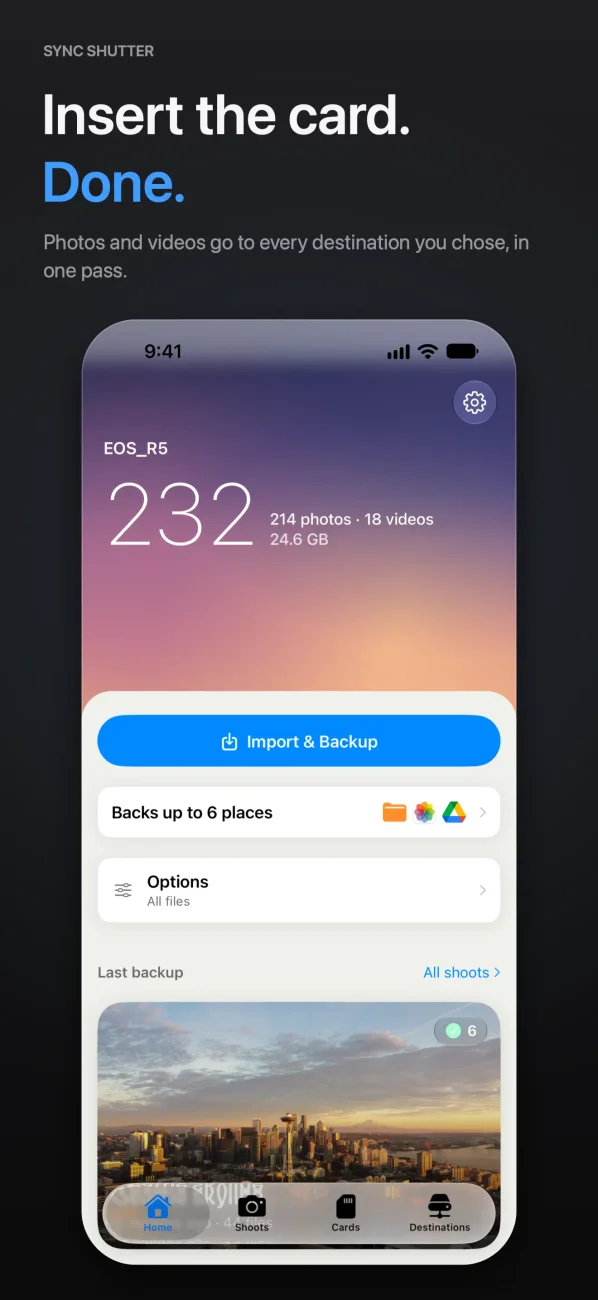
Never lose a shoot. Sync Shutter backs up your camera card the moment you insert it. Set it up once on your Mac, then plug in any card and walk away: every photo and video is copied to every destination you chose, automatically. On iPhone or iPad, plug in a card reader and import straight from the card.
It was built for photographers who come home with several cards and cannot afford to lose one.
WHAT HAPPENS WHEN YOU INSERT A CARD
• The card is detected and the backup starts on its own. Progress lives in the menu bar; a notification tells you when it is done.
• Only new files are copied. Already-backed-up shots are recognized and skipped, so the second run after a shoot takes seconds.
• Copies to a folder or drive can be verified byte for byte after copying.
• Files can be sorted into date folders taken from the photo's own capture date.
• Cards that do not use a DCIM folder — video-first layouts from Sony, Panasonic and Canon bodies — are recognized too, and any card can be copied whole from the menu bar.
• No internet where you're shooting? The card is still safe. Sync Shutter keeps its own copy and sends it to your cloud destinations on its own the moment you are back online.
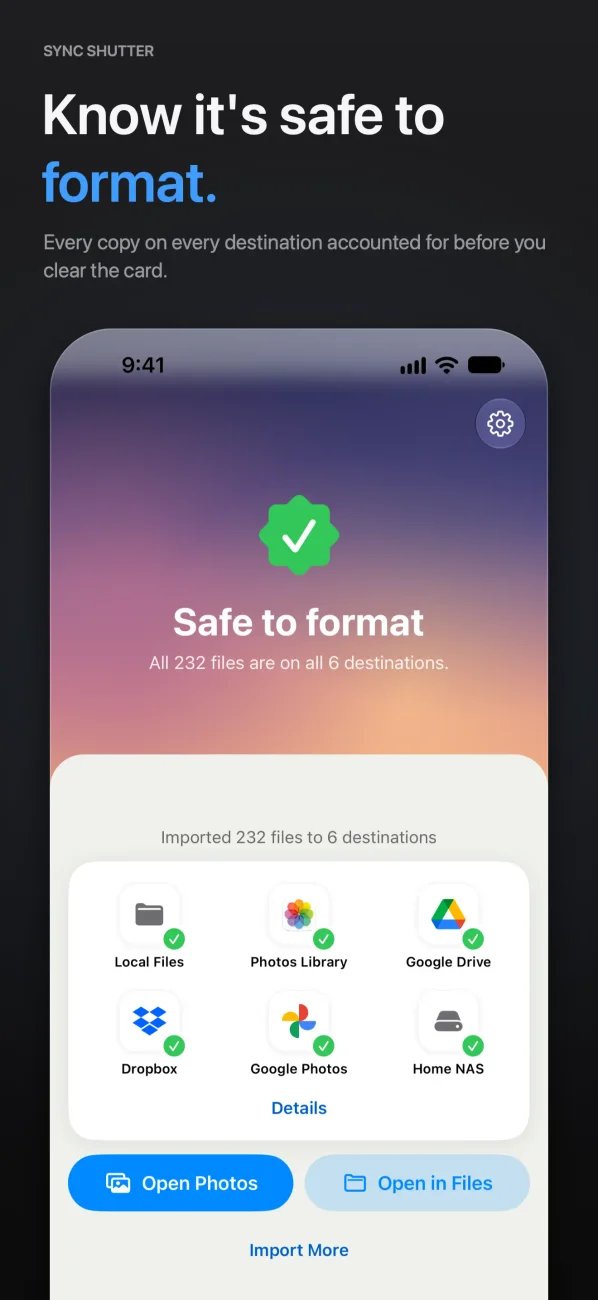
• A backup that cannot reach one of your destinations says so and names it. It never calls itself complete when something is missing.
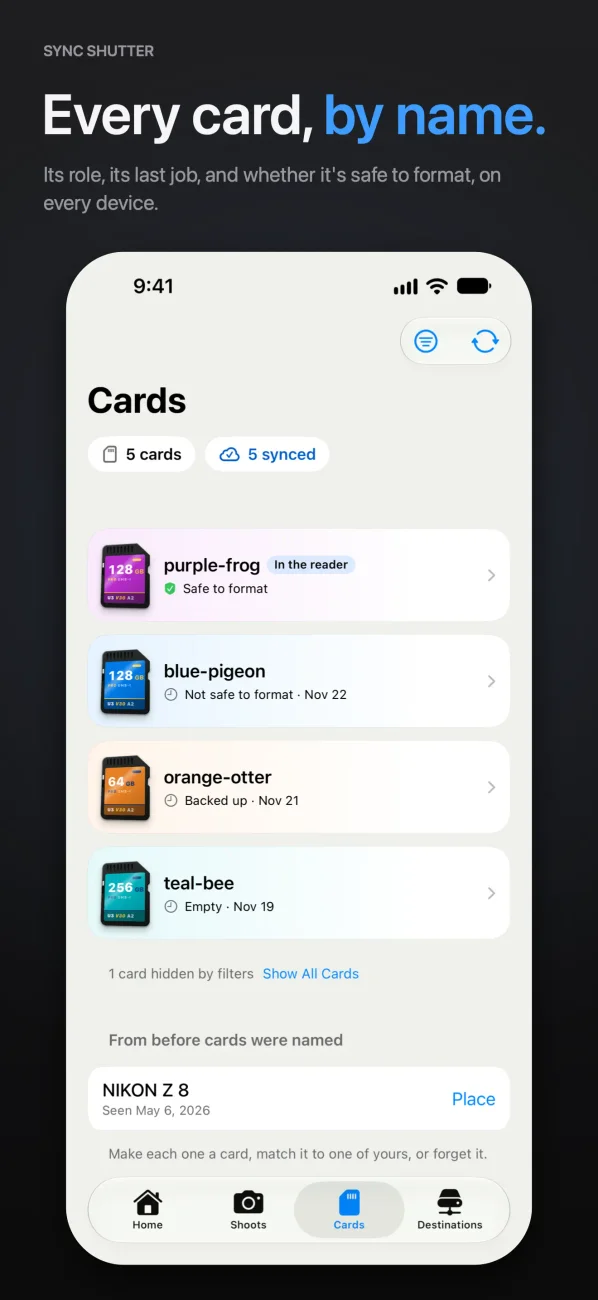
EVERY CARD, BY NAME
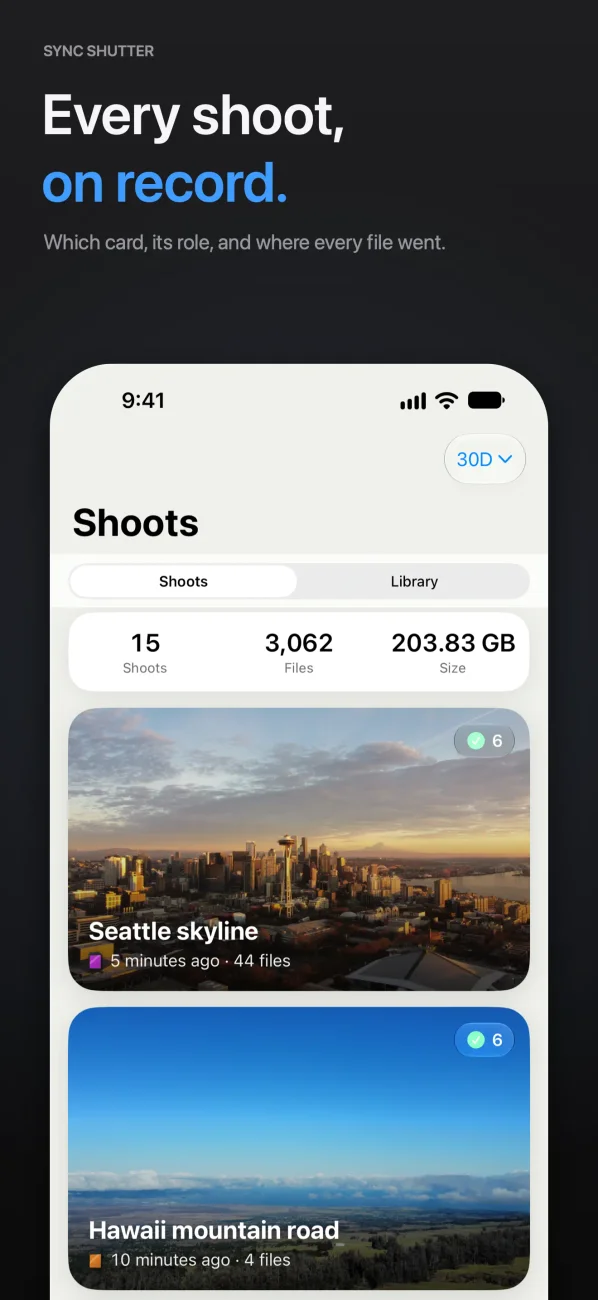
• Each card gets its own name the first time it goes in, like purple-frog. Rename it, number it, give it a colour.
• Say what each card was doing in a shoot: Primary, Backup slot, Second shooter or Video.
• Cards lists every card with its last job and whether it is safe to format, meaning nothing on it would be lost.
• Nothing is ever written to your cards.
WHERE THE FILES GO
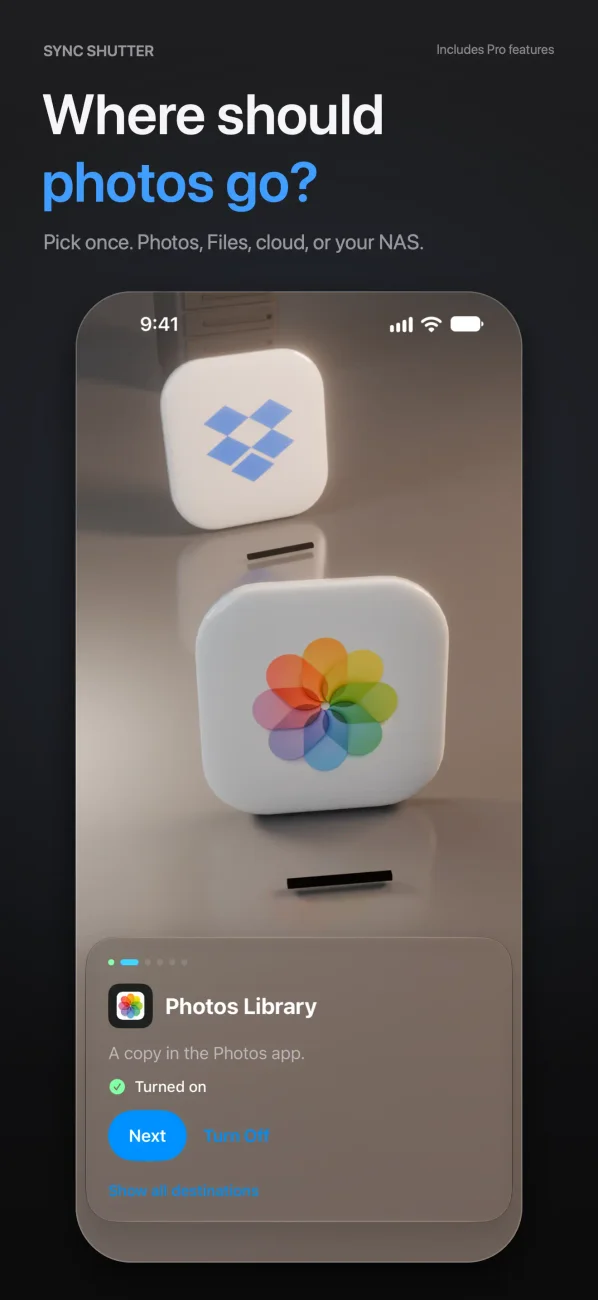
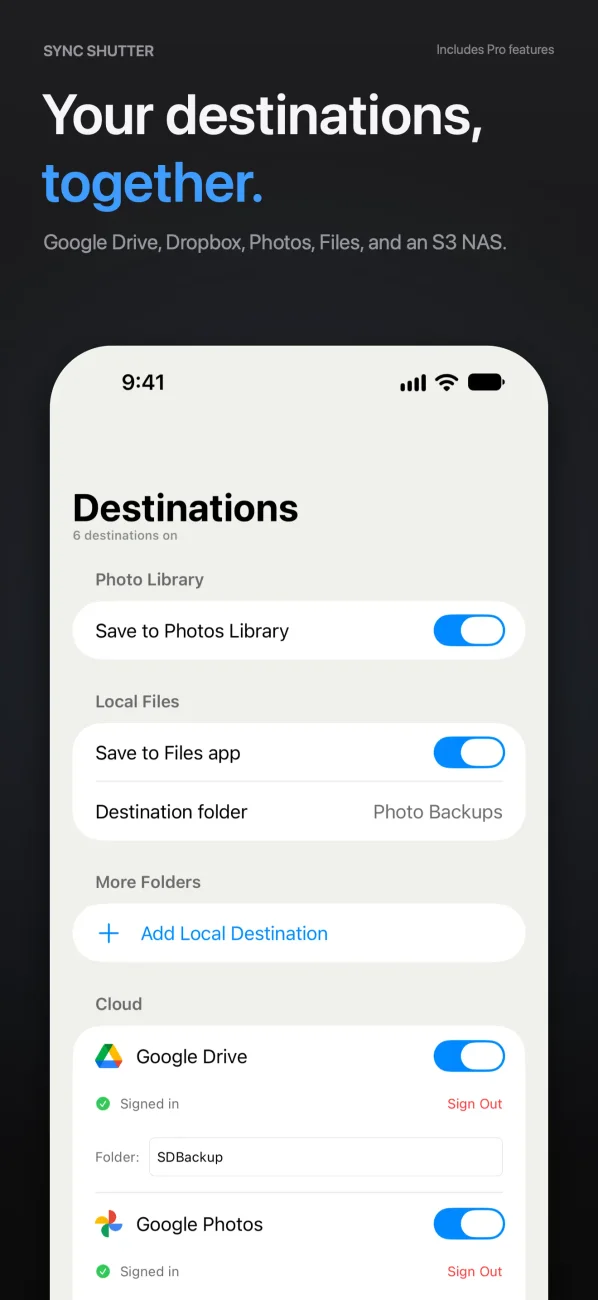
Send one card to several places at once: a local folder or external drive, iCloud Drive, Google Drive, OneDrive, Dropbox, Google Photos, the Lightroom auto-import folder, or the Photos library. Turn on as many as you like; each card is copied to all of them in a single pass.
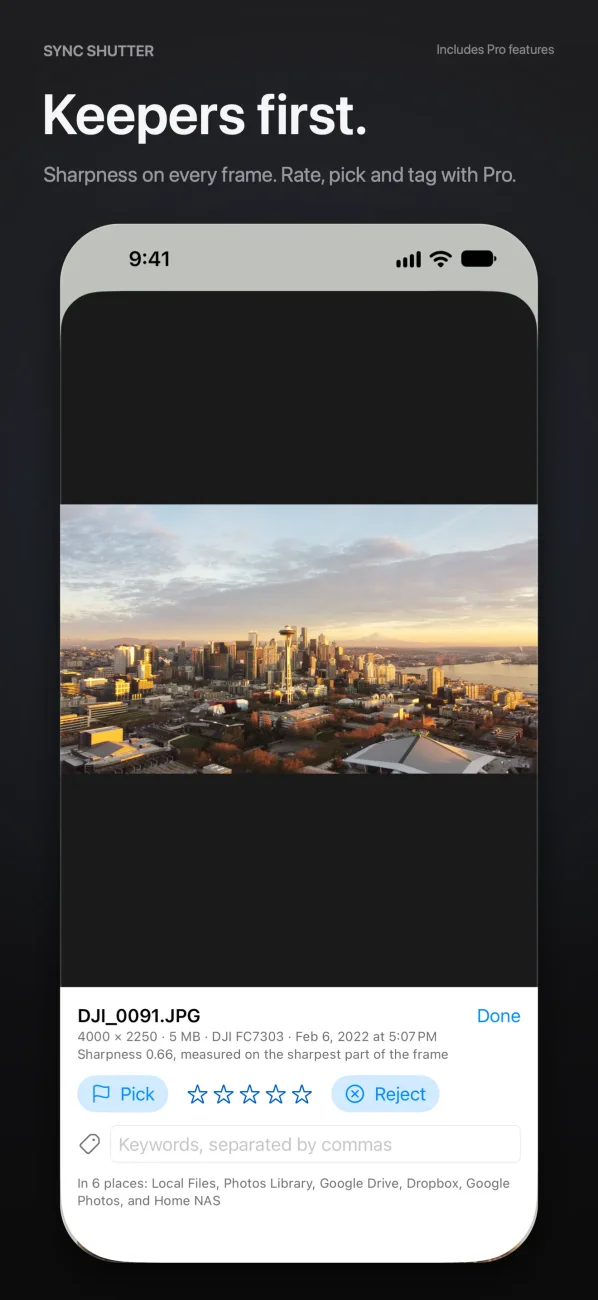
CHOOSE WHAT COMES OFF THE CARD
Turn on a review step and a grid of thumbnails appears before anything is copied, so you can leave the test frames behind.
SYNC SHUTTER PRO — ONE PURCHASE FOR MAC, IPHONE AND IPAD
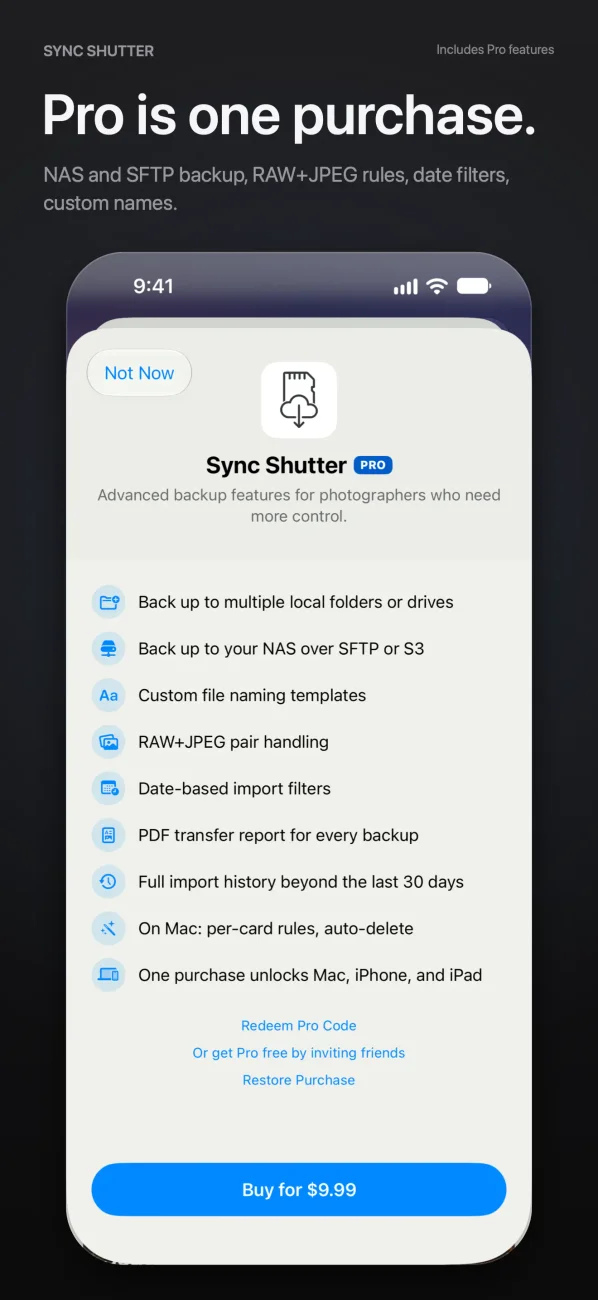
• Back up to a NAS or server: any S3-compatible storage (Synology, Backblaze B2, MinIO, Amazon S3), or SFTP over SSH.
• Cold storage: Amazon S3 Glacier and Deep Archive storage classes, chosen per destination, for an archive that costs cents a month.
• RAW+JPEG pairs: keep both, RAW only, or JPEG only.
• Import date filters: only today's shoot, the last few days, or everything since a date.
• Custom file naming from the capture date, a counter and the original name.
• Per-card rules on the Mac: route each card to its own destinations.
• Auto-delete from the card after every destination has confirmed the copy, and low-storage alerts before a backup would fill the disk.
Pro is a single purchase, not a subscription.
IPHONE AND IPAD
Plug in a USB-C or Lightning card reader, open Sync Shutter, and pick the card. Photos go to your Photos library, a folder in Files, your cloud drives, or an S3 NAS. A Live Activity follows the import and a widget shows your totals.
PRIVATE BY DESIGN
No account, no sign-up, no servers of ours in the path. Files go straight from the card to the destinations you chose. The only thing the app ever sends home is an anonymous count of backups and errors, so that problems get fixed; it is never linked to you.
Works with any card your Mac or card reader can mount: SD, microSD, CFexpress, CFast, XQD.
What’s new
Version 5.3 · Nov 23, 2026
Insert your card and walk away. Every photo and video is copied everywhere at once, with proof of when it's safe to format.
• A new look, with a dark mode to match. Home opens on the newest photo on your card.
• Setup is a short film that stops at each place your photos can go and asks about that one.
• Give a friend a month of Pro. When they finish their first backup, you get 3 months of Pro.
App privacy
What Utkarsh Jain declares on the App Store about how this app handles data.
-
Data linked to you
May be collected and linked to your identity.
- Contact info
- User content
- Identifiers
- Diagnostics
-
Data not linked to you
May be collected but is not linked to your identity.
- Usage data
Privacy practices may vary, for example with the features you use or your age.
Information
- Seller
- Utkarsh Jain
- Category
- Photo & Video
- Version
- 5.3
- Updated
- Nov 23, 2026
- Released
- Mar 3, 2026
- Size
- 24.6 MB
- Requires
- iOS 16.0 or later
- Age rating
- 4+
- Price
- Free
- In-app purchases
- Yes
- Languages
- English, French, German, Japanese, Portuguese, Simplified Chinese, Spanish
- Copyright
- © Utkarsh Jain
You might also like
-
 ShutterFlowPhoto & Video File Transfer
-
 KeeperSafe: SD Card BackupEvery frame, kept and verified
-
 Fieldbox BackupVerified Copies, 3-2-1 Status
-
 FujiView: Recipes & SD ReaderCull Photos, Carousel Posts
-
 CamDrop – RAW Photo TransferWi-Fi import for Sony cameras
-
 CardRunner - Image TransferSpeed up your photo workflow
-
 PhotoTransfer: Sync with DriveGallery Backup & Sync to Drive
-
 QSDCEasier SD card photo download
-
 Offload: Photos to SD CardFree up space, no cloud needed
-
 Napharu StudioQuality video editing