Taglio – Label Design
Barcodes, data merge, printing
Designed for iPhone, iPad, Mac
Free · In-app purchases
- Age rating4+
- CategoryGraphics & Design
- DeveloperNING LI
- LanguagesEnglish+ 5 more
- Size7.8 MB
Links to the official App Store page
Download.org hosts no file of Taglio – Label Design. The button opens its official App Store page, published by NING LI. Listing last checked on Nov 12, 2026.
Screenshots
About
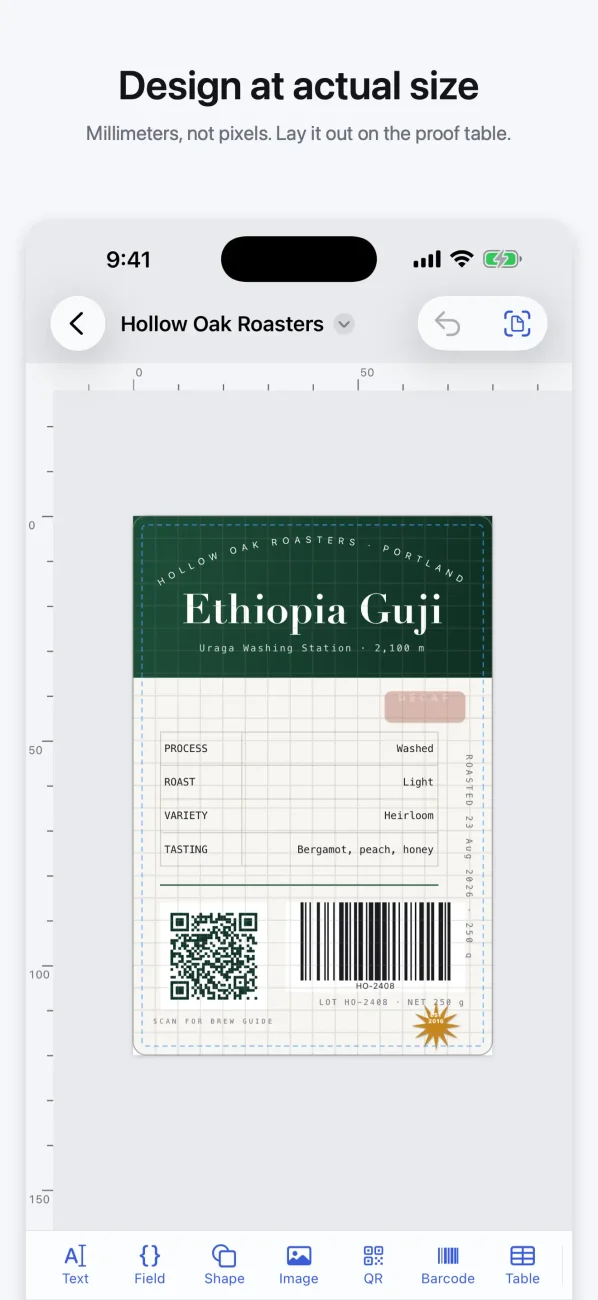
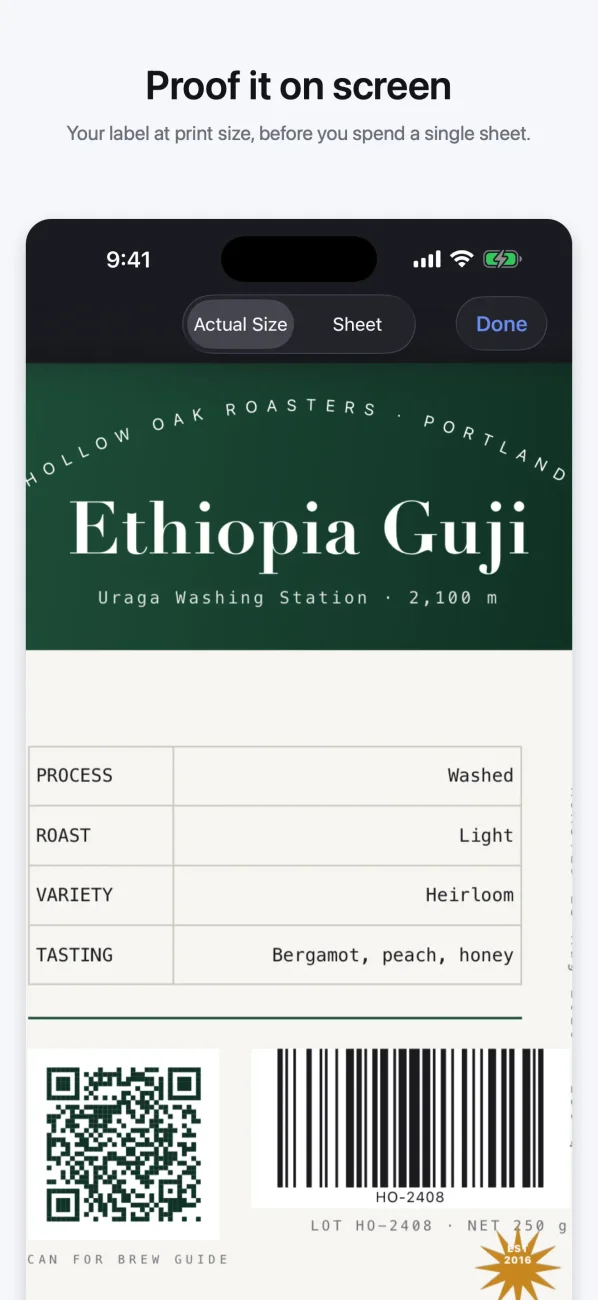
Taglio is a label studio for Mac, iPhone and iPad. Design a label at true
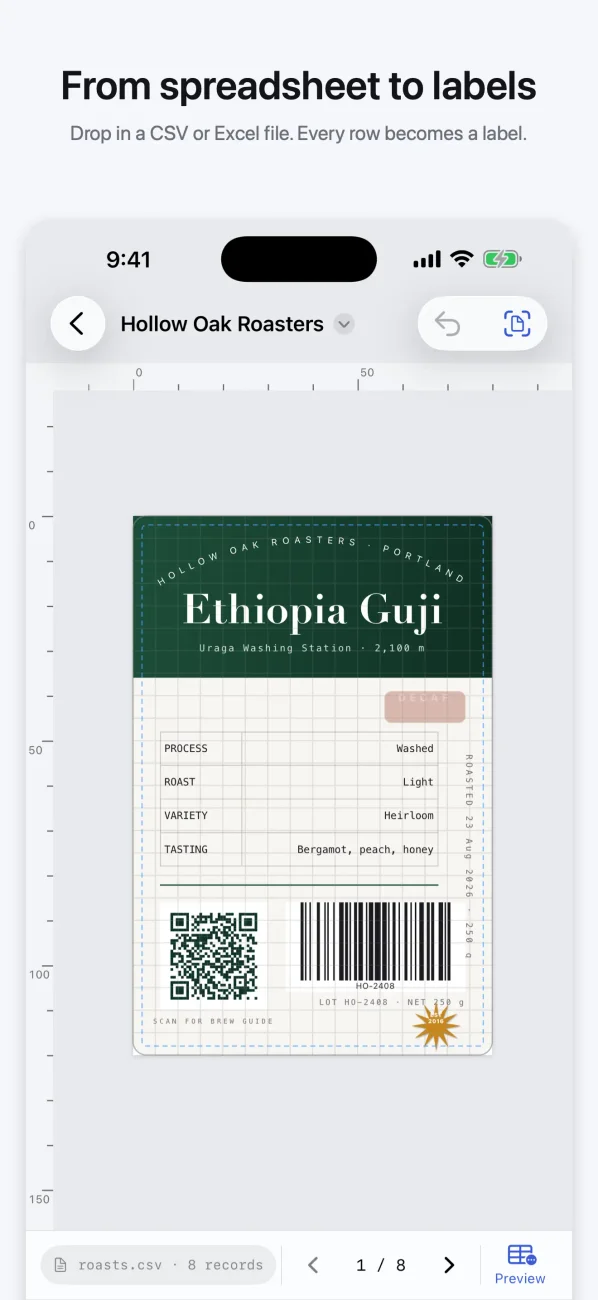
physical size, fill it from a spreadsheet, check it before it prints, and
produce the run — all in one app, with the same document on every device.
DESIGN AT REAL SIZE
Everything is measured in millimetres or inches, never pixels. Pick a die —
rectangle, rounded, circle, ellipse, pill or swing tag — and the safe area
follows its shape, so nothing is ever trimmed off a curve you could not see.
Text, shapes, images, barcodes and QR codes, with gradients, shadows, outlines,
text on an arc, and vertical type for East Asian packaging.
BARCODES THAT SCAN
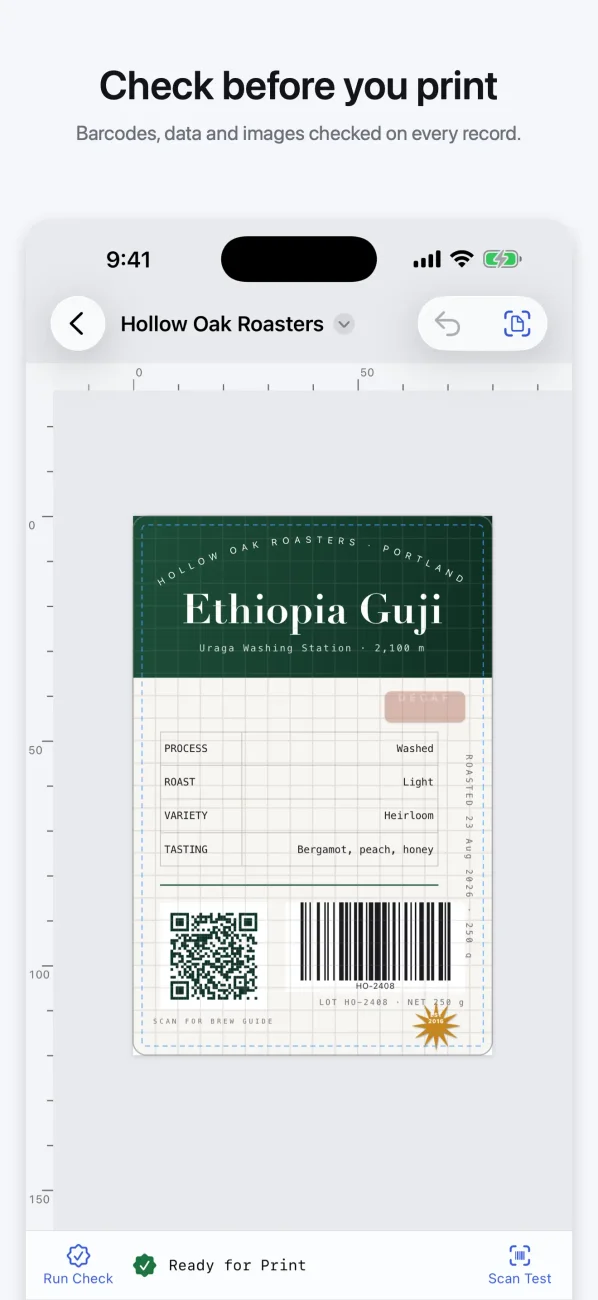
Eleven symbologies including EAN-13, UPC-A, Code 128, ITF-14 and GS1-128.
Taglio checks the payload as you type and tells you when a check digit is
wrong — before the roll is printed, not after. Scan a printed label with the
camera to confirm it reads.
KNOWN STOCK
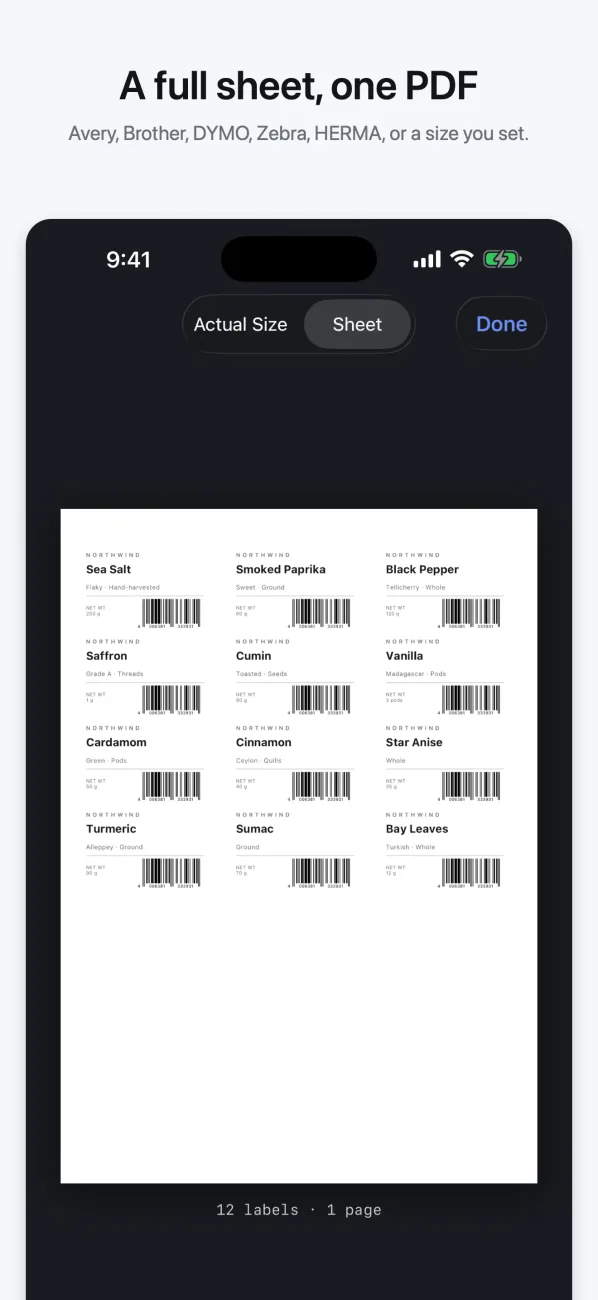
Seventeen sheet and roll standards from Avery, Brother, Zebra, DYMO and HERMA,
plus any custom size you need.
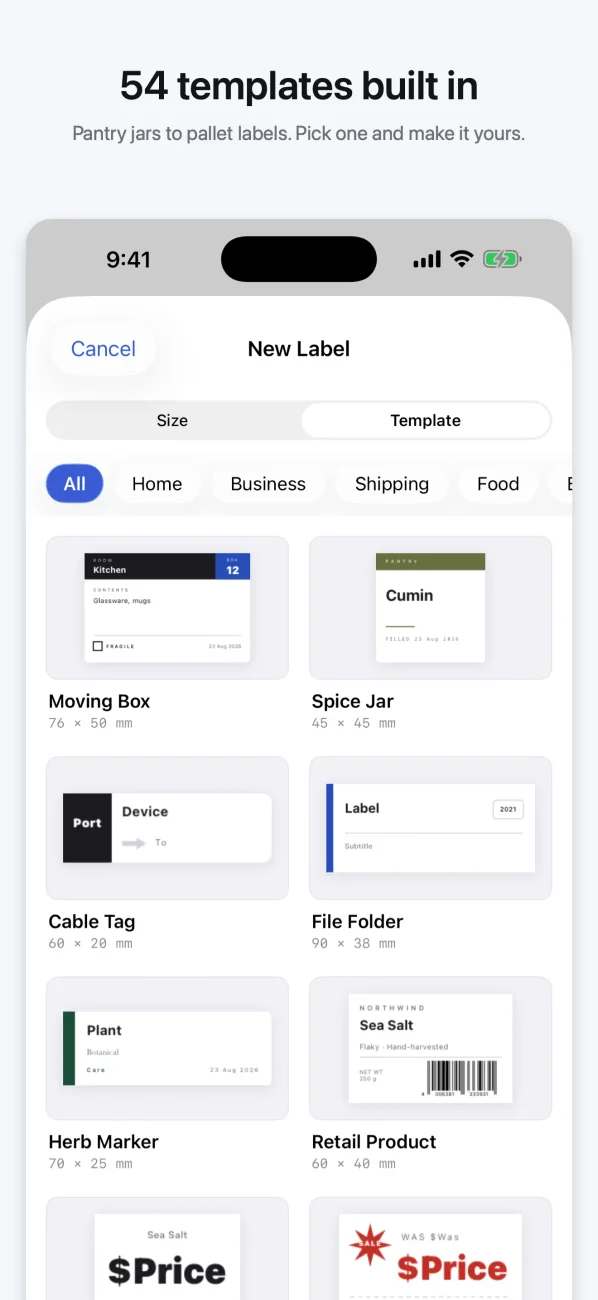
54 TEMPLATES
Nine each for Home, Business, Shipping, Food, Events and Industrial. Nutrition
panels, GHS chemical labels, shipping labels, jar seals, cable wraps, shelf
edges, wine and coffee.
WHAT PRINTS IS WHAT YOU SAW
One rendering engine draws the canvas, the preview, the PDF and the paper, so
the proof is not an approximation. Print one label at true size, or export PNG,
JPEG and PDF at print resolution.
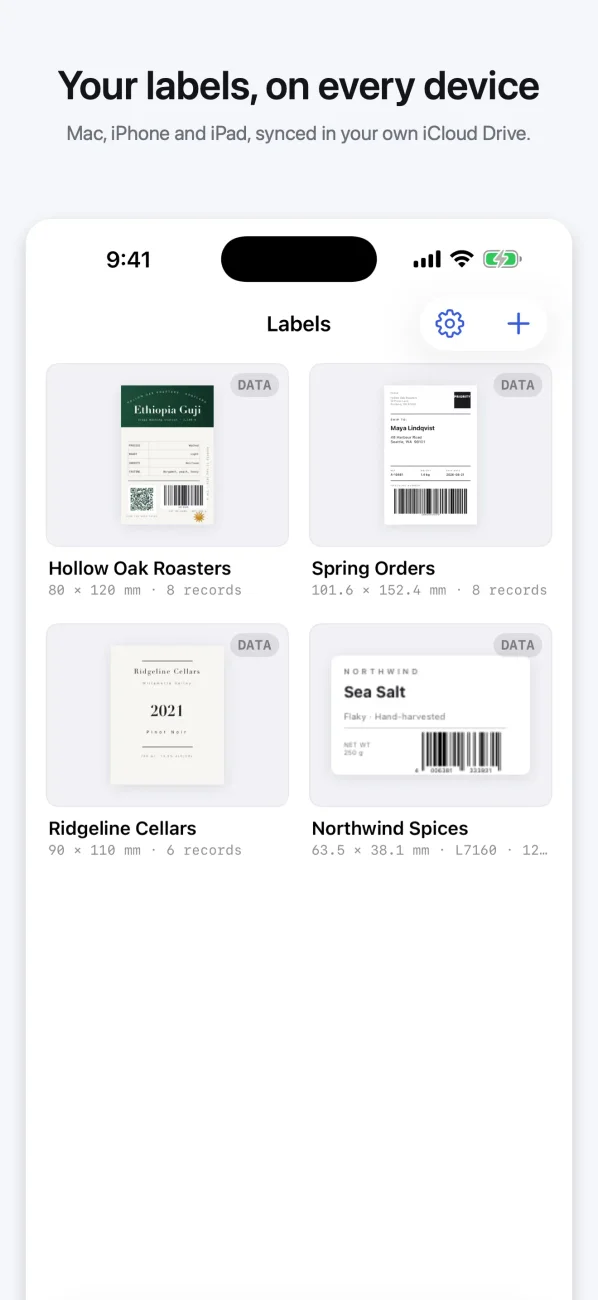
YOUR LABELS, EVERYWHERE
Documents live in your own iCloud Drive, or only on the device if you switch
sync off. Open one on the Mac, finish it on the iPad. Quick Look previews a
label in Finder without opening the app. Six languages: English, Simplified and
Traditional Chinese, Japanese, French and German.
NOTHING LEAVES YOUR DEVICE
No accounts, no analytics, no tracking, no third-party SDKs. The only thing
Taglio ever talks to is the App Store, for the one purchase. Your labels and
your data are yours.
TAGLIO PRO — ONE PURCHASE, EVERY APPLE DEVICE
Designing a label and printing it is free, forever. Pro is for the two things
that turn labelling into a job:
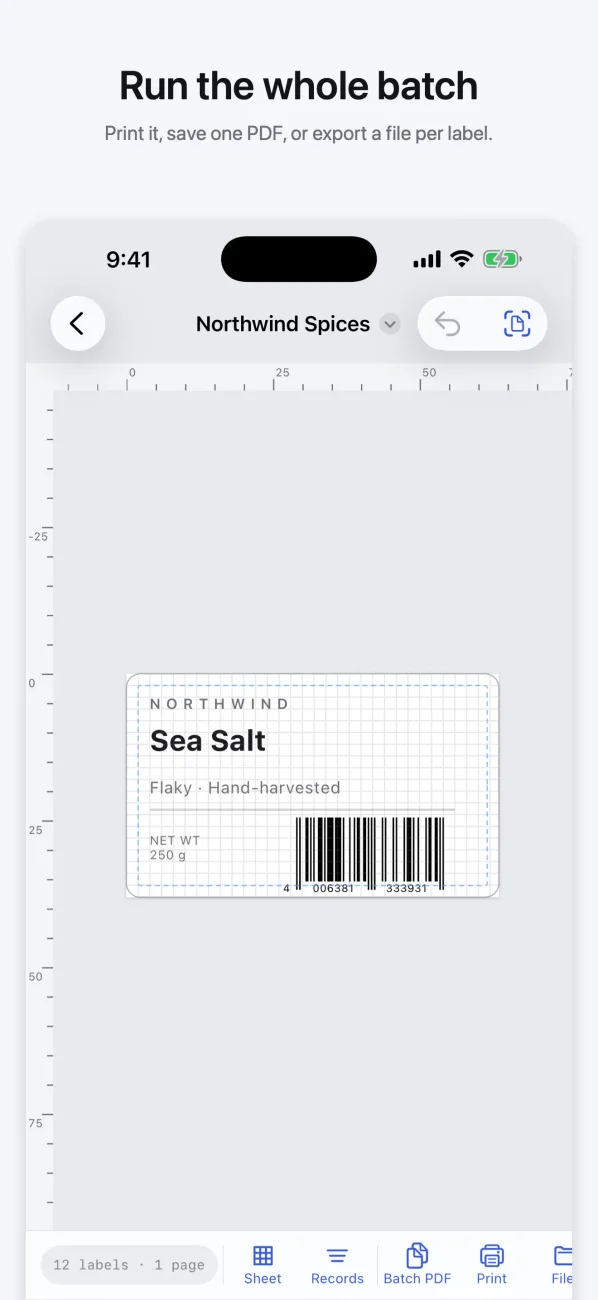
MANY OF THEM — merge CSV or Excel, generate serial numbers, impose a full sheet,
and print or export the whole run as one batch PDF.
COMPLICATED ONES — tables that stay aligned when the text changes, and rules
that show or hide an element depending on what the record says. An allergen line
that prints only for the batches that have one.
Plus the commercial press path: separations with one PDF page per station, die
line, white ink, varnish and foil layers, CMYK output, ZPL for thermal printers,
SVG, GS1 validation, high-resolution export, and 24 more templates.
One purchase. No subscription. Works on your Mac, iPhone and iPad — and on
your family's, through Family Sharing.
App privacy
What NING LI declares on the App Store about how this app handles data.
-
Data not collected
The developer does not collect any data from this app.
Privacy practices may vary, for example with the features you use or your age.
Information
- Seller
- NING LI
- Category
- Graphics & Design
- Version
- 1.0
- Updated
- Aug 28, 2026
- Released
- Aug 27, 2026
- Size
- 7.8 MB
- Requires
- iOS 26.0 or later
- Age rating
- 4+
- Price
- Free
- In-app purchases
- Yes
- Languages
- English, French, German, Japanese, Simplified Chinese, Traditional Chinese
- Copyright
- © 2026 Taglio
You might also like
-
 Tucked: Gridfinity Tray MakerPhoto to STL for 3D Printing
-
 吧唧 - 电子小徽章Graphics & Design
-
 AI Party Planner & Designer#1 AI Party Planner & Designer
-
 MotMark - 3D Mockup VideoHigh Conversion Screenshots
-
 Tattoo Generator - Tattoo AIDesign Ideas, Maker & Creator
-
 Tes Wraps - AI 3D DesignTemplates & 3D Preview
-
 Background Text-AI Text EditorAdd text behind the image
-
 SvgTrace ClassicPNG to SVG Converter & Tracer
-
 Drawing on the screenDraw, paint and sketch app
-
 AI Label Maker: Label PrinterPrintables for Address Labels