TakeTime: Study App Blocker
Scroll Less, Study More.
Designed for iPhone, iPad
Free · In-app purchases
- Age rating4+
- CategoryProductivity
- DeveloperTenille Hyun
- LanguagesEnglish
- Size20.5 MB
Links to the official App Store page
Download.org hosts no file of TakeTime: Study App Blocker. The button opens its official App Store page, published by Tenille Hyun. Listing last checked on Nov 12, 2026.
Screenshots


About
Study before you scroll.
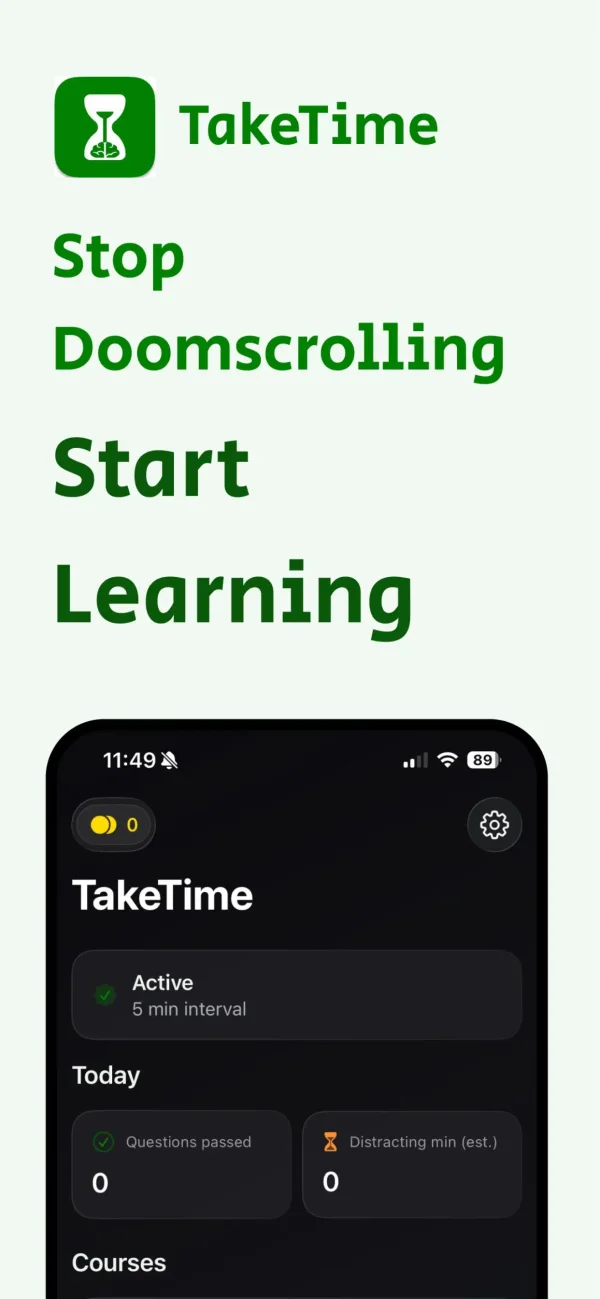
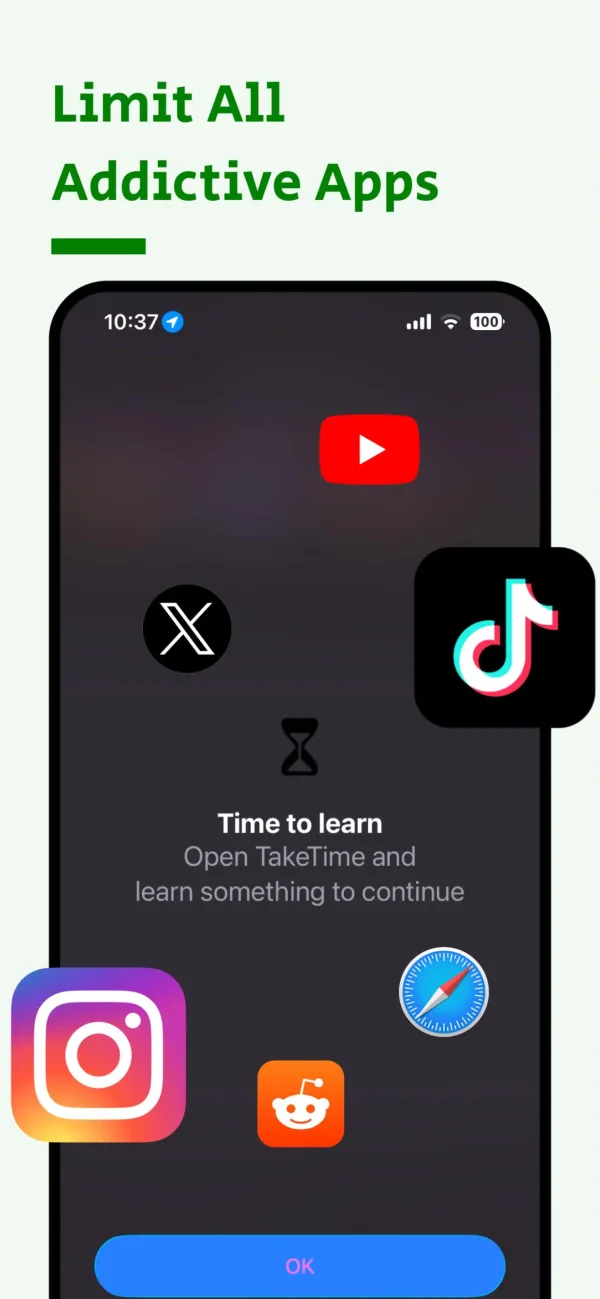
TakeTime blocks distracting apps and makes you complete a quick study question before you can keep using them.
Trying to stop wasting time on TikTok, Instagram, YouTube, or games? TakeTime helps turn those moments into SAT prep, AP review, LeetCode practice, flashcards, or questions from your own class materials.
Perfect for
SAT prep
AP exam review
LeetCode and coding interviews
College classes
High school courses
Language learning
Flashcards
Quiz practice
PDF study guides
Lecture slides and notes
How TakeTime helps
Block distracting apps
Choose the apps you want to limit using Apple Screen Time.
Answer before unlocking
When you hit your limit, TakeTime gives you a short learning activity before you can continue.
Learn in quick reps
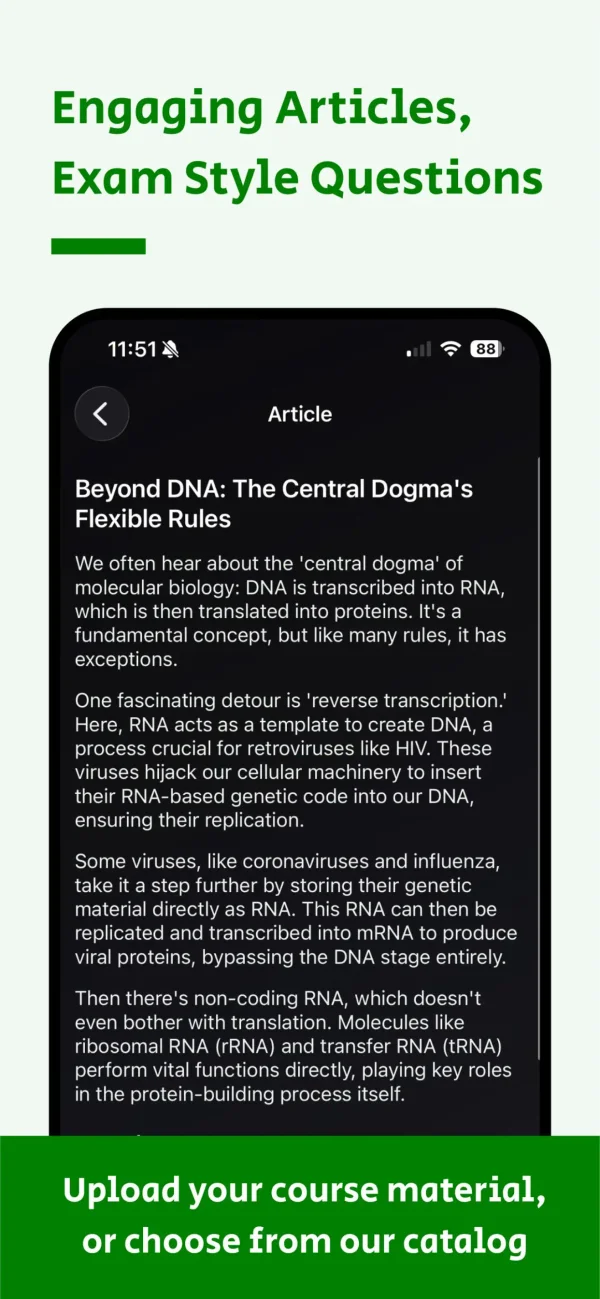
Read a short explanation, answer a quiz, review a flashcard, or practice a question in under a minute.
Upload your own material
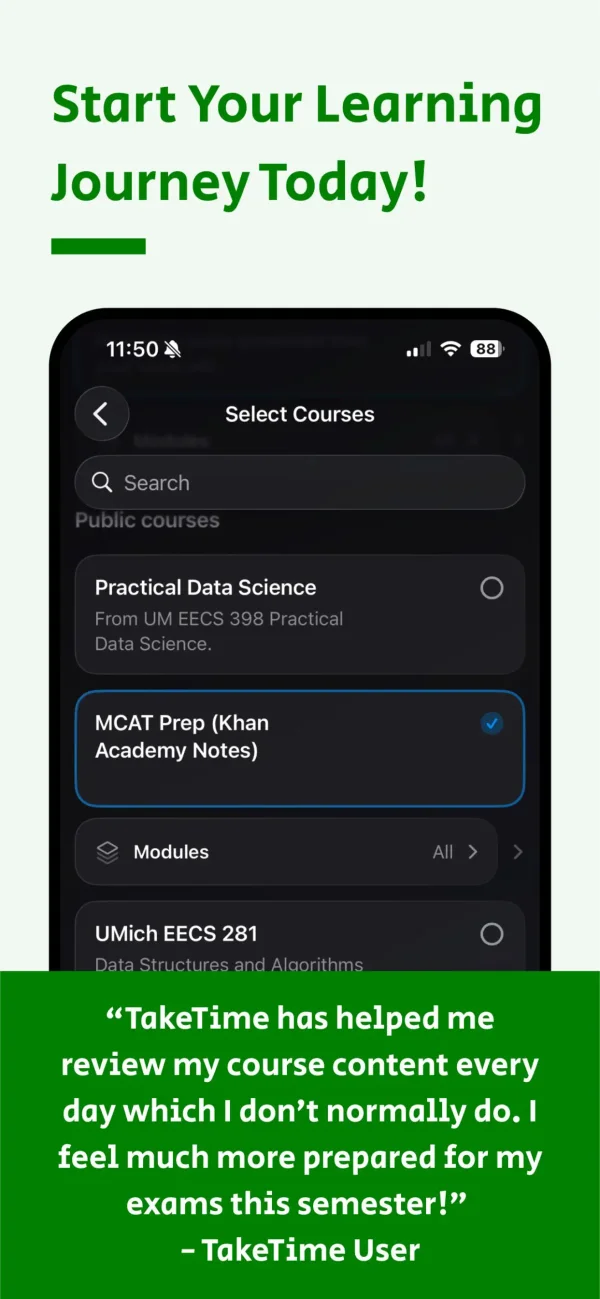
Add PDFs, notes, screenshots, slides, and worksheets. TakeTime turns them into quizzes and study modules.
Share PDFs into TakeTime
Send study materials from Files, Safari, Google Drive, Canvas, Notion, or other apps using the iOS Share Sheet.
Stay consistent
TakeTime helps you study during the moments when you normally get distracted.
Examples
Review SAT grammar before opening TikTok
Answer an AP Bio question before scrolling Instagram
Practice a LeetCode pattern before watching YouTube
Review lecture slides before opening Snapchat
Turn a PDF study guide into quick quiz questions
Privacy
TakeTime uses Apple’s Screen Time API. App blocking runs on your device, and your browsing history never leaves your phone.
Uploads are processed to generate questions and learning cards.
Screen Time permission is required for app blocking.
All features described require a subscription.
Terms of Service: https://taketime.app/terms.html
Support: https://www.taketime.app/support.html
Privacy Policy: https://www.taketime.app/privacy.html
What’s new
Version 1.8 · May 31, 2026
parent onboarding!
App privacy
What Tenille Hyun declares on the App Store about how this app handles data.
-
Data linked to you
May be collected and linked to your identity.
- Usage data
-
Data not linked to you
May be collected but is not linked to your identity.
- Identifiers
Privacy practices may vary, for example with the features you use or your age.
Information
- Seller
- Tenille Hyun
- Category
- Productivity
- Version
- 1.8
- Updated
- May 31, 2026
- Released
- Feb 12, 2026
- Size
- 20.5 MB
- Requires
- iOS 26.0 or later
- Age rating
- 4+
- Price
- Free
- In-app purchases
- Yes
- Languages
- English
- Copyright
- © 2026 Caleb Hyun
You might also like
-
 Go Blue AIAI assistant for U of Michigan
-
 ScrollToll: Exam App BlockerStudy to unlock screen time
-
 Focustown: Pomodoro TimerStudy with friends | Booktown
-
 Unrot: Earn your Screen TimeComplete habits, then scroll
-
 Refocus: App Blocker & LockBlock Websites, Social Media
-
 Brainrot: Screen Time ControlApp Blocker & Focus Timer
-
 Obsidian - Connected NotesYour second brain on the go
-
 Dumb Phone (dp)Minimalist Launcher
-
 SocialLite-Block Reels&ShortsStop Doomscrolling-Stay Social
-
 ScreenZen- Screen Time ControlApp blocker, limit screen time