Tap Forms Database Pro
Your Digital Filing Cabinet
Designed for iPhone, iPad, Mac
Free · In-app purchases
- Age rating17+
- CategoryBusiness
- DeveloperTap Zapp Software Inc.
- LanguagesEnglish+ 14 more
- Size191.4 MB
Links to the official App Store page
Download.org hosts no file of Tap Forms Database Pro. The button opens its official App Store page, published by Tap Zapp Software Inc. Listing last checked on Nov 23, 2026.
Screenshots
About
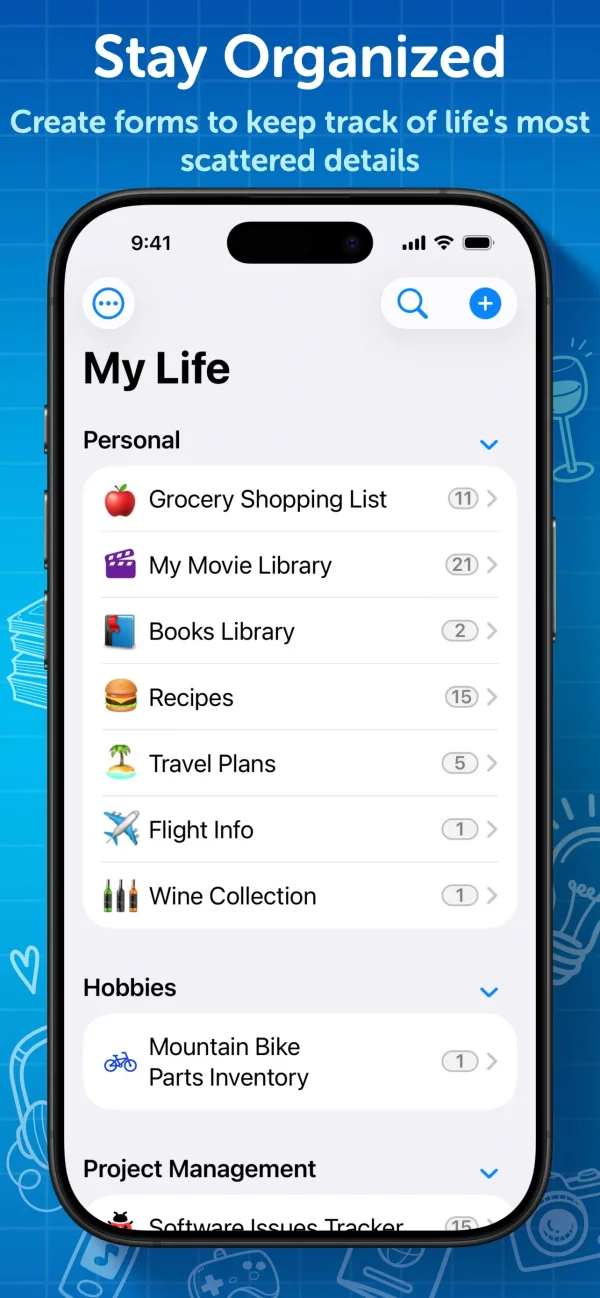
Accounts, projects, expenses, inventory, recipes, and more — organize it all in one place with Tap Forms Pro. The most friendly, accessible, and powerful database app for your Mac, iPad, iPhone, and Apple Watch available today.
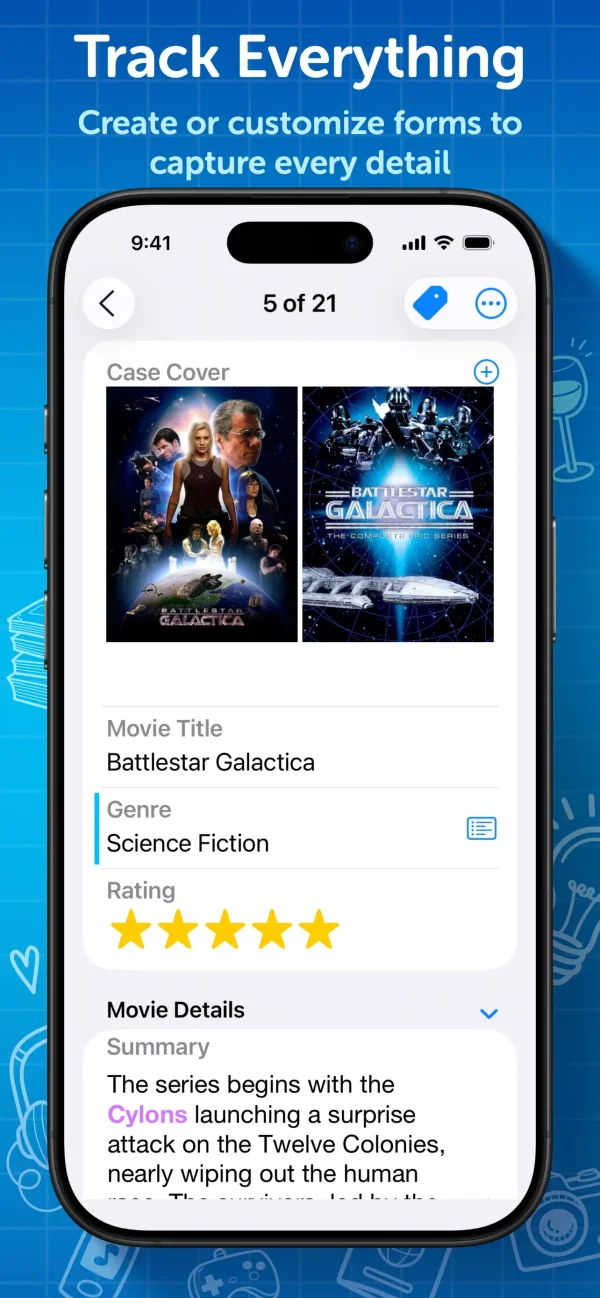
Streamline your productivity with Tap Forms Pro. Create and edit forms easily, adding photos, printing reports, and finding everything you need. Seamlessly sync across iPhone, iPad, and Mac with iCloud, Dropbox, WebDAV, and Nearby Sync.
CUSTOMIZABLE FORMS
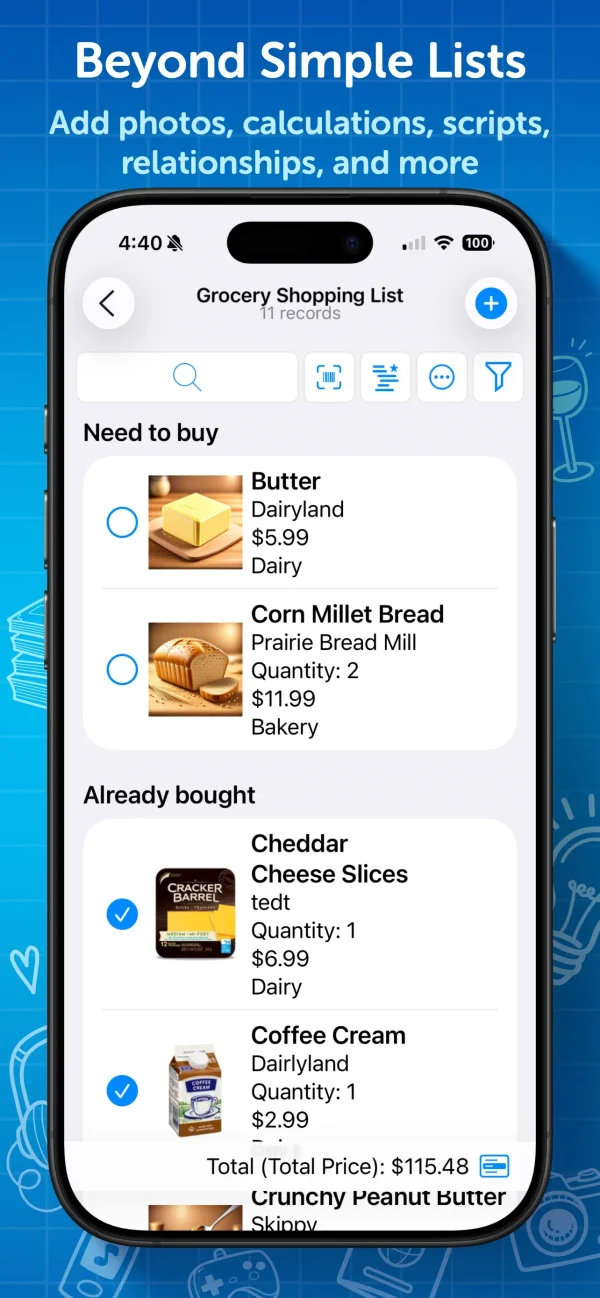
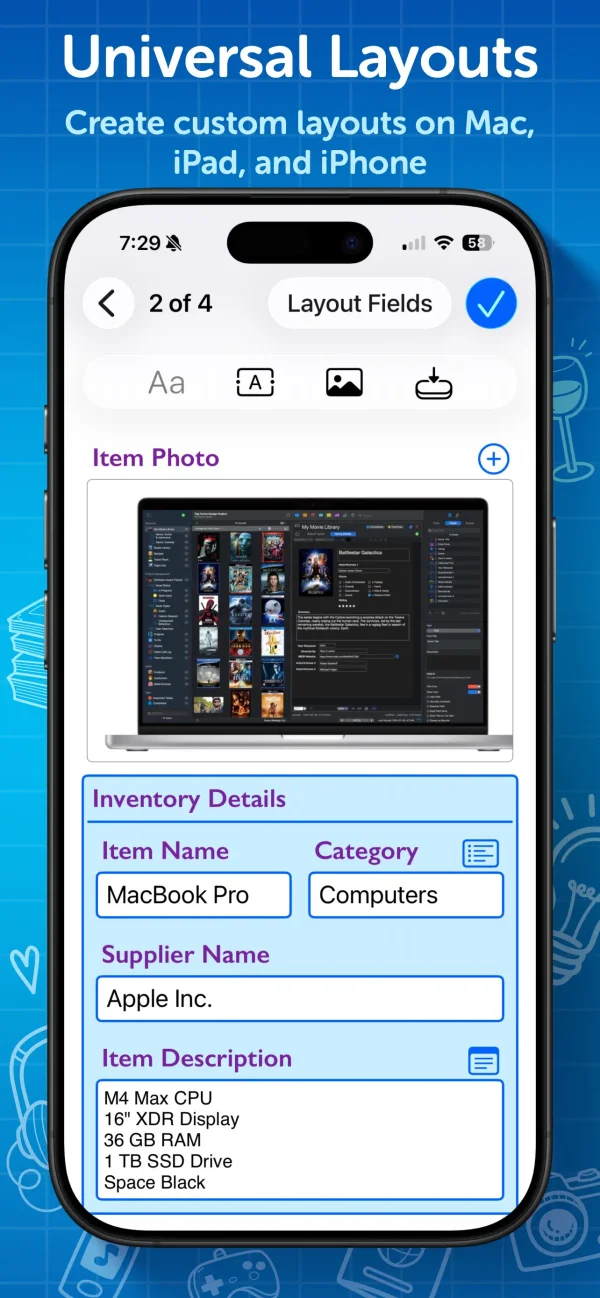
Build unique forms to store any type of data. Text, numbers, dates, notes, photos, audio recordings, signatures, file attachments, tables, calculations, scripts, relationships to other forms, and more. All these can be combined to create customized forms for exactly what you need.
AI FORM GENERATOR
Want to create a detailed form with fields, pick lists, and sample records? Just enter a form name and an optional description, and voila! You’ve got a form ready to use! Your own ChatGPT or DeepSeek API key is all you need.
SECURE & ENCRYPTED
Keep your information protected with robust encryption and password protection.
SYNC YOUR DATA
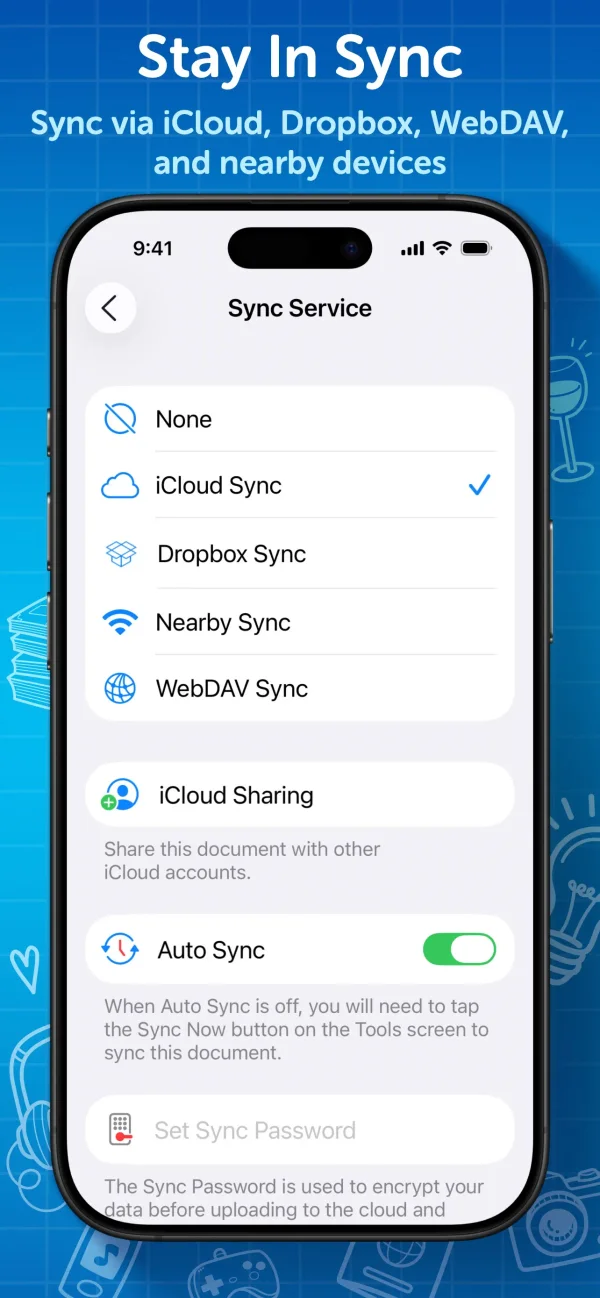
Sync with Tap Forms Pro for iOS and Mac using iCloud (including multi-account sharing), Dropbox, your own WebDAV server, and Nearby Sync (WiFi)
TEMPLATE LIBRARY
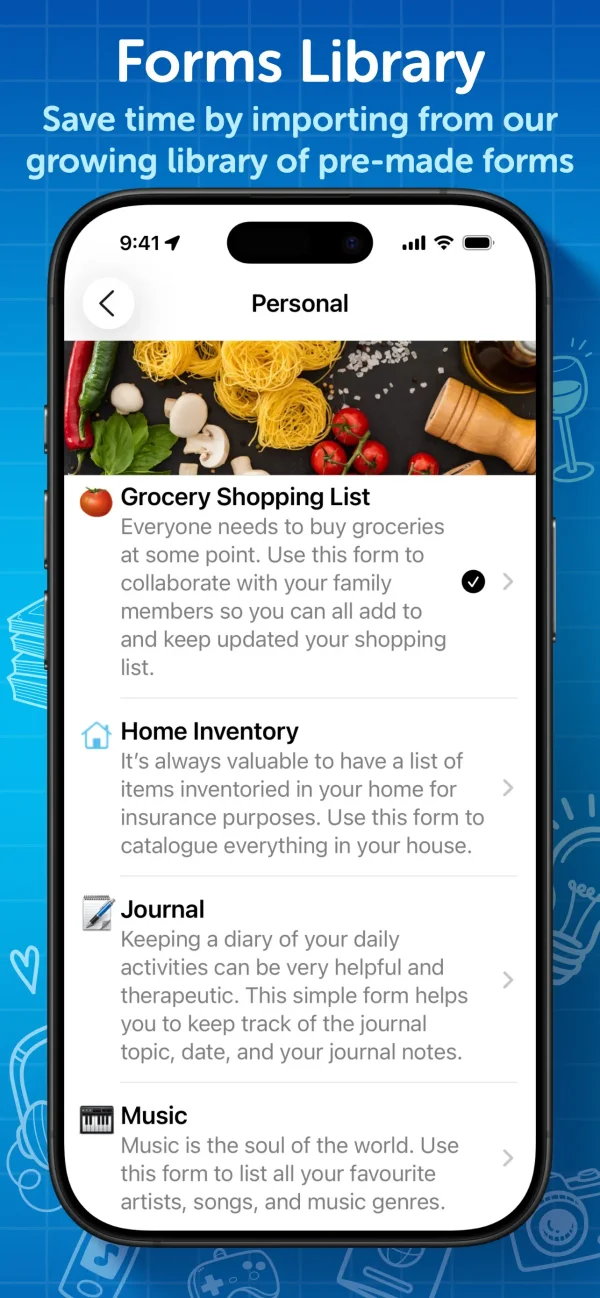
An ever-expanding set of free form templates available to you. Add them to your documents with a single press of a button.
BACKUPS
Built-in backup function to let you backup your data to preserve peace of mind.
MEDIA ATTACHMENTS
Add photos, audio recordings, or file attachments to each record for comprehensive, all-in-one information storage.
ENHANCED PHOTO FIELD WITH IMAGE PLAYGROUND
Utilizing Apple’s new Apple Intelligence features, you can generate an image directly into a Photo field.
BARCODE SCANNER
Scan barcodes on iOS for searching and entering in barcode values directly into the app—perfect for inventory management and product tracking.
LIGHTNING FAST SEARCH
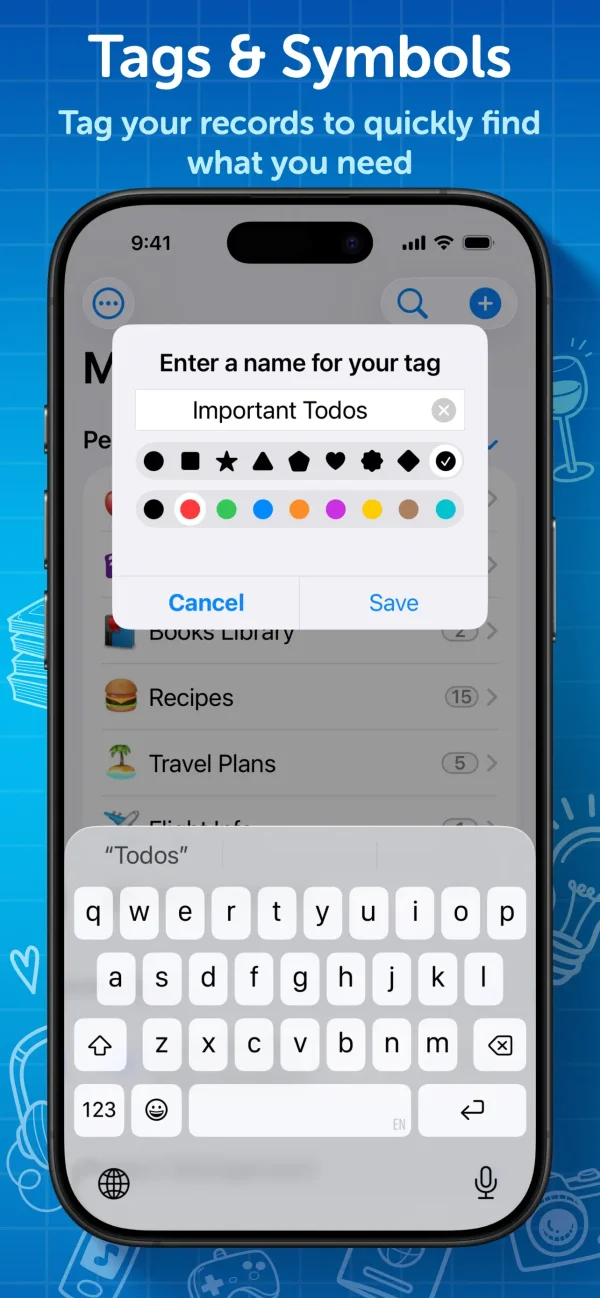
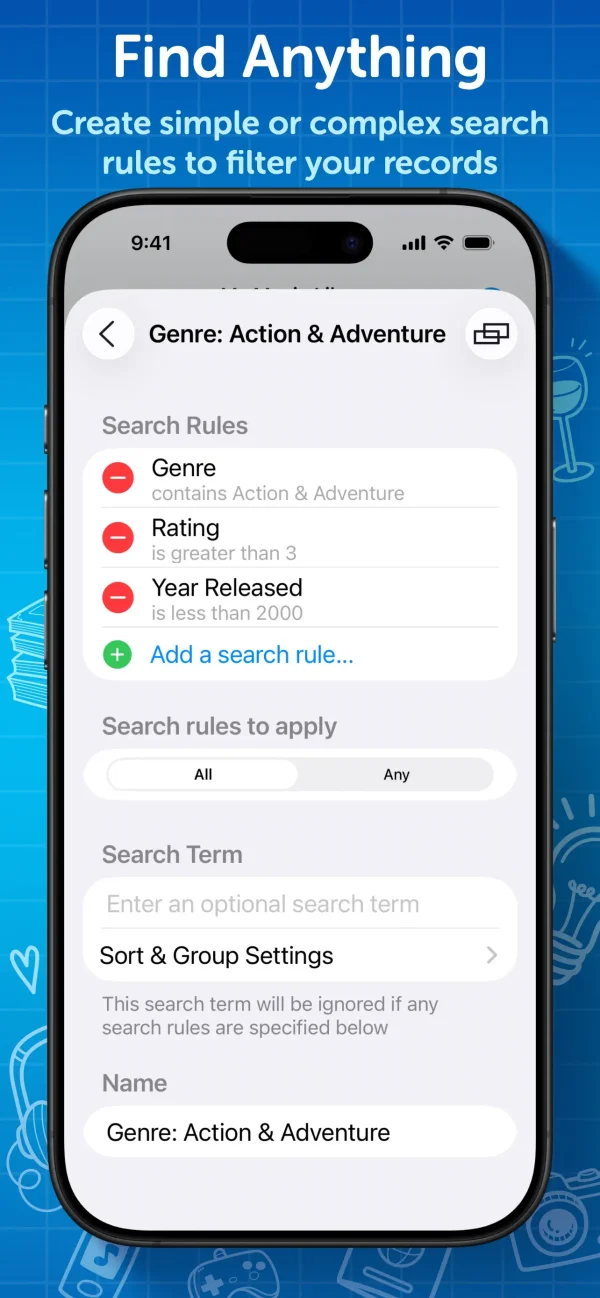
Instantly locate records with advanced search options, smart criteria filters, and sorting.
REPORT PRINTING & SHARING
Print and share professional looking reports that were created in Tap Forms Pro for Mac to analyze and share your data more effectively.
MULTIPLE VIEWS
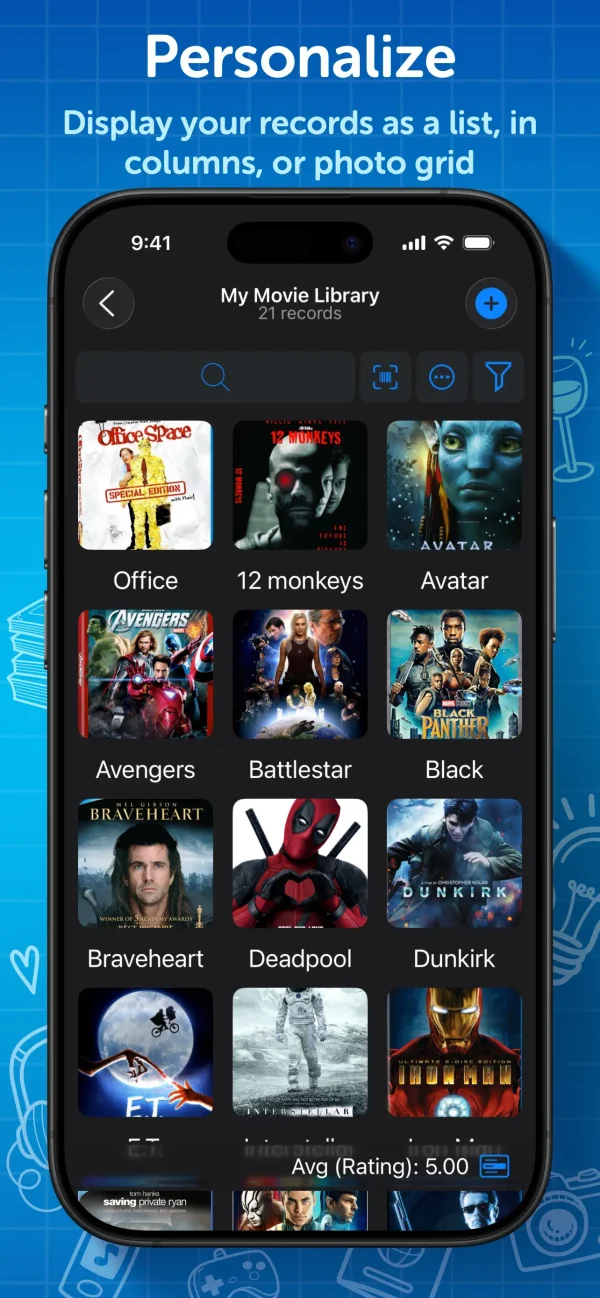
Switch between List, Multi-Column, and Photo Grid views to visualize your data the way you prefer.
CASCADING PICK LISTS
Create Pick Lists that have multiple levels of values.
SCRIPTING
Use JavaScripts to perform simple and complex operations on all your data.
FORMULAS
Create simple or complex formulas using the Calculation field to streamline data analysis and deliver precise results.
IMPORT & EXPORT
Import & Export standard text and CSV files from Excel, Numbers, or other systems that can export in common text formats.
Whether you’re a busy professional or an organization enthusiast, Tap Forms Pro is your go-to solution for clean, efficient data management. Download Tap Forms Pro today and transform the way you organize your digital life!
End User License Agreement:
https://www.apple.com/legal/internet-services/itunes/dev/stdeula/
Privacy Policy: https://www.tapforms.com/tap-zapp-software-inc-privacy-policy/
What’s new
Version 1.5 · Nov 19, 2026
The records Map View is now available in Tap Forms Pro for iOS.
The 'Create Form with Fields' function now supports custom URLs and AI models. Additionally, AI-generated forms now include a link to a secondary AI-generated form, enhancing overall form completeness.
The Apple Watch app will now display checkmark fields as tappable buttons on the records list view. Viewing the record details will also display checkmark fields as a tappable switch button. When you tap on a checkmark button on the watch, it will be updated on the iPhone.
Added show/hide Dashboard function on the main Forms list view menu.
Selections on a multi-select Pick List will now save the selected values in the order they were tapped on. This makes it consistent with the Mac version.
Fixed rating field not updating after a sync.
Fixed some cosmetic issues with the iPhone Duo.
Fixed barcode scanner function where it wasn’t saving the value. The conditional rules were interfering with it.
App privacy
What Tap Zapp Software Inc. declares on the App Store about how this app handles data.
-
Data not linked to you
May be collected but is not linked to your identity.
- Purchases
- Contact info
- User content
- Identifiers
- Usage data
Privacy practices may vary, for example with the features you use or your age.
Information
- Seller
- Tap Zapp Software Inc.
- Category
- Business
- Version
- 1.5
- Updated
- Nov 19, 2026
- Released
- May 2, 2025
- Size
- 191.4 MB
- Requires
- iOS 16.6 or later
- Age rating
- 17+
- Price
- Free
- In-app purchases
- Yes
- Languages
- English, Arabic, Danish, Dutch, Finnish, French, German, Italian, Japanese, Norwegian Bokmål, Russian, Simplified Chinese + 3 more
- Copyright
- © 2026 Tap Zapp Software Inc.
You might also like
-
 easyAsPieDB Database AppCustom Trackers & Inventories
-
 FormbookPersonal database reinvented
-
 MobiDB DatabaseDatabase app with cloud sync
-
 iDatabaseEasily create databases
-
 Collections DatabaseEasy to use database
-
 NinoxCreate Apps for Work and Life
-
 Infinity ListsFully Customizable List Maker
-
 Memento DatabaseTrack and organize anything
-
 Clastly — Personal DatabaseOrganize anything, your way
-
 PunchClock: Shift CalendarTrack Rotations & On-Call