
TapCam: Wireless PC Webcam
Wireless or USB PC webcam
Designed for iPhone
Free · In-app purchases
- Age rating4+
- CategoryPhoto & Video
- DeveloperGaudin Ltd
- LanguagesEnglish+ 10 more
- Size5.4 MB
Links to the official App Store page
Download.org hosts no file of TapCam: Wireless PC Webcam. The button opens its official App Store page, published by Gaudin Ltd. Listing last checked on Nov 20, 2026.
Screenshots
About
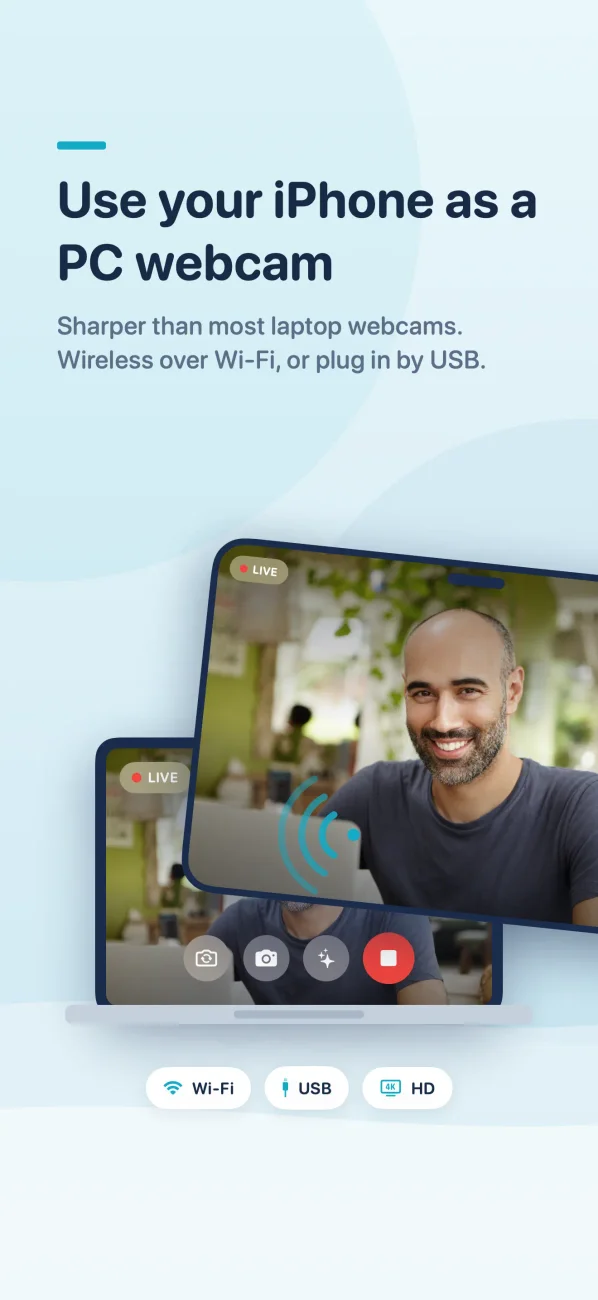
TapCam turns your iPhone into a sharp, low latency wireless webcam for your Windows PC. Your phone camera almost always beats a built in laptop webcam, and TapCam sends that video straight to your computer over your local Wi-Fi, or through a USB cable for the most stable link.
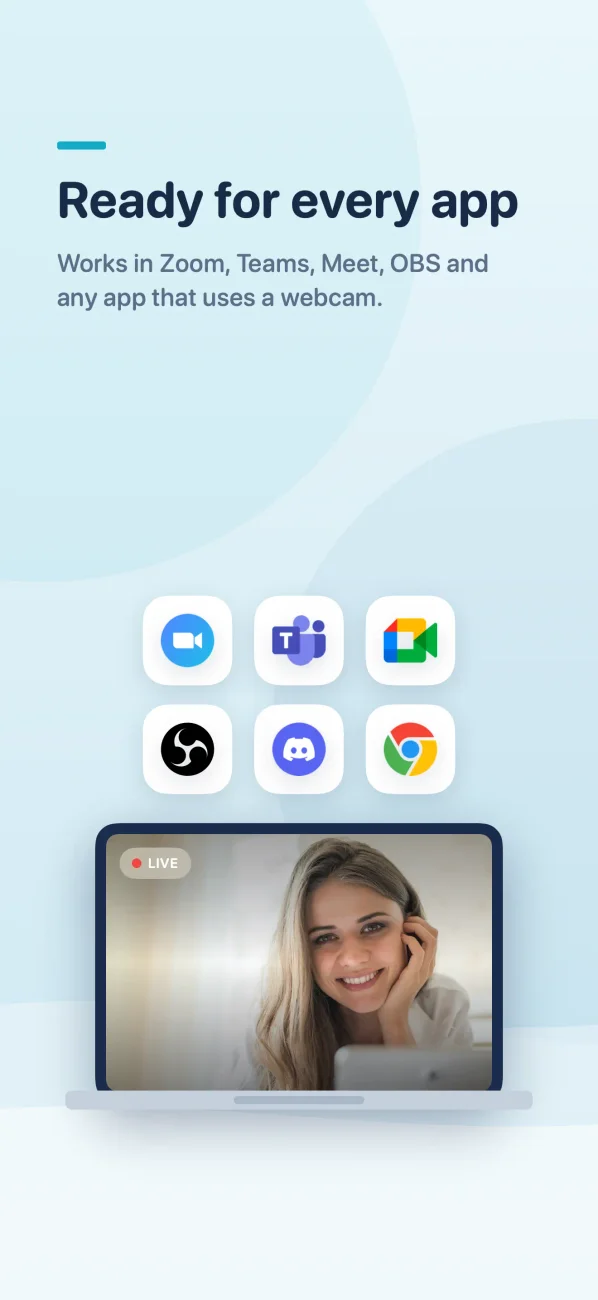
Once connected, TapCam appears as a normal camera on your PC, so you can pick it in Zoom, Microsoft Teams, Google Meet, OBS, and any app that uses a webcam.
HOW IT WORKS
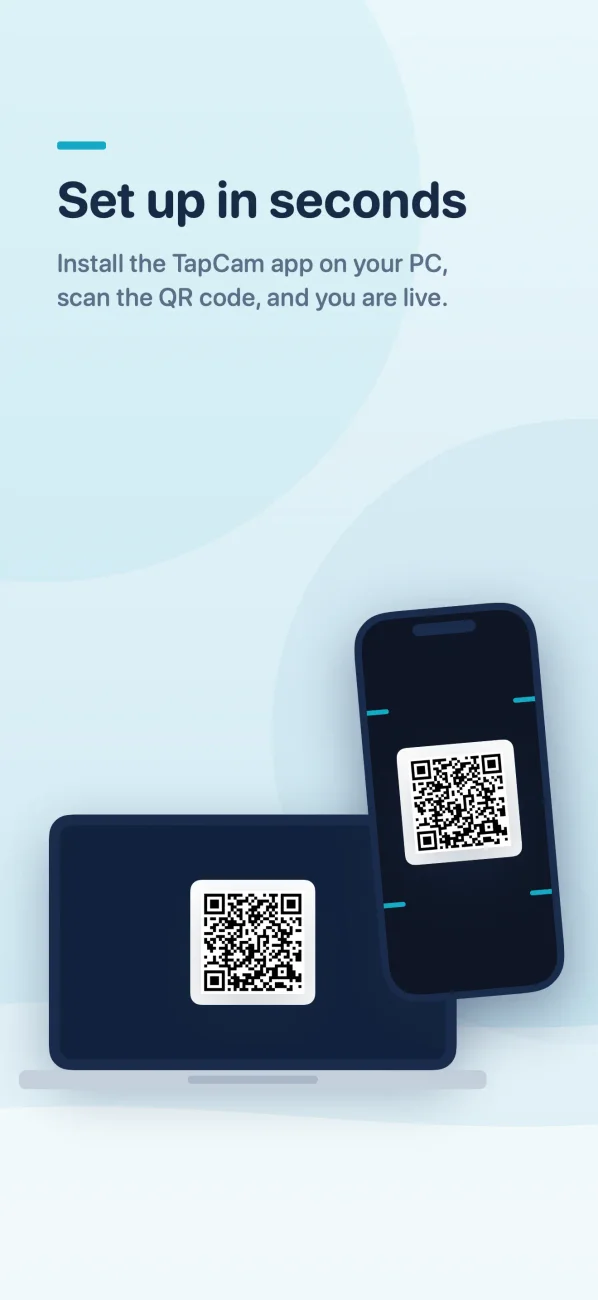
1. Install the free TapCam app on your Windows PC.
2. Open TapCam on the PC. It shows a QR code.
3. Scan the QR code with this app. That is it, you are live.
FEATURES
- Sharp H.264 video over local Wi-Fi, tuned for low latency.
- Connect wirelessly over Wi-Fi, or plug in a USB cable for a rock solid link with no Wi-Fi needed.
- Front and back cameras, pinch to zoom, tap to focus, torch.
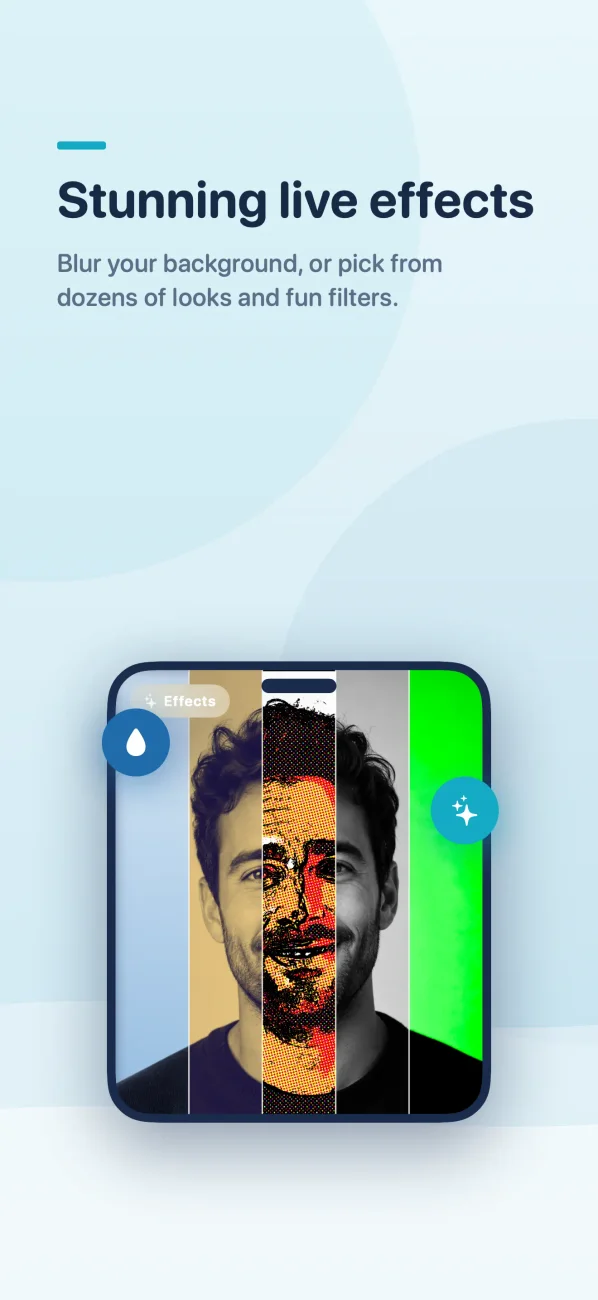
- Live background blur and color replacement, plus a large set of stylish looks and fun effects, previewed right on your phone.
- Manual white balance and ISO where the camera supports it.
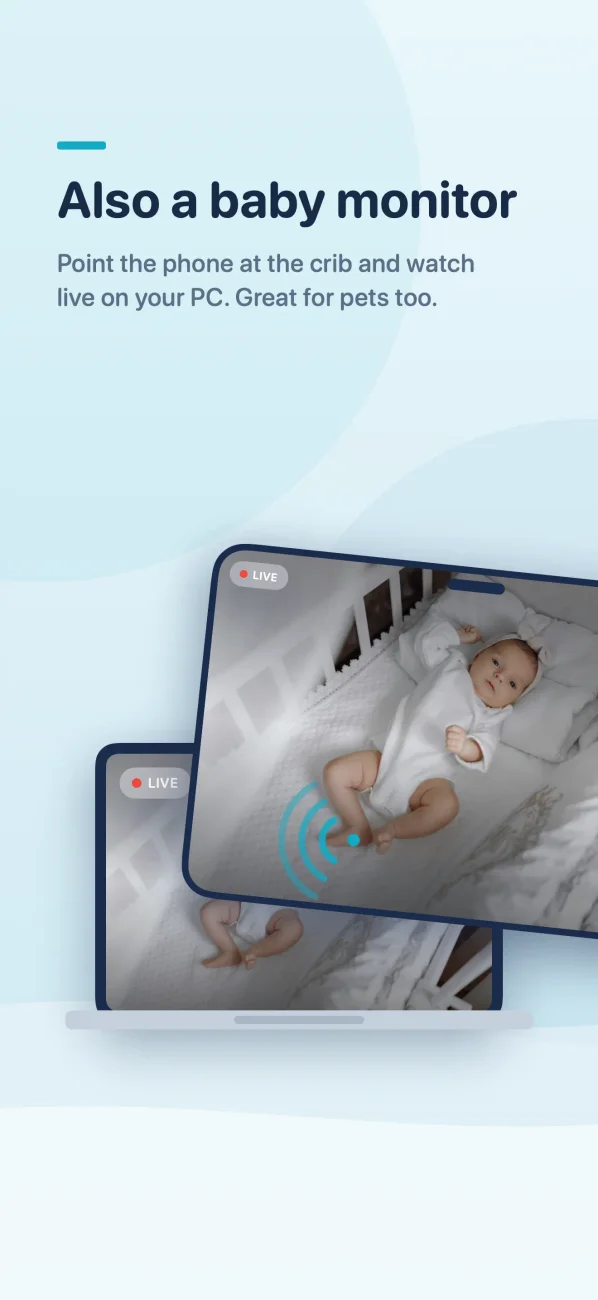
- Also a baby monitor or home camera: point the phone at the crib, a room, or a pet, and watch live on your PC.
- Automatic reconnect, and one tap to reconnect to your last PC.
- Clean, simple interface. No account, no sign up.
REQUIREMENTS
- The free TapCam companion app on a Windows PC.
- The phone and the PC on the same local Wi-Fi network, or connected with a USB cable.
TapCam streams only to your own PC on your local network. Your video never goes through our servers.
What’s new
Version 1.4.1 · Nov 15, 2026
What's new in 1.4.1:
• When the PC you stream to already has its own TapCam Pro, the Pro card in Settings now tells you there is nothing to buy for it.
• Reconnecting after a Wi-Fi drop no longer flashes the "Connecting…" screen.
• The PC now shows recent iPhones by name, the iPhone 17 range included.
• Closing the Apple Account sign-in from "Restore purchases" no longer says that no purchase was found.
• Small fixes.
App privacy
What Gaudin Ltd declares on the App Store about how this app handles data.
-
Data not linked to you
May be collected but is not linked to your identity.
- Purchases
- Location
- Identifiers
- Usage data
- Diagnostics
Privacy practices may vary, for example with the features you use or your age.
Information
- Seller
- Gaudin Ltd
- Category
- Photo & Video
- Version
- 1.4.1
- Updated
- Nov 15, 2026
- Released
- Aug 5, 2026
- Size
- 5.4 MB
- Requires
- iOS 18.0 or later
- Age rating
- 4+
- Price
- Free
- In-app purchases
- Yes
- Languages
- English, Dutch, French, German, Italian, Japanese, Portuguese, Russian, Simplified Chinese, Spanish, Turkish
- Copyright
- © 2026 TapCam
You might also like
-
 Camly — Phone WebcamUse your phone as a PC webcam
-
 Spancam: iPhone WebcamTurn your iPhone into a webcam
-
 LensLink CameraPhone camera for OBS Studio
-
 SplitCam Live Streaming AppGo live instantly and easily
-
 Phonecam for OBS StudioWireless NDI webcam & camera
-
 VDO.NinjaVideo capture for VDO.Ninja
-
 CamX - USB CameraUVC Camera Capture
-
 Camo Studio – Stream & RecordMulticam livestreams & scenes
-
 MoblinIRL Streaming
-
 Live Now - Live StreamScoreboard & Screen Recorder