
- Age rating4+
- CategoryProductivity
- DeveloperNIK
- LanguagesEnglish
- Size4.1 MB
Links to the official App Store page
Download.org hosts no file of Task Tree. The button opens its official App Store page, published by NIK. Listing last checked on Nov 14, 2026.
Screenshots



About
Task Tree — Organize anything as a tree
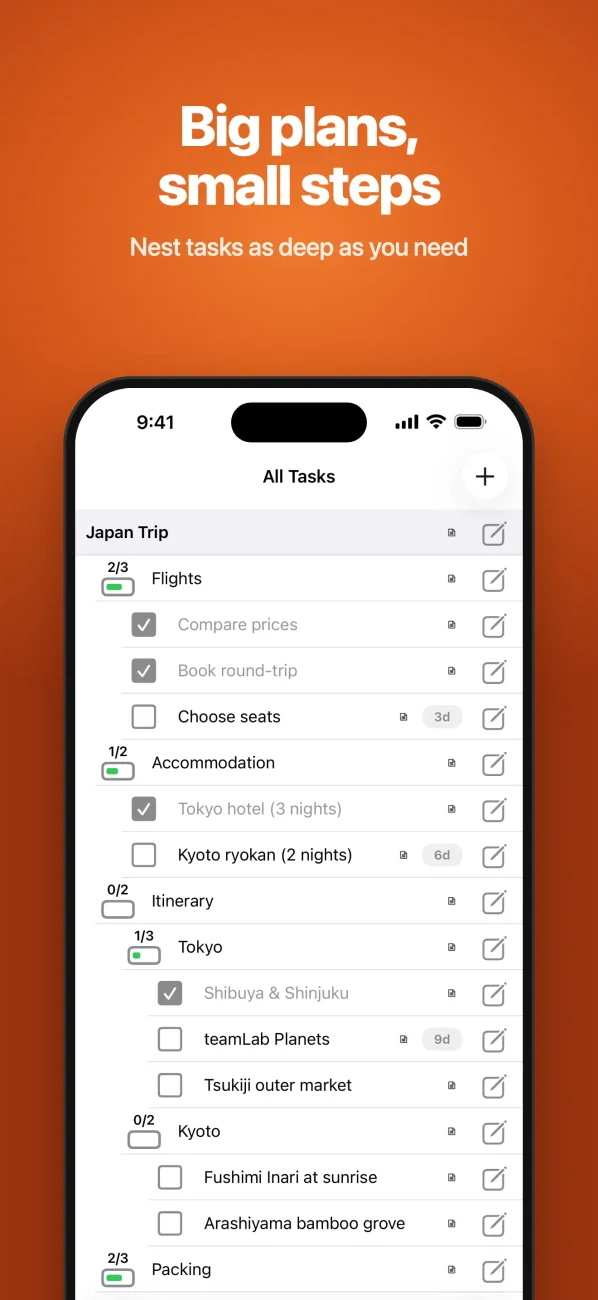
Task Tree is a simple, powerful task manager built around tree‑structured tasks. Break any goal into projects, tasks, and subtasks — to any depth — and watch progress roll up automatically from the smallest detail to the big picture.
Planning a trip, shipping a product, or just keeping a to‑do list? Task Tree keeps everything in a clear hierarchy that's easy to navigate.
WHY TASK TREE
• Think in trees — Nest tasks as deeply as you need. Big goals become projects; projects break down into
tasks and subtasks.
• Automatic progress — Check off the leaves and every parent task and project updates its progress for
you.
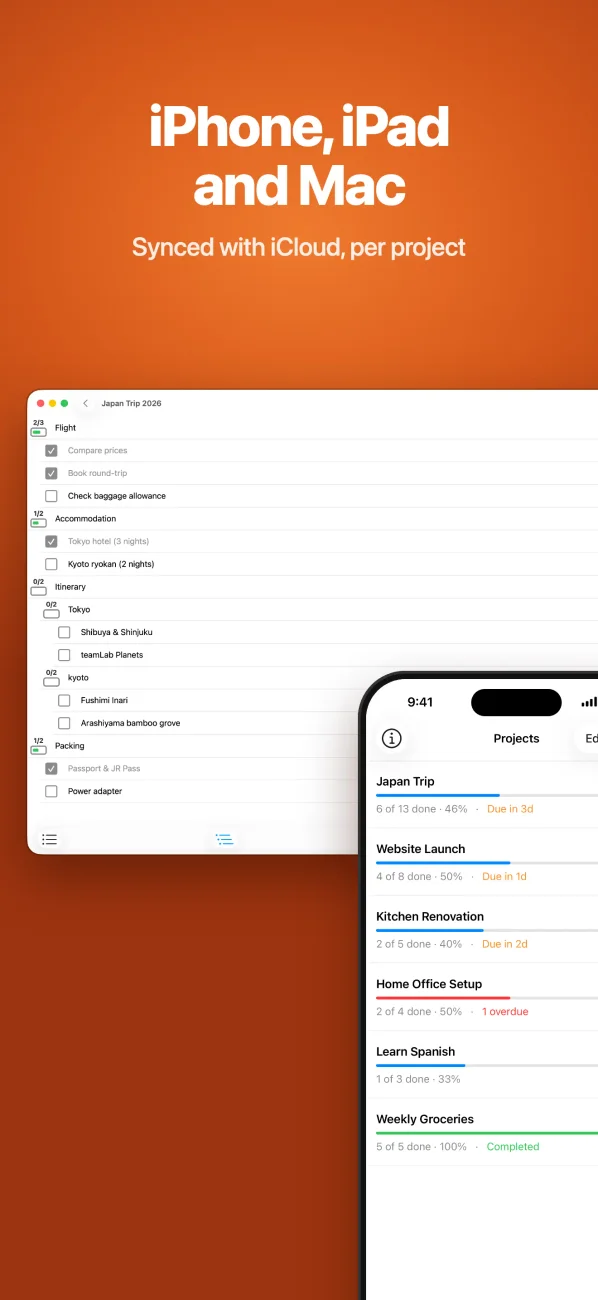
• See the whole picture — The Projects screen shows each project's progress, completion count, and due
status at a glance.
FEATURES
• Unlimited subtask depth
• Projects with live progress bars and due‑date tracking
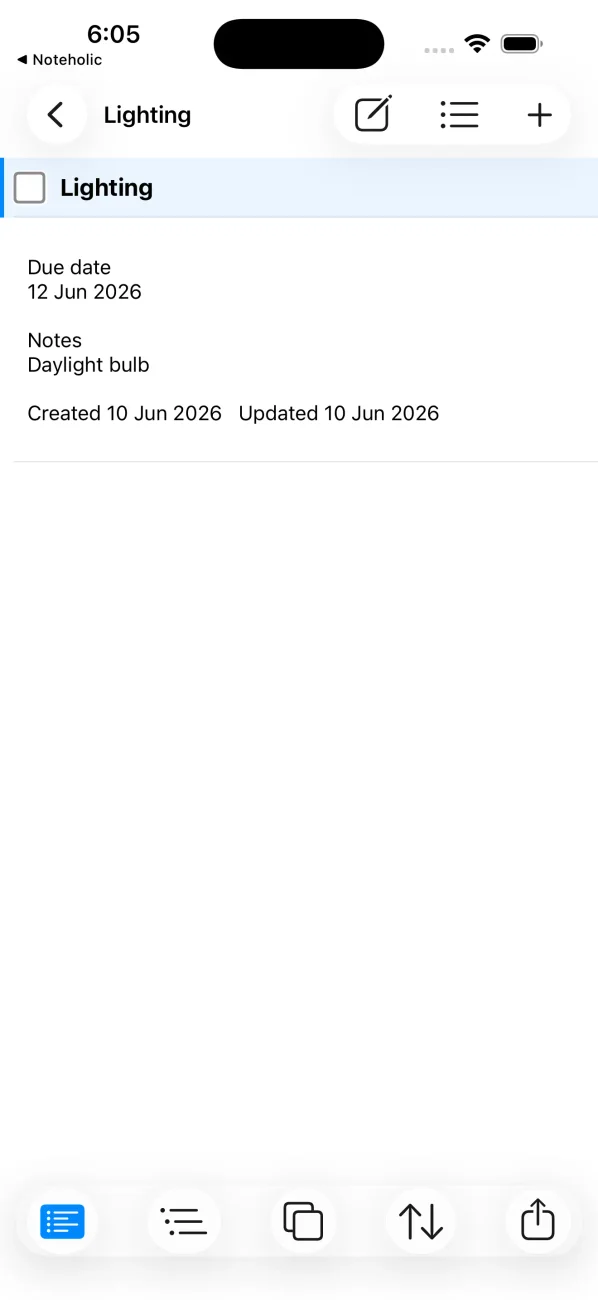
• Inline due dates with a built‑in calendar
• Move a task (and its subtasks) anywhere — or promote it to its own project
• Duplicate a task and its entire subtree
• Drill‑down and full hierarchy views
• iCloud backup & restore — keep your tree safe
• Noteholic integration — send a tree to Noteholic, or import a note as a project (indentation becomes
your hierarchy)
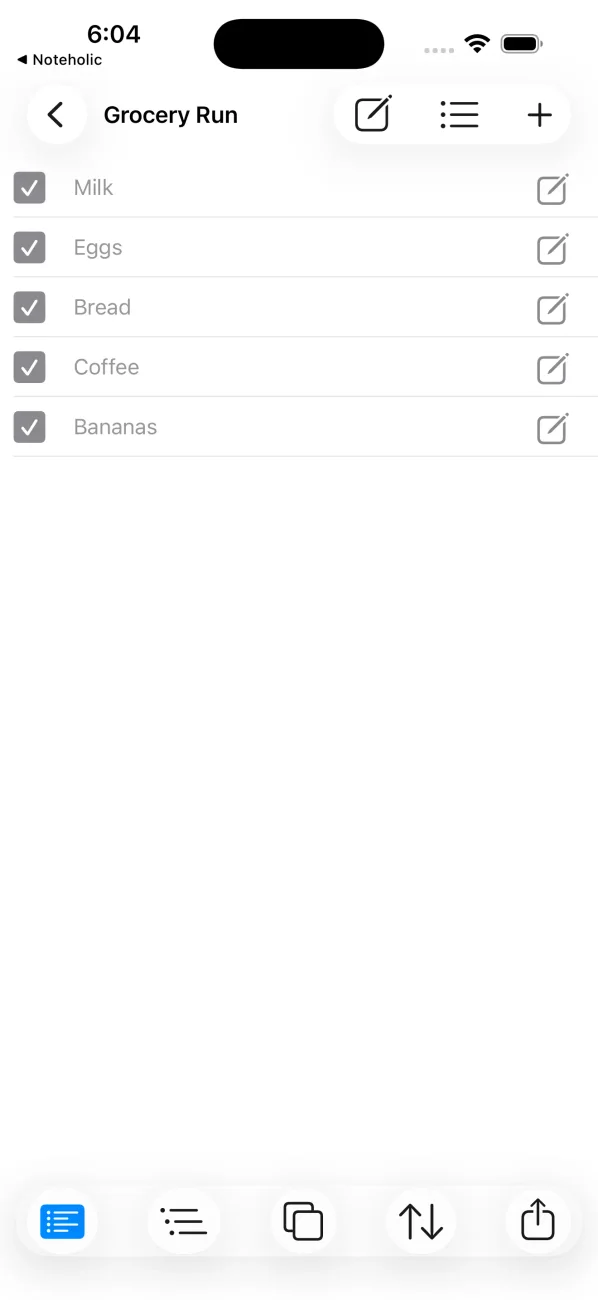
Simple enough for a grocery list, structured enough for a big project. Plant your first tree today.
What’s new
Version 2.3 · Oct 29, 2026
Task Tree is now on the Mac!
• Task Tree for Mac: Get Task Tree on the Mac App Store, with a menu bar, keyboard shortcuts and right-click menus.
• iCloud Sync fixes: Fixed issues that could keep changes from reaching your other devices.
• About screen: Now shows your app version and iCloud sync status, and lets you reopen these release notes at any time.
Using iCloud Sync for the first time? Swipe right on a project in the project list and tap Sync. New projects sync automatically.
App privacy
What NIK declares on the App Store about how this app handles data.
-
Data not collected
The developer does not collect any data from this app.
Privacy practices may vary, for example with the features you use or your age.
Information
- Seller
- NIK International Pty Ltd
- Category
- Productivity
- Version
- 2.3
- Updated
- Oct 29, 2026
- Released
- Nov 13, 2012
- Size
- 4.1 MB
- Requires
- iOS 17.0 or later
- Age rating
- 4+
- Price
- Free
- Languages
- English
- Copyright
- © 2017 NIK International Pty Ltd
You might also like
-
 Outliner by codediaryYour ideas, organized
-
 Upbooks - Project ManagementProject Management App
-
 DIANE - Relationship ManagerAI memory for your people
-
 Landlockreclaim your space
-
 DeepToDoFlat lists end, deep begins
-
 StructreeHelp Structured Thinking
-
 HivoraLists, reimagined
-
 Flux ListOrganize. Share. Get done.
-
 ADHD Task Outliner: FinishTraxPlan small steps you can start
-
 TaskBranch - Tree Task ManagerBreak big tasks into subtasks