- 対象年齢4+
- カテゴリ仕事効率化
- 開発元NIK
- 言語英語
- サイズ4.1 MB
App Storeの公式ページにリンクしています
Download.orgはTask Treeのファイルを一切ホストしていません。ボタンを押すと、NIKが公開しているApp Storeのアプリページが開きます。ページの最終確認:2026/11/14。
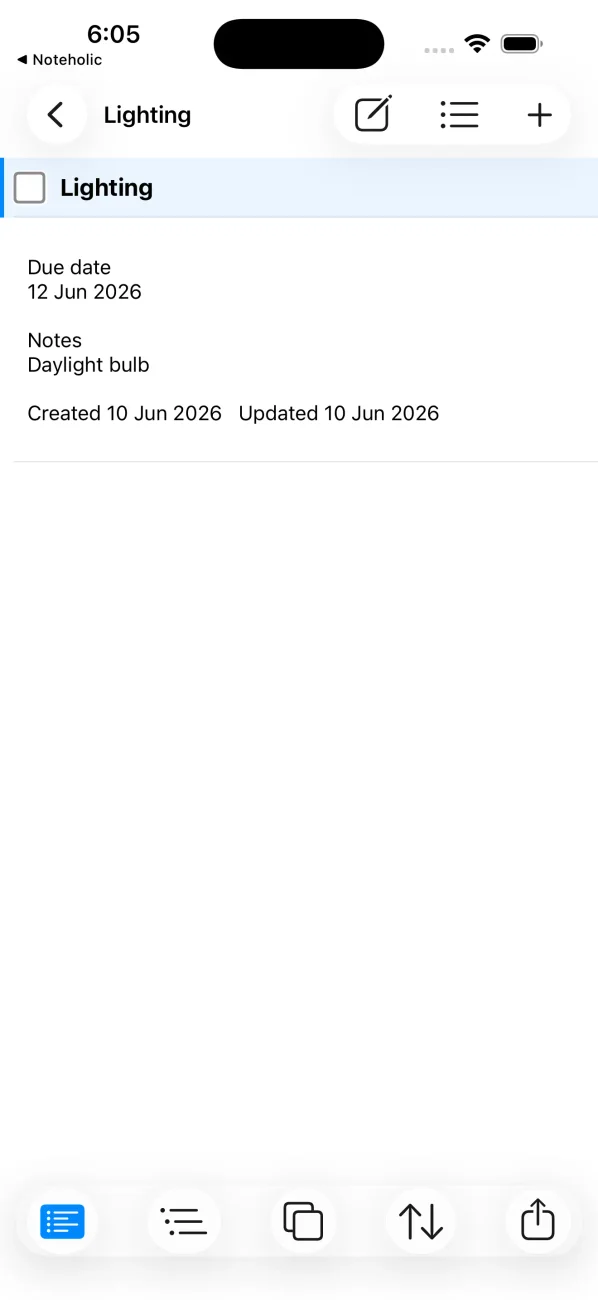
スクリーンショット



概要
開発元はこのテキストをお使いの言語で提供していません。
Task Tree — Organize anything as a tree
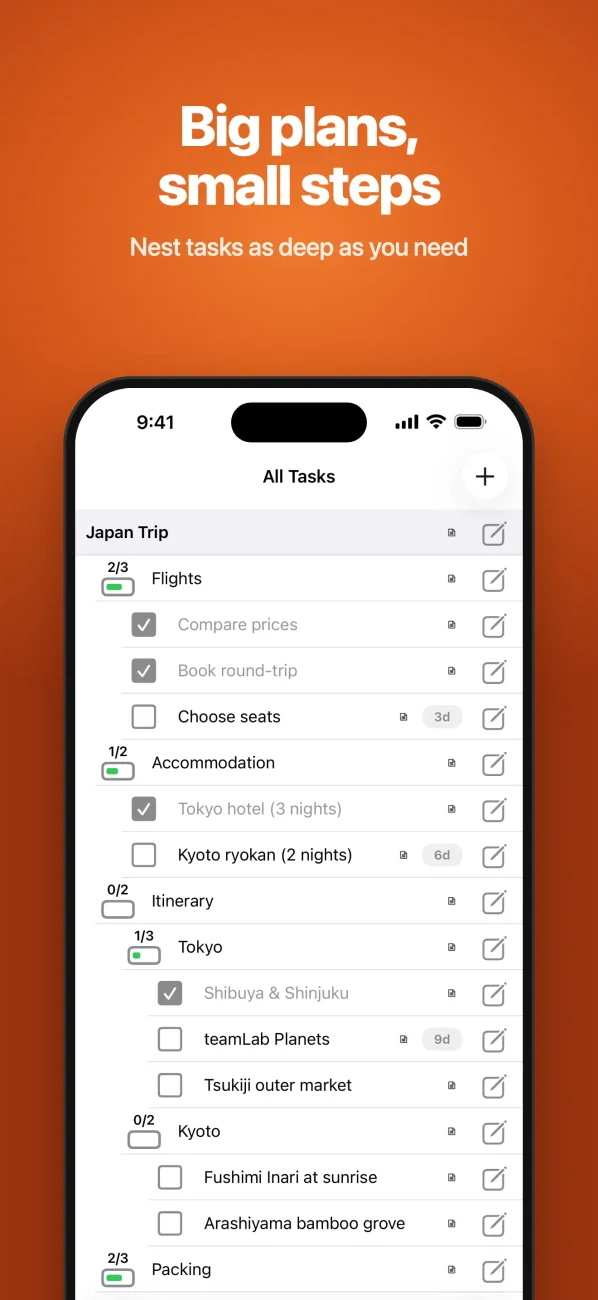
Task Tree is a simple, powerful task manager built around tree‑structured tasks. Break any goal into projects, tasks, and subtasks — to any depth — and watch progress roll up automatically from the smallest detail to the big picture.
Planning a trip, shipping a product, or just keeping a to‑do list? Task Tree keeps everything in a clear hierarchy that's easy to navigate.
WHY TASK TREE
• Think in trees — Nest tasks as deeply as you need. Big goals become projects; projects break down into
tasks and subtasks.
• Automatic progress — Check off the leaves and every parent task and project updates its progress for
you.
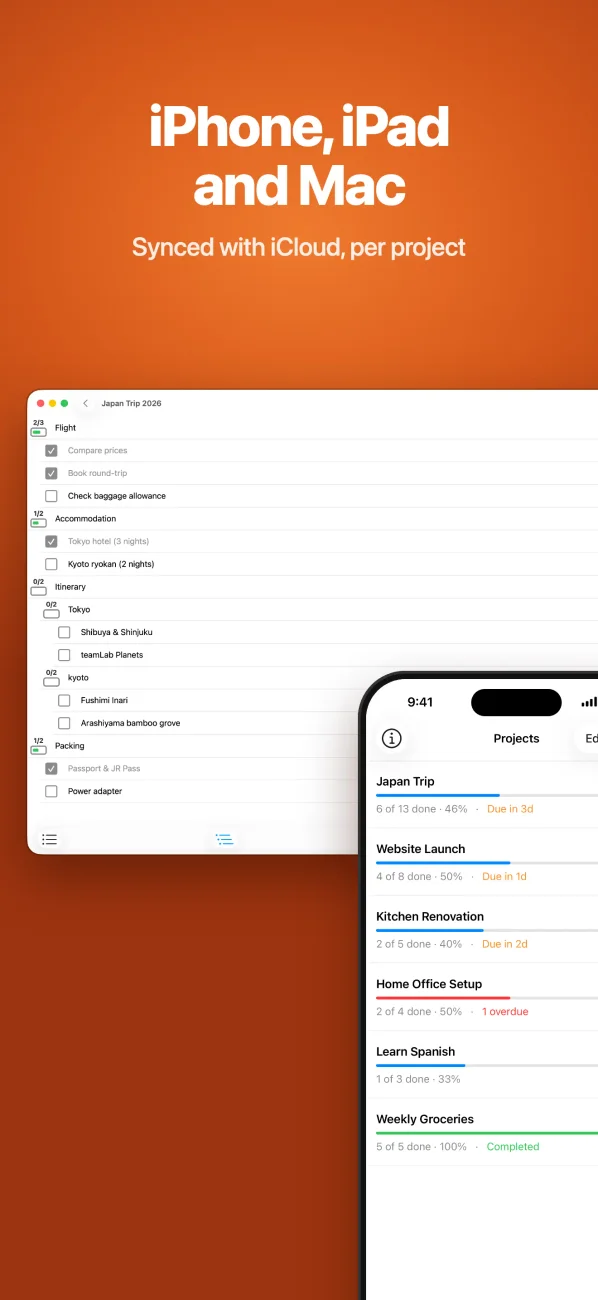
• See the whole picture — The Projects screen shows each project's progress, completion count, and due
status at a glance.
FEATURES
• Unlimited subtask depth
• Projects with live progress bars and due‑date tracking
• Inline due dates with a built‑in calendar
• Move a task (and its subtasks) anywhere — or promote it to its own project
• Duplicate a task and its entire subtree
• Drill‑down and full hierarchy views
• iCloud backup & restore — keep your tree safe
• Noteholic integration — send a tree to Noteholic, or import a note as a project (indentation becomes
your hierarchy)
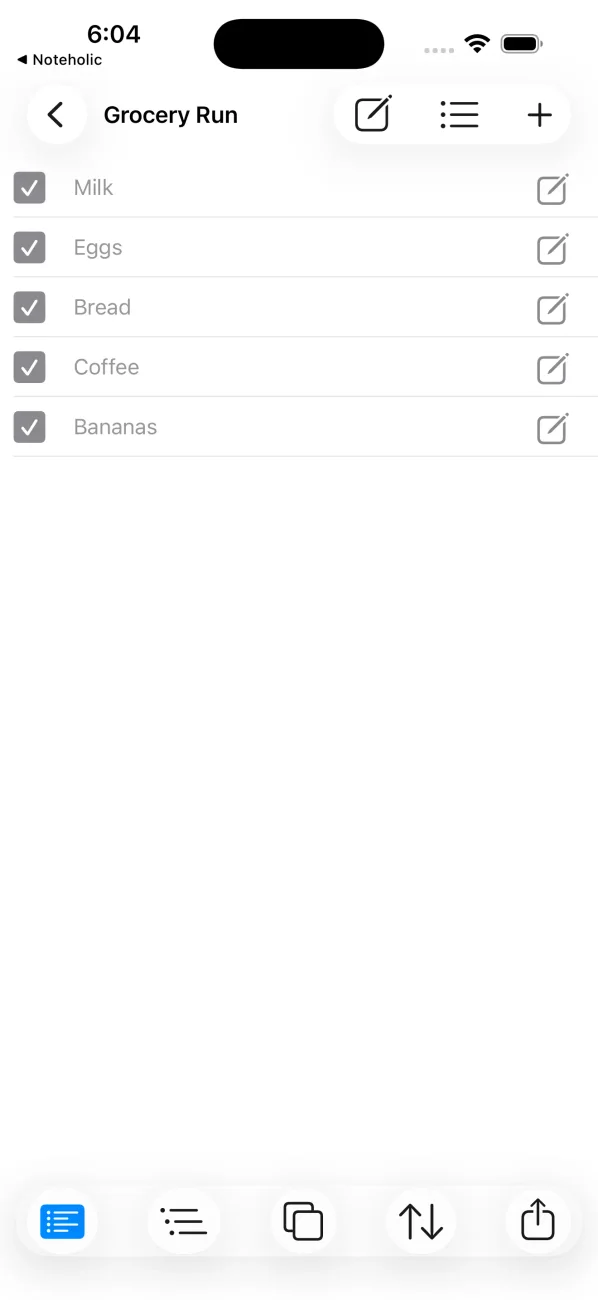
Simple enough for a grocery list, structured enough for a big project. Plant your first tree today.
新機能
バージョン 2.3 · 2026/10/29
Task Tree is now on the Mac!
• Task Tree for Mac: Get Task Tree on the Mac App Store, with a menu bar, keyboard shortcuts and right-click menus.
• iCloud Sync fixes: Fixed issues that could keep changes from reaching your other devices.
• About screen: Now shows your app version and iCloud sync status, and lets you reopen these release notes at any time.
Using iCloud Sync for the first time? Swipe right on a project in the project list and tap Sync. New projects sync automatically.
アプリのプライバシー
このアプリのデータの取り扱いについて、NIKがApp Storeで申告している内容です。
-
データの収集なし
開発元はこのアプリからデータを収集しません。
プライバシーの取り扱いは、ご利用の機能やお客様の年齢などに応じて異なる場合があります。
情報
- 販売元
- NIK International Pty Ltd
- カテゴリ
- 仕事効率化
- バージョン
- 2.3
- 更新日
- 2026/10/29
- リリース
- 2012/11/13
- サイズ
- 4.1 MB
- 必要条件
- iOS 17.0以降
- 対象年齢
- 4+
- 価格
- 無料
- 言語
- 英語
- 著作権
- © 2017 NIK International Pty Ltd