TaskCard: Visual Timer Planner
Visual Schedule & ADHD Routine
Designed for iPhone, iPad, Mac
Free · In-app purchases
- Age rating4+
- CategoryProductivity
- DeveloperCihat Salik
- LanguagesEnglish+ 29 more
- Size14.5 MB
Links to the official App Store page
Download.org hosts no file of TaskCard: Visual Timer Planner. The button opens its official App Store page, published by Cihat Salik. Listing last checked on Nov 24, 2026.
Screenshots

About
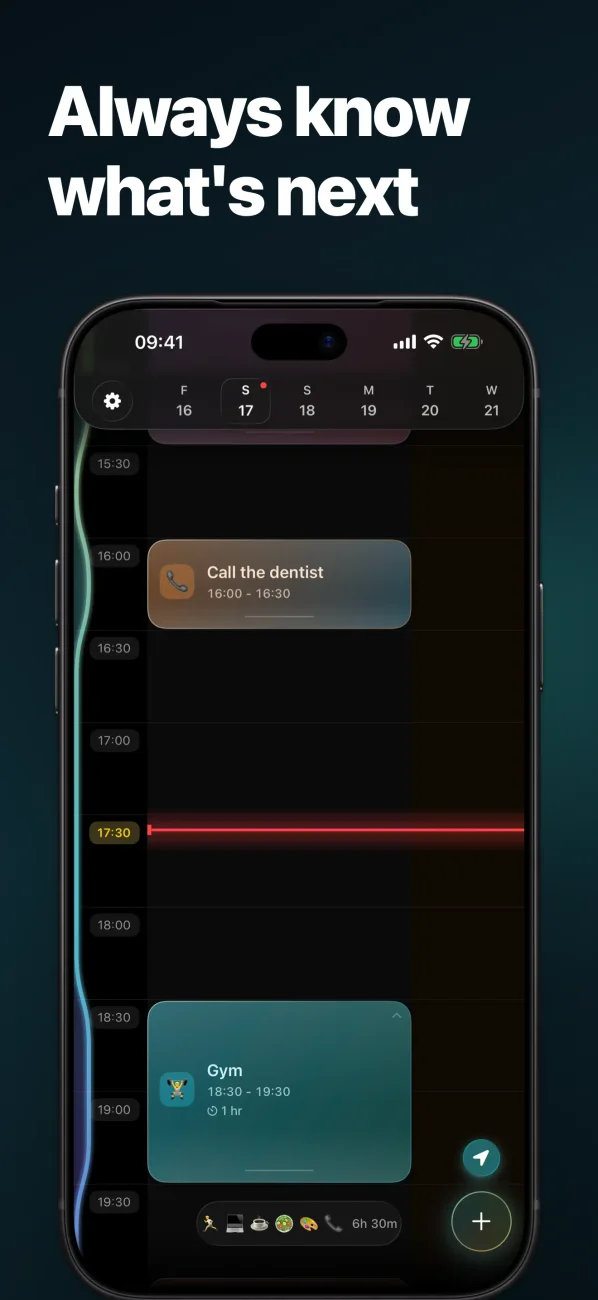
TaskCard is a visual schedule. Each task is a color card on a clock face or a time grid, with a reminder or alarm the moment it starts, so you see the day instead of reading a list.
VISUAL TIMER
Tap the timer button and see time as a shrinking disc: pick 1 to 60 minutes, or start it from a card to count down what is left of it. It rings when time is up, even with the app closed.
PLAN BY TIME, NOT BY LIST
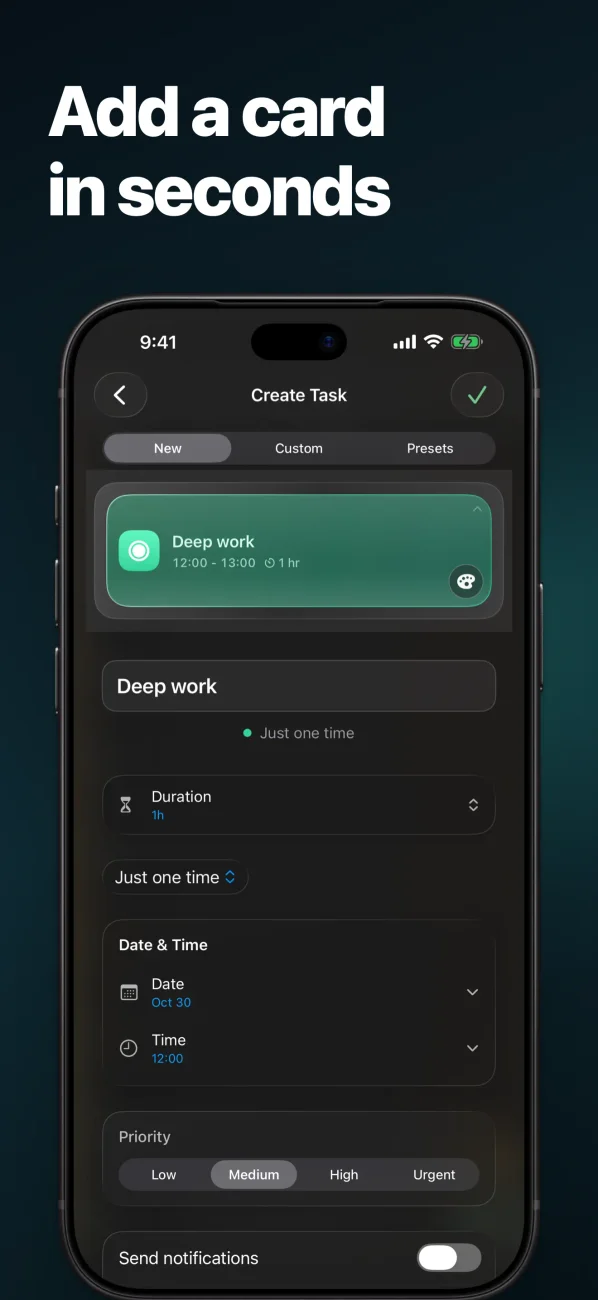
Add a task with a start time and a duration and it becomes a block on a 24-hour grid. The current time line is always visible, so you can see what is now and what is next at a glance.
DRAG TO RESCHEDULE
Plans change. Drag a card to a new hour, pull its edge to make it longer or shorter, and the rest of the day stays readable. Tasks that run past midnight stay visible on both days.
THE DAY AS A CLOCK FACE
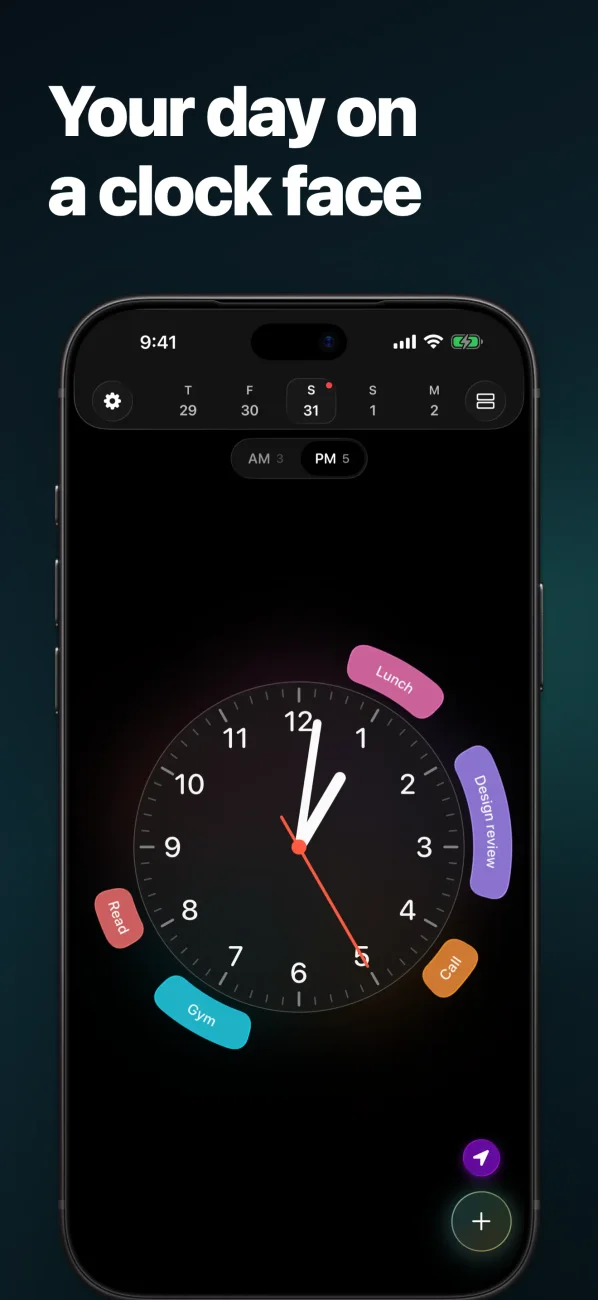
Show the day as a clock face ringed by its cards, morning and afternoon one half at a time. It reads at a glance: what is happening now and how much time is left.
SEE THE WEEK, MONTH AND YEAR
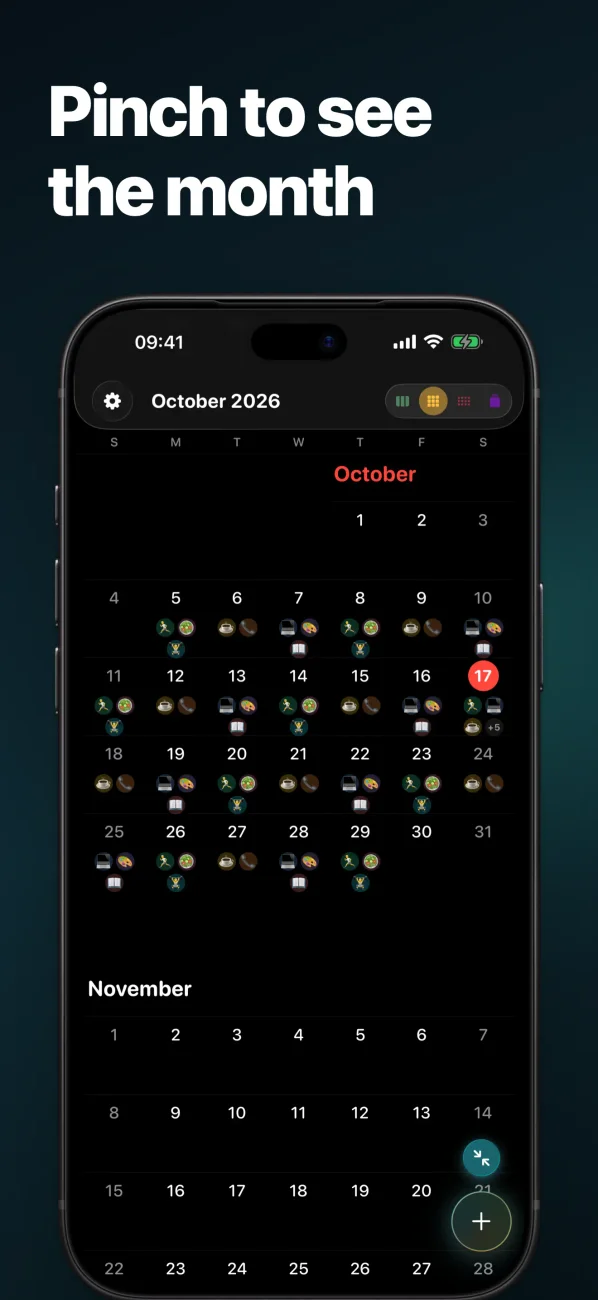
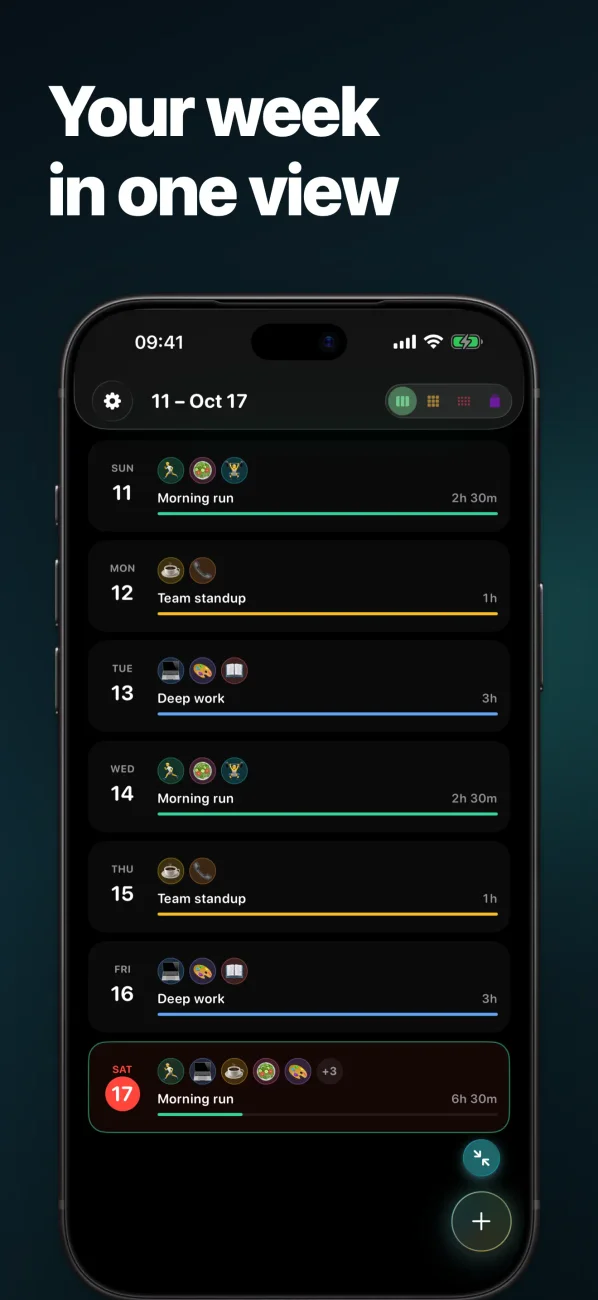
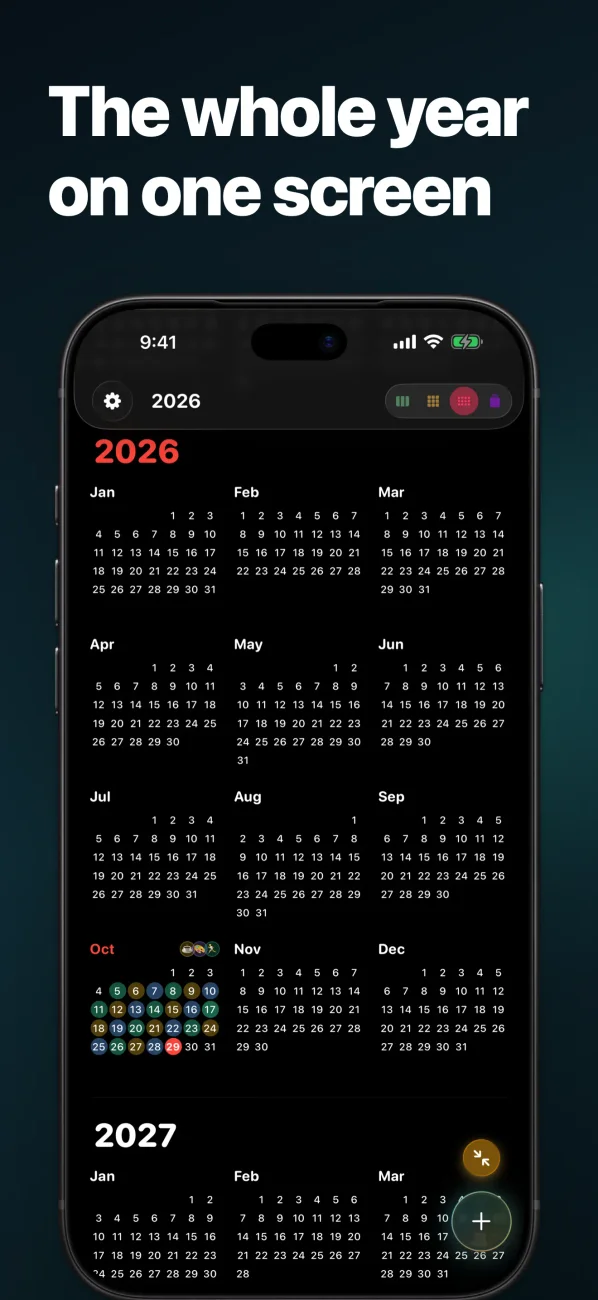
Pinch the grid to zoom out to a week, then a month, then a year, and pinch back in to the day. Every level is anchored on the day under your fingers, so you never lose your place.
MAKE THE CARDS YOURS
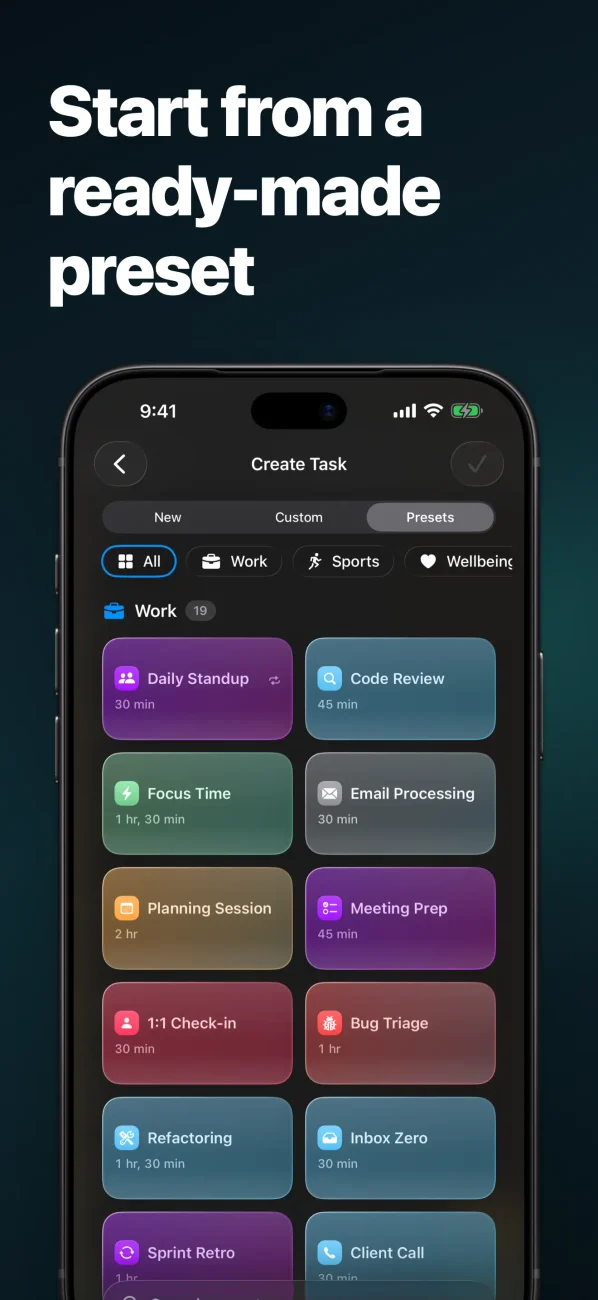
Pick colors, gradients, fonts, patterns, icons and emoji for every card. Start from a preset library with ready-made tasks for work, study, fitness, home and daily routines.
REMINDERS AND ALARMS
Get a notification when a block starts or when time is up, plus an optional alarm for the blocks you cannot miss. A Live Activity keeps the countdown on your Lock Screen and Dynamic Island.
REPEAT AND PRIORITIZE
Repeat daily, on weekdays, weekly, or on your own pattern. Set a priority from low to urgent and spot what matters by color.
WIDGETS AND SYNC
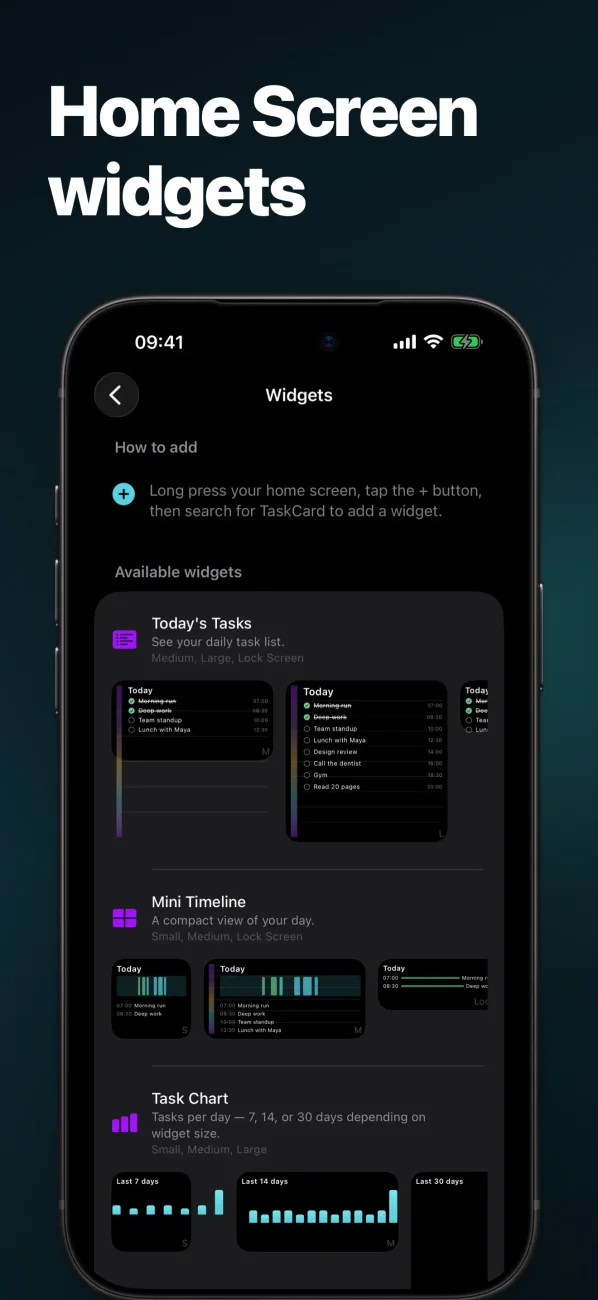
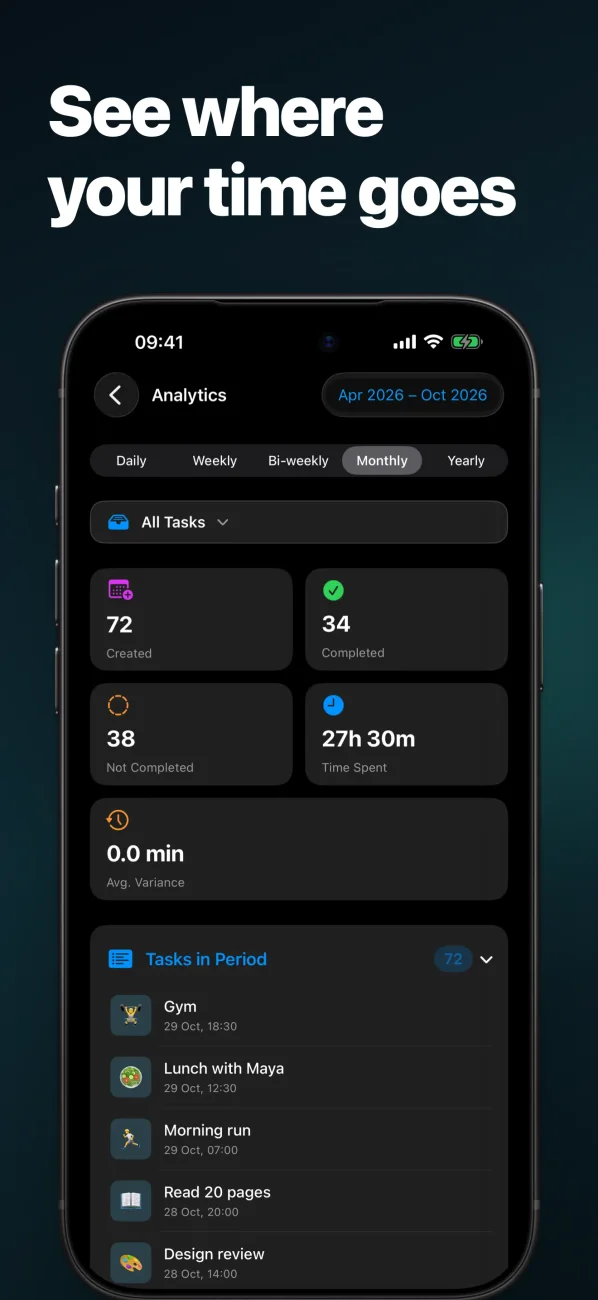
Put today's schedule on your Home Screen and Lock Screen with TaskCard Pro. Your plan syncs across iPhone and iPad over iCloud, and analytics show how much of each day you actually finish.
BUILT TO STAY OUT OF THE WAY
One main screen, no setup, no clutter. Create, complete, move, or delete from the same view.
Who uses it: kids following a daily routine, people with ADHD or autism, classrooms and therapists, students planning study sessions, and anyone protecting deep work with time blocks.
TASKCARD PRO
Plan up to 5 cards a day with reminders, alarms, iCloud sync and analytics. TaskCard Pro adds unlimited cards every day, Home Screen and Lock Screen widgets, and the Live Activity countdown.
FOR SCHOOLS AND TEAMS
TaskCard can be distributed to many iPhones, iPads and Macs through Apple School Manager and Apple Business Manager.
Privacy Policy: https://apps.cihat.dev/taskcard/privacy-policy/
Terms of Use: https://www.apple.com/legal/internet-services/itunes/dev/stdeula/
What’s new
Version 3.4.5 · Nov 23, 2026
The visual timer now tells VoiceOver when time is up.
App privacy
What Cihat Salik declares on the App Store about how this app handles data.
-
Data not collected
The developer does not collect any data from this app.
Privacy practices may vary, for example with the features you use or your age.
Information
- Seller
- Cihat Salik
- Category
- Productivity
- Version
- 3.4.5
- Updated
- Nov 23, 2026
- Released
- Jun 27, 2025
- Size
- 14.5 MB
- Requires
- iOS 17.0 or later
- Age rating
- 4+
- Price
- Free
- In-app purchases
- Yes
- Languages
- English, Arabic, Czech, Danish, Dutch, Finnish, French, German, Greek, Hebrew, Hindi, Hungarian + 18 more
- Copyright
- © 2025 Cihat SALIK
You might also like
-
 Tally Counter: iTallyTrack habits, goals, anything.
-
 ADHD Tool - Do ThisFocus on One Task
-
 Dumai: AI Voice Notes & ChatRecord. Summarize. Ask AI.
-
 EasyDoneShared to-do lists in iMessage
-
 Octodo: ToDos Made FunOrganize with a smile
-
 Day Planner - Time BlokkerSimple time blocking
-
 Harvest - One-Tap SummaryInstant AI summaries anywhere
-
 FlowFocus - Simple Focus TimerPomodoro, Timer & Stopwatch
-
 Systems: ChecklistsChecklist for everything
-
 Bookmarks - Send To SelfText Yourself Links & Notes