FlowFocus - Simple Focus Timer
Pomodoro, Timer & Stopwatch
Designed for iPhone, iPad
Free
- Age rating4+
- CategoryProductivity
- DeveloperSuzanne Garrett
- LanguagesEnglish
- Size43.4 MB
Links to the official App Store page
Download.org hosts no file of FlowFocus - Simple Focus Timer. The button opens its official App Store page, published by Suzanne Garrett. Listing last checked on Nov 13, 2026.
Screenshots
About
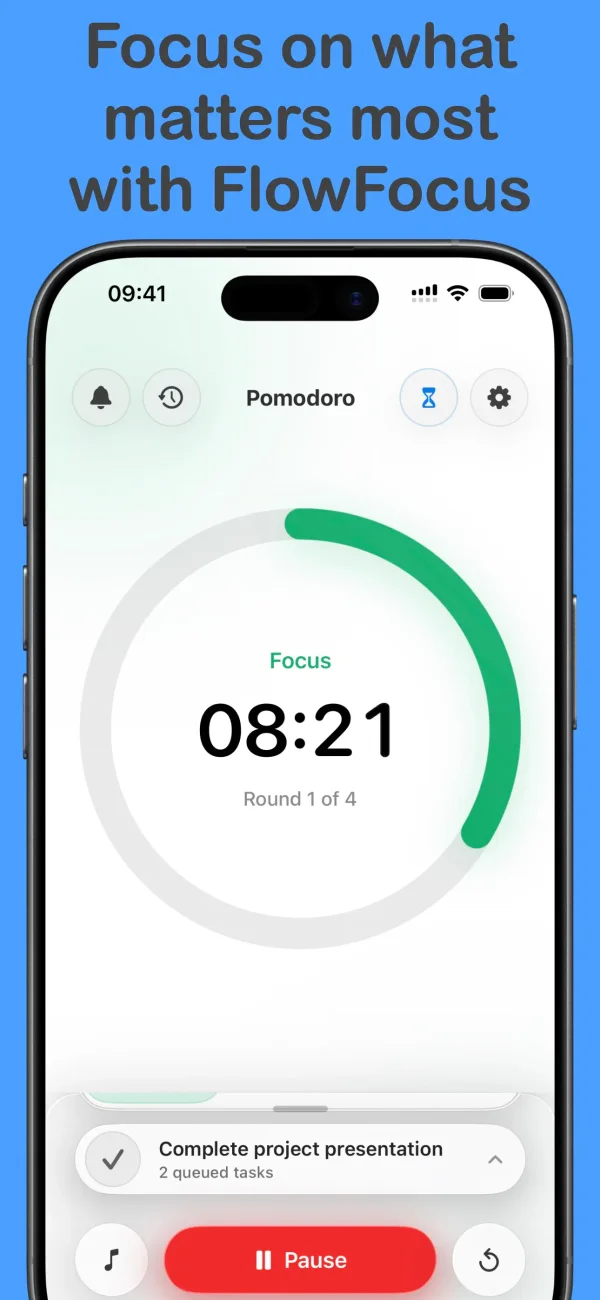
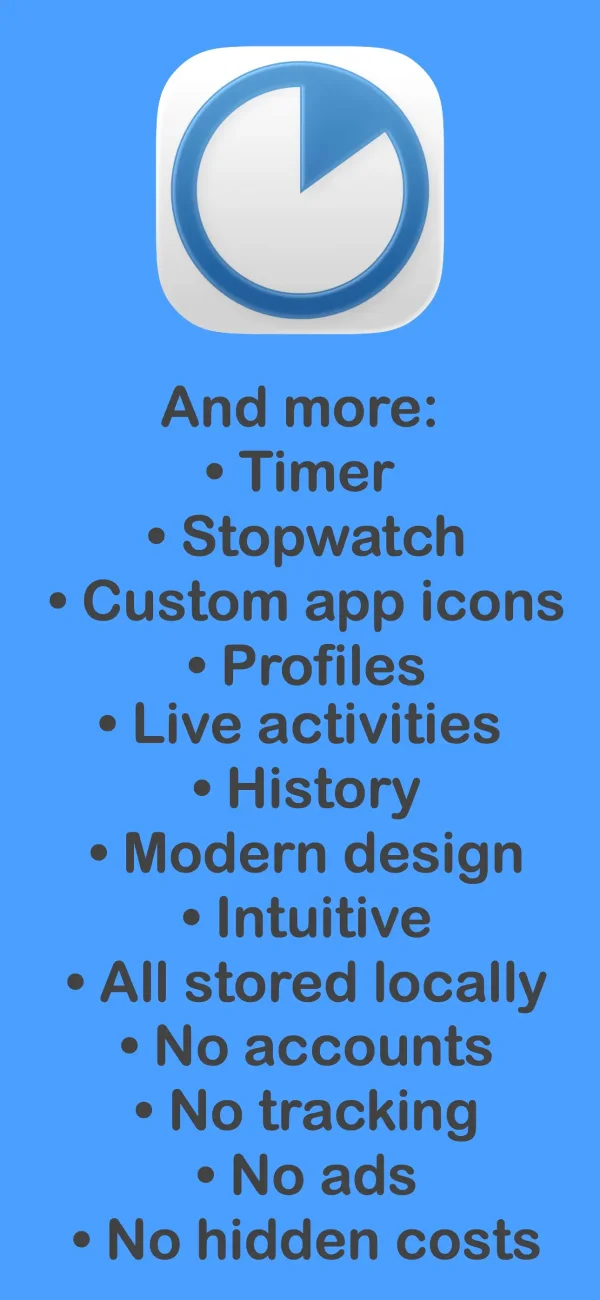
FlowFocus is a calm, flexible focus timer for getting work done one task at a time.
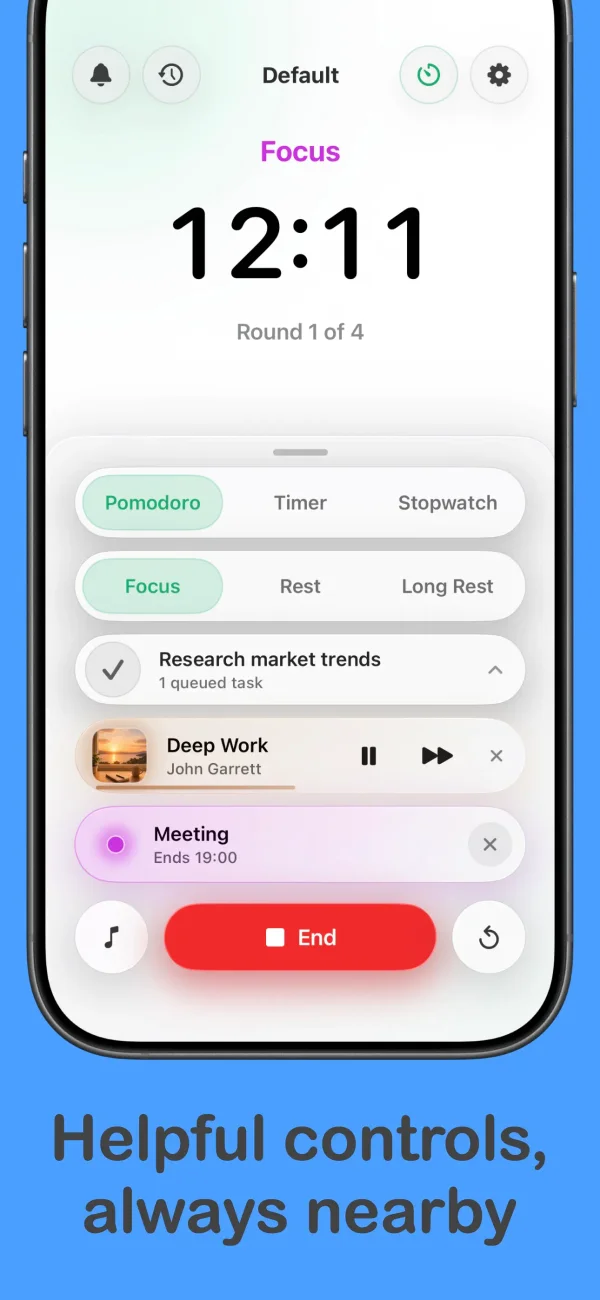
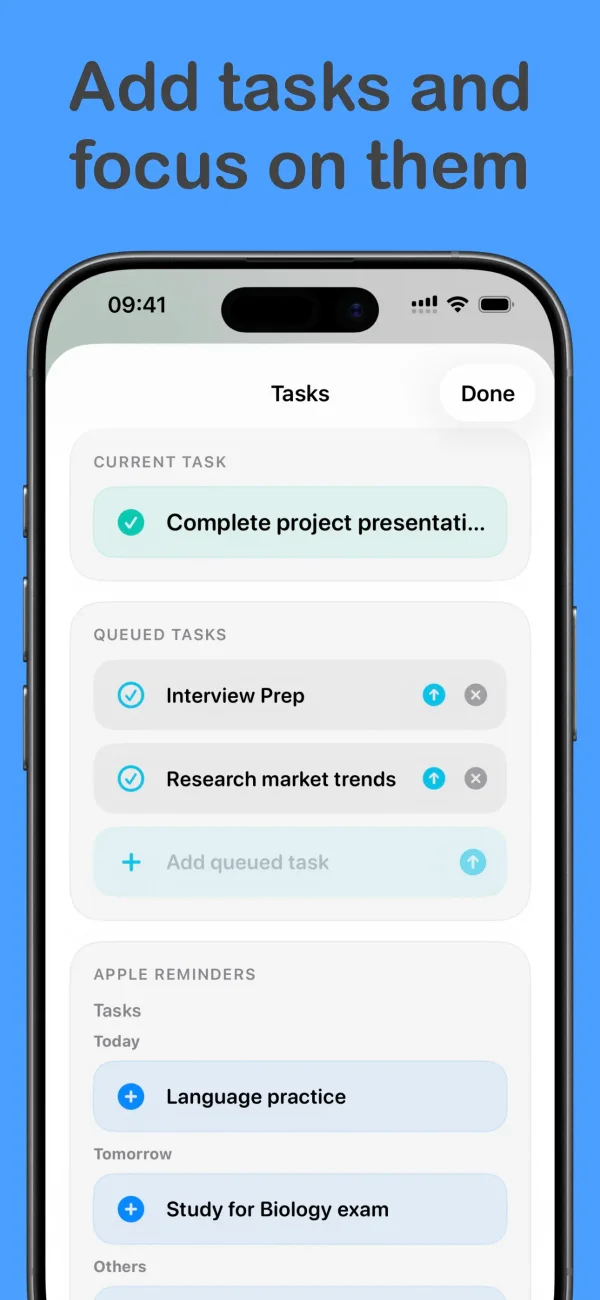
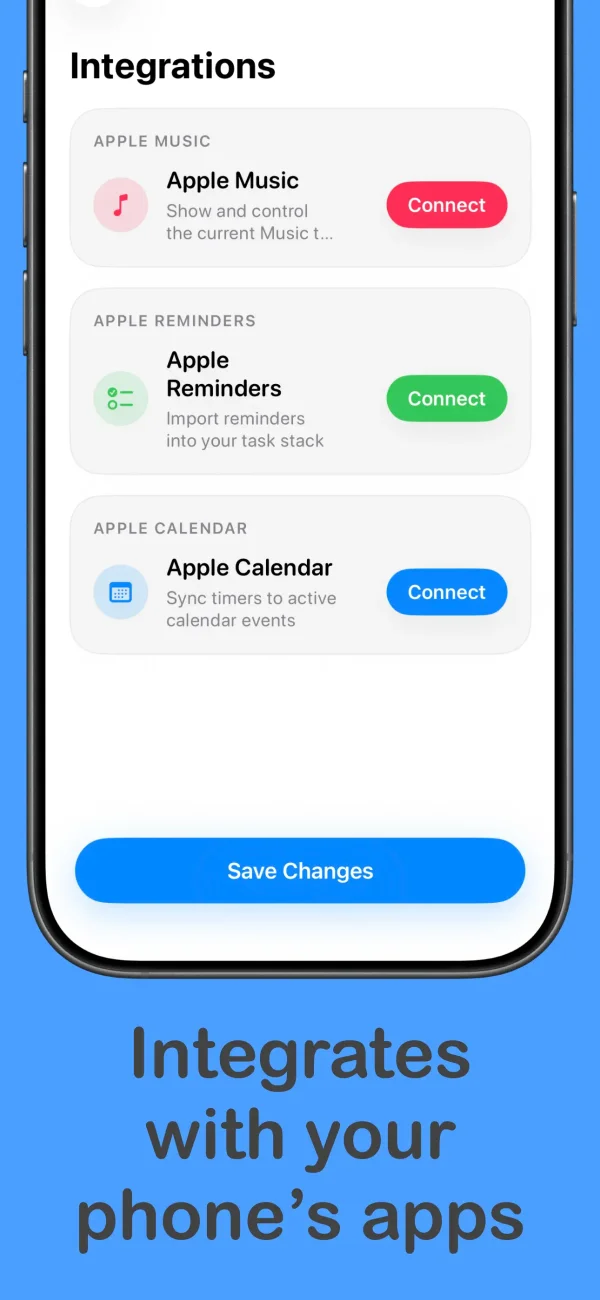
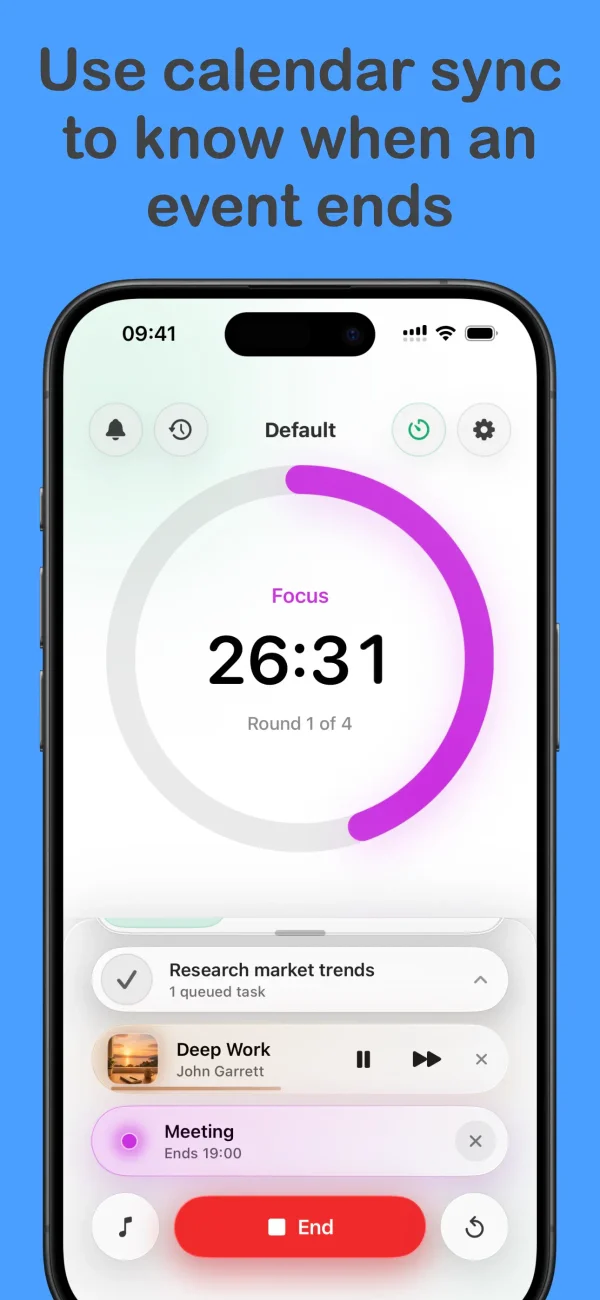
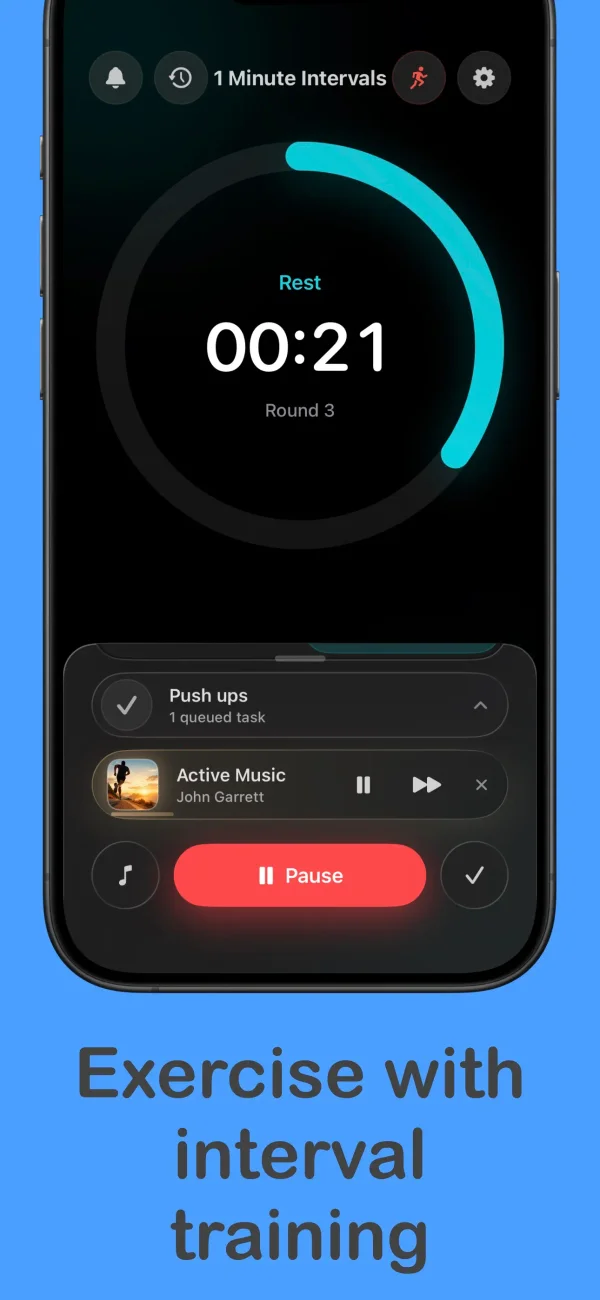
Use Pomodoro sessions, custom timers, or a stopwatch depending on how you like to work. Keep your current task visible, queue what is next, and track what you finish in your history. FlowFocus can also connect with Calendar, Reminders, Apple Music, widgets, and Live Activities so your focus setup fits naturally into your day.
Features:
• Pomodoro, Timer, and Stopwatch modes
• Current task and queued tasks
• Apple Reminders import and completion
• Calendar-aware focus sessions
• Live Activities and widgets
• Focus history with completed sessions and tasks
• Profiles for different workflows
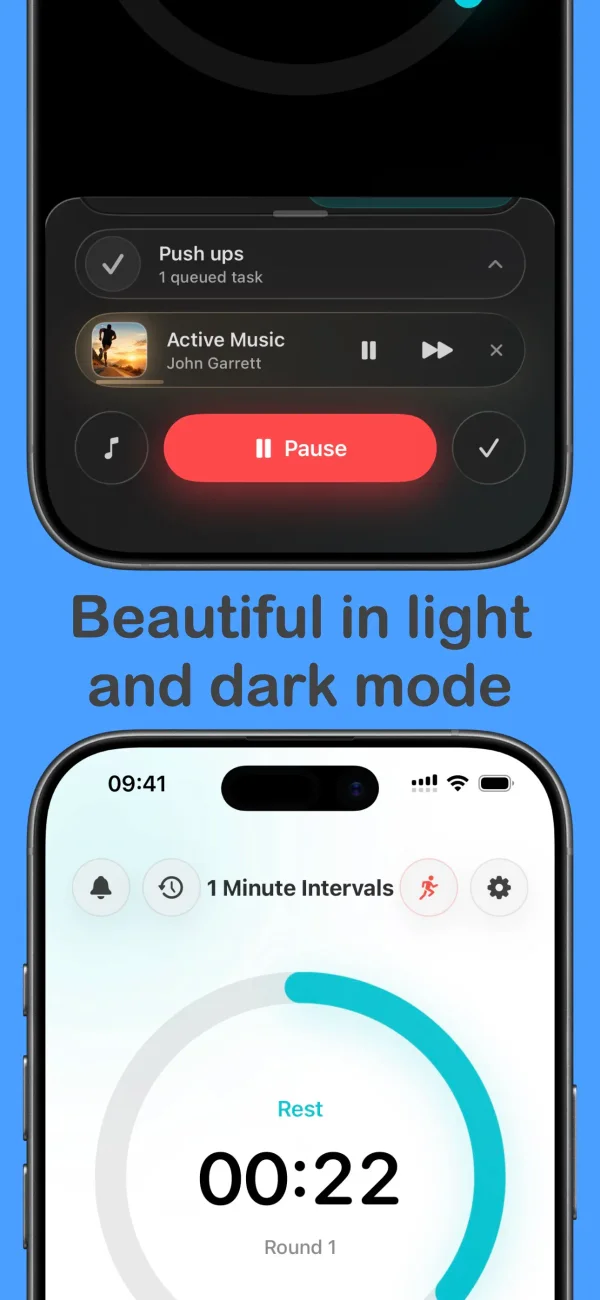
• Custom colours, app icons, sounds, and appearance
• Optional keep-awake setting while the app is open
• Simple onboarding to choose the modes you use
FlowFocus is designed to stay quiet, clean, and out of your way while helping you keep moving.
What’s new
Version 2.0.0 · Jul 7, 2026
• Improved Pomodoro timer experience
• Improved task workflow with current and queued tasks
• Added Timer and Stopwatch modes
• Added Calendar and Reminders integrations
• Added Apple Music controls
• Added Live Activities and widgets
• Added profiles for different focus setups
• Added custom colours, app icons, sounds, and appearance settings
• Added onboarding mode selection
• Added keep-device-awake setting
• Added Help section in Settings
• Added focus history and completed task tracking
• Improved settings, controls, and overall app polish
App privacy
What Suzanne Garrett declares on the App Store about how this app handles data.
-
Data not collected
The developer does not collect any data from this app.
Privacy practices may vary, for example with the features you use or your age.
Information
- Seller
- Suzanne Garrett
- Category
- Productivity
- Version
- 2.0.0
- Updated
- Jul 7, 2026
- Released
- Jul 7, 2025
- Size
- 43.4 MB
- Requires
- iOS 17.0 or later
- Age rating
- 4+
- Price
- Free
- Languages
- English
- Copyright
- © 2026 John Garrett. All rights reserved.
You might also like
-
 TaskCard: Visual Timer PlannerVisual Schedule & ADHD Routine
-
 Pomodoro Timer: Pomidor FocusADHD Study Timer & Planner
-
 Focus Blob: Stay FocusedPomodoro Timer & App Blocker
-
 ADHD Structure Planner: SimpleAI Assistant for Daily Tasks
-
 Focus Timer - Time Keeper ⋆Study timer to stay focused
-
 NeatNotes : Notes and listsnotepad, stickies, reminders
-
 Habit Tracker - MainspringStreaks & Accountability
-
 Singularity To Do List, TasksPlanner: projects & calendar
-
 Habit Tracker & Goal PlannerDaily Routine, Streaks, Focus
-
 Tempus: Daily Planner & To-DoTime Blocking & Focus for ADHD