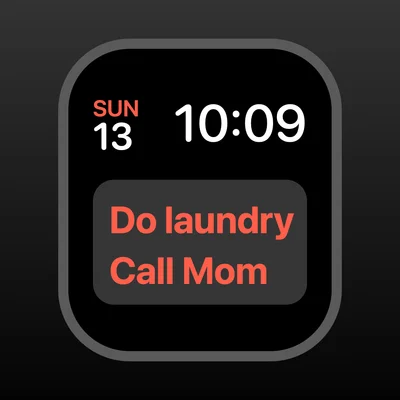
- Age rating4+
- CategoryProductivity
- DeveloperJin Nakamura
- LanguagesJapanese+ 15 more
- Size3.7 MB
Links to the official App Store page
Download.org hosts no file of TaskFace: Reminders on Watch. The button opens its official App Store page, published by Jin Nakamura. Listing last checked on Nov 23, 2026.
Screenshots

About
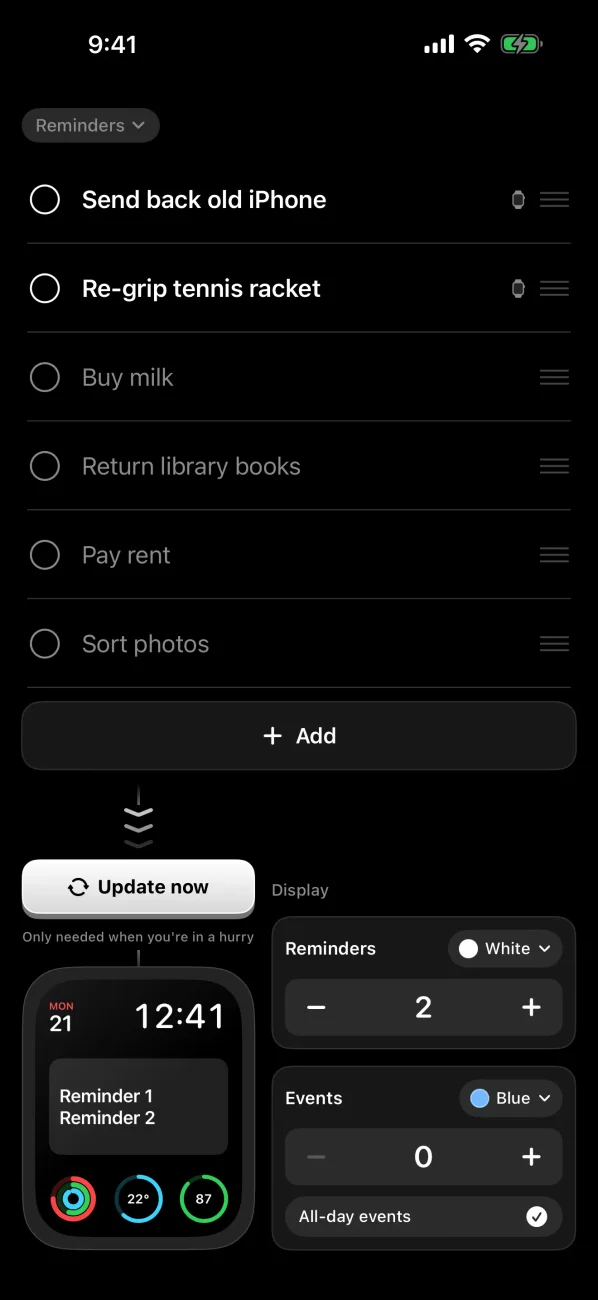
TaskFace keeps the top items of the built-in Reminders app on your Apple Watch face, all the time.
Just raise your wrist to see what to do next. Your reminders stay where they are: adding with Siri, syncing across devices and viewing in the Reminders app all work as before.
■ On your watch face
• Shows your top reminders (up to 4 lines) in a watch face complication
• Supported faces: Modular, Modular Compact, Infograph Modular
• Show upcoming calendar events too. Choose how many lines, and how many of them are for events
• Events stay for 1 hour after they start. All-day events fill spare lines. Holidays are not shown
• 15 colors for reminders and events
■ Arrange on iPhone
• Drag to reorder — the order is saved as the priority in Reminders itself
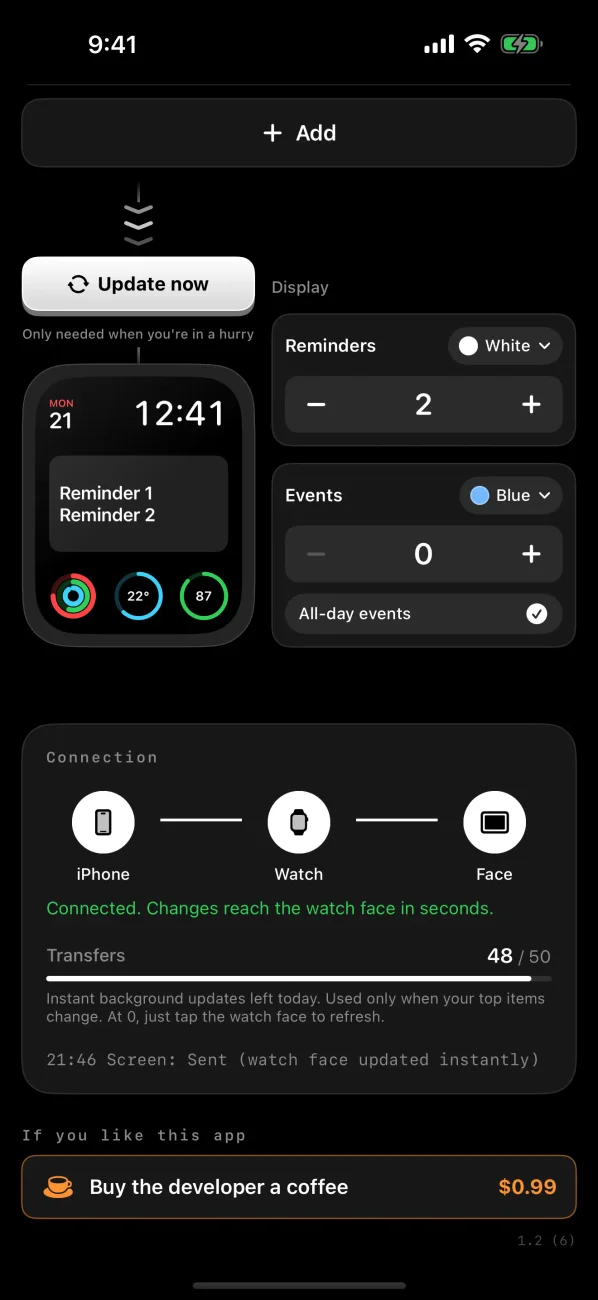
• Add, complete and rename right in TaskFace. Changes go to your watch face instantly
• Check off an item on Apple Watch and you have 3 seconds to undo
• A Home Screen widget shows the same list
■ Always up to date
• Set up one Shortcuts automation to refresh the face whenever you close Reminders, and you're done
• Tap the complication to update it on the spot
■ Your data
• Uses only the reminders and calendars on your iPhone. The app stores nothing of its own
• No account. No ads. No analytics
• The app never connects to the internet. Nothing leaves your devices
Requires an iPhone paired with an Apple Watch.
What’s new
Version 1.5 · Nov 11, 2026
• Fixed: the Home Screen widget could stay out of date if you checked something off and left the app right away
• The undo window is now 3 seconds (was 5)
App privacy
What Jin Nakamura declares on the App Store about how this app handles data.
-
Data not collected
The developer does not collect any data from this app.
Privacy practices may vary, for example with the features you use or your age.
Information
- Seller
- Jin Nakamura
- Category
- Productivity
- Version
- 1.5
- Updated
- Nov 11, 2026
- Released
- Sep 11, 2026
- Size
- 3.7 MB
- Requires
- iOS 17.0 or later
- Age rating
- 4+
- Languages
- Japanese, Arabic, Italian, Indonesian, Dutch, Swedish, Spanish, Turkish, German, French, Portuguese, Russian + 4 more
- Copyright
- © 2026 Jin Nakamura
You might also like
-
 Cue: Smart RemindersType once, never miss a thing
-
 DomiosProductivity
-
 Cue: Speaker NotesNotes and timer for your talks
-
 3-Line Calendar for Watch FaceNext 3 events on every screen
-
 Kudos: Social Habit TrackerBeat yesterday, with friends
-
 Cria Planner: Plan TogetherShared family calendar & meals
-
 WidgetminderReminder widgets
-
 Nagi PlannerCentered: plans, to-dos, diary
-
 goals.ai - AI Goal PlannerTurn Goals Into Daily Action
-
 FlexiPlanner, Time BlockingThe Most Flexible Day Planner