
Teleprompter - CreatorCue
Video Prompter & Voice Scroll
Designed for iPhone, iPad
Free · In-app purchases
- Age rating4+
- CategoryPhoto & Video
- DeveloperOlyndo Ltd
- LanguagesEnglish+ 18 more
- Size66.4 MB
Links to the official App Store page
Download.org hosts no file of Teleprompter - CreatorCue. The button opens its official App Store page, published by Olyndo Ltd. Listing last checked on Nov 23, 2026.
Screenshots

About
Stop memorizing lines. Look into the lens and get it right the first time.
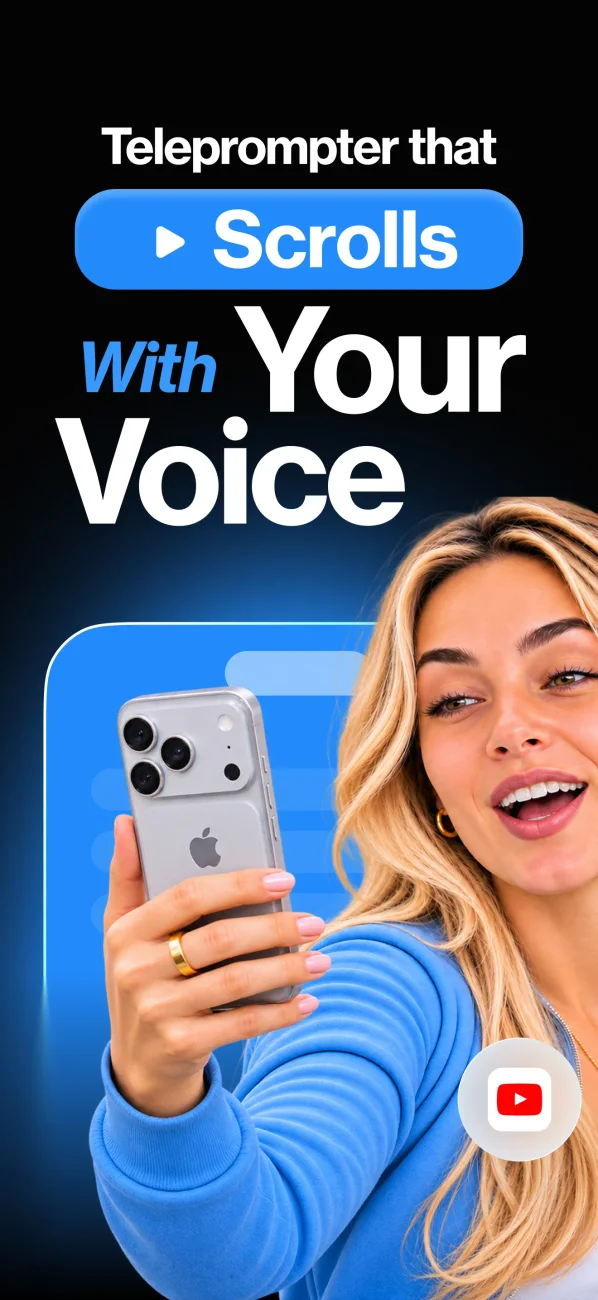
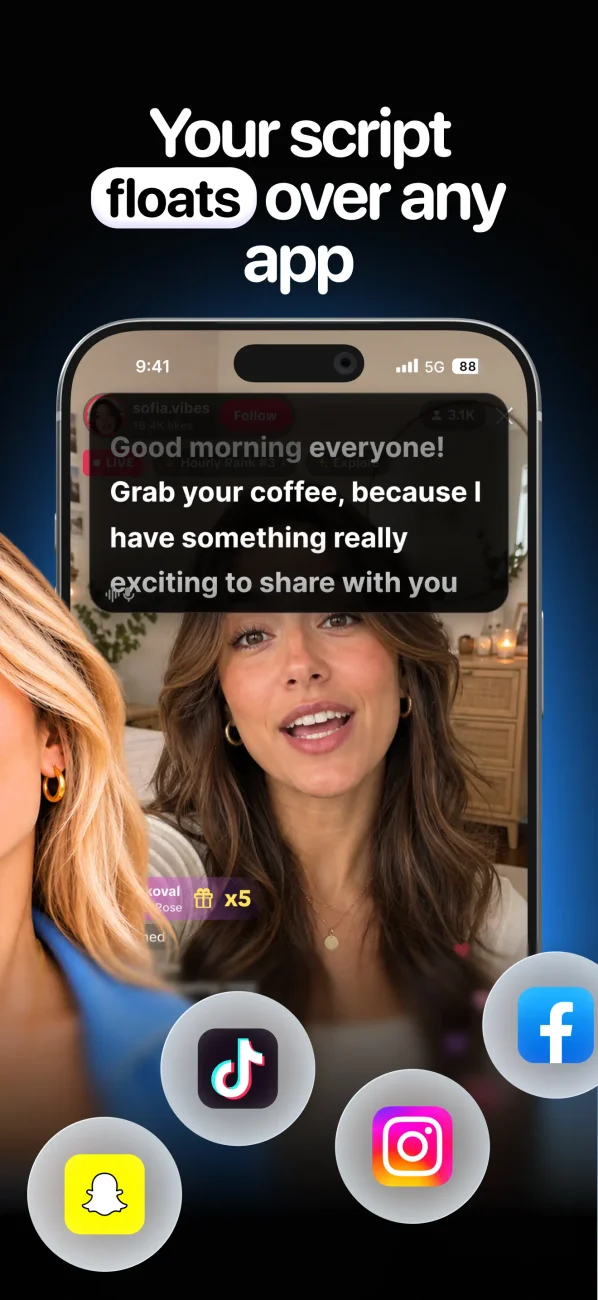
CreatorCue is the teleprompter that scrolls with your voice. Speak at your own pace and your script follows you. New in 1.4: your script can float over other apps, so you can read it while you record in any camera app.
Made for creators, course instructors, podcasters and business professionals.
KEY FEATURES
- VOICE SCROLL: Speak naturally and the script follows your voice automatically.
- FLOATING SCRIPT: Keep your script on screen over other apps while you film.
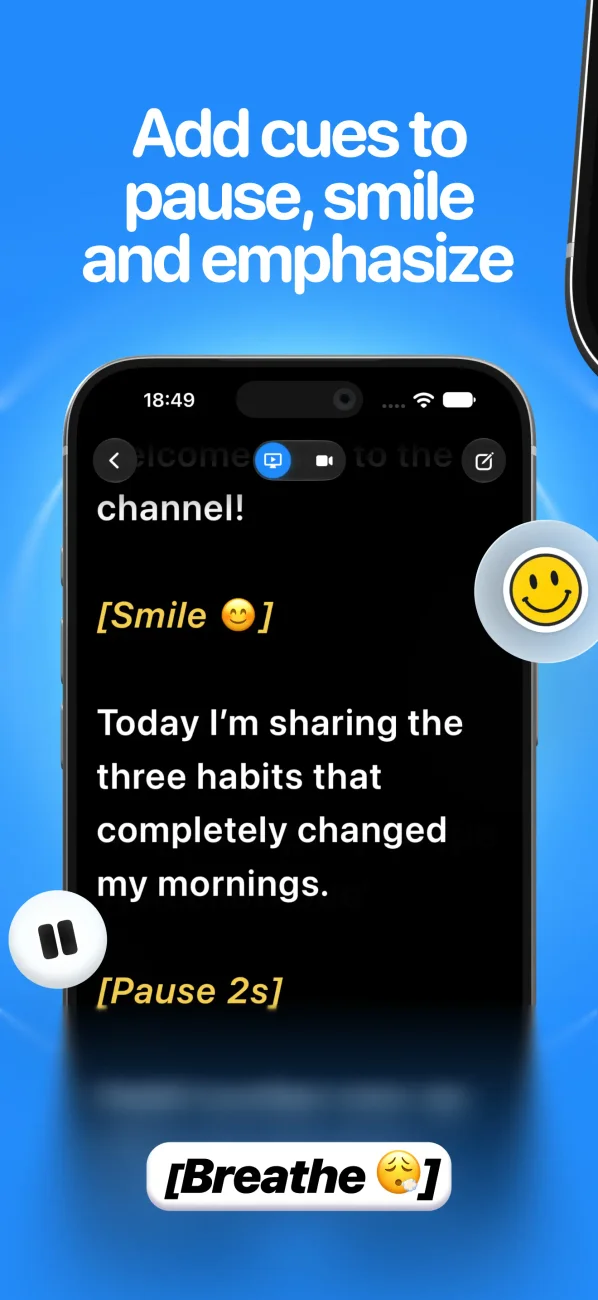
- CUES: Add pause, smile and emphasis cues right inside your script.
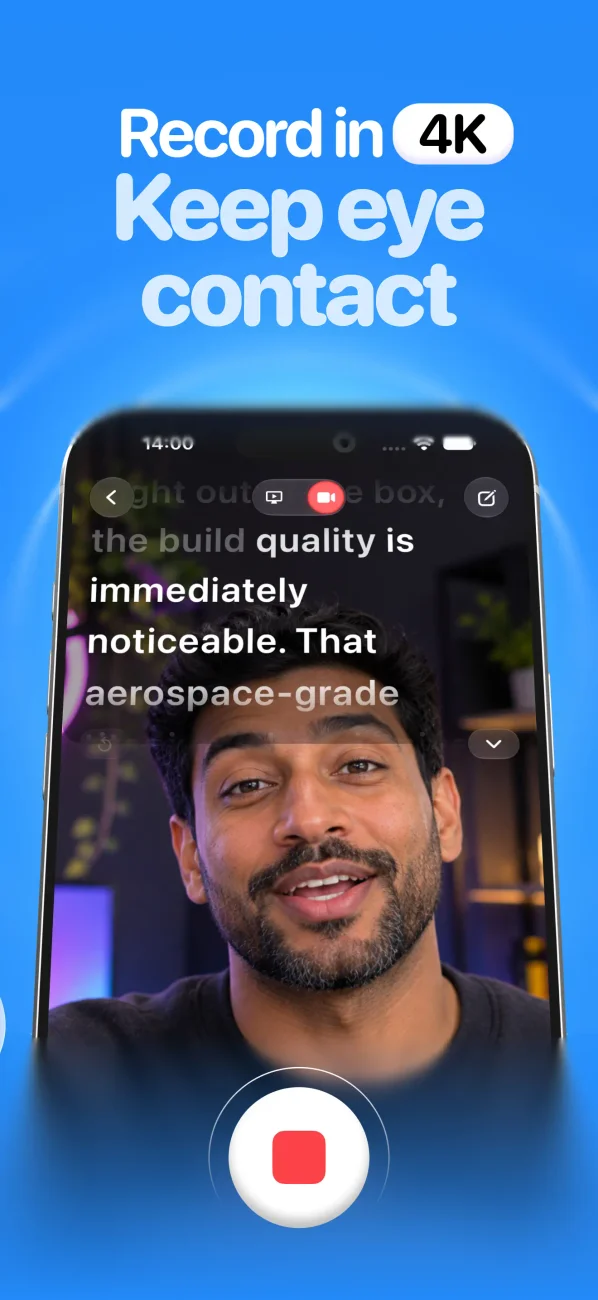
- RECORD IN THE APP: Keep eye contact and record in up to 4K.
- WRITE OR IMPORT: Write in the app or import DOCX, PDF and TXT files.
- YOUR VIEW, YOUR WAY: Adjust fonts, colors and text size for easy reading on camera.
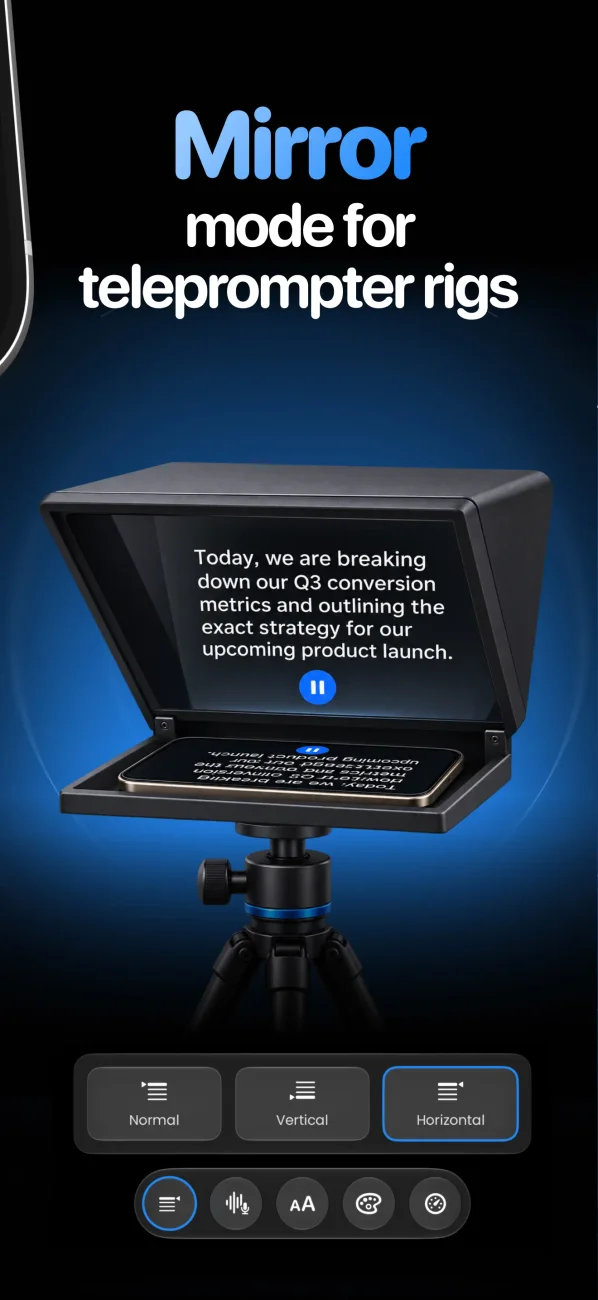
- MIRROR MODE: Flip the text for any professional teleprompter rig.
Download CreatorCue for free and deliver your next video with confidence.
Upgrade to CreatorCue Pro to unlock:
- Voice-Activated Scrolling
- Unlimited Scripts & Script Length
- Import from Files (DOCX, PDF, TXT)
- Mirror Mode for Pro Rigs
Your Privacy Matters:
- Privacy Policy: https://creatorcue.app/privacy-policy
- Terms of Use (EULA): https://creatorcue.app/terms
What’s new
Version 1.4.1 · Nov 13, 2026
• Bluetooth Remote & Keyboard Control: Control your teleprompter hands-free using a wireless clicker or keyboard (Space = Play/Pause, Up/Down = Speed, R = Reset, Esc = Close).
• Live Word Count & Reading Time: See your word count and estimated speaking duration update in real time inside the Script Editor.
• Faster Saving & 1-Tap Quick-Share: Videos save immediately after recording, with a Share button right on your post-recording screen.
• Adaptive Scripts Grid: Displays more columns in landscape mode and on larger screens.
• Camera Stability & Polish: Fixed camera preview and recording crashes, improved light-mode button readability, and added delete confirmation for recordings.
App privacy
What Olyndo Ltd declares on the App Store about how this app handles data.
-
Data not linked to you
May be collected but is not linked to your identity.
- Identifiers
- Usage data
- Diagnostics
Privacy practices may vary, for example with the features you use or your age.
Information
- Seller
- Olyndo Ltd
- Category
- Photo & Video
- Version
- 1.4.1
- Updated
- Nov 13, 2026
- Released
- Sep 30, 2025
- Size
- 66.4 MB
- Requires
- iOS 18.0 or later
- Age rating
- 4+
- Price
- Free
- In-app purchases
- Yes
- Languages
- English, Dutch, Filipino, French, German, Hindi, Indonesian, Italian, Japanese, Korean, Polish, Portuguese + 7 more
- Copyright
- © 2025 Olyndo Ltd
You might also like
-
 Teleprompt OverlayRead scripts over your camera
-
 Teleprompter AI & Video-CueRead to camera, record video
-
 RIDO: teleprompter for videoRead scripts with voice scroll
-
 AI Teleprompter: PromptOneScript Writer & Video Recorder
-
 CueCam: AI Video TeleprompterScript, Record & Auto Caption
-
 Teleprompter: ClarityVoice Script Reader for Video
-
 NanoPrompter: TeleprompterFree Teleprompter for Video
-
 Teleprompter for Video: VOCUEAI Follow & Auto Captions
-
 Mr PrompterVoice-following teleprompter
-
 Teleprompter PremiumCue cards, never memorize