
TermBridge Remote Terminal Pro
Mac terminal, Claude, Codex
Designed for iPhone, iPad
Free · In-app purchases
- Age rating4+
- CategoryDeveloper Tools
- DeveloperClovinyx
- LanguagesEnglish
- Size52.7 MB
Links to the official App Store page
Download.org hosts no file of TermBridge Remote Terminal Pro. The button opens its official App Store page, published by Clovinyx. Listing last checked on Nov 13, 2026.
Screenshots
About
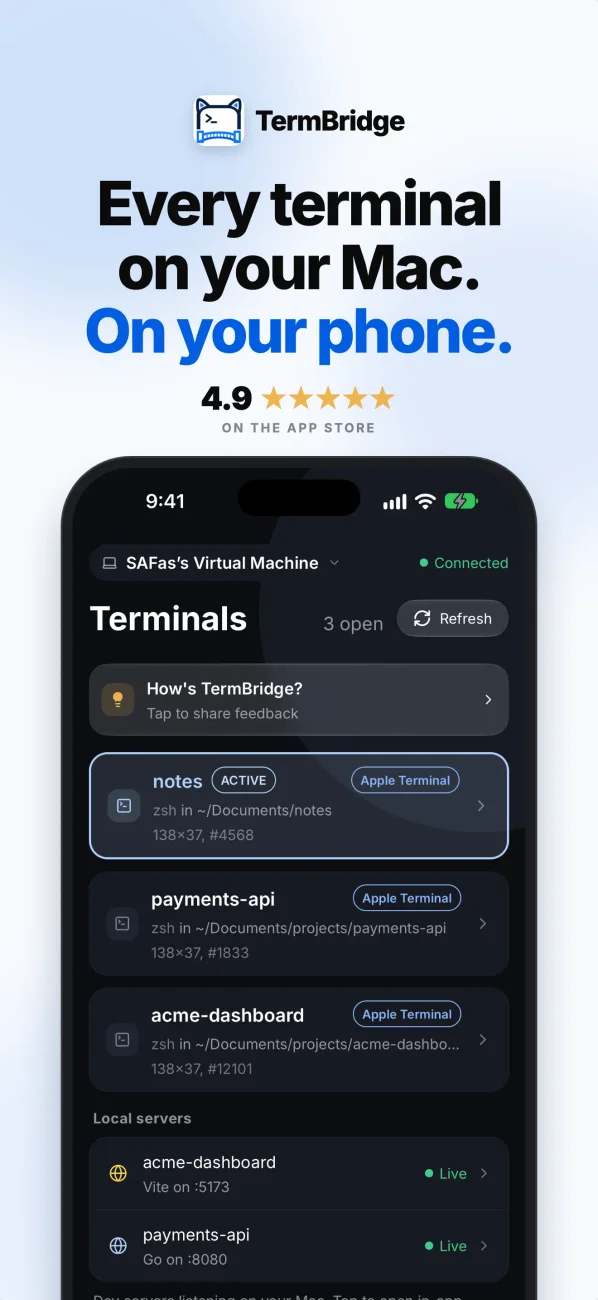
Control and observe any terminal on your Mac from your phone — from anywhere.
TermBridge attaches at the shell layer, so it works across every terminal you already use: iTerm2, Terminal.app, the integrated terminals in VS Code, Zed, and Cursor, plus tmux. There's no new terminal app to live in and nothing to reconfigure. The exact shell you're already typing in simply shows up on your phone, live.
VIBE CODING, UNTETHERED
Start a long Claude Code or Codex run on your Mac, then walk away. TermBridge keeps you in the loop from wherever you are.
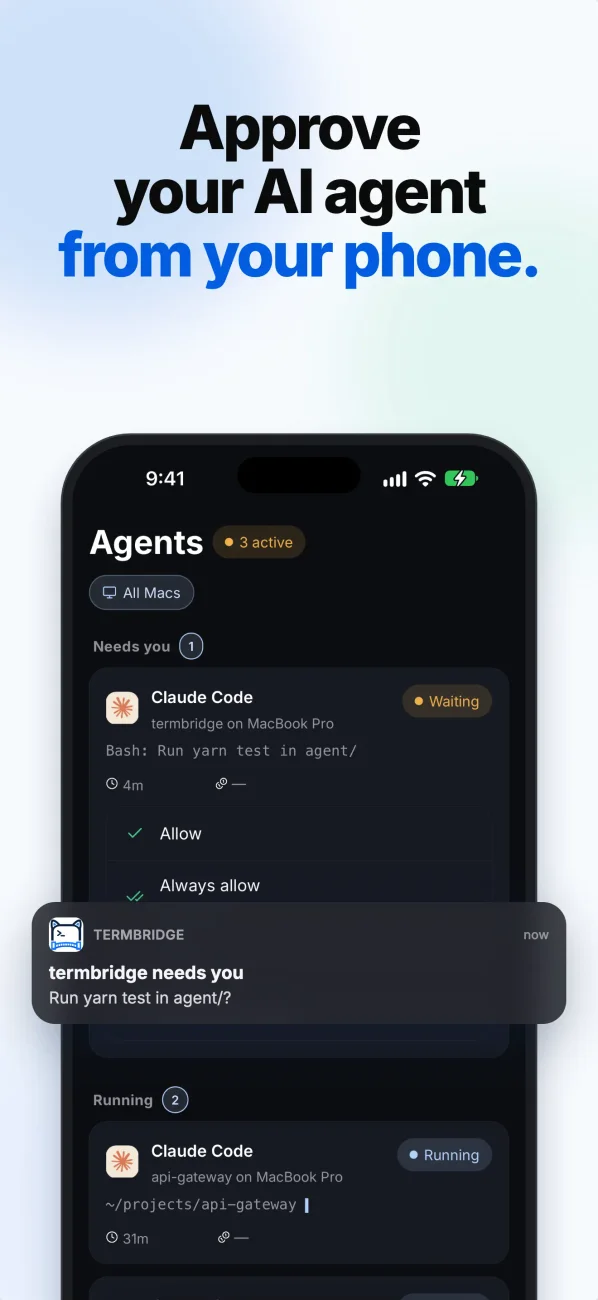
• Answer the agent from your phone: Allow, Always allow, Deny, or Deny with a note. Answer Claude's questions too, including ones with several picks.
• Get a push the moment an agent needs you. Approve right from the notification, or tap to land on the request.
• See every agent across all of your Macs in one place: needs you, running, finished.
• Watch any agent run live, character by character, exactly as it appears on your Mac.
DO REAL WORK FROM YOUR PHONE
TermBridge is built to get things done, not just watch.
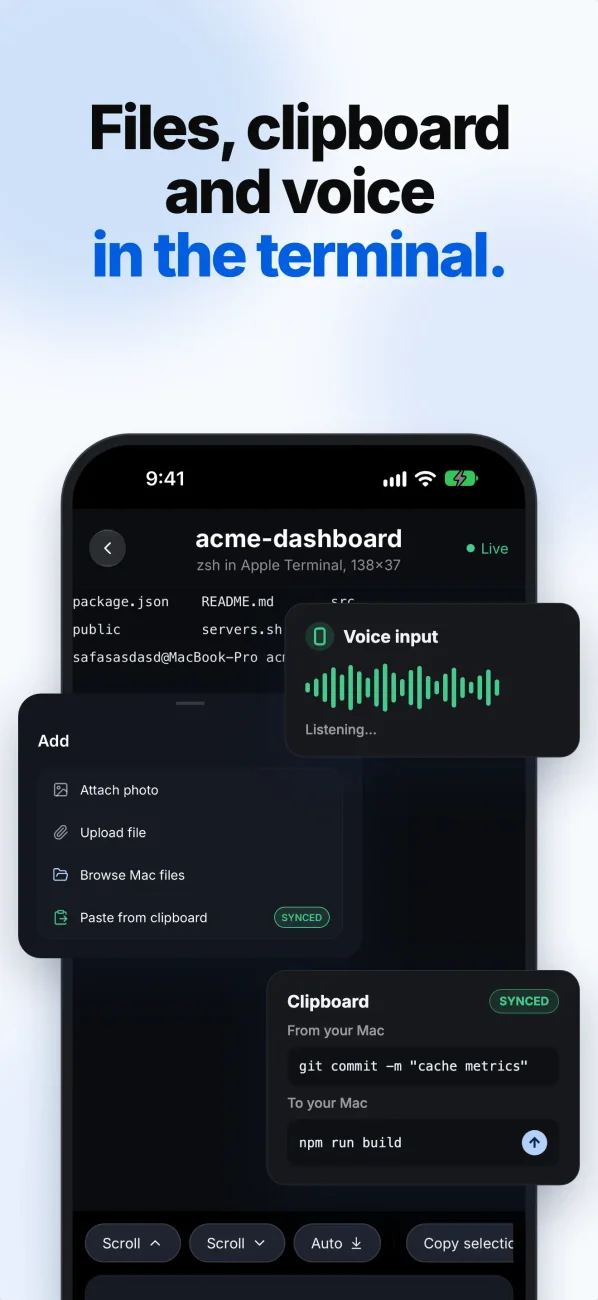
• Dictate commands and prompts by voice, with a live waveform so you know it's listening.
• Attach a file or image from your phone. It uploads to your Mac and the path drops into the terminal, ready to run or hand to your agent.
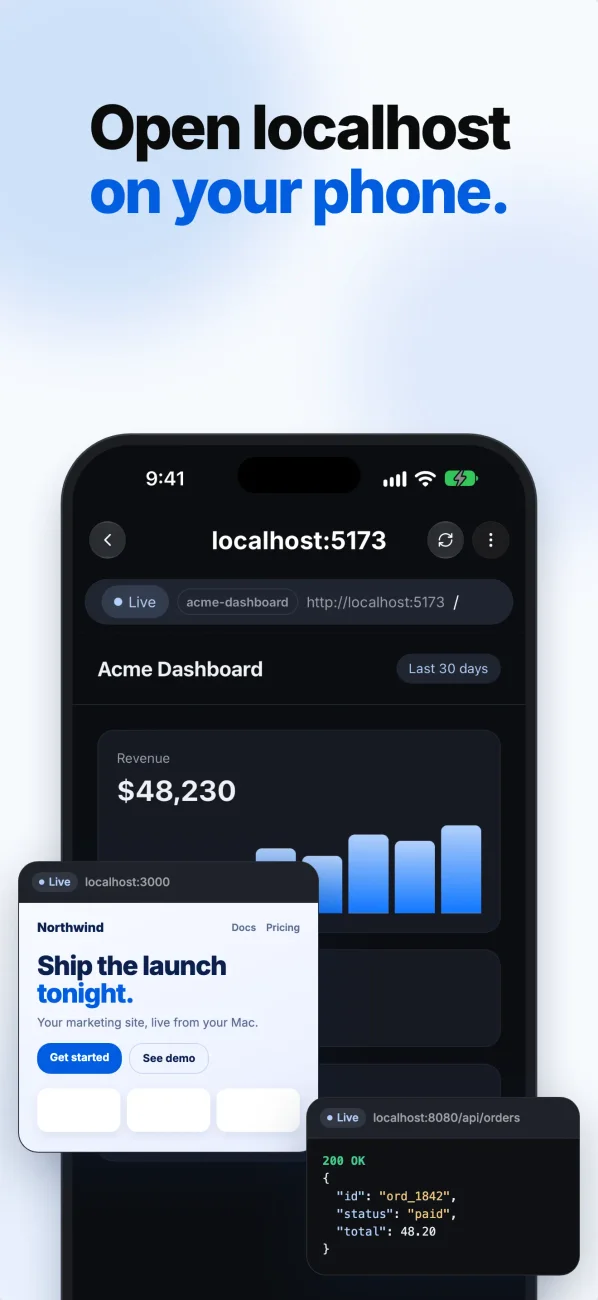
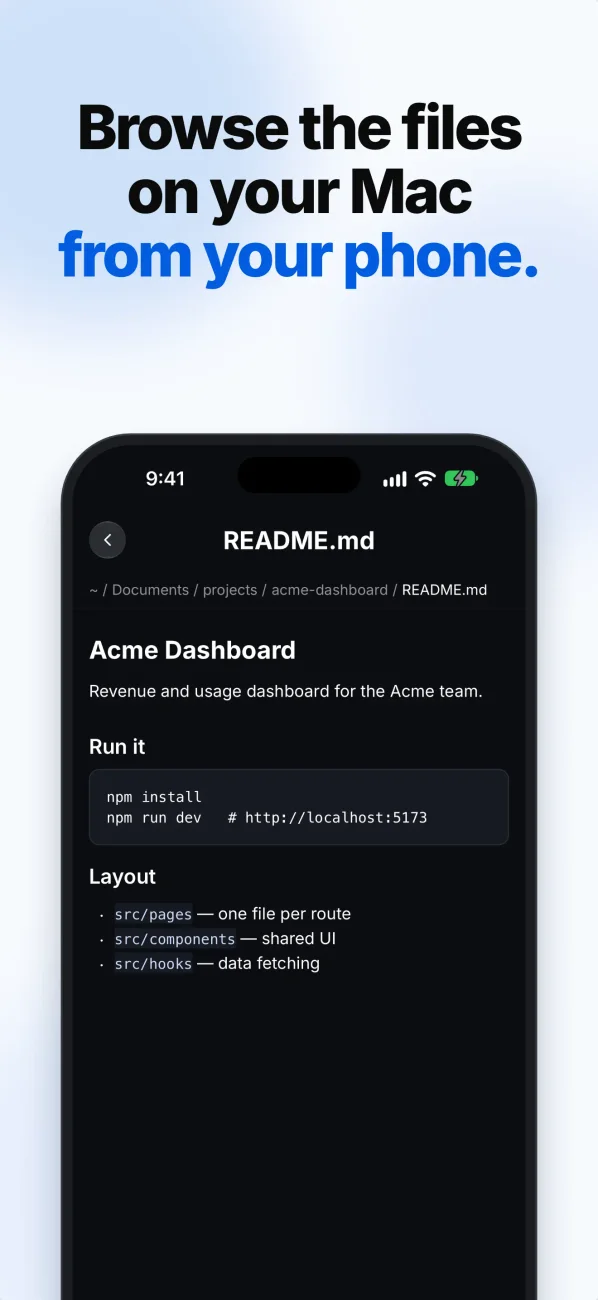
• Browse your Mac's files, and preview what the agent touched — Markdown and READMEs rendered, and the local servers running on your Mac, open right on your phone.
• Two-way clipboard sync: copy on your Mac, paste on your phone, and back.
WHAT MAKES IT DIFFERENT
Most remote-terminal apps only see sessions they created, on a server you SSH into. TermBridge is the opposite.
• Attach to the terminals you're ALREADY in — not just sessions this app spawned.
• See your editor's integrated terminals (VS Code, Zed, Cursor) on your phone.
• Open a new shell or Claude Code session on your Mac from your phone, in one tap.
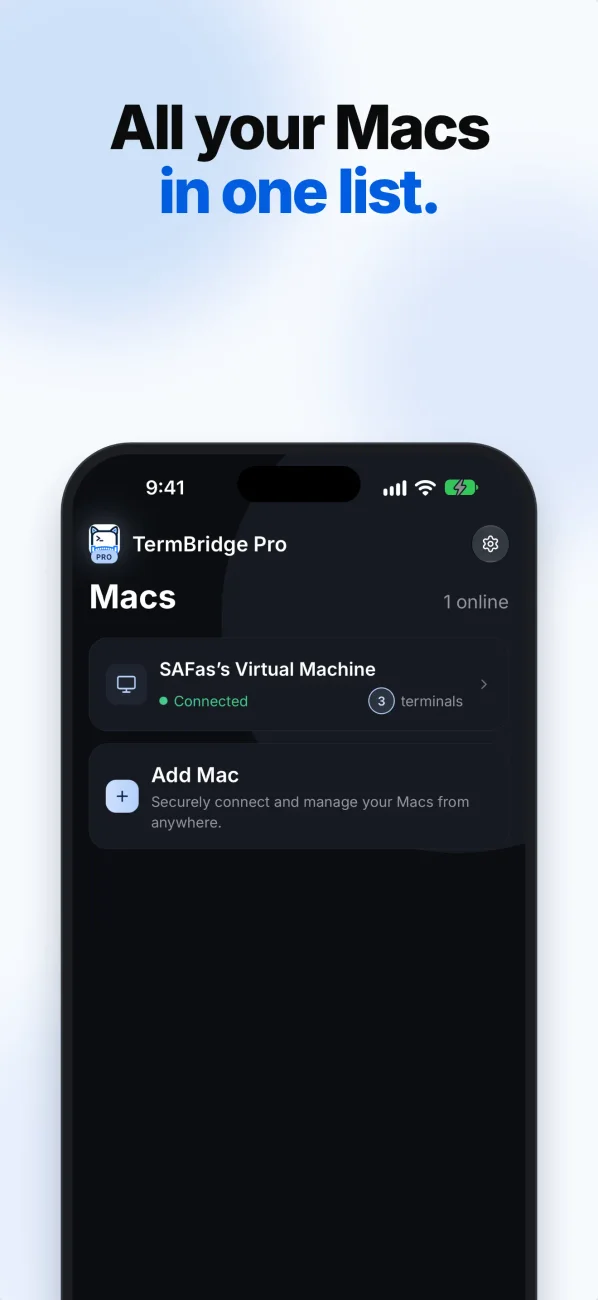
• Pair multiple devices (iPhone + iPad) to one Mac, and switch between Macs instantly — each keeps its own live connection, so an offline Mac never drops the one you're using.
MADE YOURS
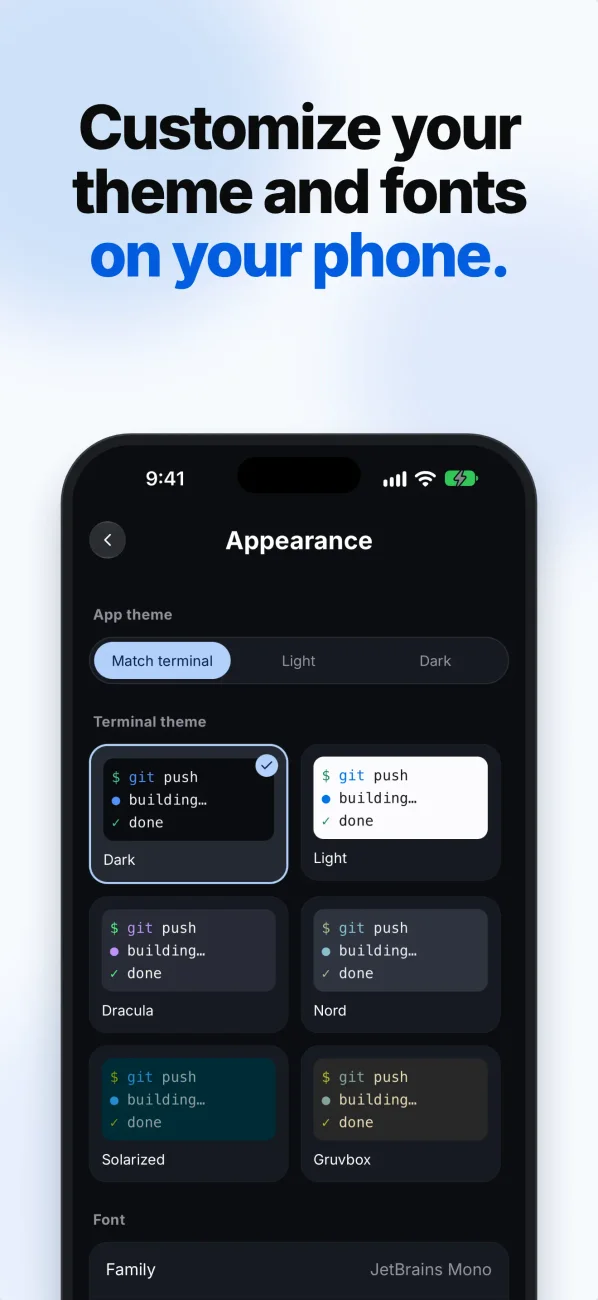
• Themes and fonts to match your setup.
• A custom on-screen key row and macros for the keys you actually use.
• A full-color terminal with deep scrollback on iPhone, and a 3-panel layout on iPad.
• A touch keyboard bar with Tab, Esc, Ctrl-C, arrows, and the modifiers a terminal needs.
SECURE BY DESIGN
Your terminal is sensitive. TermBridge treats it that way.
• End-to-end encrypted with X25519 + AES-256-GCM — the relay only ever sees ciphertext.
• Forward secrecy: fresh keys every session, so a future compromise can't unlock past ones.
• Zero-knowledge relay — your secrets never touch a server, and no inbound port is opened on your Mac.
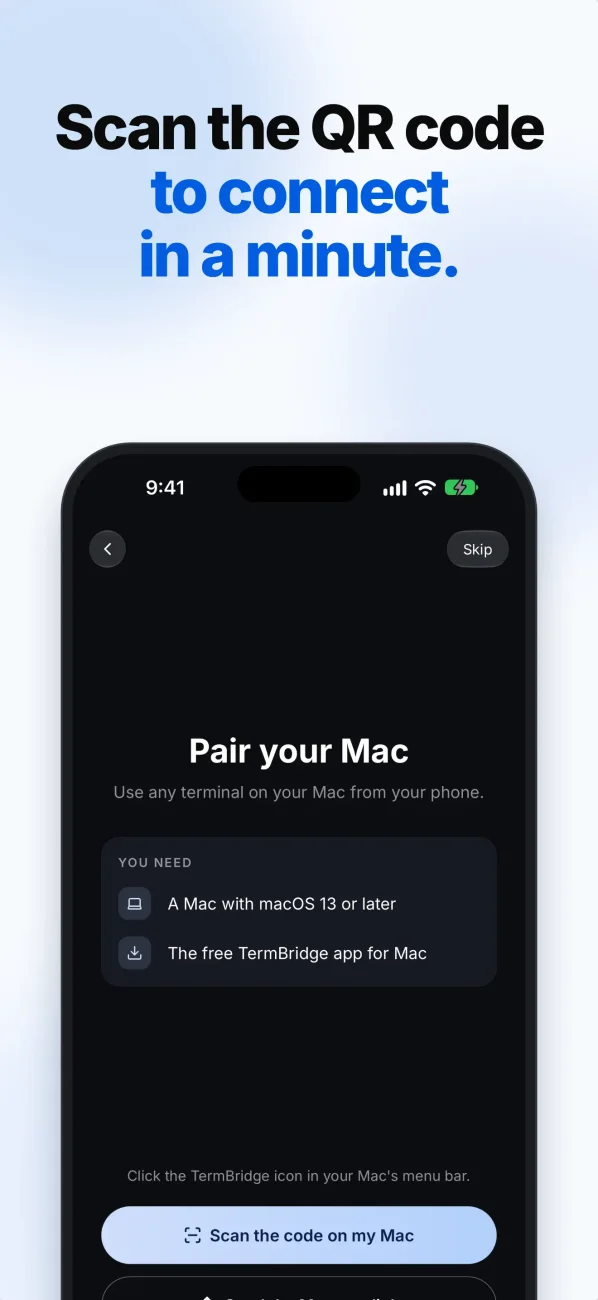
• QR-code pairing, approved right on your Mac, with a fingerprint you can verify.
RELIABLE
• Reconnects the instant your network changes or your phone comes back online.
• Sessions keep running when you step away — pick up exactly where you left off.
• Missed output replays on attach, so you never lose what happened while you were gone.
PERMISSIONS — ONLY WHEN YOU USE THE FEATURE
• Notifications — to alert you when an agent on your Mac is waiting; tap to jump into that terminal.
• Camera — to scan the QR code that pairs your phone with your Mac.
• Microphone & Speech Recognition — only when you dictate by voice; transcription runs on-device.
• Photos — only if you choose to attach an image to send to your Mac.
GETTING STARTED
Install the free TermBridge menu-bar app on your Mac, scan the QR code once, approve on the Mac, and your terminals are with you everywhere. No SSH keys, no ports to forward, no servers to rent.
Learn more at https://termbridge.clovinyx.io
Terms of Use: https://www.apple.com/legal/internet-services/itunes/dev/stdeula/
What’s new
Version 1.2.3 · Oct 15, 2026
Open terminals from your phone
• New terminal: tap + on the Terminals tab to open a Shell or Claude Code on your Mac, and go straight into it. Needs TermBridge 1.3.7 or later on your Mac.
• Voice typing: every word stays, even after you pause.
• Fixes: back from a terminal lands on your terminal list, messages at the top of the screen show in full, and the Send button says Send.
App privacy
What Clovinyx declares on the App Store about how this app handles data.
-
Data not collected
The developer does not collect any data from this app.
Privacy practices may vary, for example with the features you use or your age.
Information
- Seller
- Clovinyx LLC
- Category
- Developer Tools
- Version
- 1.2.3
- Updated
- Oct 15, 2026
- Released
- Jun 8, 2026
- Size
- 52.7 MB
- Requires
- iOS 16.4 or later
- Age rating
- 4+
- Price
- Free
- In-app purchases
- Yes
- Languages
- English
- Copyright
- © 2026 Clovinyx LLC
You might also like
-
 Shepherd: AI Agents & SSHControl herdr from your iPhone
-
 Termify - AI SSH TerminalSFTP, CMD, PuTTY, Terminus
-
 Cmux RemoteTerminal remote for cmux
-
 CMD: SSH, Terminal, DOS, PingSSH client & network tools
-
 NeoServer SSH Mosh TerminalSFTP Client Docker Monitor Cli
-
 Moshi: herdr/tmux on SSH/MOSHAgent terminal for Codex CLI
-
 Prompt 3The SSH app with speed & style
-
 Blink Shell, Build & CodeThe Pro tool for developers