
- Age rating4+
- CategoryDeveloper Tools
- DeveloperSAMUEL MORENO CONEJERO
- LanguagesEnglish+ 15 more
- Size40.0 MB
Links to the official App Store page
Download.org hosts no file of termi1. The button opens its official App Store page, published by SAMUEL MORENO CONEJERO. Listing last checked on Nov 18, 2026.
Screenshots
About
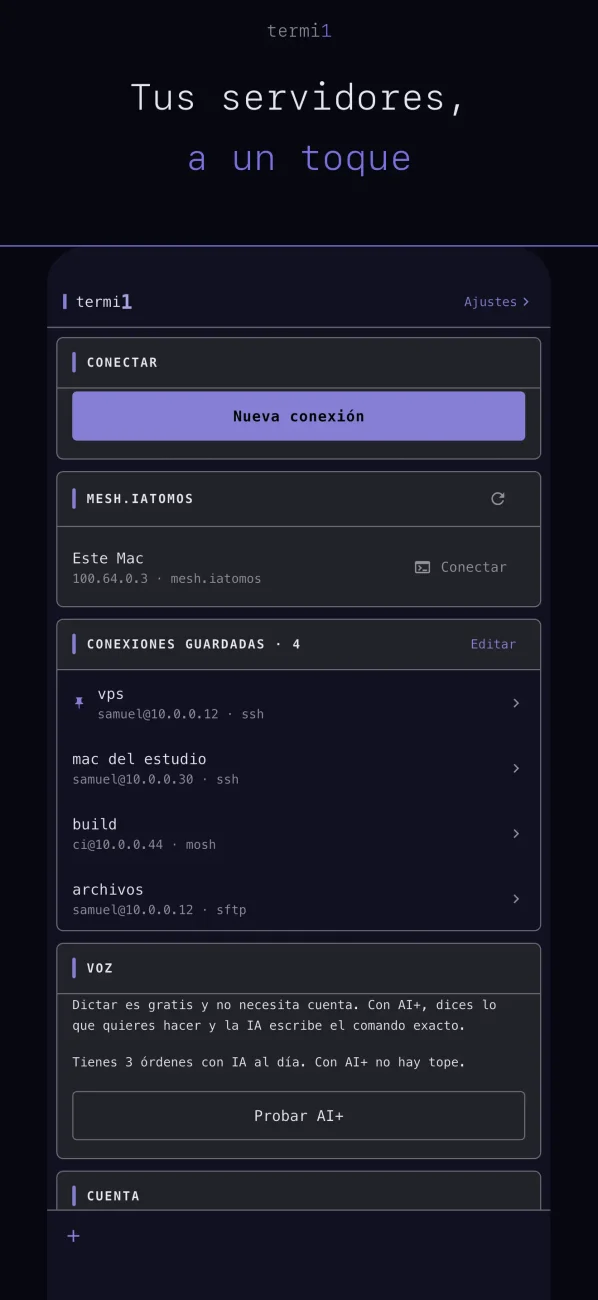
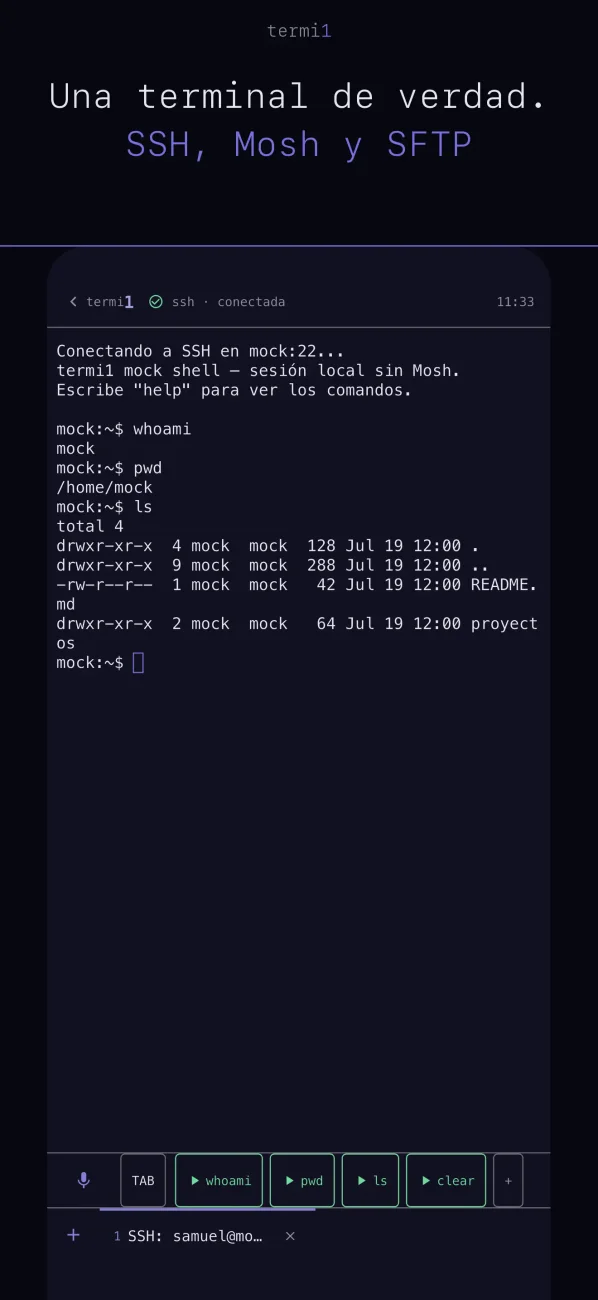
SSH, Mosh and SFTP on the iPhone. A terminal built so that fixing something from your phone is not a punishment.
A REAL TERMINAL, NOT A VIEWER
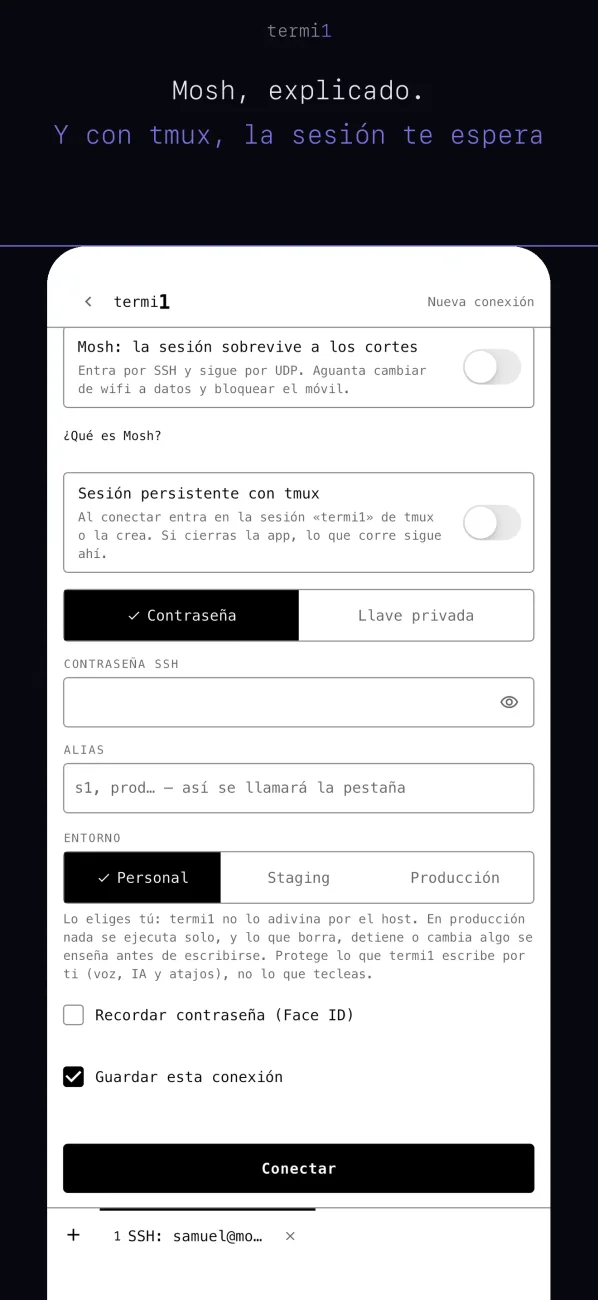
Complete, with colours, control keys and scrolling. Mosh keeps the session alive when you move from Wi-Fi to mobile data or the subway swallows your signal.
And built-in SFTP: browse, upload and download files on the server without leaving the session or switching apps.
SAY WHAT YOU WANT AND IT WRITES THE COMMAND
You dictate and the AI writes the exact command. "Show me the nginx logs live" becomes journalctl -u nginx -f. "Close claude and open agy" becomes pkill -f claude && agy. You choose: Review writes each command so you press Enter; Safe auto only runs the limited set termi1 recognises as safe. Any change or unknown command waits for your Enter; a generated command carrying unexpected control characters is blocked, and informational text is shown neutralised.
It knows today's tools, not just the ones from the nineties: claude, agy, codex, gh, ripgrep, fd, uv, bun, docker, kubectl, tailscale.
IT KNOWS WHEN IT IS IN PRODUCTION
Mark each server as personal, staging or production; termi1 never guesses it from the name. In production nothing runs on its own, and anything that deletes, stops or changes something is shown first with the reason and a read-only alternative: writing it takes a hold, and even then it is written without Enter. It protects what termi1 writes for you, not what you type. And it keeps a local receipt, only on your phone, of what the app wrote for you.
YOUR KEYS NEVER TRAVEL
Generate an SSH key on the phone itself: it is born here and never leaves. It is stored in the Keychain behind Face ID, like your passwords. You can also paste one you already have.
MADE FOR TYPING WITH YOUR THUMB
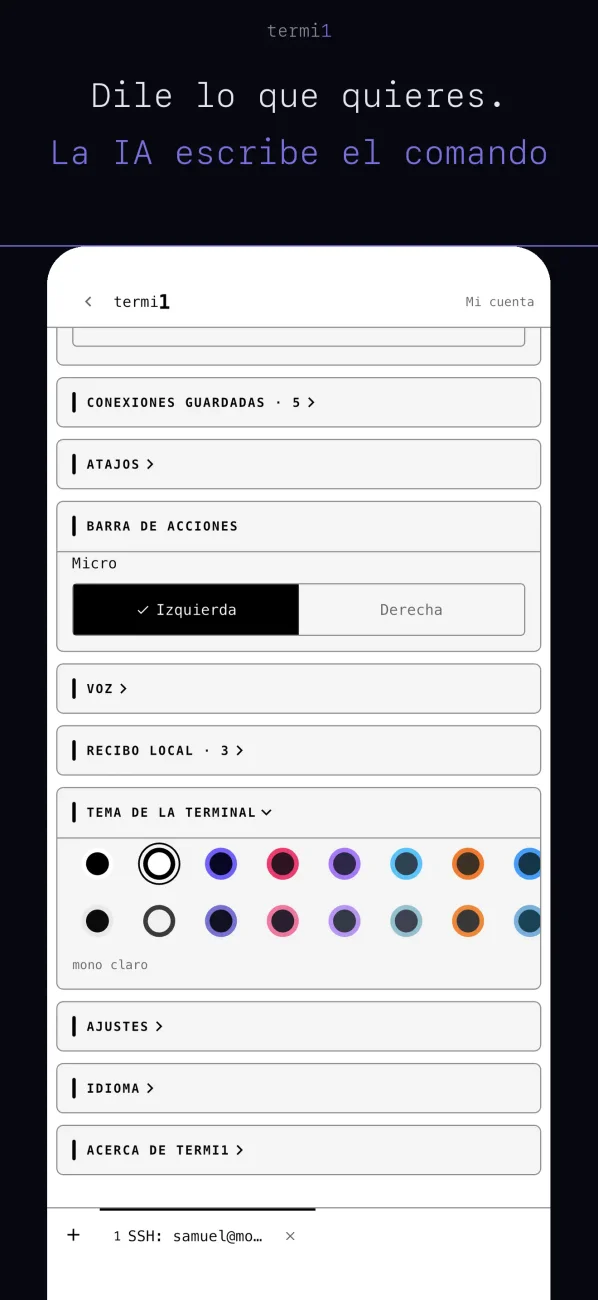
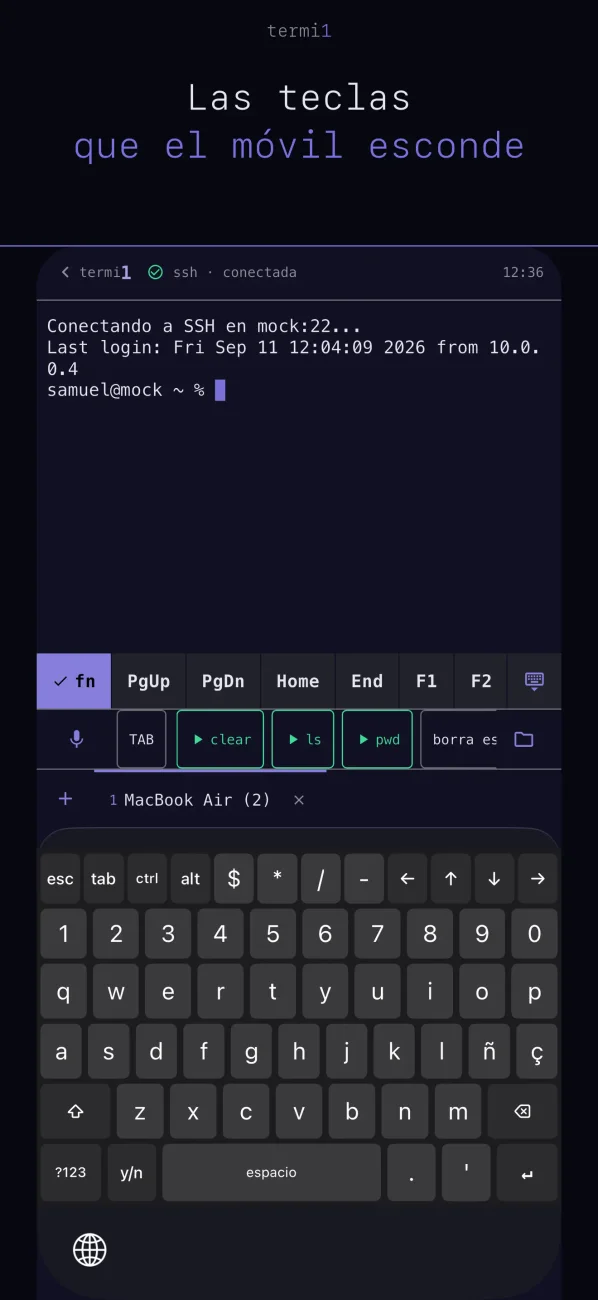
The row of keys the system keyboard hides. Your shortcuts one tap away. Tap to place the cursor. Split screen on iPad. And the microphone wherever you want it, left or right.
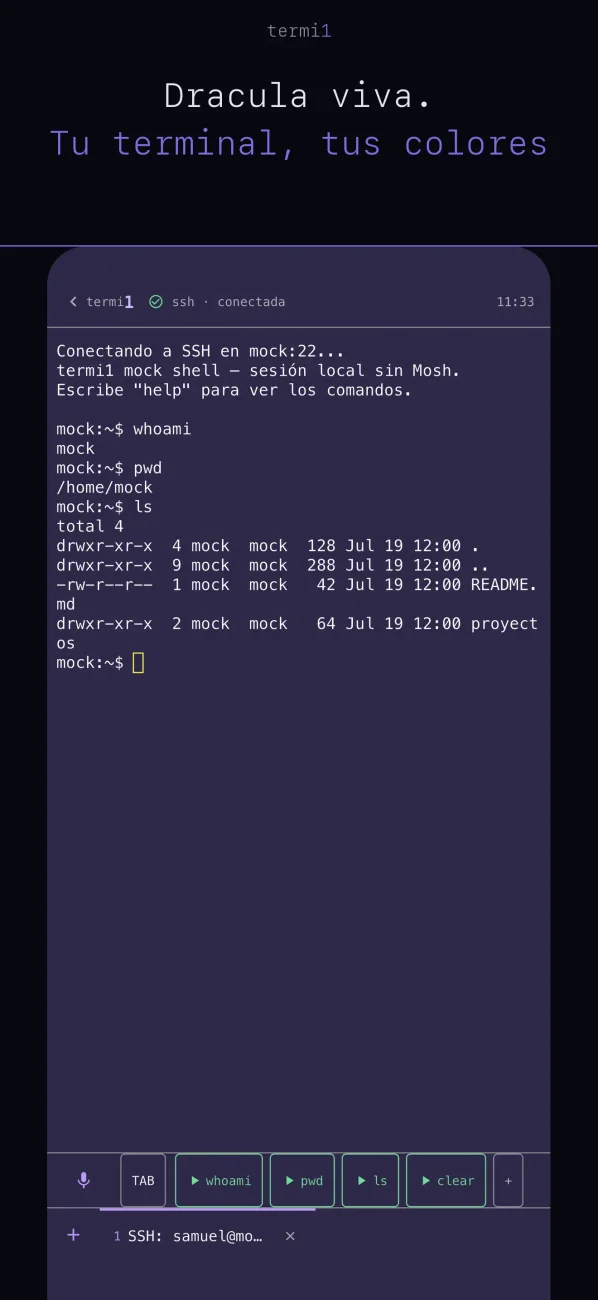
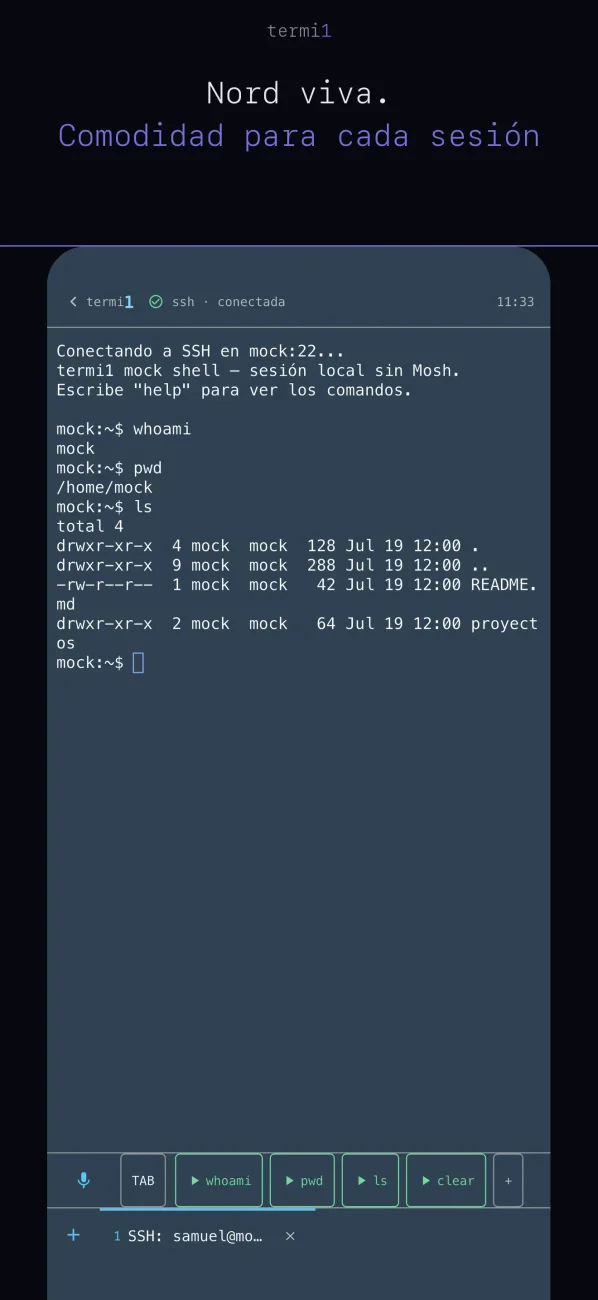
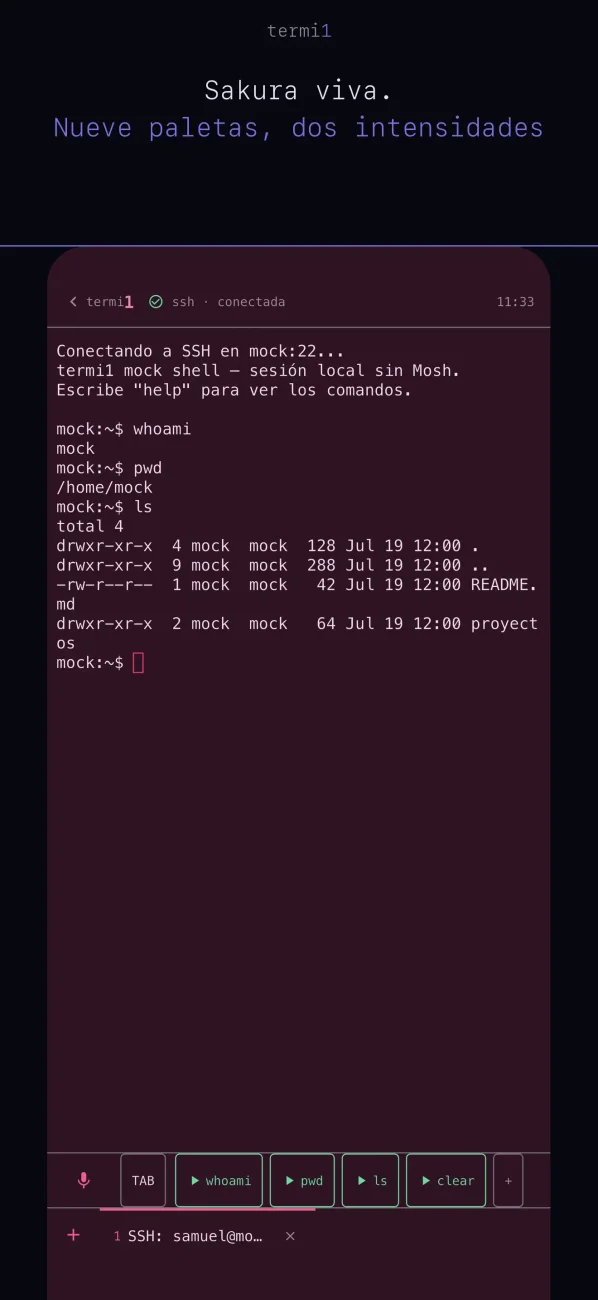
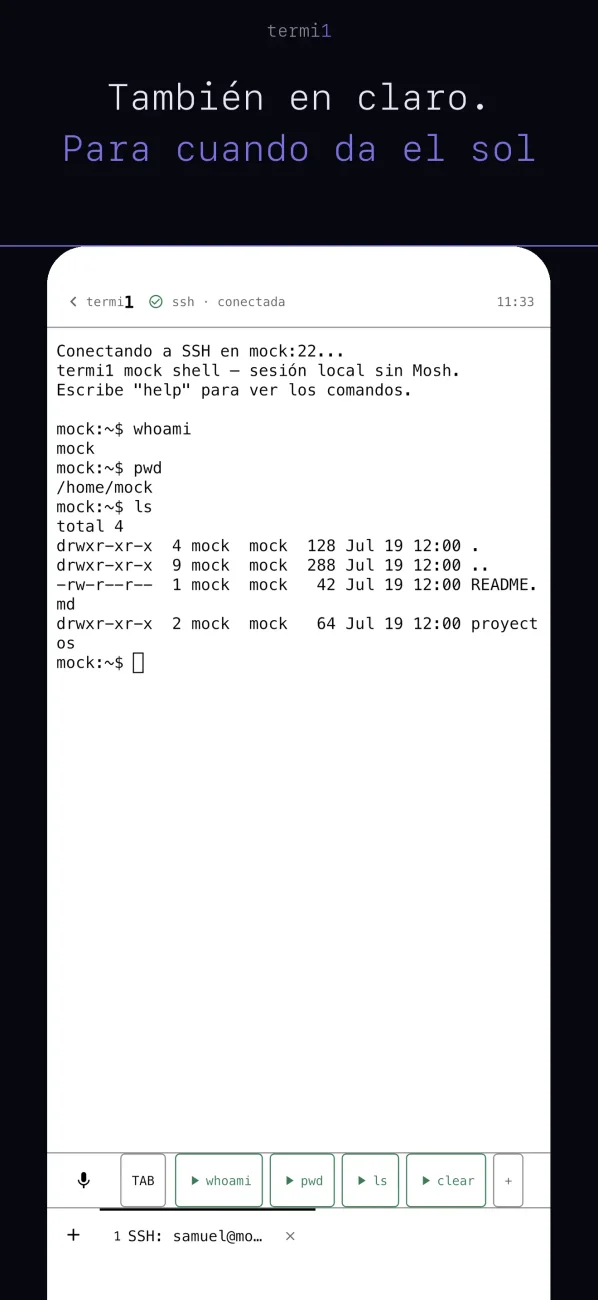
EIGHTEEN COLOUR SCHEMES
Two strips: nine vivid and nine pastel. The whole app adapts to the one you pick, not just the grid.
WITH AN ACCOUNT, IF YOU WANT
Your saved connections and shortcuts follow you to any device. Without an account the app works the same; they just stay on this one.
WHAT IS FREE
The terminal, all of it. Dictation, all of it. With an account, three AI commands a day. AI+ removes the cap.
YOUR MAC, ONE CODE AWAY
Install termi1 Companion on the Mac, press Pair and type the six-digit code on the iPhone: your key is installed with nothing to copy, nothing to paste and no editing of authorized_keys. If the Mac is on a private network such as Prialo or Tailscale, that same connection works away from home too.
WHAT YOU LEAVE RUNNING IS STILL THERE
A persistent tmux session, per connection: close the app, come back later, and the build, the migration or the agent you left working is where you left it. And at login, one line with the server's state: system, uptime, load, memory and disk.
MORE KEYS, LESS TYPING
The fn key opens the plane with F1–F12, PgUp/PgDn, Home and End, the one htop, mc and nano ask for. As you type, termi1 offers the command's options: “ls” hands you -la; “git”, its verbs. And the SFTP browser sorts by name, date or size, with preview and copy path.
SHORTCUTS, SIRI AND THE ACTION BUTTON
Open a connection or launch one of your shortcuts from Shortcuts, Siri, the Action button or Control Centre. termi1 always comes to the front: the key goes through Face ID and, on a server you tagged as production, Production Guard shows the command and waits.
In sixteen languages.
What’s new
Version 1.0.7 · Nov 6, 2026
• Smoother: the app responds faster when opening tabs, switching sessions and typing.
• Keyboard shortcuts on iPad: Cmd+T, Cmd+W, Cmd+1…9, Cmd+K, Cmd+, and more, with their own menu.
• Right-click menu in the terminal: copy, paste, select all and clear.
• iPhone Duo improvements: the terminal regains focus when you return to tabletop mode, and the side rail fits small screens.
App privacy
What SAMUEL MORENO CONEJERO declares on the App Store about how this app handles data.
-
Data linked to you
May be collected and linked to your identity.
- Purchases
- Contact info
- User content
- Identifiers
Privacy practices may vary, for example with the features you use or your age.
Information
- Seller
- SAMUEL MORENO CONEJERO
- Category
- Developer Tools
- Version
- 1.0.7
- Updated
- Nov 6, 2026
- Released
- Aug 13, 2026
- Size
- 40.0 MB
- Requires
- iOS 15.0 or later
- Age rating
- 4+
- Price
- Free
- Languages
- English, Basque, Catalan, Dutch, French, Galician, German, Italian, Japanese, Korean, Polish, Portuguese + 4 more
- Copyright
- © 2026 Samuel Moreno Conejero
You might also like
-
 PokeMe - Terminal in PocketDeveloper Tools
-
 Hop — SSH ClientSSH client & terminal
-
 Kex - SSH & Mosh ClientSSH Mosh Telnet SFTP Terminal
-
 Tmux BridgeConnect to your sessions!
-
 VibeTermVibe Coding Terminal with AI
-
 Genterminal: SSH TerminalSecure SSH client & SFTP
-
 ifconfig Mobile: Network InfoIP Address & Interface Viewer
-
 Desktop Web Browser - Web AppZoomable browser - full screen
-
 Mosh TerminalResponsive SSH Mosh client
-
 MT - Mosh TerminalSSH for AI agents, on the move