Then & Now: Auto-Align Camera
Same spot, same shot, on time
Designed for iPhone
Free
- Age rating4+
- CategoryPhoto & Video
- Developericot
- LanguagesEnglish+ 1 more
- Size2.8 MB
Links to the official App Store page
Download.org hosts no file of Then & Now: Auto-Align Camera. The button opens its official App Store page, published by icot. Listing last checked on Nov 18, 2026.
Screenshots
About
Take the same photo, from the same spot, again and again — and watch things change.
A tree through the seasons. A renovation from bare walls to finished room. A street corner over the years. The hard part of this kind of photography was never the camera. It's lining the shot up exactly, and remembering to come back. Then & Now takes care of both.
IT LINES UP THE SHOT FOR YOU
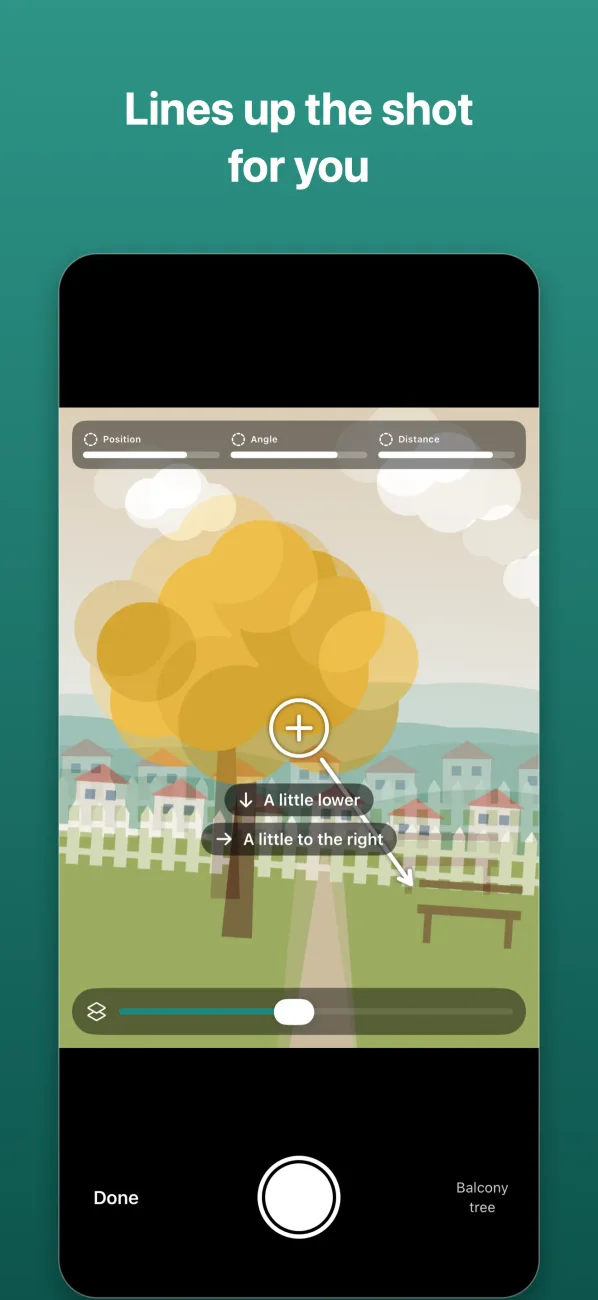
• Your reference photo is overlaid on the live camera, with adjustable opacity.
• The app compares the live view with the reference in real time and tells you what to do: move right, step back, rotate a little clockwise.
• Three bars show how well position, angle and distance match.
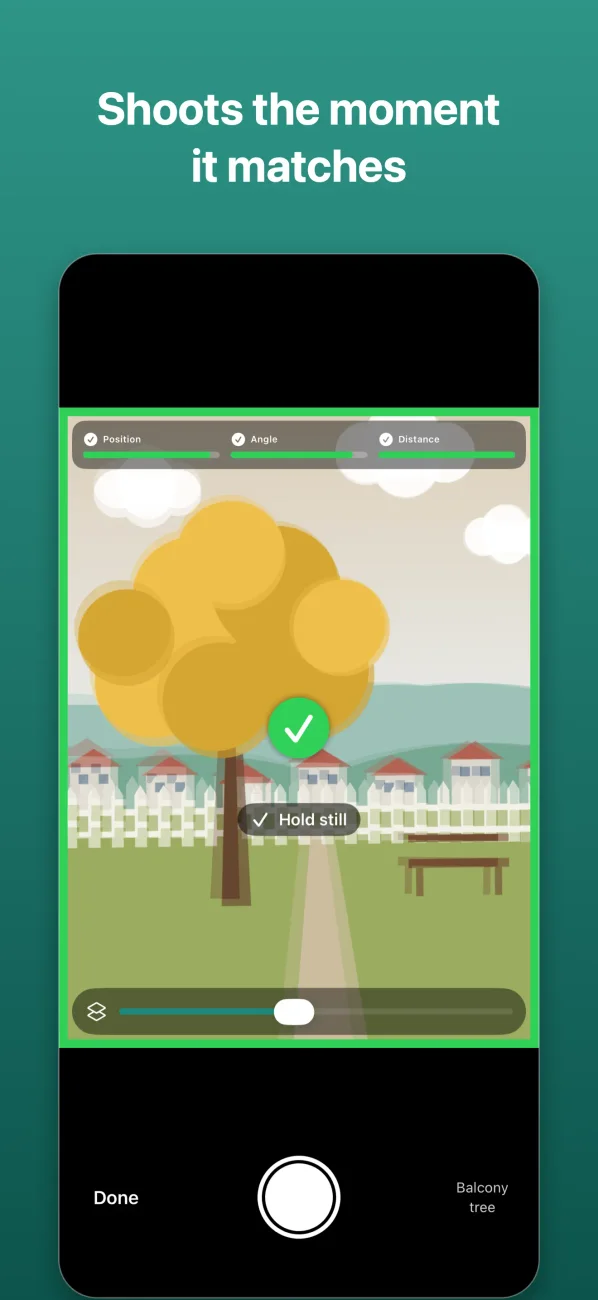
• When everything lines up, the frame turns green, you feel a tap, and the shutter fires by itself. The shutter button always works too.
• If a scene can't be matched automatically — at night, or facing a blank wall — the app says so and switches to manual overlay. It never just stops working.
IT REMEMBERS SO YOU DON'T HAVE TO
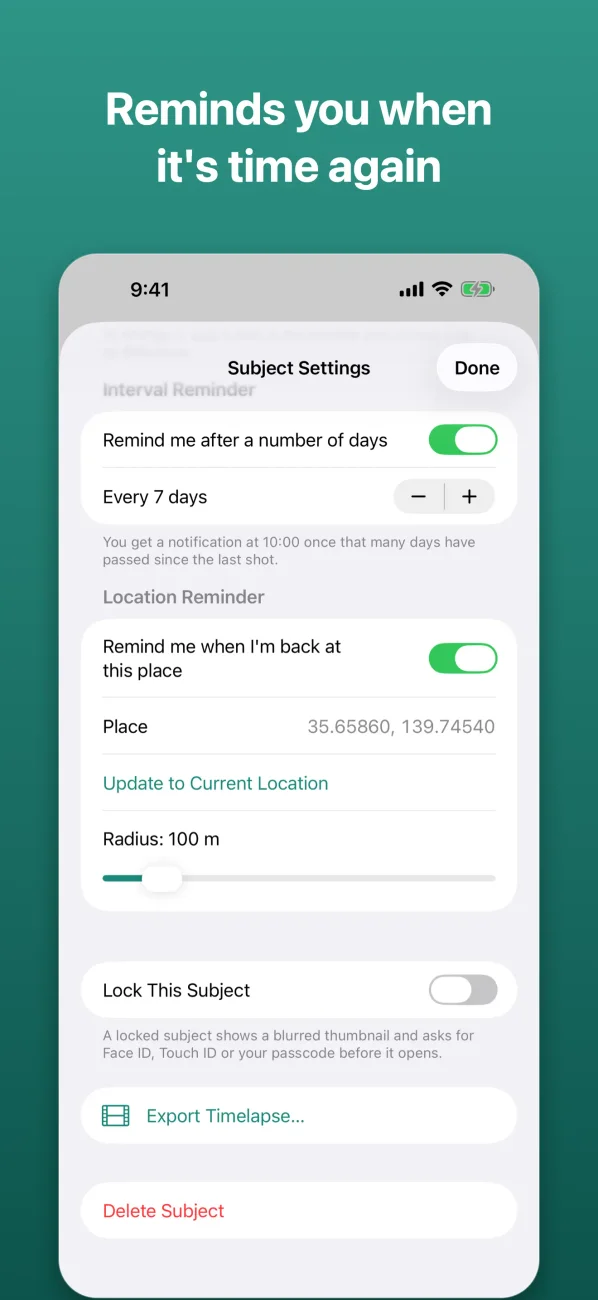
• Interval reminders: get notified a set number of days after your last shot.
• Location reminders: get notified when you're back at the place.
• A home screen widget shows what to shoot next and how long it has been.
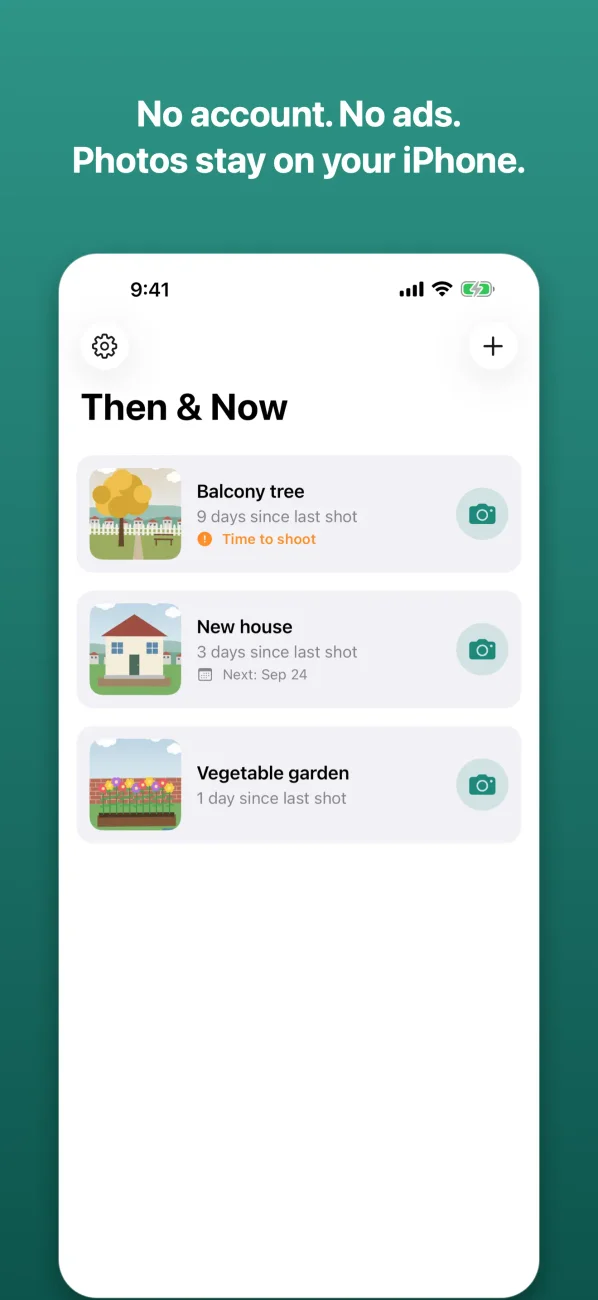
• Subjects that are due move to the top of your list.
SEE THE CHANGE
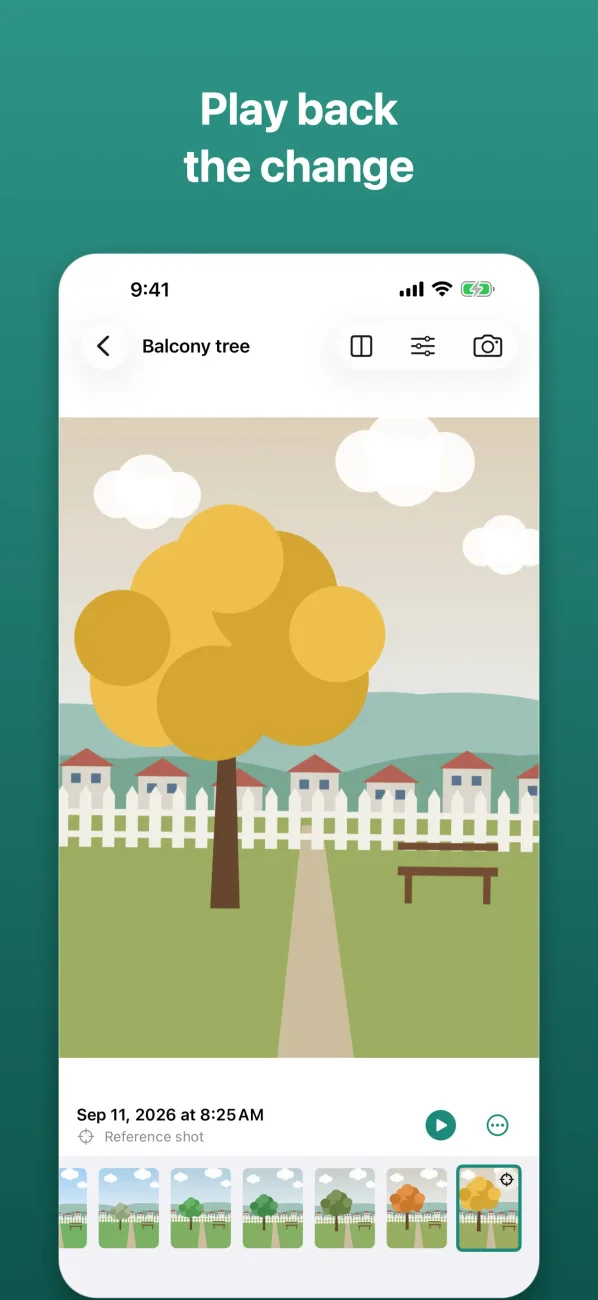
• Timeline: scroll through every shot of a subject, or press play to flip through them on the spot.
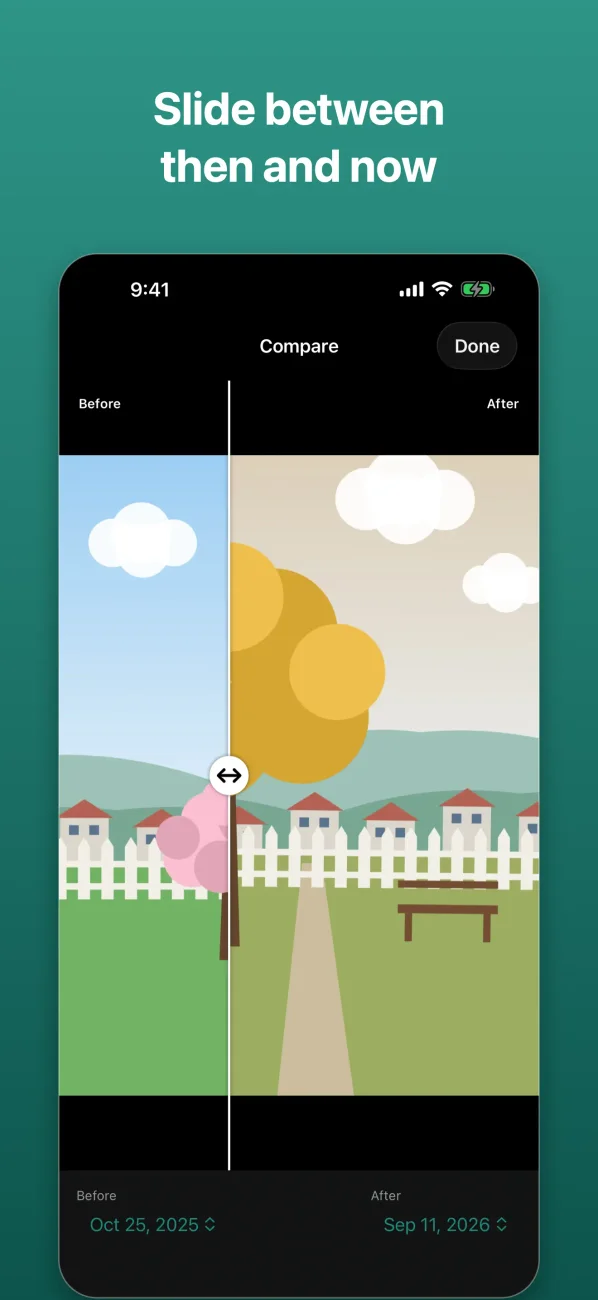
• Before/after: pick any two shots and drag a divider between them.
• Timelapse export: turn a subject into a video. Stabilization lines every frame up with your reference, so hand-held series don't wobble.
PRIVATE BY DESIGN
• No account. No ads. No tracking. No third-party code.
• No server: nothing is sent to us or anyone else. Your photos and places stay on your device.
• Photos are kept inside the app, not in your photo library, unless you choose to export a video.
• Lock the whole app or individual subjects with Face ID, Touch ID or your passcode.
FREE, WITH NOTHING LOCKED
Every feature is available to everyone. If you like the app, there's an optional tip jar. Tips don't unlock anything.
Also works with Siri and Shortcuts: "Take a Then & Now shot of my balcony tree."
What’s new
Version 1.1.1 · Sep 26, 2026
Fixed a crash when tapping a notification.
App privacy
What icot declares on the App Store about how this app handles data.
-
Data not collected
The developer does not collect any data from this app.
Privacy practices may vary, for example with the features you use or your age.
Information
- Seller
- 隆明 弥生
- Category
- Photo & Video
- Version
- 1.1.1
- Updated
- Sep 26, 2026
- Released
- Sep 22, 2026
- Size
- 2.8 MB
- Requires
- iOS 26.0 or later
- Age rating
- 4+
- Price
- Free
- Languages
- English, Japanese
- Copyright
- © icot
You might also like
-
 SameFrame: Before & AfterAlign Progress Photos
-
 InFrame: Set Frames & ShootYour perfect shot, every time
-
 RetroAlignPhoto alignment assistant
-
 Camera for Anime PilgrimageGhost overlay for set-jetting
-
 ALIGNCAM Onion SkinOnion-skin camera for reshoots
-
 Align: Stop Motion CameraPhoto & Video
-
 Overlay Camera - MatchShotAlign your shots, effortlessly
-
 Before After Before-AfterBefore after photo compare
-
 ラプス帳 - タイムラプス・定点観測カメラPhoto & Video
-
 Before and After Video MakerVideo, GIF & Photo Comparison