
- Age rating4+
- CategoryPhoto & Video
- DeveloperChristopher Krueger
- LanguagesEnglish
- Size2.8 MB
Links to the official App Store page
Download.org hosts no file of RetroAlign. The button opens its official App Store page, published by Christopher Krueger. Listing last checked on Nov 17, 2026.
Screenshots
About
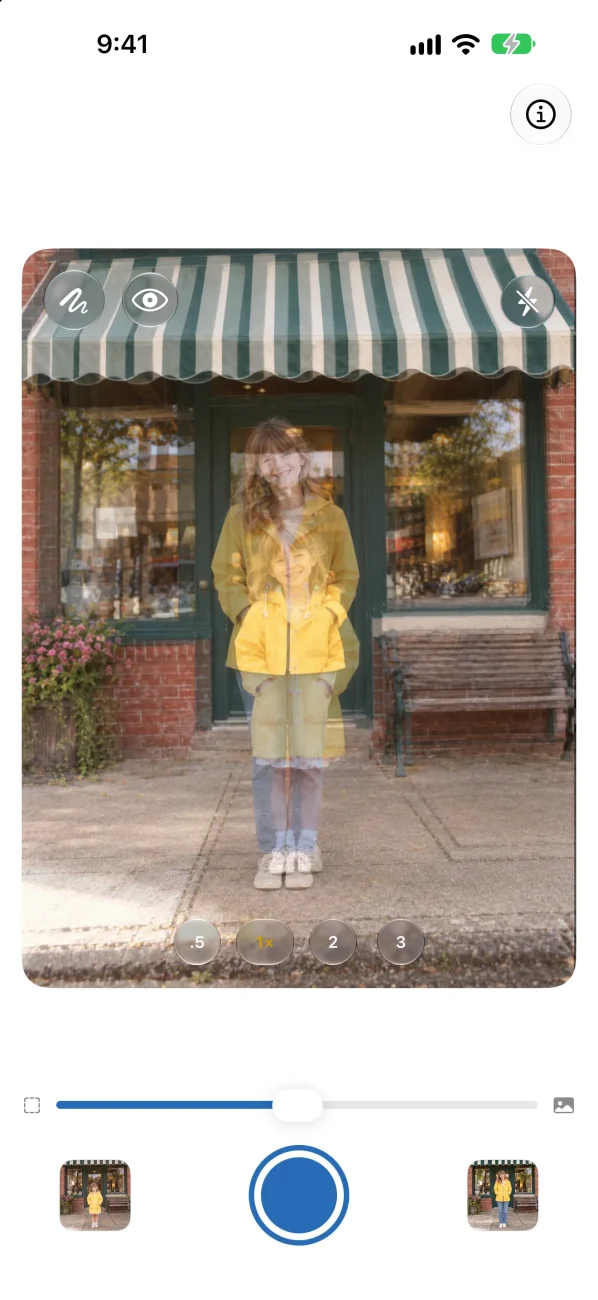
RetroAlign helps you capture perfectly aligned photos by overlaying reference images on your camera view. Perfect for photographers, artists, and anyone who needs precise alignment when recreating shots.
KEY FEATURES:
• Overlay Reference Photos - Select any photo from your library and overlay it on your live camera view
• Adjustable Transparency - Use the slider to fine-tune overlay opacity for perfect alignment
• Real Lens Zoom - Switch between your iPhone's cameras, pinch to zoom, and tap to focus
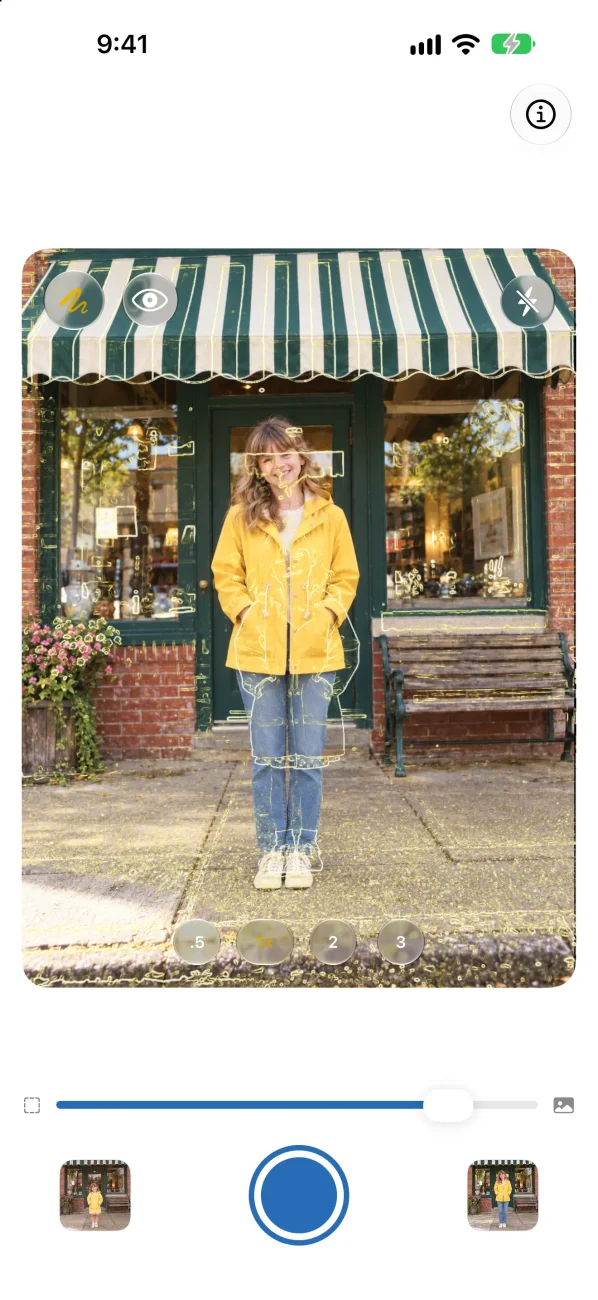
• Outline Mode - See the reference as an outline instead of a faded photo
• Flash Control - Cycle through off, on, and auto flash modes
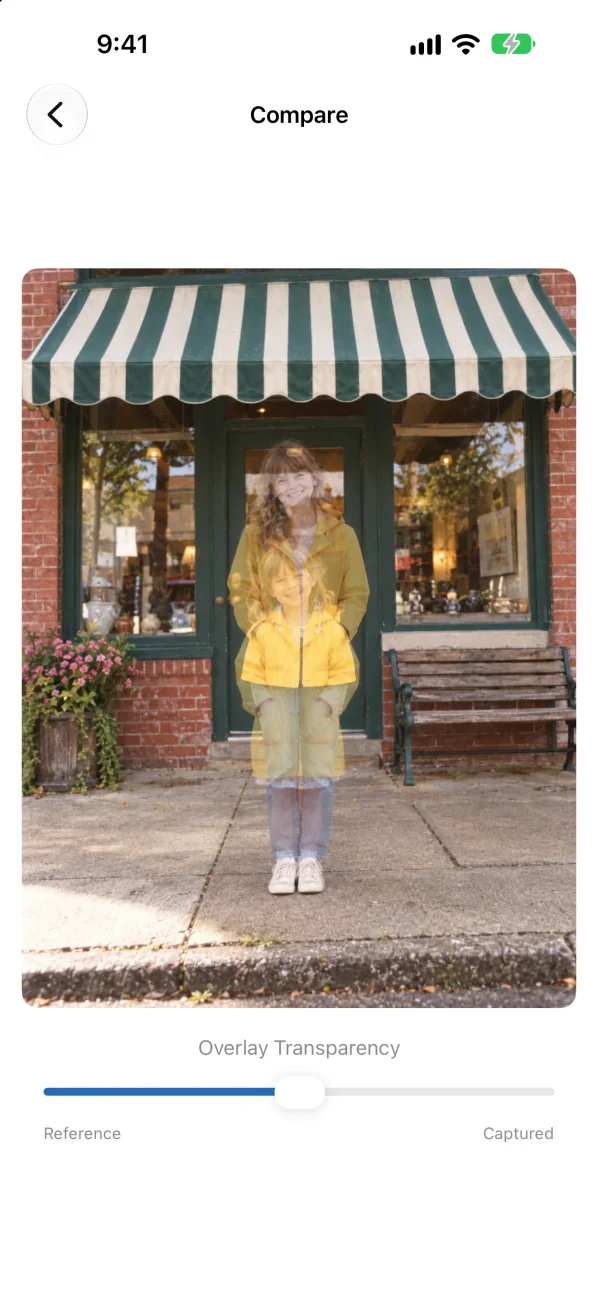
• Side-by-Side Comparison - Compare your captured photo with the reference image
• Auto-Save - Photos automatically save to your camera roll
PERFECT FOR:
• Photographers recreating shots
• Artists aligning new work with references
• Anyone needing precise camera alignment
• Before/after comparisons
• Matching angles and compositions
HOW IT WORKS:
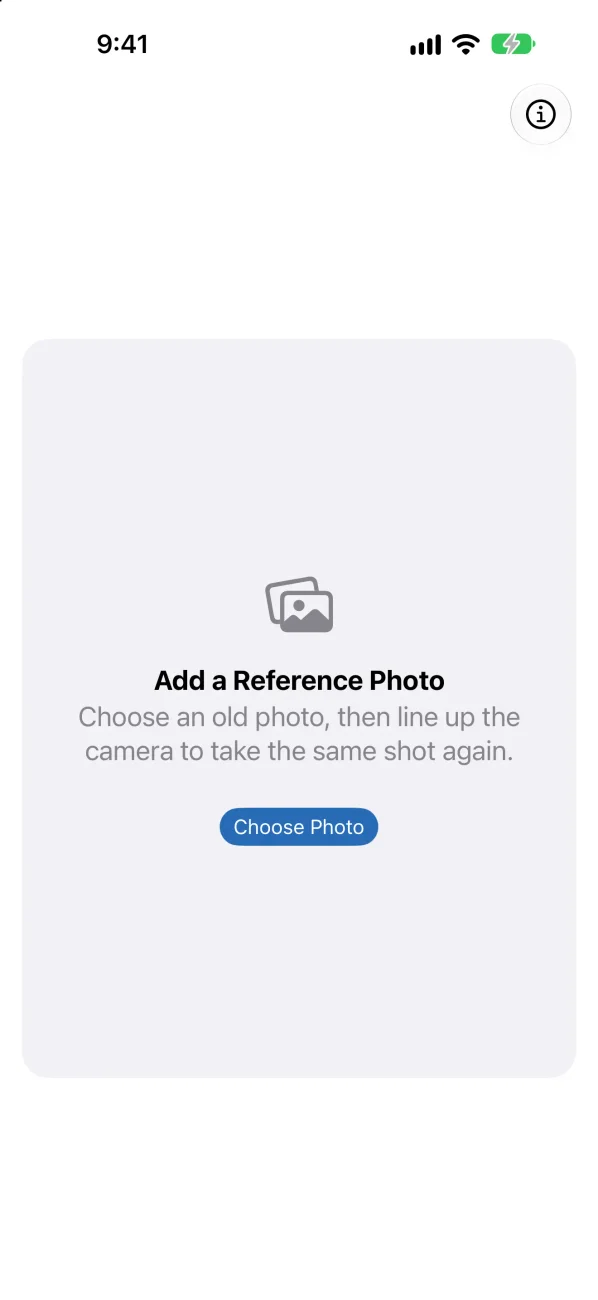
1. Select a reference photo from your library
2. Adjust overlay transparency to see both images
3. Align your camera view with the reference
4. Zoom with your iPhone's lenses for precision
5. Capture your perfectly aligned photo
6. Compare and save
Simple, intuitive, and designed for precision.
What’s new
Version 1.1 · Oct 26, 2026
• Support for iPhone Duo: the layout adapts when folded or unfolded, with landscape on the large screen
• Full-quality photos (up to 24 MP, HEIC) with flash, matching what the viewfinder shows
• Real lens zoom: switch between your iPhone's cameras and pinch to zoom
• Tap to focus and set exposure
• New outline overlay, and press and hold to peek at the reference
• Simpler, Camera-style controls, now in landscape too
• Take photos with the volume buttons or Camera Control
• Remembers your last reference photo and overlay settings
App privacy
What Christopher Krueger declares on the App Store about how this app handles data.
-
Data not collected
The developer does not collect any data from this app.
Privacy practices may vary, for example with the features you use or your age.
Information
- Seller
- Christopher Krueger
- Category
- Photo & Video
- Version
- 1.1
- Updated
- Oct 26, 2026
- Released
- Dec 17, 2025
- Size
- 2.8 MB
- Requires
- iOS 17 or later
- Age rating
- 4+
- Price
- Free
- Languages
- English
- Copyright
- © 2025 TheNewHobbyist
You might also like
-
 SameSpot: Before & AfterVisualize Changes Instantly
-
 Then & Now: Auto-Align CameraSame spot, same shot, on time
-
 Stack: Before & After PhotosAuto-Align Before & Afters
-
 Align: Stop Motion CameraPhoto & Video
-
 Handpick: Photo OrganizerPhoto Swipe, Delete & Organize
-
 PicturePresenterNative photos on any screen
-
 ALIGNCAM Onion SkinOnion-skin camera for reshoots
-
 ReShoot: Before & After CameraRetake same photo every year
-
 OverCam - Overlay CameraTrace, align & match shots
-
 AlignShot – Overlay CameraSuperimpose, Align & Blend