ThisDay: Planner & Reminders
Tasks, habits and reminders
Designed for iPhone, iPad, Mac
Free · In-app purchases
- Age rating4+
- CategoryProductivity
- DeveloperAgustin Dell Aquila
- LanguagesEnglish+ 11 more
- Size61.0 MB
Links to the official App Store page
Download.org hosts no file of ThisDay: Planner & Reminders. The button opens its official App Store page, published by Agustin Dell Aquila. Listing last checked on Nov 25, 2026.
Screenshots


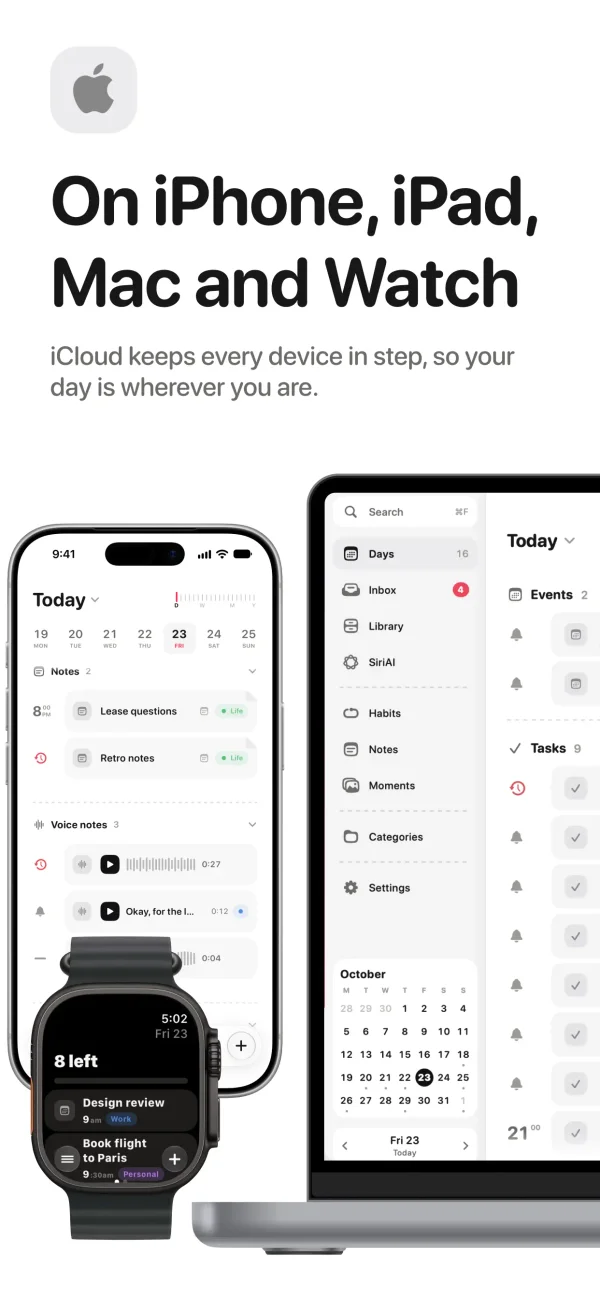
About
Not someday. ThisDay.
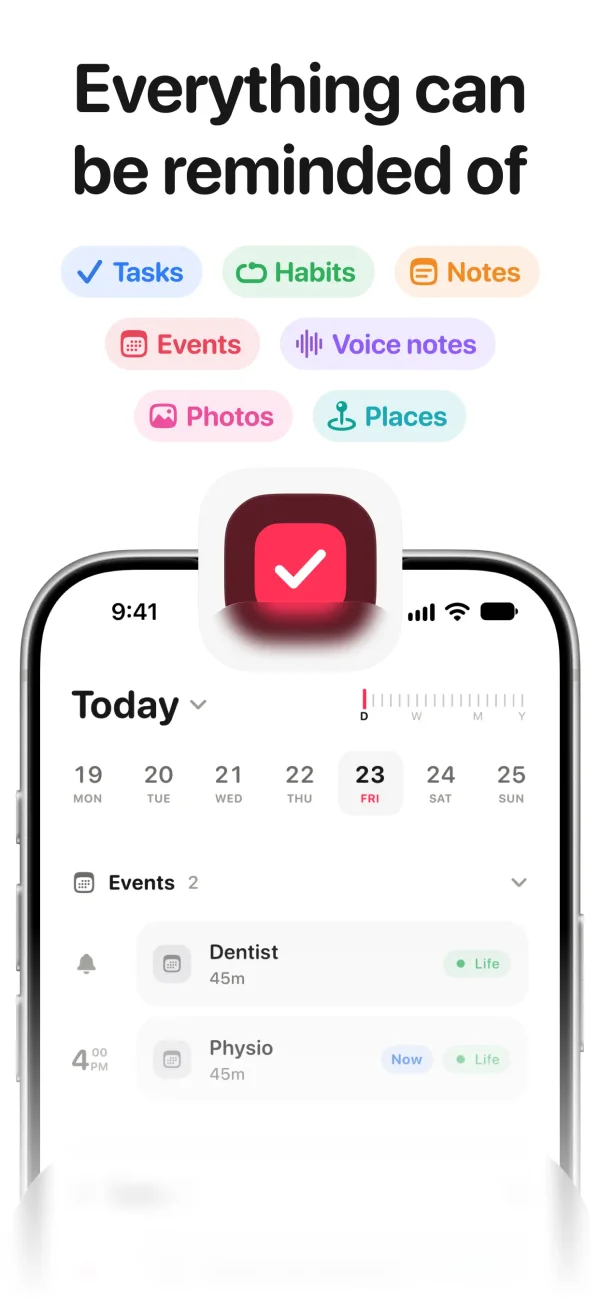
Most planners hand you a backlog. ThisDay hands you a day.
Every task, note, voice memo, event and habit lands on a real
date; not in a someday pile you scroll past for months. Open
the app and there is one thing in front of you: today, in the
order it happens.
ONE DAY, EVERY KIND OF THING
Tasks, events, notes, voice memos, photos and habits share one
list, because they share one day. A habit at 10:00 sits between
the 9:00 task and the 11:00 meeting, where it belongs. Same row,
same swipe, same checkbox, whatever kind of thing it is.
Your own calendars appear inline too, at the hour they happen,
so a morning with a meeting in it never looks free.
EVERYTHING CAN REMIND YOU
Record a voice memo and put a reminder on it. Write a note and
have it find you at 6pm. Your phone can already take a voice
memo, it just can't tell you about it later. ThisDay can.
HABITS THAT TICK THEMSELVES
Point a habit at Apple Health and stop reporting on yourself.
Steps, exercise minutes, active energy, sleep, the Watch's three
rings, and workouts from running to yoga. Set the number you're
aiming at; ThisDay watches for it and fills the ring as your day
fills it.
ThisDay only reads Health, never writes to it, and only the
measurement each habit names. Nothing leaves your device.
And a habit is never marked done because a sensor said so and
you disagreed. No reading is ever "done"; if your watch was on
the charger, the tick is still yours to make. Your tick always
wins.
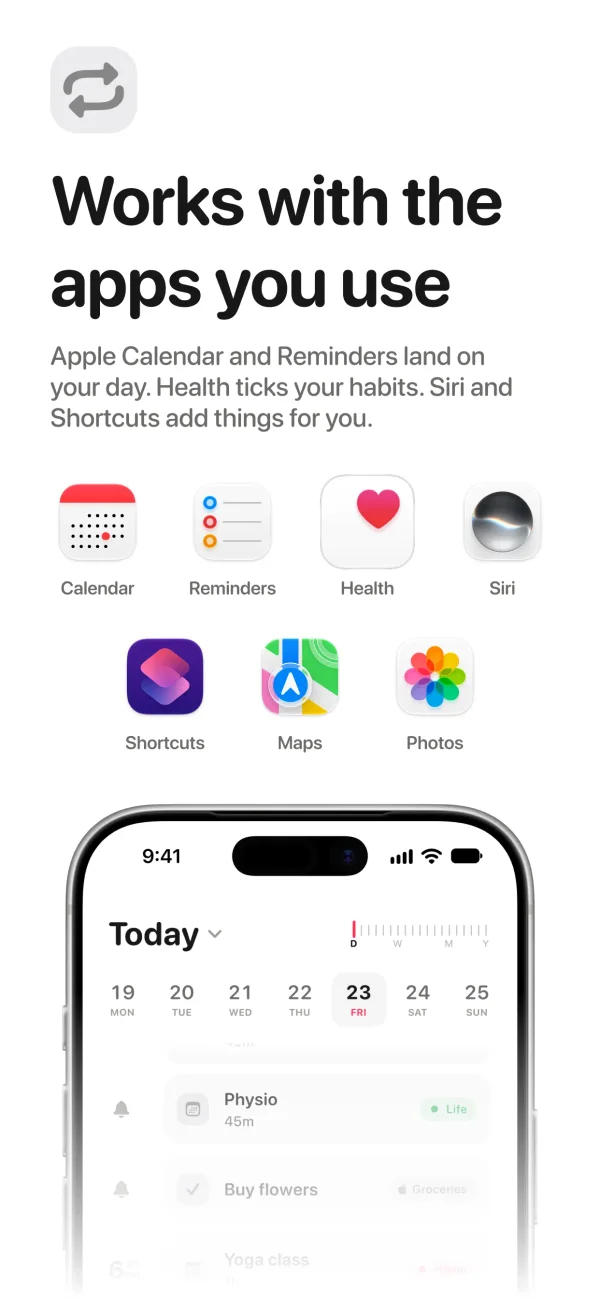
APPLE REMINDERS, BOTH WAYS
The Reminders lists you choose show up in your day, next to
everything else, read-only: ThisDay never edits somebody else's
row. And when you ask for it, the other direction. Tasks you
make here are written back out as reminders, so they reach Siri,
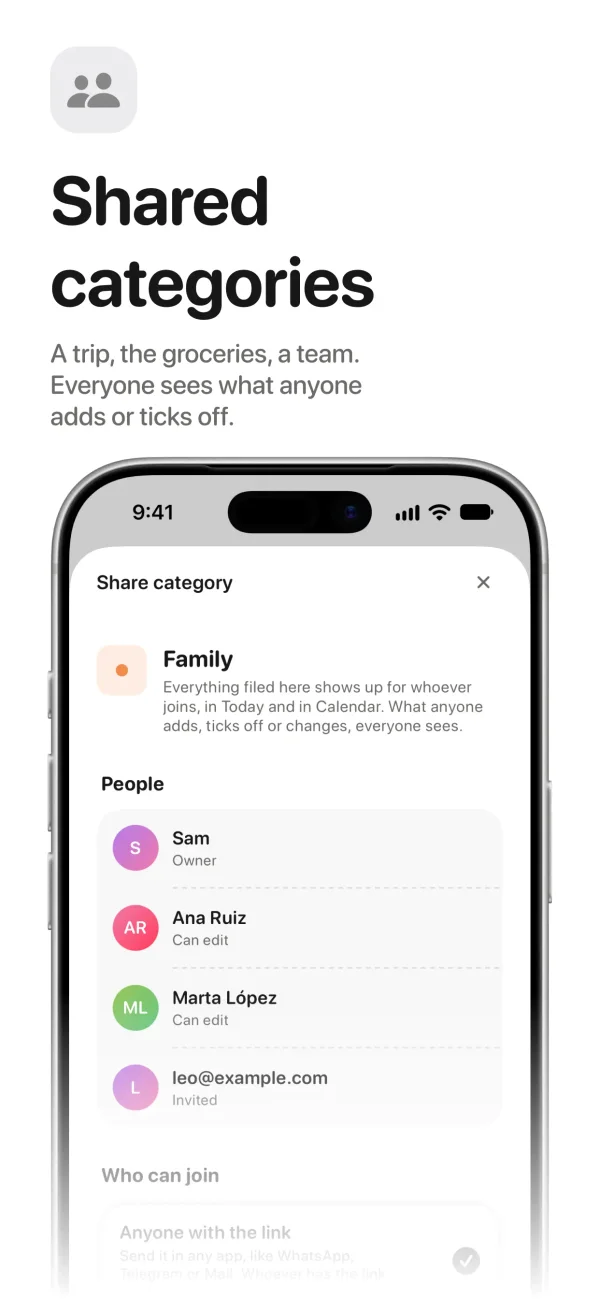
a Mac that doesn't run ThisDay, and anyone you share a list
with. Switching it off takes the copies back out.
NOTHING GETS BURIED
Unfinished work follows you to today instead of quietly aging on
a date you've already passed. Completed things can leave the
list or stay in a folded section, your call.
ONE RULER, FROM A DAY TO THE YEAR
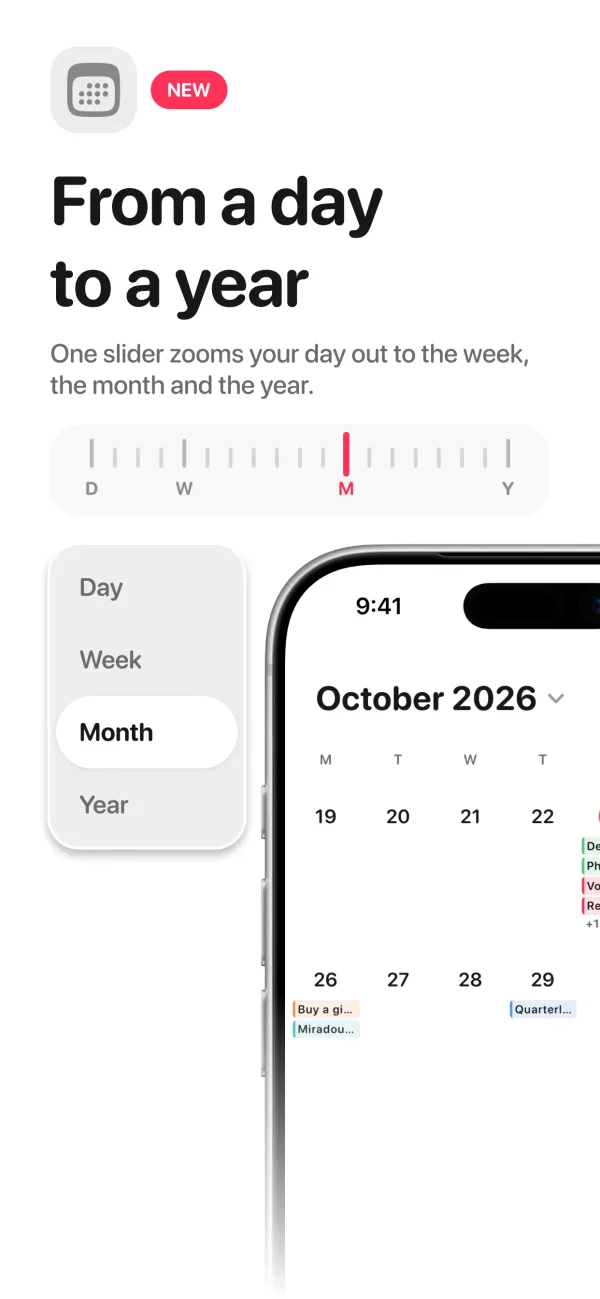
Slide the ruler at the top of your day out to a few days, the week, the month or the whole year, and tap any day to come back into it. The + is always one thumb away.
ALSO IN HERE
• Quick capture for every kind of item
• Reminders, repeats and rollover
• Categories, priorities and links
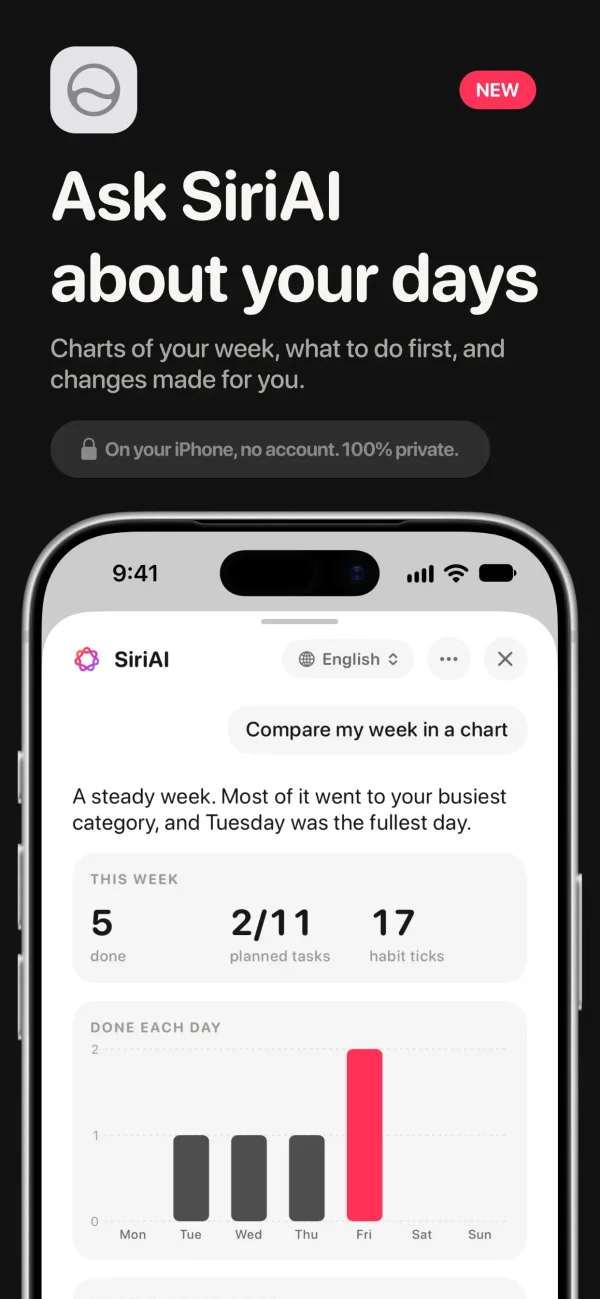
• SiriAI: ask about your plans, answered on your device (Apple Intelligence)
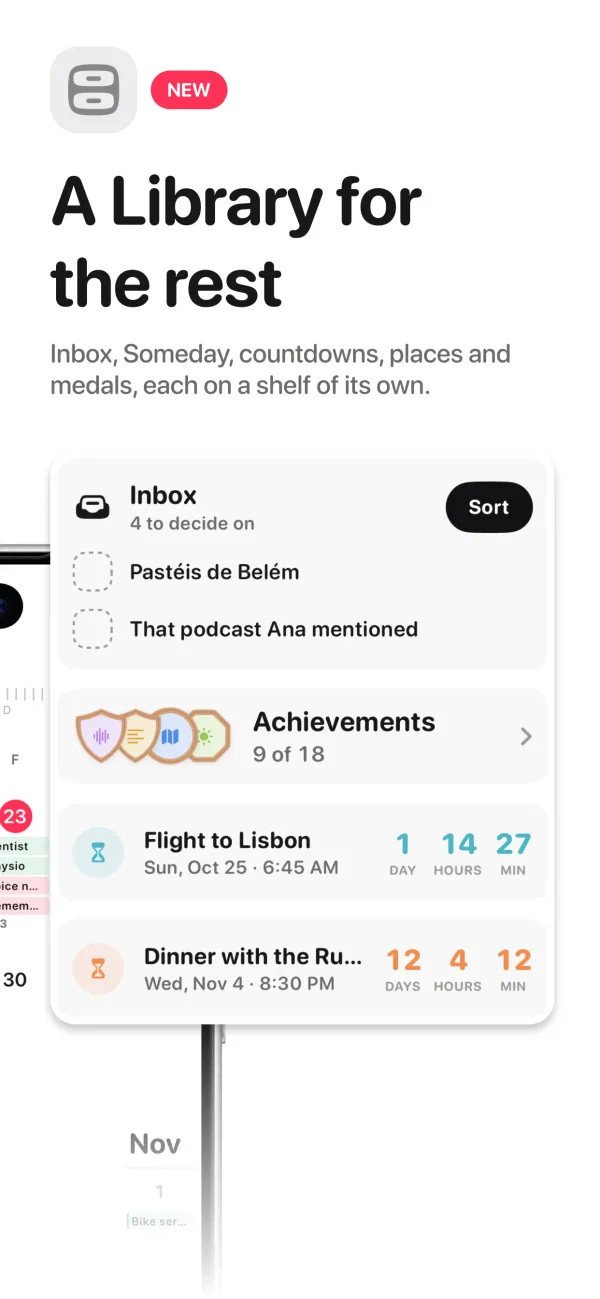
• A Library for notes, voice notes, pictures, places and countdowns
• An inbox for anything without a day yet
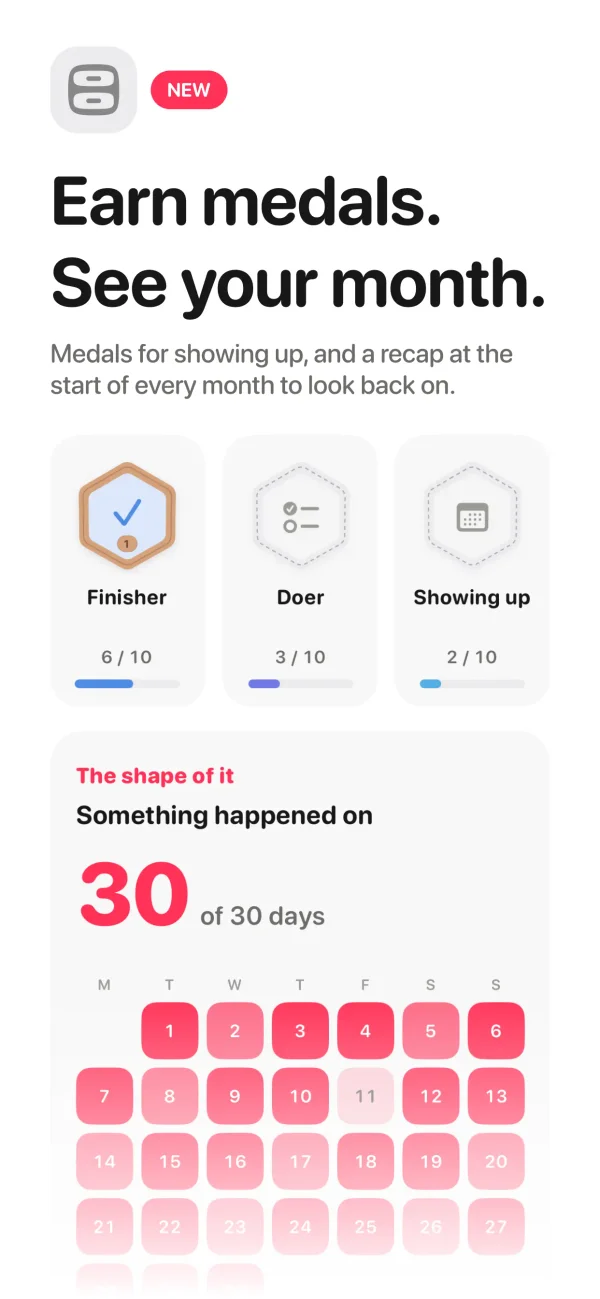
• Monthly recaps and medals you can share
• Widgets, Live Activities and an Apple Watch app
• Shortcuts and Siri
• Twelve languages, every screen in each one
• Light and dark, and an accent you choose
• Your day on iPhone, iPad, iPhone Duo and Mac
BUILT BY ONE PERSON
There is no account and no sign-up, because there is no server
to sign up to. No analytics, no tracking, and nothing sold to
anyone; your day never leaves your device.
Something broken or missing? Write to hello@akilastudio.com and
you'll get a reply from the person who made it.
FREE FOR TASKS, ONE PRICE FOR THE REST
ThisDay is free for 21 days with everything included; no card up front and nothing to cancel. After that, tasks and repeats stay free for good. ThisDay Pro opens everything else with one payment. No subscription, no renewal.
ThisDay is on the Mac too, in this same App Store listing, with its own one-time unlock. If you bought ThisDay on iPhone, the Mac costs less.
What’s new
Version 3.0.3 · Nov 24, 2026
This update lets you put the to-dos in a note in any order, and makes Reminders, Quick add and Moments work the way they should.
• Reorder the to-dos in a note: hold a to-do's circle and drag it.
• Apple Reminders works both ways: deleting a task in ThisDay removes it from Reminders, and ticking or deleting it there comes back to ThisDay.
• Undo or delete a finished task with a swipe in Today's Completed list.
• Quick add from a Shortcut keeps the category, day and time you give it.
• An event and ThisDay's copy of it show as one row, on the widget and on your day.
• Moments shows the week's photos at once, and Add closes right away.
• The microphone in Ask ThisDay listens just like holding the + button.
• With a keyboard on iPad, ← and → move a day in Days, and Shift moves a week.
• Links in notes stand out in light and dark mode, and dragging a selection to the edge scrolls the page.
• Long dates in Japanese, Korean and Chinese fit on smaller iPhones.
App privacy
What Agustin Dell Aquila declares on the App Store about how this app handles data.
-
Data not linked to you
May be collected but is not linked to your identity.
- Purchases
- Identifiers
Privacy practices may vary, for example with the features you use or your age.
Information
- Seller
- Agustin Dell Aquila
- Category
- Productivity
- Version
- 3.0.3
- Updated
- Nov 24, 2026
- Released
- Aug 24, 2026
- Size
- 61.0 MB
- Requires
- iOS 18.0 or later
- Age rating
- 4+
- Price
- Free
- In-app purchases
- Yes
- Languages
- English, French, German, Italian, Japanese, Korean, Polish, Portuguese, Russian, Simplified Chinese, Spanish, Turkish
- Copyright
- © 2026 Akila Studio
You might also like
-
 Sol: Daily Notes & DocumentsJournal, Diary
-
 Loops: Think through anythingA notebook for open thoughts
-
 AI Calendar - Pocket CalDaily Planner, Tasks & Widgets
-
 Prazo: Calendar & To-Do ListDaily planner & reminders
-
 Halo - Personal AIPrivacy-First AI Assistant
-
 Plans: Notes & To-Do ListsMinimalist reminders & widget
-
 Weeklist: Weekly PlannerTo-Do List and Reminders
-
 Control: Home Screen WidgetsHabit Tracker, Budget & Todo
-
 Anchor: Time Blocking PlannerDaily Calendar & Focus Timer
-
 DOTHING - Tasks & FocusLess managing. More doing.