Tidur: Multiple Timers
Kitchen & Tea Countdowns
Designed for iPhone, iPad, Mac
Free · In-app purchases
- Age rating4+
- CategoryUtilities
- DeveloperLukas Enne
- LanguagesEnglish+ 31 more
- Size385.7 MB
Links to the official App Store page
Download.org hosts no file of Tidur: Multiple Timers. The button opens its official App Store page, published by Lukas Enne. Listing last checked on Nov 15, 2026.
Screenshots
About
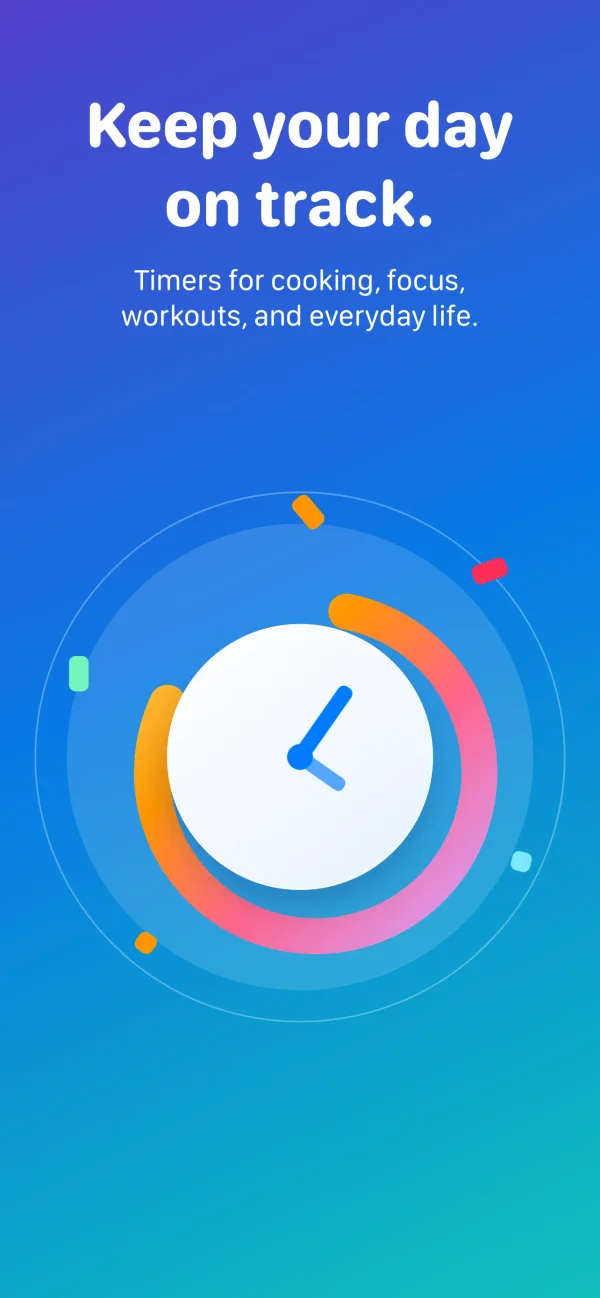
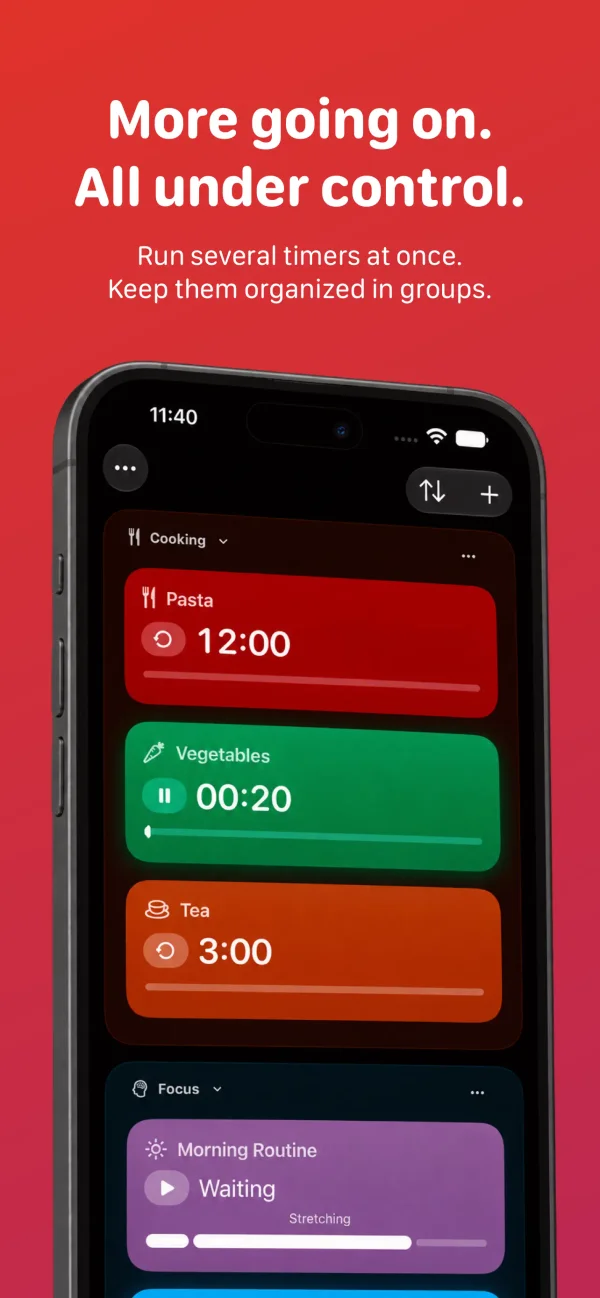
Tidur makes everyday timing simple. Save the timers you use often, run several at once, and keep cooking, studying and daily routines on track.
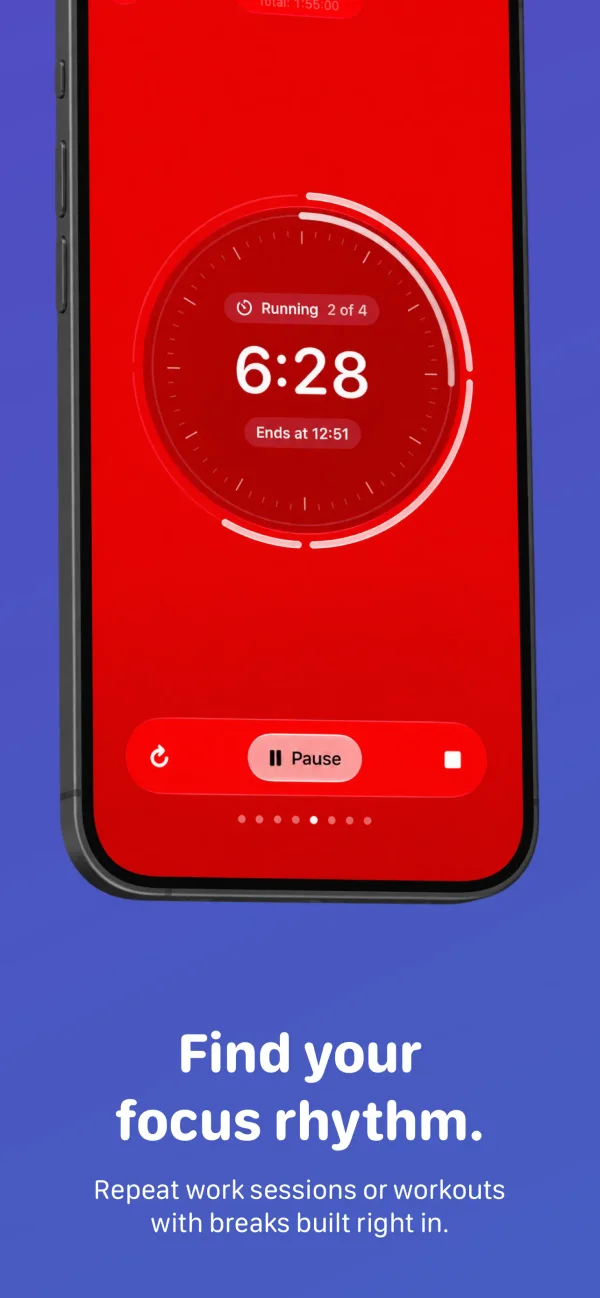
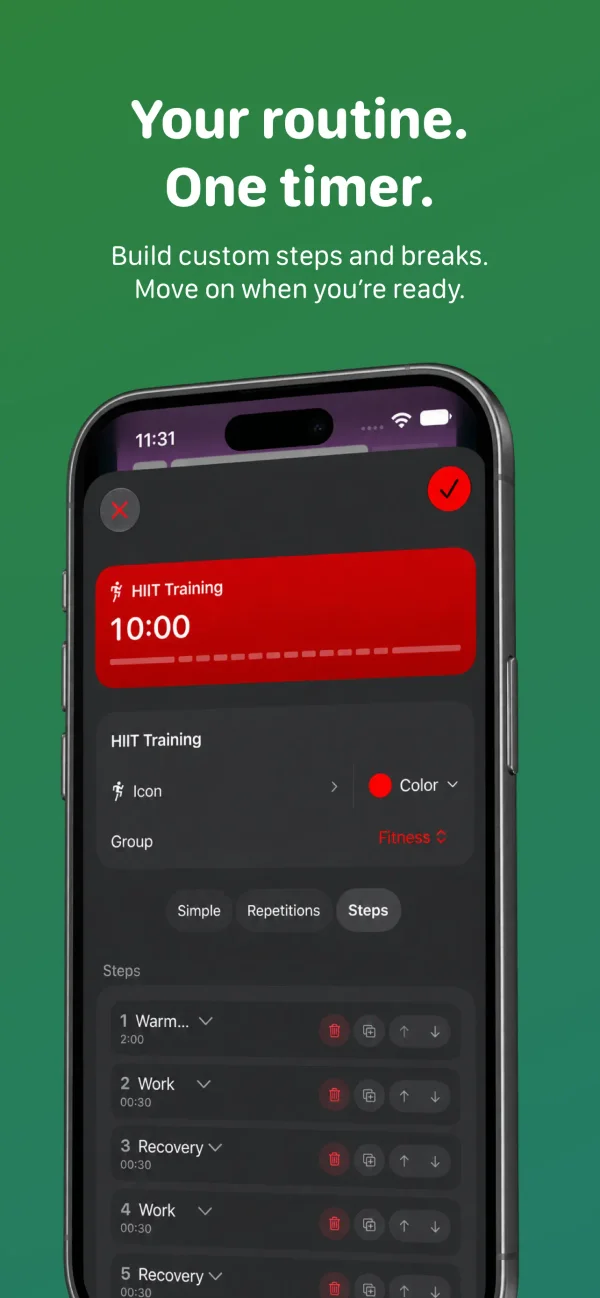
Repeat focus or workout sessions with timed breaks, or build a custom sequence of steps. Set up a focus session, a HIIT workout or a daily routine, and save it to use again.
Keep Several Things on Track
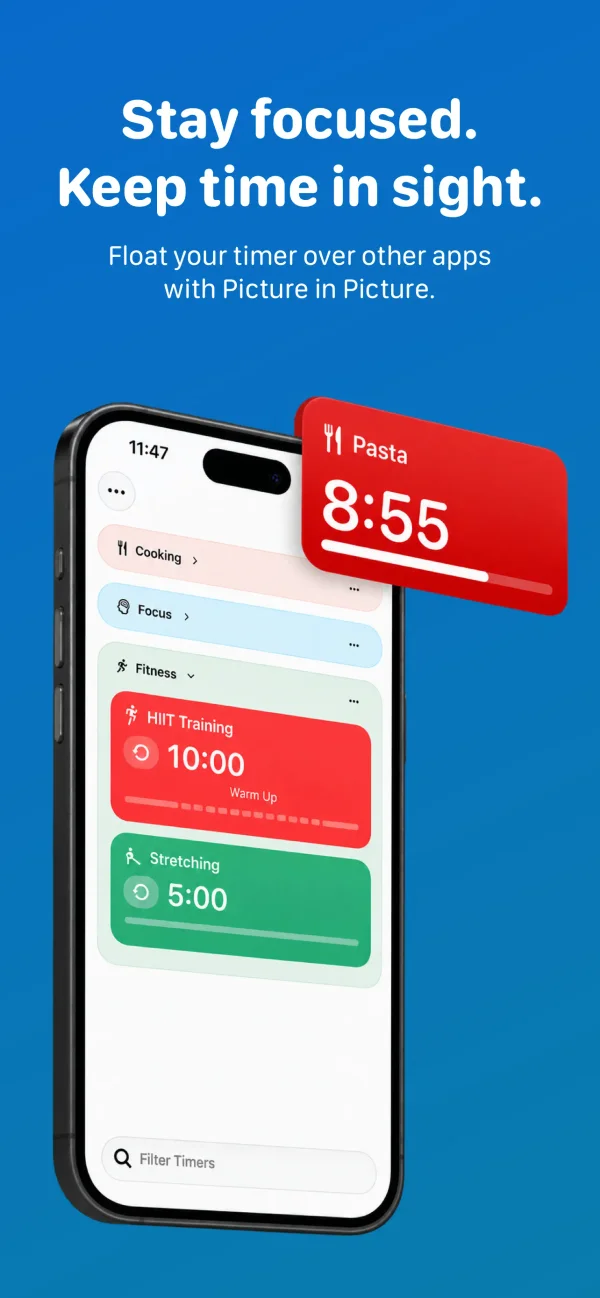
Run multiple timers together and recognize each by its name and color. Save up to three timers without Tidur Pro and reuse them without setting the duration again.
Find Your Work and Rest Rhythm
With Tidur Pro, alternate focus or exercise sessions with timed breaks. Choose the duration and number of rounds for your focus routine or interval workout.
Move Through a Routine at Your Pace
With Tidur Pro, give every step its own name, duration and alert sound. Move to the next step automatically or wait until you are ready to continue.
Start a Whole Routine Together
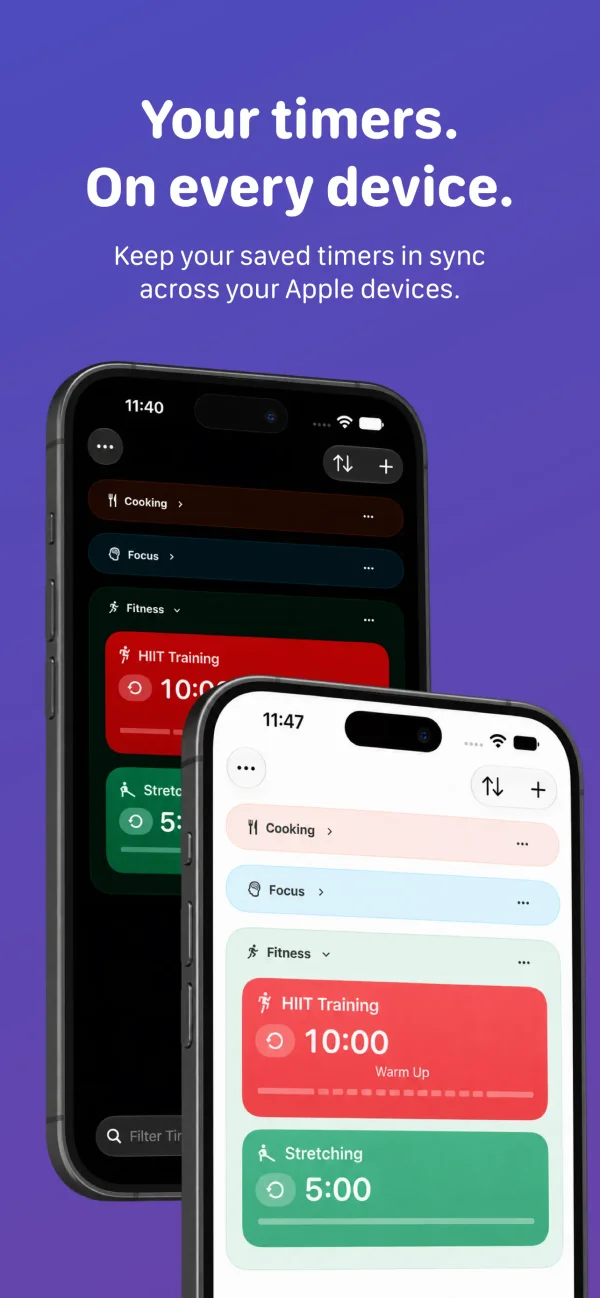
Keep related timers in groups for cooking, workouts or daily tasks. With Tidur Pro, start or stop a whole group together.
Time One-Off Tasks Without Clutter
With Tidur Pro, create a quick timer that removes itself when finished, keeping your saved list for the routines you want to use again.
Check Progress at a Glance
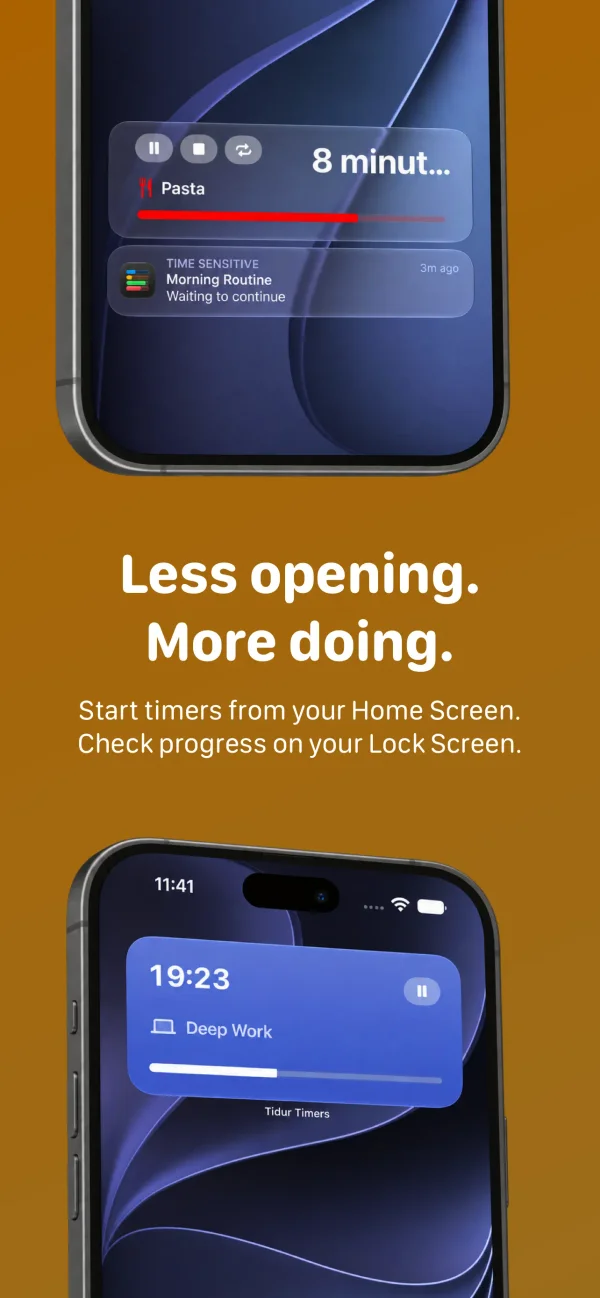
See running timers on your Lock Screen with Live Activities on iOS 26 or later. With Tidur Pro, use widgets to check progress and access saved timers.
- Make Timers Part of Your Workflow -
Create and control timers with Siri Shortcuts, or find a saved timer by name in Spotlight. Spend less time setting up the timers you use every day.
Leave Your iPhone Behind
Create and use timers on Apple Watch, even without your iPhone nearby. Saved timers sync through iCloud.
Keep Your Saved Timers Across Devices
Sync your saved timers with iCloud so your familiar setups are available on your other devices.
Make Room for Every Routine
Tidur Pro removes the limit of three saved timers and adds repeats, custom steps, groups and single-use timers. Personalize timers with icons and additional alert sounds.
Terms of Use (EULA): https://voidstern.net/terms-of-use
Privacy Policy: https://voidstern.net/privacy-policy
What’s new
Version 6.0.2 · Nov 13, 2026
Changes
- Improved iCloud sync error messages
- Improved settings layout
Fixes
- Fixed possible crash
App privacy
What Lukas Enne declares on the App Store about how this app handles data.
-
Data not linked to you
May be collected but is not linked to your identity.
- Purchases
- Usage data
- Diagnostics
Privacy practices may vary, for example with the features you use or your age.
Information
- Seller
- Lukas Burgstaller
- Category
- Utilities
- Version
- 6.0.2
- Updated
- Nov 13, 2026
- Released
- Oct 15, 2013
- Size
- 385.7 MB
- Requires
- iOS 17.0 or later
- Age rating
- 4+
- Price
- Free
- In-app purchases
- Yes
- Languages
- English, Arabic, Croatian, Czech, Danish, Dutch, Finnish, French, German, Greek, Hebrew, Hindi + 20 more
- Copyright
- © 2025 Lukas Burgstaller
You might also like
-
 Just TimersThe missing timers app
-
 Loop - Interval & Multi TimerFor Sport, Meditation & Study
-
 timer. - Multi Countdown TimerLive Activities / Widget Timer
-
 PowerTimer - Multi-step timersMultiple timers and more
-
 StartWatch - Instant TimersStart now, then set a timer
-
 About Timers - Kitchen TimerMultiple Timers & Stopwatch
-
 ++TimerMulti-Timers, Bulk Start/Stop
-
 Sticky Timers and CountdownsMultiple Lockscreen Counters
-
 sTimersThe best multitasking timer.
-
 Multiple Timer Widgets: RADStylish & Custom Countdowns