PowerTimer - Multi-step timers
Multiple timers and more
Designed for iPhone, iPad
Free · In-app purchases
- Age rating4+
- CategoryUtilities
- DeveloperSasquatch Studio Inc.
- LanguagesEnglish+ 9 more
- Size65.7 MB
Links to the official App Store page
Download.org hosts no file of PowerTimer - Multi-step timers. The button opens its official App Store page, published by Sasquatch Studio Inc. Listing last checked on Nov 22, 2026.
Screenshots



About
PowerTimer is a beautifully designed timer app to handle EVERY timing need you have. Cooking, working out, study, work, or play — you can create timer routines that suits your needs.
◎ Beautifully full screen
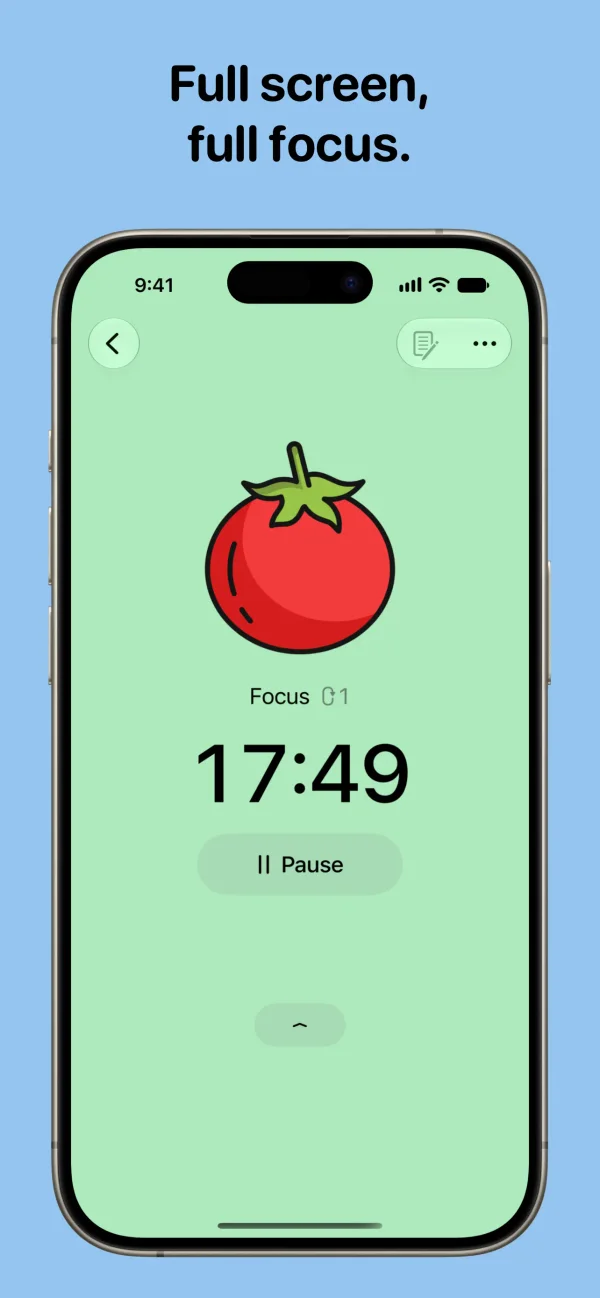
You can open a timer full screen (or in a dedicated window on iPad). Large countdown text is visible from across the room, especially helpful when you are working out or cooking — or when you need a quiet living companion on your desk for work or study.
◎ As complex as you need
Each timer can have multiple sections. You can loop sections, and add multiple steps.
Each step can have its own ringtone, duration.
Upon expiry, configure the timer to allow snoozing, or have it send you multiple notifications for your attention.
◎ Customization
You can colour your timers as sticky notes, available in six colours.
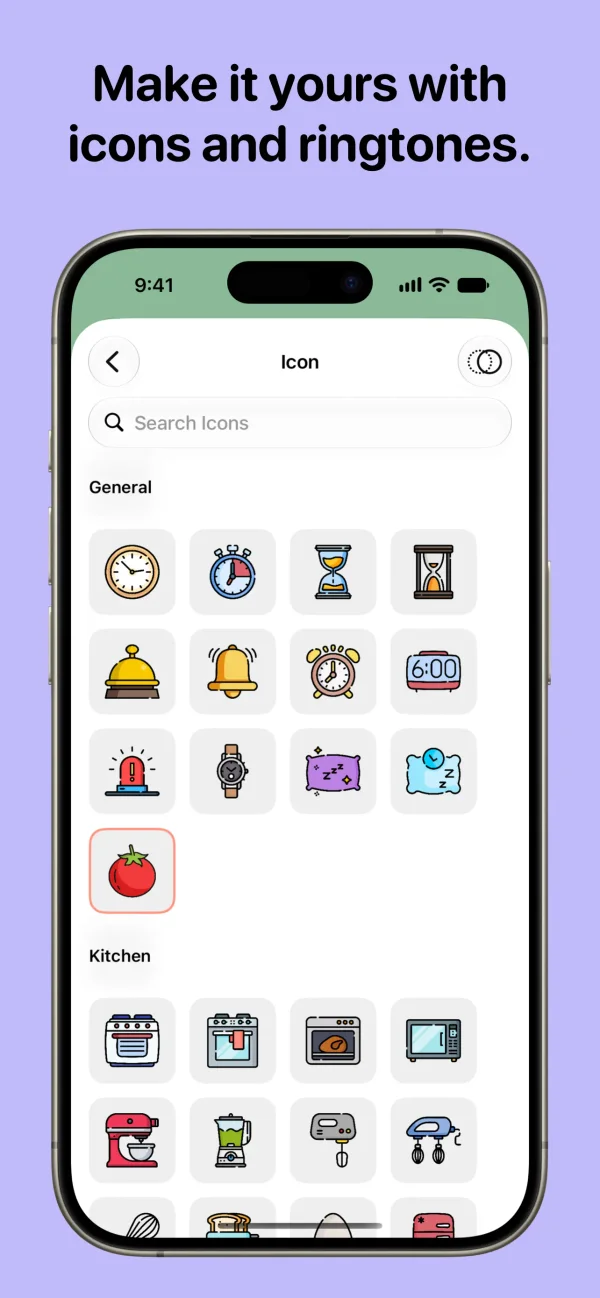
Pick an icon that fits, and a rocking animation that loops as it counts down.
You can also create groups to further organize your timers.
◎ Home Screen widgets
Pin a timer to the Home Screen with widgets, or see it on iPhone in StandBy. Tap the timer, and you are taken directly to the app, opening the timer in full screen.
◎ Siri and Shortcuts
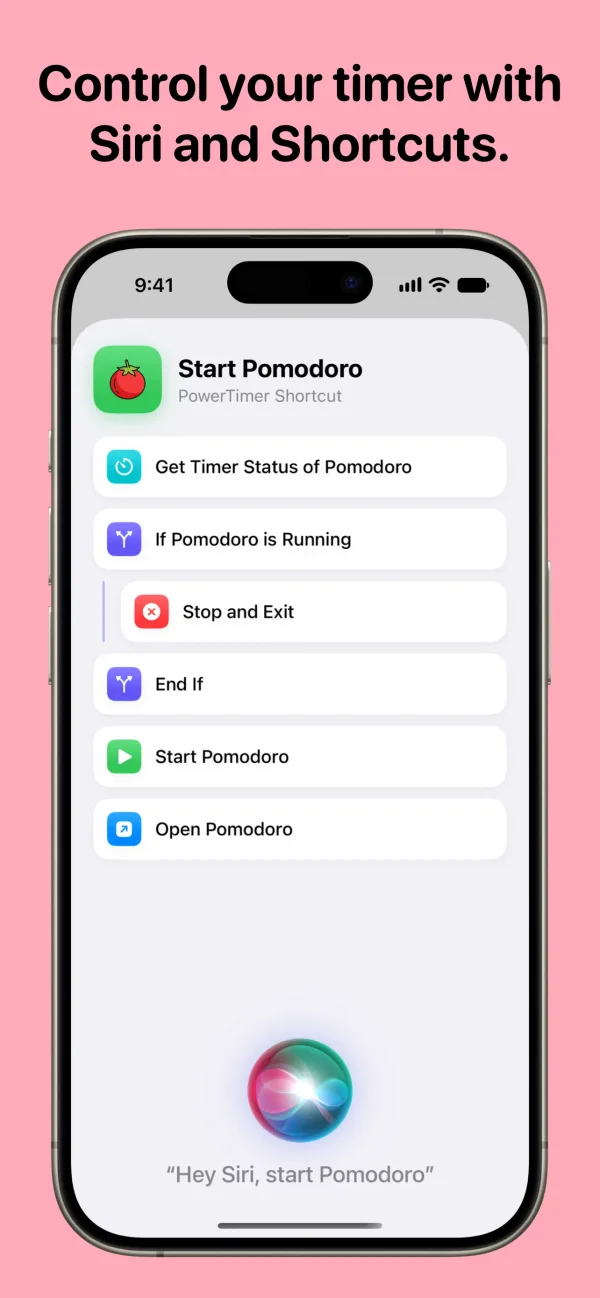
Control your timers via voice commands with Siri. Create complex workflows in Shortcuts that controls or checks the timer status. The possibility is endless.
◎ iCloud sync
Your timer configuration is automatically saved to iCloud — no sign-up required. You will still have local timer runs: they don’t sync by design.
—
Download PowerTimer today to try it out! You can use timers from our gallery with no limits, or unlock all features with a single, one-time purchase.
What’s new
Version 2026.9 · Nov 21, 2026
This update addressed a few issues with the app.
App privacy
What Sasquatch Studio Inc. declares on the App Store about how this app handles data.
-
Data not linked to you
May be collected but is not linked to your identity.
- Usage data
- Diagnostics
Privacy practices may vary, for example with the features you use or your age.
Information
- Seller
- Sasquatch Studio Inc.
- Category
- Utilities
- Version
- 2026.9
- Updated
- Nov 21, 2026
- Released
- Jun 28, 2019
- Size
- 65.7 MB
- Requires
- iOS 18.2 or later
- Age rating
- 4+
- Price
- Free
- In-app purchases
- Yes
- Languages
- English, French, German, Italian, Japanese, Korean, Portuguese, Simplified Chinese, Spanish, Traditional Chinese
- Copyright
- © 2019–2026 Sasquatch Studio Inc.
You might also like
-
 Tidur: Multiple TimersKitchen & Tea Countdowns
-
 Timer Holic"What was I going to do?"
-
 Timers EverywhereInteractive widgets & activity
-
 Usual Timer for WidgetFast Multiple Countdown Timer
-
 StartWatch - Instant TimersStart now, then set a timer
-
 Just TimersThe missing timers app
-
 About Timers - Kitchen TimerMultiple Timers & Stopwatch
-
 Multiple Timer Widgets: RADStylish & Custom Countdowns
-
 Sticky Timers and CountdownsMultiple Lockscreen Counters
-
 timer. - Multi Countdown TimerLive Activities / Widget Timer