- Age rating4+
- CategoryUtilities
- DeveloperRichard Witherspoon
- LanguagesEnglish
- Size3.2 MB
Links to the official App Store page
Download.org hosts no file of Time Cast - Shared Stopwatch. The button opens its official App Store page, published by Richard Witherspoon. Listing last checked on Nov 17, 2026.
Screenshots

About
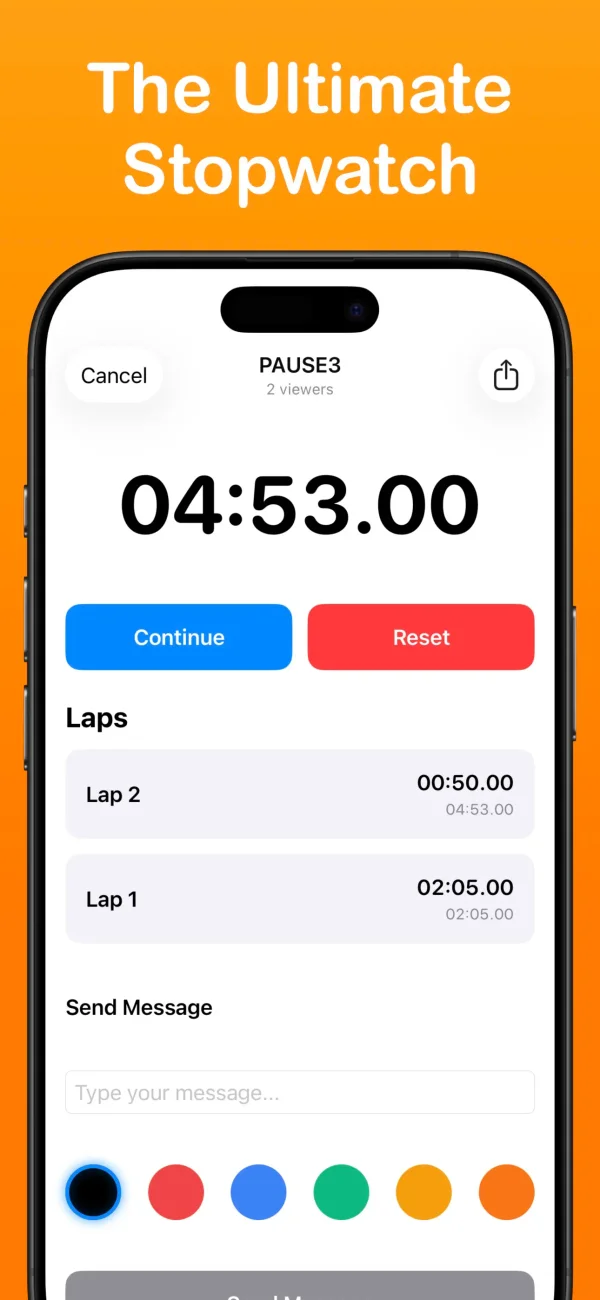
Time Cast is the ultimate multi-person stopwatch app that brings real-time timing to groups. Whether you're coaching a team, timing an event, or coordinating activities, Time Cast makes it easy for everyone to stay synchronized. No account or sign-up required—just create a session and share the code.
KEY FEATURES
HOST MODE
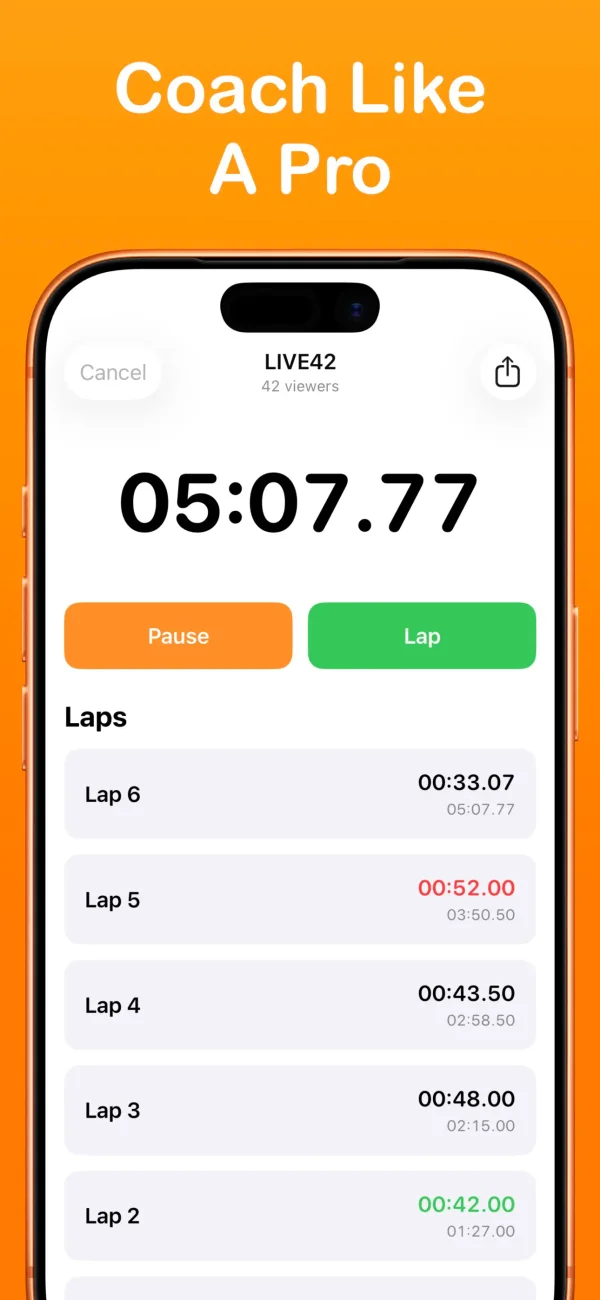
• Create a session and control the stopwatch
• Share a simple 6-character code or link with observers
• See how many people are watching in real-time
• Record lap times with one tap
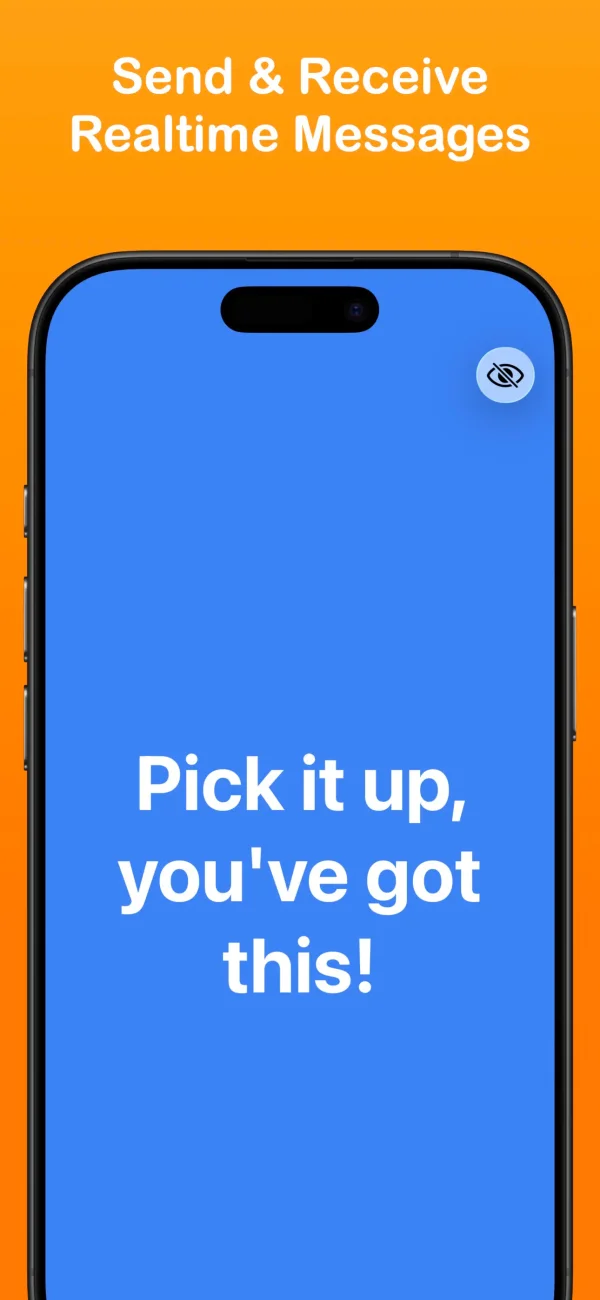
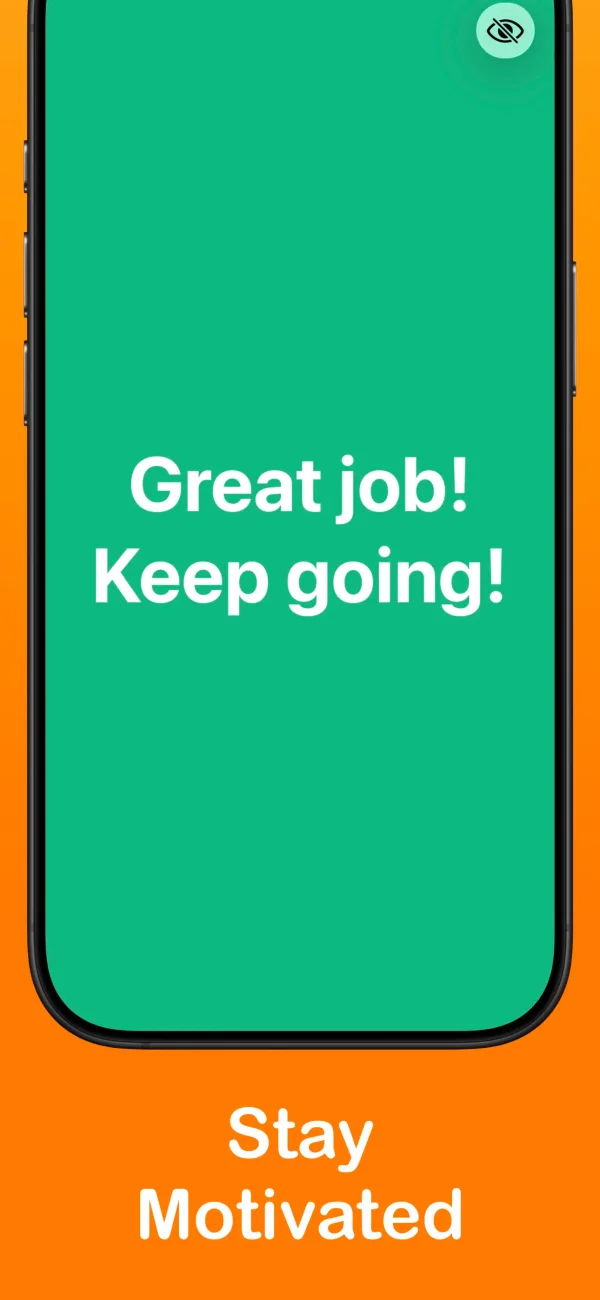
• Send colored messages to all observers
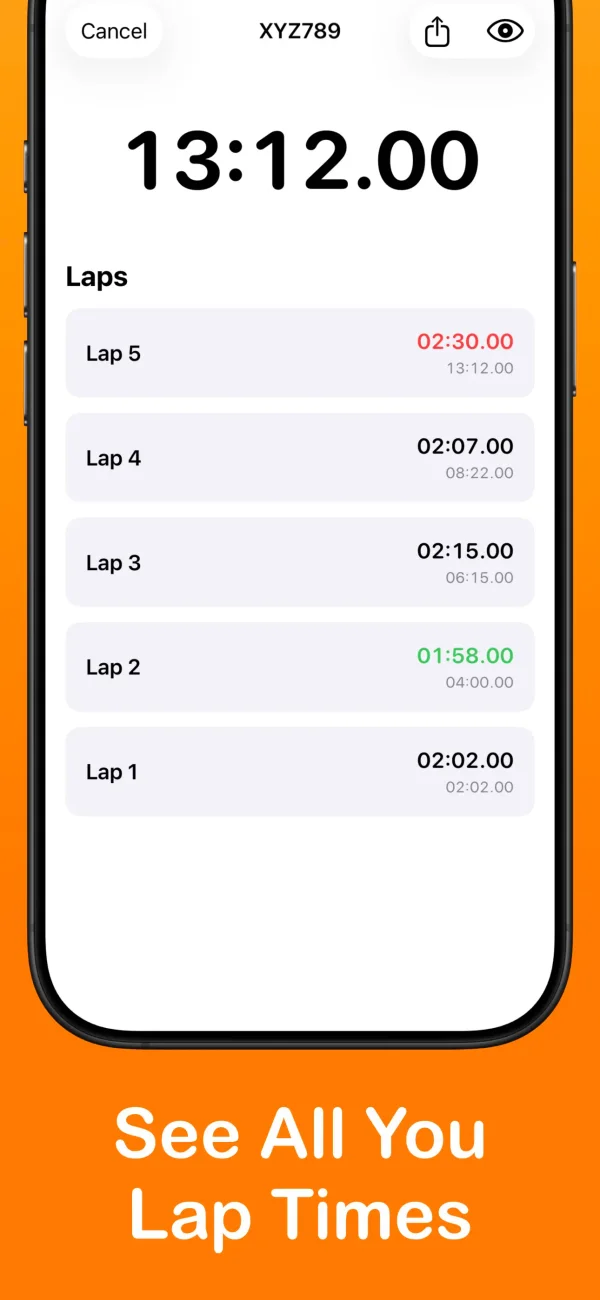
• Track fastest and slowest laps automatically
VIEWER MODE
• Join any session instantly with a code or link
• Watch live stopwatch updates with no delay
• View lap times as they happen
• Receive messages from the host
• Focus mode for distraction-free viewing
• Share the session with others
FOCUS MODE
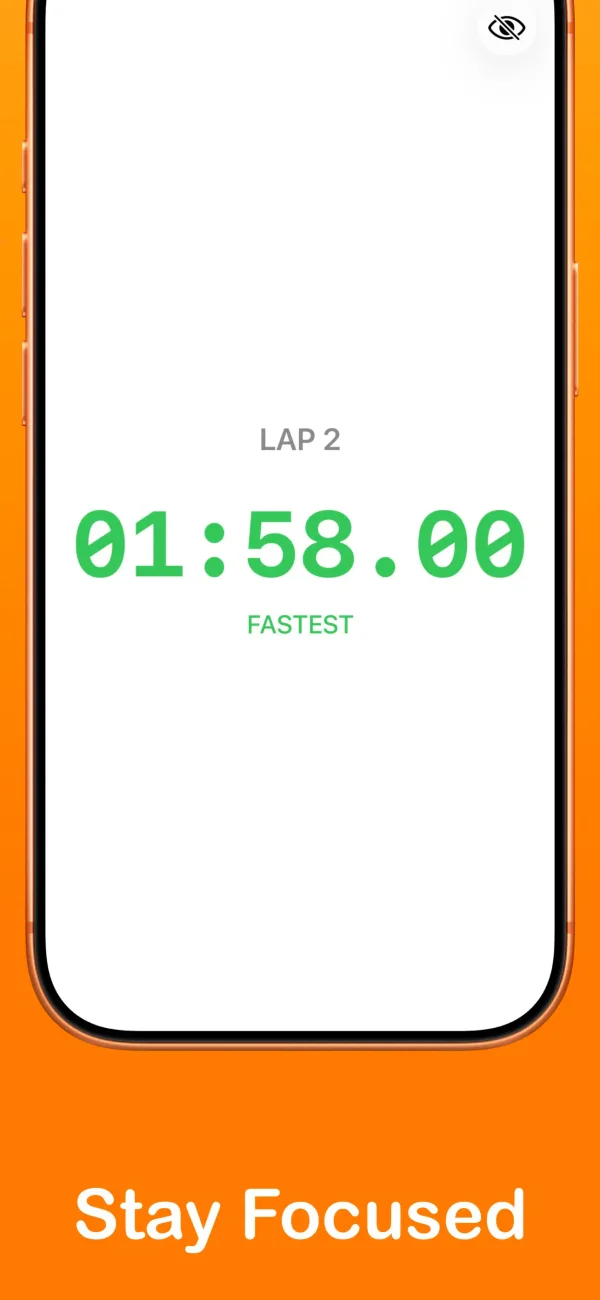
• Full-screen display perfect for across-the-room viewing
• Shows live lap times in large, easy-to-read format
• New lap times appear prominently for 5 seconds
• Host messages appear full-screen with custom colors
• Toggle on/off with one tap
SEAMLESS SHARING
• Share session links via Messages, Mail, or AirDrop
• One-tap joining from shared links
• No sign-up or account required
PERFECT FOR
• Sports teams and coaches tracking practice times
• Race officials timing multiple events
• Fitness classes with synchronized workouts
• Academic competitions and debates
• Any group activity requiring shared timing
HOW IT WORKS
1. One person hosts and controls the stopwatch
2. Observers join using a simple code or link
3. Everyone sees the same time and laps in real-time
4. Host can send messages to highlight important moments
5. Viewers can use Focus Mode for clear, distraction-free display
Time Cast uses real-time technology to ensure everyone stays perfectly synchronized, with no delays or lag. The clean, modern interface makes it easy for anyone to use, whether you're hosting or observing.
Download Time Cast today and bring your team, class, or event together with synchronized timing.
Privacy Policy: https://www.rspoon3.com/time-cast/privacy
Terms of Use: https://www.apple.com/legal/internet-services/itunes/dev/stdeula
What’s new
Version 1.2 · Oct 30, 2026
What's New in This Update of Time Cast:
• iPhone Duo Support
• Better support for Reduce Motion and other accessibility settings
• More dependable connections and a smoother joining experience
• Bug fixes and performance improvements to make your timing sessions even smoother!
App privacy
What Richard Witherspoon declares on the App Store about how this app handles data.
-
Data not collected
The developer does not collect any data from this app.
Privacy practices may vary, for example with the features you use or your age.
Information
- Seller
- Richard Witherspoon
- Category
- Utilities
- Version
- 1.2
- Updated
- Oct 30, 2026
- Released
- Oct 15, 2025
- Size
- 3.2 MB
- Requires
- iOS 18.0 or later
- Age rating
- 4+
- Price
- Free
- Languages
- English
- Copyright
- © 2025 Richard Witherspoon
You might also like
-
 ShareMyTimerUtilities
-
 ShareTimerFreeTimer with Sharing Feature
-
 Simple Stop Watch TimerPerfect Track & Field Watch
-
 Stopwatch°Multi Stop Watch
-
 Stopwatch ٞRunning & Jogging Fitness
-
 MultiTimer: Stopwatch + TimerMultiple timers & countdown
-
 Multi-StopwatchMultiple lap timer & stopwatch
-
 MultiTimer: Multiple timersVisual countdown seconds timer
-
 Stopwatch for Sport & WorkMeasure, Track, Analysis Time
-
 Timer+ Countdown & StopwatchInterval, Workouts, Pomodoro