
- Age rating4+
- CategoryPhoto & Video
- DeveloperRyu Furusawa
- LanguagesEnglish+ 1 more
- Size5.8 MB
Links to the official App Store page
Download.org hosts no file of Time Flow Sketch. The button opens its official App Store page, published by Ryu Furusawa. Listing last checked on Nov 25, 2026.
Screenshots

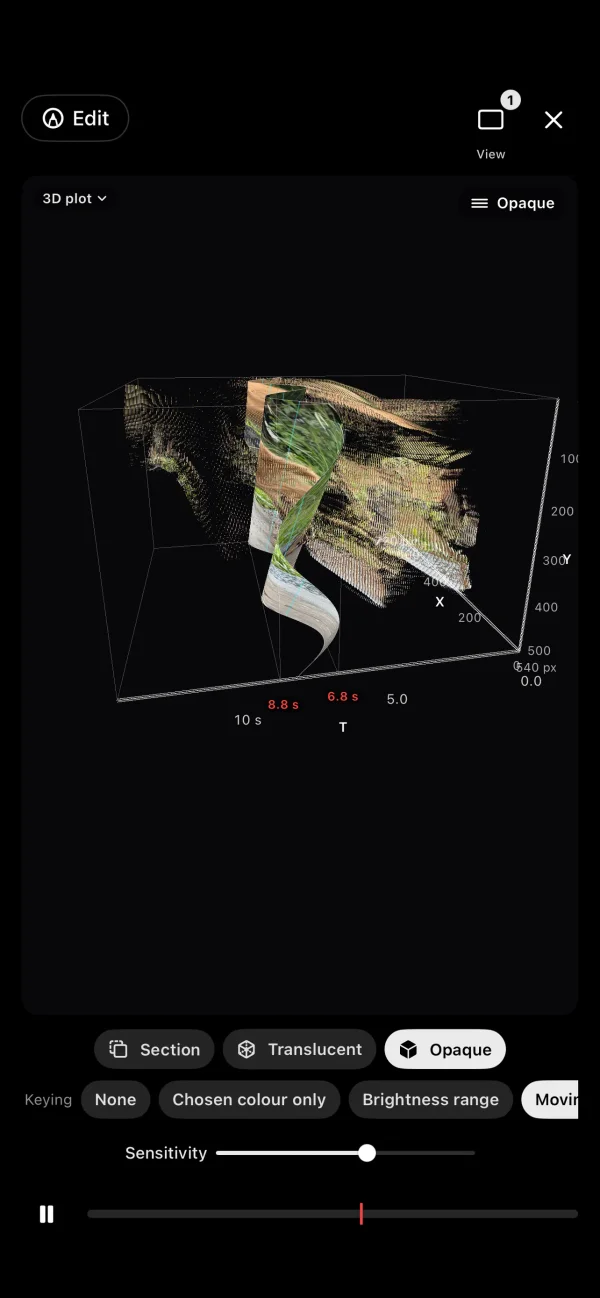
About
A sketching app for reshaping the way time flows inside a video.
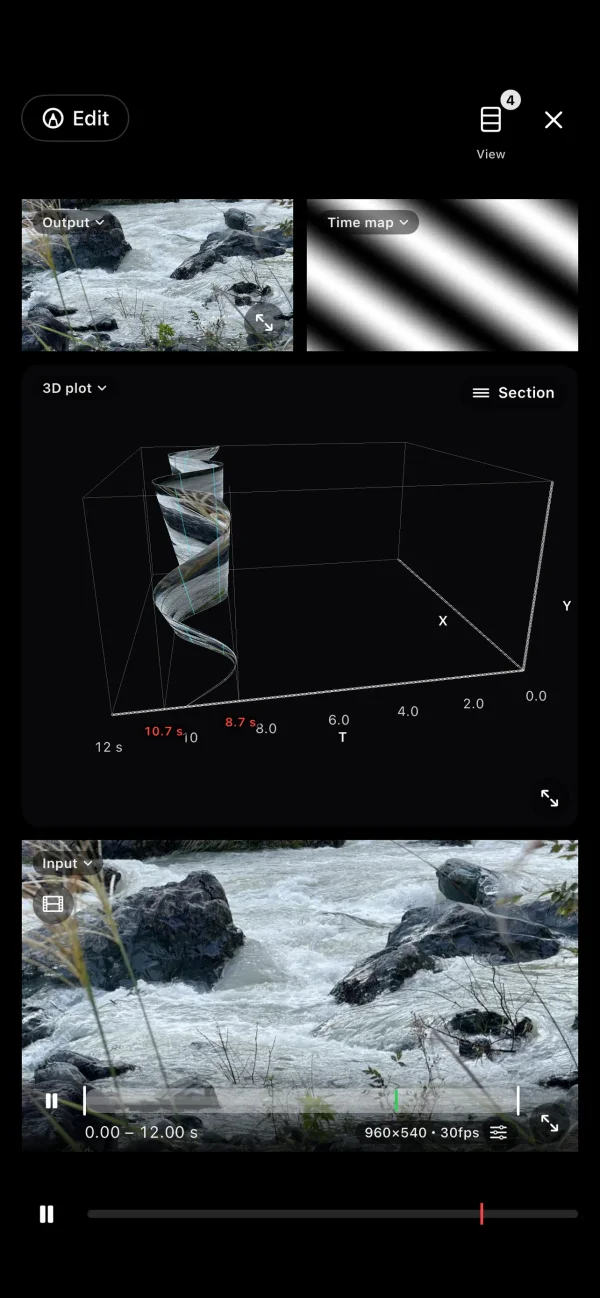
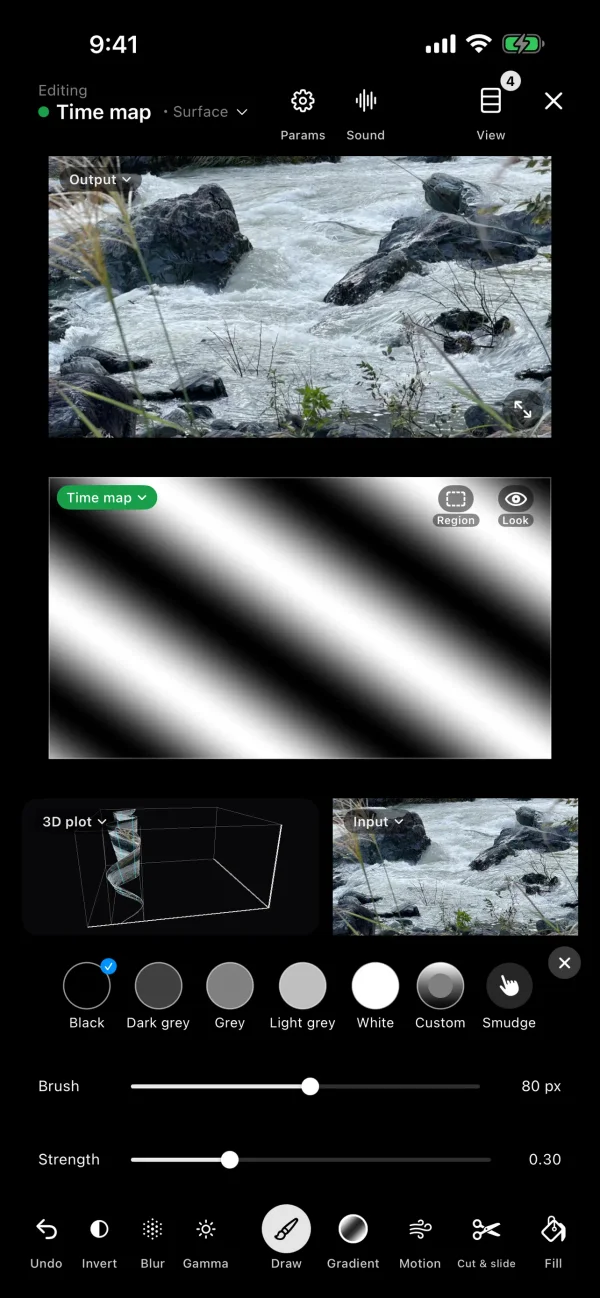
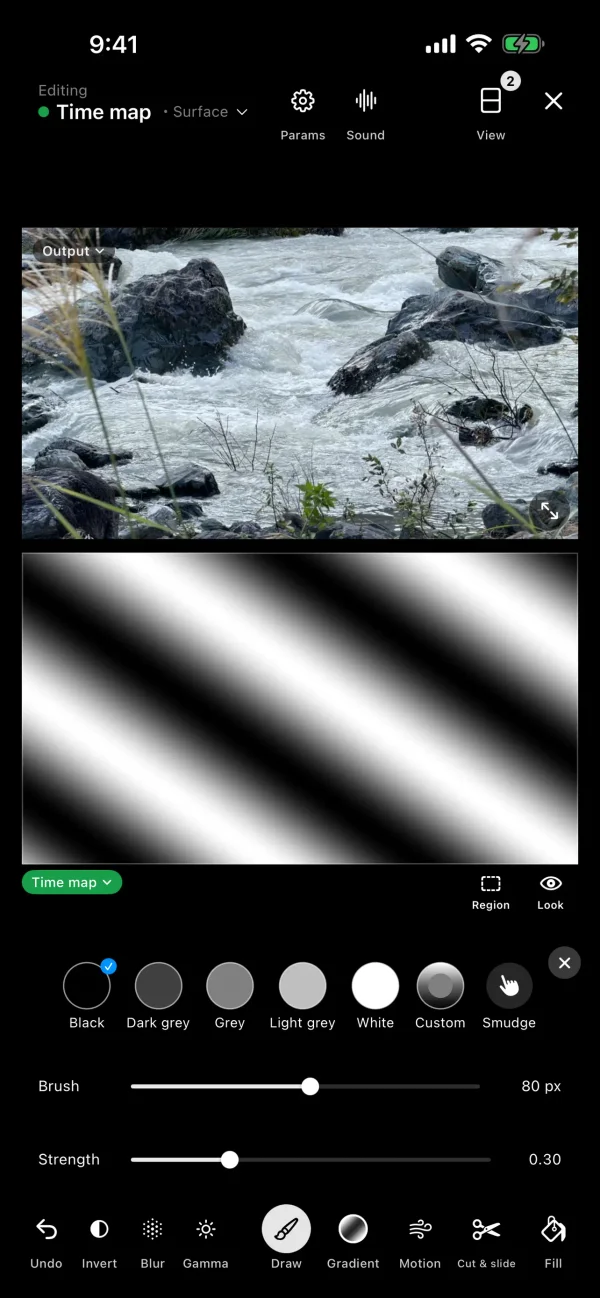
You draw the shape of that flow as a black-and-white gradient over the clip you loaded. The brightness you paint becomes a moment in the clip, or a playback speed, so different parts of the image start running on their own time.
Only where your finger traced runs ahead. Another part plays backwards. One area stays frozen while everything around it keeps moving.
You can even draw time that twists — forward and backward unfolding at once. Take the single, even flow of time in a video, pull it apart, and put it back together. Reflections shifting on water, drifting clouds, the movement of familiar things and creatures: there may be something new waiting in the everyday scenery you thought you knew.
■ Main features
[Making a map]
• Draw — trace with a finger to draw the flow of time. Five brush tones, a bleed brush, and a smudge tool
• Gradients and presets — start from a regular pattern
• From motion — build the shape of time automatically from the movement in the clip
• Cut & slide — split the map along a line and slide the pieces to make time slip
[How the map is applied]
• Apply mode — Vertical / Horizontal slit works band by band, Surface works pixel by pixel
• Time map — brightness sets which moment of the clip is shown; black is the start, white is the end
• Rate map — brightness sets the playback speed, from reverse to fast forward
• Space map — brightness sets where on screen the picture is taken from
[Checking what you made]
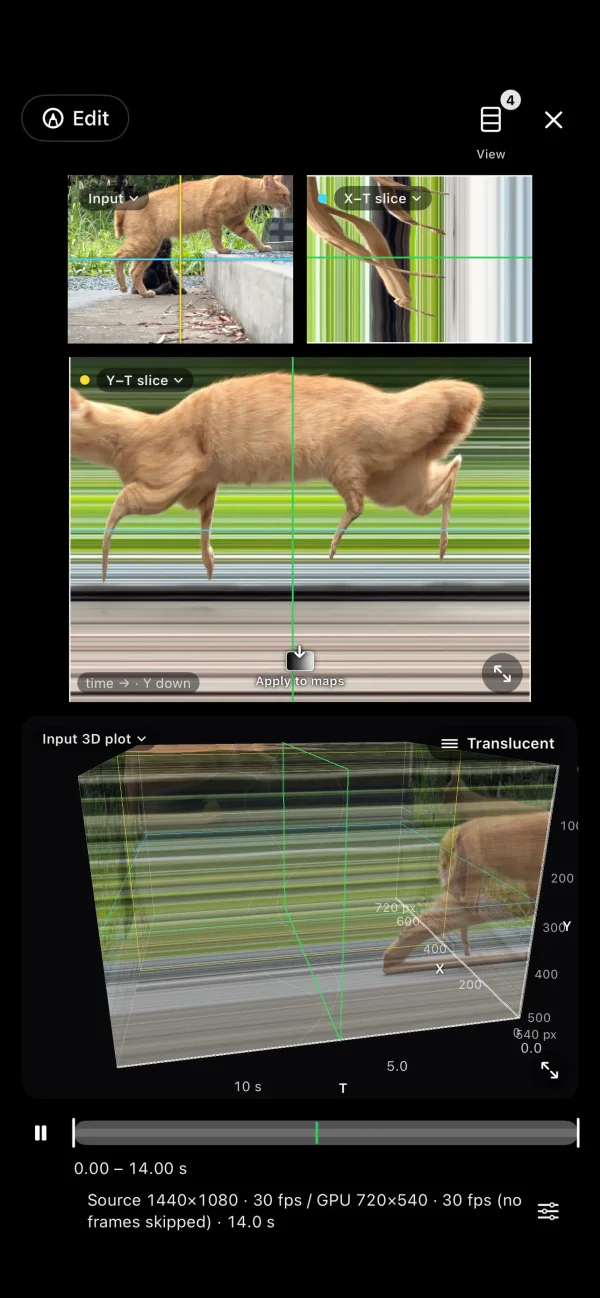
• 3D plot — see the shape of time as a solid
• Time graph — see time, rate and space as line charts
[Live camera]
• Time-shape the camera image as you film — it keeps the last few seconds, so the map you draw can show the past or freeze parts of the picture
• Tap “Stop & capture” to turn it into a clip you can edit and export
[Sound and export]
• Sound — the audio goes through the same time processing as the picture
• Export — save the result to your photo library as a video
All video processing happens on your device, and nothing you make is sent anywhere.
What’s new
Version 1.33 · Nov 24, 2026
• Redesigned the editor for iPhone in landscape: the panes take the full height on the left, and the target, Params, Sound, the view switcher, the method and tool buttons and the detailed tools such as the palette sit on the right. Close the detailed tools and the panes stretch to the right
• On iPad in landscape and in wide Mac windows, the detailed tools such as the palette appear to the right of the panes for landscape videos; with three panes they take the bottom-right quarter of the screen
• Portrait videos line up in one row on iPhone in landscape too, with three or more panes
• On the iPhone main screen in landscape, landscape videos show the map large on the left with Input and Output on the right
• The editing target now shows as green circles with the map symbols (when editing two maps, the one you are editing is in front), and the symbols for the time, rate and space maps and for Surface have been redrawn to be easier to tell apart
• When the detailed tools and Params or Sound don't fit together, only the one you opened last is shown
• Fixed layout glitches such as the target name wrapping, the gradient note being cut off, the fps label overlapping and the 3D plot's keying options spilling out
App privacy
What Ryu Furusawa declares on the App Store about how this app handles data.
-
Data not collected
The developer does not collect any data from this app.
Privacy practices may vary, for example with the features you use or your age.
Information
- Seller
- Ryu Furusawa
- Category
- Photo & Video
- Version
- 1.33
- Updated
- Nov 24, 2026
- Released
- Sep 8, 2026
- Size
- 5.8 MB
- Requires
- iOS 16.0 or later
- Age rating
- 4+
- Price
- Free
- Languages
- English, Japanese
- Copyright
- © 2026 Ryu Furusawa
You might also like
-
 Timetracks4DA camera that cuts out time
-
 Tempo Experimental CameraCreative Camera & Effects
-
 Mulch CamTime-mulch camera & VJ source
-
 Face PortalA magic portal for your face
-
 Motion Camera: Trail EffectsDynamic Photo & Video Creator
-
 PictOrb Movable Lens CameraLive Effects for Photo & Video
-
 I AM VIDEOA Living Collage Diary
-
 Fracture Frame by FramePaint with your camera
-
 p10trancerPhoto & Video
-
 Voxel Camera 1Turn the world into voxels