Timery: Time Tracker Stopwatch
Pomodoro, study & work hours
Designed for iPhone, iPad
Free
- Age rating4+
- CategoryProductivity
- DeveloperJun Tsuda
- LanguagesEnglish+ 1 more
- Size8.3 MB
Links to the official App Store page
Download.org hosts no file of Timery: Time Tracker Stopwatch. The button opens its official App Store page, published by Jun Tsuda. Listing last checked on Nov 23, 2026.
Screenshots
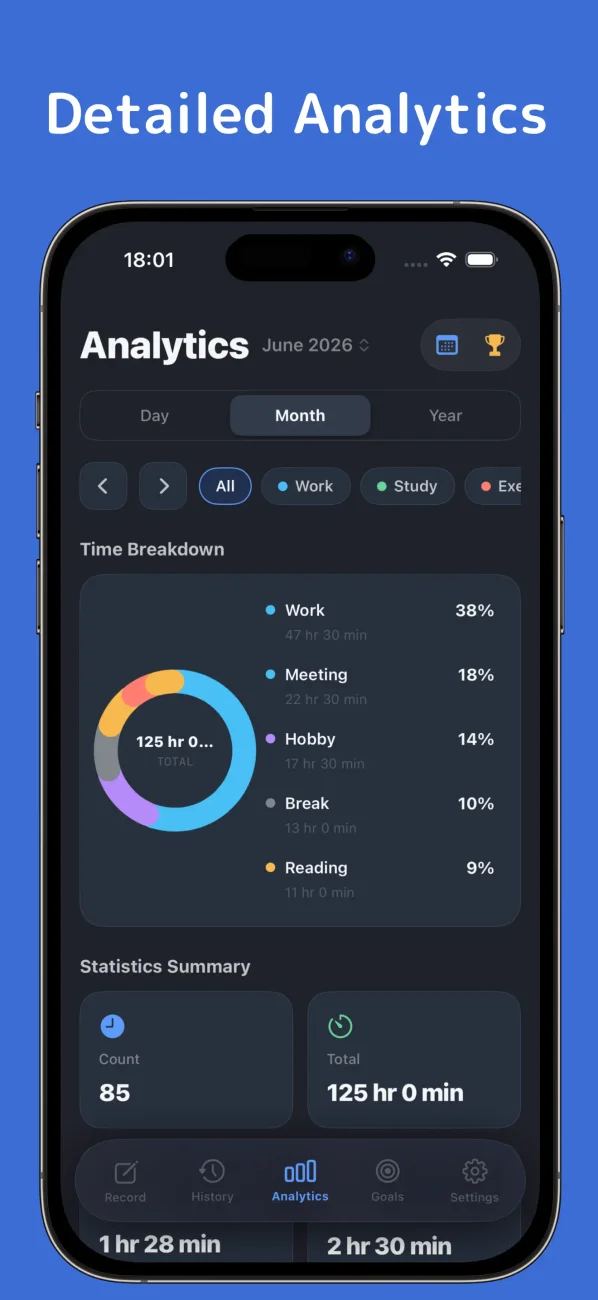
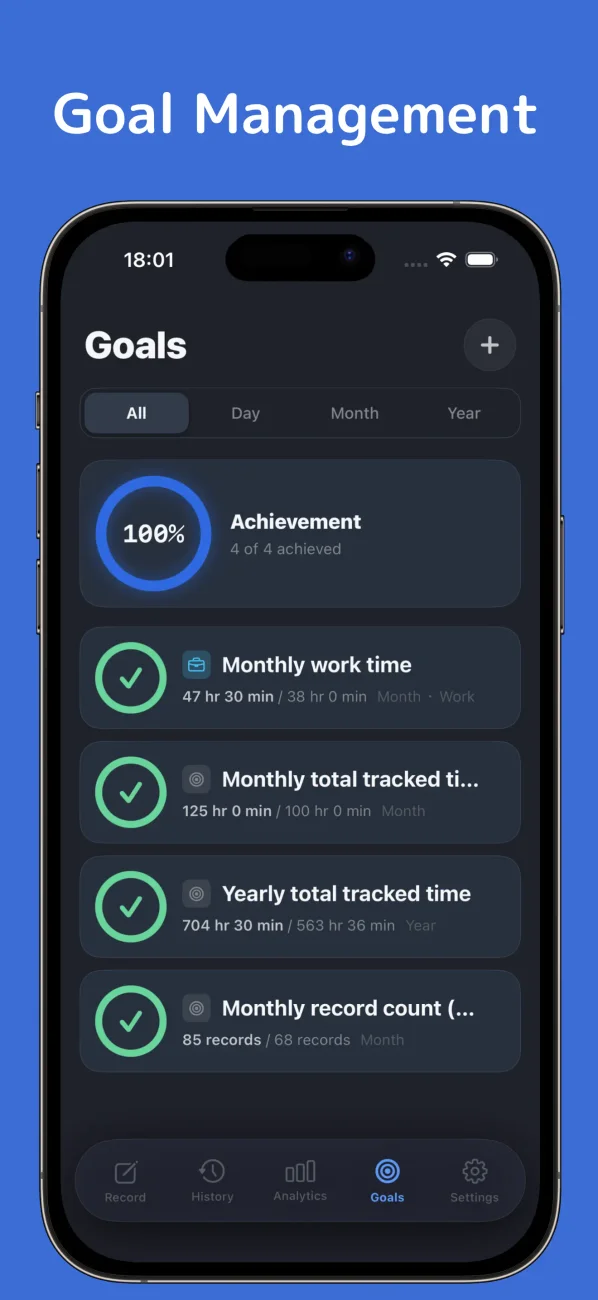
About
Where did your time go? See it at a glance.
Time work, study and more, all at once.
A daily timeline and insights show how you really spend your day.
■ Track
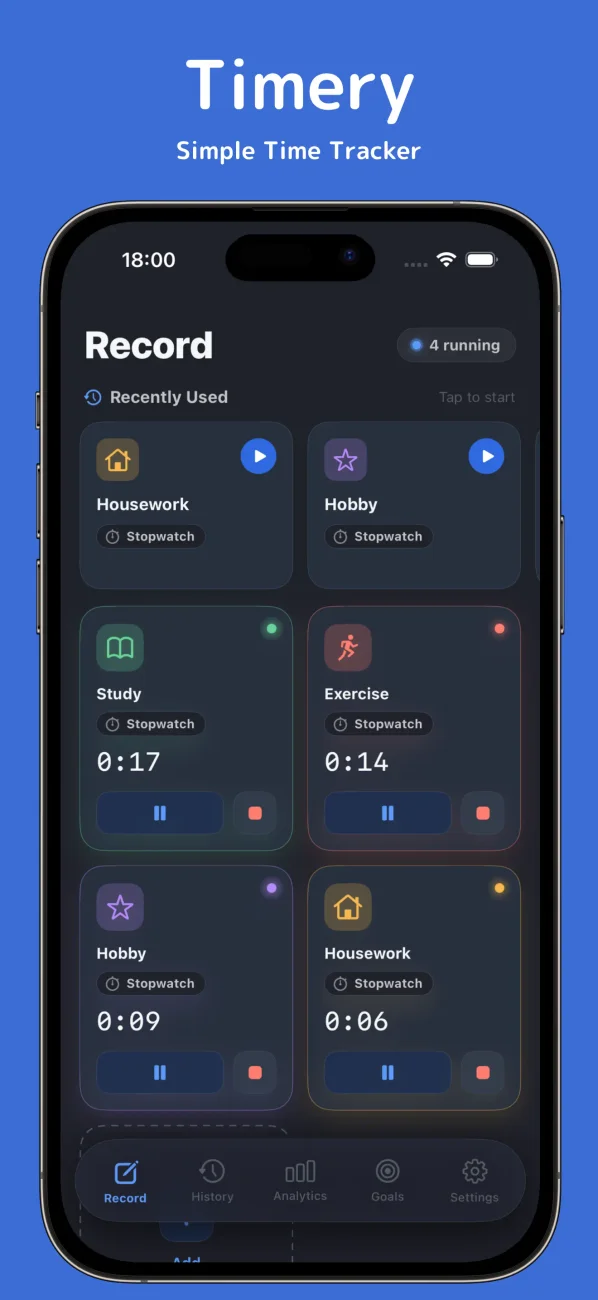
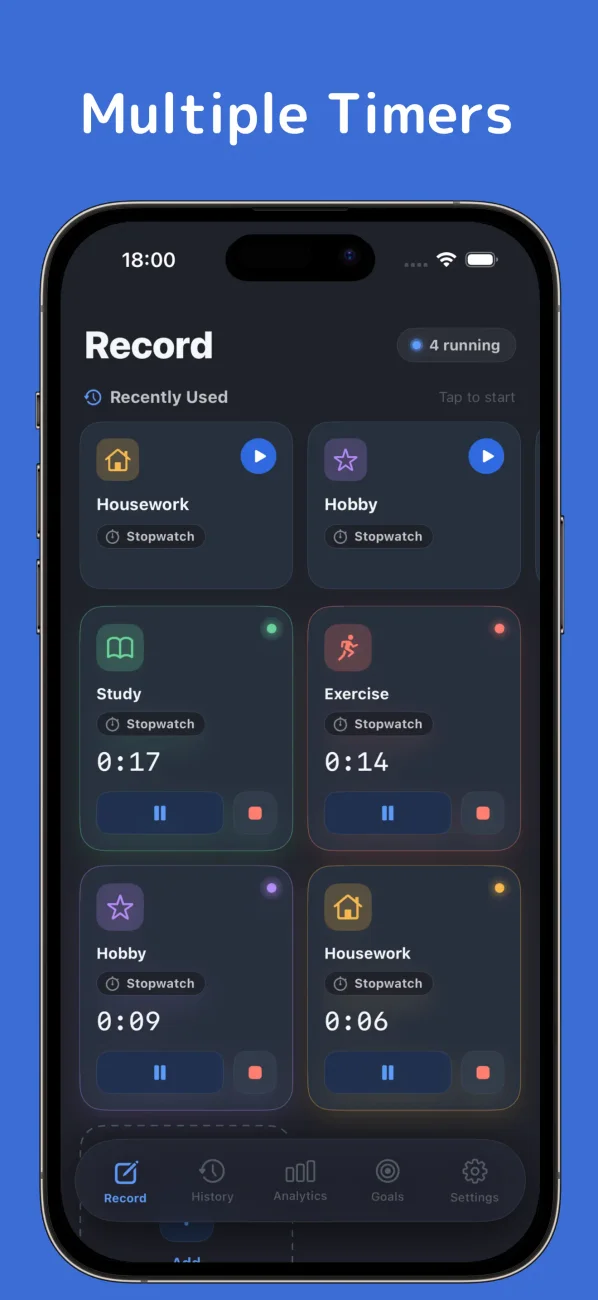
• Multiple timers at once: work with music on, and both get recorded
• Three modes: stopwatch, timer (with sound and notification) and Pomodoro (switches between focus and breaks automatically)
• Start again with one tap from your recent timers
• Distraction notes: jot down what popped into your head, then get back to focus
■ Look back
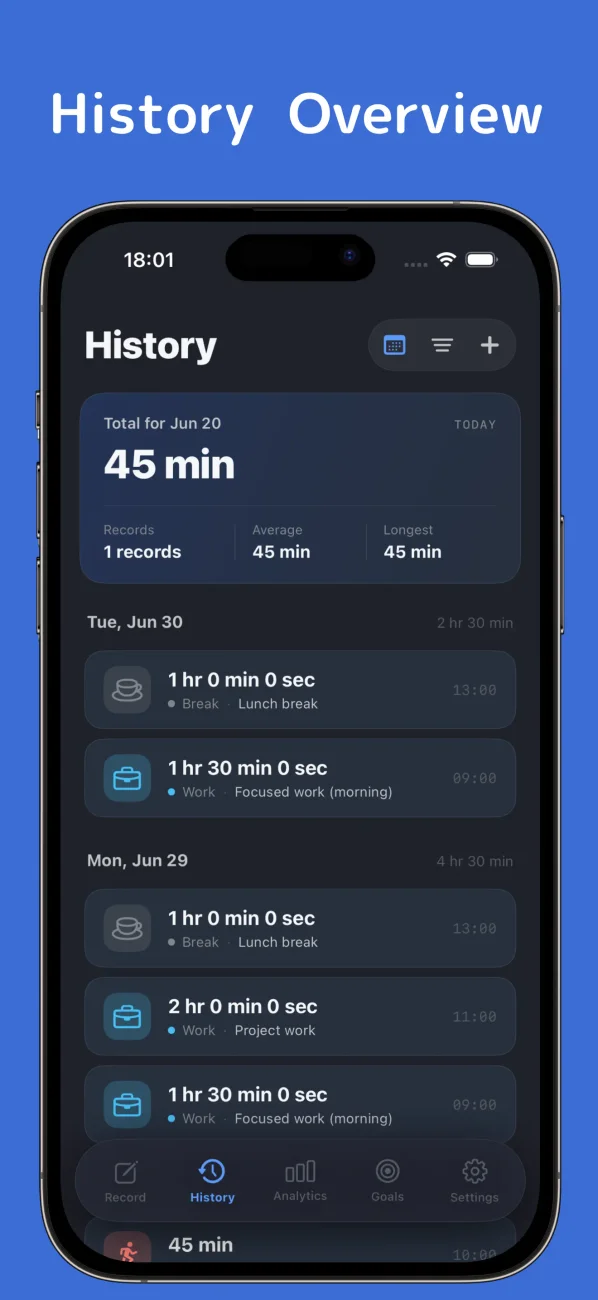
• Day timeline: see what you did and when, including overlapping time
• "Was this time well spent?": rate each session with one tap when you stop
• Analytics: time by category, satisfaction and streaks
• Insights: patterns found in your records, like "work mostly happens on weekday mornings"
• Weekly review: compare with last week and see what grew the most
• History and calendar: add and edit records, export to CSV
■ Keep going
• Goals: daily, monthly or yearly targets for time or count
• Limits: caps like "Social media: 1 hr a day max"
• A 7-day lifelog challenge, plus trophies for streaks and total time
• A daily reminder (only on days you haven't logged yet) and a weekly review notification
■ Always at hand
• Home Screen and Lock Screen widgets, plus Control Center
• Live Activities show running time on the Lock Screen and in the Dynamic Island
• Start and stop timing with Siri and Shortcuts
• Light and dark mode
■ Who it's for
• Anyone who wants to track and review study or work time
• Freelancers keeping an eye on billable hours
• People who focus better with the Pomodoro technique
• Anyone who wants to spend less time on their phone or social media
■ Good to know
• Completely free, every feature included
• Your data syncs via iCloud, so a new device is no problem (you can turn sync off in Settings)
Start seeing where your time actually goes.
What’s new
Version 7.1 · Nov 21, 2026
• Light mode. Choose Light, Dark or match your device in Settings > Appearance.
• Day timeline: see what you did and when on one bar, including time you tracked at the same time.
• "Was this time well spent?": rate it with one tap when you stop a timer (you can turn this off in Settings).
• Distraction notes: jot down what pops into your head and get back to focus. Review notes for each timer.
• Insights: spot patterns like "weekday mornings are for work" and see satisfaction by category in Analytics.
• Weekly review: compare with last week and see which category grew most, with a weekend reminder.
• Limit goals: set caps like "Social media: 1 hr a day".
• 7-day lifelog challenge, plus a celebration you can share when you earn a trophy.
• Home Screen and Lock Screen widgets, and Control Center controls, to start and stop timers.
• Siri and Shortcuts: start or stop timers and check today's total.
• Preview how widgets look and what to say to Siri, right from Settings.
• Export your records as CSV.
• Other small improvements.
App privacy
What Jun Tsuda declares on the App Store about how this app handles data.
-
Data used to track you
May be used to track you across apps and websites owned by other companies.
- Identifiers
-
Data not linked to you
May be collected but is not linked to your identity.
- Identifiers
Privacy practices may vary, for example with the features you use or your age.
Information
- Seller
- Jun Tsuda
- Category
- Productivity
- Version
- 7.1
- Updated
- Nov 21, 2026
- Released
- Oct 1, 2025
- Size
- 8.3 MB
- Requires
- iOS 17.0 or later
- Age rating
- 4+
- Price
- Free
- Languages
- English, Japanese
- Copyright
- © 2026 Jun Tsuda. All rights reserved.
You might also like
-
 SimpleTime – Time TrackerOne tap starts the clock
-
 Timery: Time TrackerEasy time tracking with Toggl
-
 Tyme | Time TrackingWorked Hours & Timesheets
-
 Toggl: Track Time & Plan WorkTime tracker, tasks & calendar
-
 Timelines Time TrackingPersonal & Work Hours Tracker
-
 aTimeLogger - Personal TrackerHours Timer & Tasks Tracking
-
 ATracker Time TrackerDaily Task Habit Goal Routine
-
 Flow: Focus & Pomodoro TimerConcentration for work & study
-
 Flipd: focus & study timerProductivity, time tracker
-
 Clockify Time TrackerTime tracker and timesheet