
Timestamp Camera GPS: Fast
Time Stamp Map & Date Stamper
Designed for iPhone, iPod touch
Free · In-app purchases
- Age rating4+
- CategoryPhoto & Video
- DeveloperAdam Mohd Isa
- LanguagesEnglish
- Size22.6 MB
Links to the official App Store page
Download.org hosts no file of Timestamp Camera GPS: Fast. The button opens its official App Store page, published by Adam Mohd Isa. Listing last checked on Nov 23, 2026.
Screenshots
About
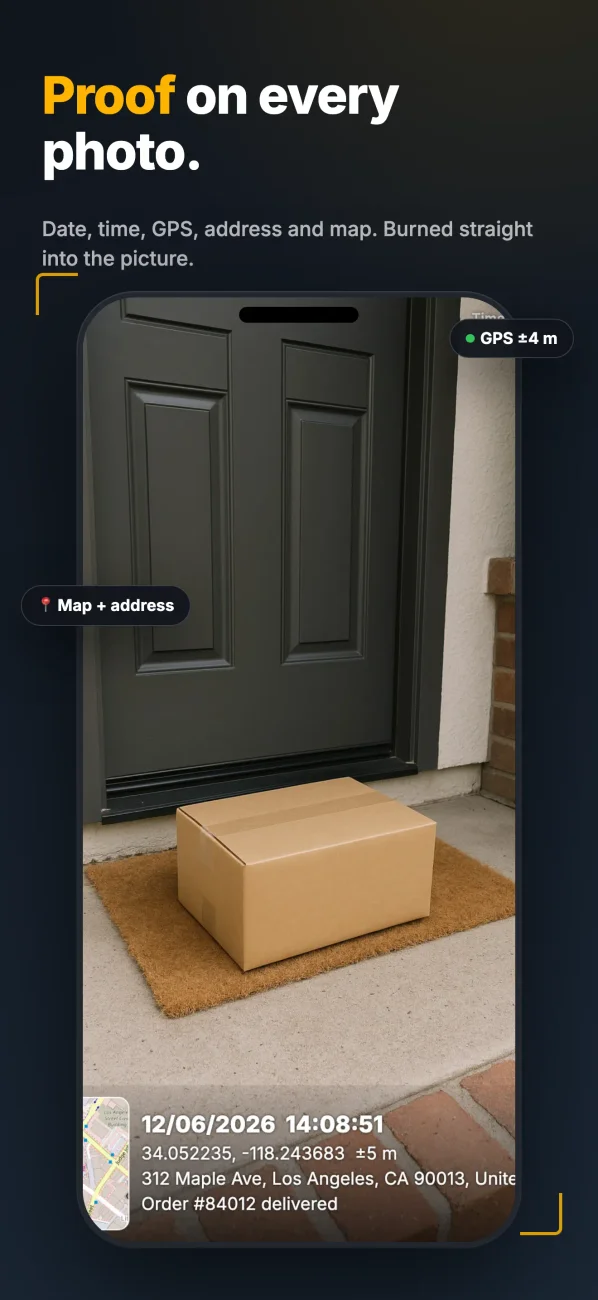
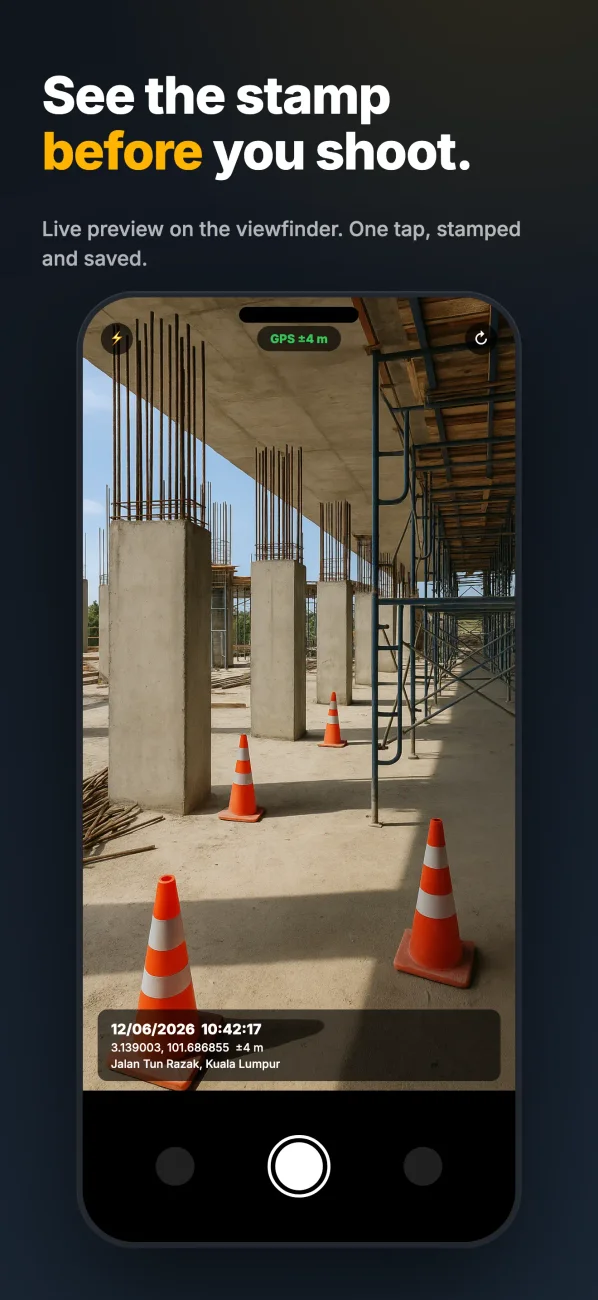
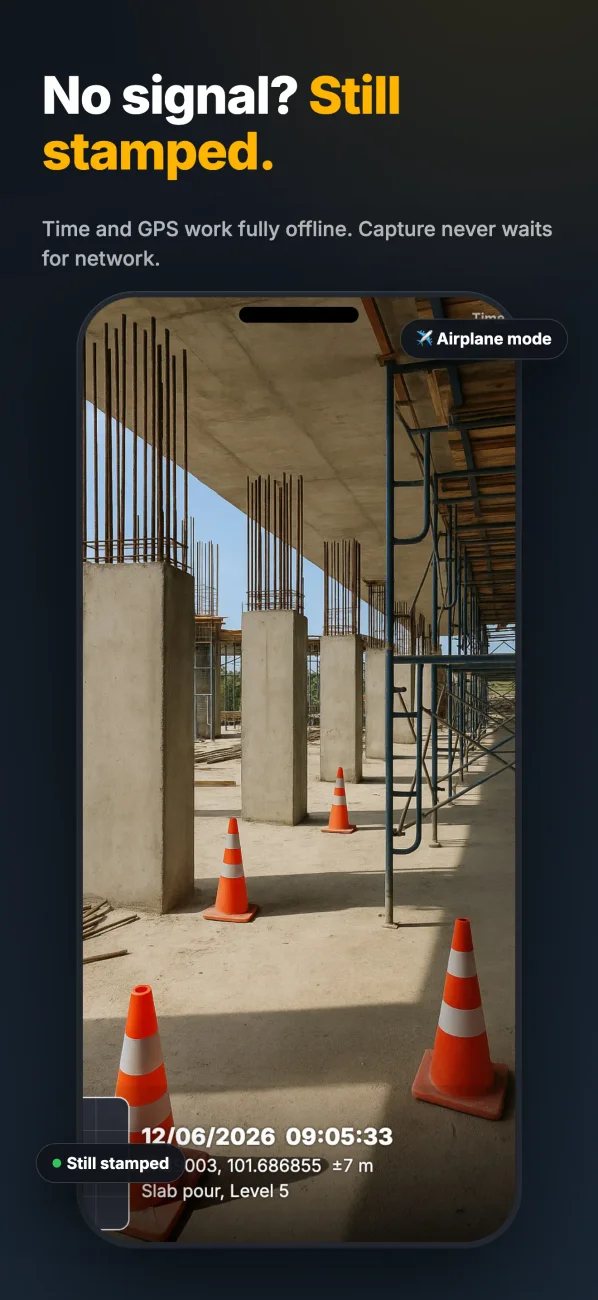
Tap the shutter and the proof is already on the photo. Timestamp Camera is a GPS camera that burns the date, time, GPS coordinates, street address and a small map straight into every picture, and it is ready for the next shot the moment you lift your finger. No waiting for the photo to save, no spinning circle and no ads.
It is built for people who have to prove they were there and did the job, such as contractors, site supervisors, delivery riders, inspectors, security patrols, surveyors, property managers and insurance assessors.
WHY IT FEELS FAST
- The shutter is ready again in a fraction of a second, so you can shoot a whole site in one walk
- Stamping and saving run in the background while you keep shooting
- Photos are saved at a smart size, a fraction of a full resolution camera file, so your phone stays light
- Hold the shutter for burst shots (Premium)
WHAT GETS STAMPED
- Date and time in the format your country uses, right from the first photo, with 12h or 24h and a date order you can change any time
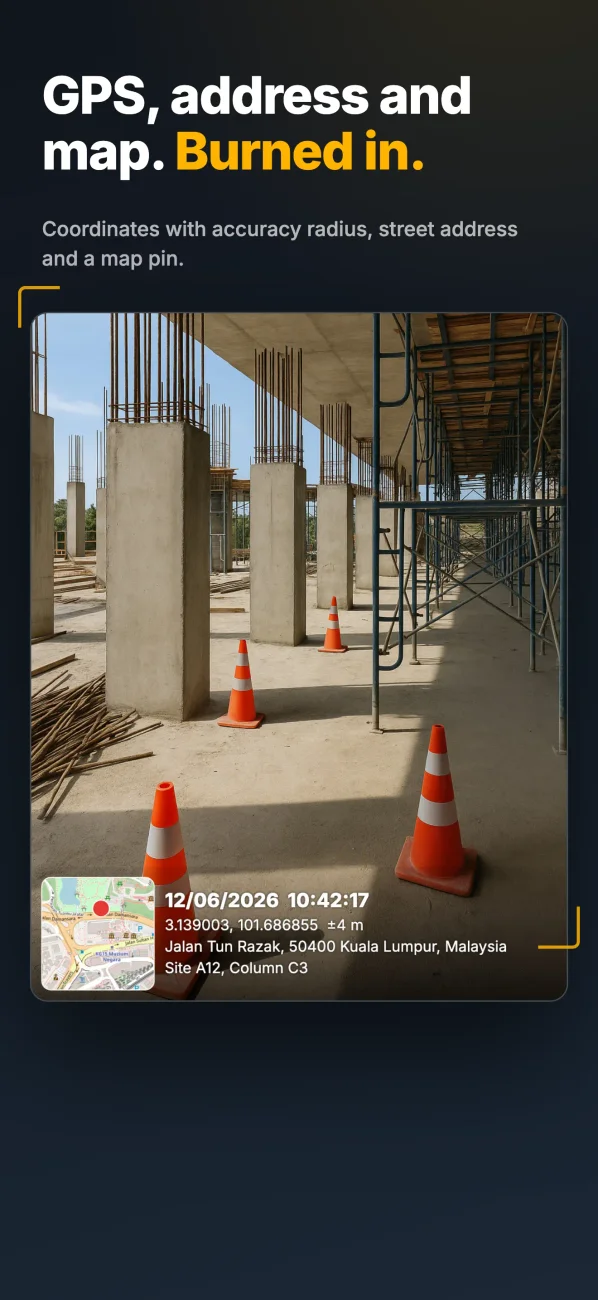
- GPS latitude and longitude with accuracy in metres
- Street address, looked up automatically
- Your note, project name or custom fields
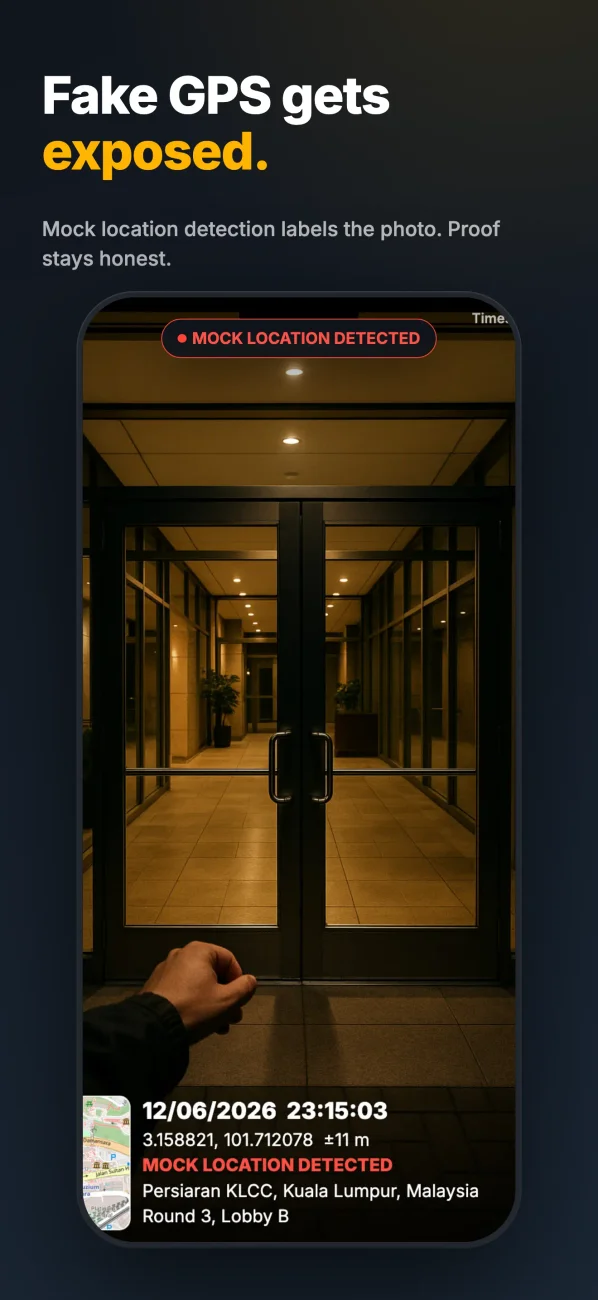
- A clear warning when fake GPS is detected
GPS MAP CAMERA
Every photo can carry a small map with a pin on your exact spot, next to the coordinates and the street address, so anyone who sees the picture knows where it was taken without opening another app.
ORGANISED FOR WORK
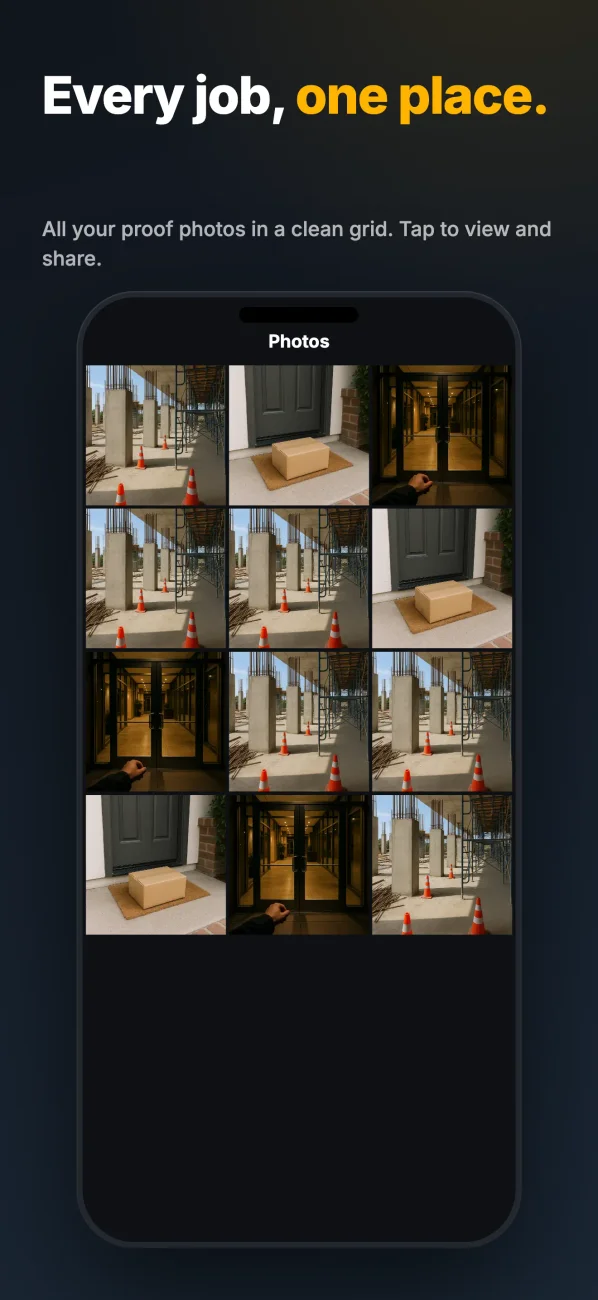
- Every photo lands in a folder, by day or by project
- One tap turns a folder into a PDF report with a cover, the photos and a table of times and coordinates (Premium)
- Stamp old photos from your gallery using their original date and location (Premium)
11 STAMP DESIGNS
Basic is free forever. Premium unlocks 10 more, including Site Report, Delivery Proof, Inspection with a PASS or FAIL stamp, Coordinates Pro, Receipt, Travel and a glowing Retro Film date.
FOR TEAMS
Put your company name, logo and fields on every staff photo. Staff join by scanning one QR code, with no login and no accounts. Team 10 covers ten phones and includes Lifetime Premium for the owner.
NO ADS, NO LOGIN, NO SUBSCRIPTION
The free version has no ads and never asks you to sign up. Premium is one payment and it is yours for life.
What’s new
Version 1.2.2 · Nov 17, 2026
Dates now follow your country. A new install in the United States starts on month/day/year with a 12 hour clock, and other countries get the order they are used to. You can still change both in Settings.
Already using the app? Your date order and clock stay exactly as you set them, so new photos match your old ones.
App privacy
What Adam Mohd Isa declares on the App Store about how this app handles data.
-
Data not linked to you
May be collected but is not linked to your identity.
- Purchases
- Location
- User content
- Identifiers
- Usage data
Privacy practices may vary, for example with the features you use or your age.
Information
- Seller
- Adam Mohd Isa
- Category
- Photo & Video
- Version
- 1.2.2
- Updated
- Nov 17, 2026
- Released
- Jun 27, 2026
- Size
- 22.6 MB
- Requires
- iOS 15.0 or later
- Age rating
- 4+
- Price
- Free
- In-app purchases
- Yes
- Languages
- English
- Copyright
- © 2026 Billionaire Media
You might also like
-
 Timestamp Camera: GPS & PhotosDate, Time & Location Proof
-
 Timestamp Camera: LokmiGPS, Map & Address · No Ads
-
 GPS Timestamp Camera: MarkPixMap, Geotag & Location Proof
-
 Timestamp Camera - Time & GPS+Photo & Video, Map & Reports
-
 Timestamp Camera: GPS, TimeDate Camera for Work Proof
-
 Timestamp Camera -Auto Stamper Time Stamp Camera
-
 GeoFotoUTMFotografías georreferenciadas
-
 Timestamp Camera - MarkioGPS Map & Date Stamp
-
 Timestamp Camera .GPS Camera with Time Stamp
-
 Timestamp Camera - GPSGPS Map Camera, Date & Notes