Timestamp Camera: GPS, Time
Date Camera for Work Proof
Designed for iPhone
Free · In-app purchases
- Age rating12+
- CategoryPhoto & Video
- DeveloperQuillstone Limited
- LanguagesEnglish+ 18 more
- Size41.9 MB
Links to the official App Store page
Download.org hosts no file of Timestamp Camera: GPS, Time. The button opens its official App Store page, published by Quillstone Limited. Listing last checked on Nov 27, 2026.
Screenshots


About
Turn everyday photos and videos into professional records with Timepic, a timestamp camera and watermark camera that documents when and where your work happened.
Whether you're in construction, property inspection, maintenance, field service, cleaning, security, or delivery, Timepic adds date, time, GPS location, address, project details, and branding to your photos and videos.
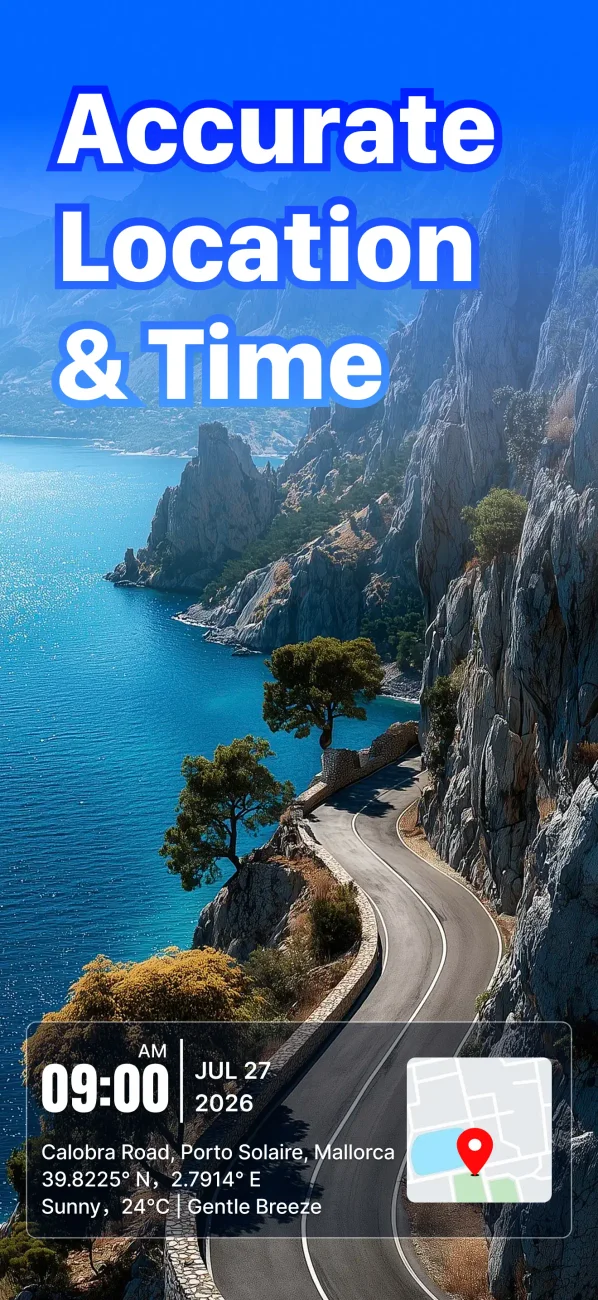
# Accurate Location & Time
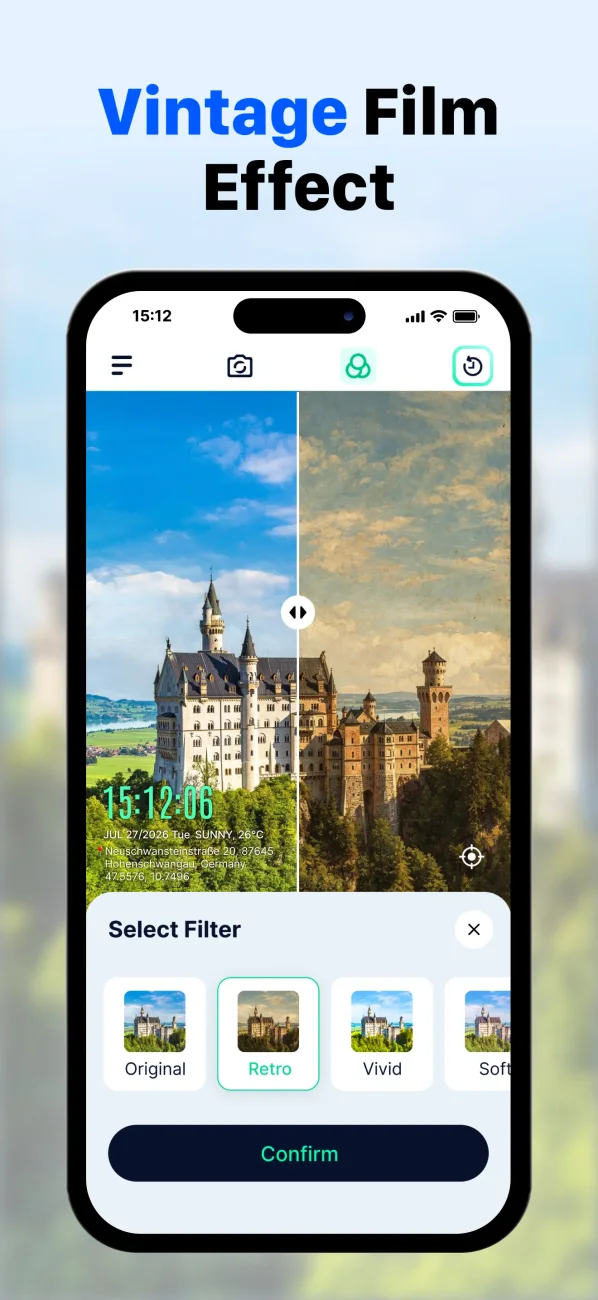
Use Timepic as a timestamp camera to automatically add date, time, GPS location, and address while capturing photos. Record when and where work happens without adding details later.
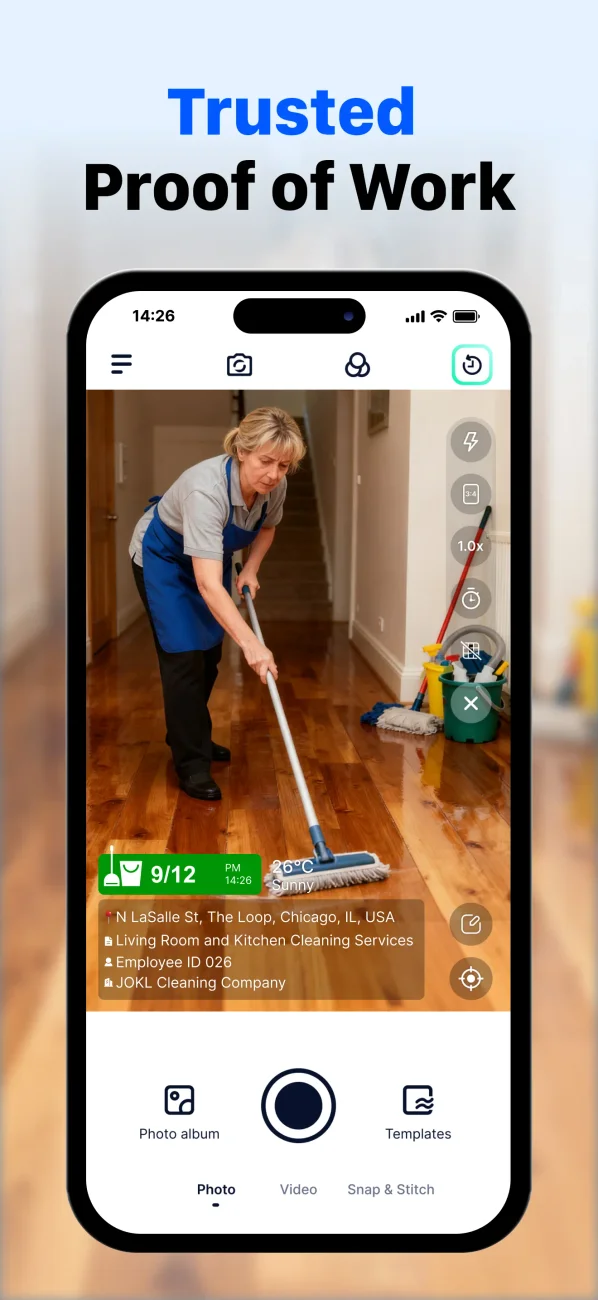
# Trusted Proof of Work
Create professional records with a photo timestamp camera. Document job sites, project progress, inspections, repairs, deliveries, and completed work.
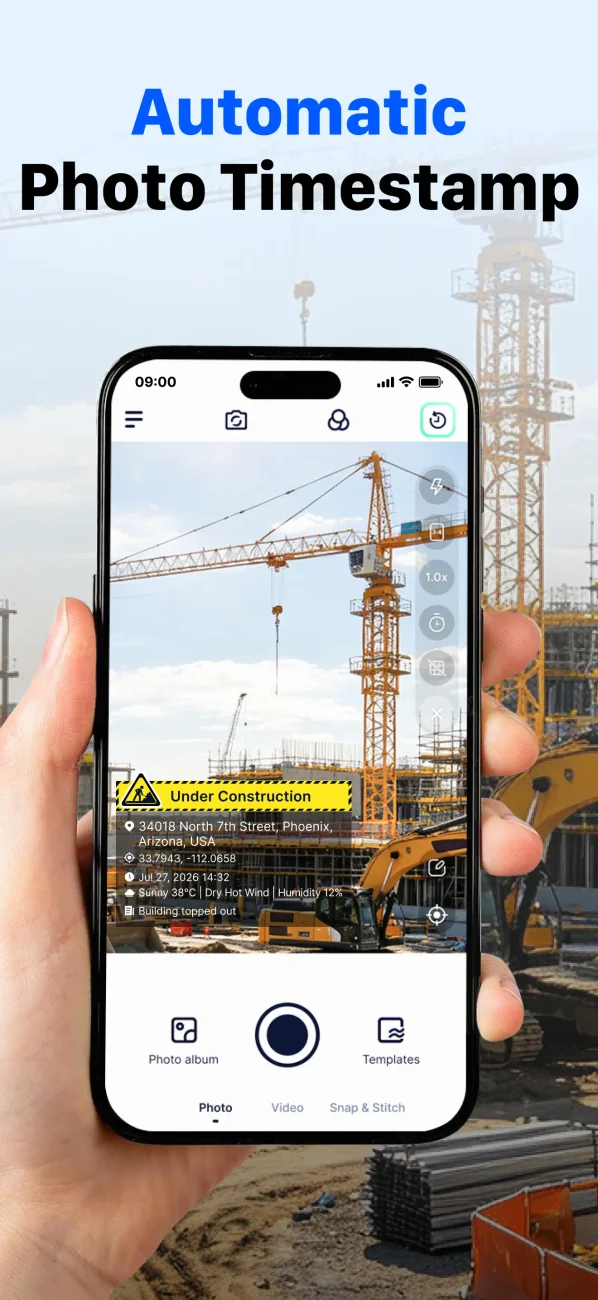
# Automatic Photo Timestamp
Add selected information directly to photos and videos with automatic watermarking while capturing.
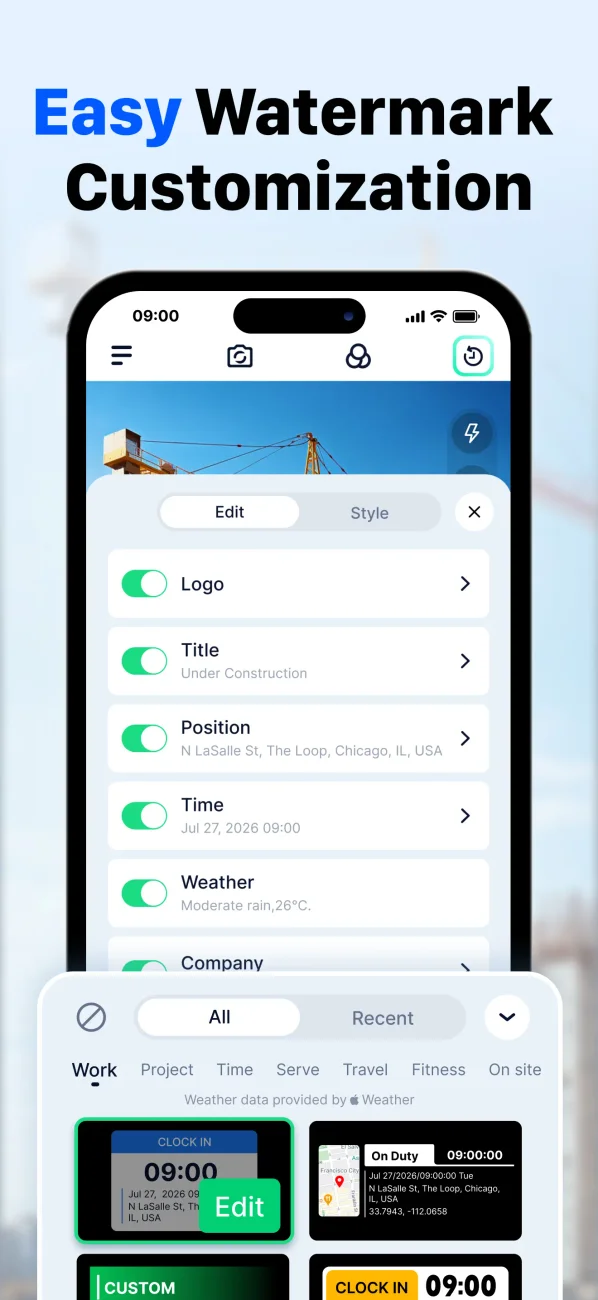
# Easy Watermark Customization
Customize your watermark with:
- Date and time
- GPS location and address
- Titles and custom text
- Colors and layouts
- Project details
- Company logos and branding
# Multiple Watermark Templates
Choose templates for different needs:
- Work — Daily jobs and project updates
- Construction — Job sites and progress
- Cleaning — Service verification
- Travel — Time and location records
- Time — Everyday timestamped photos
- Fitness — Workouts and training
- On-Site Evidence — Inspections and field documentation
# Capture Photos & Videos
Use Timepic as a GPS timestamp camera to capture watermarked photos and videos. Enjoy tap-to-focus and manual zoom for a smoother camera experience.
# Photo Reports & Export
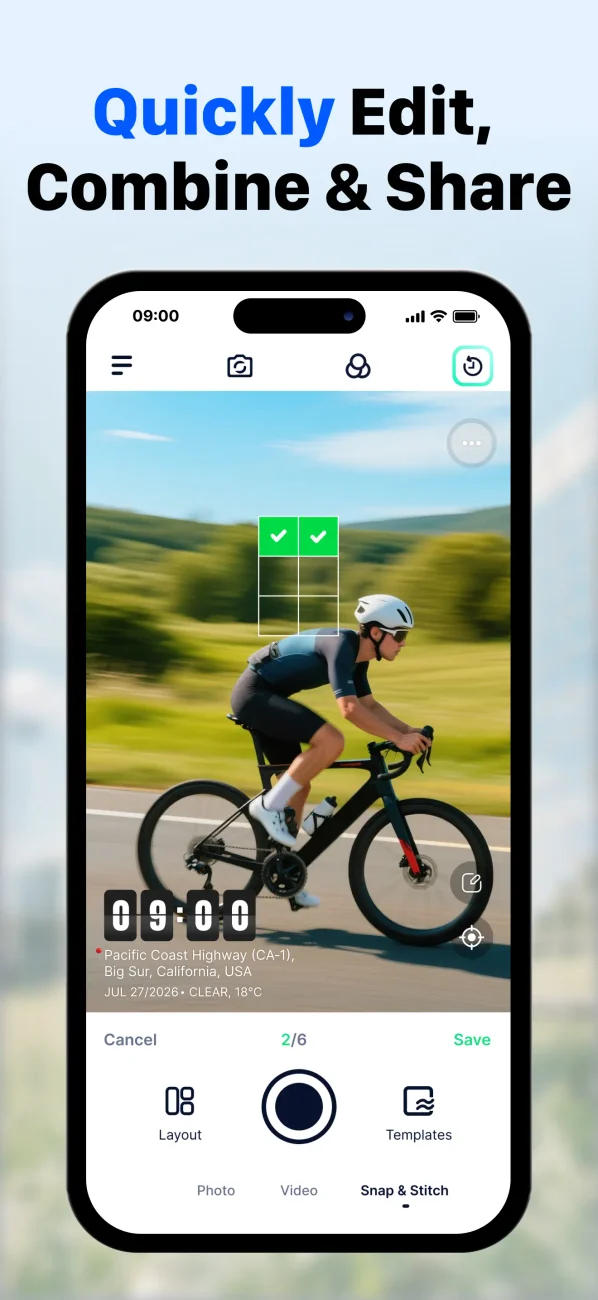
Create professional photo reports with multiple timestamped images. Combine on-site photos into organized reports and export them as PDF or Excel files for easy sharing and documentation.
# Work Records & Construction Logs
Organize work records and document daily progress, site conditions, equipment, inspections, and completed tasks with timestamped photos and project details.
# On-Site Signatures
Add signatures to work records alongside job photos and project information for more complete on-site documentation.
# Edit, Combine & Share
Edit photos, combine images, and share inspection records, photo reports, project updates, and work summaries.
# Built for Work
- Construction — Document sites, materials, and progress.
- Property & Real Estate — Create inspection records.
- Inspection — Record site conditions and issues.
- HVAC & Plumbing — Document repairs and installations.
- Cleaning & Maintenance — Verify completed services.
- Security & Field Service — Capture on-site records.
- Delivery & Logistics — Document deliveries.
- Contractors & Freelancers — Share project progress.
# Why Timepic?
- Automatic date, time, GPS location, and address
- Professional watermark templates
- Custom text, colors, and company logos
- Photo and video capture
- Original and watermarked media
- Batch watermarking
- Unlimited watermark editing and rotation
- Photo editing and combining
- Photo reports with PDF and Excel export
- Work records, construction logs, and signatures
- Easy saving and sharing
# Timepic Premium
Unlock all watermark tools and remove usage limits.
Premium includes:
- All watermark templates
- Custom watermark text and colors
- Automatic location refresh
- Original and watermarked photo and video saving
- Company and personal logo support
- Unlimited watermark editing and rotation
- Unlimited saving and sharing
Whether you need a timestamp camera for construction, a time stamp camera for daily work, a photo timestamp camera for inspections, or a GPS timestamp camera for field service, Timepic helps you create professional visual records.
Capture it. Timestamp it. Customize it. Prove it.
Privacy Policy:
https://www.qstonelabs.com/TimestampCamera-privacy.html
Terms of Use:
https://www.qstonelabs.com/terms.html
What’s new
Version 1.4.1 · Nov 26, 2026
-Fixed an issue that prevented users from tapping to focus.
-Fixed an issue with manual zoom controls.
-Added Photo Collage Reports with PDF and Excel export.
-Added Work Records to organize on-site photos.
-Added Construction Logs to document project progress.
-Added On-Site Signature support for more complete work records.
App privacy
What Quillstone Limited declares on the App Store about how this app handles data.
-
Data used to track you
May be used to track you across apps and websites owned by other companies.
- Identifiers
-
Data not linked to you
May be collected but is not linked to your identity.
- Identifiers
Privacy practices may vary, for example with the features you use or your age.
Information
- Seller
- Quillstone Limited
- Category
- Photo & Video
- Version
- 1.4.1
- Updated
- Nov 26, 2026
- Released
- Sep 16, 2026
- Size
- 41.9 MB
- Requires
- iOS 16.0 or later
- Age rating
- 12+
- Price
- Free
- In-app purchases
- Yes
- Languages
- English, Arabic, Dutch, French, German, Indonesian, Italian, Japanese, Korean, Polish, Portuguese, Russian + 7 more
- Copyright
- © Quillstone Limited
You might also like
-
 Timestamp Camera GPS: CamStampDate, time, address & video
-
 Timestamp Camera: Photo StampDate watermark on work photos
-
 Timestamp Camera - Time & GPS+Photo & Video, Map & Reports
-
 Timestamp Camera: Location GPSDate & Time Stamp Photo Proof
-
 StampCam – Timestamp CameraPhoto & video with timestamp
-
 Timestamp Camera GPS: FastTime Stamp Map & Date Stamper
-
 Timestamp Camera: GPS LocationDate Time Stamp Photos Proof
-
 GPS Map Camera, TimestampTimestamp Camera, time stamp
-
 GPS Camera: Timestamp CameraTravel Photos & Work Reports
-
 Timestamp Camera - GPSGPS Map Camera, Date & Notes