- Age rating12+
- CategoryProductivity
- DeveloperAnton Sudat
- LanguagesEnglish
- Size6.2 MB
Links to the official App Store page
Download.org hosts no file of Tinted App Lock. The button opens its official App Store page, published by Anton Sudat. Listing last checked on Nov 16, 2026.
Screenshots


About
Most app blockers rely on passcodes or willpower.
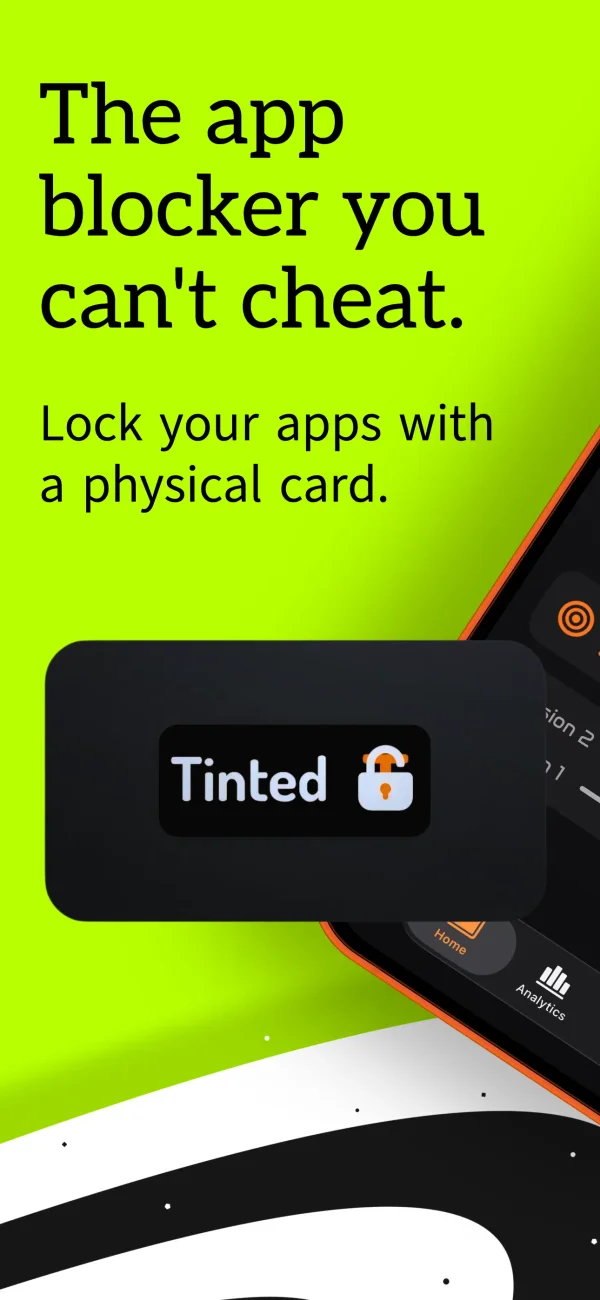
Tinted uses a physical key card to add friction and make distractions harder to bypass.
-------------------------------
Need a card? Visit: tinted.world
-------------------------------
You select the apps that drain your time (TikTok, Instagram, Snapchat, etc). You lock them down. The ONLY way to unlock them is to physically tap your Tinted NFC card to the top of your iPhone.
Leave the card in your car, give it to a parent, or lock it in another room. If you don't have the card in your hand, you don't get your apps.
FEATURES:
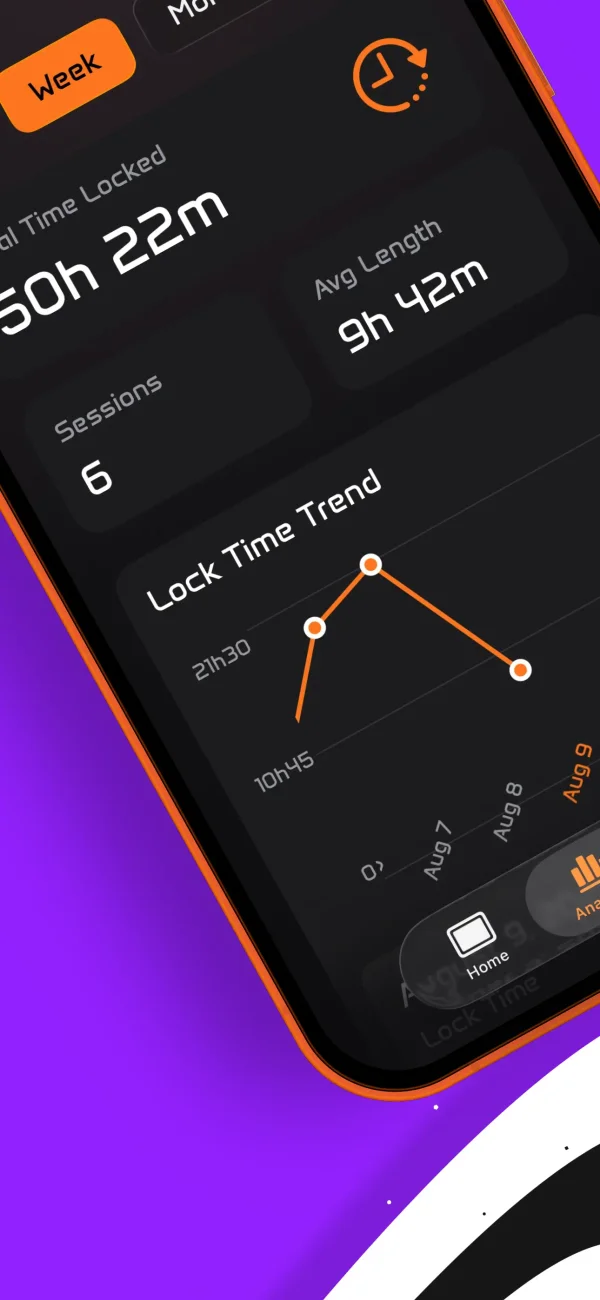
• Unlock Cooldown: Select how long you must wait before unlocking.
• Emergency Unlocks: Everyone gets 3 emergency unlocks per month. Only use them if truly needed.
• Custom Blocklists: Choose exactly which apps and websites to lock down.
You have goals you want to hit. Stop letting your phone win.
What’s new
Version 1.5 · Aug 14, 2026
• Minor UI improvements
• New locking logic: press and hold to lock or tap to scan
App privacy
What Anton Sudat declares on the App Store about how this app handles data.
-
Data not linked to you
May be collected but is not linked to your identity.
- Identifiers
- Usage data
Privacy practices may vary, for example with the features you use or your age.
Information
- Seller
- Anton Sudat
- Category
- Productivity
- Version
- 1.5
- Updated
- Aug 14, 2026
- Released
- Jun 8, 2026
- Size
- 6.2 MB
- Requires
- iOS 26.0 or later
- Age rating
- 12+
- Price
- Free
- Languages
- English
- Copyright
- © 2026 Tinted
You might also like
-
 AI Screen Time - Focus MamaScreentime Goal Habit tracker
-
 App Lock : Secure VaultLock Apps with Face ID
-
 Screeni: Screen Time & ChoresParental Control App & Rewards
-
 Viraam: Focus & Screen TimeScreen Time, Focus & App Block
-
 Eclipse: Screen Time ControlGrayscale, Focus & App Blocker
-
 UniPack - College Packing ListPack smarter for college
-
 TapLock - Block AppsLock Apps. Tap to Unlock.
-
 Screen Time Control + BlockerApp Limit & Stop Scrolling
-
 ScreenEarn: Parental ControlDo chores, unlock screen time
-
 ScreenTimer Use App with TimerDetox & Unrot Your Brainrot