
- Age rating17+
- CategoryDeveloper Tools
- Developerchanwool kim
- LanguagesEnglish+ 16 more
- Size8.3 MB
Links to the official App Store page
Download.org hosts no file of Tiny Web Inspector. The button opens its official App Store page, published by chanwool kim. Listing last checked on Nov 17, 2026.
Screenshots
About
Inspect and debug websites directly on your iPhone and iPad with Tiny Web Inspector. Browse a page and keep your developer tools close at hand.
NETWORK
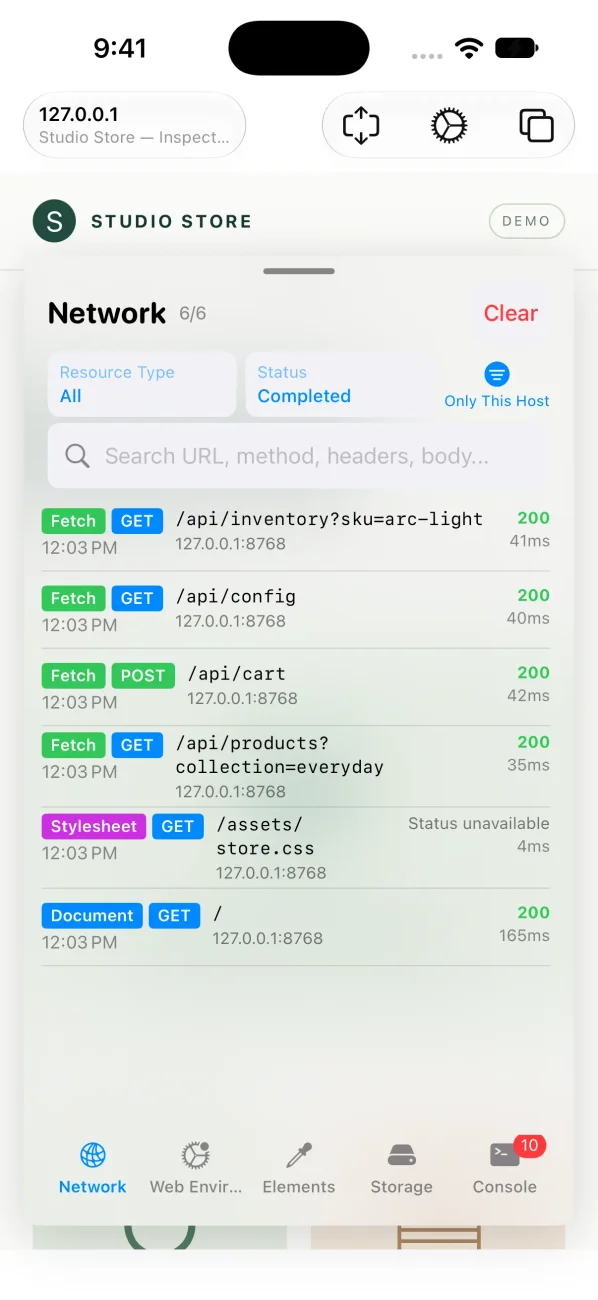
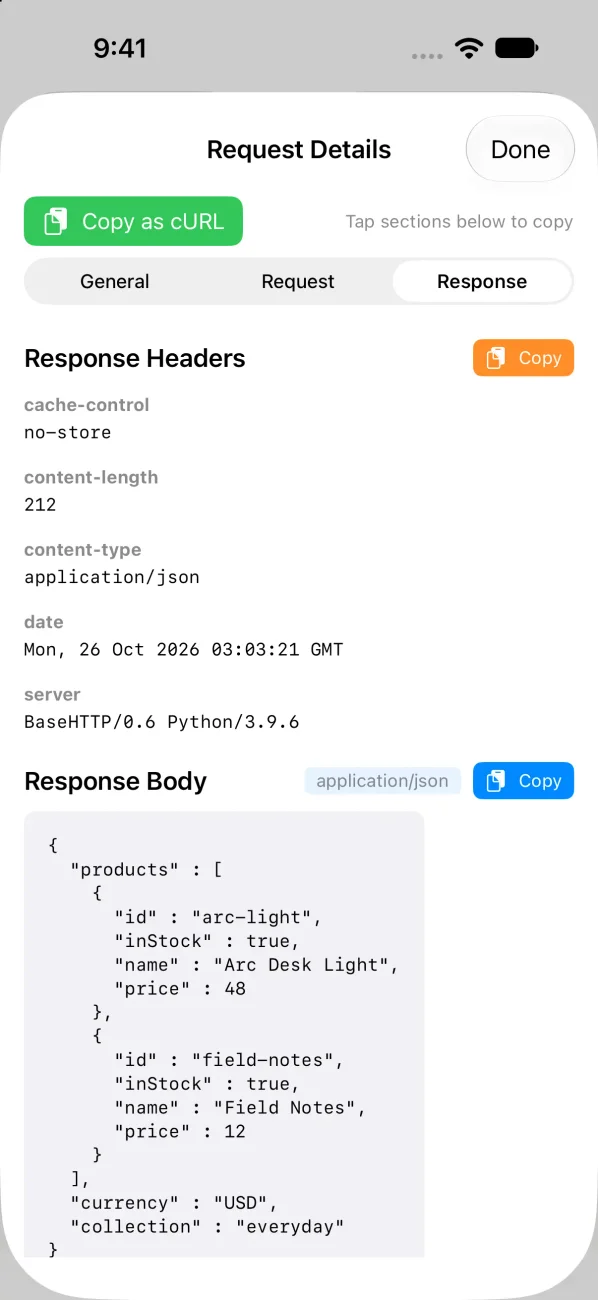
Follow page resources, Fetch and XMLHttpRequest activity. Filter requests by resource type, status or host, search captured data, inspect available headers and bodies, and copy requests as cURL.
ELEMENTS
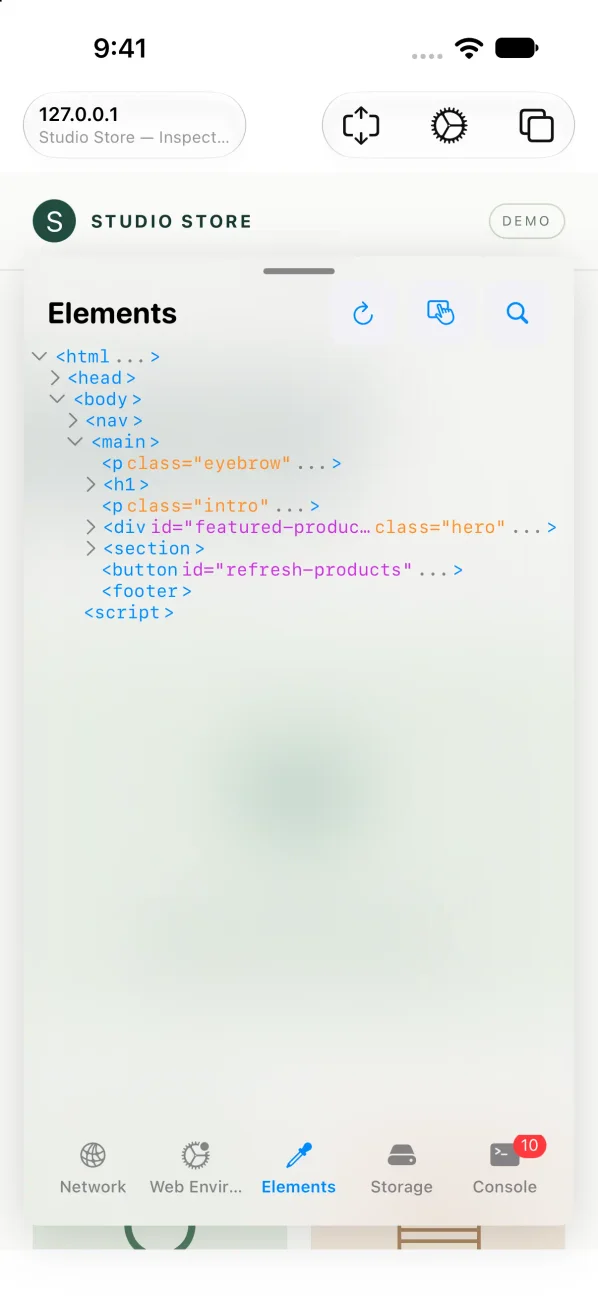
Browse and search the HTML tree. Use Touch selection to find a visible element, inspect its HTML, and copy its path or source.
CONSOLE
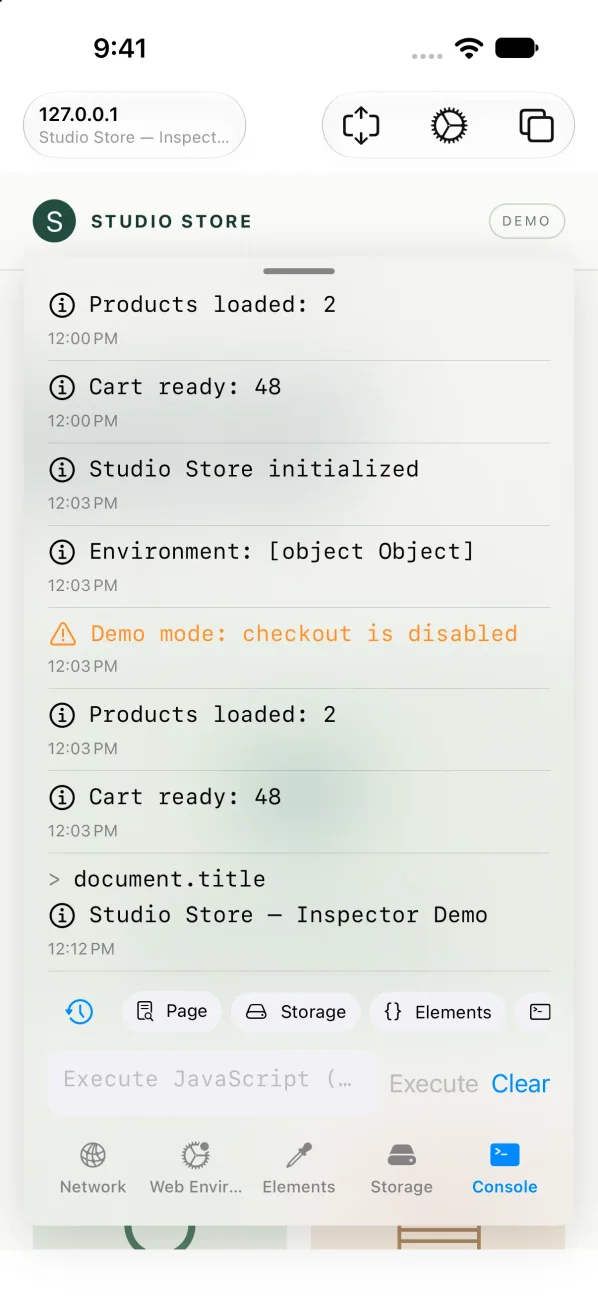
Read console.log, warnings and errors. Run JavaScript with quick commands and command history to investigate the current page.
STORAGE
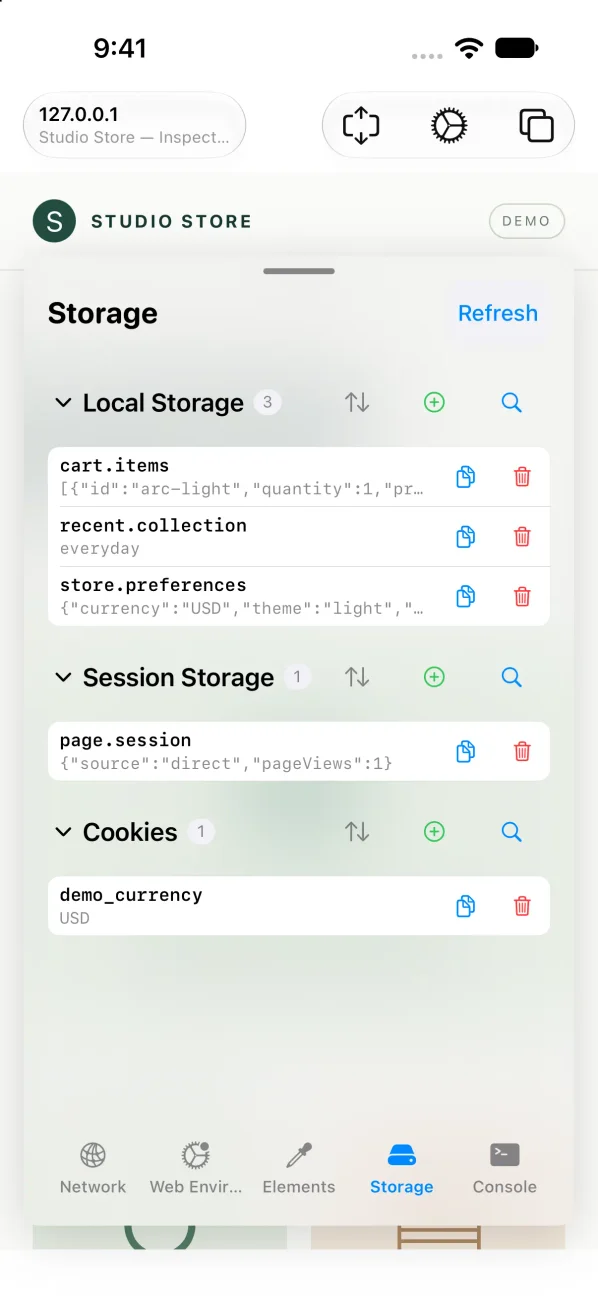
Inspect local storage, session storage and cookies. Search, copy, edit or remove values, and view JSON in a readable format.
WEB ENVIRONMENT
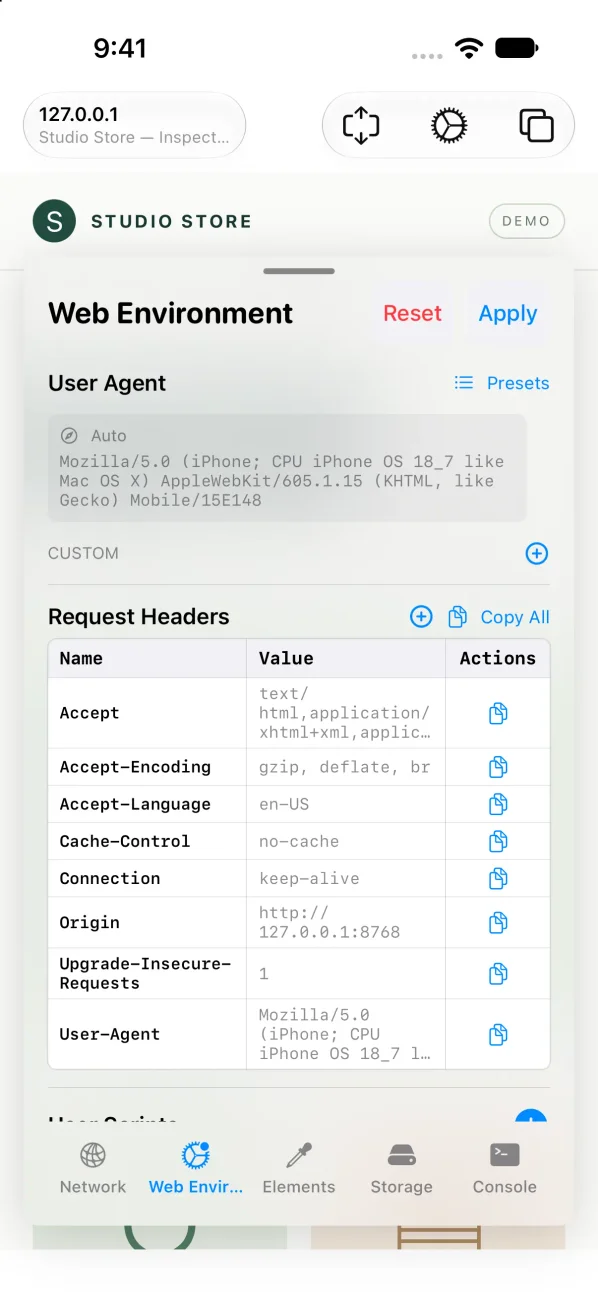
Try User Agent presets, manage custom headers and inject your own scripts. Keep multiple pages open in separate tabs.
ADAPTIVE WORKSPACE
Use the inspector on iPhone and iPad, with layouts adapted for iPhone Duo's outer and inner displays. On the expanded Duo layout, browse alongside the inspector.
Capture availability depends on WebKit and the resource type. Some browser-managed headers, cross-origin resources, binary payloads and navigation response bodies may not be exposed. Large captured bodies and older logs are limited to keep memory usage bounded.
What’s new
Version 1.8 · Oct 26, 2026
• Added an adaptive inspector workspace for iPhone Duo.
• Improved Touch element selection and restored normal page interaction when selection ends.
• Improved request-body capture and JSON response handling.
• Added clearer empty, unavailable and truncated body states.
• Improved console quick commands, command history, network filters and storage browsing.
• Reduced memory growth and repeated work on the main thread.
App privacy
What chanwool kim declares on the App Store about how this app handles data.
-
Data linked to you
May be collected and linked to your identity.
- Location
- Identifiers
- Usage data
-
Data not linked to you
May be collected but is not linked to your identity.
- Diagnostics
Privacy practices may vary, for example with the features you use or your age.
Information
- Seller
- chanwool kim
- Category
- Developer Tools
- Version
- 1.8
- Updated
- Oct 26, 2026
- Released
- Aug 24, 2025
- Size
- 8.3 MB
- Requires
- iOS 18.0 or later
- Age rating
- 17+
- Price
- Free
- Languages
- English, Arabic, Dutch, French, German, Hindi, Indonesian, Italian, Japanese, Korean, Polish, Portuguese + 5 more
- Copyright
- © 2025 garam - All Rights Reserved.
You might also like
-
 WebDebug - Web debugging toolWeb Inspector & Static Server
-
 Web Monitor - HTML InspectorHTML Viewer & Inspector
-
 Right On Page DevtoolsSafari Web Inspector
-
 Web DevTools+Powerful web developer tools
-
 DevInspect BrowserWeb Inspector & DOM Debugger
-
 Codeye: Web InspectorAI DevTools: HTML View Source
-
 Web Inspector for SafariHTML Source Javascript Console
-
 DevSnoop - Developer BrowserMobile Web DevTools
-
 Eruda Browser ConsoleBrowser console and dev tools
-
 YAMEPerceive A New World