
DevInspect Browser
Web Inspector & DOM Debugger
Designed for iPhone, iPad, Mac
Free · In-app purchases
- Age rating17+
- CategoryDeveloper Tools
- DeveloperCederic Schmid
- LanguagesEnglish+ 32 more
- Size11.9 MB
Links to the official App Store page
Download.org hosts no file of DevInspect Browser. The button opens its official App Store page, published by Cederic Schmid. Listing last checked on Nov 20, 2026.
Screenshots
About
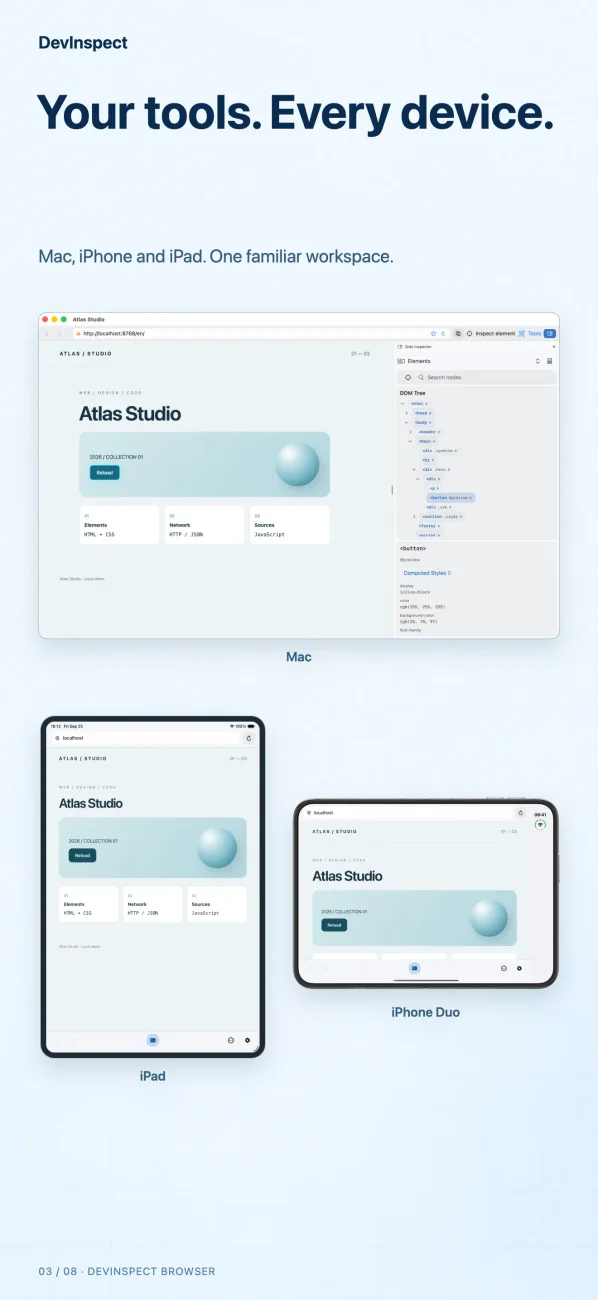
DevInspect Browser brings the inspect element panel to iPhone, iPad and Mac: a developer browser with a built-in web inspector.
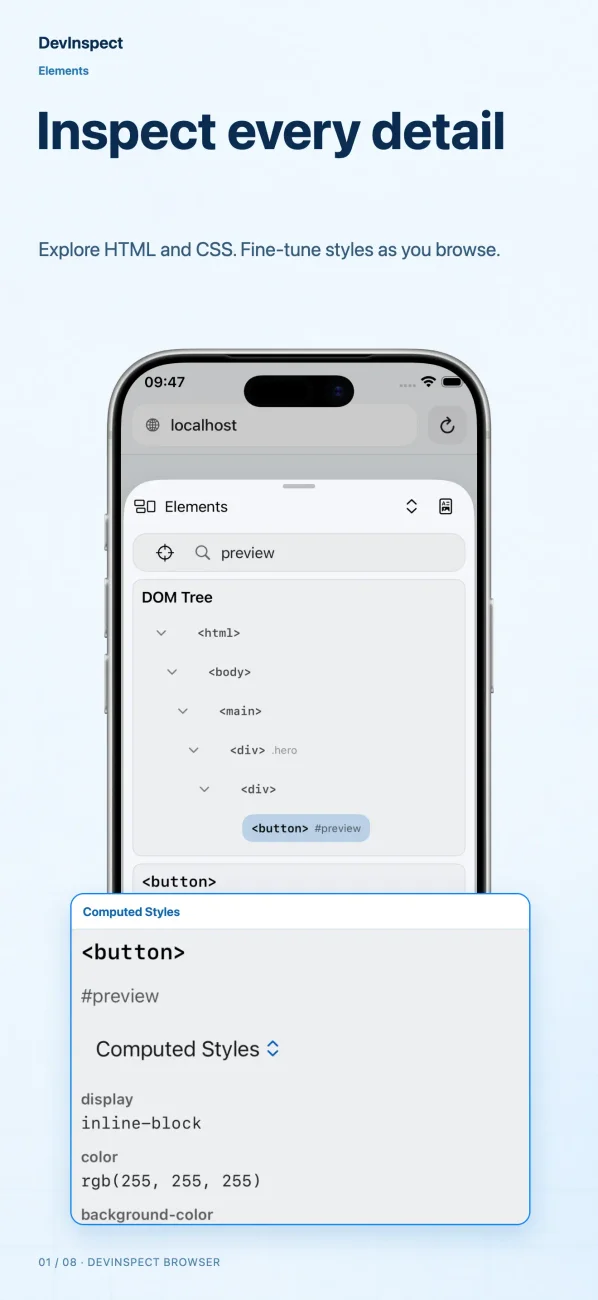
Open any site. Tap inspect. See the live DOM, styles, console output, network requests, cookies and storage, all from your device.
- Browse the web with a developer-focused browser
- Inspect the DOM tree, attributes and styles in the Elements tab
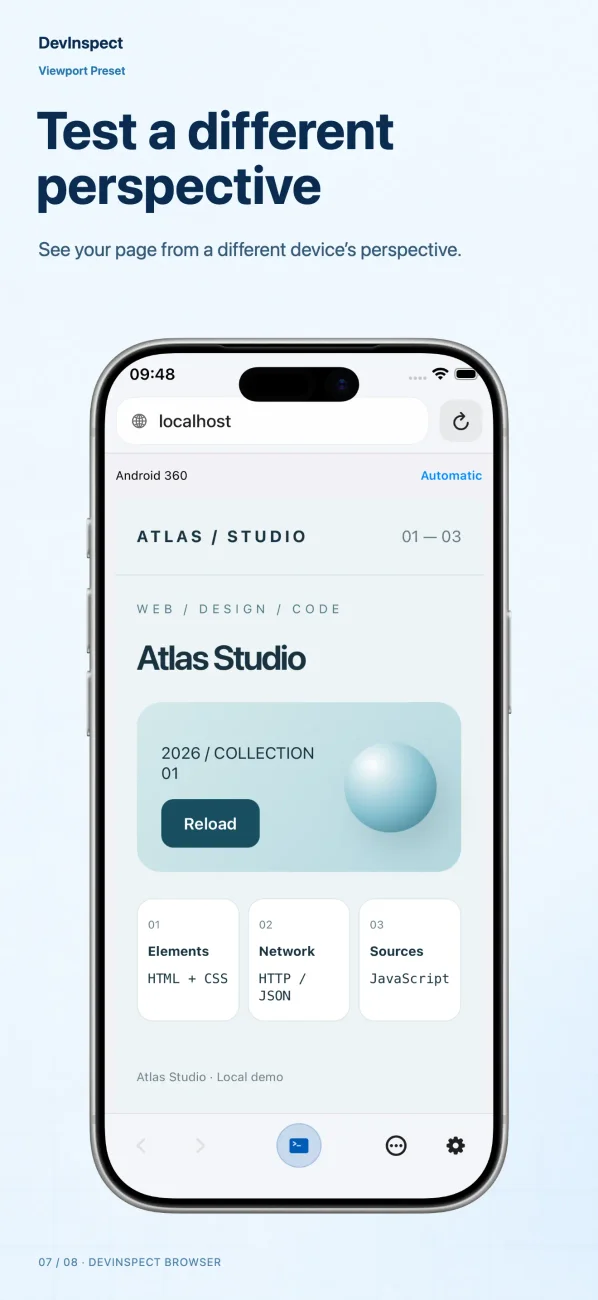
- Simulate responsive viewports with automatic device detection
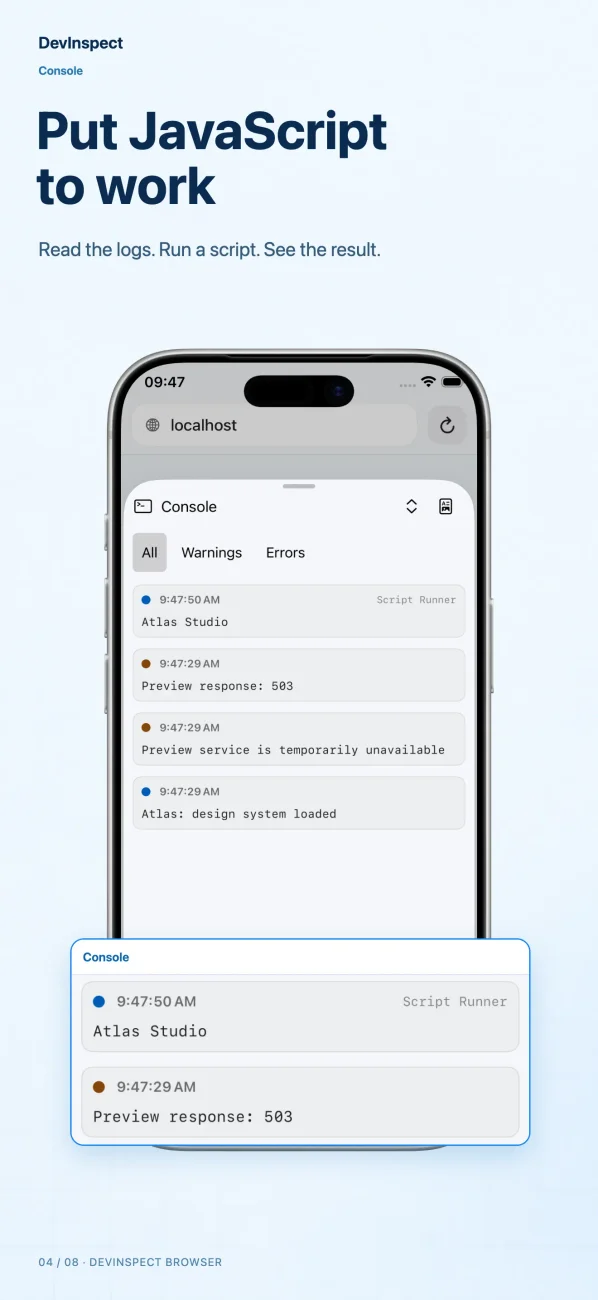
- JavaScript Console with live output and error logging
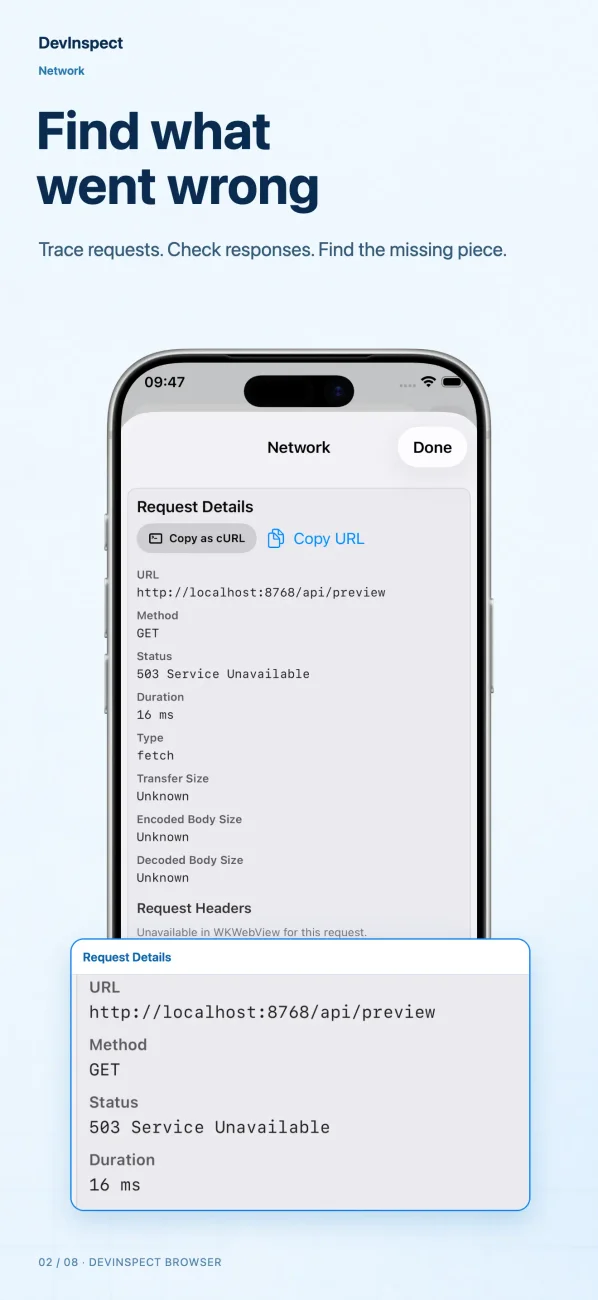
- Network tab: inspect HTTP requests, status codes and timing, with headers where WebKit provides them
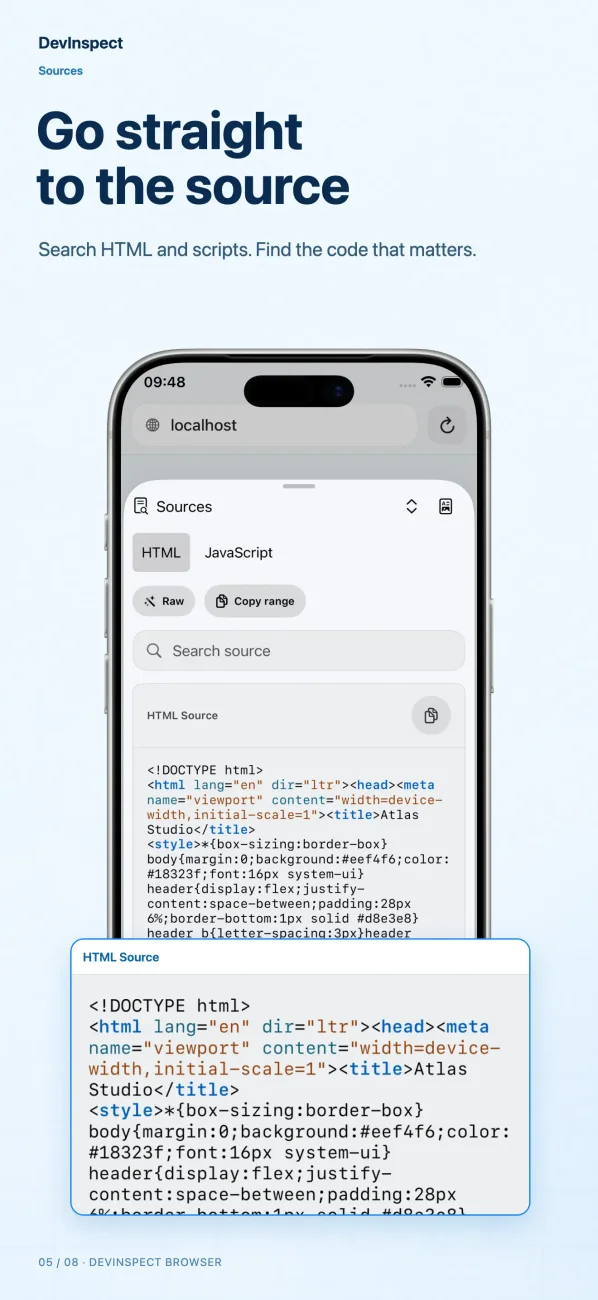
- Sources tab: view page HTML and all loaded scripts
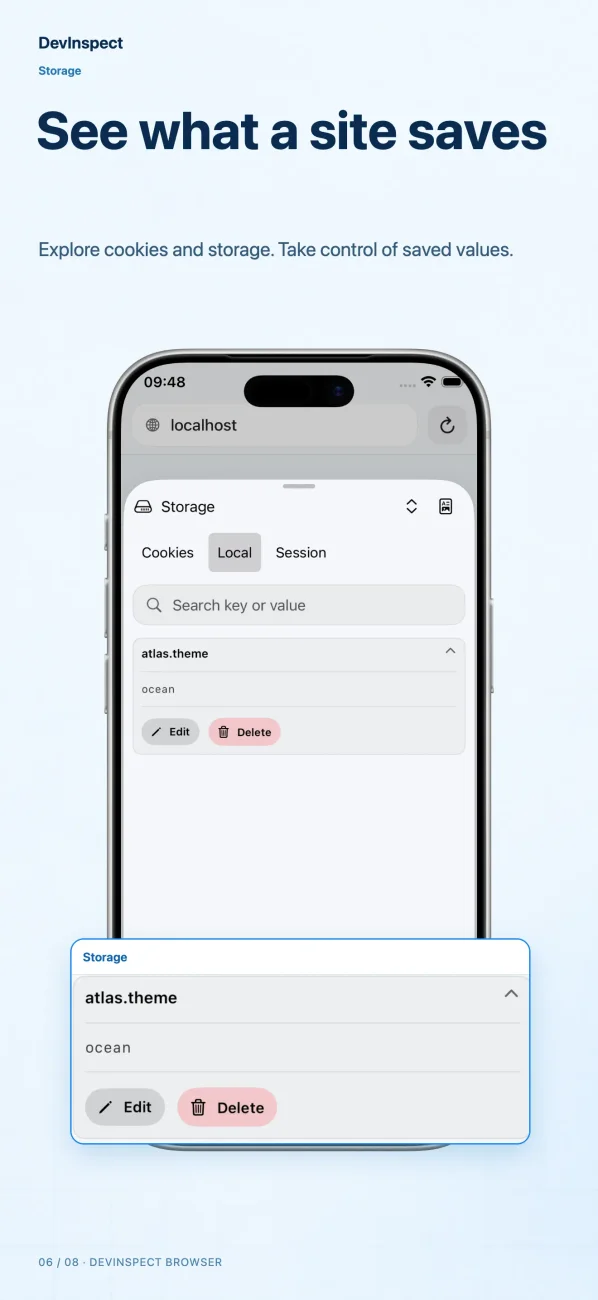
- Storage tab: read and edit cookies, localStorage and sessionStorage
- Live DOM editing: modify elements and styles directly on the page
- JS Snippet Library: save and inject reusable scripts
- Device Presets: phone, tablet and custom viewport widths, plus a desktop user agent
- Save bookmarks, revisit history, and choose your default search engine
Built for web developers, frontend engineers, QA testers, and designers who need to debug and review live sites on any device.
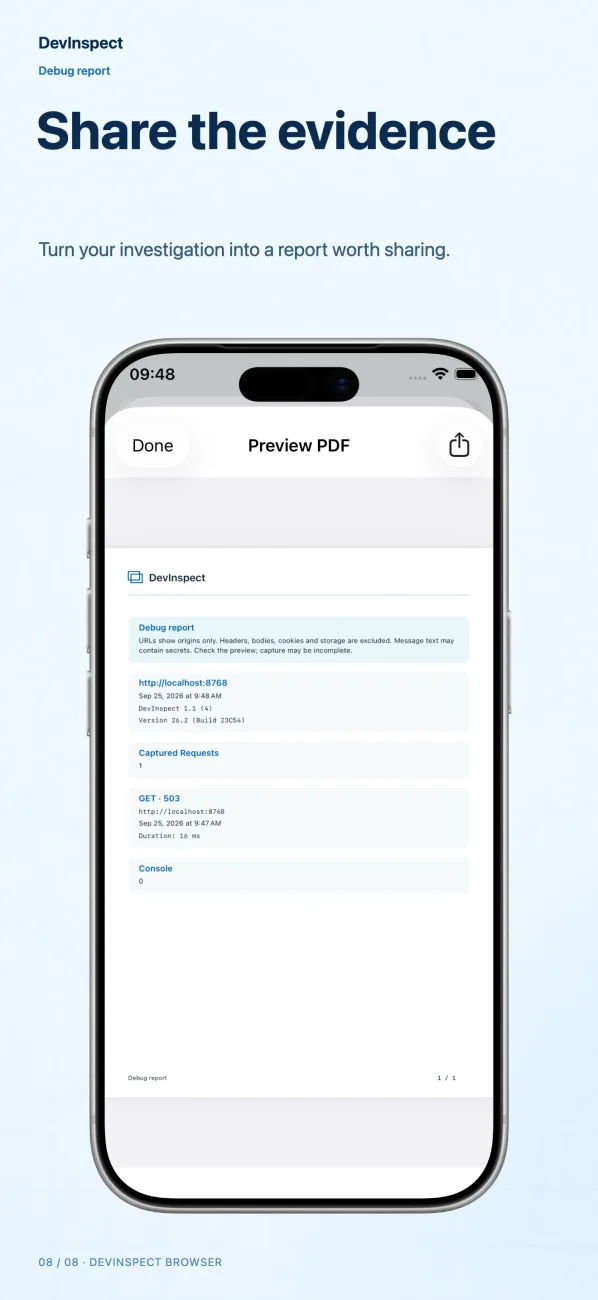
Free: browse and inspect elements, console output, network requests, sources and storage, and create one PDF report. DevInspect Pro adds DOM and style editing, storage editing, running JavaScript, snippets, device presets, Debug Profiles, HAR export, cURL copy, source line copy and more PDF reports.
DevInspect Pro is available as a monthly or yearly subscription, or as a one-time Lifetime purchase. The yearly plan can include a free trial for new subscribers. Subscriptions renew automatically unless cancelled at least 24 hours before the end of the current period. Manage or cancel them in your Apple Account settings.
Terms of Use: https://www.apple.com/legal/internet-services/itunes/dev/stdeula/
Privacy Policy: https://www.nexttap.net/privacy/devinspect-browser
What’s new
Version 1.3 · Nov 15, 2026
- A cleaner Pro screen: the tool you tapped, what Pro adds, and the plans in one list.
- Native toolbars on iPhone and iPad, with the page loading bar under the address bar.
- Settings now include Terms of Use, Support and Replay Onboarding.
- The inspector and Settings follow system colors in light and dark mode.
- Bigger bookmarks and history on the iPad start page.
- Translation fixes.
App privacy
What Cederic Schmid declares on the App Store about how this app handles data.
-
Data linked to you
May be collected and linked to your identity.
- Purchases
- Location
- Identifiers
- Usage data
Privacy practices may vary, for example with the features you use or your age.
Information
- Seller
- Cederic Schmid
- Category
- Developer Tools
- Version
- 1.3
- Updated
- Nov 15, 2026
- Released
- Mar 12, 2026
- Size
- 11.9 MB
- Requires
- iOS 26.0 or later
- Age rating
- 17+
- Price
- Free
- In-app purchases
- Yes
- Languages
- English, Arabic, Catalan, Croatian, Czech, Danish, Dutch, Finnish, French, German, Greek, Hebrew + 21 more
- Copyright
- © Cederic Schmid
You might also like
-
 Eruda Browser ConsoleBrowser console and dev tools
-
 DevSnoop - Developer BrowserMobile Web DevTools
-
 Tiny Web InspectorDesktop Class Web Debugging
-
 Web DevTools+Powerful web developer tools
-
 Codeye: Web InspectorAI DevTools: HTML View Source
-
 Web Monitor - HTML InspectorHTML Viewer & Inspector
-
 WebDebug - Web debugging toolWeb Inspector & Static Server
-
 console.mobi: Web DevToolsInspect Element & JS Console
-
 Cookie Editor Safari ExtensionCreate, Edit, Delete, Export
-
 ScutumBROwserScutum Safe Browser