Trace Drawing Projector
Sketch & Trace Images Easily
Designed for iPhone, iPad
Free · In-app purchases
- Age rating4+
- CategoryGraphics & Design
- DeveloperAstro Photons
- LanguagesEnglish+ 32 more
- Size103.3 MB
Links to the official App Store page
Download.org hosts no file of Trace Drawing Projector. The button opens its official App Store page, published by Astro Photons. Listing last checked on Nov 22, 2026.
Screenshots
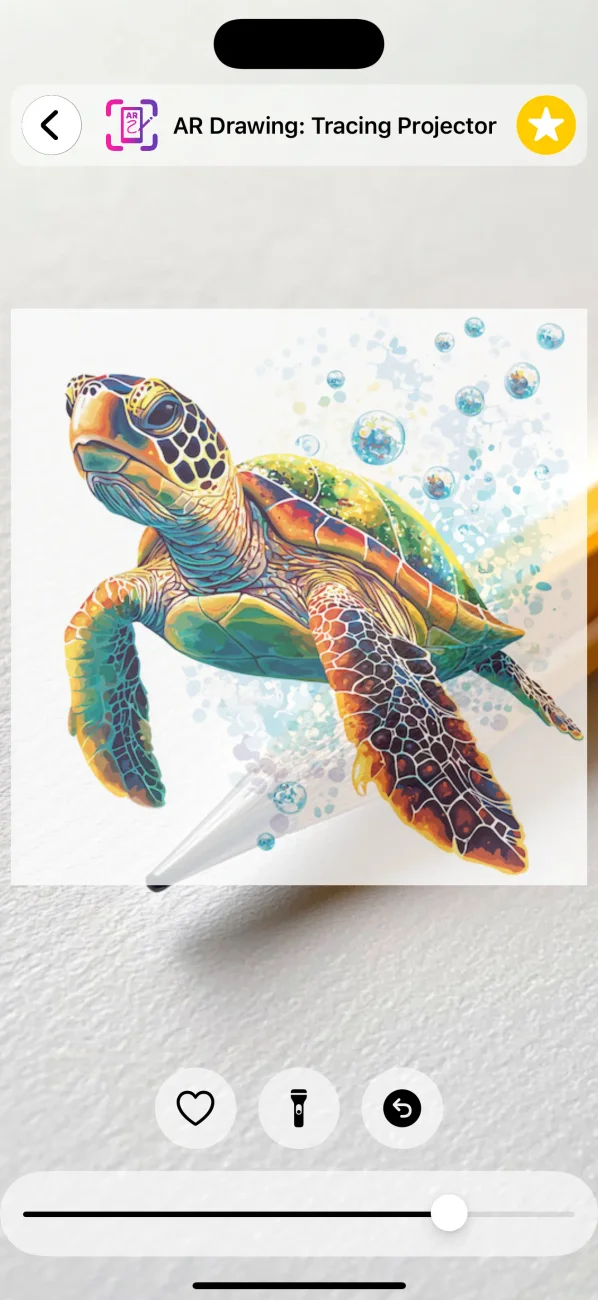
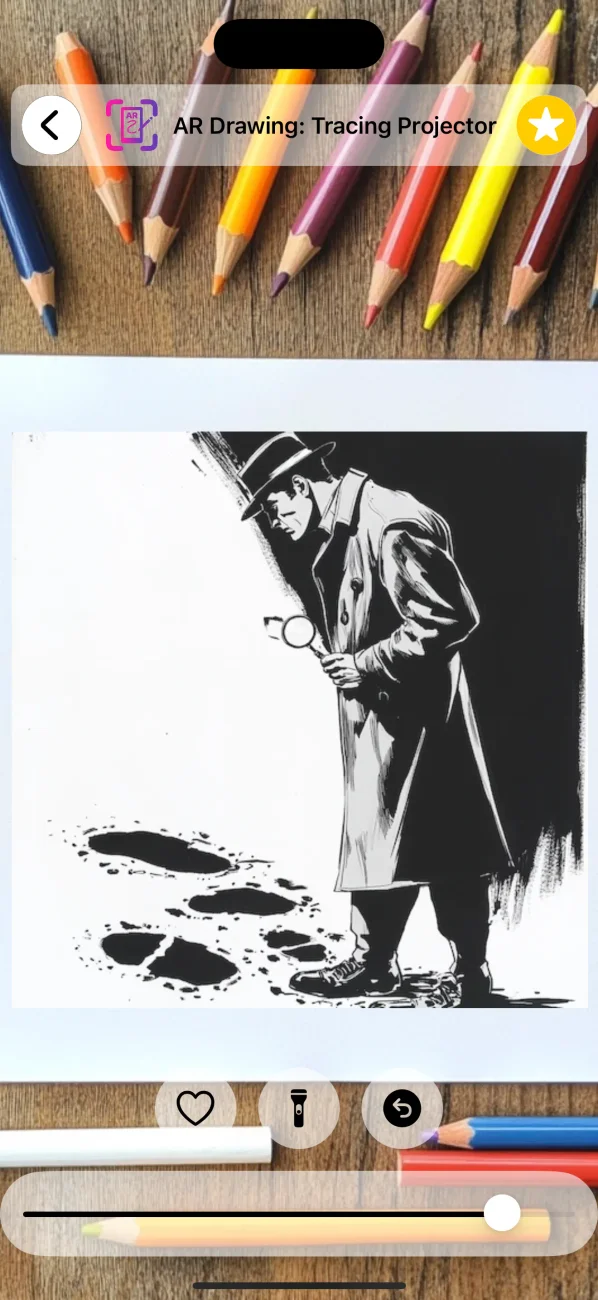
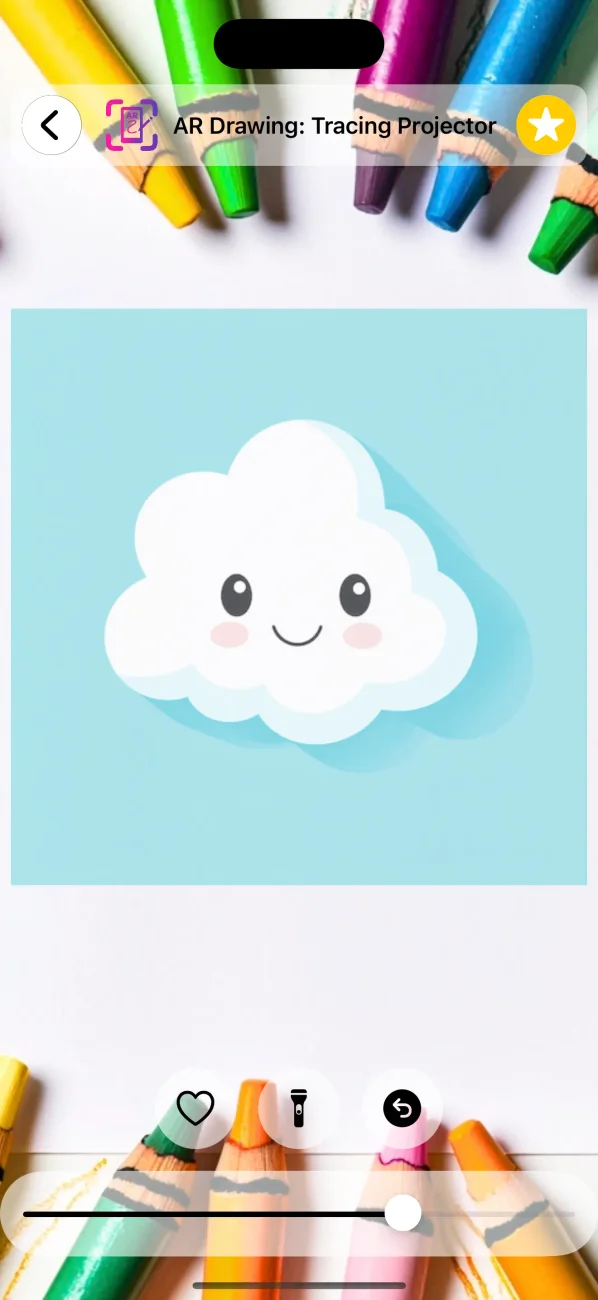
About
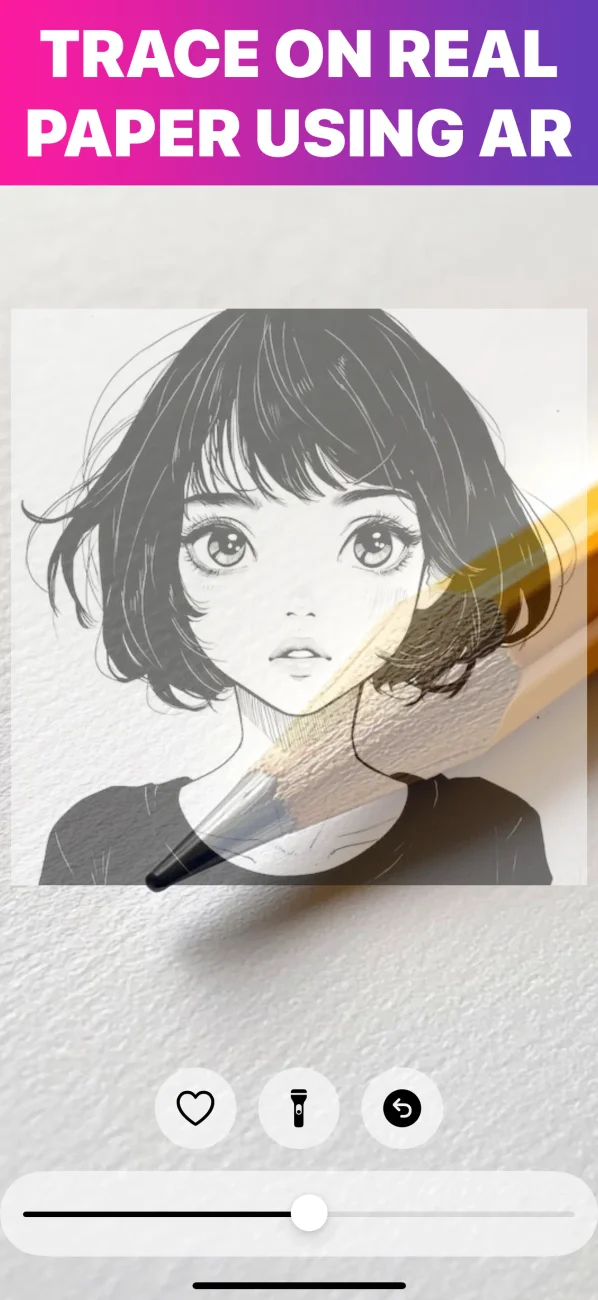
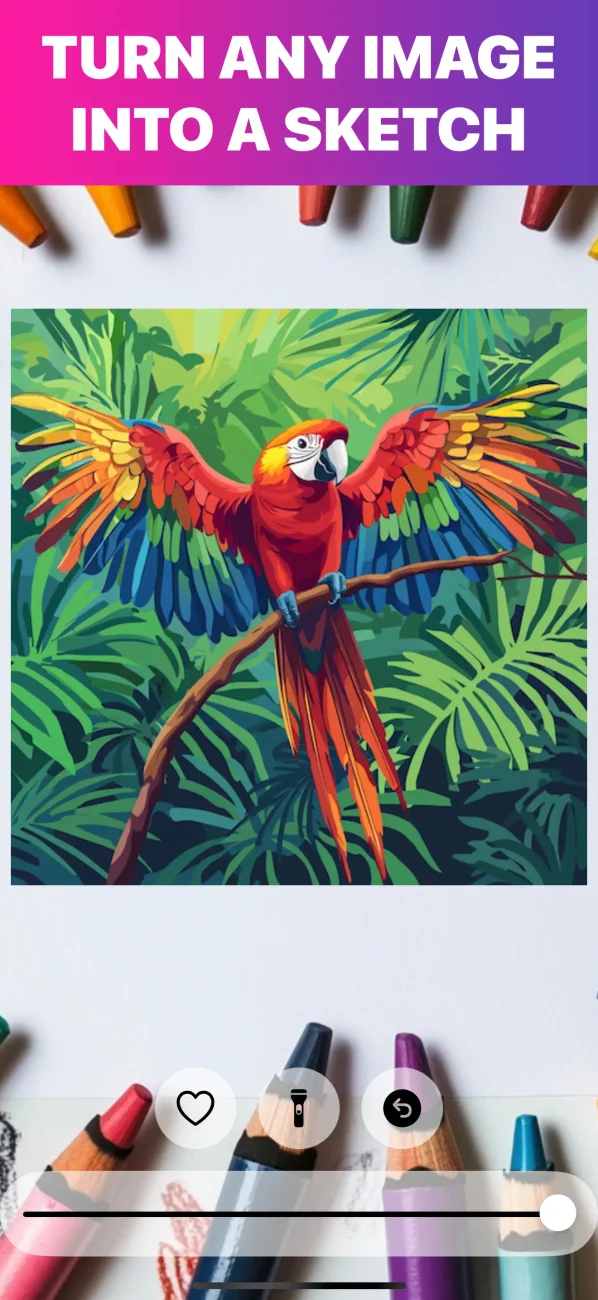
Turn any image into a sketch and trace it effortlessly on real paper. Whether you're a beginner, student, or experienced artist, Trace Drawing Projector makes it easy to create clean and accurate drawings.
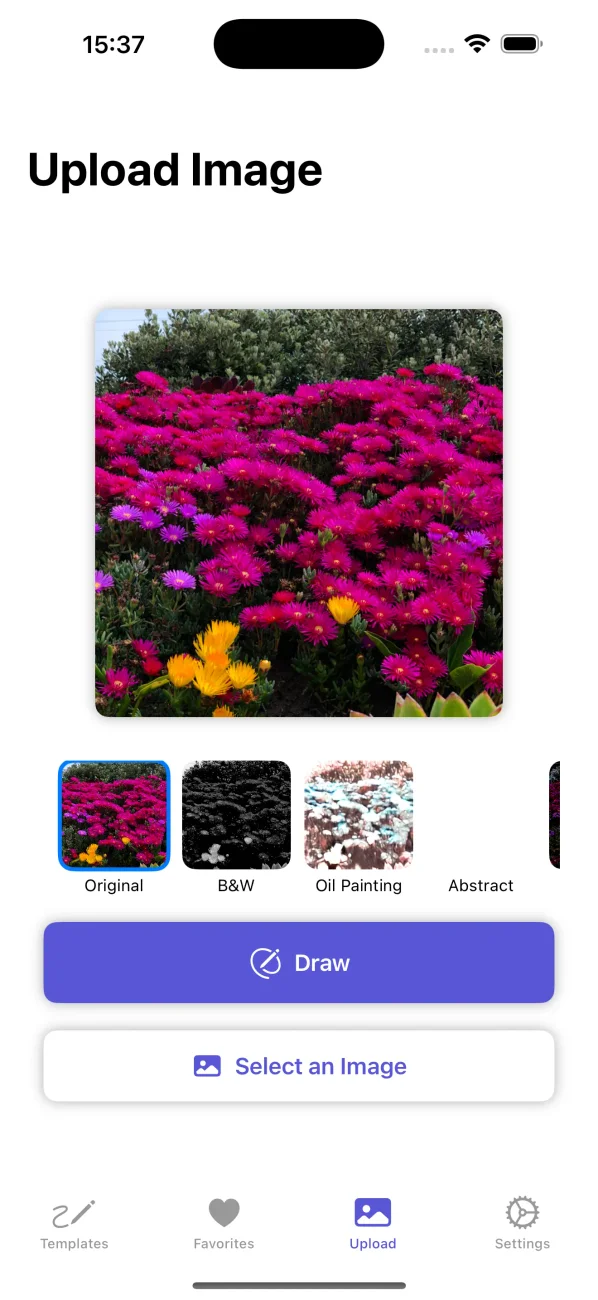
Import & Trace Any Image
Upload your own photos, artwork, anime characters, or designs and use them as tracing templates. Adjust the image on your screen and start drawing step by step with precision.
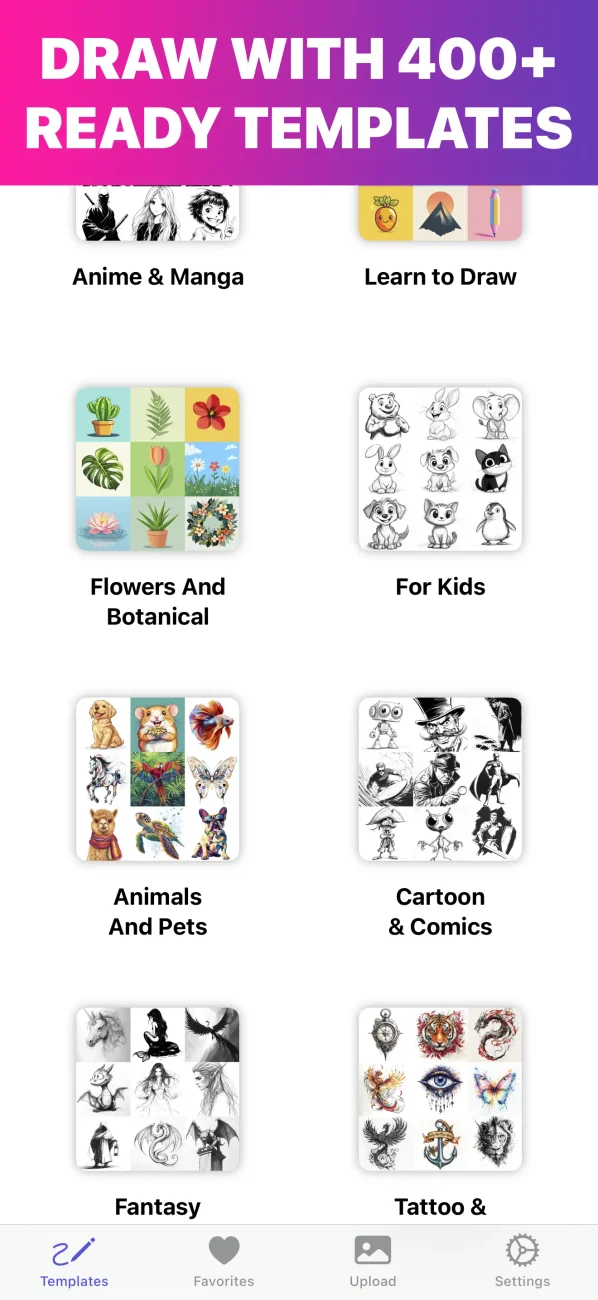
400+ Templates Ready to Draw
Not sure what to sketch? Explore a large collection of templates including anime, animals, nature, flowers, fantasy, tattoos, abstract art, vehicles, and more. There's always something new to draw.
Lightbox Mode for Easy Tracing
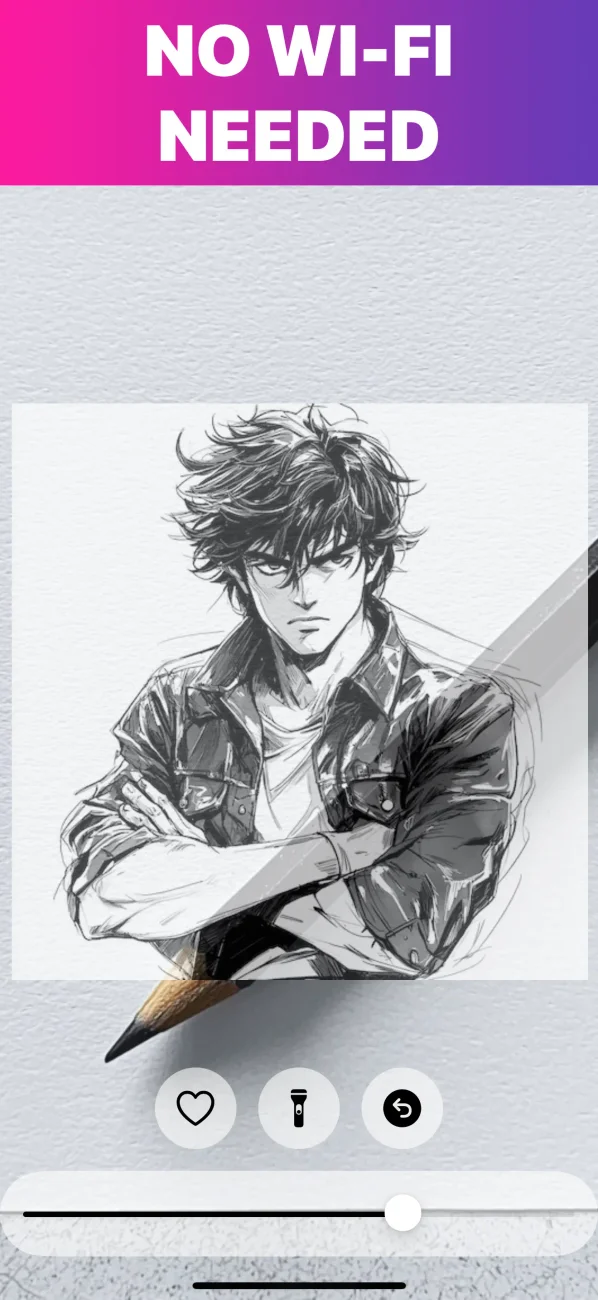
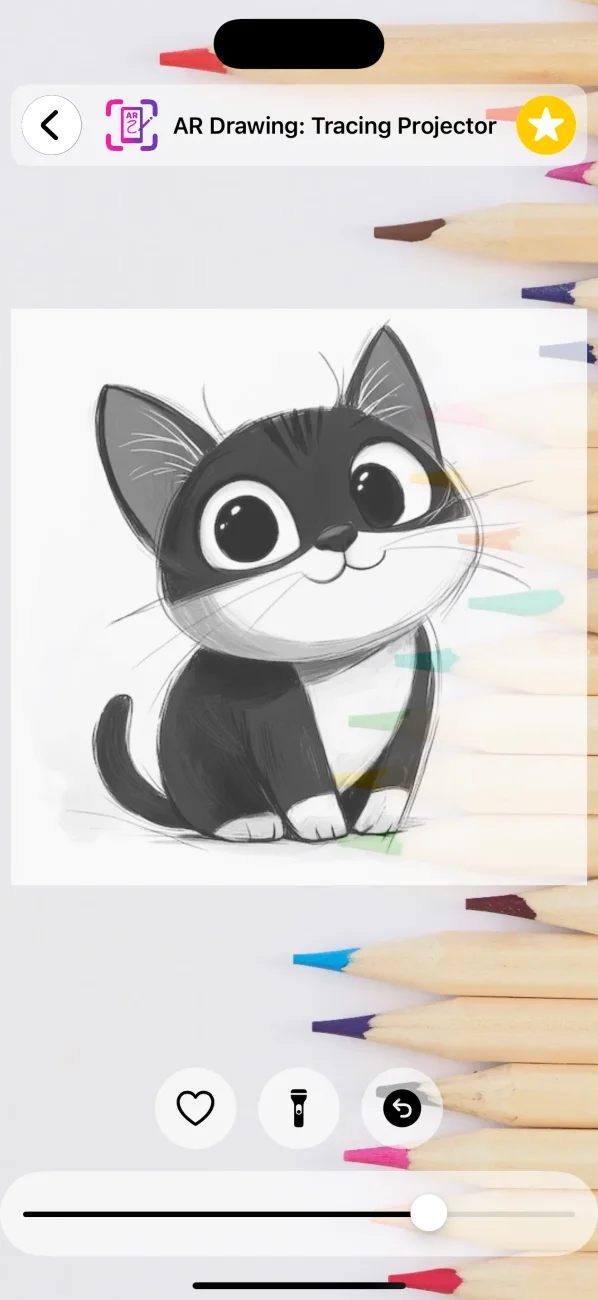
Use your screen as a digital lightbox. Convert images into outlines, simple sketches, or pencil-style drawings and trace them smoothly onto paper.
Perfect Visibility Anytime
Draw comfortably in any lighting conditions. Use brightness adjustments and flashlight support for a clear and consistent tracing experience.
Save Your Favorite Templates
Bookmark the images you like and build your own drawing library for quick access anytime.
Works Offline
No internet needed. Draw wherever you want - at home, in school, or on the go.
Improve Your Drawing Skills
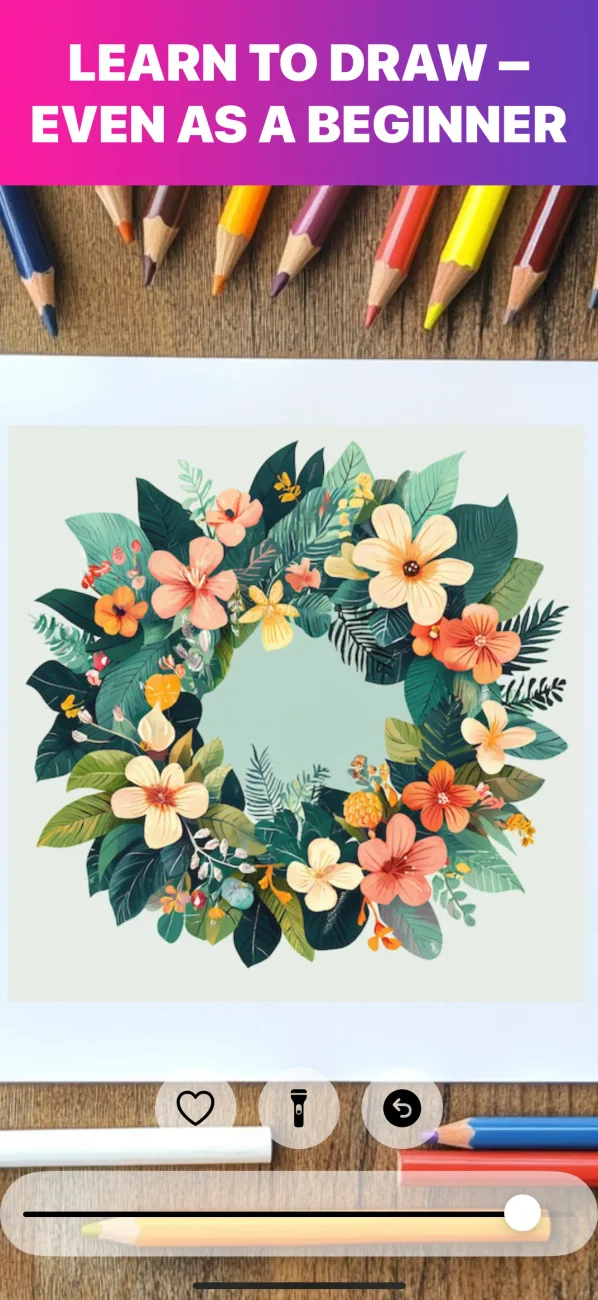
Learn by doing. Practice line control, proportions, and sketching techniques while tracing and building your confidence step by step.
Designed for Everyone
Whether you're just starting or already experienced, this app helps you draw faster, easier, and with better results.
Download now and start creating your next drawing.
What’s new
Version 1.0.7 · Mar 31, 2026
We've made some improvements to give you a better drawing experience:
• Updated app name and refreshed design
• New app icon and improved visuals
• Smoother performance and minor bug fixes
Enjoy drawing and keep creating!
App privacy
What Astro Photons declares on the App Store about how this app handles data.
-
Data not linked to you
May be collected but is not linked to your identity.
- User content
- Usage data
- Diagnostics
Privacy practices may vary, for example with the features you use or your age.
Information
- Seller
- Pawel Bialecki
- Category
- Graphics & Design
- Version
- 1.0.7
- Updated
- Mar 31, 2026
- Released
- Feb 24, 2025
- Size
- 103.3 MB
- Requires
- iOS 18.0 or later
- Age rating
- 4+
- Price
- Free
- In-app purchases
- Yes
- Languages
- English, Arabic, Catalan, Croatian, Czech, Danish, Dutch, Finnish, French, German, Greek, Hebrew + 21 more
- Copyright
- © 2025-2026 Astro Photons Paweł Białecki
You might also like
-
 Drawing Projector: OutlinoTrace Photos on Paper with AR
-
 AR Trace - Coloring for KidsTrace & Draw Picture on Paper
-
 Drawing Projector LiteTrace Photos & Sketches
-
 AR Trace Drawing: AR SketchTrace & Draw with AR
-
 Drawing Projector: AR Draw ArtTrace, sketch & paint picture
-
 Trace CameraLearn how to Draw & Sketch
-
 Image Trace: Learn to DrawLearn to Sketch with AR Camera
-
 Drawing Projector: AR TraceHow to Draw: Sketch & Paint
-
 AR Trace: Drawing ProjectorSketch Photos on Paper Easily