
Transfer Assistant
Text, Images, Files Transfer
Designed for iPhone, iPod touch
Free · In-app purchases
- Age rating4+
- CategoryProductivity
- Developer晖 姚
- LanguagesEnglish+ 6 more
- Size16.9 MB
Links to the official App Store page
Download.org hosts no file of Transfer Assistant. The button opens its official App Store page, published by 晖 姚. Listing last checked on Nov 17, 2026.
Screenshots
About
Transfer Assistant|iPhone ↔ PC Wireless File Transfer.
Tired of tangled USB cables, slow cloud storage speeds and file size limits of social apps? Designed exclusively for cross-platform transmission between iPhone and PC, Transfer Assistant requires no PC installation. You can transfer documents, photos, 4K videos, archives and texts at high speed simply via a browser, with secure and fast peer-to-peer local network connection.
3 Simple Steps for Instant Connection
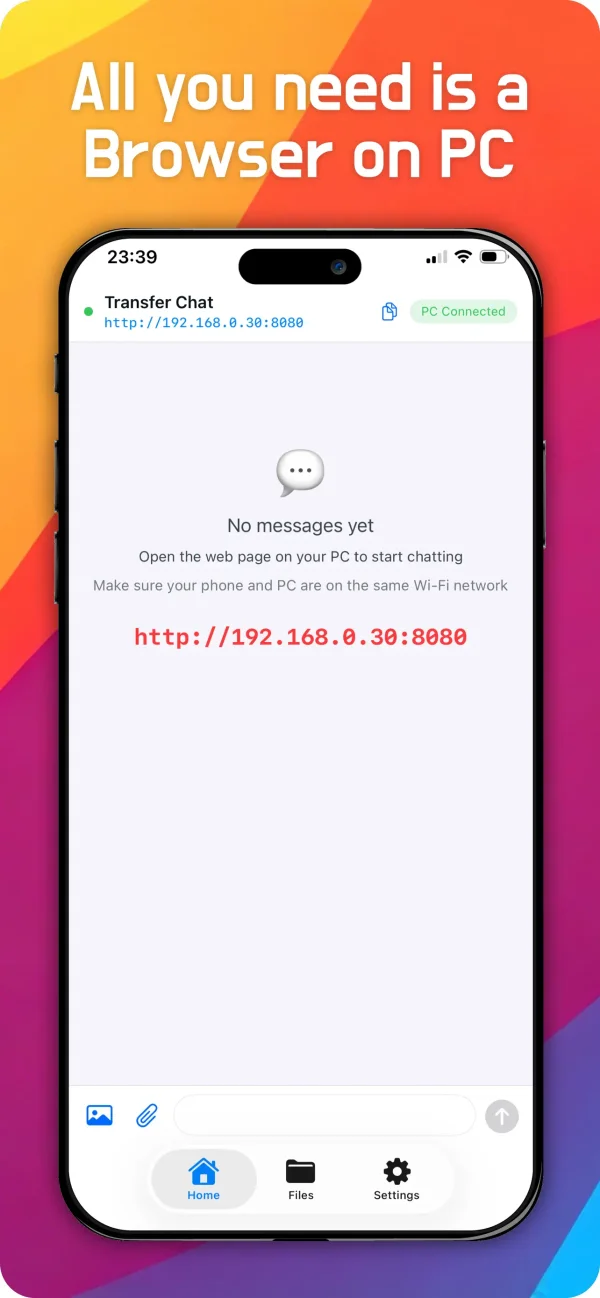
1. Install and launch the app on your iPhone to generate a unique access link
2. Open any browser (Chrome, Edge, Firefox) on your PC device, enter the link and connect in 1 second
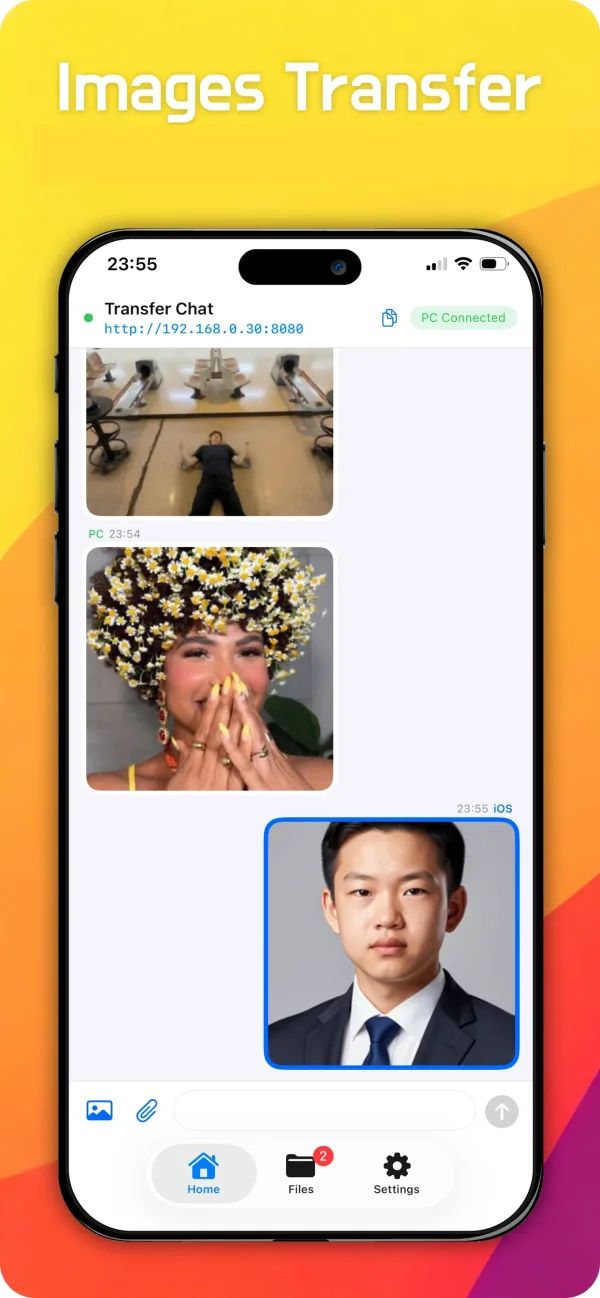
3. Share files, images and texts like instant messaging. All files from PC will be automatically saved to the exclusive folder without manual operation
Core Features
No PC Software Required: Works perfectly with only a browser, even on restricted office computers without administrator privileges
No File Size/Quantity Limits: Transfer large files such as 1GB HD videos and oversized archives without restrictions
Private Local Network Transfer: Peer-to-peer local transmission without third-party cloud servers. Encrypted sessions fully protect your data privacy
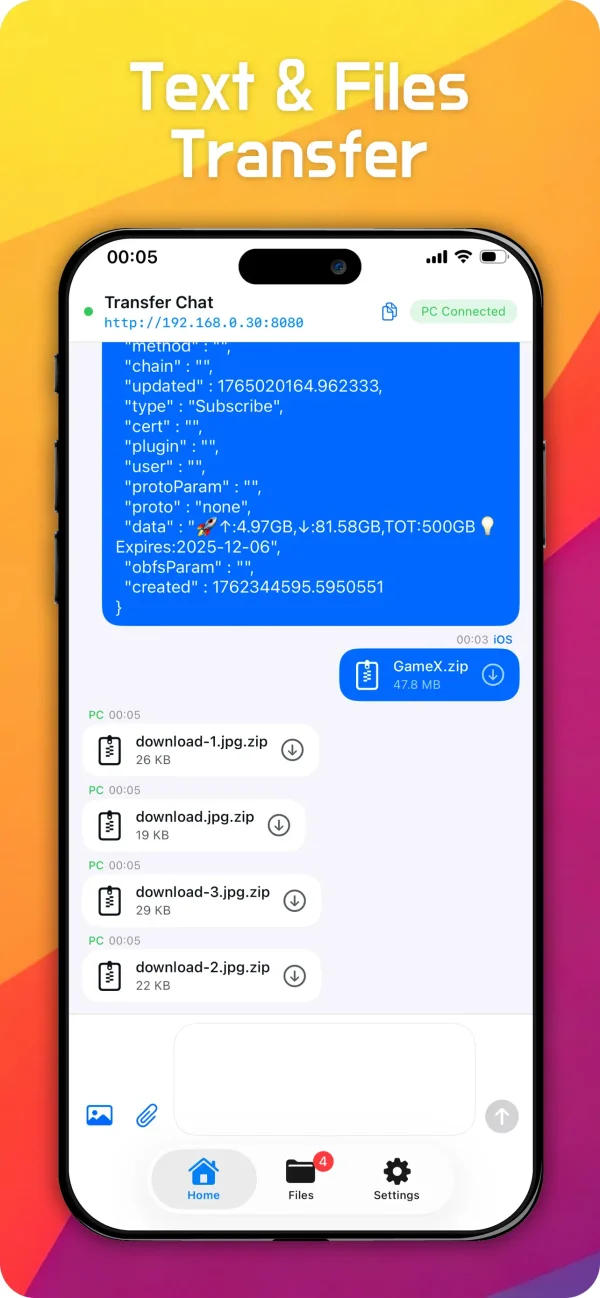
Chat-Style Interaction: Drag-and-drop files, paste screenshots and send texts in real time with zero learning curve
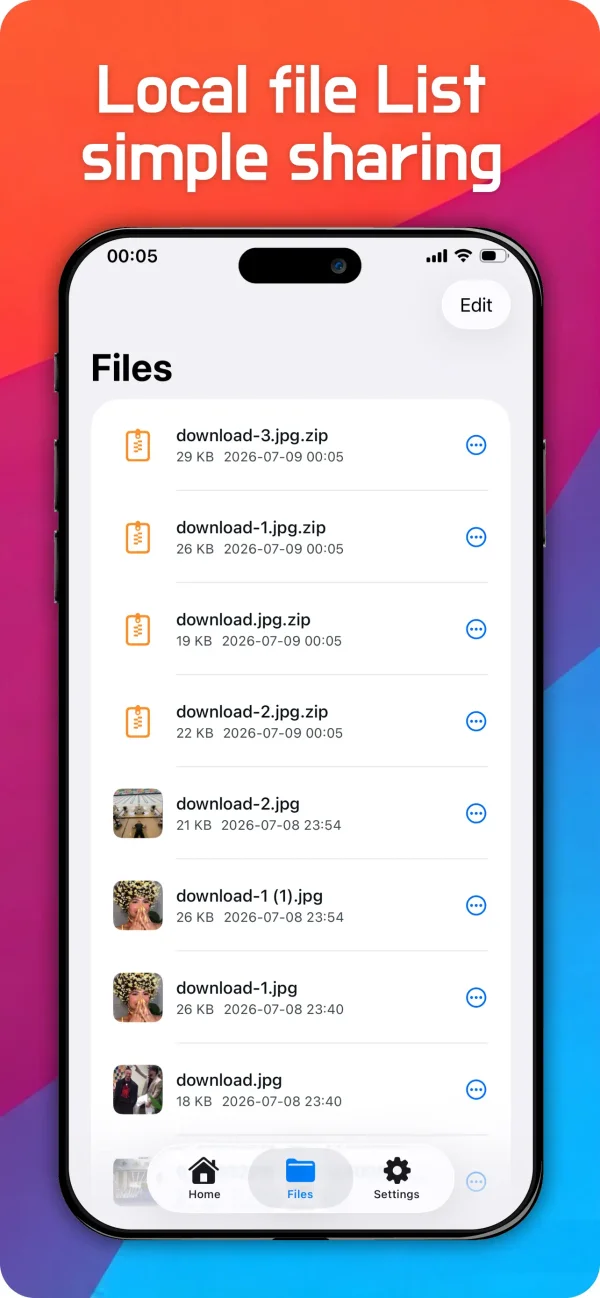
Automatic File Archiving: All transferred files are automatically categorized in a dedicated folder for one-click preview, sharing and export
Full Format Compatibility: Supports all mainstream formats including PDF, Word, Excel, images, 4K videos and ZIP archives
Ultra-Fast LAN Speed: Transfer speed up to 20–80MB/s. A 1GB video can be transferred in tens of seconds, far faster than Bluetooth, cloud storage and social apps
Application Scenarios
Office Workers: Transmit reports, whiteboard photos and documents cross-device for convenient on-the-go office work
Students: Realize two-way transmission of papers and handwritten notes, completely replacing U-disks
Content Creators: Transfer original iPhone HD footage to PC for lossless editing, and preview works on mobile quickly
Daily Family Use: Batch back up photos without iCloud paid subscriptions, support one-click download for family computers
Advantages Over Traditional Tools
Compared with USB cables, Bluetooth, social apps and cloud storage, our tool requires no PC installation, has no file limits, supports automatic archiving and two-way text transmission, and adopts local encryption to balance convenience, speed and security.
FAQ
Is no PC software really required?
Yes. Only a mainstream browser is needed, compatible with restricted office devices without administrator rights.
Do iPhone and PC need the same WiFi?
The same WiFi ensures optimal transmission speed. You can also enable your phone hotspot for connection if no shared network is available.
Where are the transferred files saved?
All files are automatically stored in the exclusive Transfer Assistant folder for preview and sharing at any time.
Is the transmission secure?
All transmissions are peer-to-peer without cloud uploads. Each session is independently encrypted and invalidated after closing, avoiding data leakage.
Privacy Policy: https://transfer.mxcode.com/privacy.html
Terms and Conditions: https://www.apple.com/legal/internet-services/itunes/dev/stdeula/
What’s new
Version 1.2 · Oct 17, 2026
- Adjusted feedback logic
- Fixed several known issues
App privacy
What 晖 姚 declares on the App Store about how this app handles data.
-
Data not linked to you
May be collected but is not linked to your identity.
- Identifiers
- Usage data
- Diagnostics
Privacy practices may vary, for example with the features you use or your age.
Information
- Seller
- 晖 姚
- Category
- Productivity
- Version
- 1.2
- Updated
- Oct 17, 2026
- Released
- Jul 16, 2026
- Size
- 16.9 MB
- Requires
- iOS 15.6 or later
- Age rating
- 4+
- Price
- Free
- In-app purchases
- Yes
- Languages
- English, French, German, Italian, Portuguese, Simplified Chinese, Spanish
- Copyright
- © 2026 MXCODE
You might also like
-
 Voxtide - AI Podcast MakerListen to Bookmarks & PDFs
-
 MindUP AI: GPT Chat AssistantDeep research & Ask anything
-
 Entry for NotionFast database entries
-
 Kagi AssistantYour Intelligent Companion
-
 ASUS WebStorageProductivity
-
 Instant Voice TranslatorSpeak & Translate Live
-
 Live Voice: AI TranslatorReal Time Speech Translation
-
 Jimdo CreatorSimple website builder
-
 WristBoard - Watch KeyboardSwipe & Type for Watch
-
 Network Toolbox Net securityWiFi Cell LAN scanning tools