
- 対象年齢4+
- カテゴリ仕事効率化
- 開発元晖 姚
- 言語英語ほか6言語
- サイズ16.9 MB
App Storeの公式ページにリンクしています
Download.orgはTransfer Assistantのファイルを一切ホストしていません。ボタンを押すと、晖 姚が公開しているApp Storeのアプリページが開きます。ページの最終確認:2026/11/17。
スクリーンショット
概要
開発元はこのテキストをお使いの言語で提供していません。
Transfer Assistant|iPhone ↔ PC Wireless File Transfer.
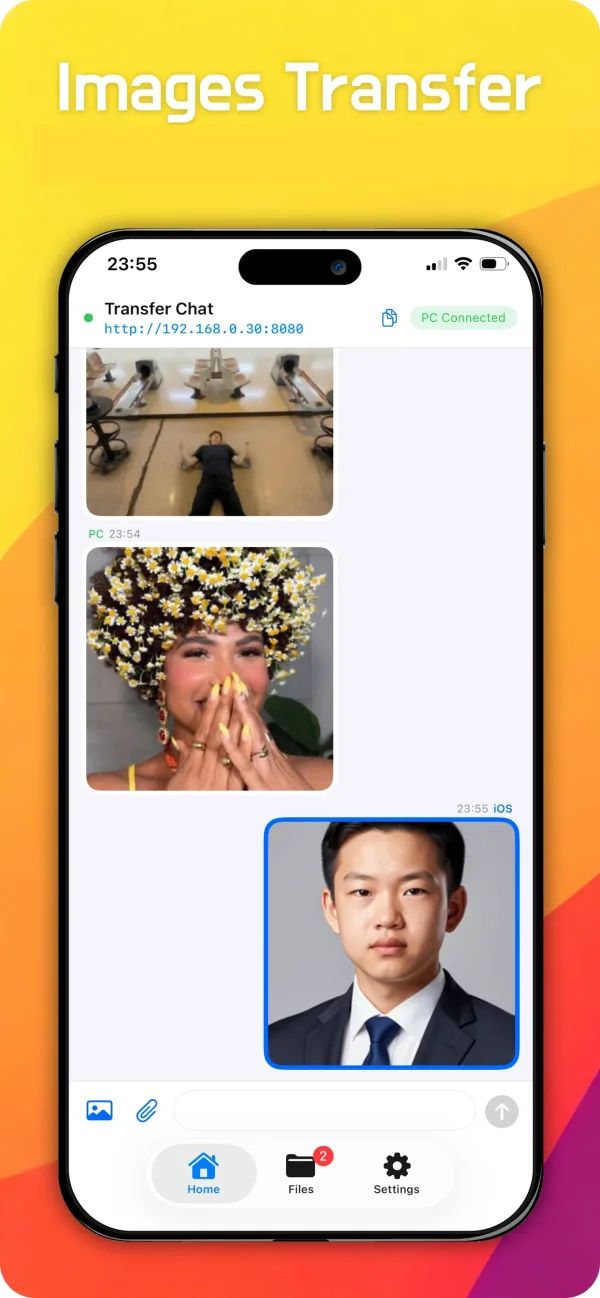
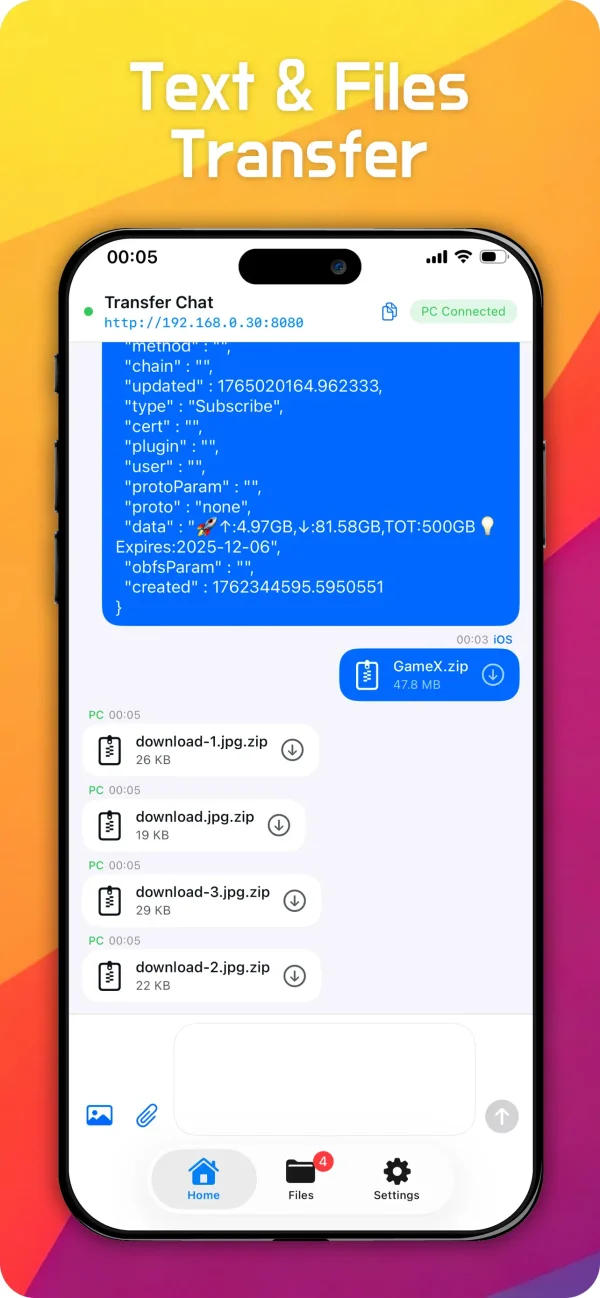
Tired of tangled USB cables, slow cloud storage speeds and file size limits of social apps? Designed exclusively for cross-platform transmission between iPhone and PC, Transfer Assistant requires no PC installation. You can transfer documents, photos, 4K videos, archives and texts at high speed simply via a browser, with secure and fast peer-to-peer local network connection.
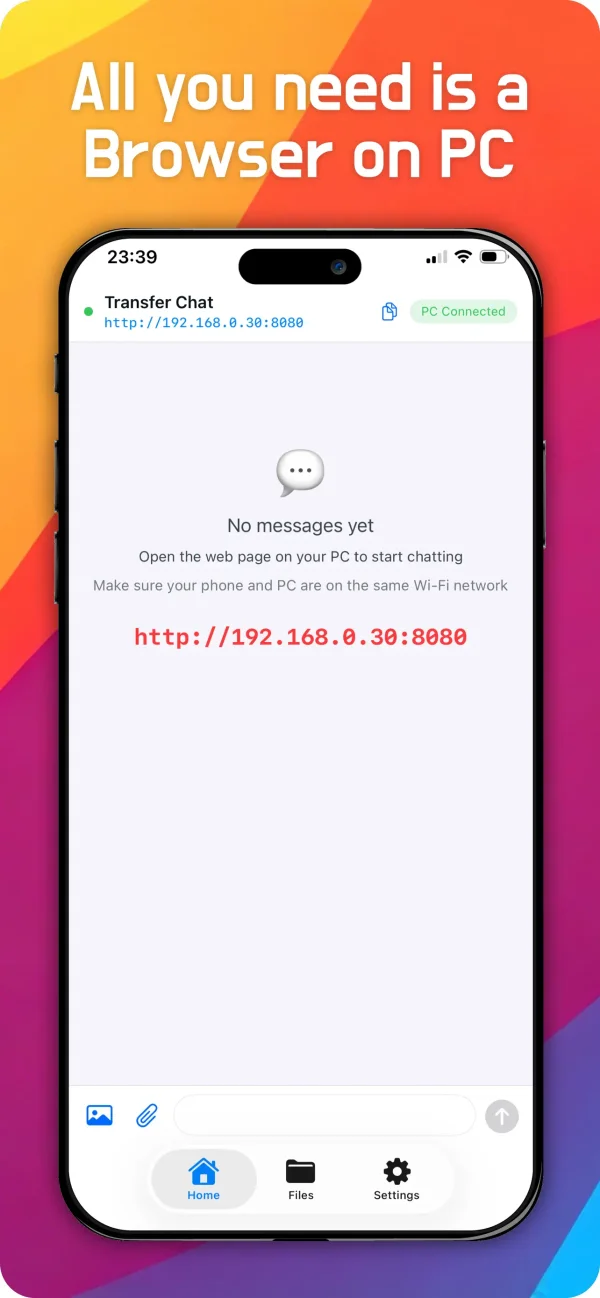
3 Simple Steps for Instant Connection
1. Install and launch the app on your iPhone to generate a unique access link
2. Open any browser (Chrome, Edge, Firefox) on your PC device, enter the link and connect in 1 second
3. Share files, images and texts like instant messaging. All files from PC will be automatically saved to the exclusive folder without manual operation
Core Features
No PC Software Required: Works perfectly with only a browser, even on restricted office computers without administrator privileges
No File Size/Quantity Limits: Transfer large files such as 1GB HD videos and oversized archives without restrictions
Private Local Network Transfer: Peer-to-peer local transmission without third-party cloud servers. Encrypted sessions fully protect your data privacy
Chat-Style Interaction: Drag-and-drop files, paste screenshots and send texts in real time with zero learning curve
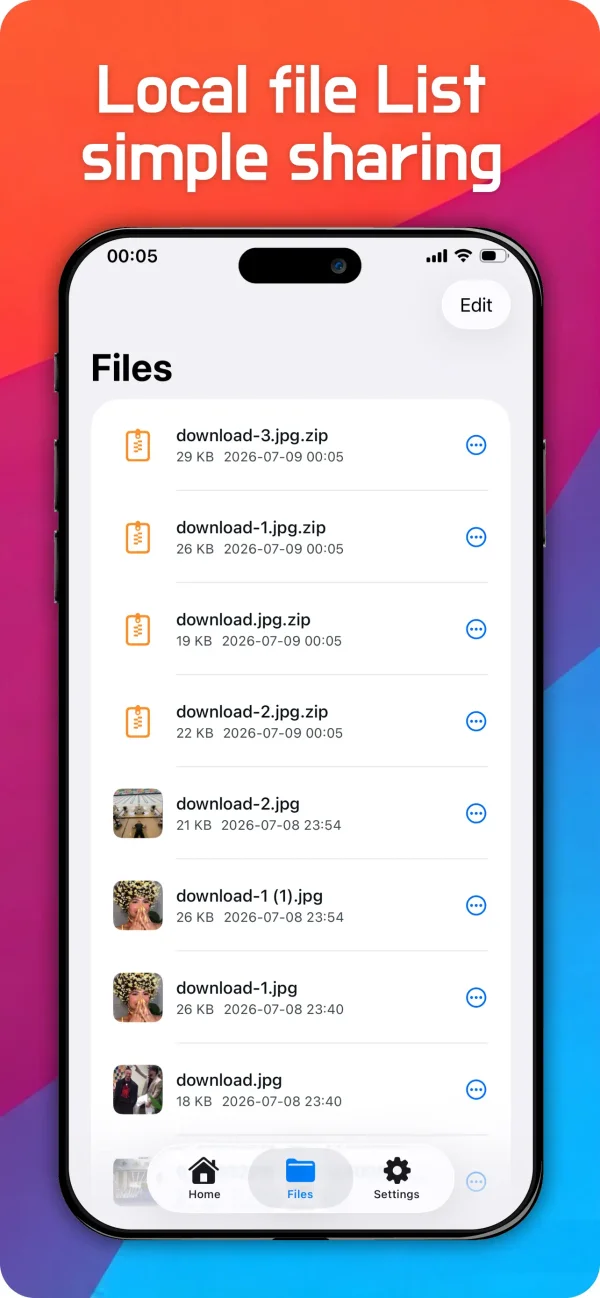
Automatic File Archiving: All transferred files are automatically categorized in a dedicated folder for one-click preview, sharing and export
Full Format Compatibility: Supports all mainstream formats including PDF, Word, Excel, images, 4K videos and ZIP archives
Ultra-Fast LAN Speed: Transfer speed up to 20–80MB/s. A 1GB video can be transferred in tens of seconds, far faster than Bluetooth, cloud storage and social apps
Application Scenarios
Office Workers: Transmit reports, whiteboard photos and documents cross-device for convenient on-the-go office work
Students: Realize two-way transmission of papers and handwritten notes, completely replacing U-disks
Content Creators: Transfer original iPhone HD footage to PC for lossless editing, and preview works on mobile quickly
Daily Family Use: Batch back up photos without iCloud paid subscriptions, support one-click download for family computers
Advantages Over Traditional Tools
Compared with USB cables, Bluetooth, social apps and cloud storage, our tool requires no PC installation, has no file limits, supports automatic archiving and two-way text transmission, and adopts local encryption to balance convenience, speed and security.
FAQ
Is no PC software really required?
Yes. Only a mainstream browser is needed, compatible with restricted office devices without administrator rights.
Do iPhone and PC need the same WiFi?
The same WiFi ensures optimal transmission speed. You can also enable your phone hotspot for connection if no shared network is available.
Where are the transferred files saved?
All files are automatically stored in the exclusive Transfer Assistant folder for preview and sharing at any time.
Is the transmission secure?
All transmissions are peer-to-peer without cloud uploads. Each session is independently encrypted and invalidated after closing, avoiding data leakage.
Privacy Policy: https://transfer.mxcode.com/privacy.html
Terms and Conditions: https://www.apple.com/legal/internet-services/itunes/dev/stdeula/
新機能
バージョン 1.2 · 2026/10/17
- Adjusted feedback logic
- Fixed several known issues
アプリのプライバシー
このアプリのデータの取り扱いについて、晖 姚がApp Storeで申告している内容です。
-
ユーザーに関連付けられないデータ
収集される場合がありますが、ユーザーの識別情報には関連付けられません。
- ID
- 使用状況データ
- 診断
プライバシーの取り扱いは、ご利用の機能やお客様の年齢などに応じて異なる場合があります。
情報
- 販売元
- 晖 姚
- カテゴリ
- 仕事効率化
- バージョン
- 1.2
- 更新日
- 2026/10/17
- リリース
- 2026/7/16
- サイズ
- 16.9 MB
- 必要条件
- iOS 15.6以降
- 対象年齢
- 4+
- 価格
- 無料
- アプリ内課金
- あり
- 言語
- 英語, フランス語, ドイツ語, イタリア語, ポルトガル語, 簡体字中国語, スペイン語
- 著作権
- © 2026 MXCODE
こちらもおすすめ
-
 Voxtide - AI Podcast Maker仕事効率化
-
 MindUP AI: GPT Chat Assistant仕事効率化
-
 Entry for Notion仕事効率化
-
 Kagi Assistant仕事効率化
-
 ASUS WebStorage仕事効率化
-
 Instant Voice TranslatorSpeak & Translate Live
-
 Live Voice: AI Translator仕事効率化
-
 Jimdo簡単ホームページ作成ツール
-
 WristBoard - キーボード アプリApple Watch 用スワイプ & タイプ キーボード
-
 Network Toolbox Net security仕事効率化