- Age rating4+
- CategoryDeveloper Tools
- DeveloperNathan Baughman
- LanguagesEnglish
- Size3.6 MB
Links to the official App Store page
Download.org hosts no file of TrashBox-80. The button opens its official App Store page, published by Nathan Baughman. Listing last checked on Nov 17, 2026.
Screenshots

About
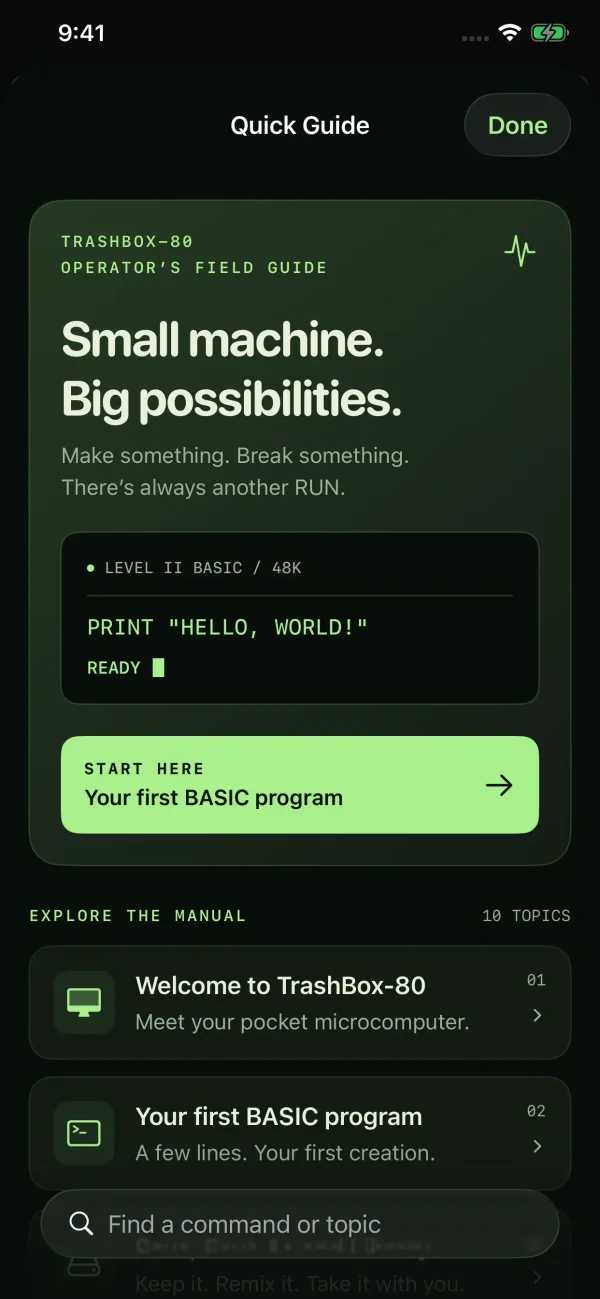
Welcome to TrashBox-80 - the microcomputer nobody asked for, from Radio Smack!
Step back into the golden age of home computing with a lovingly recreated TRS-80 Model I-style experience built for retro-computing fans, BASIC programmers, and anyone who misses the days when a blinking cursor was an invitation to explore.
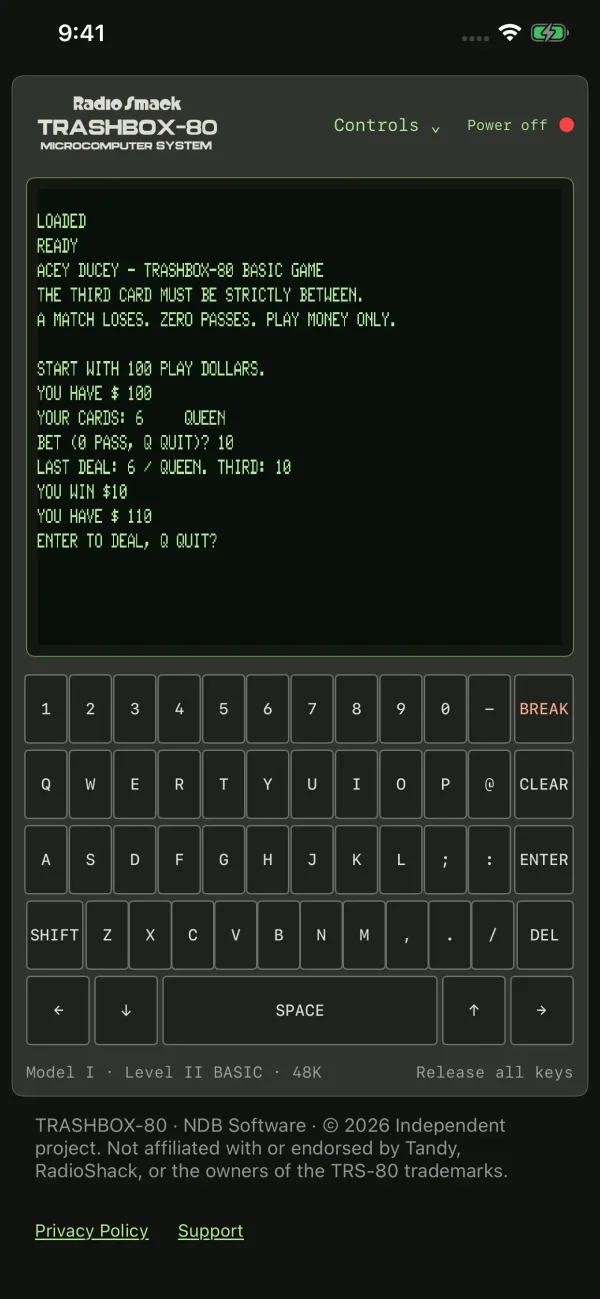
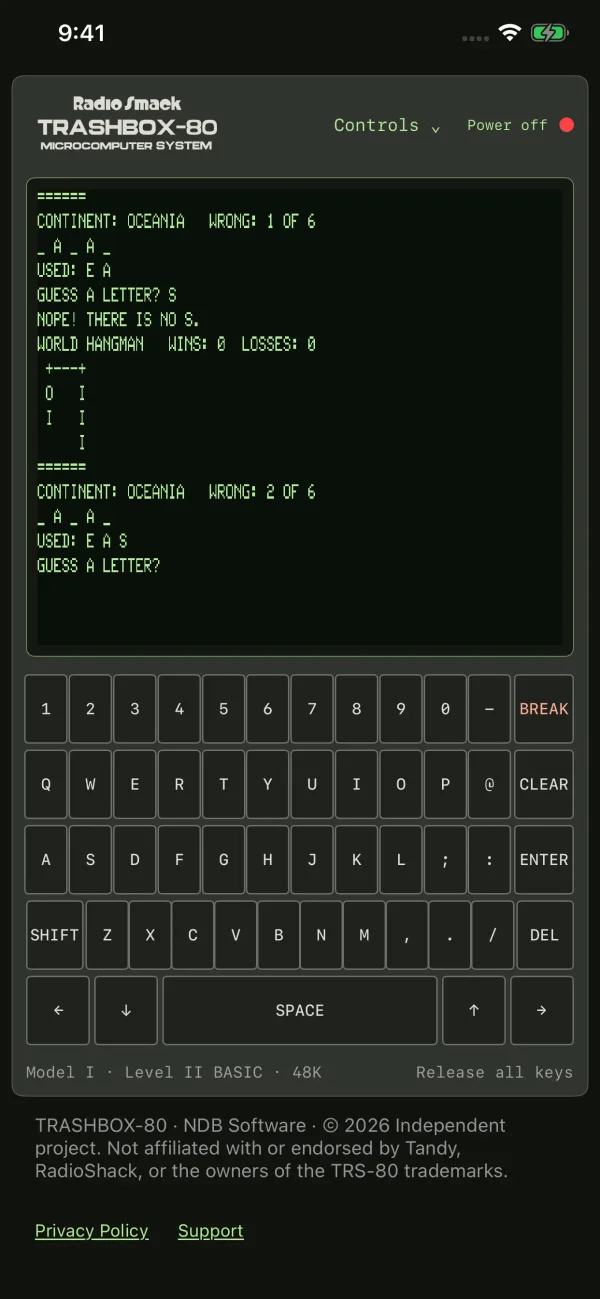
TrashBox-80 recreates the feel of a classic 48K microcomputer, complete with a green-screen display, block cursor, virtual keyboard, and Level II BASIC-style programming environment.
POWER UP. GET A PROMPT. START TYPING.
No accounts. No complicated setup. Just a computer, a cursor, and BASIC.
PROGRAM IN BASIC
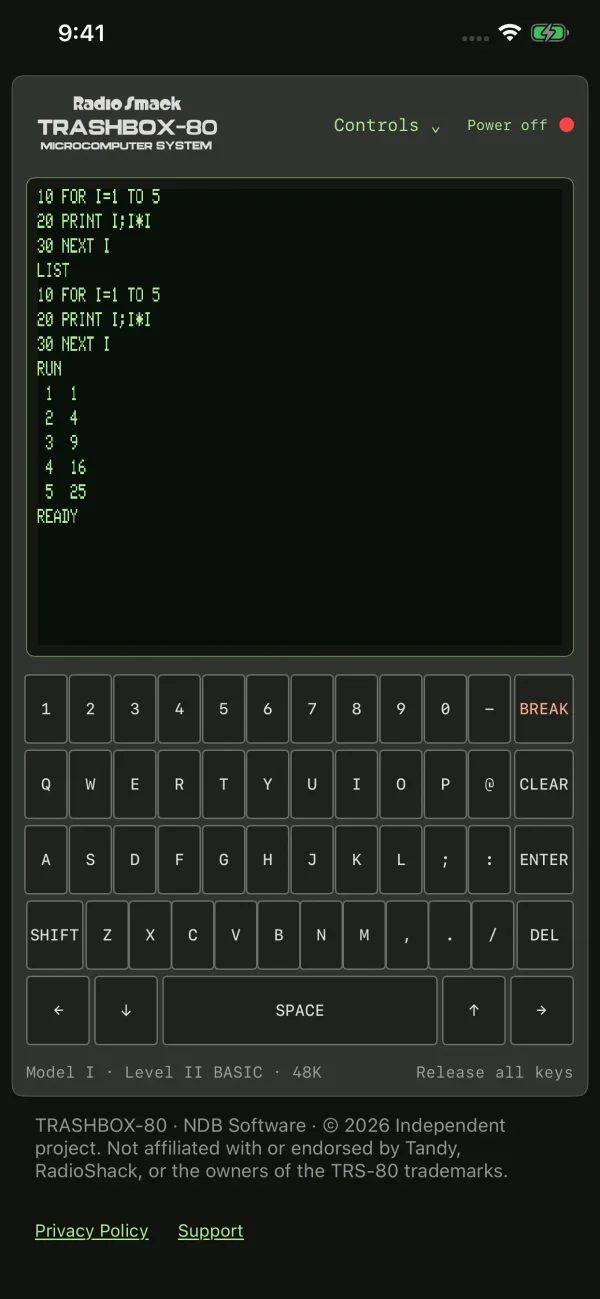
Write, edit, run, save, and load BASIC programs directly inside TrashBox-80. Experiment with classic commands, create your own programs, learn old-school programming, or see just how much you can accomplish with a few lines of BASIC.
Whether you remember typing programs from magazines or you are discovering classic BASIC for the first time, TrashBox-80 gives you a hands-on way to explore the roots of personal computing.
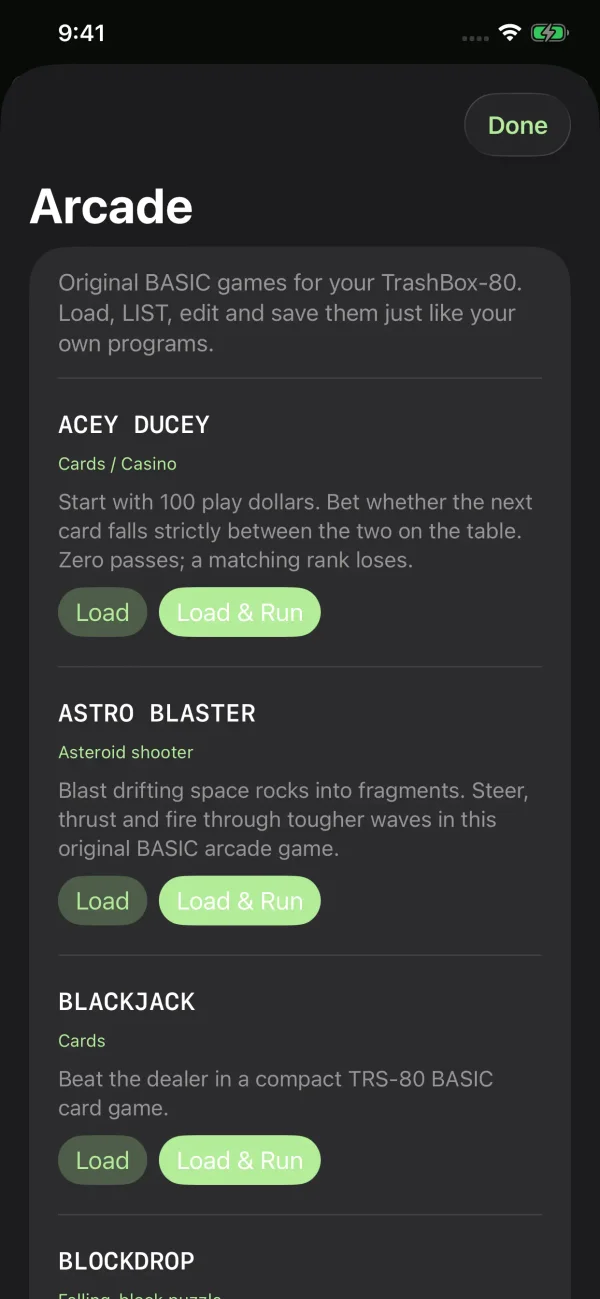
BUILT-IN ARCADE
Don't feel like programming? Head over to the Arcade.
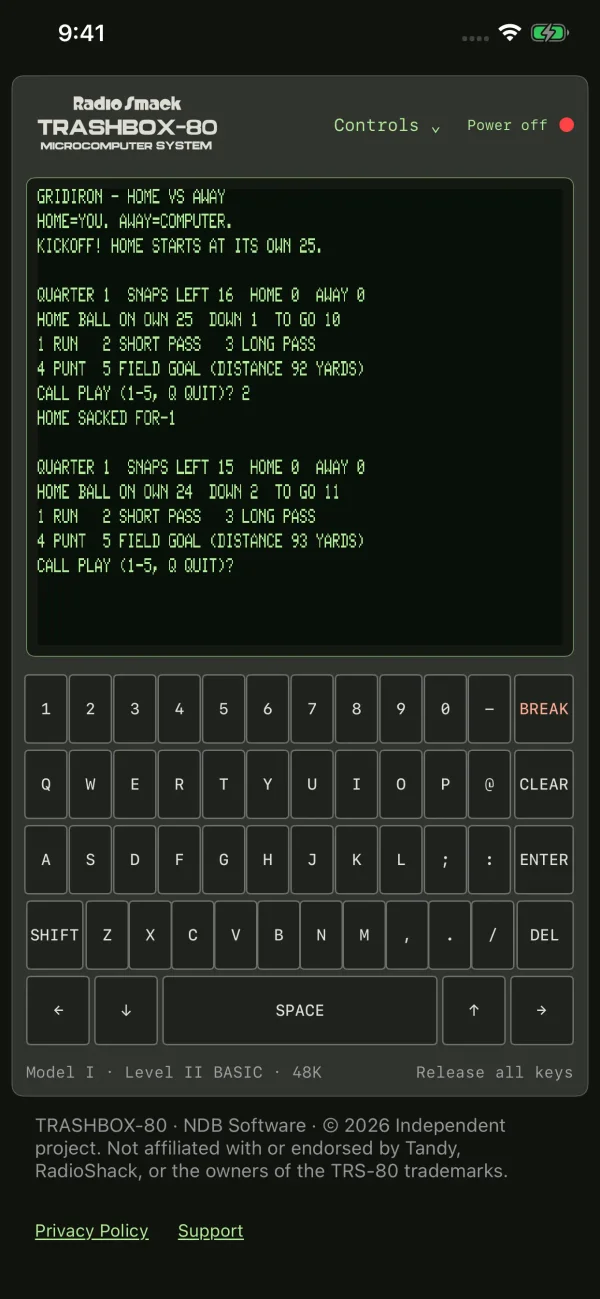
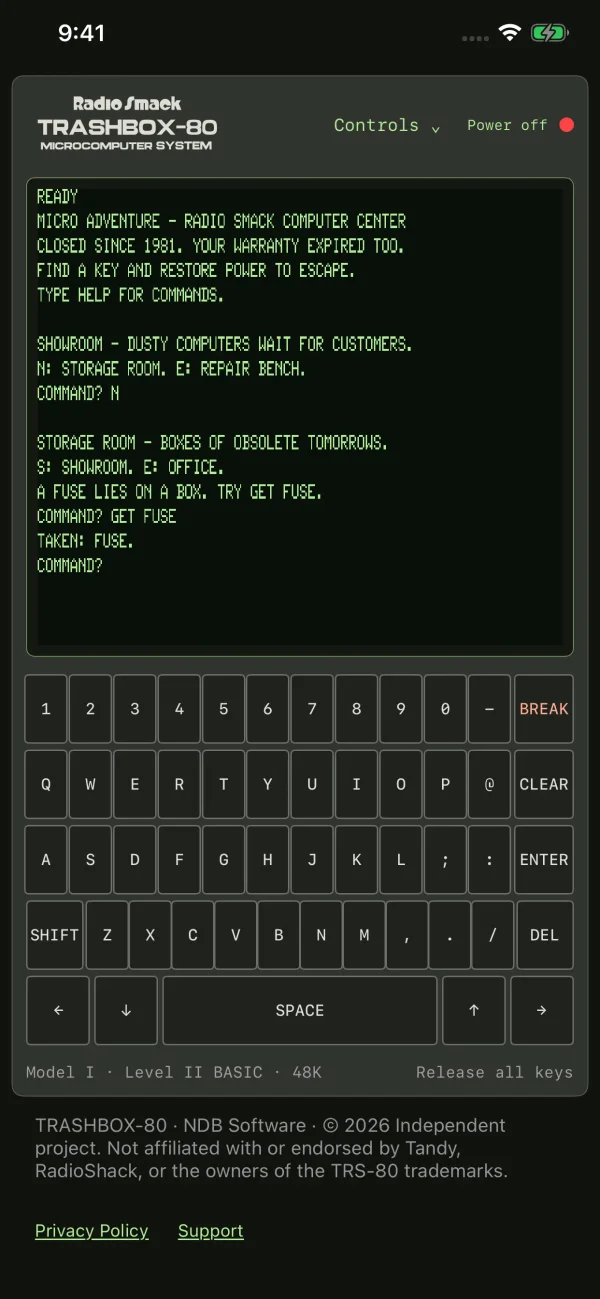
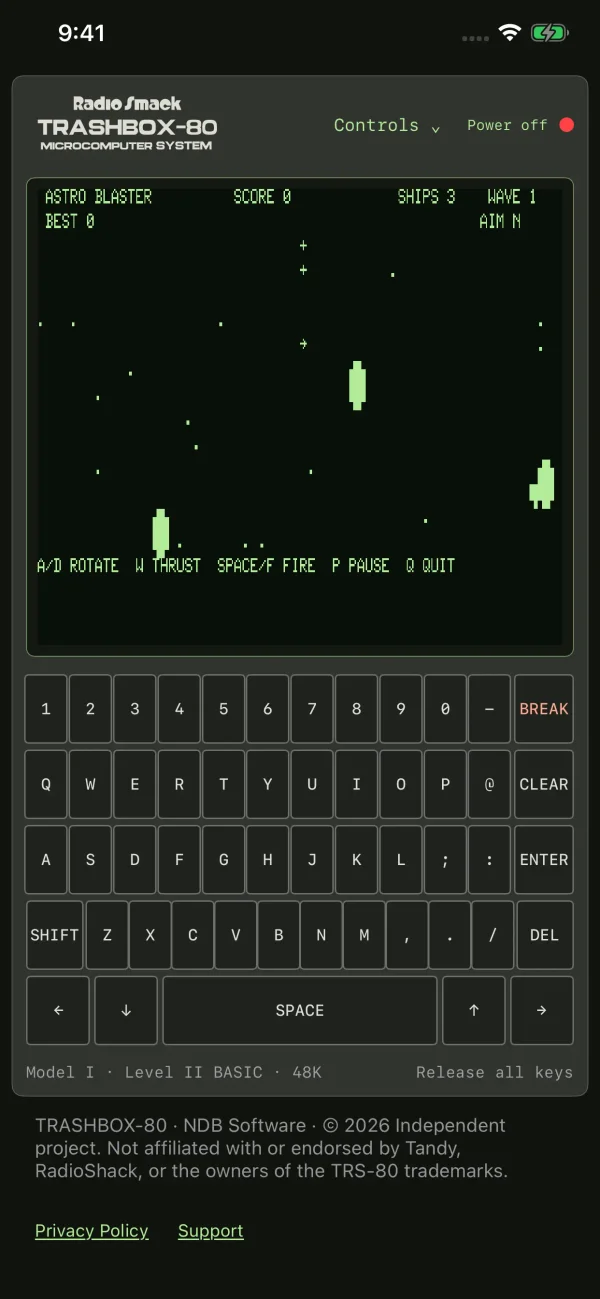
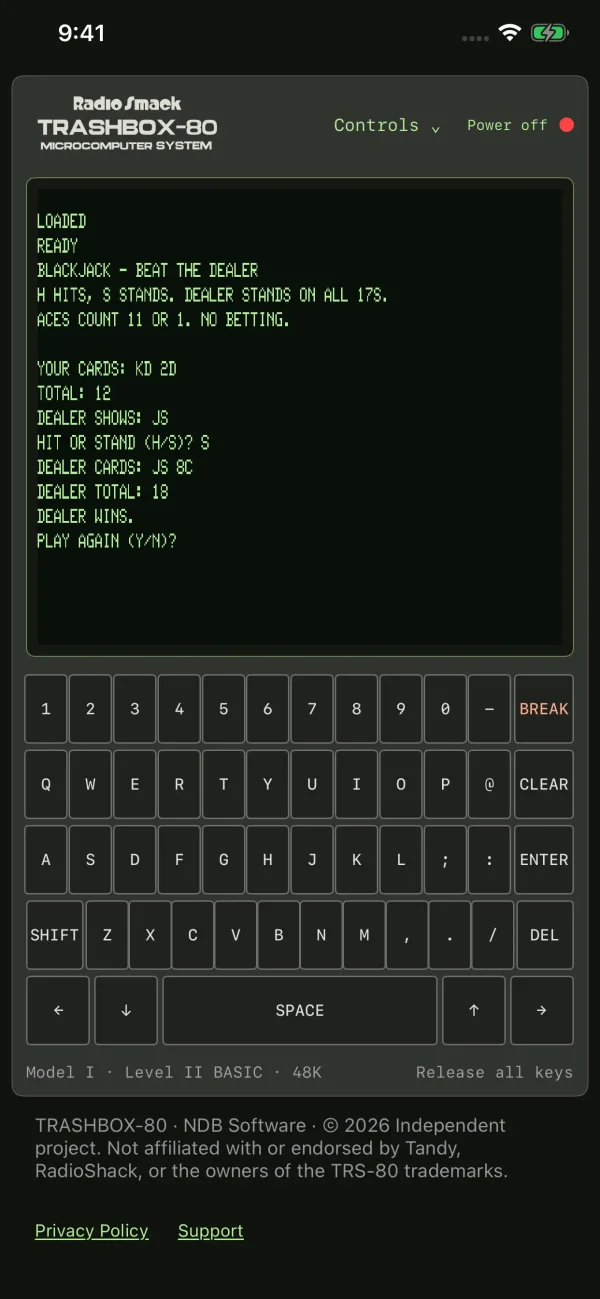
TrashBox-80 includes a collection of retro-inspired games designed to capture the simple, addictive fun of early home computers. Play Blockdrop, blast through space in Astro Blaster, test your luck at Blackjack and Acey-Ducey, play Hangman, explore text adventures, and more.
The intentionally old-school graphics and gameplay are part of the experience.
CLASSIC COMPUTER EXPERIENCE
* TRS-80 Model I-inspired interface
* 48K-era computing experience
* Level II BASIC-style programming
* Authentic green-screen presentation
* Blinking block cursor
* Built-in translucent virtual keyboard
* External keyboard support
* BREAK key support
* Write and run your own BASIC programs
* Save and load programs locally
* Built-in retro Arcade
* Quick Guide included
* Works without requiring an account
* Designed for newcomers and longtime retro-computing fans
LEARN. CODE. PLAY.
TrashBox-80 isn't just a simulation of an old computer screen. It's an interactive tribute to an era when turning on a computer meant you were immediately ready to program it.
Type a BASIC program.
RUN it.
Break it.
Fix it.
Save it.
Then waste the next hour playing Blockdrop.
Just like nature intended.
RADIO SMACK TRASHBOX-80 MICRO COMPUTER SYSTEM
Modern computers have millions of times more processing power.
TrashBox-80 has a blinking green cursor.
We know which one is cooler.
Ready?
What’s new
Version 1.0.1 · Sep 27, 2026
This update makes working with programs and virtual disks easier and more reliable.
• Fixed unnecessary save warnings. Save, Discard, or Cancel now appears when replacing a BASIC program with unsaved changes.
• Import CMD programs and companion files into new or existing writable TrashBox data disks.
• Added clear choices to replace or skip duplicate filenames, or cancel the import.
• Improved file selection and handling for BASIC programs, machine-code files, cassette images, and supported disk images.
• Improved automatic local disk saving and reopening from your Library.
• Added clearer errors for unsupported formats, read-only disks, and insufficient disk space.
App privacy
What Nathan Baughman declares on the App Store about how this app handles data.
-
Data not collected
The developer does not collect any data from this app.
Privacy practices may vary, for example with the features you use or your age.
Information
- Seller
- Nathan Baughman
- Category
- Developer Tools
- Version
- 1.0.1
- Updated
- Sep 27, 2026
- Released
- Sep 22, 2026
- Size
- 3.6 MB
- Requires
- iOS 17.0 or later
- Age rating
- 4+
- Price
- $2.99
- Languages
- English
- Copyright
- © NDB Software
You might also like
-
 Assembly Lab: 8086 NASM IDE8086 NASM emulator & debugger
-
 SDK858085 machine code programming
-
 CraftOS-PCModern ComputerCraft emulator
-
 Emulator for Pico-8: PicpicPlay the Fantasy Console ROMs
-
 La Terminal: Mosh & SSH ClientSFTP, Files + AI Agent Remote
-
 Processing & p5.js iCompiler#1 App for Processing & p5.js
-
 Easy SSHPure SSH Terminal Experience
-
 Prompt 3The SSH app with speed & style
-
 SQL Play — Learn SQLDatabase on your phone
-
 Breadpad - SPICE SimulatorElectronic circuit breadboard