
TrustField: Parental Browser
Safe Web Filter & Screen Time
Designed for iPhone, iPad
- Age rating4+
- CategoryUtilities
- DeveloperYoshiyuki Koyama
- LanguagesEnglish
- Size3.6 MB
Links to the official App Store page
Download.org hosts no file of TrustField: Parental Browser. The button opens its official App Store page, published by Yoshiyuki Koyama. Listing last checked on Nov 17, 2026.
Screenshots

About
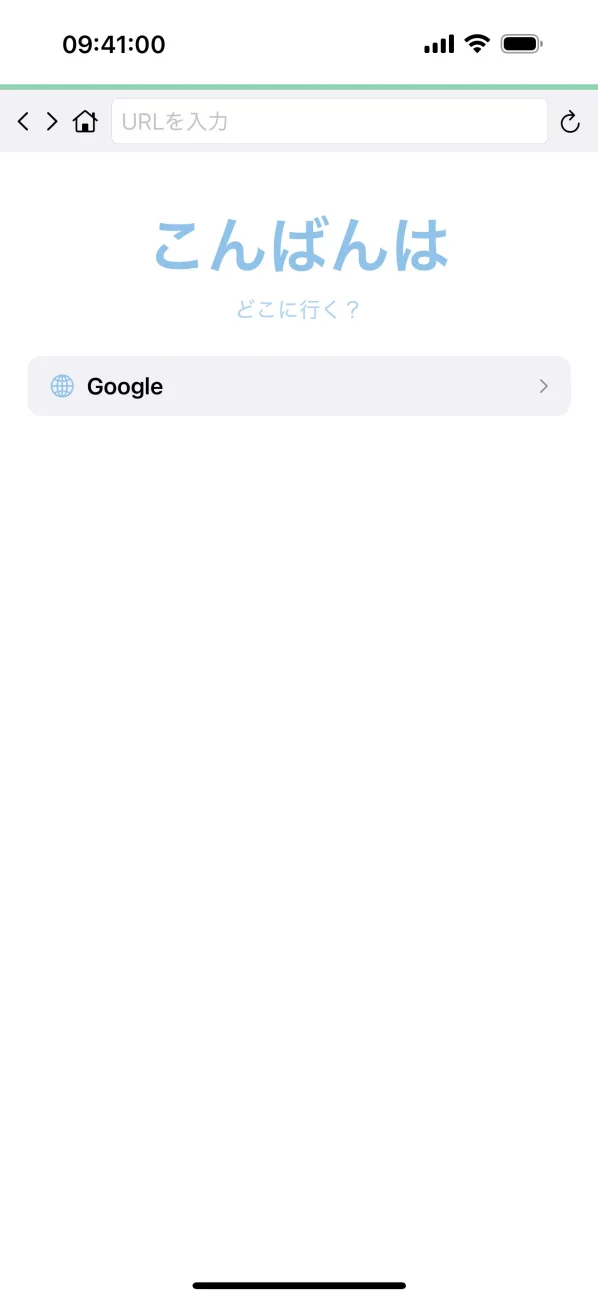
TrustField is a whitelist-based parental control browser that gives parents full control over family internet browsing.
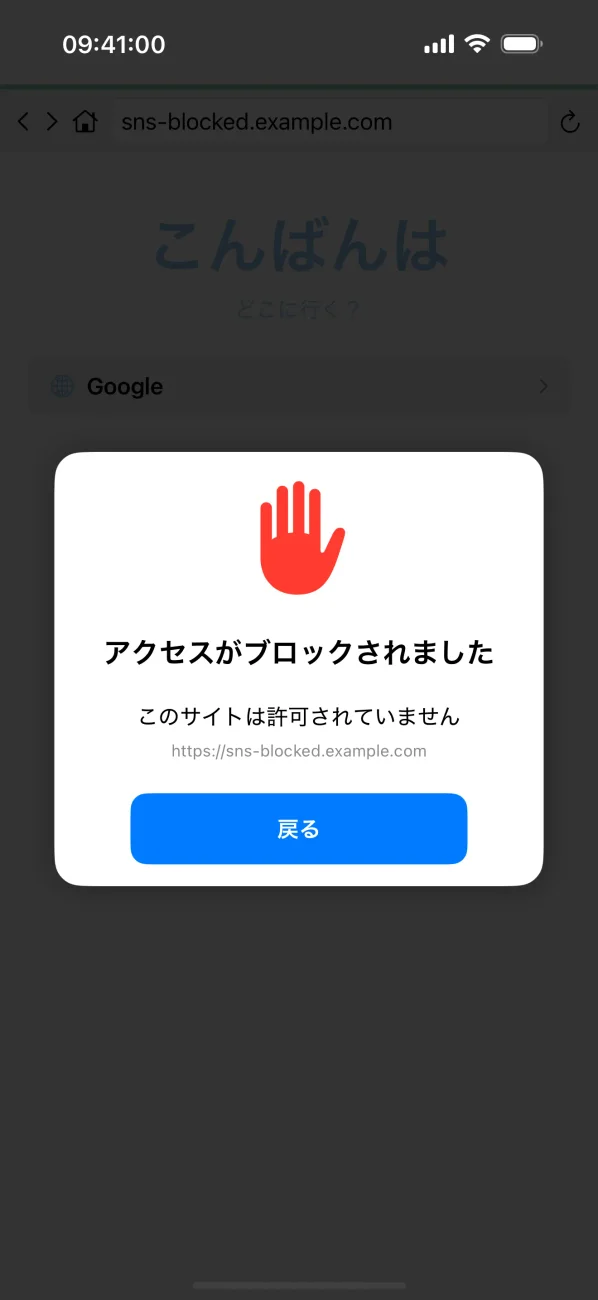
Only websites approved by the parent are accessible, automatically blocking everything else. All settings are managed through a passcode-protected parent dashboard.
— HOW TO OPEN PARENTAL SETTINGS —
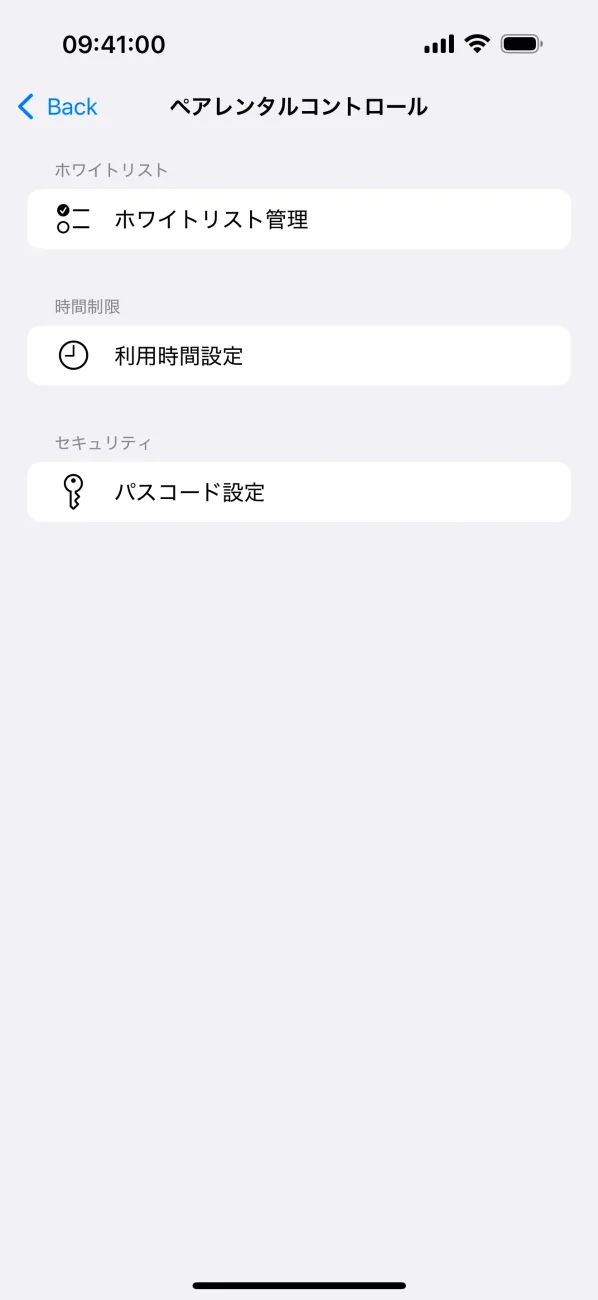
Tap the shield icon at the top-left of the screen and enter your passcode to open the parental settings. The shield is shown in red when no passcode is set, and green once a passcode is configured.
— FEATURES —
· Whitelist Management
Add only the websites you want to allow. All other sites are blocked automatically.
· Daily Time Limits
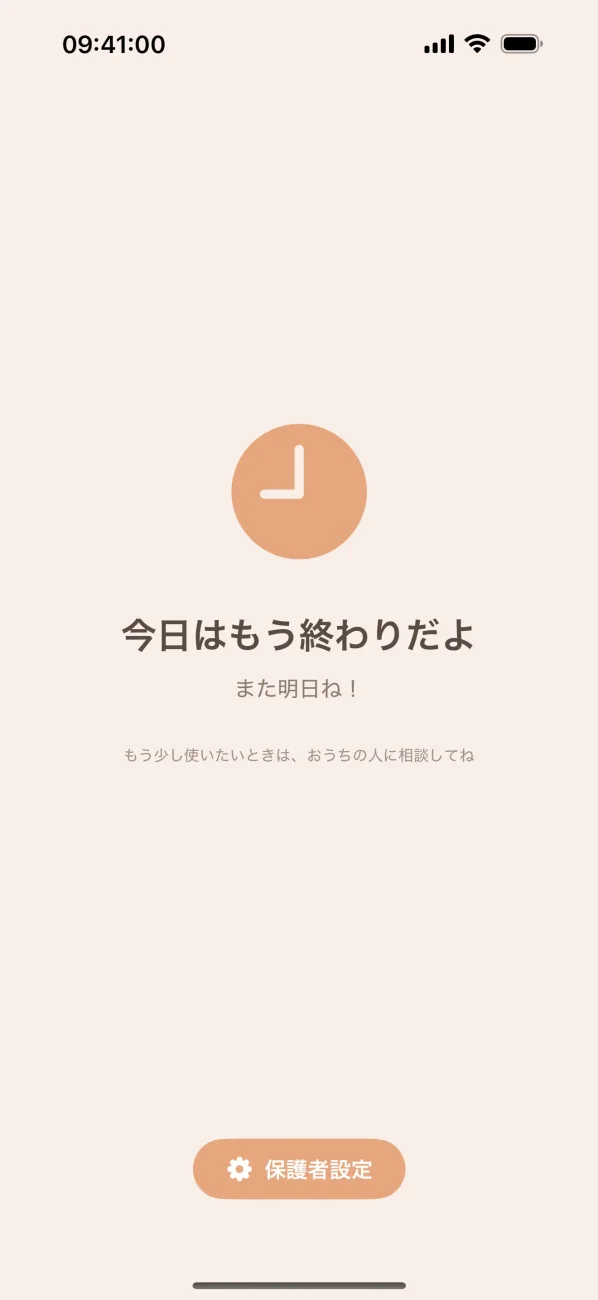
Set a maximum daily browsing time. The browser locks automatically when the limit is reached.
· Time-based Blocking
Restrict browsing during bedtime, homework hours, or any time period you choose.
· SafeSearch Enforcement
Google SafeSearch is always active, keeping inappropriate search results hidden.
· Passcode Lock
Parent settings are protected by a secure passcode so they cannot be changed without authorization.
— WHO IT'S FOR —
TrustField is designed for parents who want a simple, reliable way to manage web browsing in their household — without relying on complex system settings.
What’s new
Version 1.4 · Sep 10, 2026
• Added an Ad Blocker that blocks ads and trackers (toggle in Parental Settings).
• Added Reader Mode for distraction-free article reading.
• Added Find on Page to search for keywords within a page.
• Added Dark Mode and cookie-consent banner removal (toggles in Parental Settings).
• You can now save images from web pages to your Photos.
App privacy
What Yoshiyuki Koyama declares on the App Store about how this app handles data.
-
Data not collected
The developer does not collect any data from this app.
Privacy practices may vary, for example with the features you use or your age.
Information
- Seller
- Yoshiyuki Koyama
- Category
- Utilities
- Version
- 1.4
- Updated
- Sep 10, 2026
- Released
- Apr 20, 2026
- Size
- 3.6 MB
- Requires
- iOS 18.6 or later
- Age rating
- 4+
- Languages
- English
- Copyright
- © 2026 Life Design Studio
You might also like
-
 ReWeb - Allowlist BrowserOnly the web you allow
-
 HalfMoon BrowserThe ideal browser
-
 Mamori: App & Site BlockerAdult sites & social media
-
 WhitelistVideo: Parent ControlSafe Video & Channel Blocker
-
 Browser: MultiTab WorkspacePrivate, Without Ads & Secure
-
 MConverter:File Converter・WEBMConvert Images・Video・PDF・MOV
-
 LendLock: Privacy & Child LockParental Control, Screen Time
-
 CITIZEN Eco-Drive W510Make Time for Yourself
-
 Wincy: Safe Browser for KidsParental Controls for the Web
-
 Web Filter for Safari: BlockerBlock Adult Sites & SafeSearch