
TV Remote – Universal Control
Keyboard, apps and wake-up
Designed for iPhone, iPad
Free · In-app purchases
- Age rating4+
- CategoryUtilities
- DeveloperSerhii Blinov
- LanguagesEnglish+ 5 more
- Size4.8 MB
Links to the official App Store page
Download.org hosts no file of TV Remote – Universal Control. The button opens its official App Store page, published by Serhii Blinov. Listing last checked on Nov 14, 2026.
Screenshots
About
Your phone becomes the remote for the television you already own.
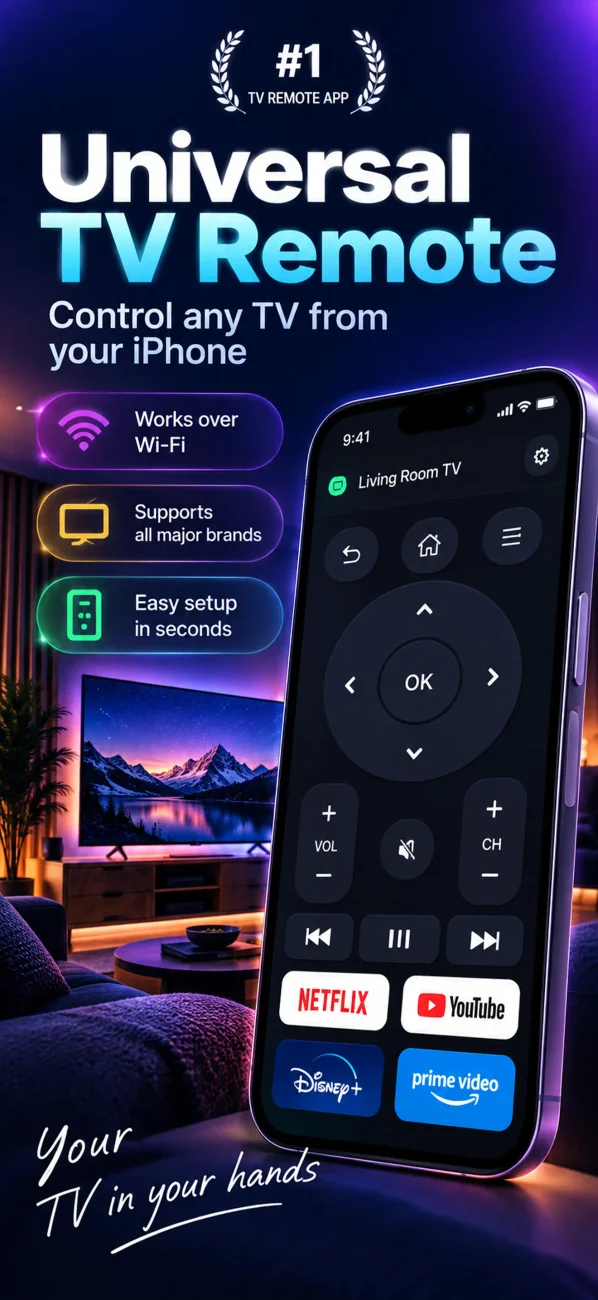
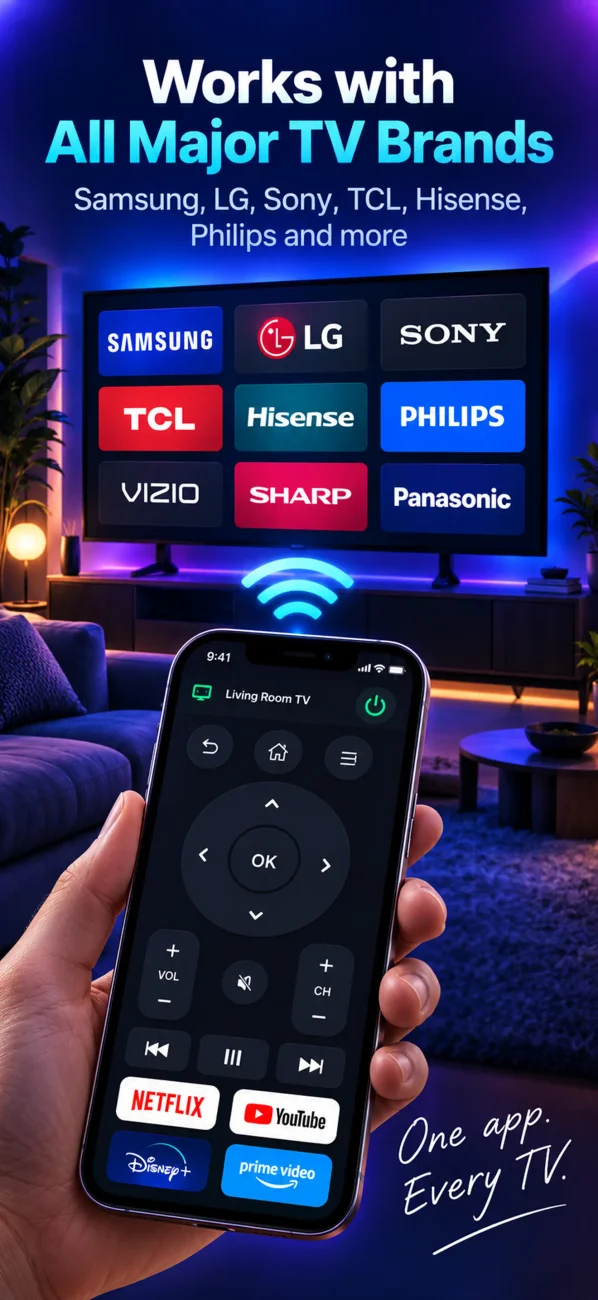
Point it at a Samsung, an LG, a Sony BRAVIA, a Roku, a Philips or anything running Android TV or Google TV. The app works out which remote protocol your set speaks and opens the keypad for it: arrows, OK, back, home, volume, channels, playback and power.
FINDING YOUR TV IS FREE
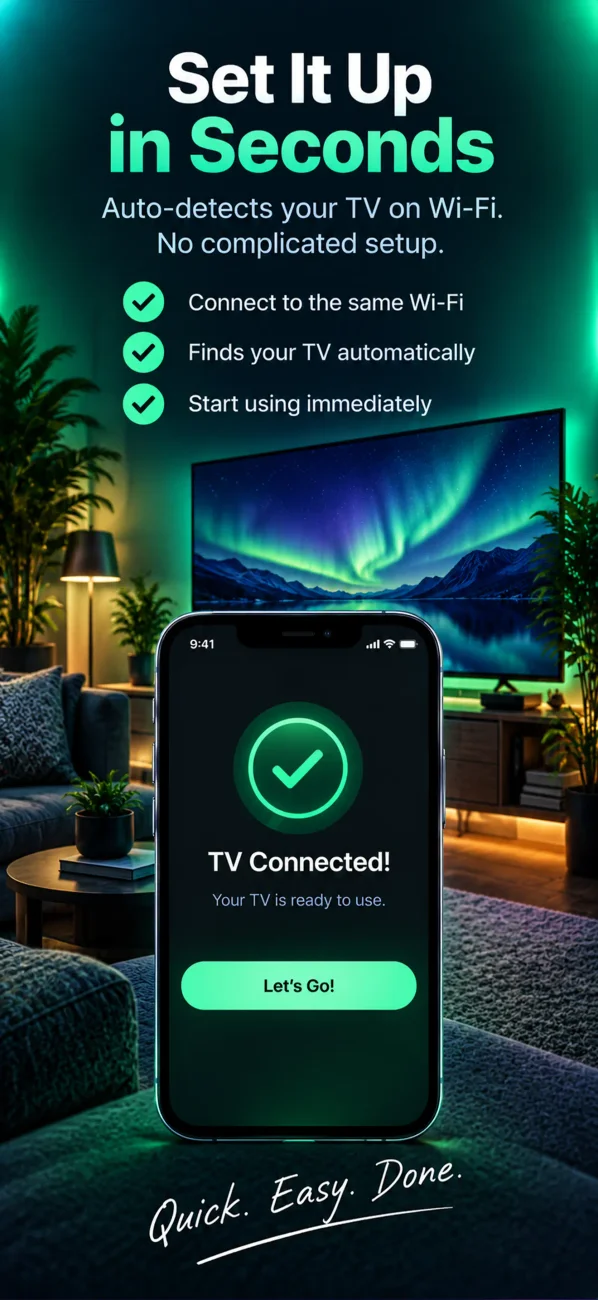
Searching your Wi-Fi costs nothing, so you can see whether this app finds your television before you decide anything at all. Most sets turn up by themselves. If yours stays out of sight, type its IP address — it is in the television's own network settings — and the app reaches it anyway.
WHAT THE REMOTE DOES
• The full keypad for your brand, drawn from what your set actually answers — no keys that do nothing
• Type into the TV's search box with your phone's keyboard, instead of pecking out letters with the arrows (Samsung, LG, Roku, Android TV and Google TV)
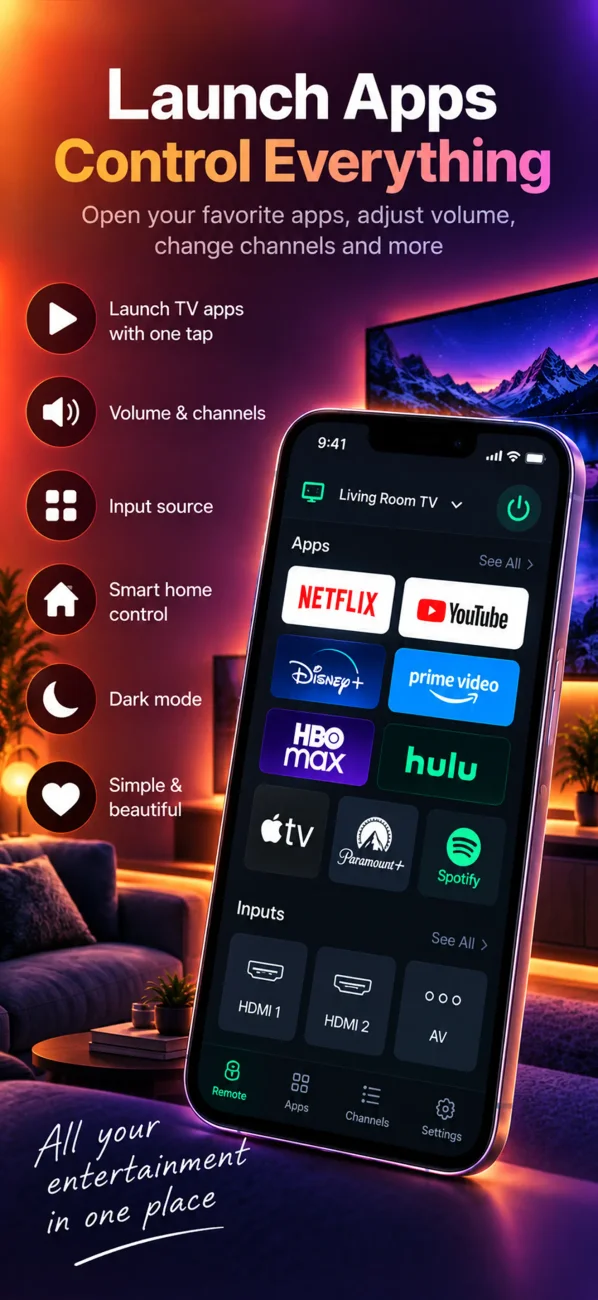
• Open an app from the list the television itself reports
• Wake a set from standby over Wi-Fi, which its own remote is usually the only thing that can do
• A number pad for channels, and the red, green, yellow and blue keys for teletext and set menus
• A trackpad for televisions with a pointer
• Every television you own, remembered and one tap apart
WHICH TELEVISIONS
Samsung — 2016 and newer (Tizen), and the encrypted 2014–15 and pre-2014 protocols.
LG — 2014 and newer (webOS), including the on-screen keyboard and the pointer.
Sony BRAVIA — the four-digit code the set shows you, or a Pre-Shared Key.
Roku — every model, and no pairing at all.
Philips — over JointSpace, which is what reaches the sets that speak nothing else.
Android TV and Google TV — any make: Philips, TCL, Hisense, Xiaomi, the NVIDIA SHIELD, and Google's own Chromecast with Google TV and Google TV Streamer.
An Apple TV and an Amazon Fire TV cannot be driven by another app on the network at all. This app says so rather than pretending otherwise — and the compatibility screen inside it tells you what has been tested on real televisions and what has not.
PAIRING, ONCE
Some televisions show a PIN, some ask you to allow the phone on their own screen, and a Roku asks for nothing. Whichever yours does, it happens the first time only: the app keeps the key and reconnects by itself afterwards.
The phone and the television have to be on the same Wi-Fi. This app is not affiliated with, endorsed by or connected to Samsung, LG, Sony, Roku, Philips, Google or Amazon; those names appear only to say which televisions the app can drive.
THE SUBSCRIPTION
Finding televisions is free, and so is the compatibility list. The remote itself is the full version, opened by a monthly or yearly auto-renewing subscription — or by a one-off lifetime purchase for anyone who would rather not subscribe. The free trial opens every part of it.
Payment is charged to your Apple Account at confirmation of purchase. The subscription renews automatically unless auto-renew is turned off at least 24 hours before the end of the current period; your account is charged for renewal within 24 hours before that. You can manage the subscription and turn auto-renewal off in your Account Settings after purchase. Any unused portion of a free trial is forfeited when a subscription is bought.
Privacy Policy: https://sblinov.com/applications-privacy-policy/
Terms of Use (EULA): https://sblinov.com/applications-terms-of-usage/
Support: https://sblinov.com/contact-us/
What’s new
Version 2.1.0 · Oct 26, 2026
Philips TVs, fixed.
• The remote now speaks Philips' own connection in every version — older sets, Android and Google TV models, and the newer Linux and Titan OS ones.
• A Philips on Android TV whose Android connection doesn't answer is switched to Philips' own by itself, and the pairing screen lets you choose either way.
• Apps open on Philips TVs again, and a Philips that has forgotten your phone asks for a new code instead of showing "Not connected".
• New in Settings: "Help improve compatibility" sends anonymous connection results — TV brand, model and which step worked — so more televisions get supported. No names, no accounts; you can turn it off.
App privacy
What Serhii Blinov declares on the App Store about how this app handles data.
-
Data not collected
The developer does not collect any data from this app.
Privacy practices may vary, for example with the features you use or your age.
Information
- Seller
- Serhii Blinov
- Category
- Utilities
- Version
- 2.1.0
- Updated
- Oct 26, 2026
- Released
- Feb 26, 2023
- Size
- 4.8 MB
- Requires
- iOS 16.0 or later
- Age rating
- 4+
- Price
- Free
- In-app purchases
- Yes
- Languages
- English, French, German, Italian, Portuguese, Spanish
- Copyright
- © Serhii Blinov
You might also like
-
 Philips TV Remote ~Universal TV remote Control
-
 Remote - Smart TVRemote for Android TV
-
 Remoto - Universal TV RemoteControl, cast & screen mirror
-
 Smart Remote: TV RemoteRemote Control for TV
-
 Universal TV Remote - OpusSmart Control App & Controller
-
 TVRemoteX: Universal TV RemoteUniversal Remote for Smart TV
-
 TV Remote - Universal Control™Remote control for Smart TV
-
 TV Remote. Universal Control.Remote Control for TV
-
 Smart TV Remote – UniversalControl every brand and model
-
 Zap: Universal TV RemoteSamsung, LG, Roku, Google TV