- Age rating4+
- CategoryUtilities
- Developernewfrom
- LanguagesEnglish+ 1 more
- Size46.5 MB
Links to the official App Store page
Download.org hosts no file of Umgi-Tab. The button opens its official App Store page, published by newfrom. Listing last checked on Nov 20, 2026.
Screenshots
About
Even if you usually type with both hands, there are moments when only one hand is available.
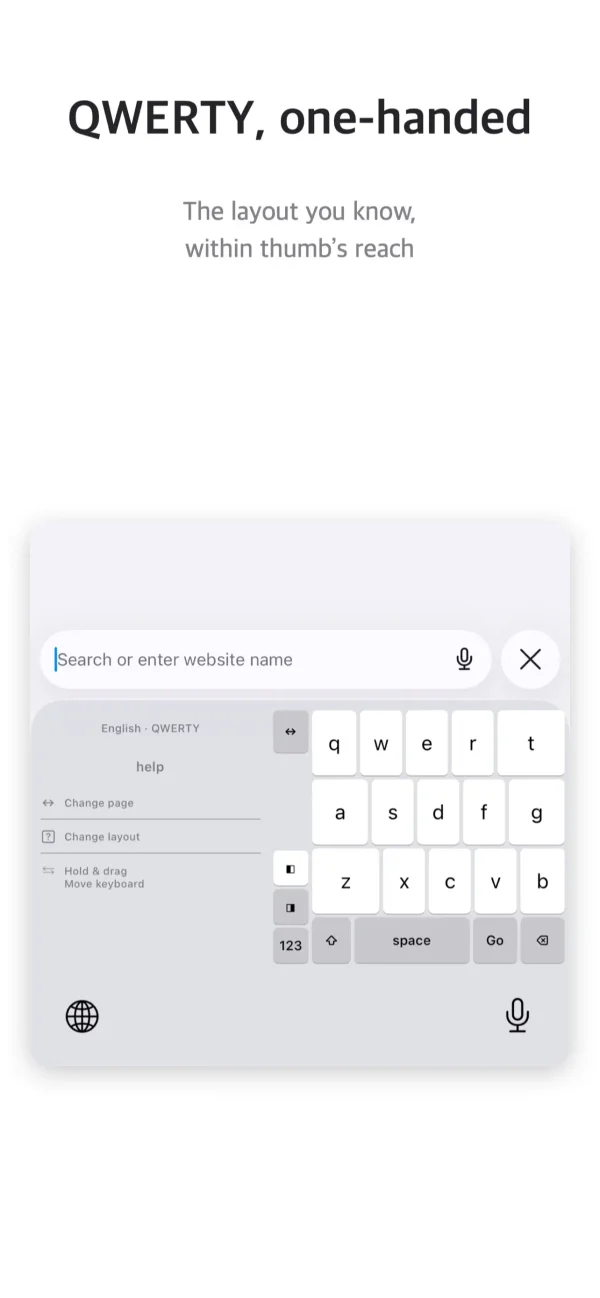
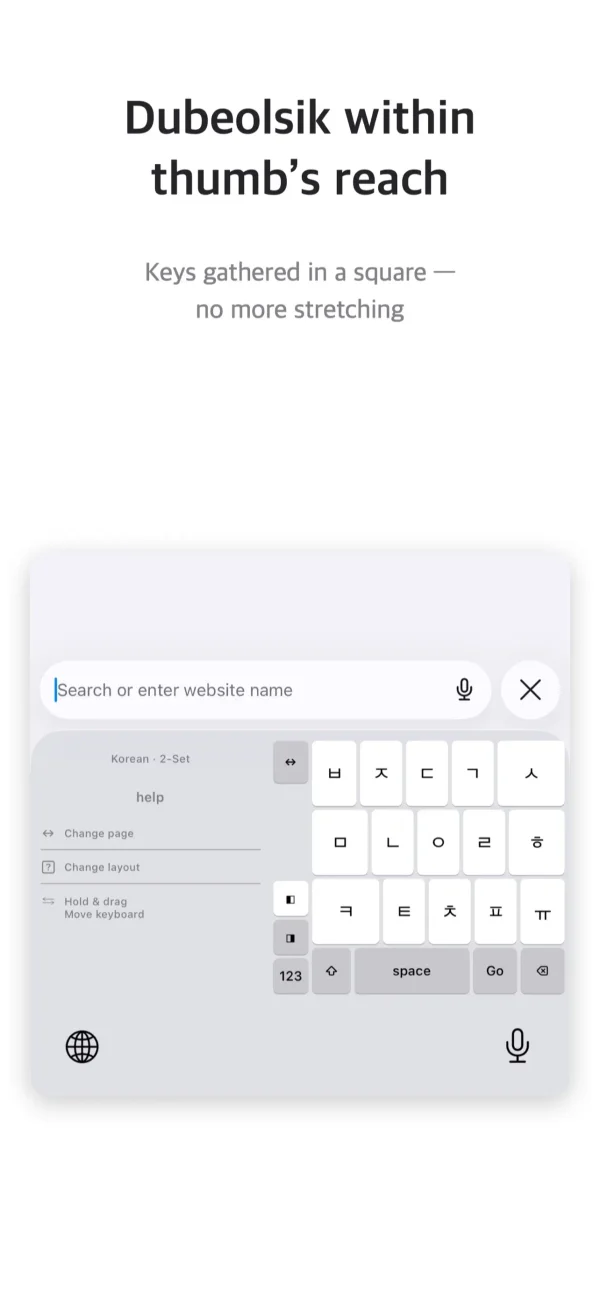
UmgiTab was made for those moments. Reaching across a full-width keyboard with one thumb invites typos, so UmgiTab gathers the keys you need into a compact square within thumb’s reach—putting accurate typing before fast typing, in Korean and English.
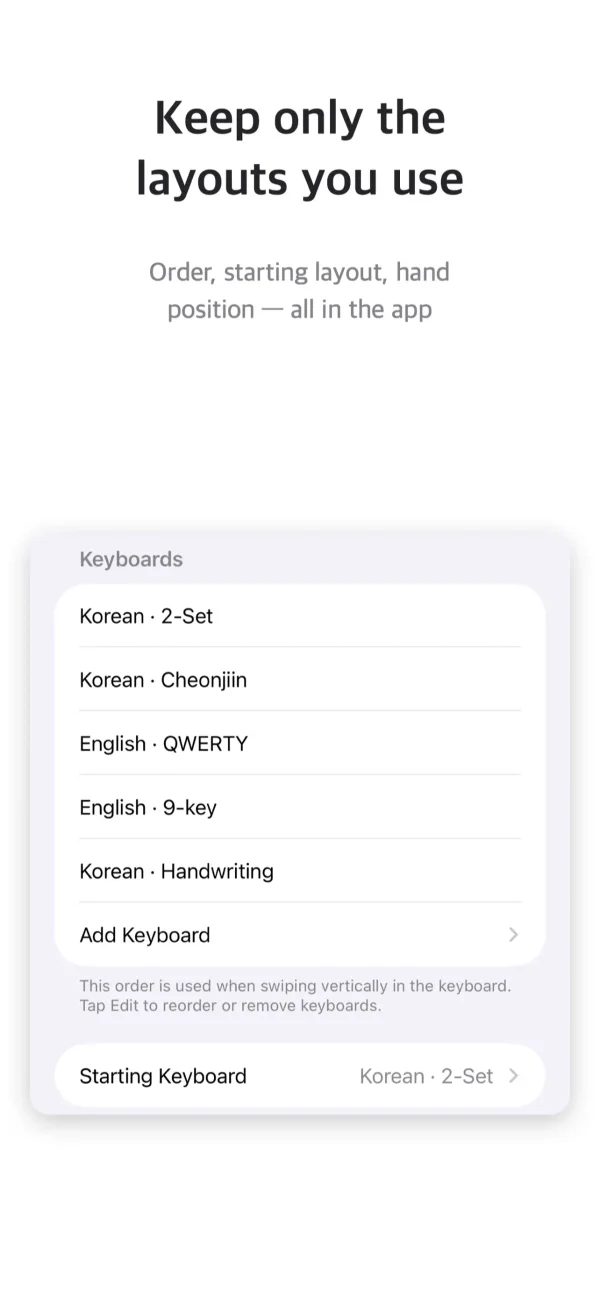
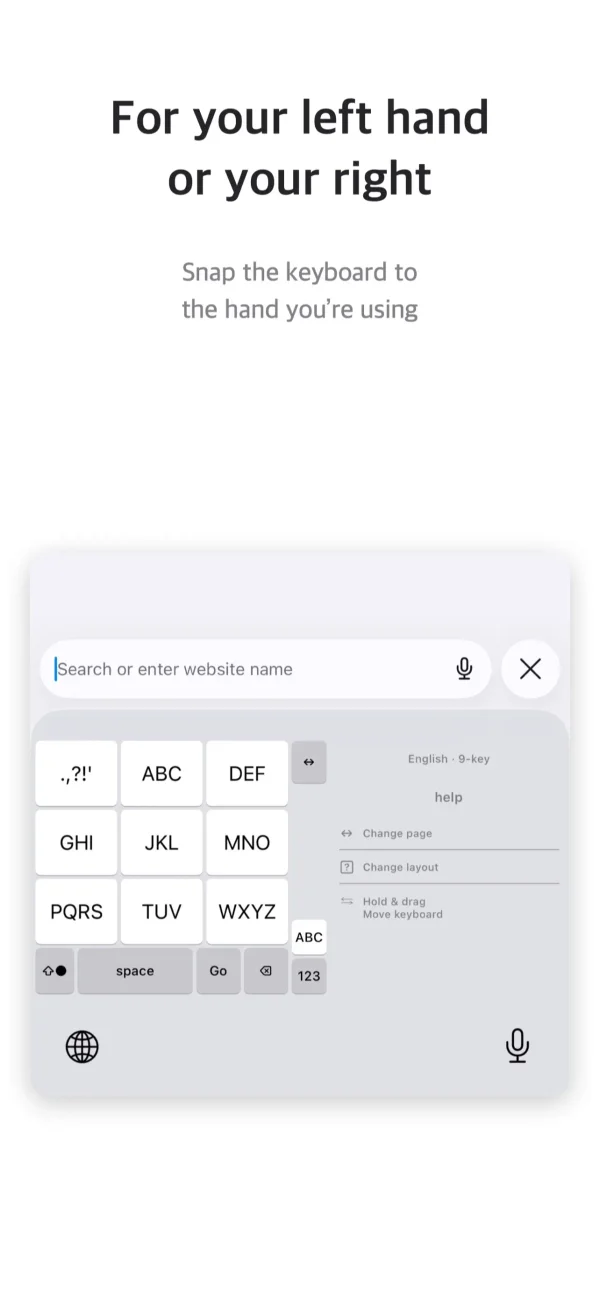
Add only the layouts you already know, set their order and starting layout, and position the keyboard for your left or right hand.
Layouts
• Korean Dubeolsik
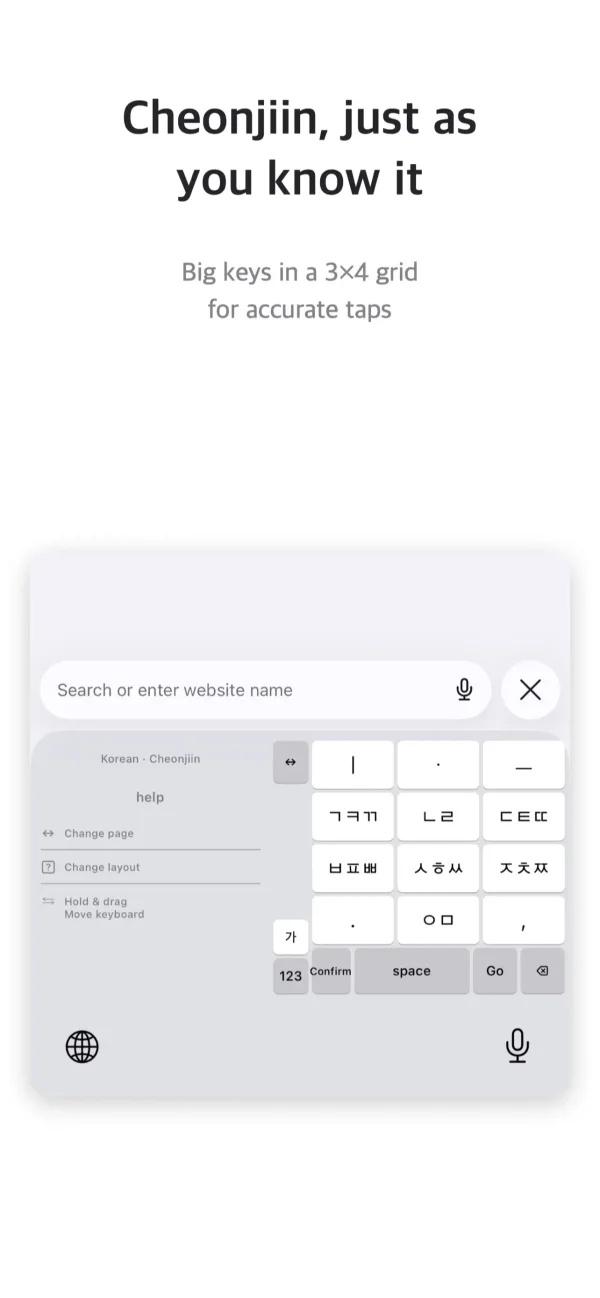
• Korean Cheonjiin
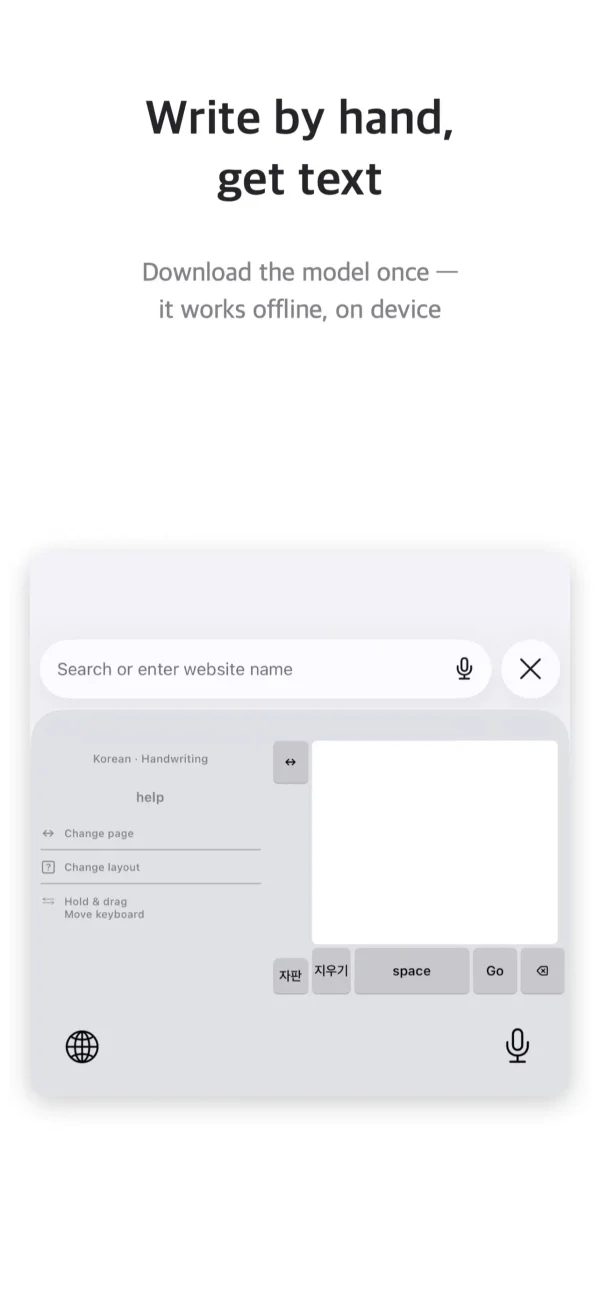
• Korean handwriting — available after downloading the model in the app
• English QWERTY
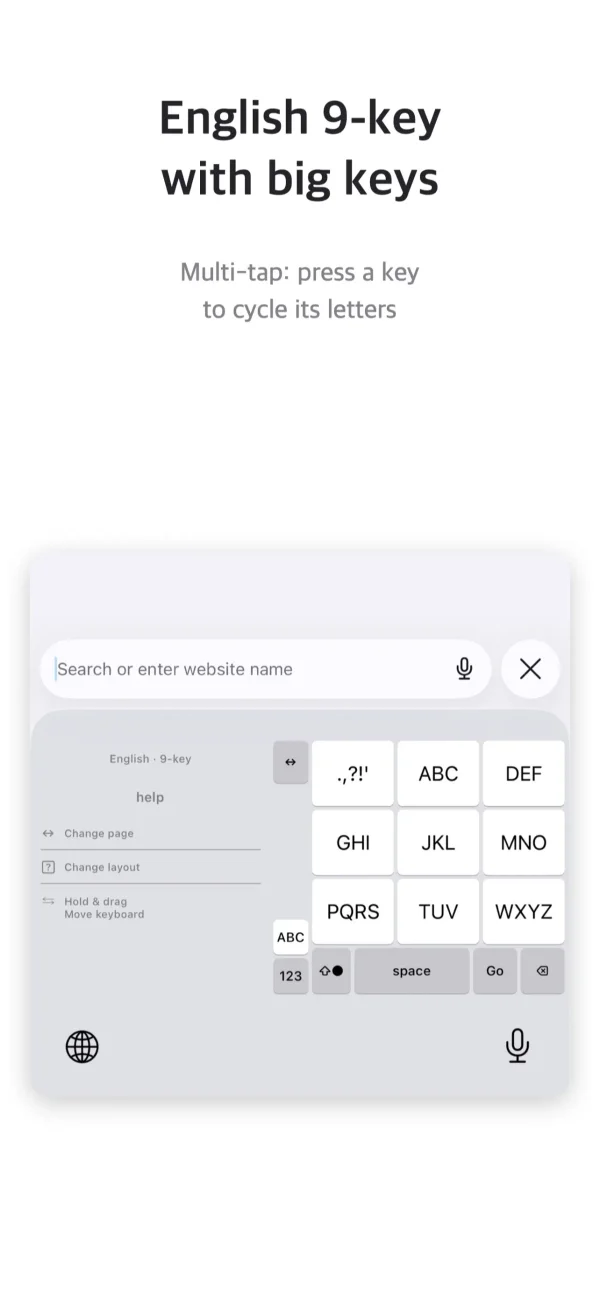
• English 9-key multi-tap
Features
• A compact square layout for one-handed typing
• Left- and right-handed positions
• Keep only the layouts you use, in your order, with your starting layout
• Swipe left or right to change pages, up or down to change layouts
• Hold and drag Space to move the cursor
• Hold a key to repeat input and deletion
• Core typing that works without a network connection
How to get started
1. Open UmgiTab and choose your layouts, their order, your starting layout, and hand position.
2. Go to Settings > General > Keyboard > Keyboards > Add New Keyboard and add UmgiTab.
3. In a text field, use the globe key to select UmgiTab.
The UmgiTab keyboard does not request Full Access. The UmgiTab app downloads the Korean handwriting model, and recognition then runs on your device without a network connection.
Privacy
UmgiTab does not record or collect what you type.
UmgiTab app code does not store or transmit what you type, handwriting strokes, candidates, or cursor context. There is no UmgiTab server to collect them.
When you write on the handwriting keyboard, Google ML Kit turns your strokes into text right on your device, without an internet connection. When you use it, Google ML Kit may, on its own, collect diagnostics and usage data—such as device, app, and performance information—and send it to Google. This is done by Google ML Kit, not by UmgiTab, and UmgiTab does not receive this data. The content of your handwriting is not in Google’s published collection list.
The system keyboard may appear in secure fields, phone pads, or apps that block custom keyboards.
App privacy
What newfrom declares on the App Store about how this app handles data.
-
Data not collected
The developer does not collect any data from this app.
Privacy practices may vary, for example with the features you use or your age.
Information
- Seller
- newfrom
- Category
- Utilities
- Version
- 1.0.0
- Updated
- Sep 4, 2026
- Released
- Sep 4, 2026
- Size
- 46.5 MB
- Requires
- iOS 16.6 or later
- Age rating
- 4+
- Price
- Free
- Languages
- English, Korean
- Copyright
- © (주)뉴프롬
You might also like
-
 Boomerang One-Hand KeyboardUtilities
-
 한자 한글 키보드Utilities
-
 Swipeys KeyboardOne thumb, no row hunting.
-
 DeepPad: Korean KeyboardThe keyboard that learns you
-
 중고나라검색Utilities
-
 AiReply: AI Text & Chat ReplyTexting back, in your words
-
 My Keyboard - Korean HangulCheonjiin, 2-Set & Themes
-
 SY키보드Utilities
-
 HanKey - Korean KeyboardKorean Typing, Your Way
-
 Cello TunerUtilities