
Uncook: Control Screen Time
App blocker, App Limit & Focus
Designed for iPhone
Free · In-app purchases
- Age rating4+
- CategoryProductivity
- DeveloperKalybay Zhalgasbay
- LanguagesEnglish
- Size39.6 MB
Links to the official App Store page
Download.org hosts no file of Uncook: Control Screen Time. The button opens its official App Store page, published by Kalybay Zhalgasbay. Listing last checked on Nov 17, 2026.
Screenshots

About
Uncook helps you regain control of your day by blocking distractions, managing screen time, and boosting focus. Whether you want to stay productive at work, concentrate on studying, or simply disconnect from endless notifications, Uncook provides smart tools to help you stay present and intentional. With scheduled focus sessions, instant app blockers, and clear usage insights, Uncook empowers you to reclaim your time and attention.
---
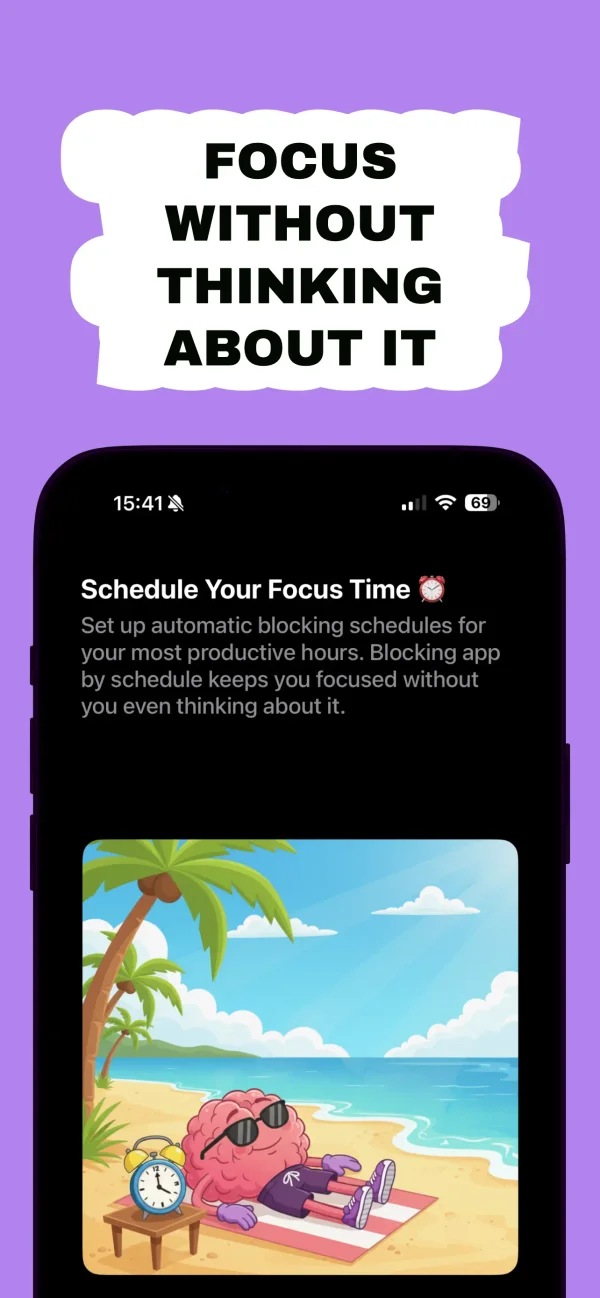
SMART FOCUS SESSIONS
Set up personalized focus schedules and let Uncook automatically block distracting apps. Whether you need deep work time or short bursts of concentration, our flexible scheduling system keeps your attention on what matters most.
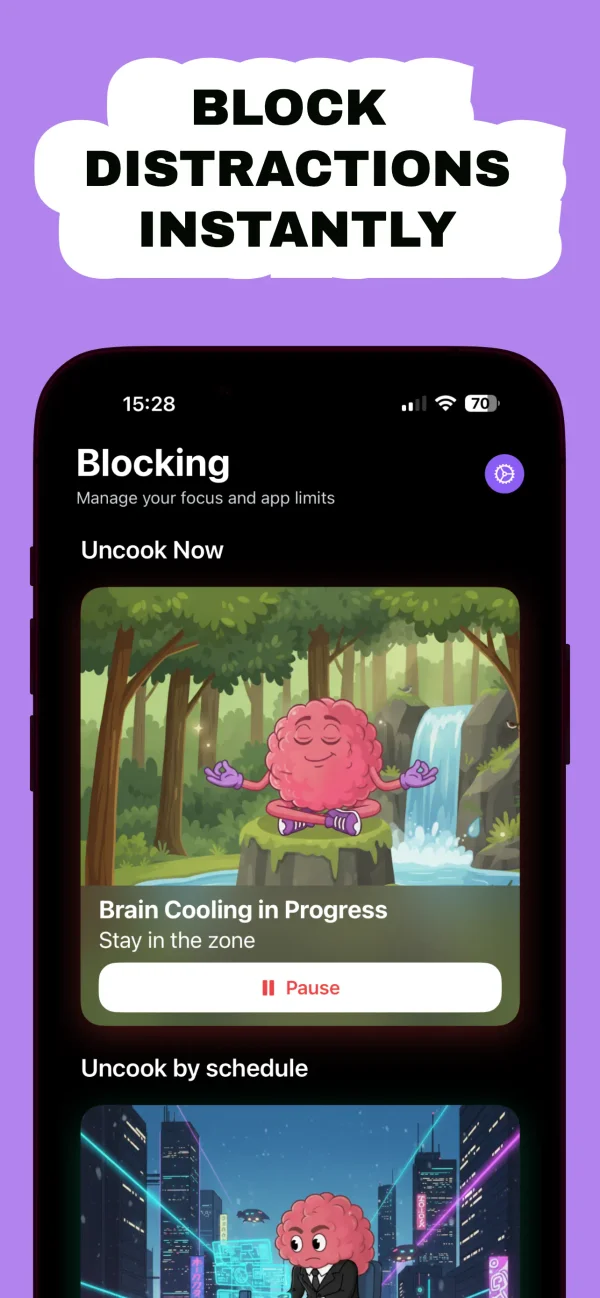
INSTANT APP BLOCKER
Tempted by social media or other distracting apps? Tap once to block them instantly. Uncook helps you stay on track without constant willpower battles.
APP LIMITS
Create custom daily limits for the apps you want to control. Set how long you want to use an app each day, and Uncook will automatically block it once you’ve hit your limit. Perfect for reducing doomscrolling, building healthier digital habits, and keeping your screen time intentional.
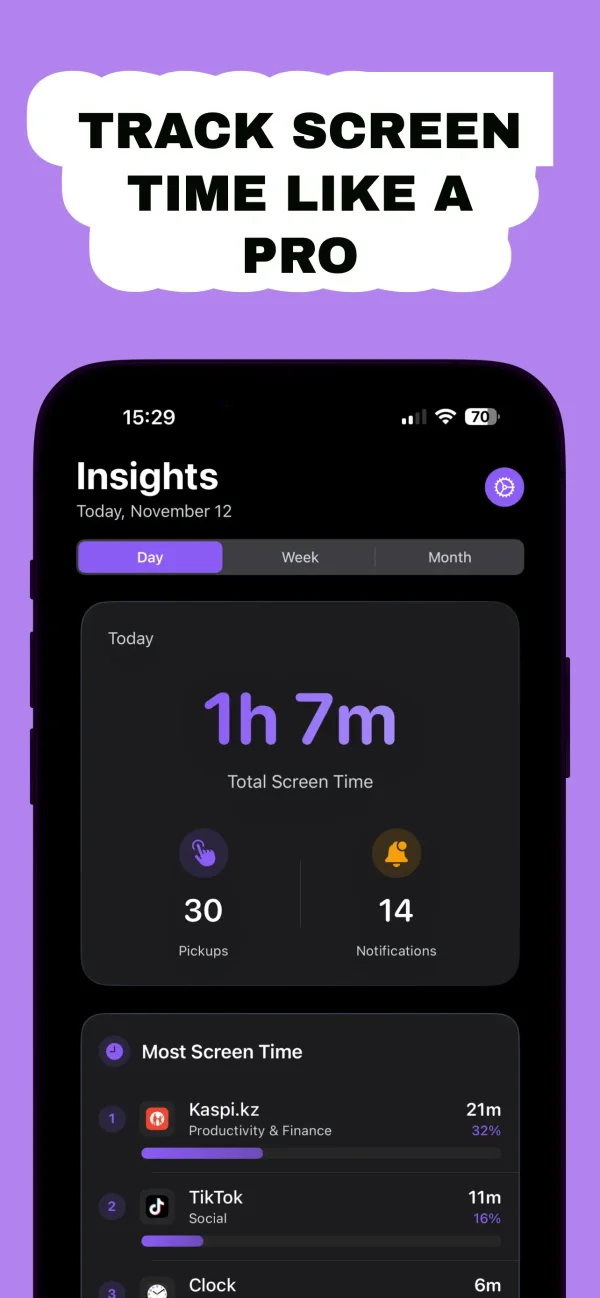
TRACK SCREEN TIME
Get clear, easy-to-read insights into your app usage. Understand your digital habits, spot patterns, and make informed decisions to reduce screen time and boost productivity.
BOOST FOCUS & CLARITY
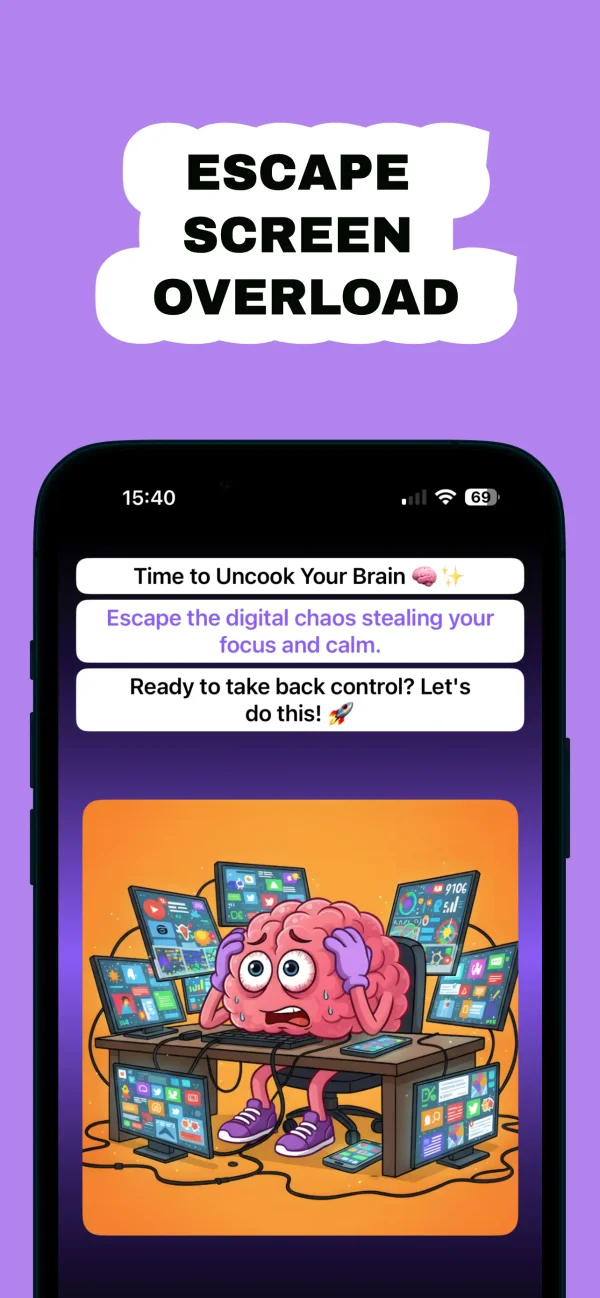
Turn chaos into clarity. Uncook is designed to help your brain focus, reduce mental clutter, and increase productivity—so you can accomplish more without feeling drained.
EASY TO USE
Start focusing immediately with a clean, intuitive interface. No complicated setup - just open the app, choose your schedule or block apps, and get into the zone.
PRIVACY FIRST
Your data stays on your device. No sign-up required, no servers, no cloud — 100% private. No internet connection required.
---
NEED HELP?
Support: kalybay.zhalgasbay@gmail.com
Terms of Use: https://www.apple.com/legal/internet-services/itunes/dev/stdeula/
Privacy Policy: https://amber-pixie-75a.notion.site/Uncook-Privacy-Policy-2a9d7c6987ca801abf60d397cd5b8830
What’s new
Version 1.1.0 · Nov 25, 2025
This version of Uncook: Control Screen Time includes:
- App Limits: You can now set limits for apps that distract you.
- Bug Fixes & Improvements: Small updates for a faster and more reliable experience.
App privacy
What Kalybay Zhalgasbay declares on the App Store about how this app handles data.
-
Data not collected
The developer does not collect any data from this app.
Privacy practices may vary, for example with the features you use or your age.
Information
- Seller
- Kalybay Zhalgasbay
- Category
- Productivity
- Version
- 1.1.0
- Updated
- Nov 25, 2025
- Released
- Nov 13, 2025
- Size
- 39.6 MB
- Requires
- iOS 18.0 or later
- Age rating
- 4+
- Price
- Free
- In-app purchases
- Yes
- Languages
- English
- Copyright
- © 2024 Kalybay Zhalgasbay
You might also like
-
 SayNotes: AI Note TakerAI-powered voice to text
-
 Lesscreen: Screen Time LimitApp Blocker & Focus Timer
-
 ShortCutter - Daily hot keyWork more effectively
-
 Ring Timer-Study Pomodoro AppManage your time with timers.
-
 StepLock - Walk to UnlockLock apps until you walk
-
 Fortify: Manage Screen TimeFortify Focus & Block Apps
-
 EasyToDo: Daily PlanerADHD Calendar, Task Remind
-
 iGB L!VEProductivity
-
 Speech To Text: Voice Notes#1 Speech To Text
-
 Breakr: Screen Time GameFocus, App Blocker & Timer